Extreme Zoom Comparison Crop
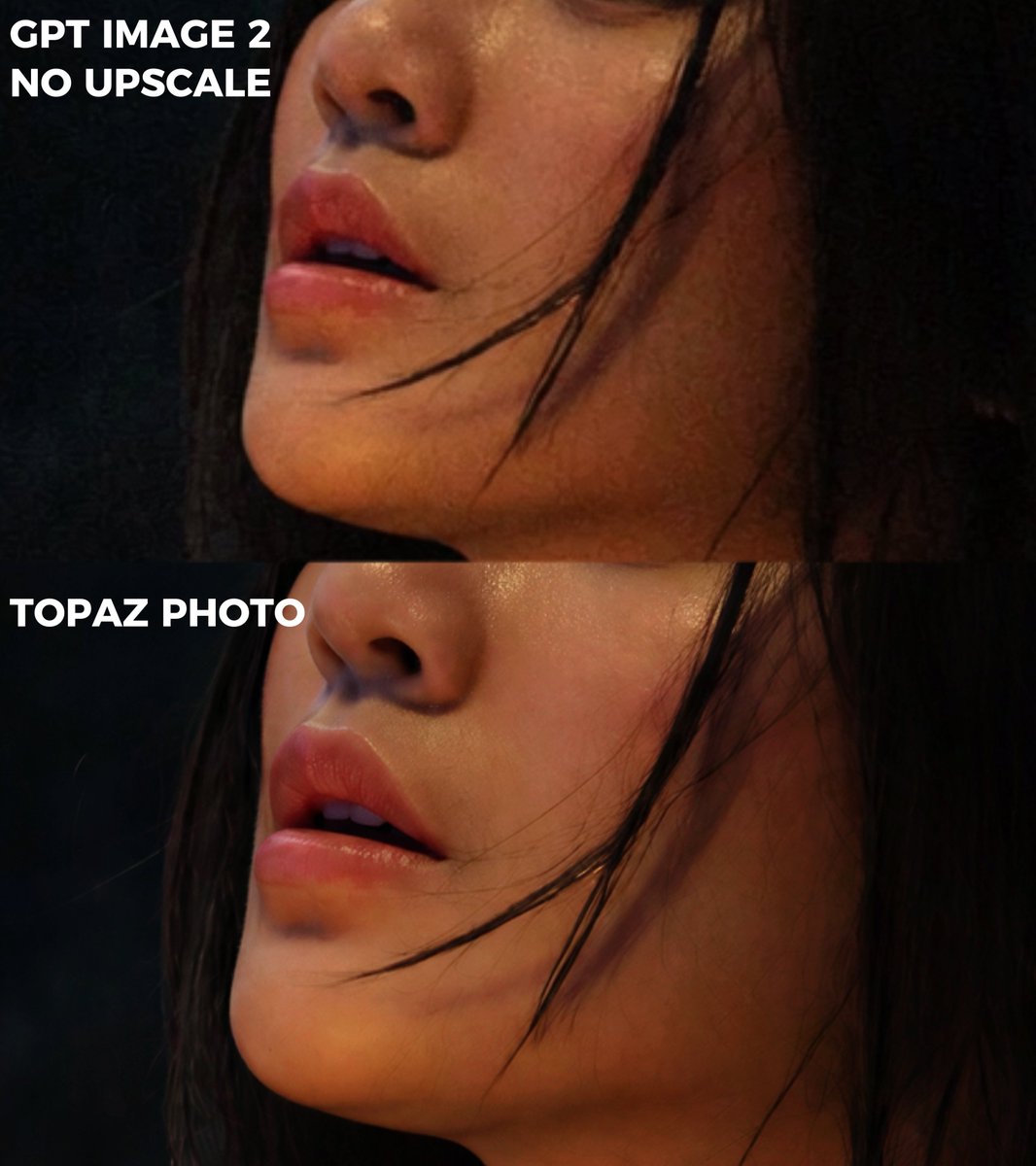
Extreme Zoom Comparison Crop

prompt

Using REFERENCE_0 as the source image, create an extreme zoom-in crop for a detail-comparison view. Keep the same two stacked comparison sections and preserve the existing anonymizing face blocks, but crop tightly around the subject’s face, hair, jawline, and neck so the facial area fills most of the frame. Leave only partial edge context from the original forest background and the left-side white labels visible. Preserve exactly 2 visible section labels: “GPT IMAGE 2 NO UPSCALE” in the upper section and “TOPAZ PHOTO” in the lower section. Maintain the dark cinematic lighting, original colors, and comparison-divider structure; do not add new objects, new text, or change the subject.

Funciona con 20 modelos

  • Flux
  • Flux 2
  • Flux Kontext
  • GPT-4o Image
  • GPT Image
  • GPT Image 2
  • GPT Image 2.5
  • GPT Image 2.6
  • Grok Imagine
  • Ideogram V3
  • Imagen 4
  • Kling
  • +8 Más

Lo que produce este prompt

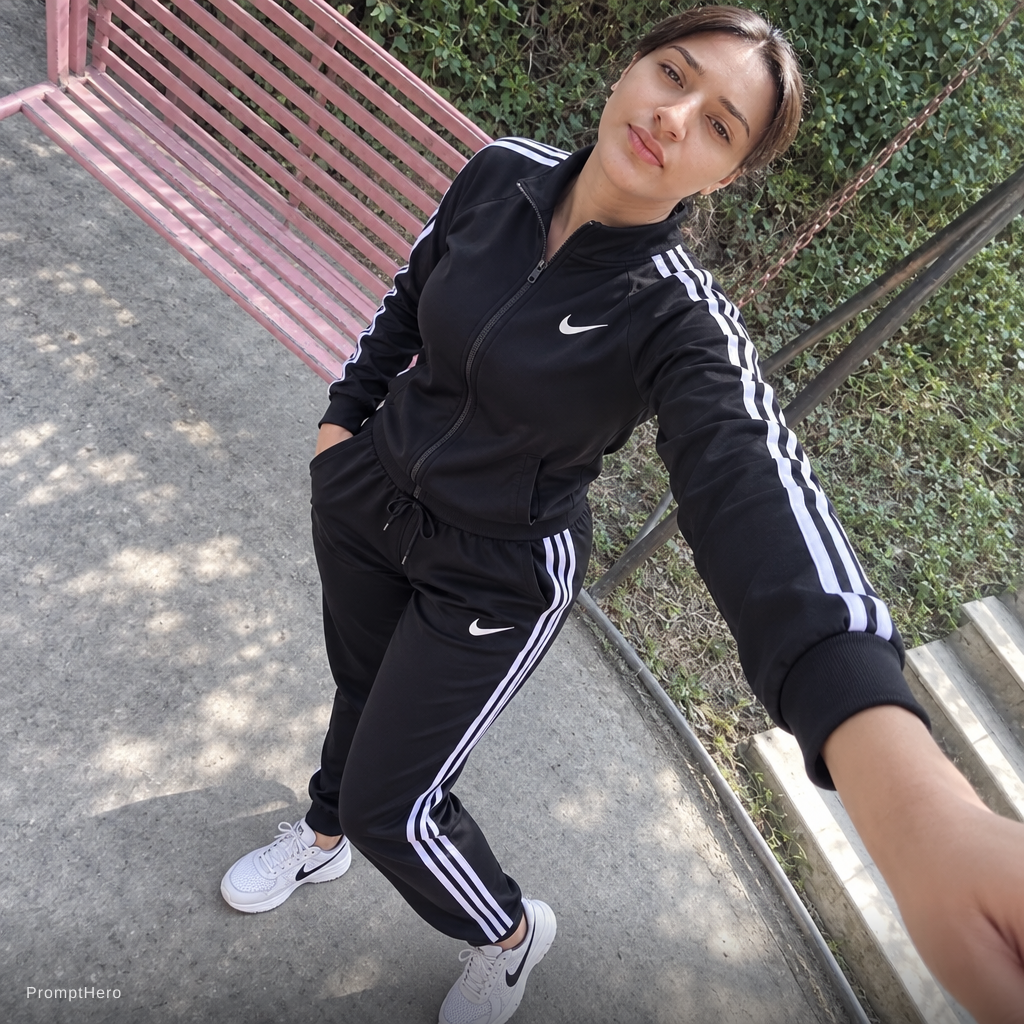
ChatGPT Image prompt: Sport stil No especificado gpt-image-2.6-flare
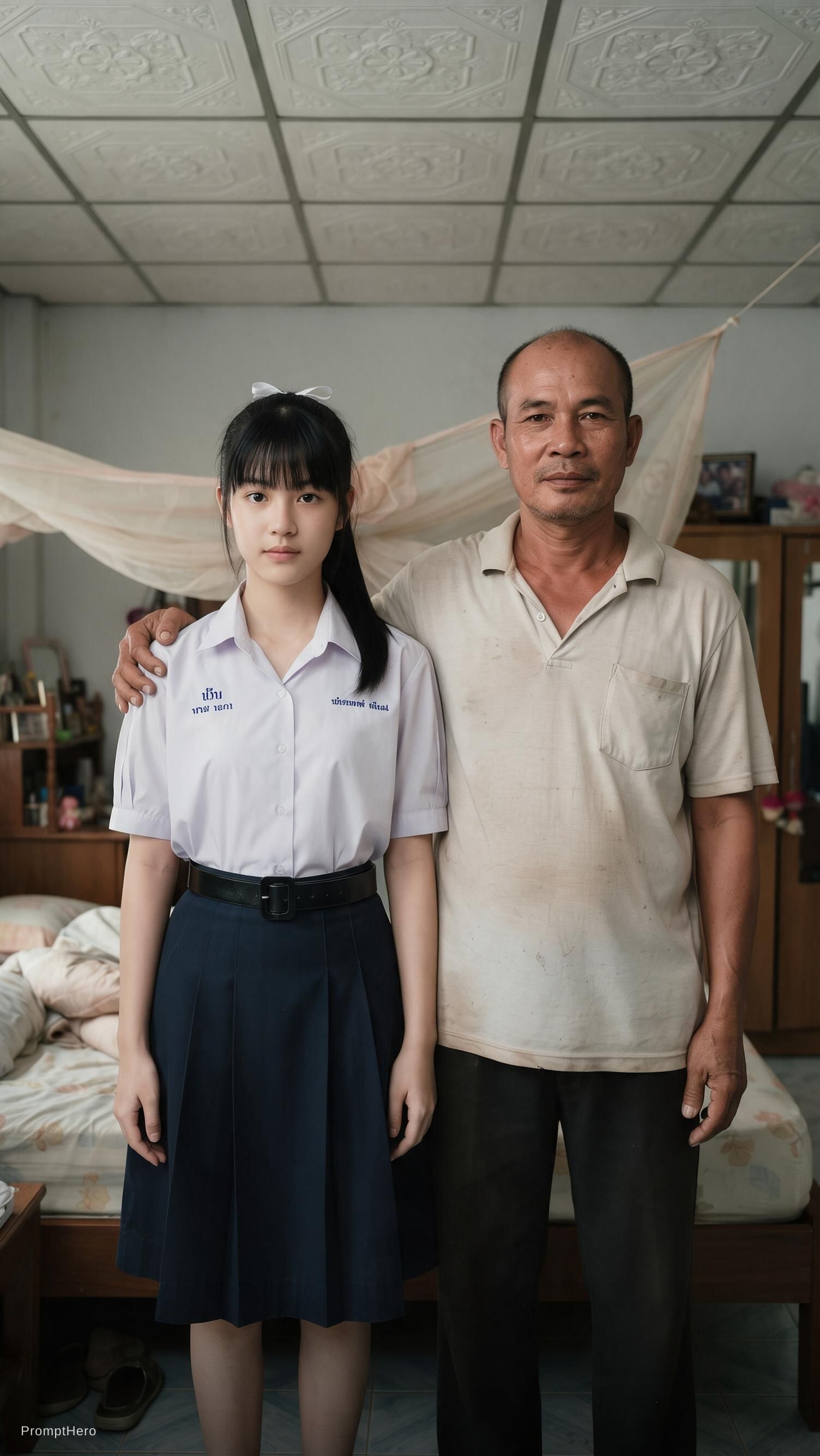
Seedream 5 prompt: Have the man put his arm around the woman's should No especificado seedream-5-pro
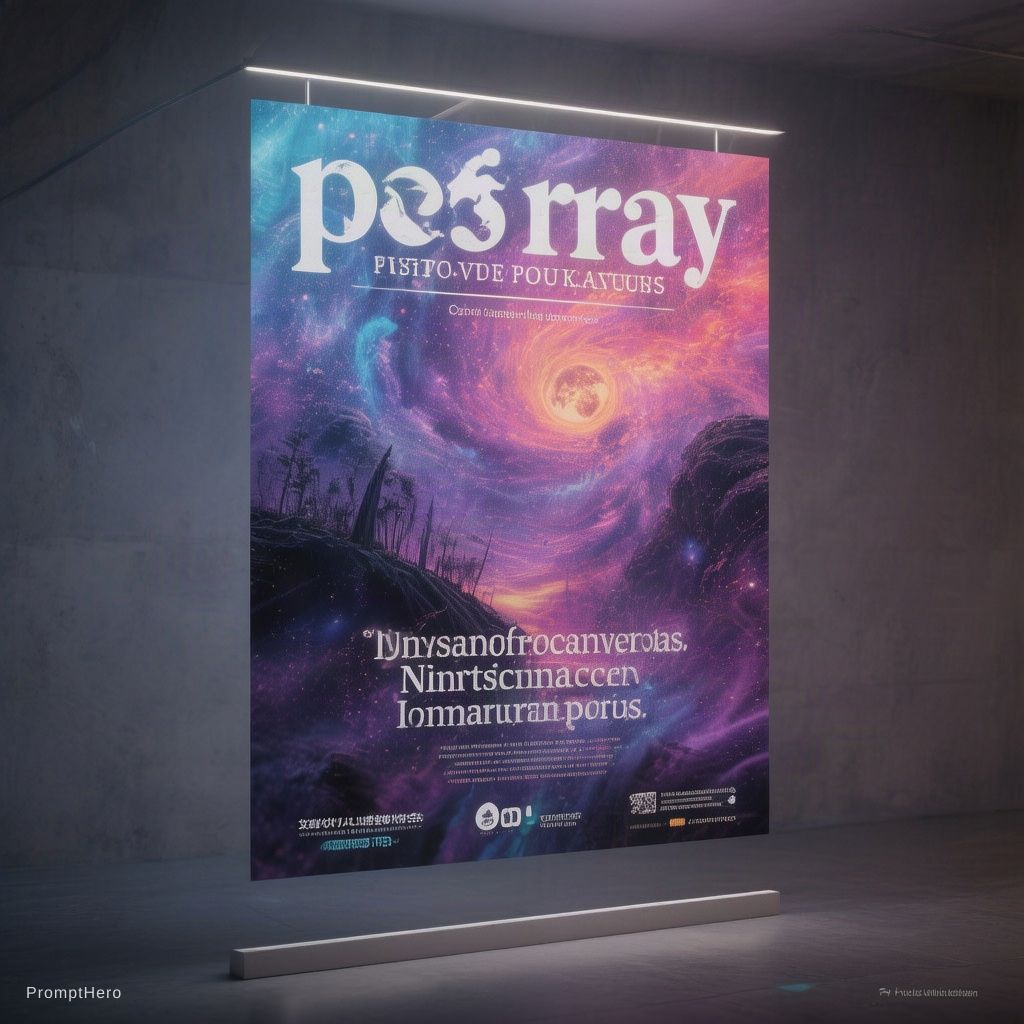
Hunyuan  prompt: póster/imagen No especificado hunyuan-3
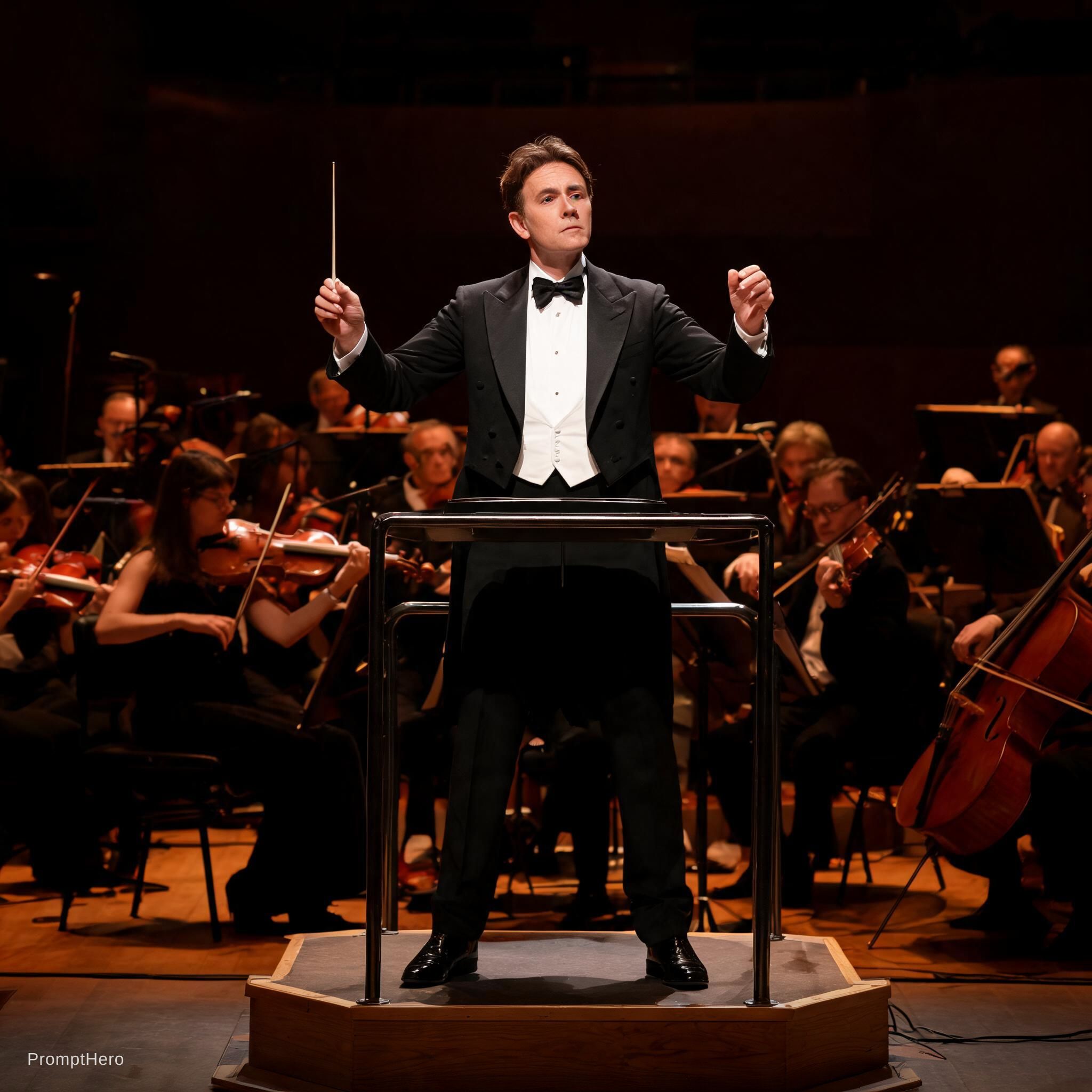
Seedream 5 prompt: Conductor No especificado v2
FLUX prompt: oil painting No especificado flux-2-pro
ChatGPT Image prompt: vytvor fotorealistycke študio quality s viacerimi ... No especificado v1

Run este prompt con el API

La siguiente solicitud envía este mensaje, con sus valores predeterminados completados, al primer modelo en el que se ejecuta. Cambie el nombre del modelo por cualquier otro modelo enumerado anteriormente.

Documentación de la API de prompts
/api/v1/gpt_image_2/text_to_image
curl -X POST https://runapi.ai/api/v1/gpt_image_2/text_to_image \
  -H "Authorization: Bearer $RUNAPI_API_KEY" \
  -H "Content-Type: application/json" \
  --data-binary @- <<'JSON'
{
  "model": "gpt-image-2",
  "prompt": "Using REFERENCE_0 as the source image, create an extreme zoom-in crop for a detail-comparison view. Keep the same two stacked comparison sections and preserve the existing anonymizing face blocks, but crop tightly around the subject’s face, hair, jawline, and neck so the facial area fills most of the frame. Leave only partial edge context from the original forest background and the left-side white labels visible. Preserve exactly 2 visible section labels: “GPT IMAGE 2 NO UPSCALE” in the upper section and “TOPAZ PHOTO” in the lower section. Maintain the dark cinematic lighting, original colors, and comparison-divider structure; do not add new objects, new text, or change the subject."
}
JSON

Probar a prompt

Estimado: $0.04 / imagen

Inicia sesión para generar con RunAPI.

Inicia sesión para generar

Inicia sesión para comenzar a generar con tus modelos de lenguaje disponibles.