Extreme Zoom Comparison Crop
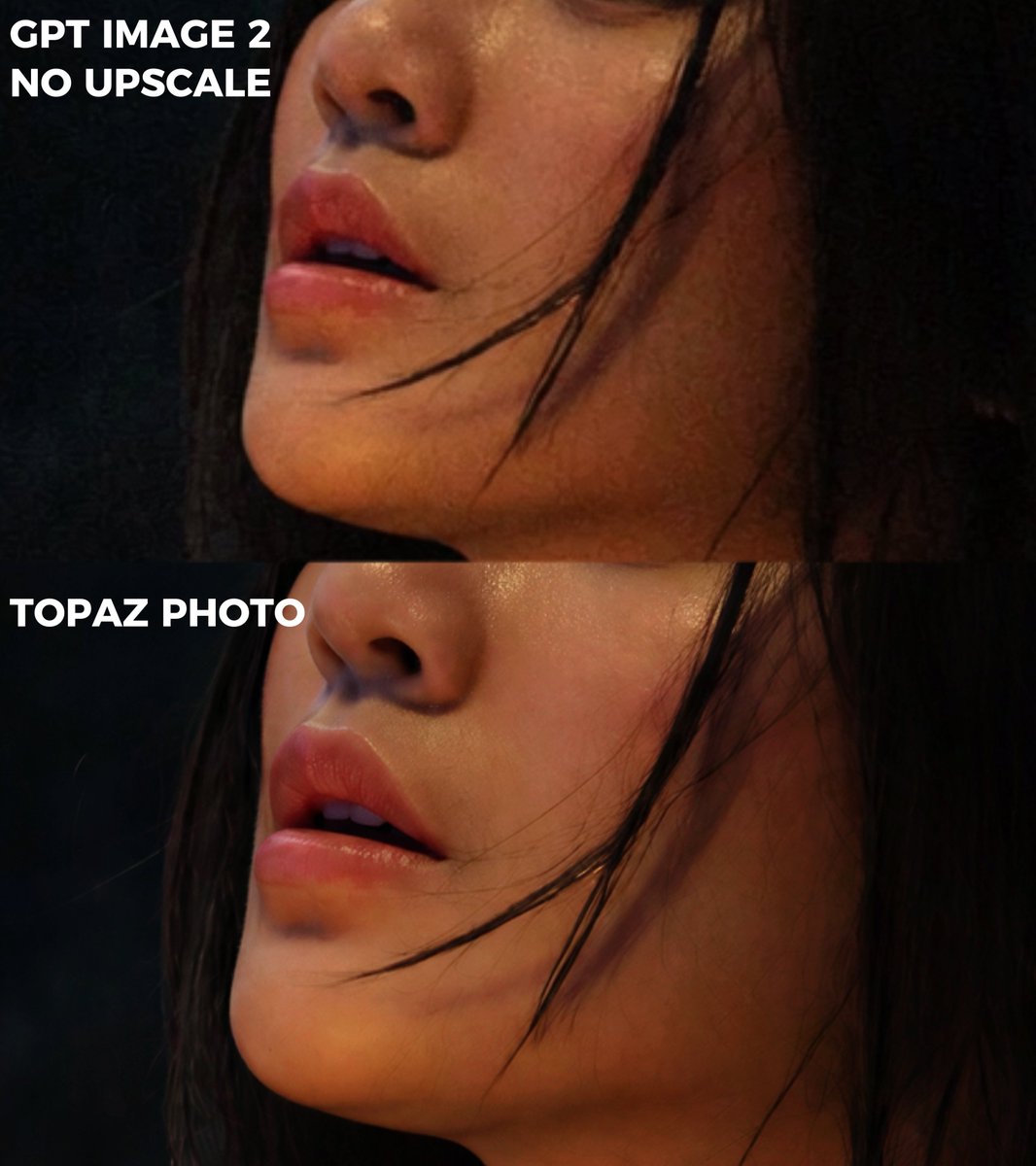
Extreme Zoom Comparison Crop

prompt

Using REFERENCE_0 as the source image, create an extreme zoom-in crop for a detail-comparison view. Keep the same two stacked comparison sections and preserve the existing anonymizing face blocks, but crop tightly around the subject’s face, hair, jawline, and neck so the facial area fills most of the frame. Leave only partial edge context from the original forest background and the left-side white labels visible. Preserve exactly 2 visible section labels: “GPT IMAGE 2 NO UPSCALE” in the upper section and “TOPAZ PHOTO” in the lower section. Maintain the dark cinematic lighting, original colors, and comparison-divider structure; do not add new objects, new text, or change the subject.

Werkt met 20 modellen

  • Flux
  • Flux 2
  • Flux Kontext
  • GPT-4o Image
  • GPT Image
  • GPT Image 2
  • GPT Image 2.5
  • GPT Image 2.6
  • Grok Imagine
  • Ideogram V3
  • Imagen 4
  • Kling
  • +8 Meer

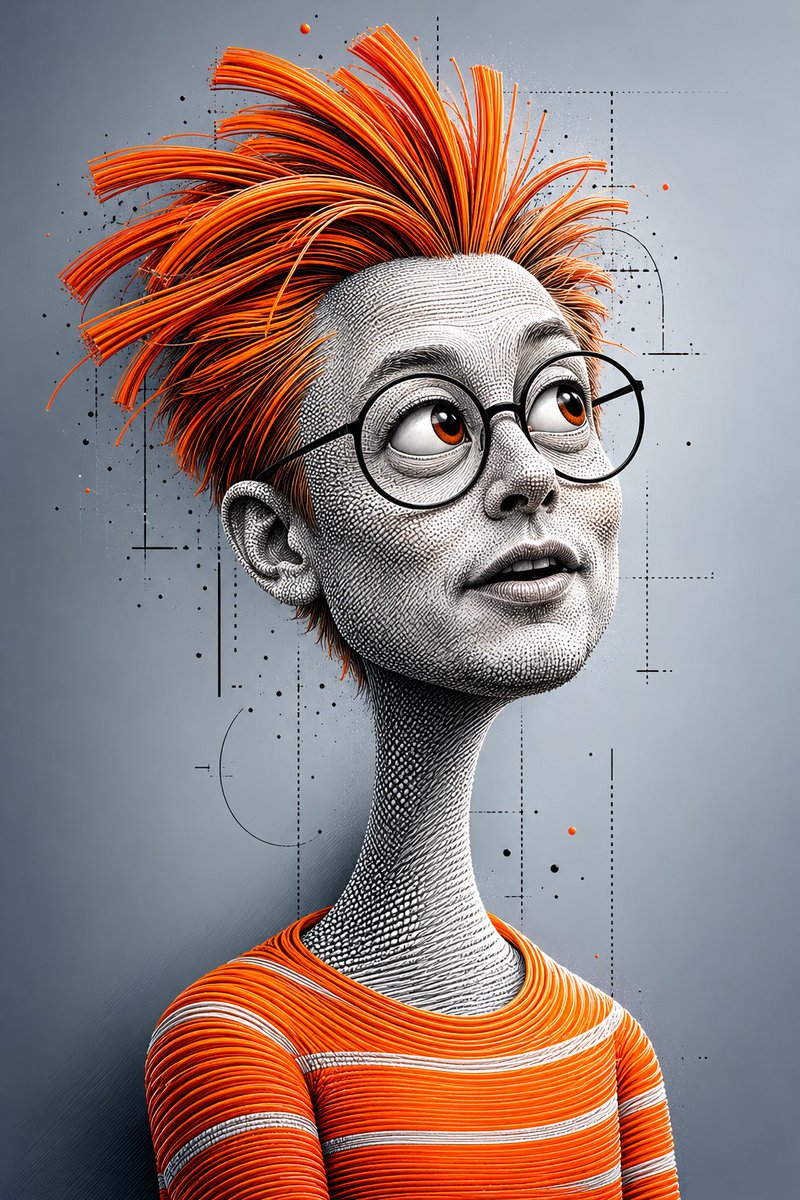
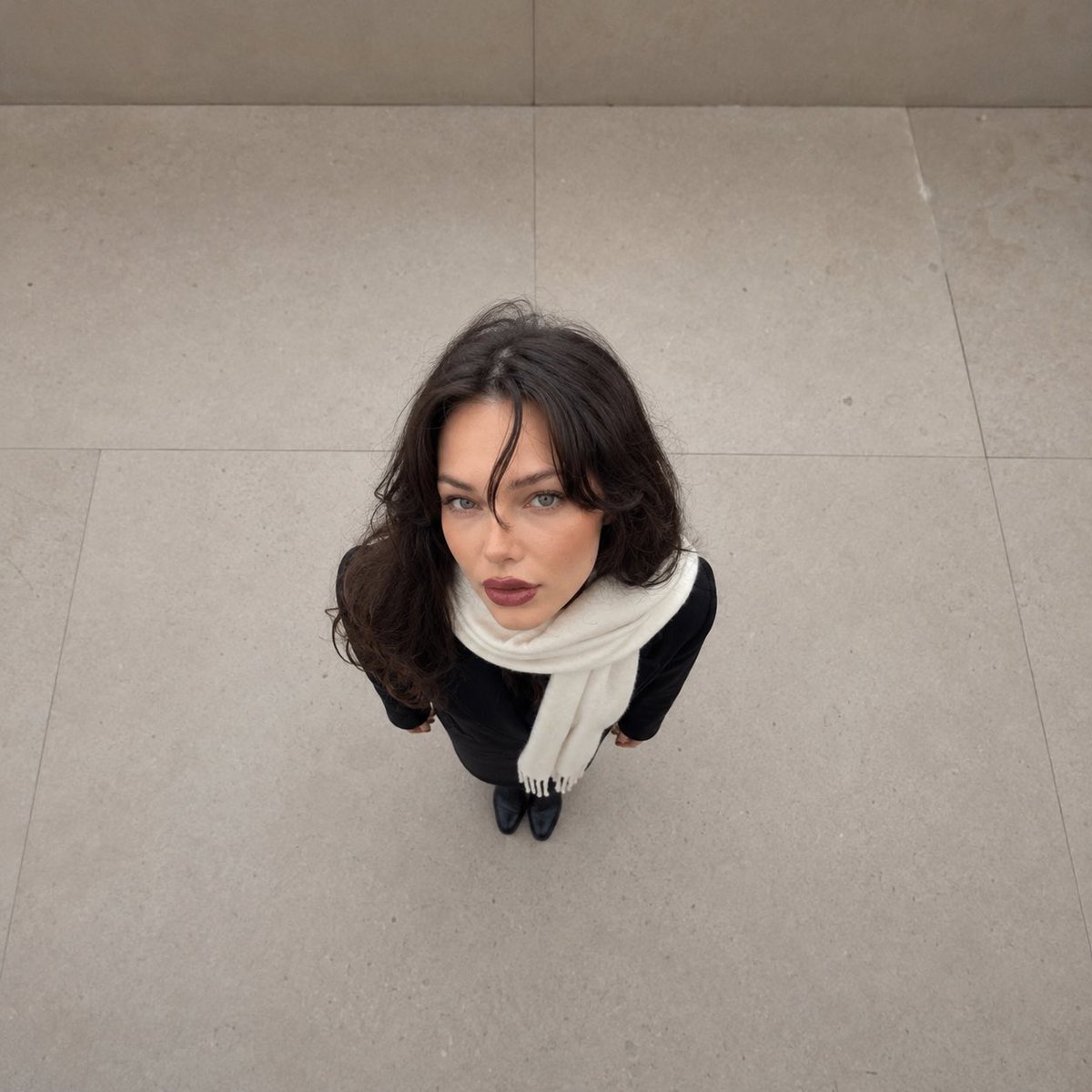
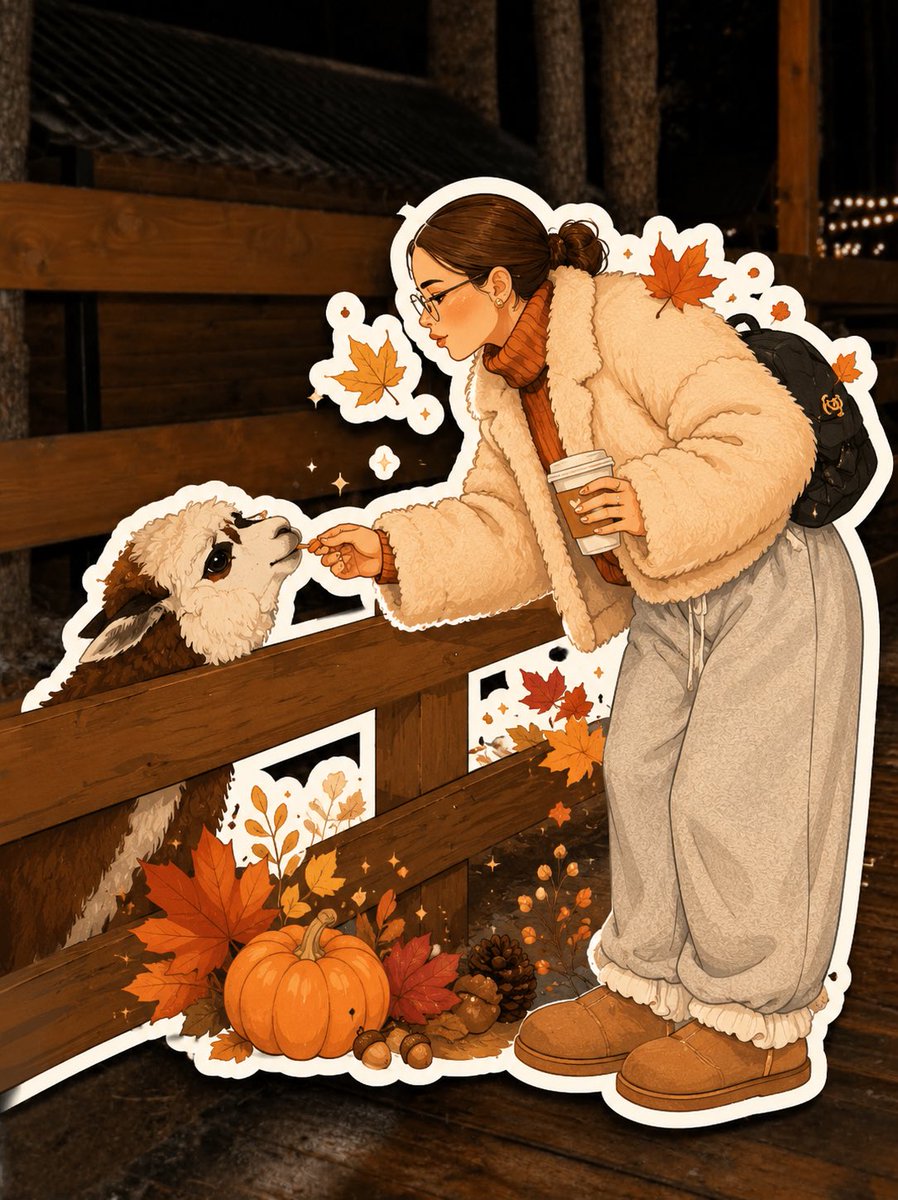
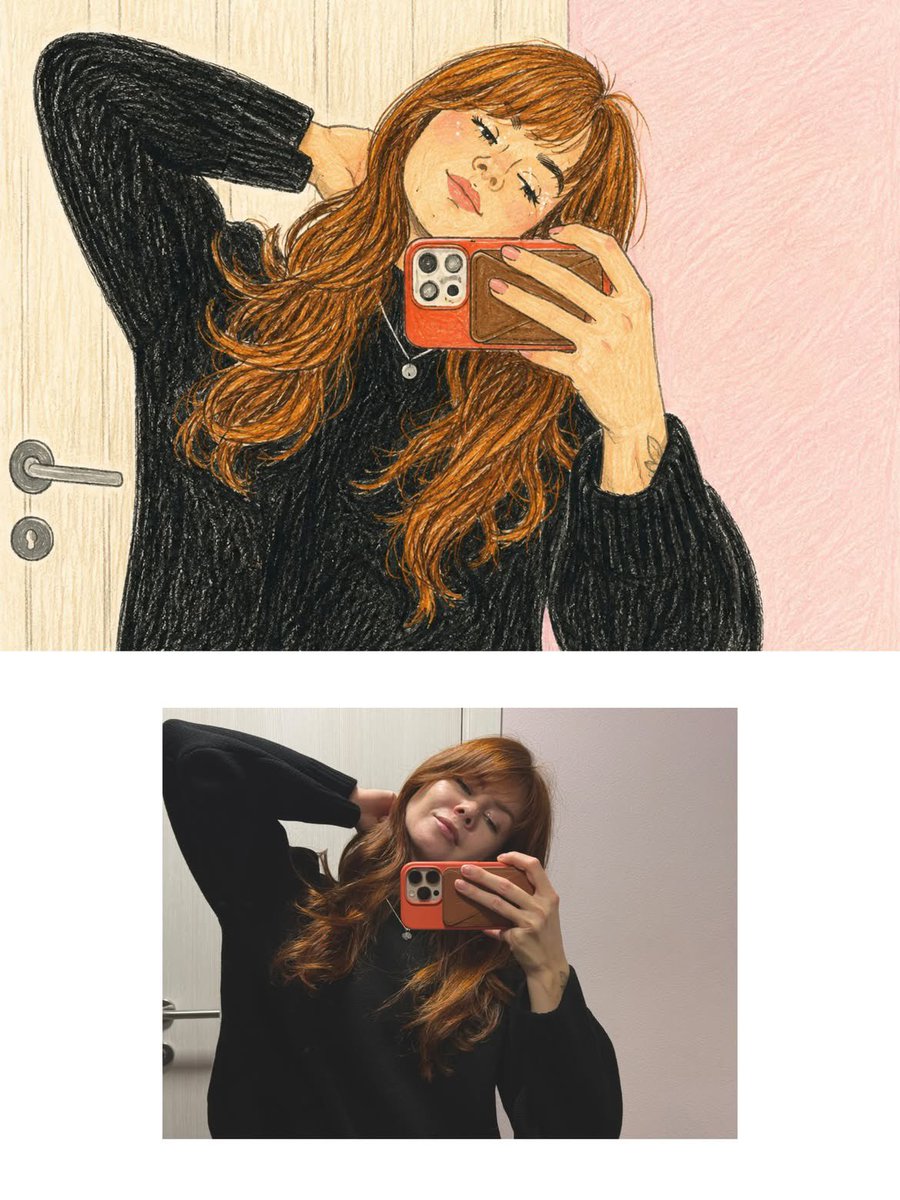
Wat deze prompt oplevert

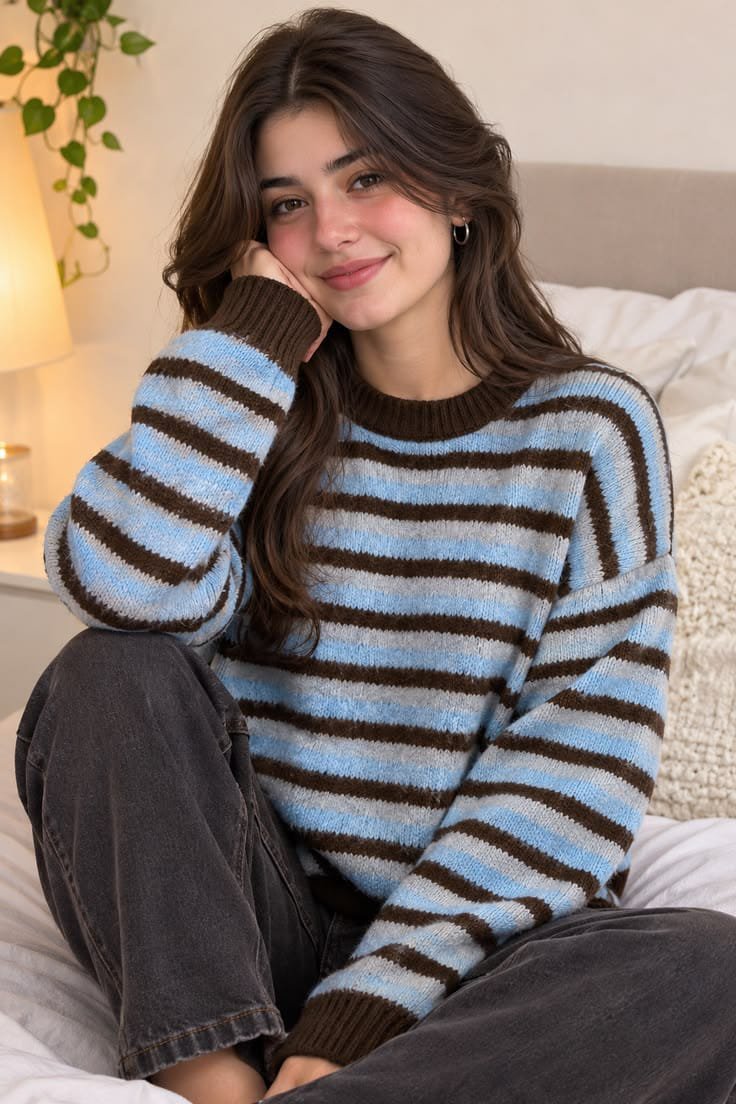
Cozy Autumn Lifestyle Portrait Prompt for GPT Image 2 Niet opgegeven gpt-image-2
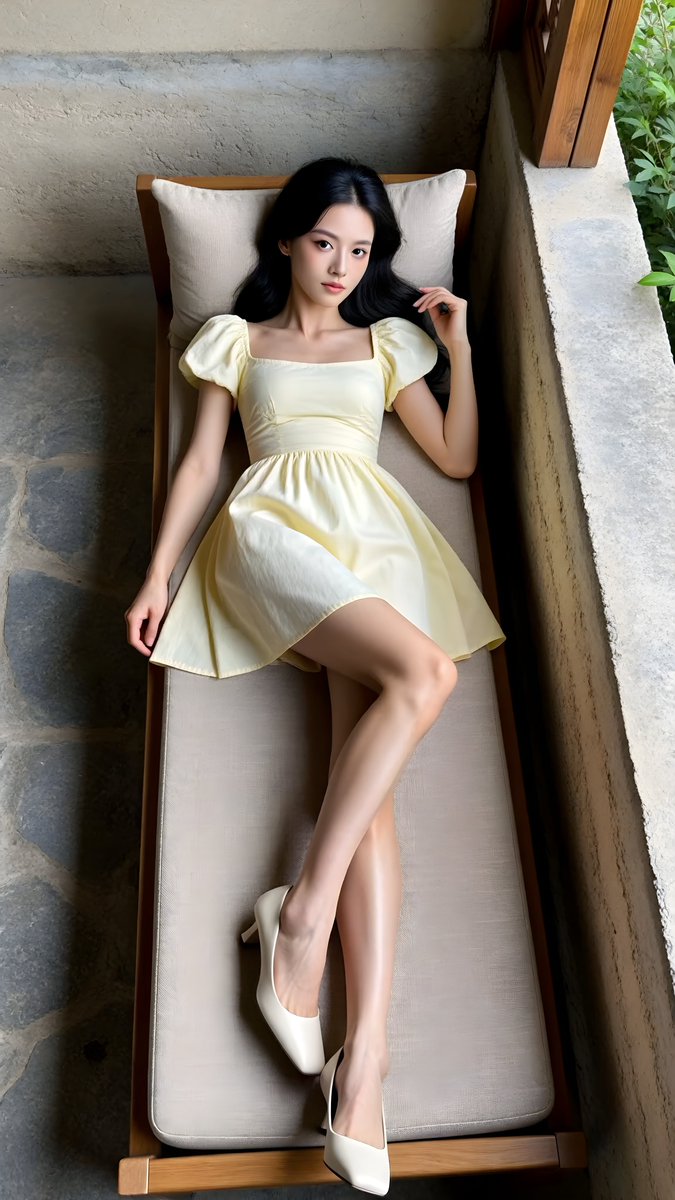
GPT Image 2 Prompt: Reclining Garden Portrait Niet opgegeven gpt-image-2
YouTube Thumbnail Design Prompt with Text Overlay Niet opgegeven nano-banana-pro
Sci-Fi Movie Still with Reference Images Niet opgegeven nano-banana-pro
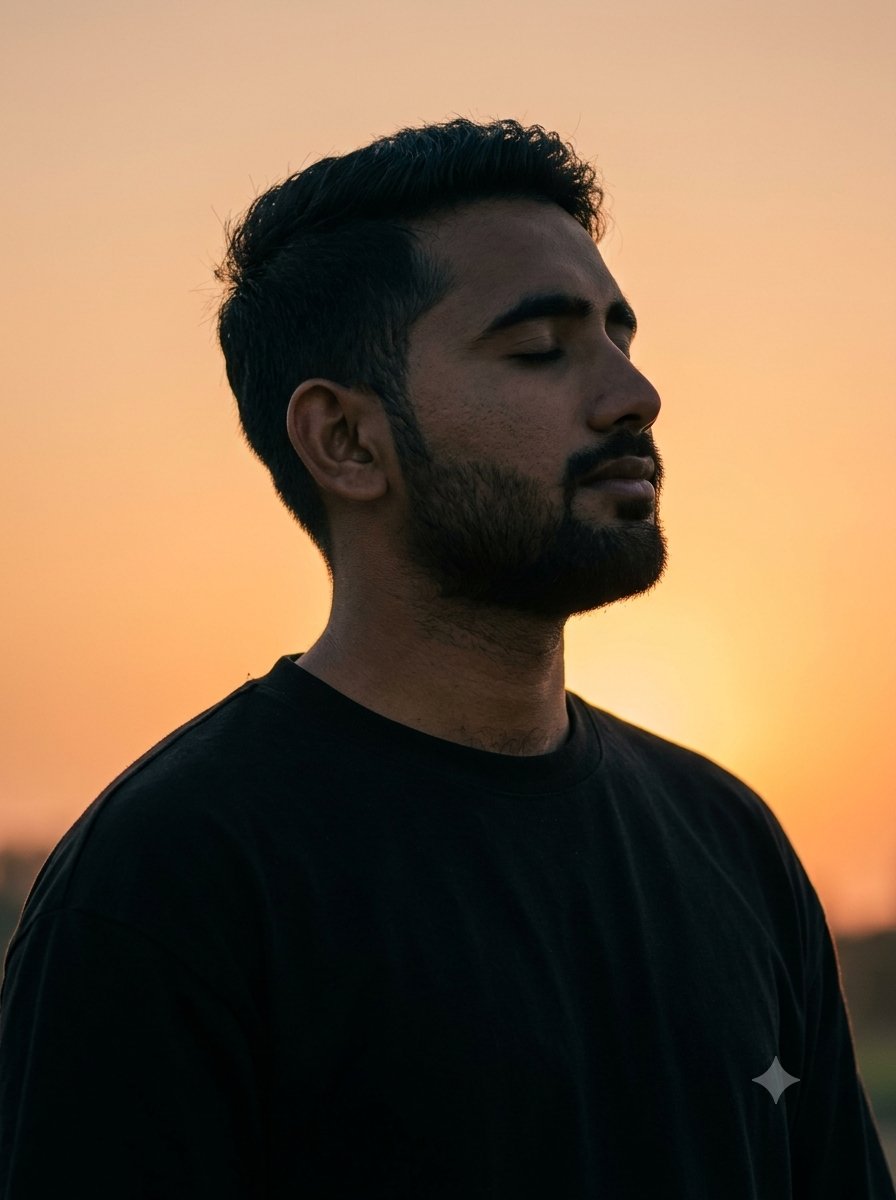
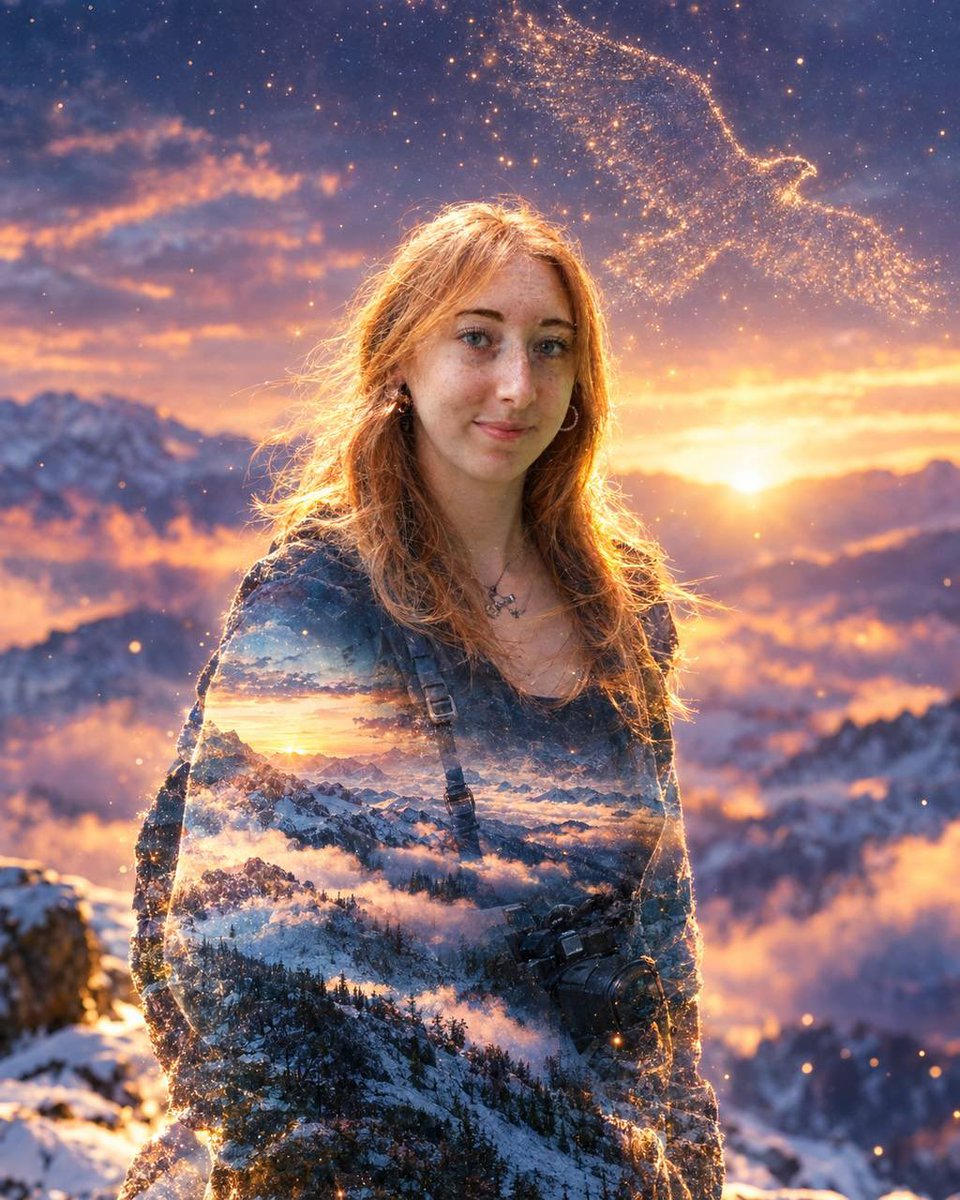
Golden Hour Sunset Side Profile Portrait Niet opgegeven gpt-image-2
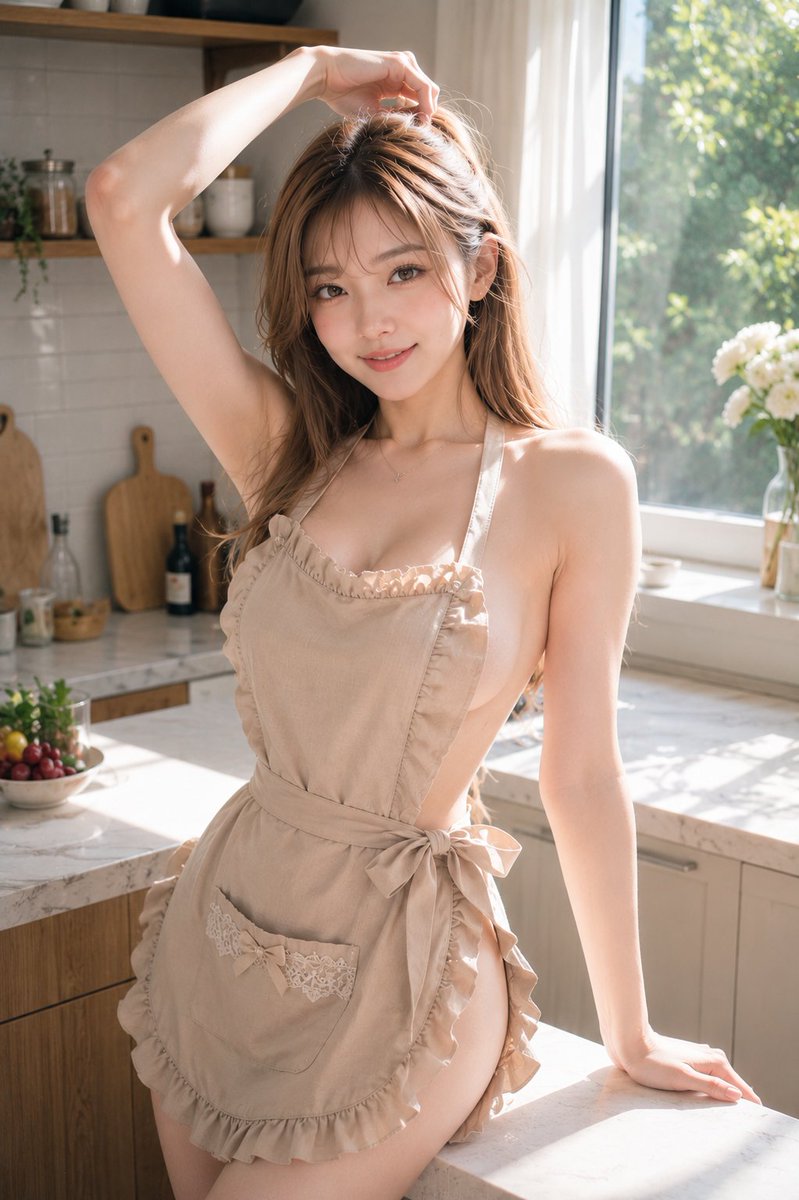
Morning Kitchen Apron Portrait Niet opgegeven gpt-image-2

Run deze prompt met de API

Het onderstaande verzoek stuurt deze prompt, met de standaardwaarden ingevuld, naar het eerste model waarop het draait. Verwissel de modelnaam voor een ander hierboven vermeld model.

prompt API-documentatie
/api/v1/gpt_image_2/text_to_image
curl -X POST https://runapi.ai/api/v1/gpt_image_2/text_to_image \
  -H "Authorization: Bearer $RUNAPI_API_KEY" \
  -H "Content-Type: application/json" \
  --data-binary @- <<'JSON'
{
  "model": "gpt-image-2",
  "prompt": "Using REFERENCE_0 as the source image, create an extreme zoom-in crop for a detail-comparison view. Keep the same two stacked comparison sections and preserve the existing anonymizing face blocks, but crop tightly around the subject’s face, hair, jawline, and neck so the facial area fills most of the frame. Leave only partial edge context from the original forest background and the left-side white labels visible. Preserve exactly 2 visible section labels: “GPT IMAGE 2 NO UPSCALE” in the upper section and “TOPAZ PHOTO” in the lower section. Maintain the dark cinematic lighting, original colors, and comparison-divider structure; do not add new objects, new text, or change the subject."
}
JSON

Probeer a prompt