Extreme Zoom Comparison Crop
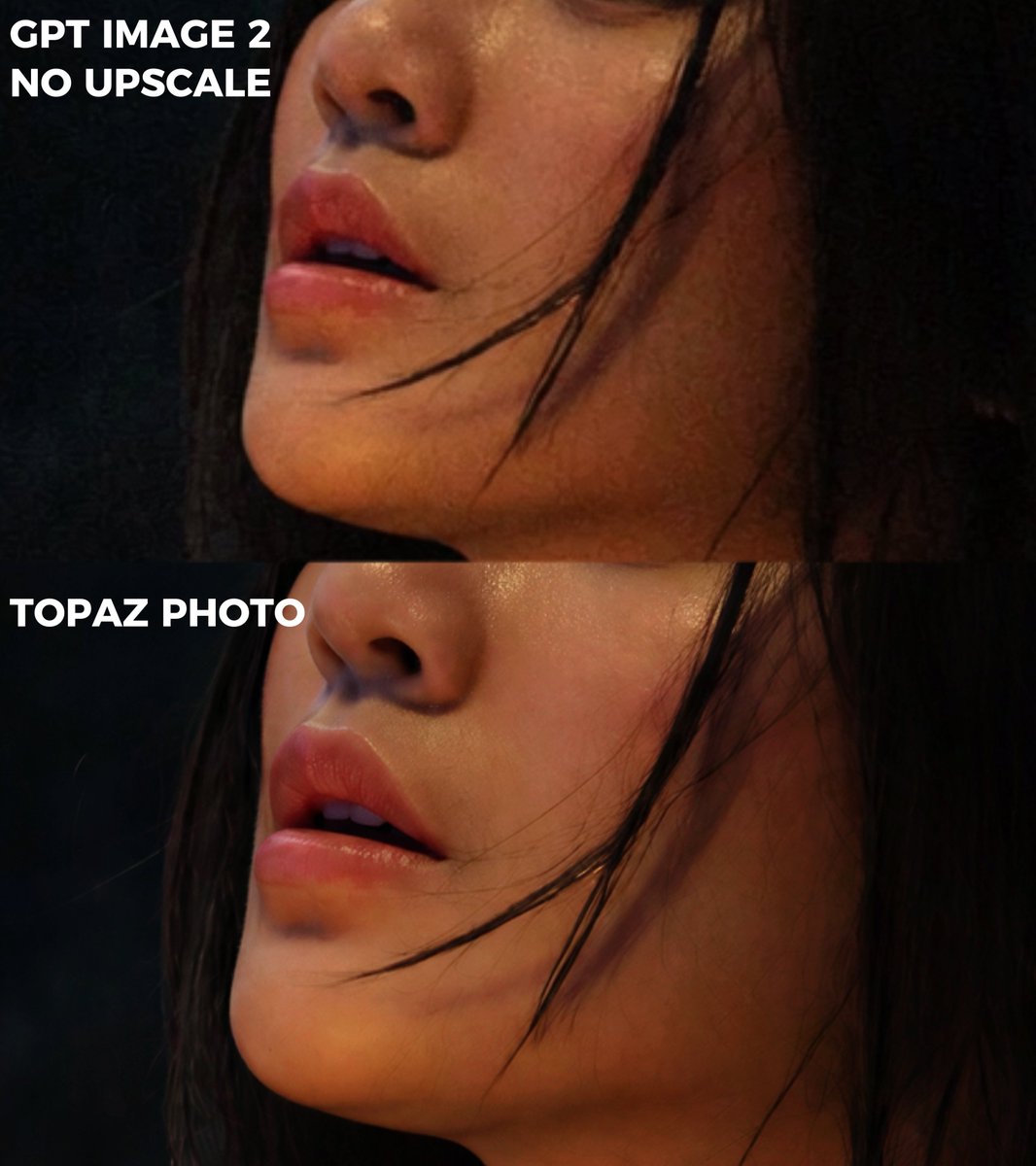
Extreme Zoom Comparison Crop

Prompt

Using REFERENCE_0 as the source image, create an extreme zoom-in crop for a detail-comparison view. Keep the same two stacked comparison sections and preserve the existing anonymizing face blocks, but crop tightly around the subject’s face, hair, jawline, and neck so the facial area fills most of the frame. Leave only partial edge context from the original forest background and the left-side white labels visible. Preserve exactly 2 visible section labels: “GPT IMAGE 2 NO UPSCALE” in the upper section and “TOPAZ PHOTO” in the lower section. Maintain the dark cinematic lighting, original colors, and comparison-divider structure; do not add new objects, new text, or change the subject.

Runs on 20 models

  • Flux
  • Flux 2
  • Flux Kontext
  • GPT-4o Image
  • GPT Image
  • GPT Image 2
  • GPT Image 2.5
  • GPT Image 2.6
  • Grok Imagine
  • Ideogram V3
  • Imagen 4
  • Kling
  • +8 more

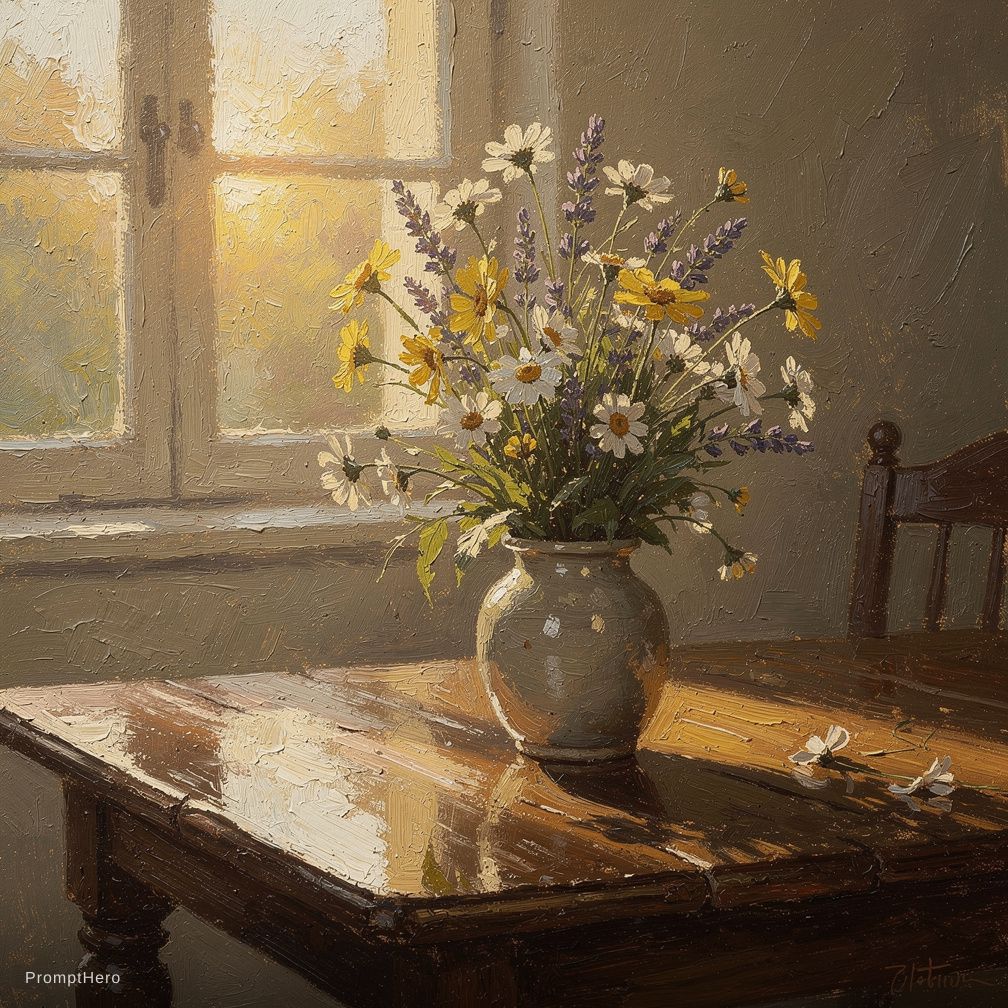
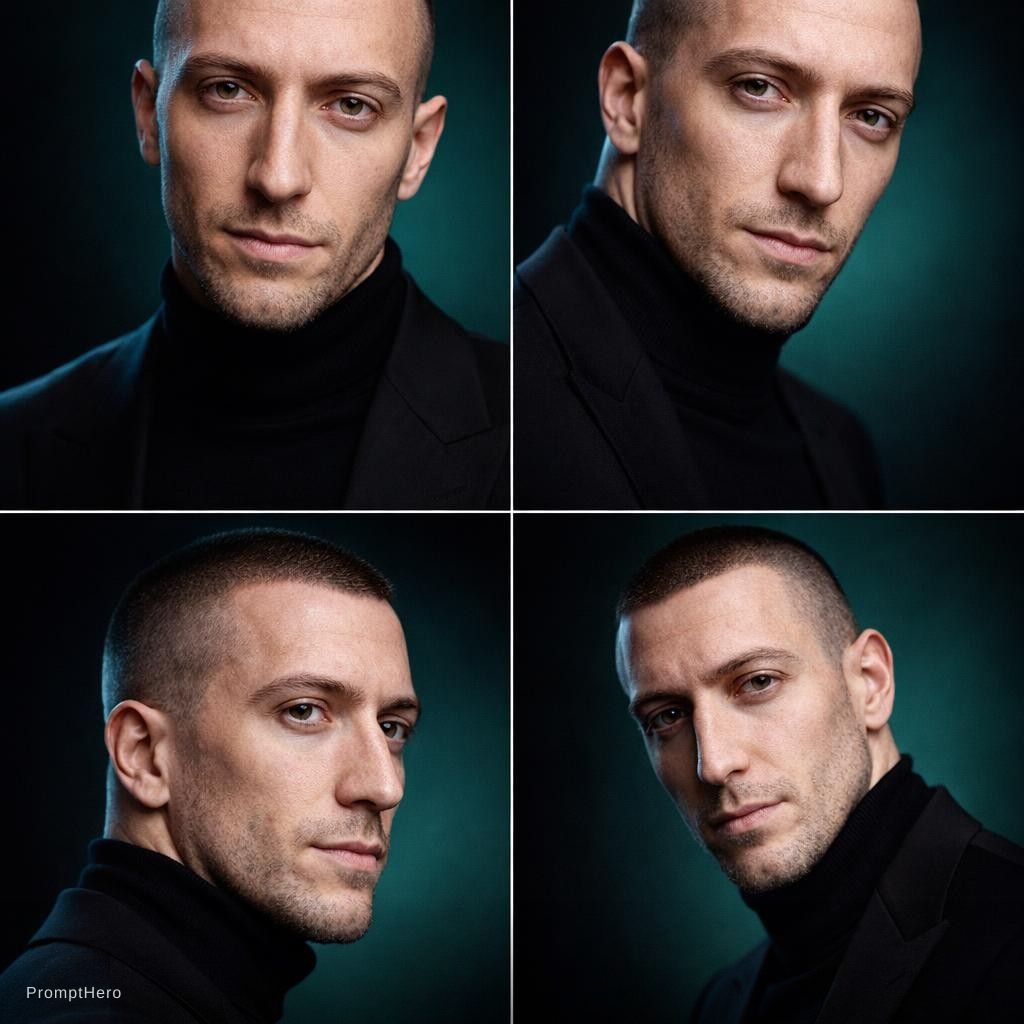
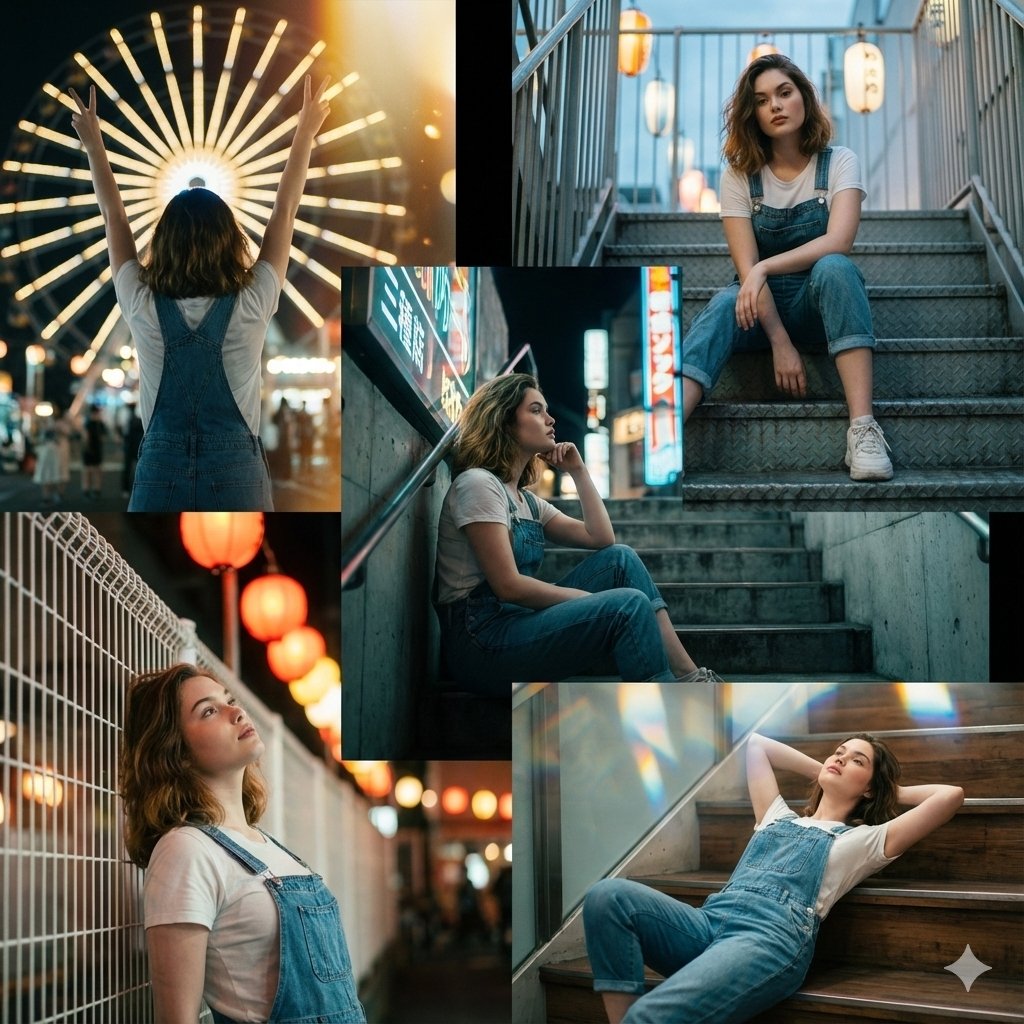
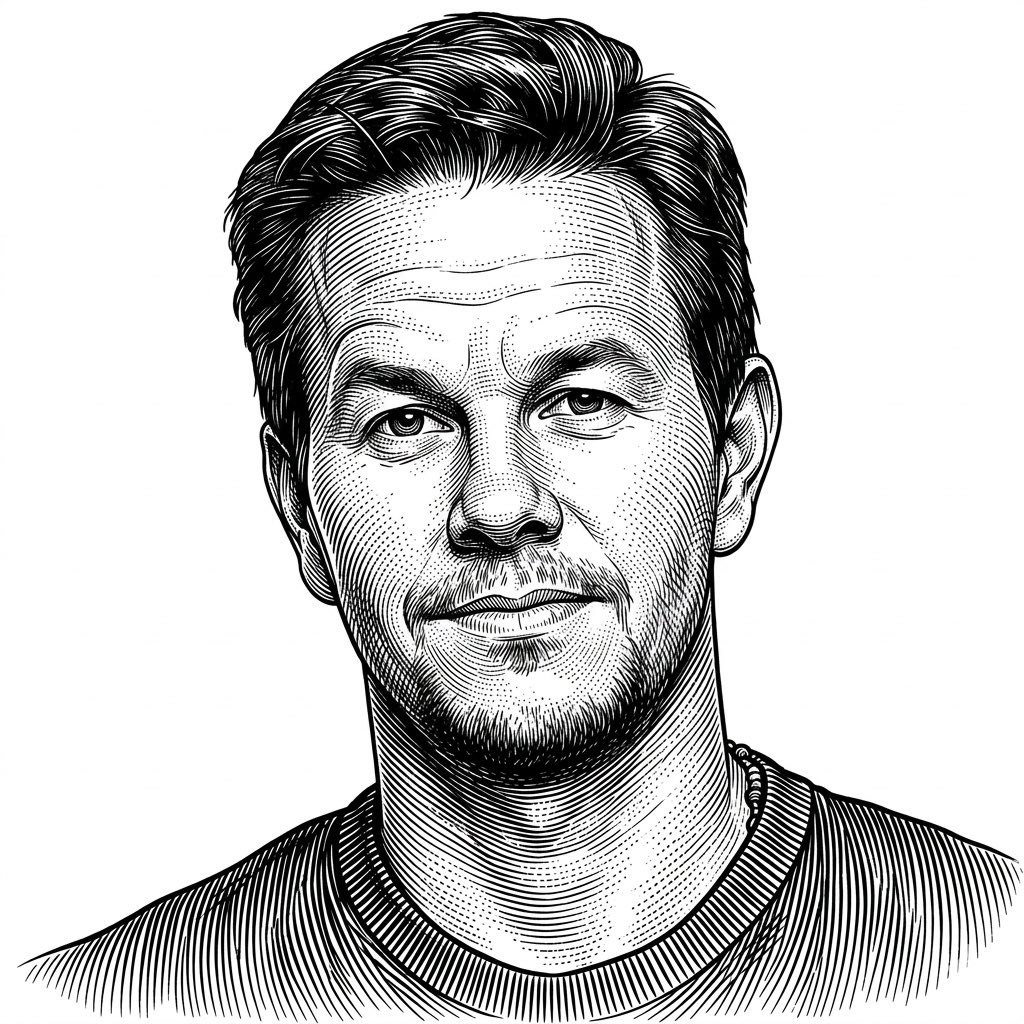
What this prompt produces

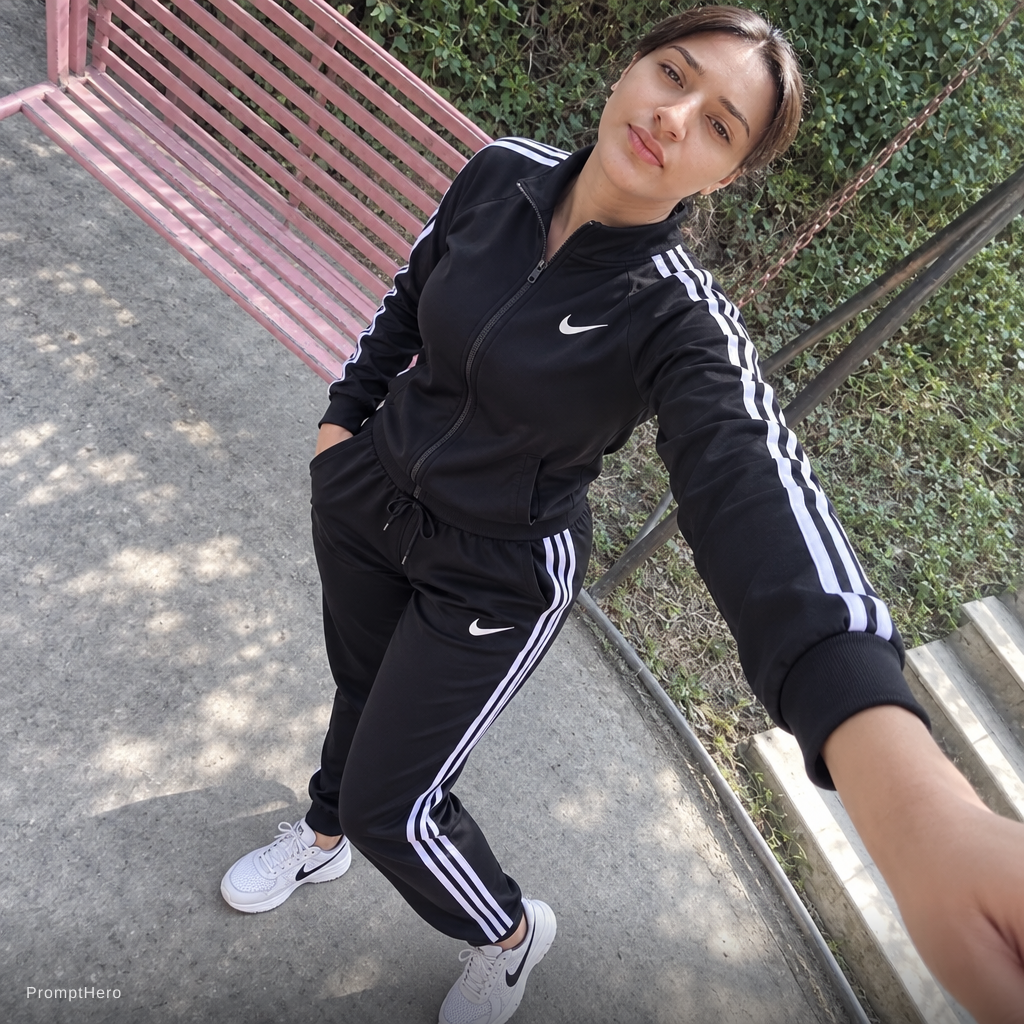
ChatGPT Image prompt: Sport stil Not specified gpt-image-2.6-flare
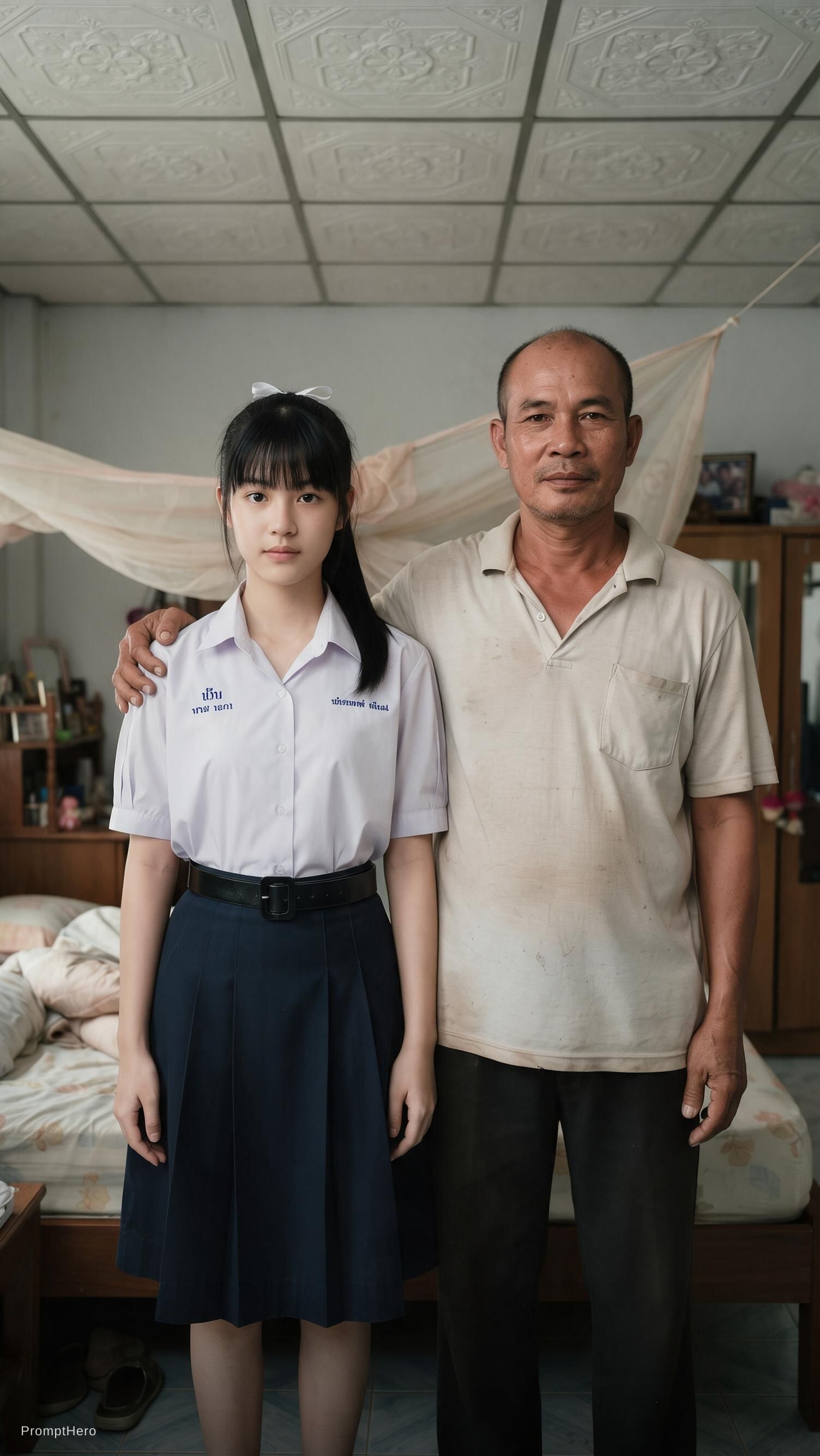
Seedream 5 prompt: Have the man put his arm around the woman's should Not specified seedream-5-pro
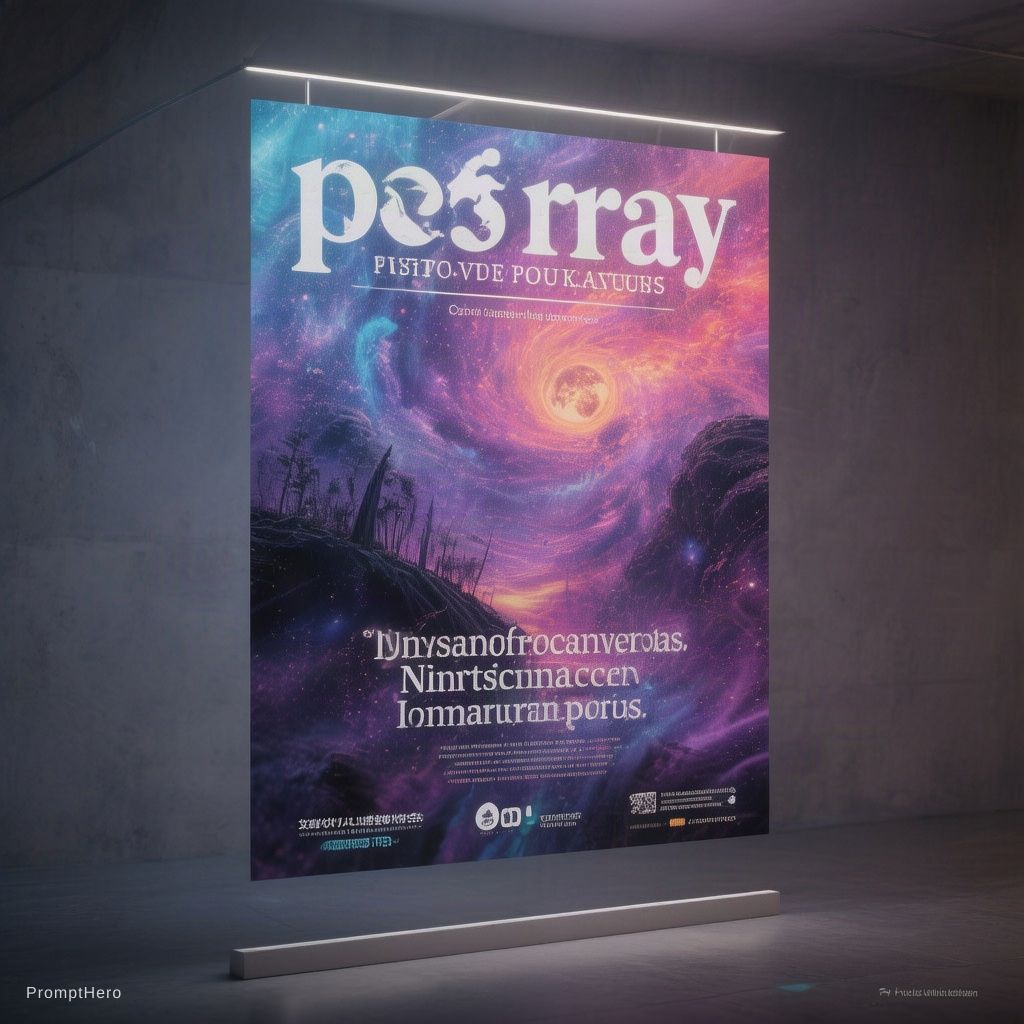
Hunyuan  prompt: póster/imagen Not specified hunyuan-3
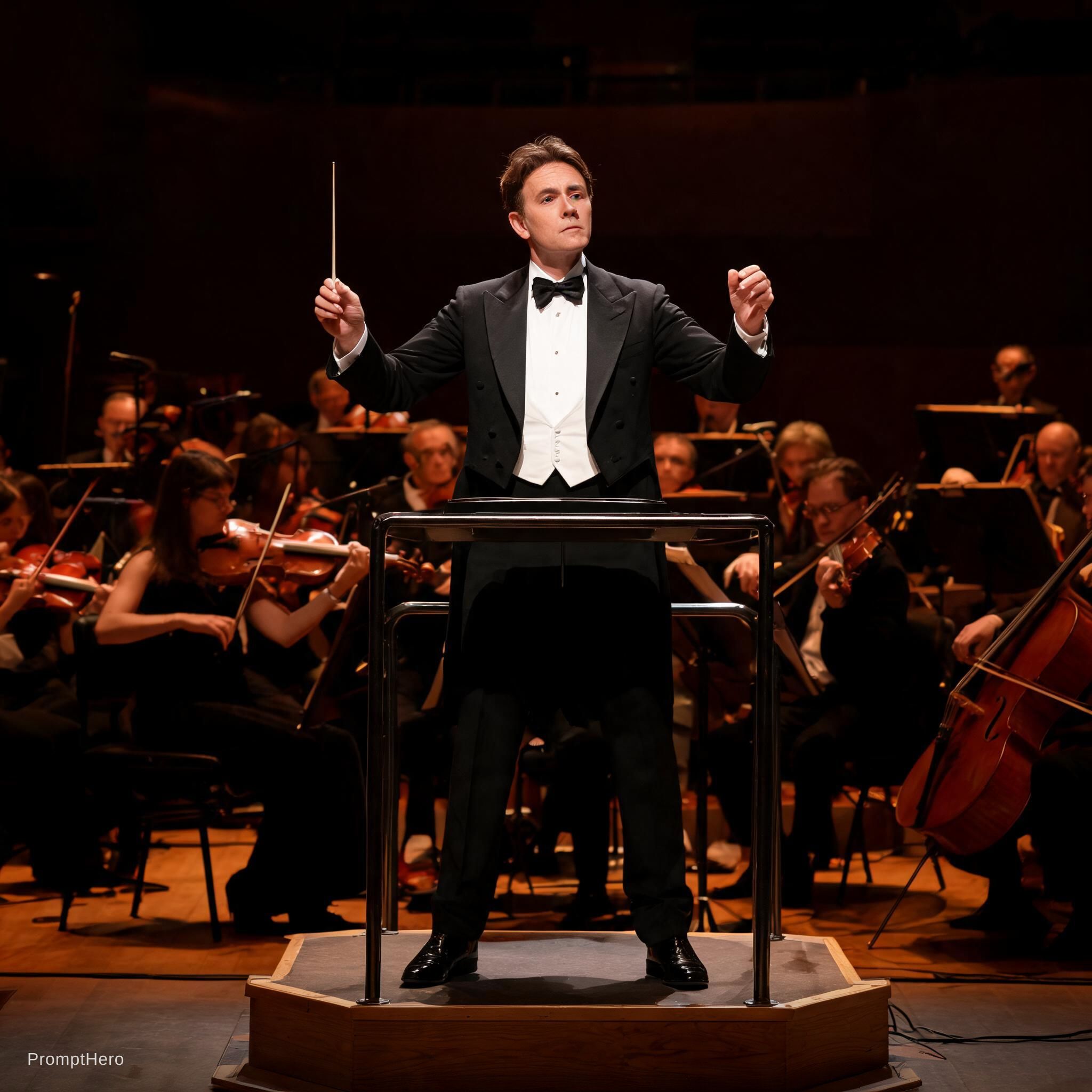
Seedream 5 prompt: Conductor Not specified v2
FLUX prompt: oil painting Not specified flux-2-pro
ChatGPT Image prompt: vytvor fotorealistycke študio quality s viacerimi ... Not specified v1

Run this prompt with the API

The request below sends this prompt, with its default values filled in, to the first model it runs on. Swap the model name for any other model listed above.

Prompt API docs
/api/v1/gpt_image_2/text_to_image
curl -X POST https://runapi.ai/api/v1/gpt_image_2/text_to_image \
  -H "Authorization: Bearer $RUNAPI_API_KEY" \
  -H "Content-Type: application/json" \
  --data-binary @- <<'JSON'
{
  "model": "gpt-image-2",
  "prompt": "Using REFERENCE_0 as the source image, create an extreme zoom-in crop for a detail-comparison view. Keep the same two stacked comparison sections and preserve the existing anonymizing face blocks, but crop tightly around the subject’s face, hair, jawline, and neck so the facial area fills most of the frame. Leave only partial edge context from the original forest background and the left-side white labels visible. Preserve exactly 2 visible section labels: “GPT IMAGE 2 NO UPSCALE” in the upper section and “TOPAZ PHOTO” in the lower section. Maintain the dark cinematic lighting, original colors, and comparison-divider structure; do not add new objects, new text, or change the subject."
}
JSON

Try a prompt

Estimated: $0.04 / image

Sign in to generate with RunAPI.

Sign in to generate

Sign in to start generating with your available language models.