Verified Post with Kawaii Cactus Sticker
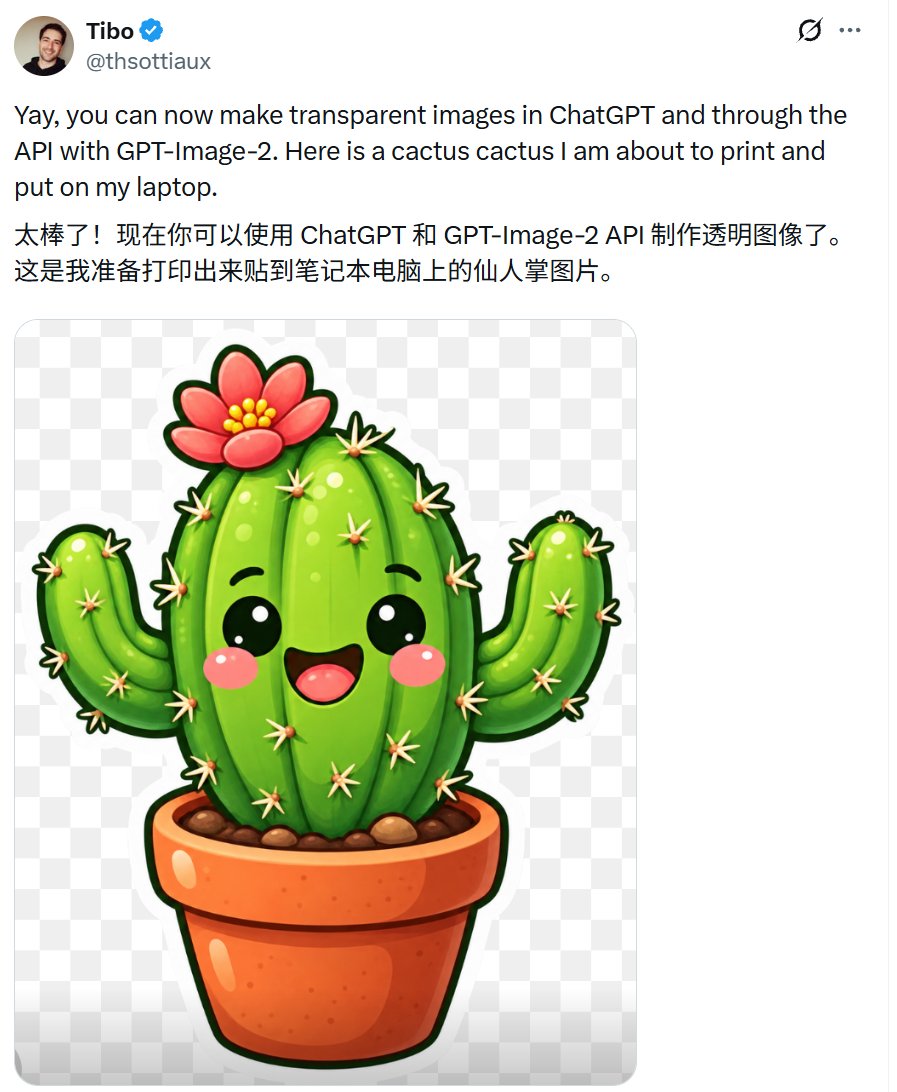
Verified Post with Kawaii Cactus Sticker

즉각적인

Create a realistic social-media post screenshot on a white interface, like an X/Twitter post, showing a verified user announcing transparent background images. At the top left, include a small circular profile photo of a smiling man, the display name Tibo in bold with a blue verified checkmark, and the handle @thsottiaux in gray beneath it. At the top right show two small interface icons: a circular refresh-like icon and a three-dot menu. The post text should be large black sans-serif and contain exactly two paragraphs: first, “Yay, you can now make transparent images in ChatGPT and through the API with GPT-Image-2. Here is a cactus cactus I am about to print and put on my laptop.” and second, Chinese text “太棒了!现在你可以使用 ChatGPT 和 GPT-Image-2 API 制作透明图像了。这是我准备打印出来贴到笔记本电脑上的仙人掌图片。”. Below the text, embed one large rounded-corner image preview with a light gray-and-white checkerboard transparency pattern. Centered inside the preview is a glossy kawaii sticker illustration of a potted cactus on a transparent background: exactly 1 central tall oval cactus body, exactly 2 raised side arms, exactly 1 terracotta flowerpot, exactly 1 pink-red flower with yellow center dots on top, many small cream-colored star-shaped spines, black cute oval eyes with white highlights, rosy pink cheeks, and an open smiling mouth. Use vibrant saturated greens, thick dark green sticker outline, shiny highlights, soft shadows, and a clean sticker-print style. Keep the screenshot composition vertical, cropped around the post, with generous white margins and no extra UI elements or watermark.

21 모델에서 실행됩니다.

  • Flux
  • Flux 2
  • Flux Kontext
  • GPT-4o Image
  • GPT Image
  • GPT Image 2
  • GPT Image 2.5
  • GPT Image 2.6
  • Grok Imagine
  • Ideogram V3
  • Imagen 4
  • Kling
  • +9 이상

이 프롬프트의 출력

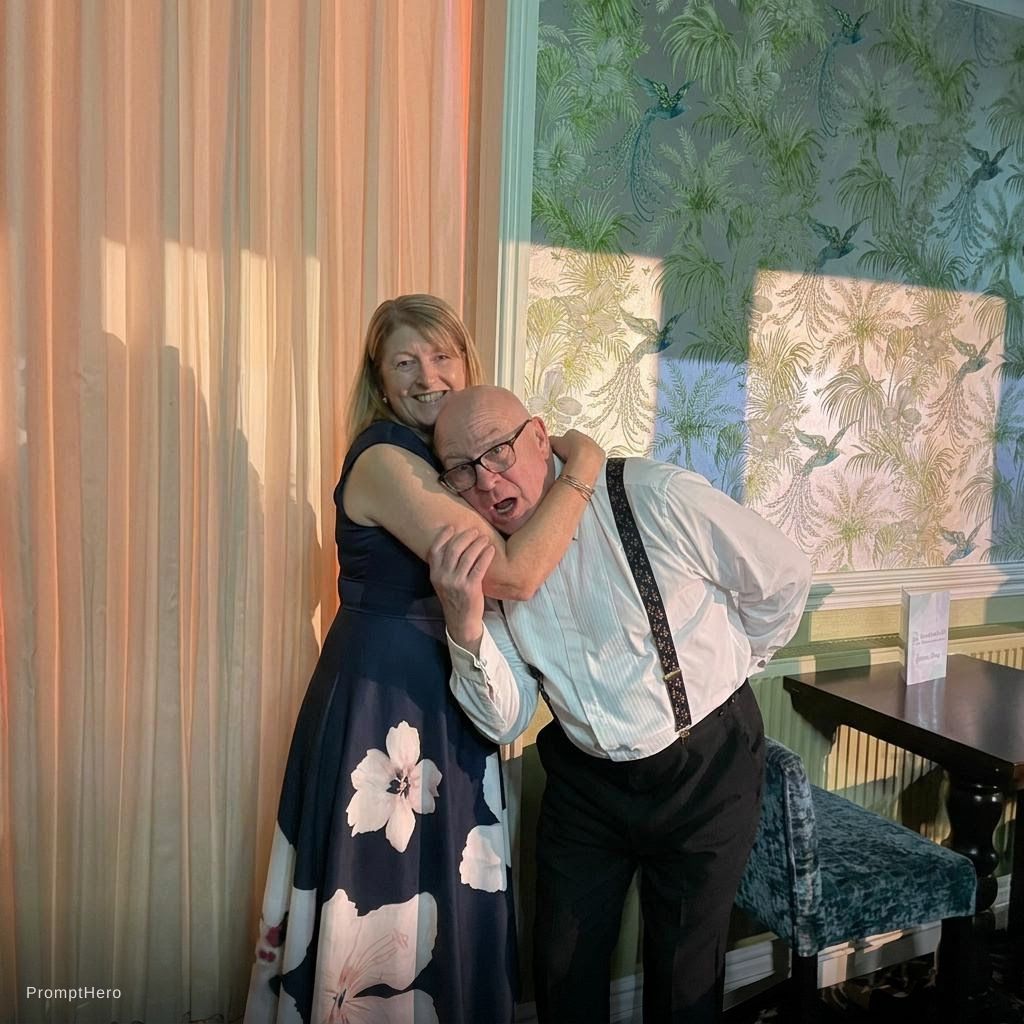
Hero prompt: woman with man in head lock 지정되지 않음 1.0
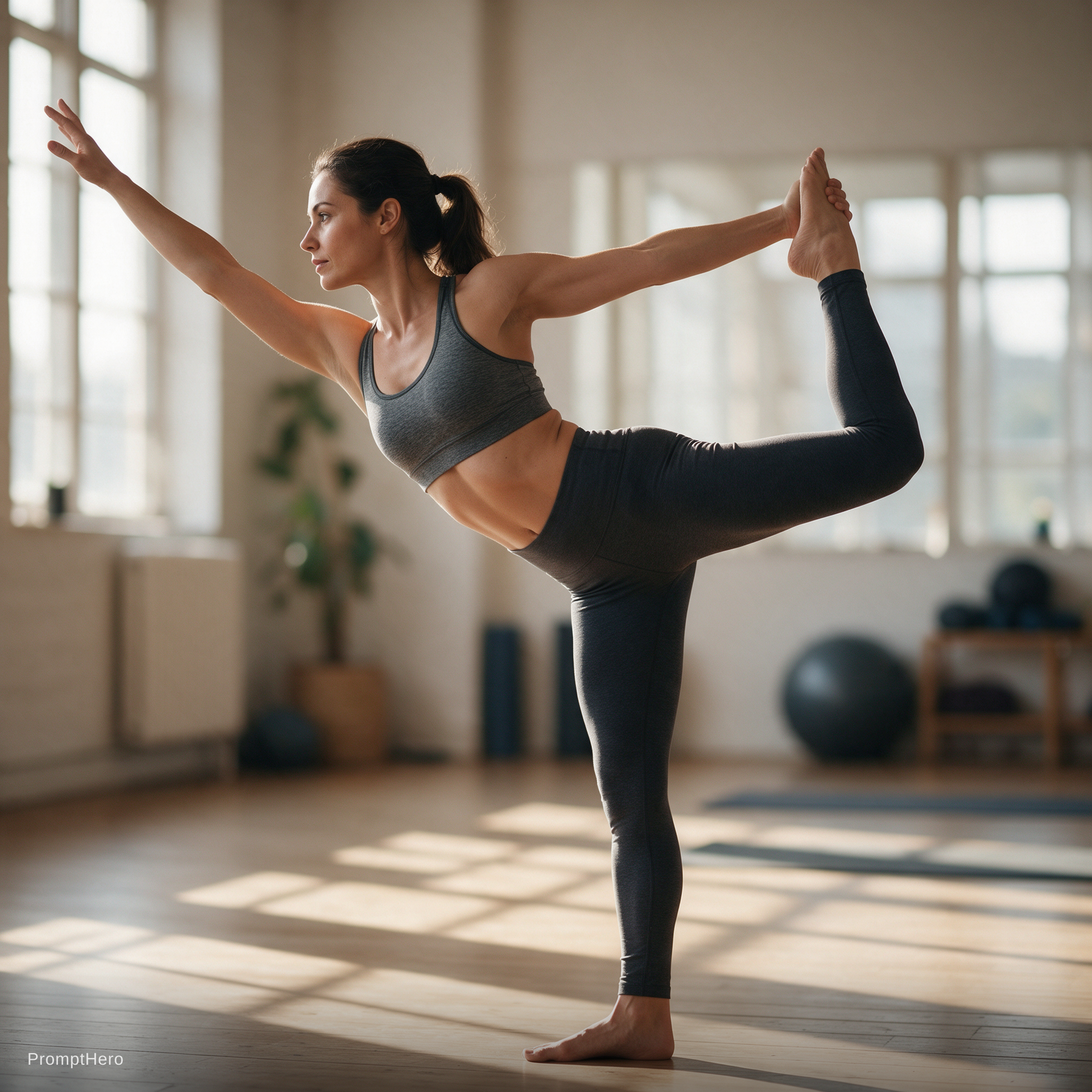
Seedream 5 prompt: Yoga in a sunlit studio, a woman in a sports bra a... 지정되지 않음 seedream-5-pro
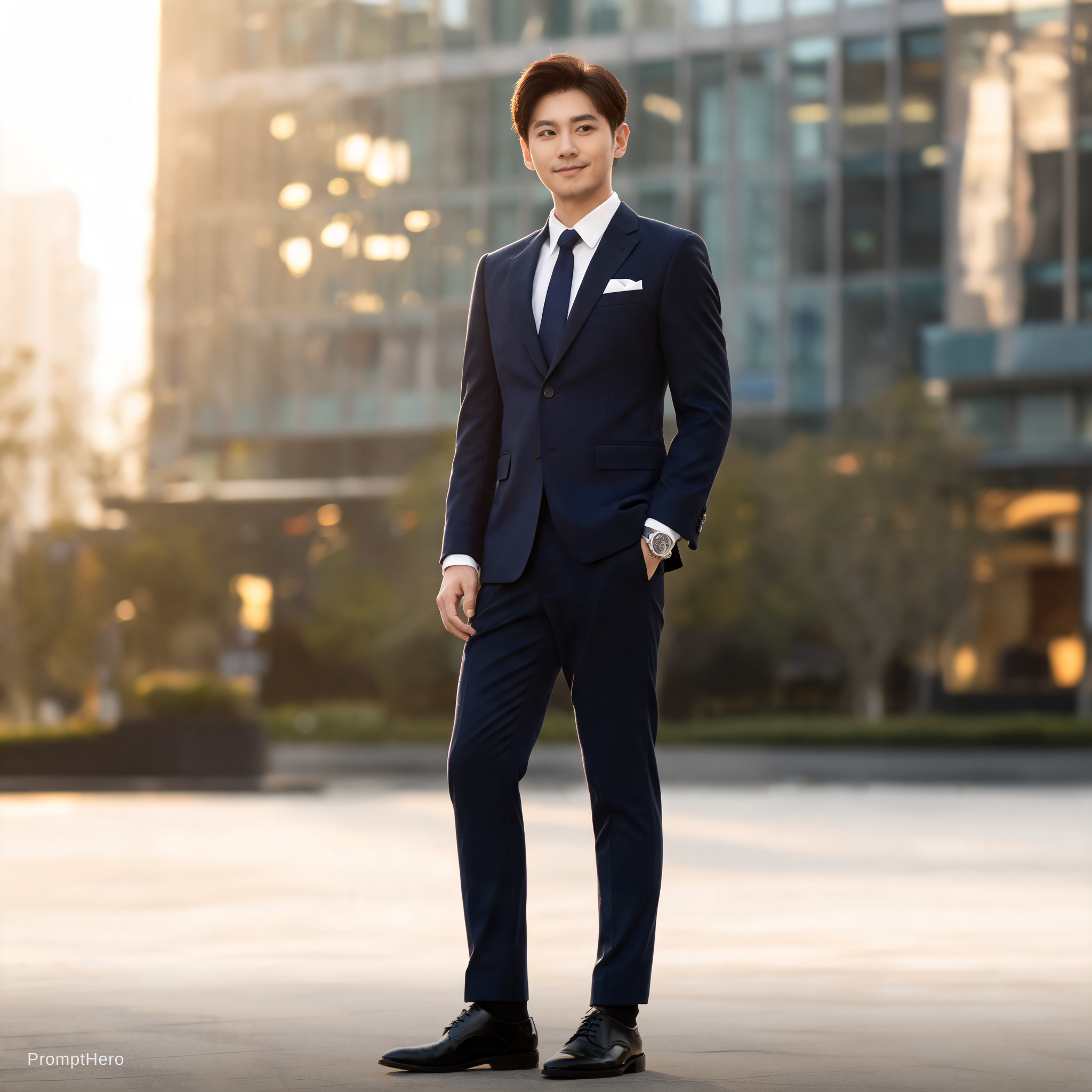
Seedream 5 prompt: master prompt for a man in suit 지정되지 않음 v2
Seedream 5 prompt: Master prompt for a man in a suit 지정되지 않음 v2
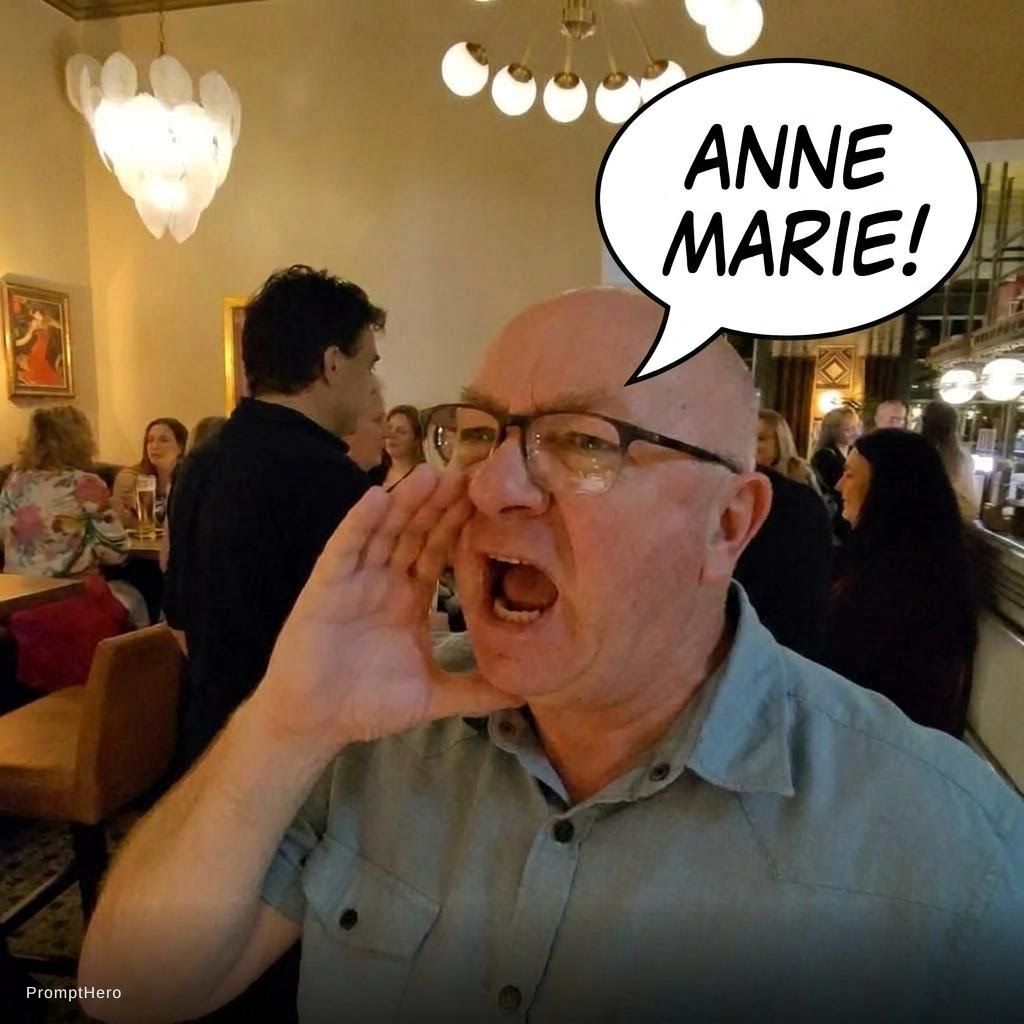
Hero prompt: add speach bubble 

ANNE MARIE 지정되지 않음 1.0
Hero prompt: photography, portrait of contrast, profile silhoue... 지정되지 않음 1.0

API를 사용하여 이 프롬프트를 실행하세요.

아래 요청은 기본값이 채워진 이 프롬프트를 실행되는 첫 번째 모델로 보냅니다. 위에 나열된 다른 모델의 모델 이름을 바꾸십시오.

프롬프트 API 문서
/api/v1/gpt_image_2/text_to_image
curl -X POST https://runapi.ai/api/v1/gpt_image_2/text_to_image \
  -H "Authorization: Bearer $RUNAPI_API_KEY" \
  -H "Content-Type: application/json" \
  --data-binary @- <<'JSON'
{
  "model": "gpt-image-2",
  "prompt": "Create a realistic social-media post screenshot on a white interface, like an X/Twitter post, showing a verified user announcing transparent background images. At the top left, include a small circular profile photo of a smiling man, the display name Tibo in bold with a blue verified checkmark, and the handle @thsottiaux in gray beneath it. At the top right show two small interface icons: a circular refresh-like icon and a three-dot menu. The post text should be large black sans-serif and contain exactly two paragraphs: first, “Yay, you can now make transparent images in ChatGPT and through the API with GPT-Image-2. Here is a cactus cactus I am about to print and put on my laptop.” and second, Chinese text “太棒了!现在你可以使用 ChatGPT 和 GPT-Image-2 API 制作透明图像了。这是我准备打印出来贴到笔记本电脑上的仙人掌图片。”. Below the text, embed one large rounded-corner image preview with a light gray-and-white checkerboard transparency pattern. Centered inside the preview is a glossy kawaii sticker illustration of a potted cactus on a transparent background: exactly 1 central tall oval cactus body, exactly 2 raised side arms, exactly 1 terracotta flowerpot, exactly 1 pink-red flower with yellow center dots on top, many small cream-colored star-shaped spines, black cute oval eyes with white highlights, rosy pink cheeks, and an open smiling mouth. Use vibrant saturated greens, thick dark green sticker outline, shiny highlights, soft shadows, and a clean sticker-print style. Keep the screenshot composition vertical, cropped around the post, with generous white margins and no extra UI elements or watermark."
}
JSON

메시지를 보내보세요