Premium Sticker Illustration Generator
Premium Sticker Illustration Generator

즉각적인

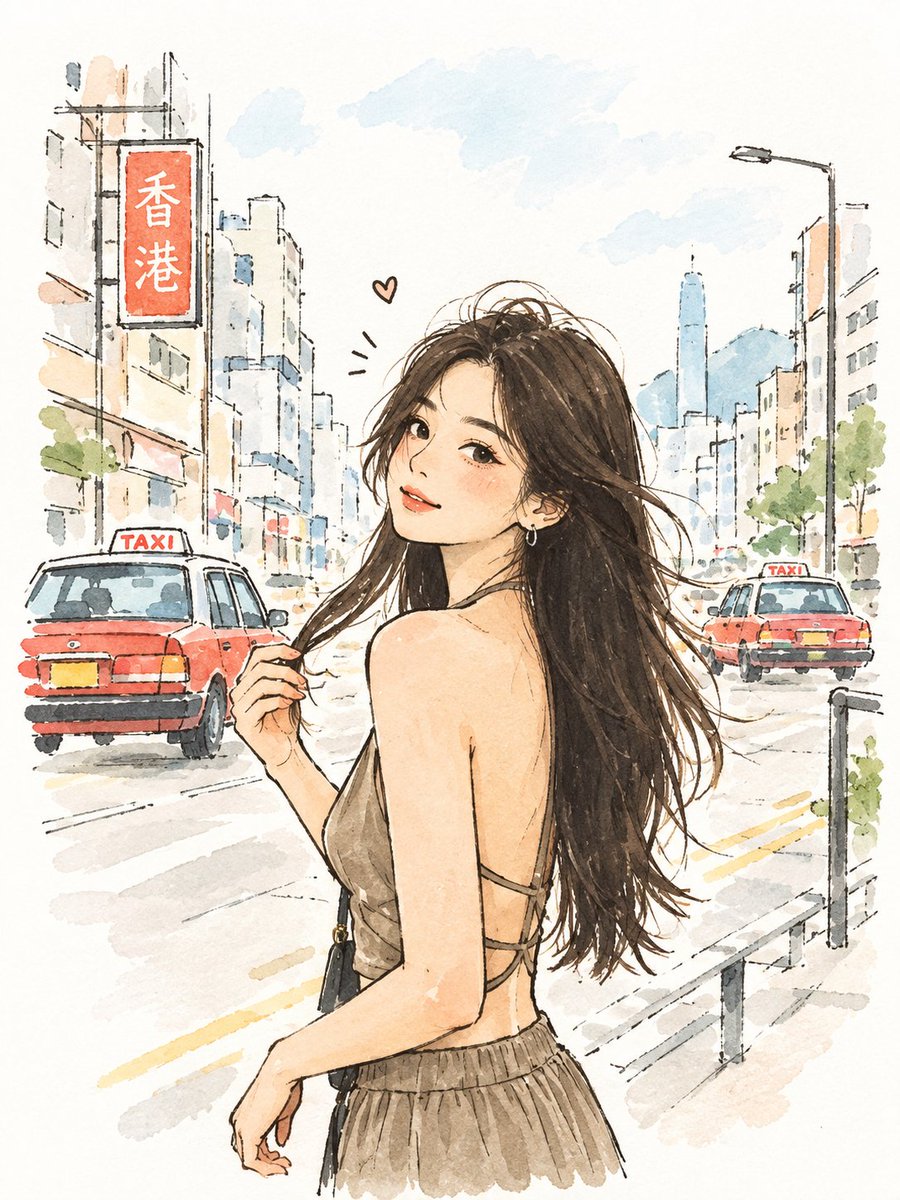
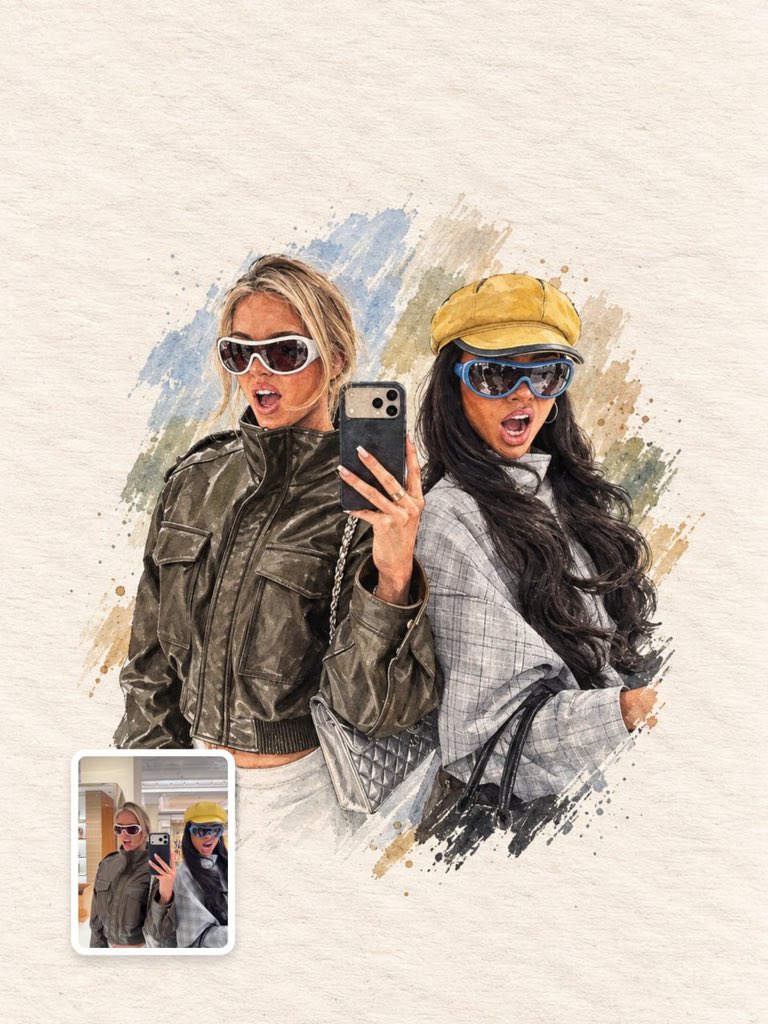
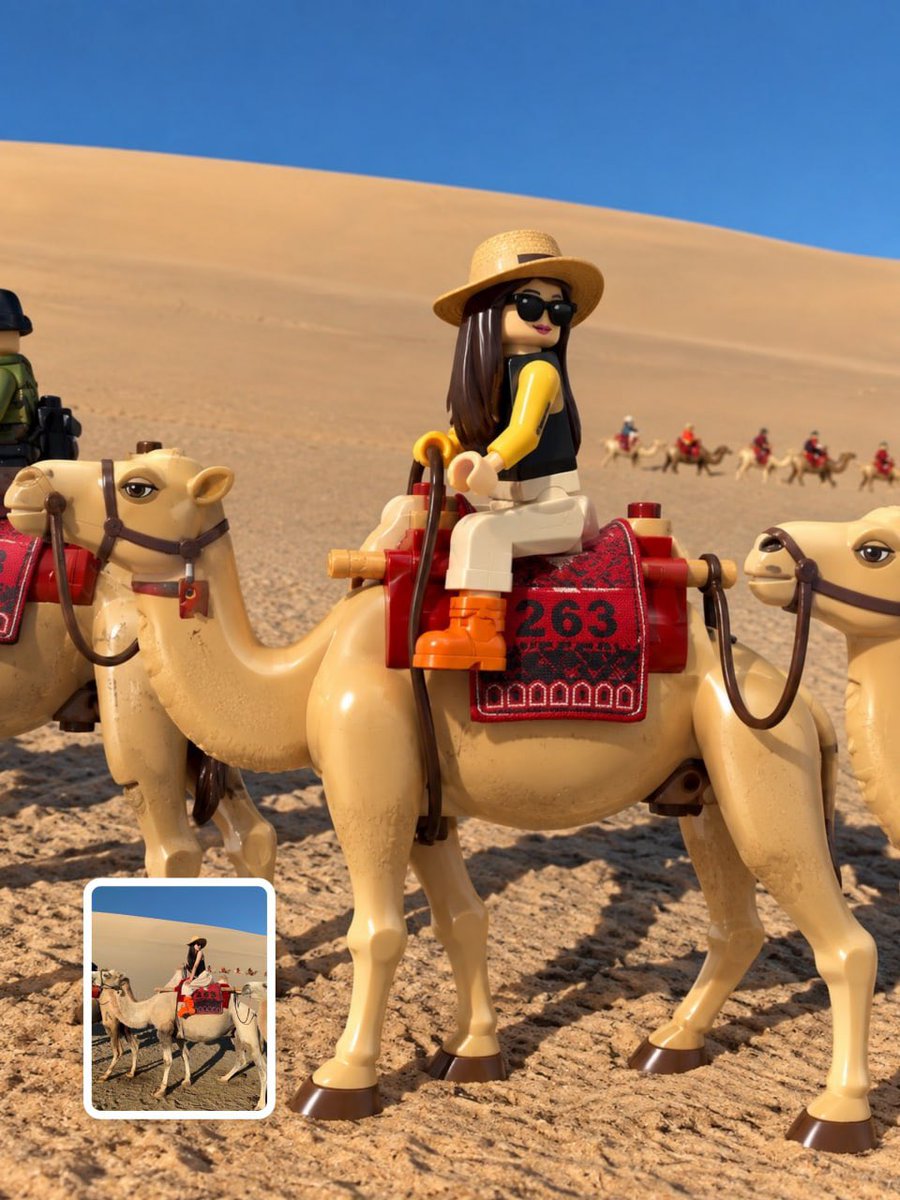
Transform the uploaded image into a premium die-cut sticker illustration while keeping the main subject fully recognizable. Remove or simplify the original background and cleanly isolate the primary subject. Add a thick soft cream or beige sticker border around the entire silhouette with a subtle realistic drop shadow to create a floating sticker effect. Preserve important textures and details while slightly stylizing the image with enhanced colors, cinematic contrast, and a polished editorial look. Refine the edges to create smooth, crisp sticker contours while maintaining realistic proportions and perspective. Place the final sticker composition centered on a clean pastel background with generous negative space, making it feel like a high-quality collectible vinyl sticker. The final image should feel minimal, modern, slightly nostalgic, and professionally designed, with no added text or extra objects.

21 모델에서 실행됩니다.

  • Flux
  • Flux 2
  • Flux Kontext
  • GPT-4o Image
  • GPT Image
  • GPT Image 2
  • GPT Image 2.5
  • GPT Image 2.6
  • Grok Imagine
  • Ideogram V3
  • Imagen 4
  • Kling
  • +9 이상

이 프롬프트의 출력

Hunyuan  prompt: wine 지정되지 않음 hunyuan-3
Hunyuan  prompt: can beer 지정되지 않음 hunyuan-3
Hunyuan  prompt: ربات 지정되지 않음 hunyuan-3
Hero prompt: recreate image 1 (close up indoor portrait of a wo... 지정되지 않음 1.0
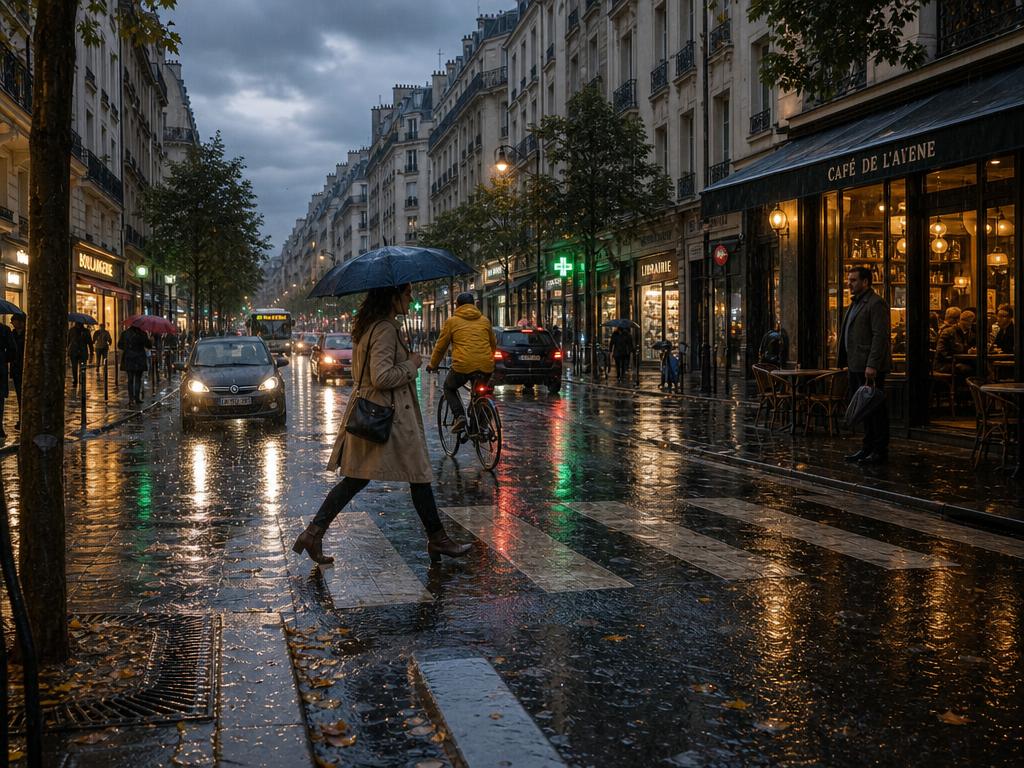
Rainy French Street at Night 지정되지 않음 gpt-image-2
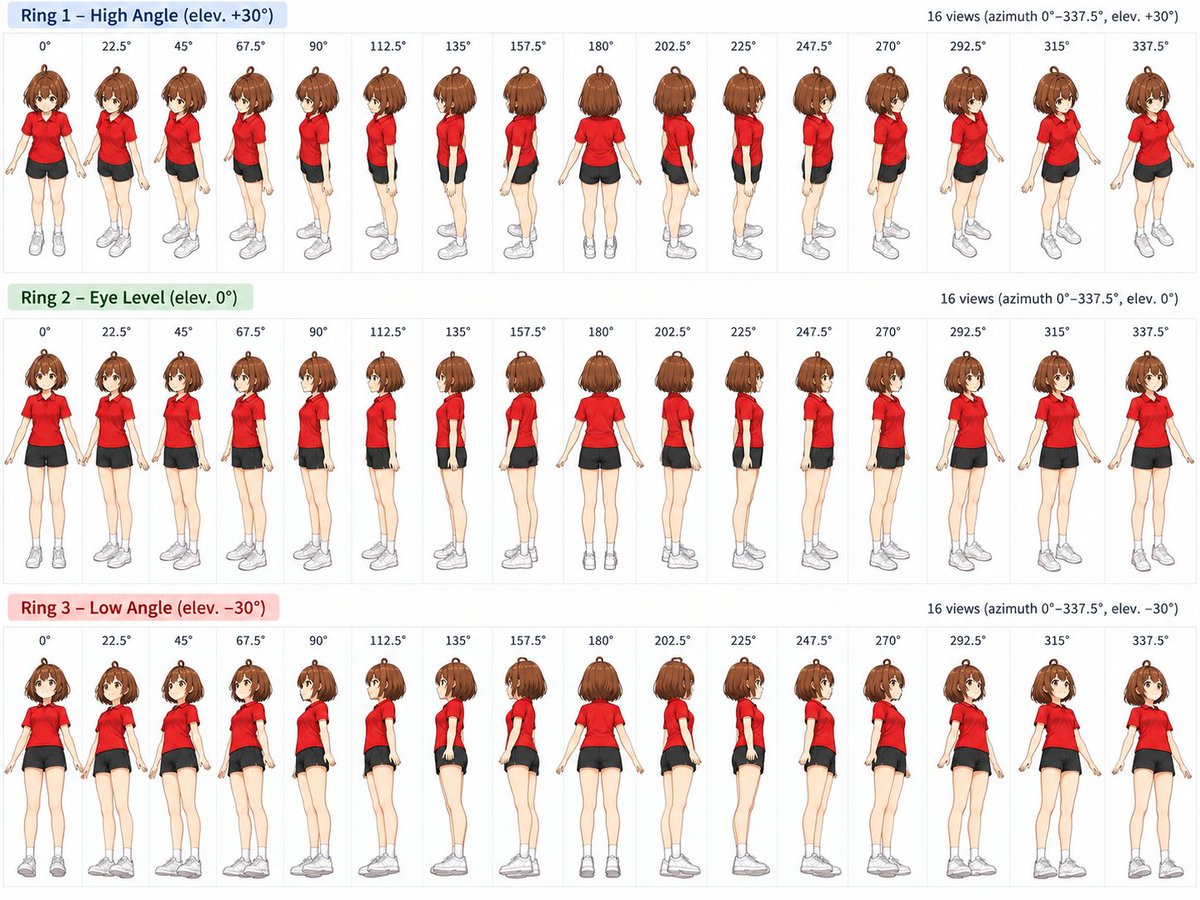
Camera Dome 48-Point View Setup 지정되지 않음 gpt-image-2

API를 사용하여 이 프롬프트를 실행하세요.

아래 요청은 기본값이 채워진 이 프롬프트를 실행되는 첫 번째 모델로 보냅니다. 위에 나열된 다른 모델의 모델 이름을 바꾸십시오.

프롬프트 API 문서
/api/v1/gpt_image_2/text_to_image
curl -X POST https://runapi.ai/api/v1/gpt_image_2/text_to_image \
  -H "Authorization: Bearer $RUNAPI_API_KEY" \
  -H "Content-Type: application/json" \
  --data-binary @- <<'JSON'
{
  "model": "gpt-image-2",
  "prompt": "Transform the uploaded image into a premium die-cut sticker illustration while keeping the main subject fully recognizable. Remove or simplify the original background and cleanly isolate the primary subject. Add a thick soft cream or beige sticker border around the entire silhouette with a subtle realistic drop shadow to create a floating sticker effect. Preserve important textures and details while slightly stylizing the image with enhanced colors, cinematic contrast, and a polished editorial look. Refine the edges to create smooth, crisp sticker contours while maintaining realistic proportions and perspective. Place the final sticker composition centered on a clean pastel background with generous negative space, making it feel like a high-quality collectible vinyl sticker. The final image should feel minimal, modern, slightly nostalgic, and professionally designed, with no added text or extra objects."
}
JSON

메시지를 보내보세요