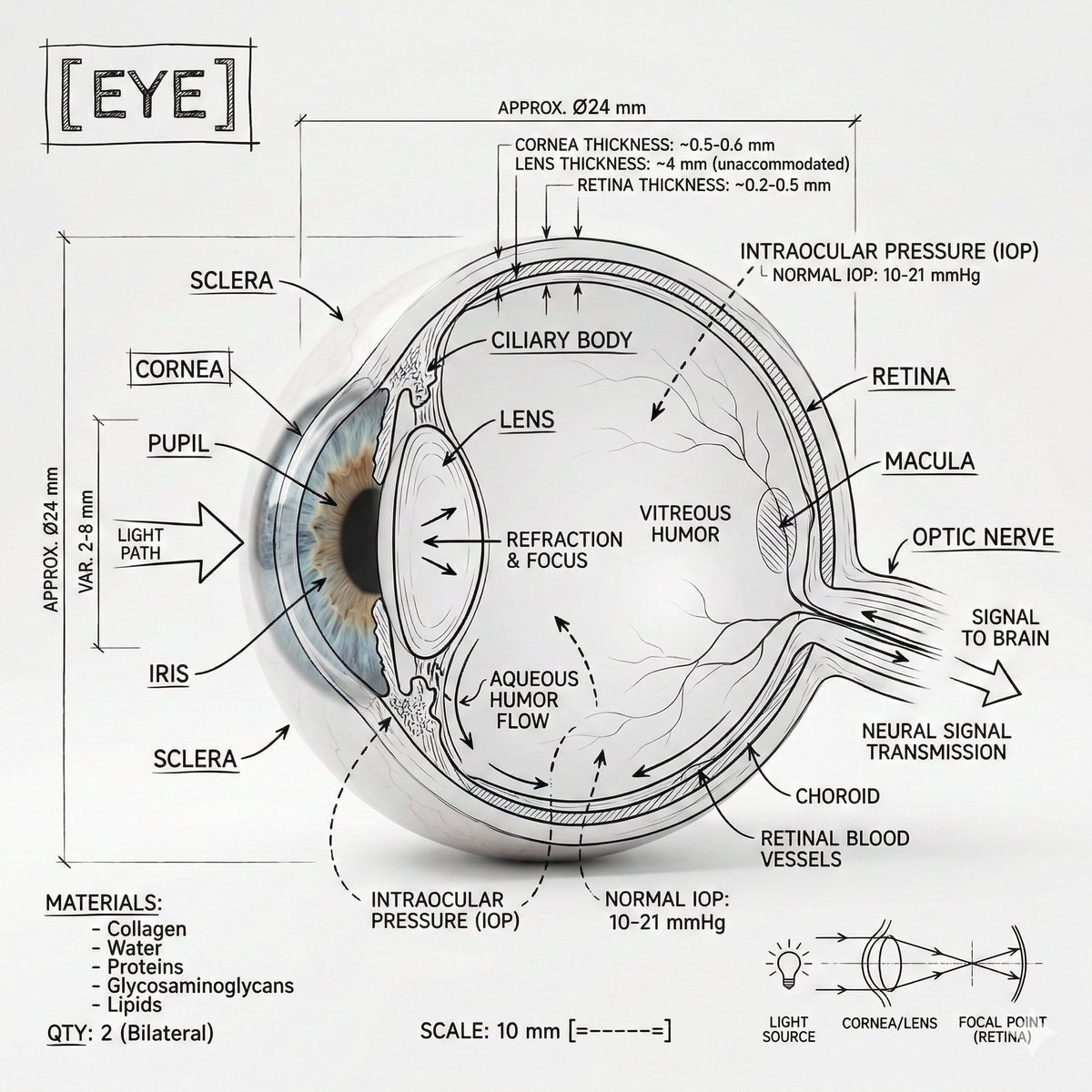
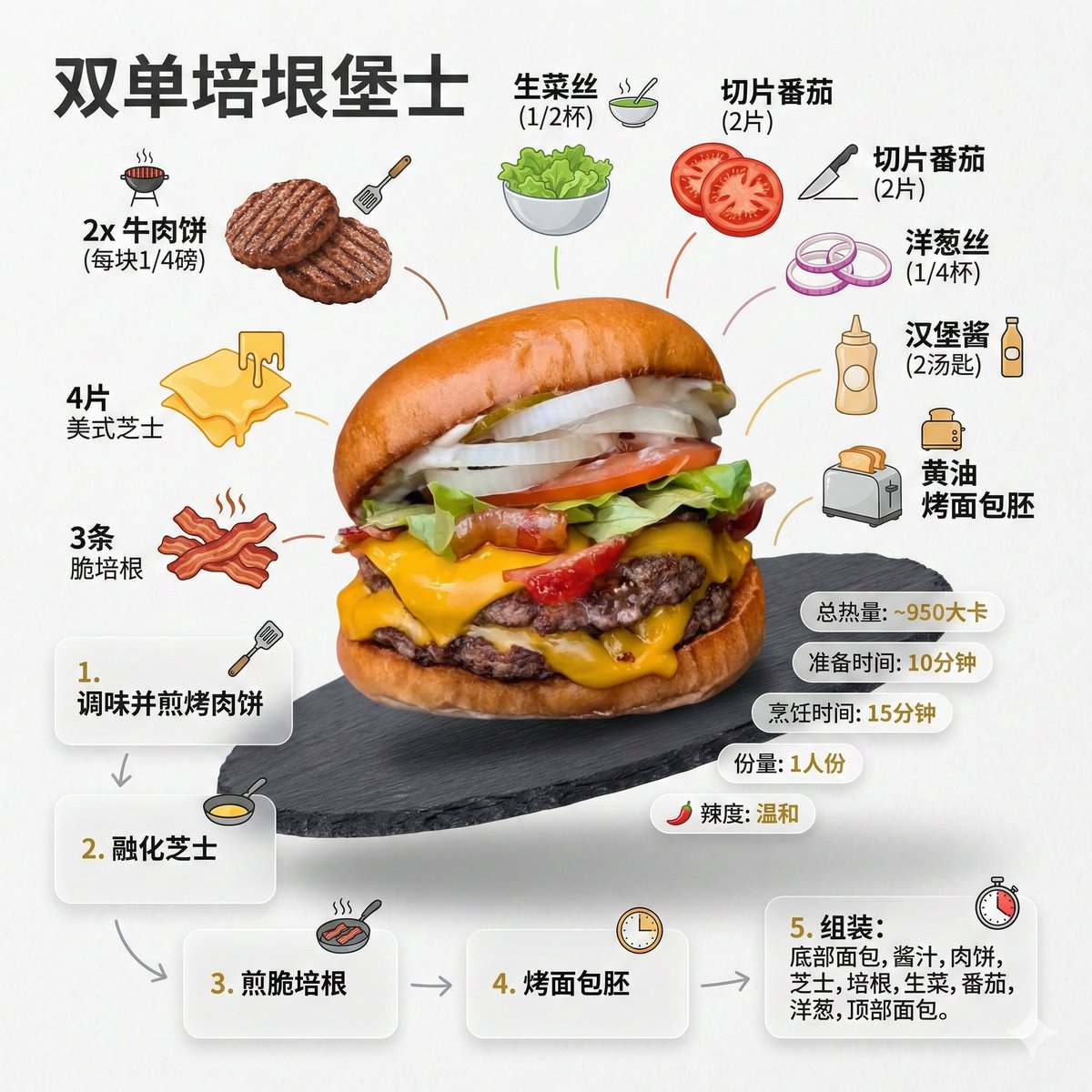
Technical Manual Infographic Style
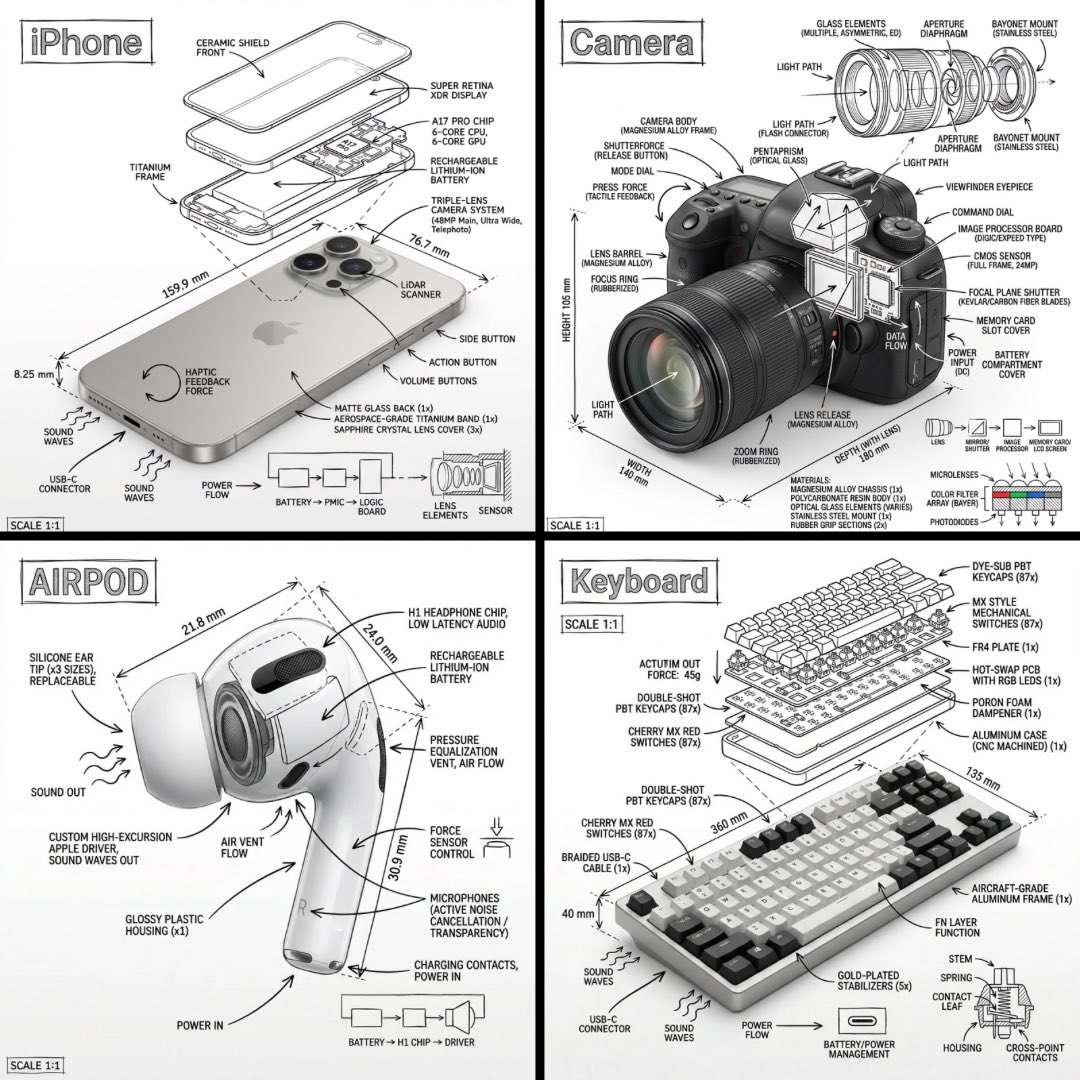
Technical Manual Infographic Style

즉각적인

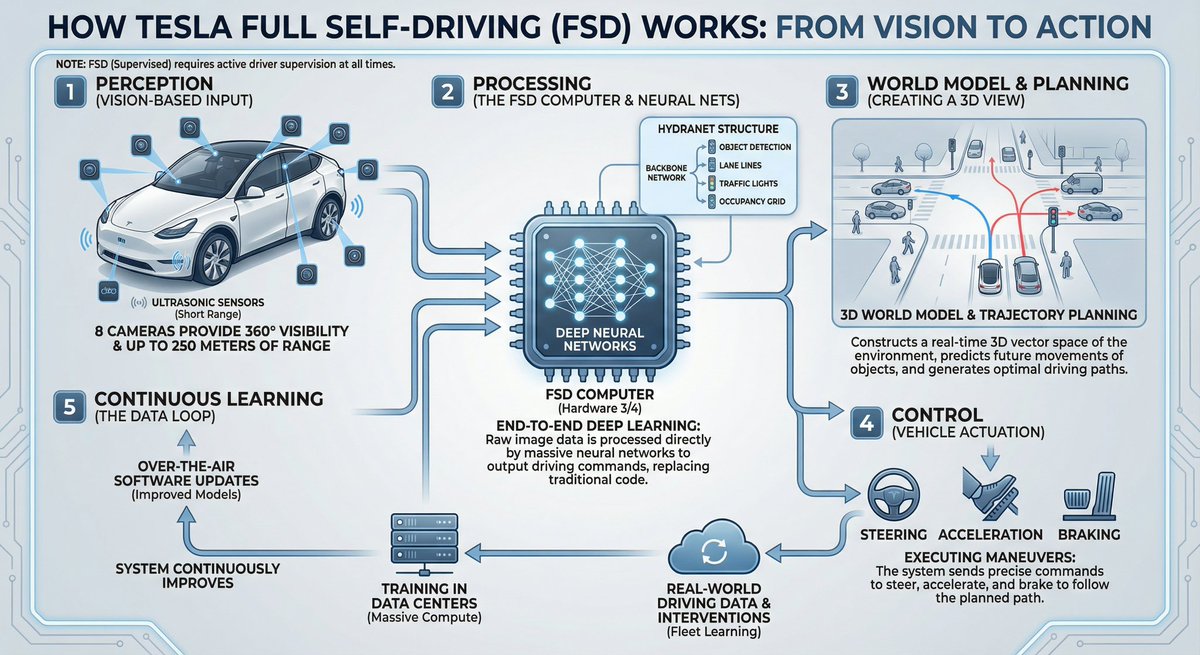
Design an infographic-style image of [OBJECT] that fuses a photorealistic render of the object with hand-drawn technical annotations layered directly on top. Render the annotations in black ink linework and matching text (architectural pen / technical manual look) sitting on a pure white studio backdrop. The annotations should include: • Labels for every key component • Exploded-view or cutaway outlines revealing internals • Dimensions, measurements, and scale indicators • Material callouts with quantities • Directional arrows showing function, force, or flow (airflow, sound, current, pressure) • Small schematic or cross-section diagrams where they help. Drop the title [OBJECT] inside a sketched annotation box tucked into one corner. Style and layout: • The realistic object stays fully visible underneath the annotation layer • Annotations read as sketched, precise, architectural • Tidy composition with deliberate negative space • Vibe: engineering manual meets museum exhibit. Visual style: Minimal technical illustration aesthetic, crisp black linework over photoreal imagery, exacting yet slightly hand-drawn. Color palette: Pure white background, strictly black lines and text. No other colors. Output: 1080x1080, razor-sharp, optimized for social feeds, no watermark.

20 모델에서 실행됩니다.

  • Flux
  • Flux 2
  • Flux Kontext
  • GPT-4o Image
  • GPT Image
  • GPT Image 2
  • GPT Image 2.5
  • GPT Image 2.6
  • Grok Imagine
  • Ideogram V3
  • Imagen 4
  • Kling
  • +8 이상

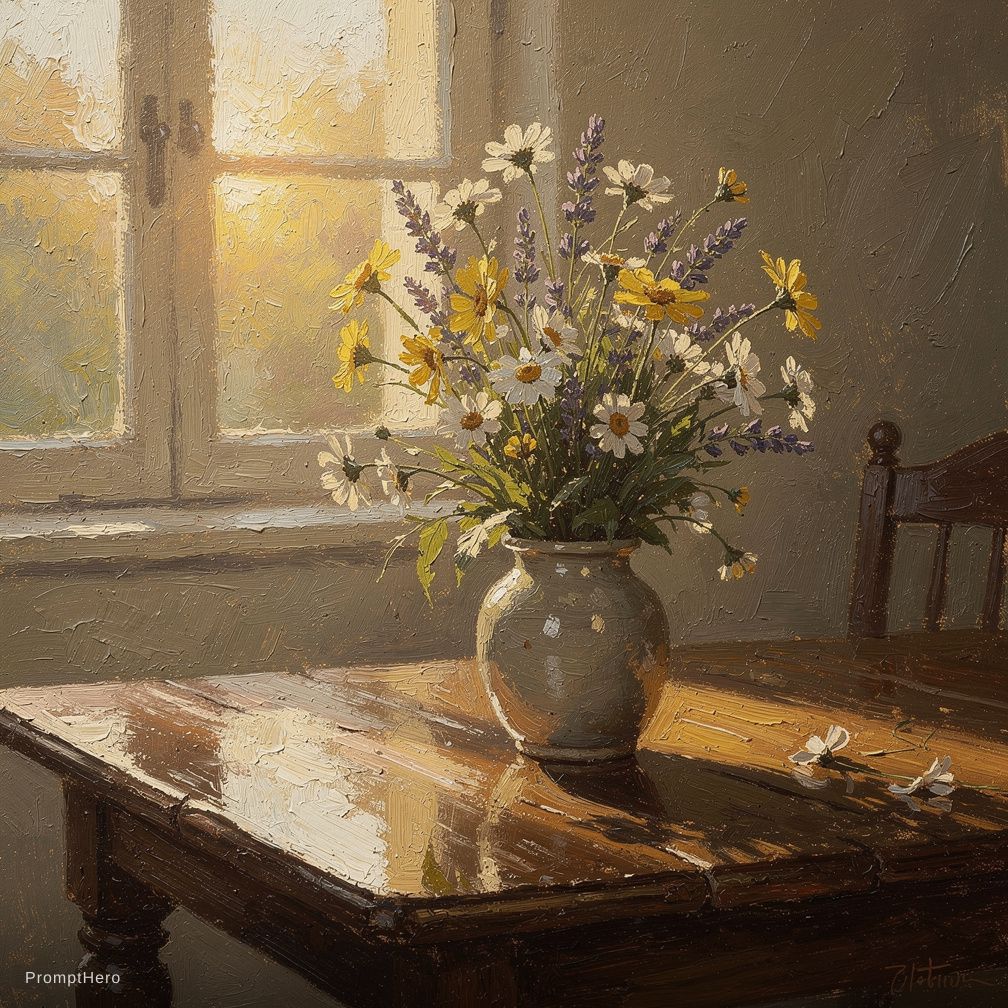
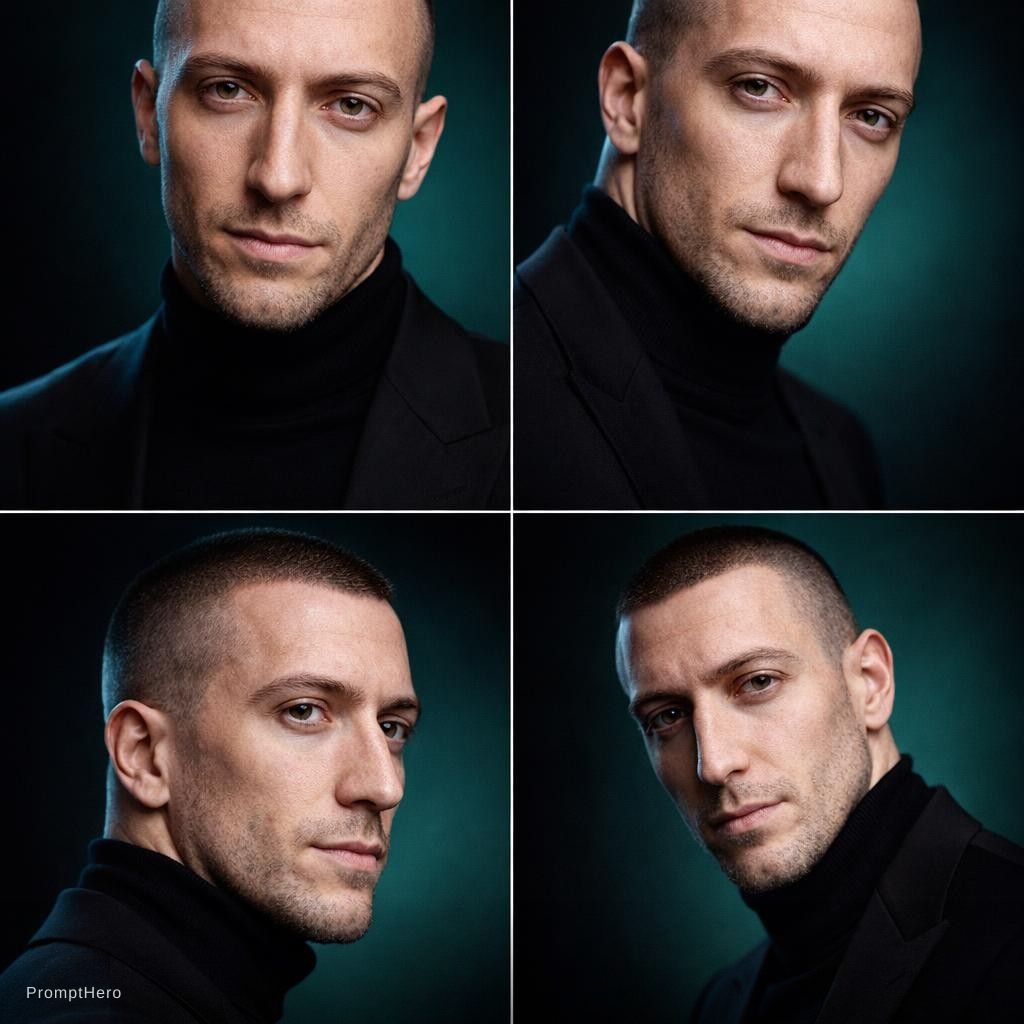
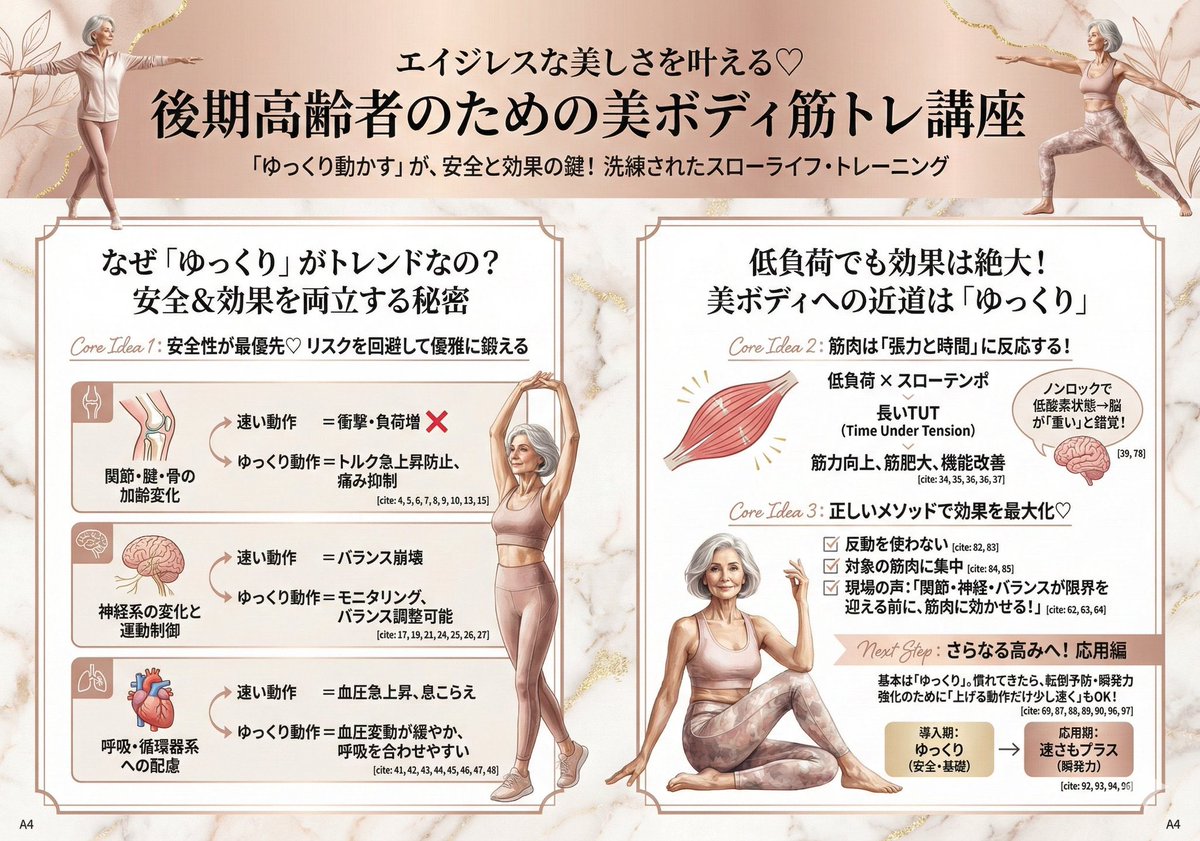
이 프롬프트의 출력

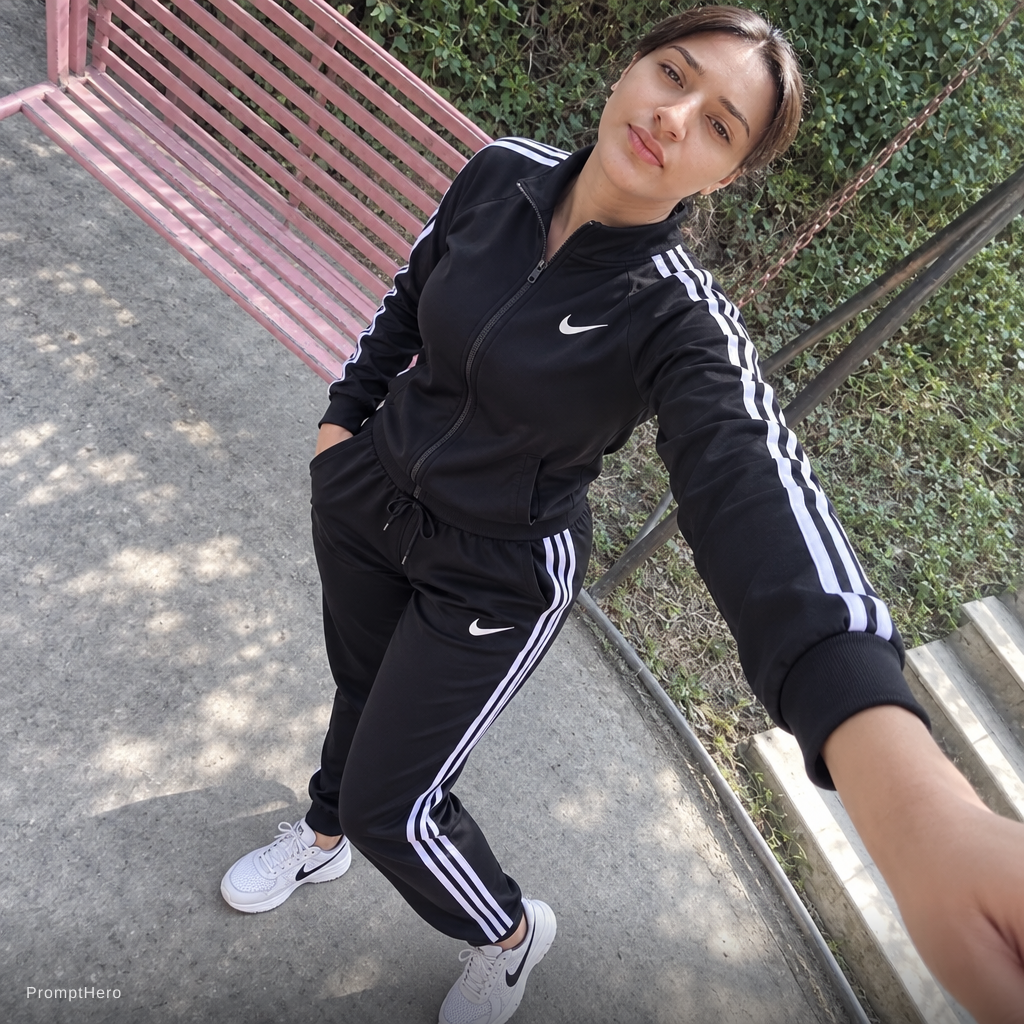
ChatGPT Image prompt: Sport stil 지정되지 않음 gpt-image-2.6-flare
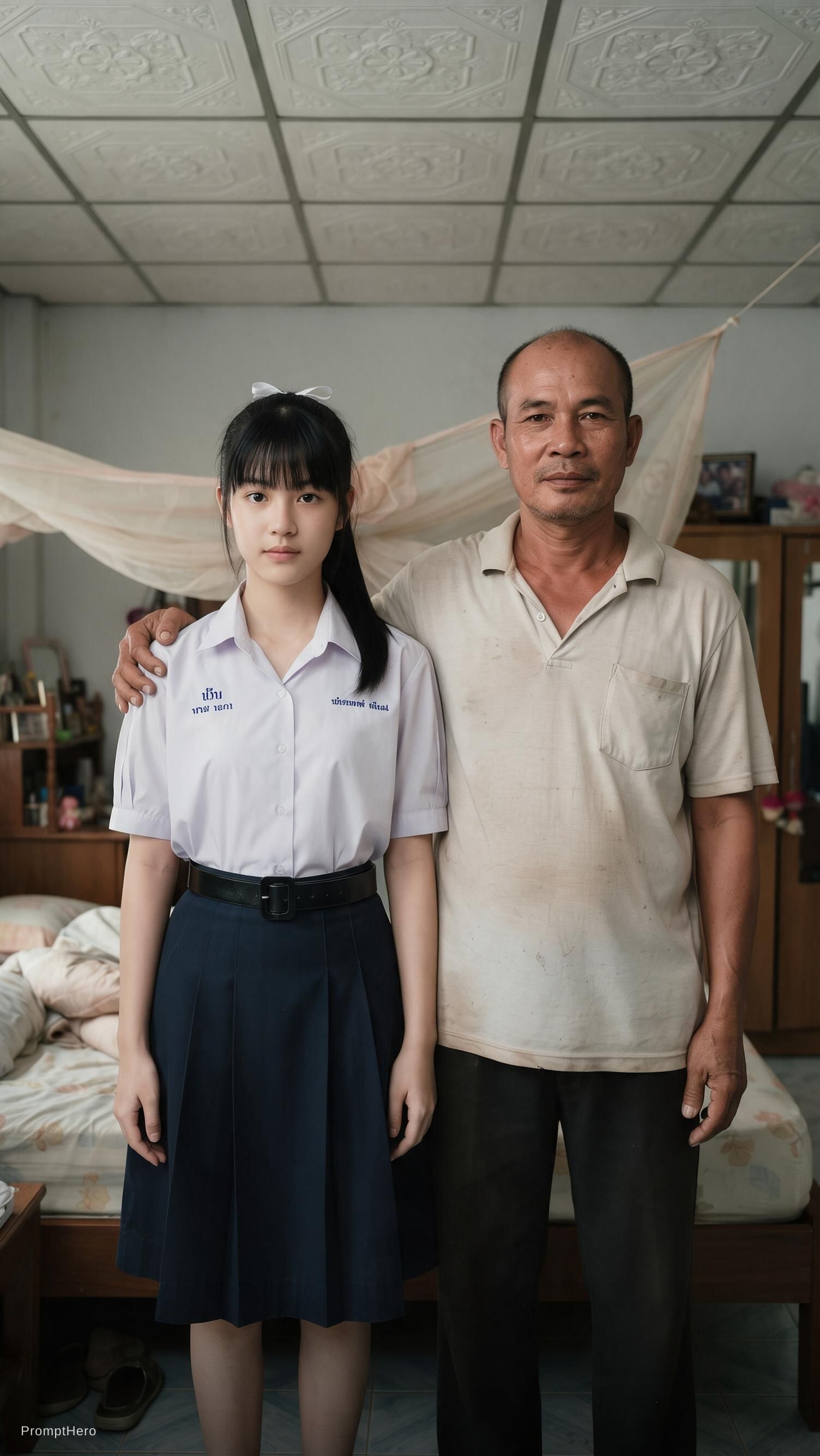
Seedream 5 prompt: Have the man put his arm around the woman's should 지정되지 않음 seedream-5-pro
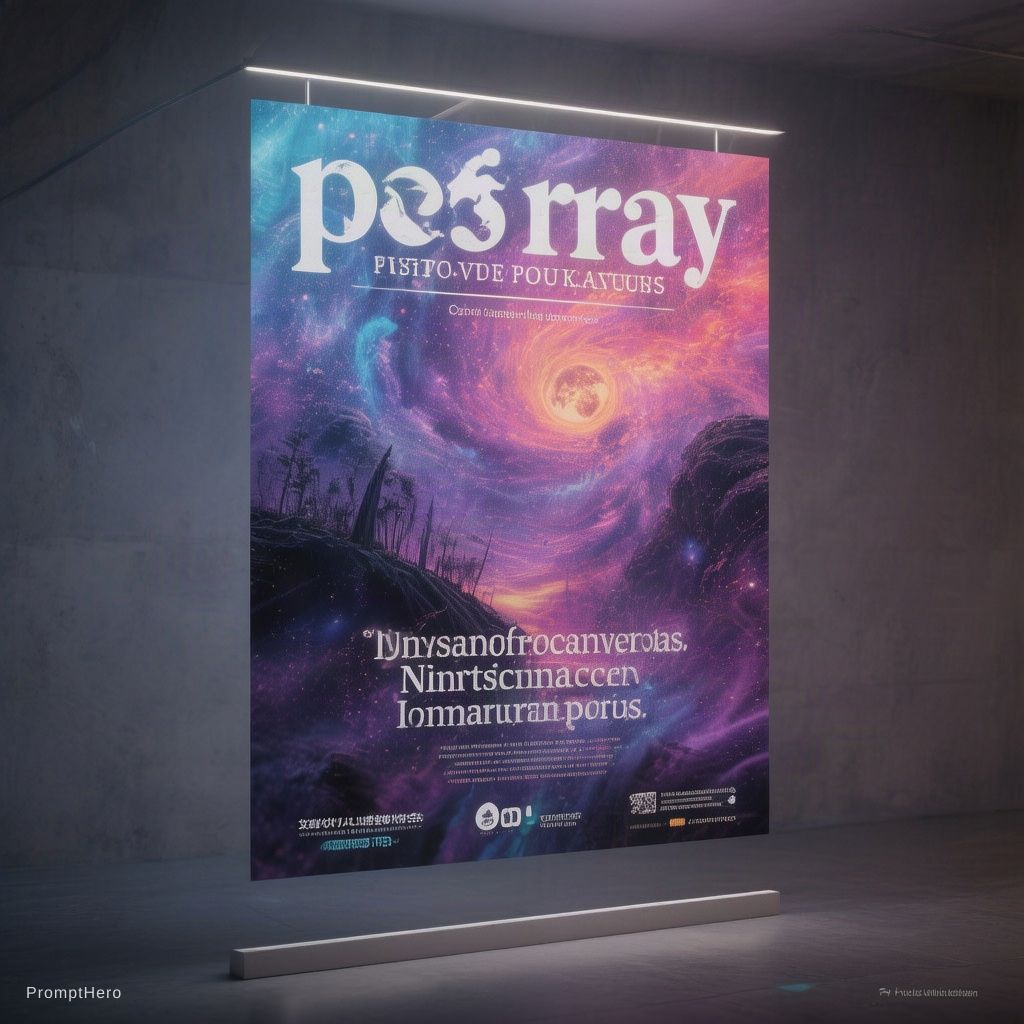
Hunyuan  prompt: póster/imagen 지정되지 않음 hunyuan-3
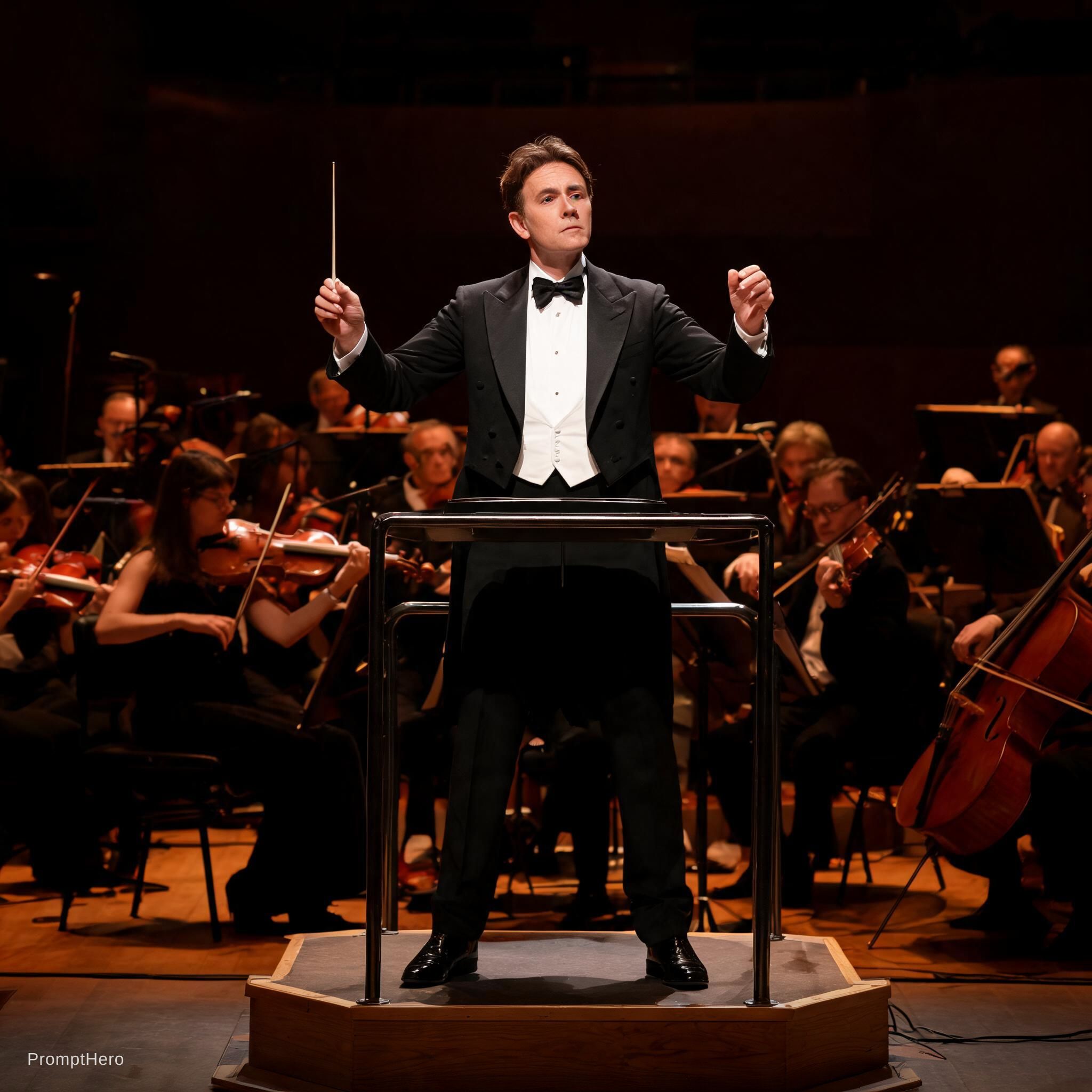
Seedream 5 prompt: Conductor 지정되지 않음 v2
FLUX prompt: oil painting 지정되지 않음 flux-2-pro
ChatGPT Image prompt: vytvor fotorealistycke študio quality s viacerimi ... 지정되지 않음 v1

API를 사용하여 이 프롬프트를 실행하세요.

아래 요청은 기본값이 채워진 이 프롬프트를 실행되는 첫 번째 모델로 보냅니다. 위에 나열된 다른 모델의 모델 이름을 바꾸십시오.

프롬프트 API 문서
/api/v1/gpt_image_2/text_to_image
curl -X POST https://runapi.ai/api/v1/gpt_image_2/text_to_image \
  -H "Authorization: Bearer $RUNAPI_API_KEY" \
  -H "Content-Type: application/json" \
  --data-binary @- <<'JSON'
{
  "model": "gpt-image-2",
  "prompt": "Design an infographic-style image of [OBJECT] that fuses a photorealistic render of the object with hand-drawn technical annotations layered directly on top. Render the annotations in black ink linework and matching text (architectural pen / technical manual look) sitting on a pure white studio backdrop. The annotations should include: • Labels for every key component • Exploded-view or cutaway outlines revealing internals • Dimensions, measurements, and scale indicators • Material callouts with quantities • Directional arrows showing function, force, or flow (airflow, sound, current, pressure) • Small schematic or cross-section diagrams where they help. Drop the title [OBJECT] inside a sketched annotation box tucked into one corner. Style and layout: • The realistic object stays fully visible underneath the annotation layer • Annotations read as sketched, precise, architectural • Tidy composition with deliberate negative space • Vibe: engineering manual meets museum exhibit. Visual style: Minimal technical illustration aesthetic, crisp black linework over photoreal imagery, exacting yet slightly hand-drawn. Color palette: Pure white background, strictly black lines and text. No other colors. Output: 1080x1080, razor-sharp, optimized for social feeds, no watermark."
}
JSON

메시지를 보내보세요

예상 금액: $0.04 / 이미지

RunAPI로 생성하려면 로그인하세요.

로그인 후 생성

로그인하여 사용 가능한 언어 모델로 생성을 시작하세요.