Glasses Glare Removal Comparison
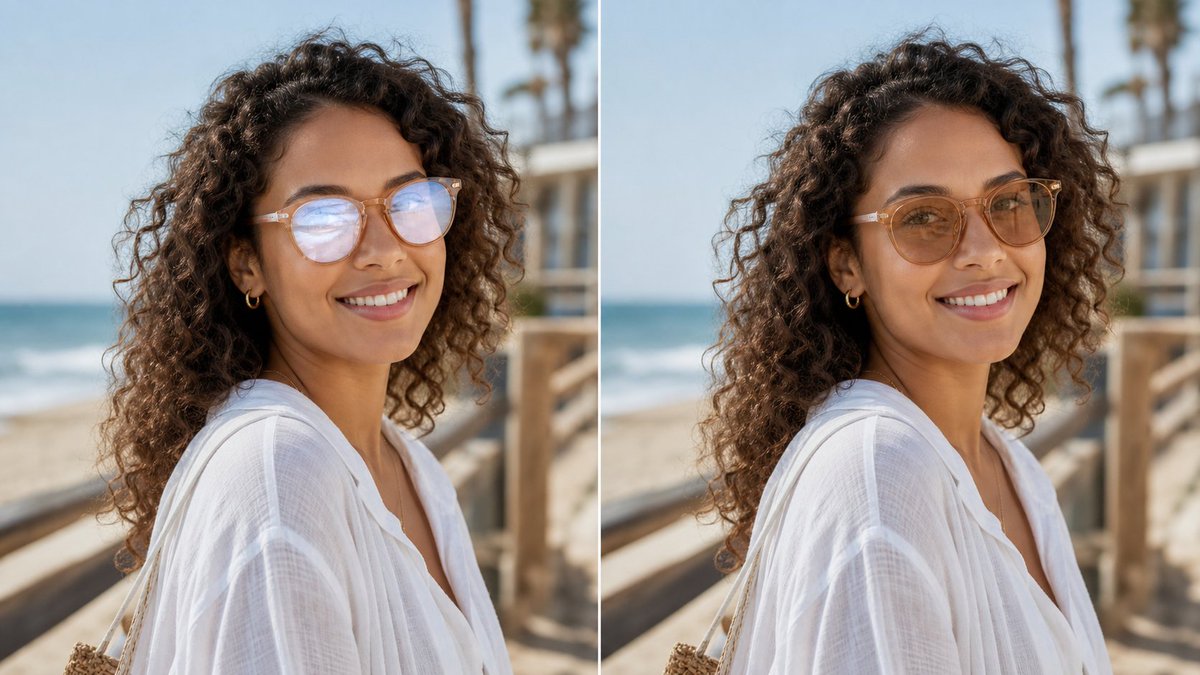
Glasses Glare Removal Comparison

즉각적인

Create a realistic side-by-side before-and-after comparison image showing the same outdoor portrait in two vertical panels separated by a thin white divider. The subject is a woman with long dark curly hair wearing a loose white linen beach blouse, small gold hoop earrings, and light-framed eyeglasses, photographed from the shoulders up in three-quarter profile on a sunny beach boardwalk. The background shows ocean waves on the left, pale blue sky, wooden railings, and softly blurred palm trees, with shallow depth of field and natural warm daylight. Use exactly 2 panels: left panel is the original portrait with visible glasses glare/reflections partially obscuring the eyes, and right panel is the edited version where the glare has been removed and the eyes look natural while the face shape, pose, hair, clothing, lighting, and background remain unchanged. Add no labels or captions. Preserve photorealistic texture in the curls, translucent white fabric, skin tones, and beach environment. Keep the composition cropped horizontally like a social media comparison image, with the subject centered across both panels and the edit looking subtle and trustworthy for a profile photo. Use 16:9 landscape, sunny beach boardwalk, and remove eyeglasses glare without changing the face.

21 모델에서 실행됩니다.

  • Flux
  • Flux 2
  • Flux Kontext
  • GPT-4o Image
  • GPT Image
  • GPT Image 2
  • GPT Image 2.5
  • GPT Image 2.6
  • Grok Imagine
  • Ideogram V3
  • Imagen 4
  • Kling
  • +9 이상

이 프롬프트의 출력

Wireless Doorbell Camera Instructions Prompt 지정되지 않음 gpt-image-2
Hunyuan  prompt: wine 지정되지 않음 hunyuan-3
Hunyuan  prompt: can beer 지정되지 않음 hunyuan-3
Hunyuan  prompt: ربات 지정되지 않음 hunyuan-3
Hero prompt: recreate image 1 (close up indoor portrait of a wo... 지정되지 않음 1.0
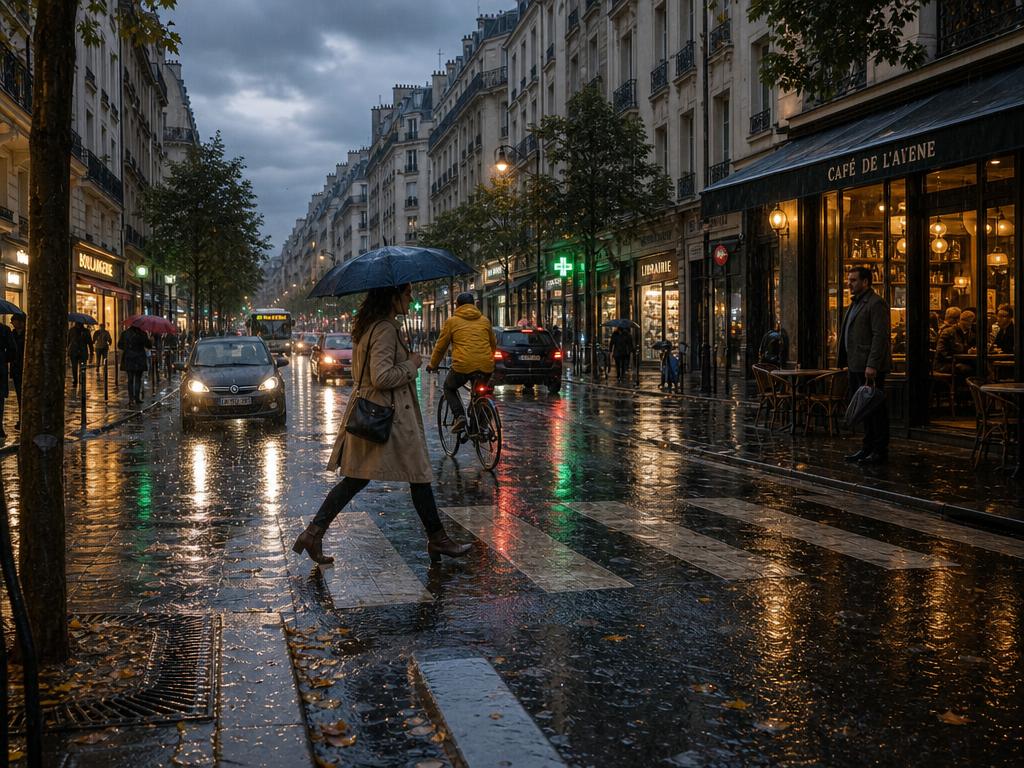
Rainy French Street at Night 지정되지 않음 gpt-image-2

API를 사용하여 이 프롬프트를 실행하세요.

아래 요청은 기본값이 채워진 이 프롬프트를 실행되는 첫 번째 모델로 보냅니다. 위에 나열된 다른 모델의 모델 이름을 바꾸십시오.

프롬프트 API 문서
/api/v1/gpt_image_2/text_to_image
curl -X POST https://runapi.ai/api/v1/gpt_image_2/text_to_image \
  -H "Authorization: Bearer $RUNAPI_API_KEY" \
  -H "Content-Type: application/json" \
  --data-binary @- <<'JSON'
{
  "model": "gpt-image-2",
  "prompt": "Create a realistic side-by-side before-and-after comparison image showing the same outdoor portrait in two vertical panels separated by a thin white divider. The subject is a woman with long dark curly hair wearing a loose white linen beach blouse, small gold hoop earrings, and light-framed eyeglasses, photographed from the shoulders up in three-quarter profile on a sunny beach boardwalk. The background shows ocean waves on the left, pale blue sky, wooden railings, and softly blurred palm trees, with shallow depth of field and natural warm daylight. Use exactly 2 panels: left panel is the original portrait with visible glasses glare/reflections partially obscuring the eyes, and right panel is the edited version where the glare has been removed and the eyes look natural while the face shape, pose, hair, clothing, lighting, and background remain unchanged. Add no labels or captions. Preserve photorealistic texture in the curls, translucent white fabric, skin tones, and beach environment. Keep the composition cropped horizontally like a social media comparison image, with the subject centered across both panels and the edit looking subtle and trustworthy for a profile photo. Use 16:9 landscape, sunny beach boardwalk, and remove eyeglasses glare without changing the face."
}
JSON

메시지를 보내보세요