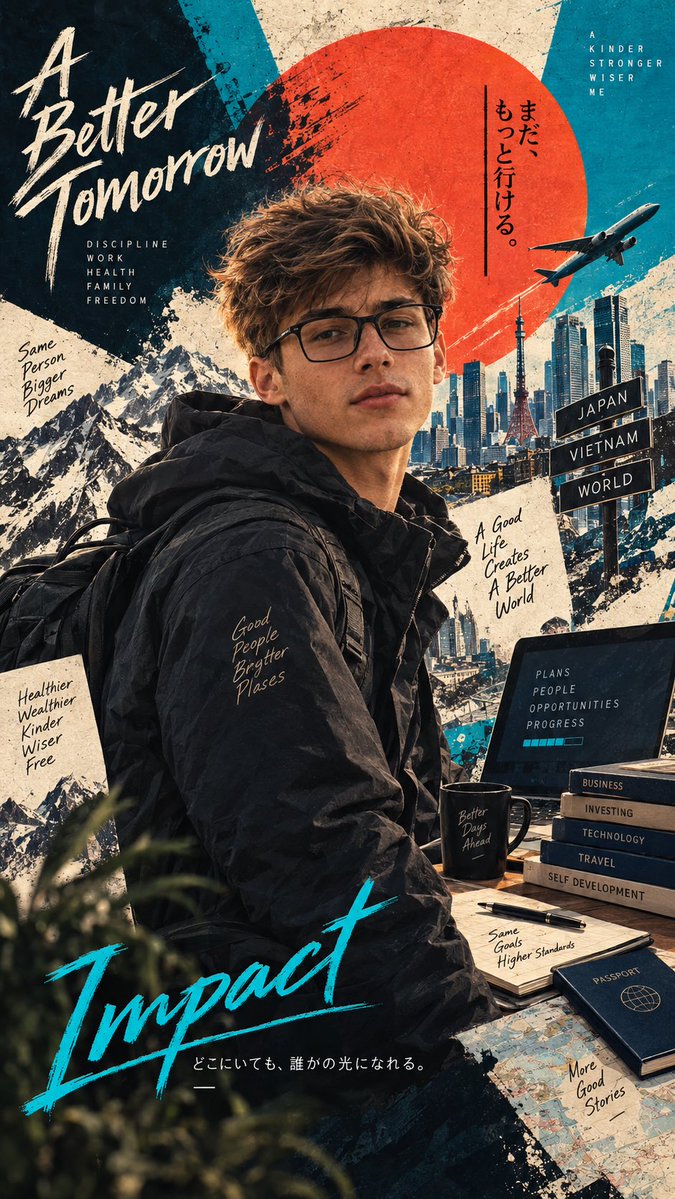
Photo to Illustration Poster GPT Image 2
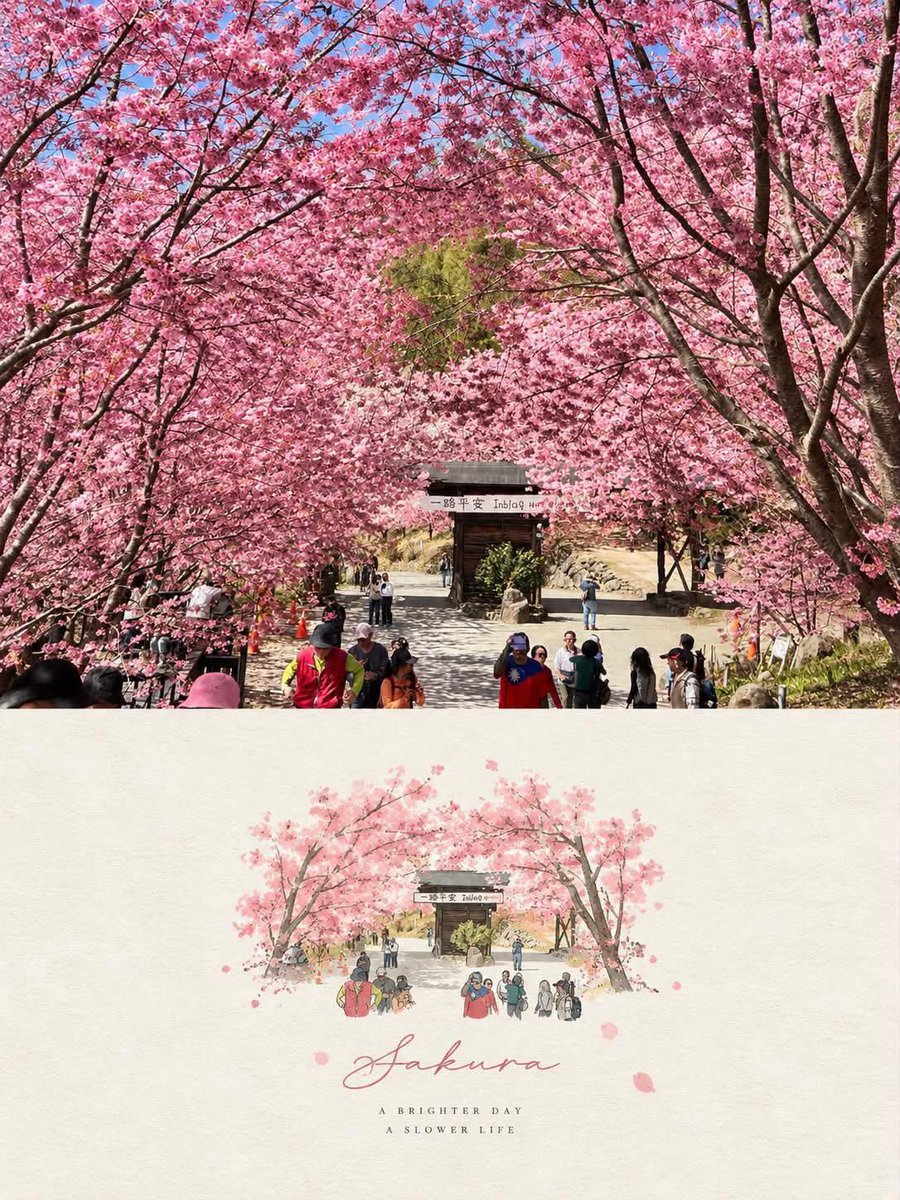
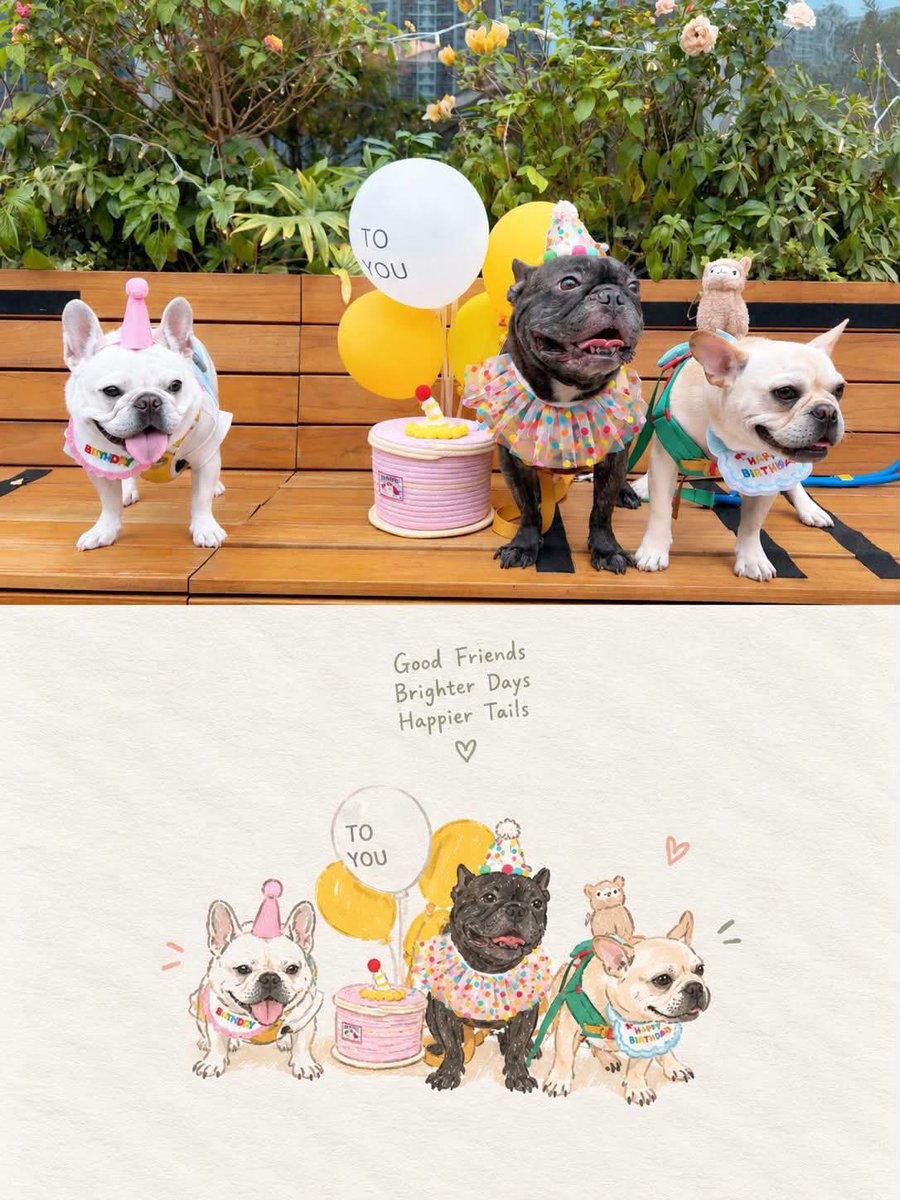
Photo to Illustration Poster GPT Image 2

즉각적인

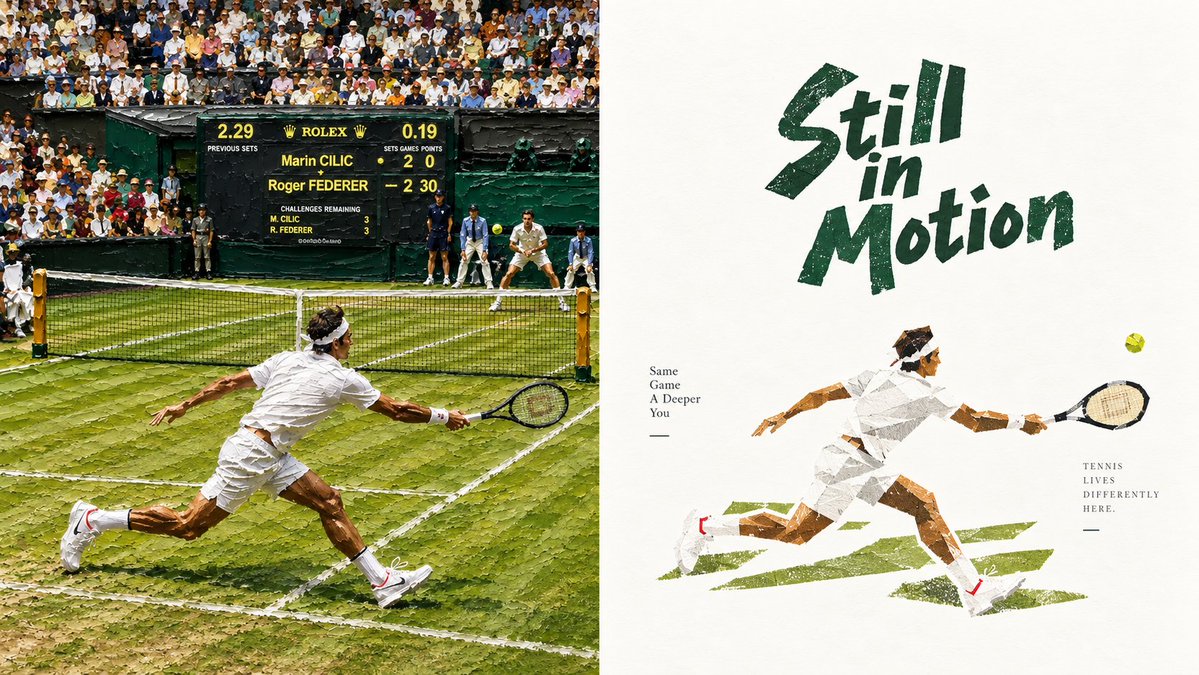
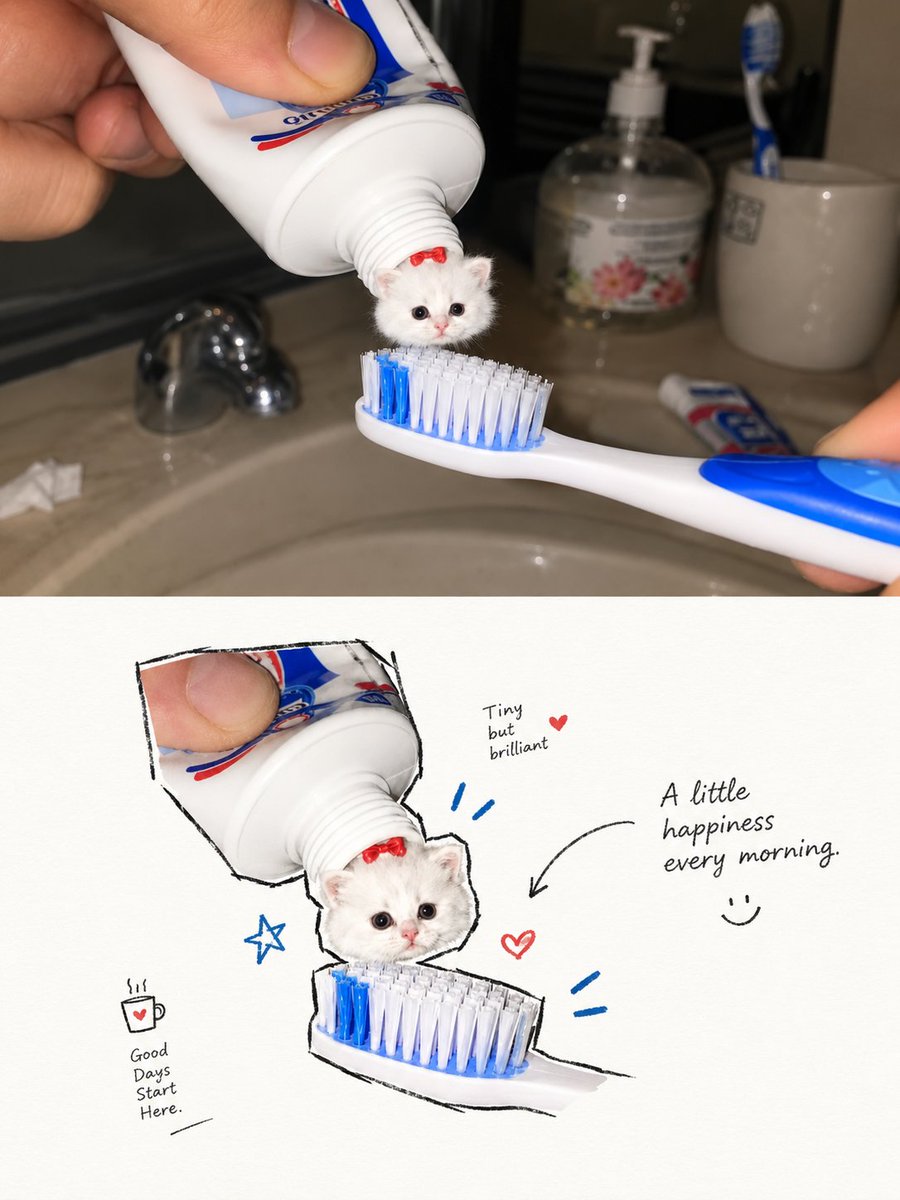
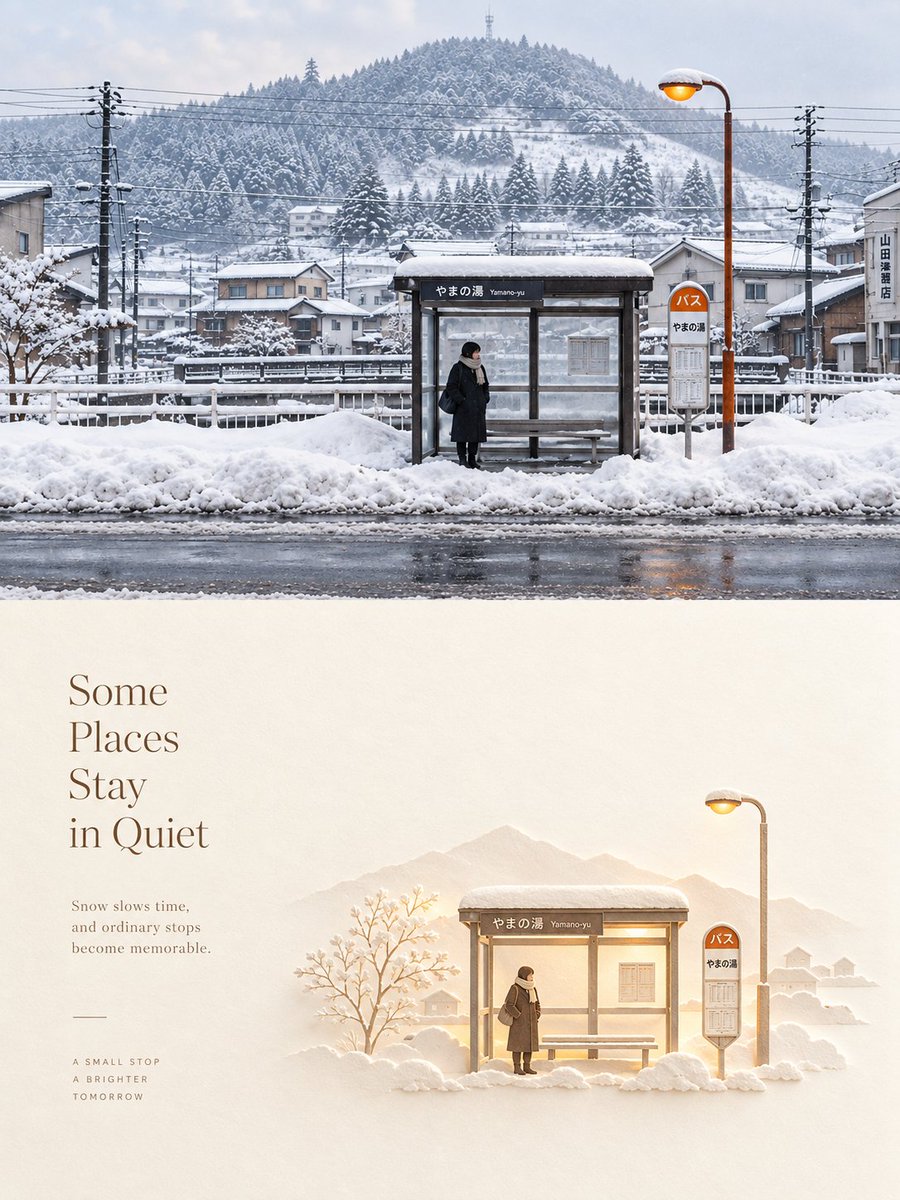
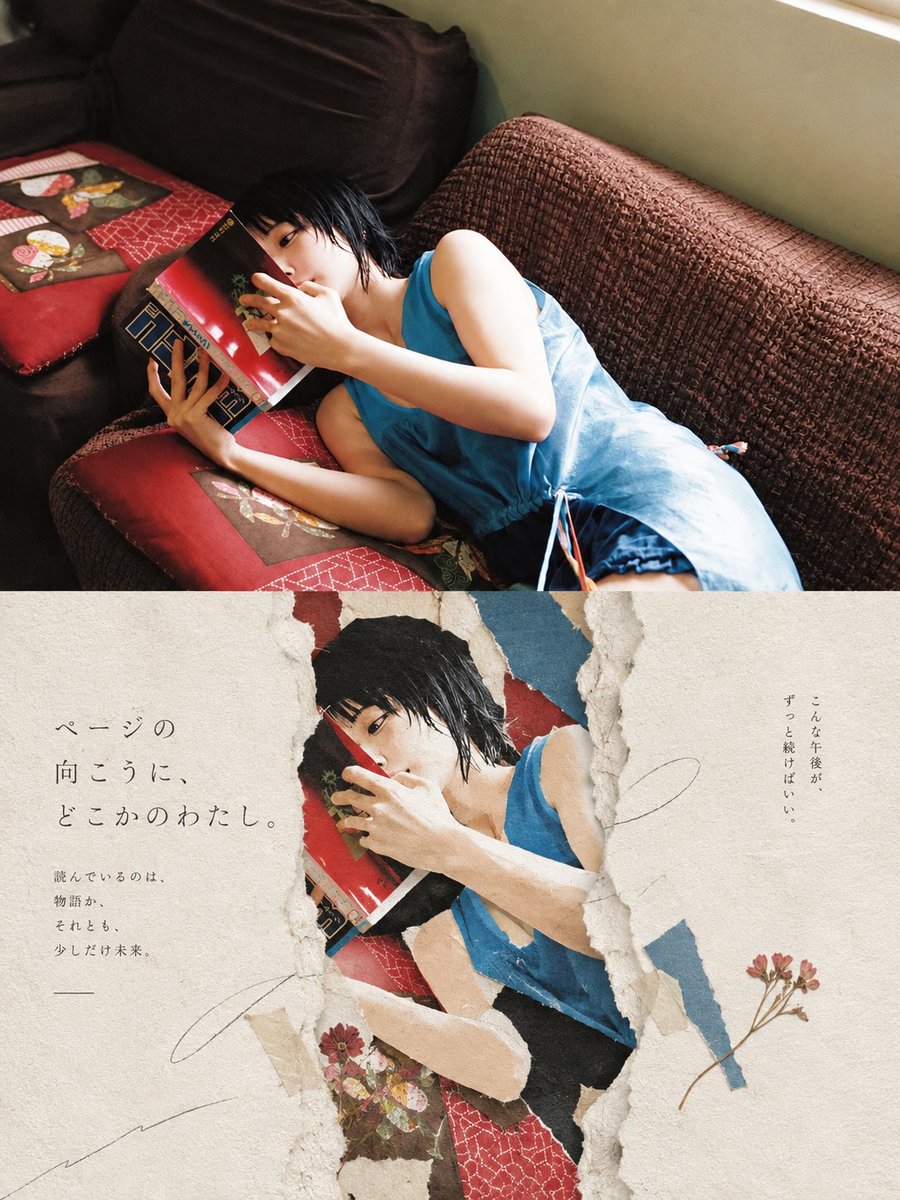
Use the uploaded image as the primary reference. Preserve the original scene, composition, subjects, poses, proportions, colors, and important details accurately. Do not replace or rearrange the main elements. Create a vertical 3:4 editorial poster with a refined photograph-to-hand-drawn-illustration transformation. TOP SECTION — ORIGINAL PHOTO •Keep the uploaded photograph essentially unchanged. •Preserve the exact environment, people/animals, objects, architecture, lighting, colors, and composition. •Make it look natural, sharp, and photographic. •The photo should occupy approximately the upper 50% of the poster. BOTTOM SECTION — ILLUSTRATED VERSION •Recreate the same scene from the photograph as a delicate hand-drawn illustration. •Keep the same subjects, positions, poses, perspective, and recognizable details. •Use a soft watercolor + colored pencil + ink sketch aesthetic. •Fine expressive outlines, subtle pencil texture, gentle watercolor washes, slightly imperfect hand-drawn edges. •Simplify the background while retaining the most recognizable environmental elements. •Use soft pastel tones, natural paper colors, subtle grain, and an elegant editorial/art-book feeling. •The illustration should feel like a premium travel/lifestyle postcard, not a cartoon or generic digital painting. •Maintain visual continuity between the photograph and illustration. LAYOUT & DESIGN •Vertical 3:4 composition. •Upper half = original photograph. •Lower half = warm off-white textured paper/canvas background. •Create a soft, seamless transition between the two sections. •Place the illustrated recreation centrally in the lower section with generous negative space around it. •Add a few subtle hand-drawn decorative elements such as tiny petals, leaves, hearts, or sketch marks only if they naturally fit the scene. •Minimal, elegant typography beneath or around the illustration. •Use a sophisticated handwritten/script font for the main title and a small minimalist serif/sans-serif font for the subtitle. •Keep typography understated and balanced. TEXT Replace the title and subtitle with context-appropriate wording, or use: “A Brighter Day” “A Slower Life” For pet/family images, use: “Good Friends” “Brighter Days” “Happier Tails ♡” IMPORTANT •Do not alter the identity or appearance of people or animals. •Do not add extra people, animals, buildings, structures, etc.

21 모델에서 실행됩니다.

  • Flux
  • Flux 2
  • Flux Kontext
  • GPT-4o Image
  • GPT Image
  • GPT Image 2
  • GPT Image 2.5
  • GPT Image 2.6
  • Grok Imagine
  • Ideogram V3
  • Imagen 4
  • Kling
  • +9 이상

이 프롬프트의 출력

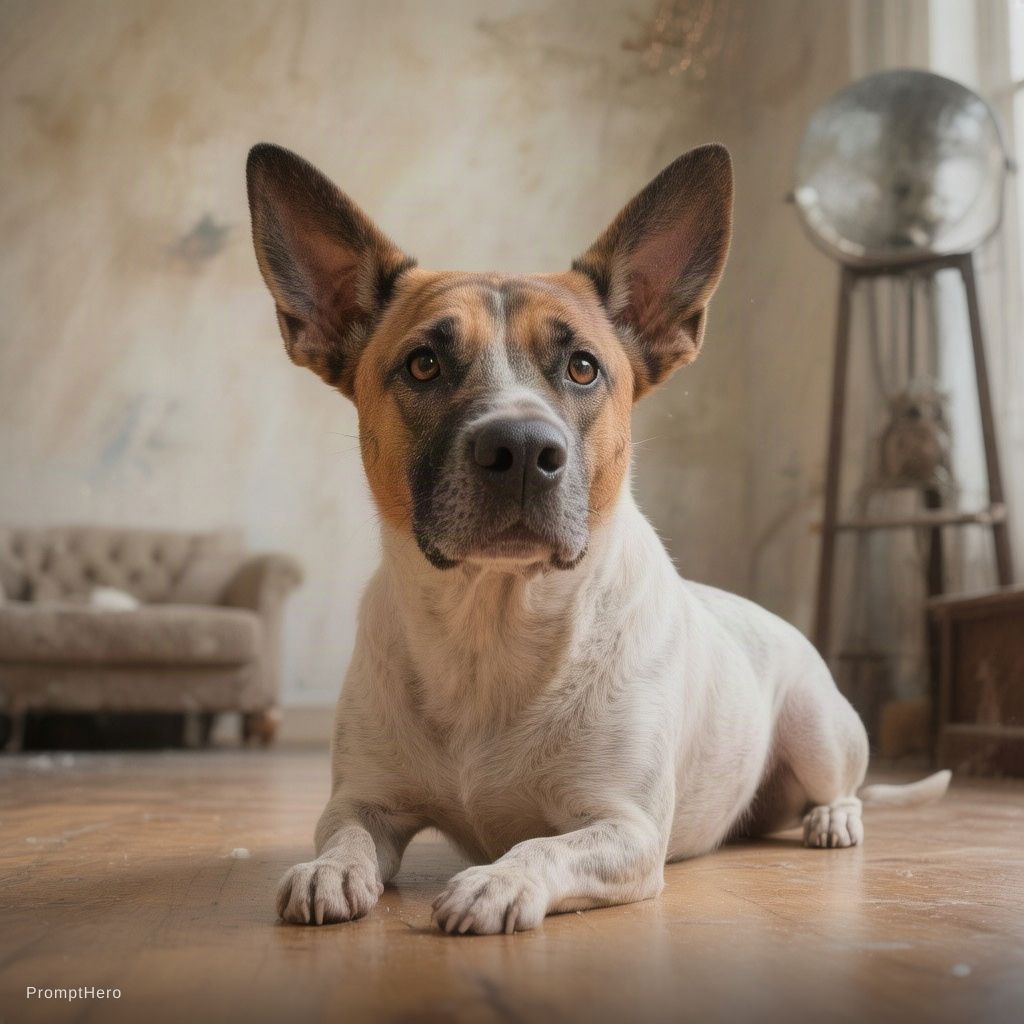
Hunyuan  prompt: dog pose 지정되지 않음 hunyuan-3
Wireless Doorbell Camera Instructions Prompt 지정되지 않음 gpt-image-2
Hunyuan  prompt: wine 지정되지 않음 hunyuan-3
Hunyuan  prompt: can beer 지정되지 않음 hunyuan-3
Hunyuan  prompt: ربات 지정되지 않음 hunyuan-3
Hero prompt: recreate image 1 (close up indoor portrait of a wo... 지정되지 않음 1.0

API를 사용하여 이 프롬프트를 실행하세요.

아래 요청은 기본값이 채워진 이 프롬프트를 실행되는 첫 번째 모델로 보냅니다. 위에 나열된 다른 모델의 모델 이름을 바꾸십시오.

프롬프트 API 문서
/api/v1/gpt_image_2/text_to_image
curl -X POST https://runapi.ai/api/v1/gpt_image_2/text_to_image \
  -H "Authorization: Bearer $RUNAPI_API_KEY" \
  -H "Content-Type: application/json" \
  --data-binary @- <<'JSON'
{
  "model": "gpt-image-2",
  "prompt": "Use the uploaded image as the primary reference. Preserve the original scene, composition, subjects, poses, proportions, colors, and important details accurately. Do not replace or rearrange the main elements.\n\nCreate a vertical 3:4 editorial poster with a refined photograph-to-hand-drawn-illustration transformation.\n\nTOP SECTION — ORIGINAL PHOTO\n•Keep the uploaded photograph essentially unchanged.\n•Preserve the exact environment, people/animals, objects, architecture, lighting, colors, and composition.\n•Make it look natural, sharp, and photographic.\n•The photo should occupy approximately the upper 50% of the poster.\n\nBOTTOM SECTION — ILLUSTRATED VERSION\n•Recreate the same scene from the photograph as a delicate hand-drawn illustration.\n•Keep the same subjects, positions, poses, perspective, and recognizable details.\n•Use a soft watercolor + colored pencil + ink sketch aesthetic.\n•Fine expressive outlines, subtle pencil texture, gentle watercolor washes, slightly imperfect hand-drawn edges.\n•Simplify the background while retaining the most recognizable environmental elements.\n•Use soft pastel tones, natural paper colors, subtle grain, and an elegant editorial/art-book feeling.\n•The illustration should feel like a premium travel/lifestyle postcard, not a cartoon or generic digital painting.\n•Maintain visual continuity between the photograph and illustration.\n\nLAYOUT & DESIGN\n•Vertical 3:4 composition.\n•Upper half = original photograph.\n•Lower half = warm off-white textured paper/canvas background.\n•Create a soft, seamless transition between the two sections.\n•Place the illustrated recreation centrally in the lower section with generous negative space around it.\n•Add a few subtle hand-drawn decorative elements such as tiny petals, leaves, hearts, or sketch marks only if they naturally fit the scene.\n•Minimal, elegant typography beneath or around the illustration.\n•Use a sophisticated handwritten/script font for the main title and a small minimalist serif/sans-serif font for the subtitle.\n•Keep typography understated and balanced.\n\nTEXT\nReplace the title and subtitle with context-appropriate wording, or use:\n“A Brighter Day”\n“A Slower Life”\n\nFor pet/family images, use:\n“Good Friends”\n“Brighter Days”\n“Happier Tails ♡”\n\nIMPORTANT\n•Do not alter the identity or appearance of people or animals.\n•Do not add extra people, animals, buildings, structures, etc."
}
JSON

메시지를 보내보세요