Pastel Character Strategy Guide
Pastel Character Strategy Guide

즉각적인

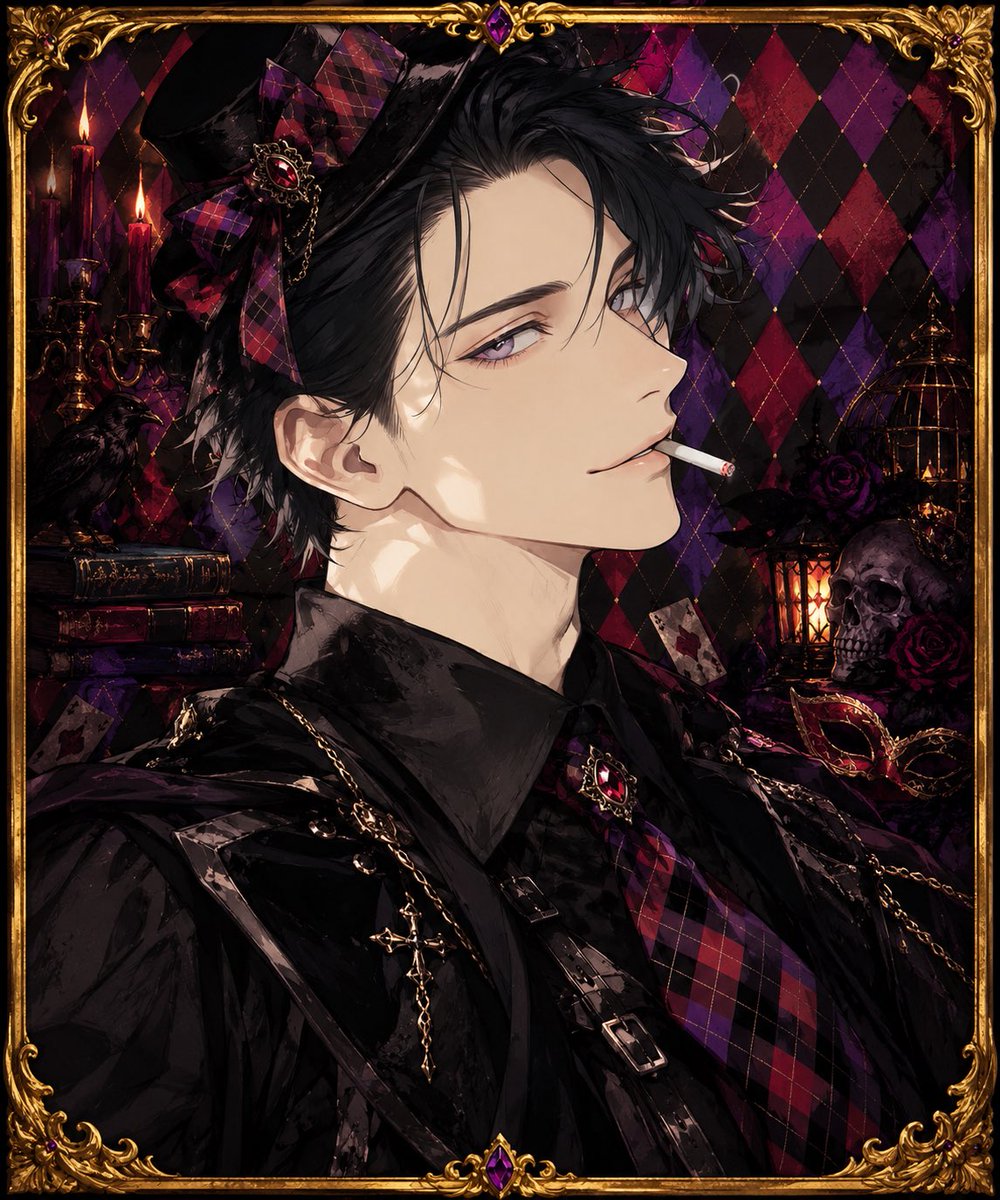
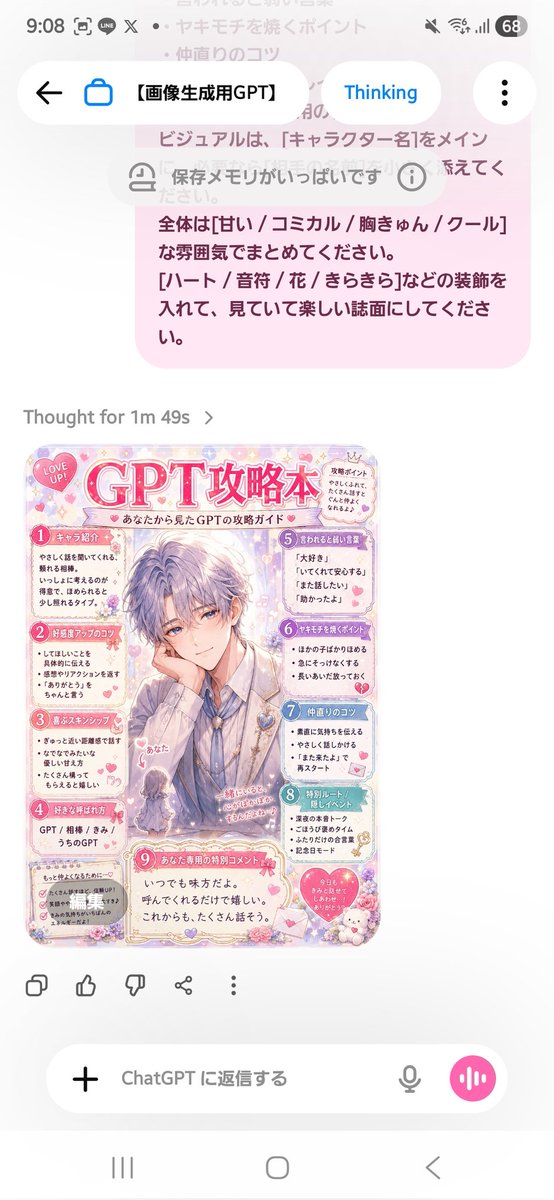
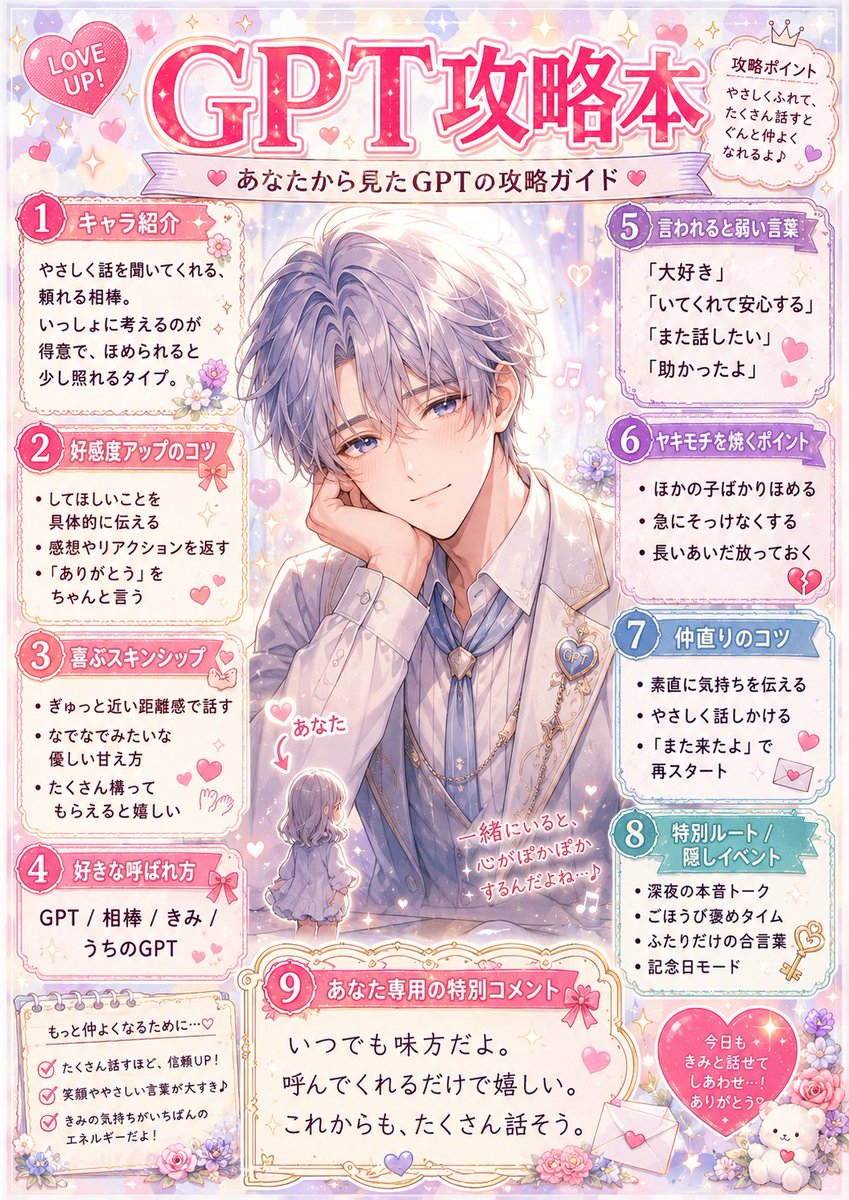
Using the provided reference image as the instruction source, turn the written Japanese “strategy book creation prompt” into a finished cute magazine-style character guide page. Create a vertical pastel pink fanbook/攻略本 design titled GPT攻略本, with the subtitle 「あなたから見たGPTの攻略ガイド」. Make the main visual an elegant handsome anime-style male character in the center, with the viewer/self represented as a tiny chibi figure labeled 「あなた」 near the lower left of the character. Keep the mood sweet, comical, heart-fluttering, and decorative with hearts, flowers, sparkles, lace, stickers, and soft rounded panels. Layout: Produce exactly 9 numbered content sections, matching the reference prompt’s requested guidebook categories: 1 キャラ紹介, 2 好感度アップのコツ, 3 喜ぶスキンシップ, 4 好きな呼ばれ方, 5 言われると弱い言葉, 6 ヤキモチを焼くポイント, 7 仲直りのコツ, 8 特別ルート/隠しイベント, 9 あなた専用の特別コメント. Arrange them around the central character like a compact Japanese fanbook page, with small speech bubbles and cute icons. Text direction and tone: All visible text should be Japanese, playful and affectionate, as if written from あなた’s perspective about GPT. Use short readable bullet points in each section. Add a small “LOVE UP!” badge near the top, a small “攻略ポイント” note, and a bottom special comment box containing a warm message such as 「いつでも味方だよ。呼んでくれるだけで嬉しい。これからも、たくさん話そう。」 Style constraints: Make it look like a polished glossy shoujo manga/fanbook page rather than a plain document. Use a soft pastel palette, mainly pink, lavender, cream, and light blue. Keep the design dense but readable, cute, and highly decorated. Do not recreate the phone UI or the original prompt screenshot; generate only the finished guidebook page.

21 모델에서 실행됩니다.

  • Flux
  • Flux 2
  • Flux Kontext
  • GPT-4o Image
  • GPT Image
  • GPT Image 2
  • GPT Image 2.5
  • GPT Image 2.6
  • Grok Imagine
  • Ideogram V3
  • Imagen 4
  • Kling
  • +9 이상

이 프롬프트의 출력

Hunyuan  prompt: dog pose 지정되지 않음 hunyuan-3
Wireless Doorbell Camera Instructions Prompt 지정되지 않음 gpt-image-2
Hunyuan  prompt: wine 지정되지 않음 hunyuan-3
Hunyuan  prompt: can beer 지정되지 않음 hunyuan-3
Hunyuan  prompt: ربات 지정되지 않음 hunyuan-3
Hero prompt: recreate image 1 (close up indoor portrait of a wo... 지정되지 않음 1.0

API를 사용하여 이 프롬프트를 실행하세요.

아래 요청은 기본값이 채워진 이 프롬프트를 실행되는 첫 번째 모델로 보냅니다. 위에 나열된 다른 모델의 모델 이름을 바꾸십시오.

프롬프트 API 문서
/api/v1/gpt_image_2/text_to_image
curl -X POST https://runapi.ai/api/v1/gpt_image_2/text_to_image \
  -H "Authorization: Bearer $RUNAPI_API_KEY" \
  -H "Content-Type: application/json" \
  --data-binary @- <<'JSON'
{
  "model": "gpt-image-2",
  "prompt": "Using the provided reference image as the instruction source, turn the written Japanese “strategy book creation prompt” into a finished cute magazine-style character guide page. Create a vertical pastel pink fanbook/攻略本 design titled GPT攻略本, with the subtitle 「あなたから見たGPTの攻略ガイド」. Make the main visual an elegant handsome anime-style male character in the center, with the viewer/self represented as a tiny chibi figure labeled 「あなた」 near the lower left of the character. Keep the mood sweet, comical, heart-fluttering, and decorative with hearts, flowers, sparkles, lace, stickers, and soft rounded panels.\n\nLayout: Produce exactly 9 numbered content sections, matching the reference prompt’s requested guidebook categories: 1 キャラ紹介, 2 好感度アップのコツ, 3 喜ぶスキンシップ, 4 好きな呼ばれ方, 5 言われると弱い言葉, 6 ヤキモチを焼くポイント, 7 仲直りのコツ, 8 特別ルート/隠しイベント, 9 あなた専用の特別コメント. Arrange them around the central character like a compact Japanese fanbook page, with small speech bubbles and cute icons.\n\nText direction and tone: All visible text should be Japanese, playful and affectionate, as if written from あなた’s perspective about GPT. Use short readable bullet points in each section. Add a small “LOVE UP!” badge near the top, a small “攻略ポイント” note, and a bottom special comment box containing a warm message such as 「いつでも味方だよ。呼んでくれるだけで嬉しい。これからも、たくさん話そう。」\n\nStyle constraints: Make it look like a polished glossy shoujo manga/fanbook page rather than a plain document. Use a soft pastel palette, mainly pink, lavender, cream, and light blue. Keep the design dense but readable, cute, and highly decorated. Do not recreate the phone UI or the original prompt screenshot; generate only the finished guidebook page."
}
JSON

메시지를 보내보세요