Manus GPT Image 2.0 Comparison Slide
Manus GPT Image 2.0 Comparison Slide

즉각적인

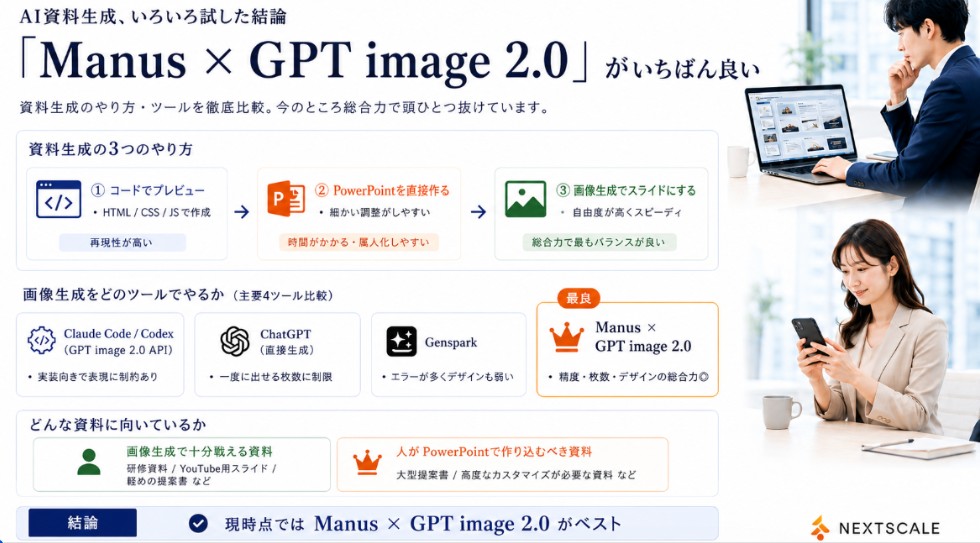
Goal: Create a polished Japanese business infographic slide comparing AI presentation-material generation methods and tools, with a corporate white, navy, orange, and green palette. The main message is that Manus × GPT image 2.0 is currently the best overall option. Canvas: Wide 16:9 landscape slide, clean white background, thin light-gray card borders, deep navy typography, subtle blue-gray shadows. Leave a right-side vertical photo strip occupying about 24% of the canvas. Header: At top left, small Japanese lead-in text using AI資料生成、いろいろ試した結論. Below it, a very large elegant serif headline using 「Manus × GPT image 2.0」がいちばん良い. Under the headline, add a smaller subtitle using 資料生成のやり方・ツールを徹底比較。今のところ総合力で頭ひとつ抜けています。. Right photo area: Add exactly 2 realistic business lifestyle photos stacked vertically with soft bright office lighting. Top photo: a Japanese businessman in a navy suit working at a laptop showing slide thumbnails, seated near a window, face softly blurred. Bottom photo: a Japanese businesswoman in a beige blazer looking at a smartphone at a desk, face softly blurred. Keep the photos cropped cleanly with white margins, matching the slide’s corporate look. Section 1 layout: Create a large rounded rectangle card titled "資料生成の3つのやり方". Inside it place exactly 3 horizontal method cards connected by two right-pointing arrows. Method 1: blue code icon, label "① コードでプレビュー", small text "HTML / CSS / JSで作成", bottom pill "再現性が高い". Method 2: orange PowerPoint icon, label "② PowerPointを直接作る", small text "細かい調整がしやすい", bottom pill "時間がかかる・属人化しやすい". Method 3: green image icon, label "③ 画像生成でスライドにする", small text "自由度が高くスピーディ", bottom pill "総合力で最もバランスが良い". Section 2 layout: Below, add a title "画像生成をどのツールでやるか(主要4ツール比較)" and exactly 4 equal comparison cards in a row. Card 1: Claude Code / Codex, gear/code icon, sublabel "(GPT image 2.0 API)", bullet "実装向きで表現に制約あり". Card 2: ChatGPT, OpenAI knot icon, sublabel "(直接生成)", bullet "一度に出せる枚数に制限". Card 3: Genspark, sparkle icon, bullet "エラーが多くデザインも弱い". Card 4: highlighted best card with orange border and crown icon, small orange badge "最良", title using Manus × GPT image 2.0, bullet "精度・枚数・デザインの総合力◎". Section 3 layout: Add a rounded box titled "どんな資料に向いているか" with exactly 2 side-by-side suitability cards. Left card with green person icon: title "画像生成で十分戦える資料", examples "研修資料 / YouTube用スライド / 軽めの提案書 など". Right card with orange crown icon: title "人がPowerPointで作り込むべき資料", examples "大型提案書 / 高度なカスタマイズが必要な資料 など". Bottom conclusion bar: Full-width light-blue conclusion strip with a navy label box reading "結論", a circular check icon, and large conclusion text using 現時点では Manus × GPT image 2.0 がベスト. Branding: Bottom right place a small orange abstract mark and the word "NEXTSCALE" in dark gray. Keep all text crisp and aligned, use Japanese business-slide typography, avoid clutter, and do not add any extra cards beyond the counted 3 method cards, 4 tool cards, 2 suitability cards, and 2 photos.

20 모델에서 실행됩니다.

  • Flux
  • Flux 2
  • Flux Kontext
  • GPT-4o Image
  • GPT Image
  • GPT Image 2
  • GPT Image 2.5
  • GPT Image 2.6
  • Grok Imagine
  • Ideogram V3
  • Imagen 4
  • Kling
  • +8 이상

이 프롬프트의 출력

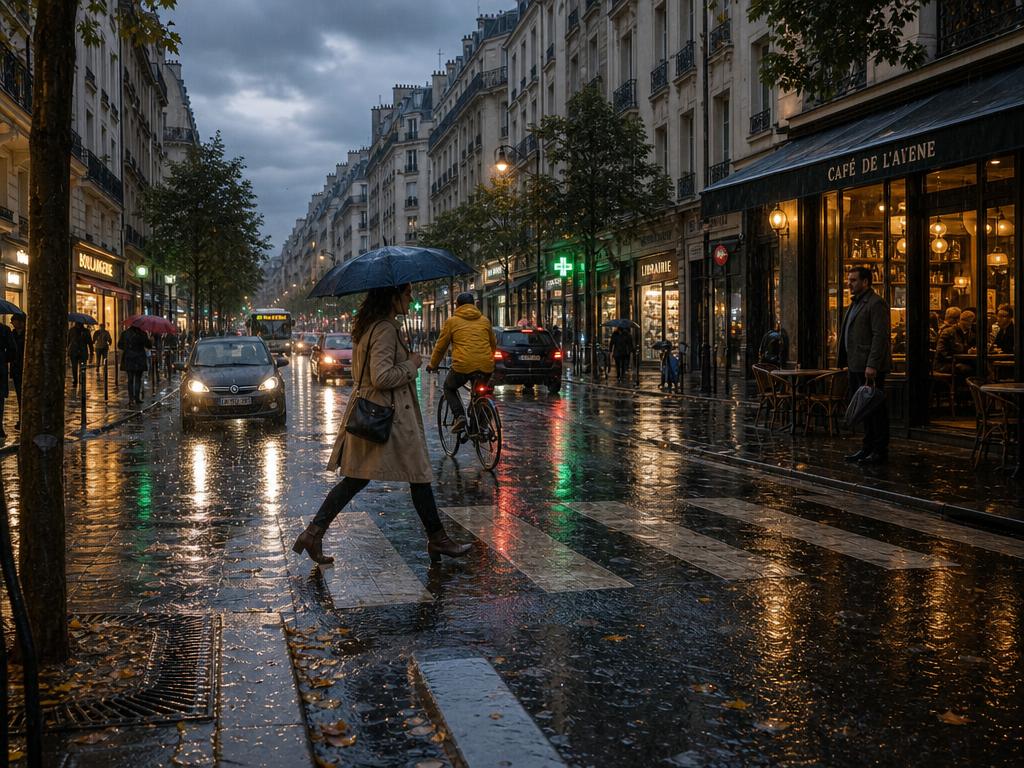
Rainy French Street at Night 지정되지 않음 gpt-image-2
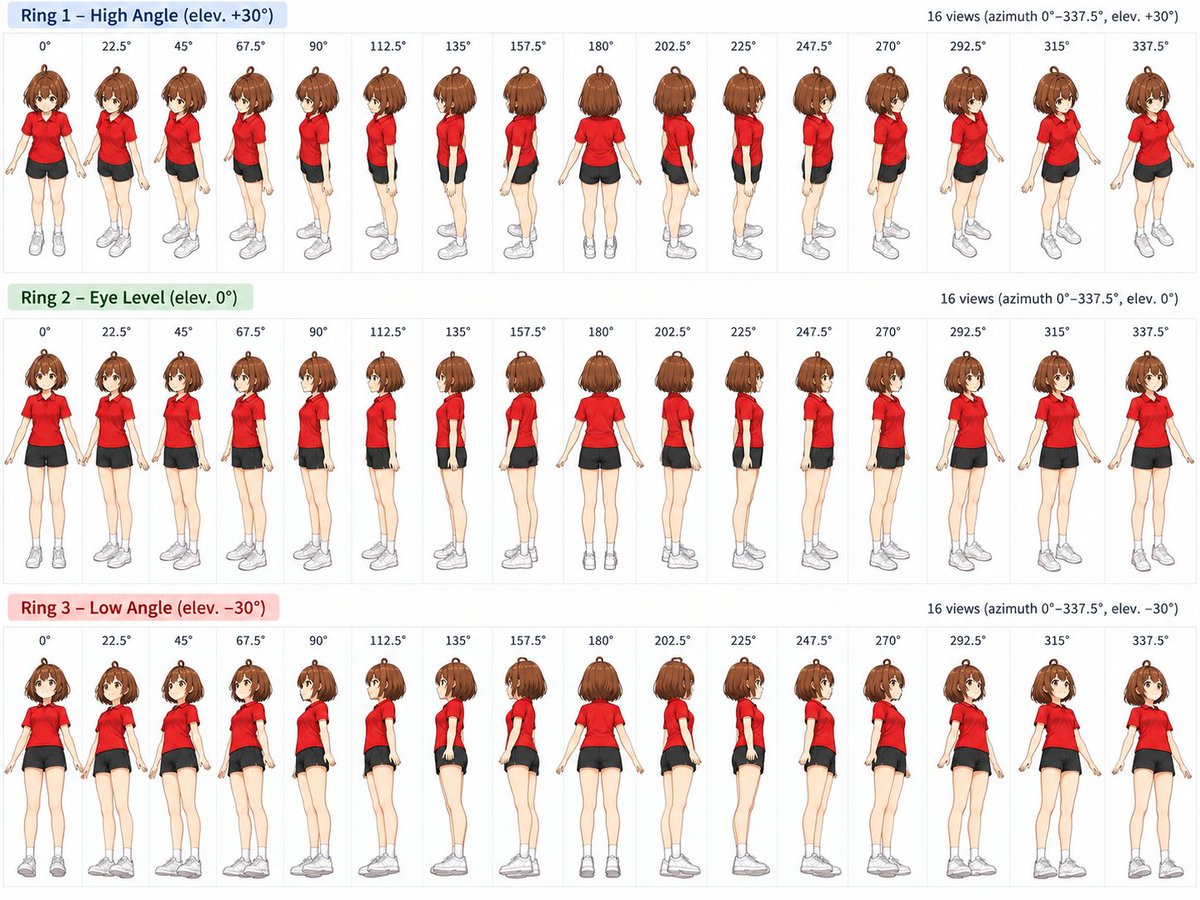
Camera Dome 48-Point View Setup 지정되지 않음 gpt-image-2
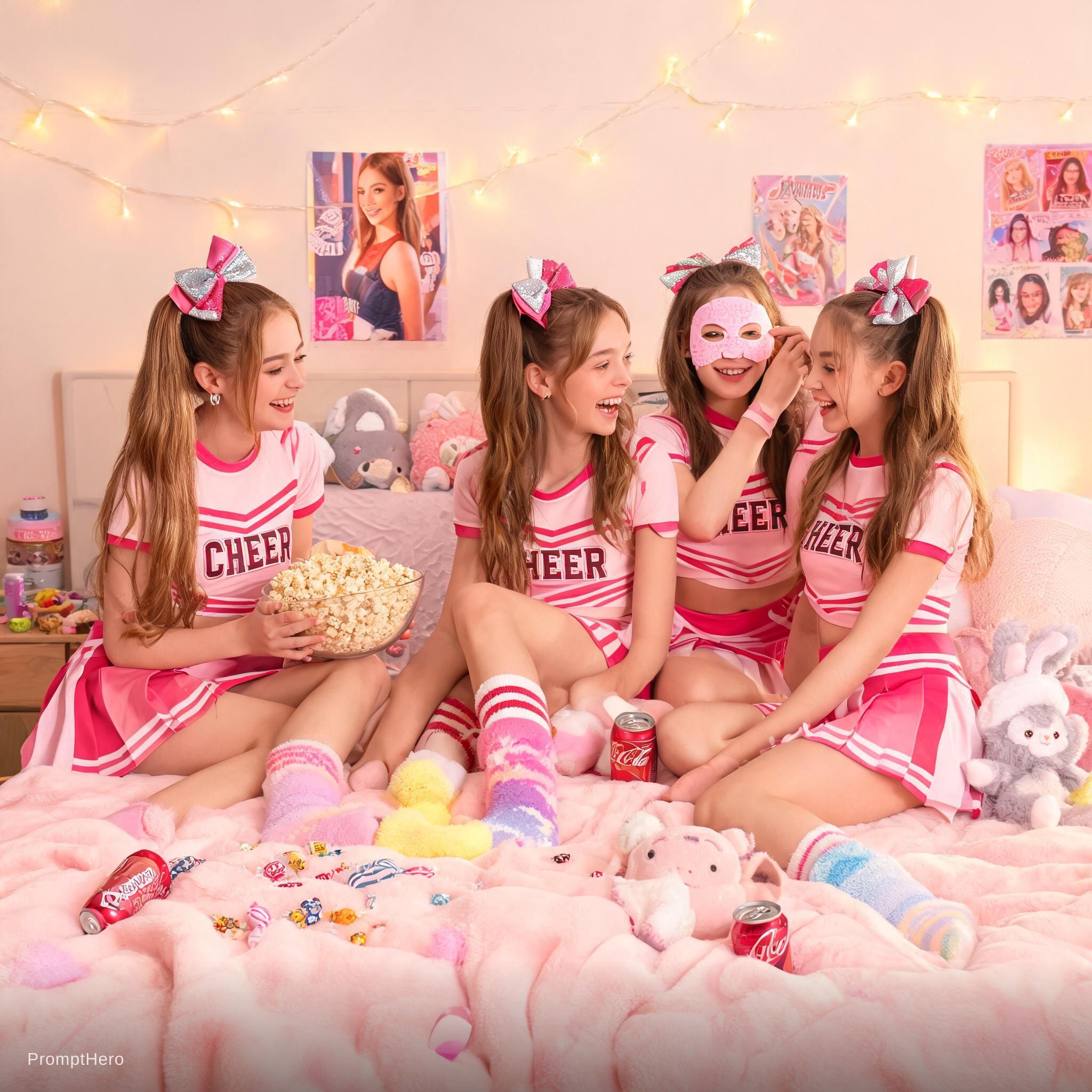
Seedream 5 prompt: Preteen cheerleaders, very pretty, around 11 years... 지정되지 않음 v2
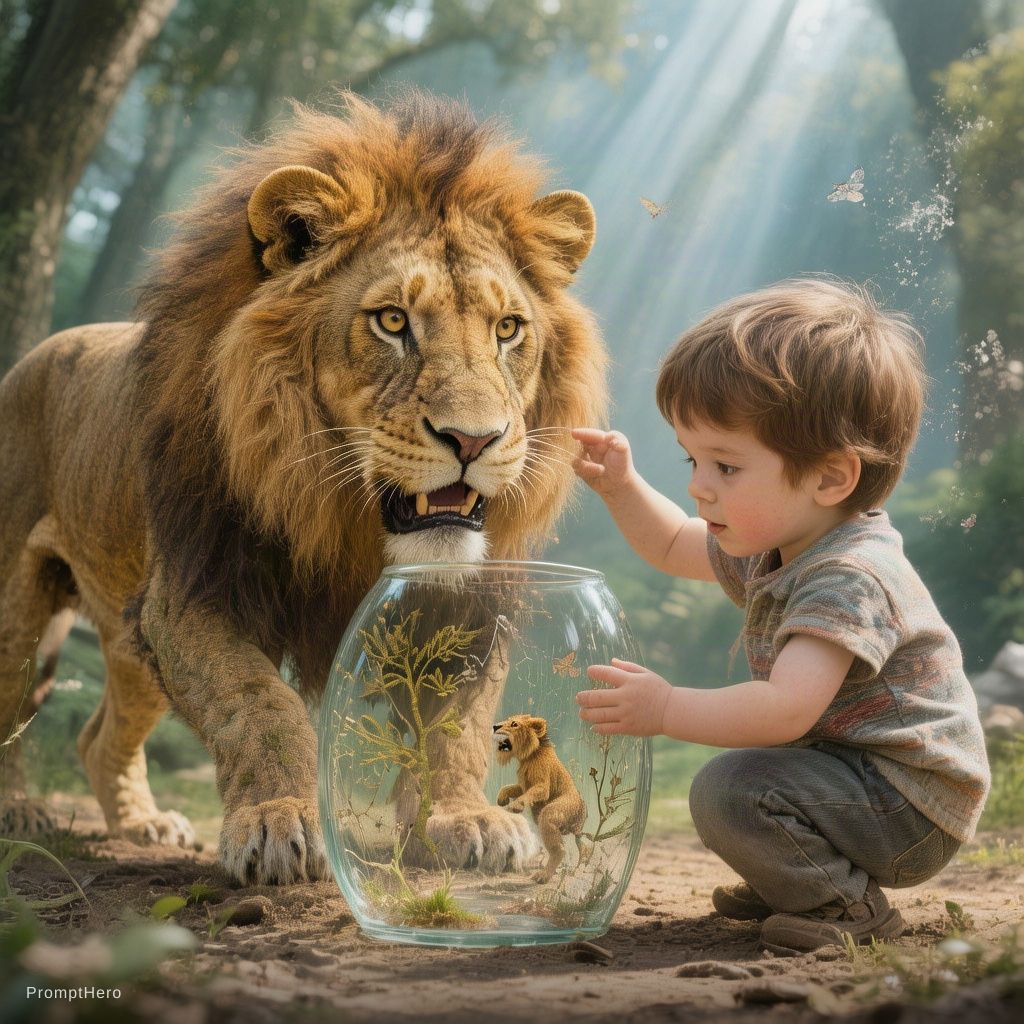
Hunyuan  prompt: make a prompt in which a small boy playing with th... 지정되지 않음 hunyuan-3
Hero prompt: Base Image (Template): Image 1. Retain the exact o... 지정되지 않음 1.0
Seedream 5 prompt: Una mujer 지정되지 않음 v2

API를 사용하여 이 프롬프트를 실행하세요.

아래 요청은 기본값이 채워진 이 프롬프트를 실행되는 첫 번째 모델로 보냅니다. 위에 나열된 다른 모델의 모델 이름을 바꾸십시오.

프롬프트 API 문서
/api/v1/gpt_image_2/text_to_image
curl -X POST https://runapi.ai/api/v1/gpt_image_2/text_to_image \
  -H "Authorization: Bearer $RUNAPI_API_KEY" \
  -H "Content-Type: application/json" \
  --data-binary @- <<'JSON'
{
  "model": "gpt-image-2",
  "prompt": "Goal: Create a polished Japanese business infographic slide comparing AI presentation-material generation methods and tools, with a corporate white, navy, orange, and green palette. The main message is that Manus × GPT image 2.0 is currently the best overall option.\n\nCanvas: Wide 16:9 landscape slide, clean white background, thin light-gray card borders, deep navy typography, subtle blue-gray shadows. Leave a right-side vertical photo strip occupying about 24% of the canvas.\n\nHeader: At top left, small Japanese lead-in text using AI資料生成、いろいろ試した結論. Below it, a very large elegant serif headline using 「Manus × GPT image 2.0」がいちばん良い. Under the headline, add a smaller subtitle using 資料生成のやり方・ツールを徹底比較。今のところ総合力で頭ひとつ抜けています。.\n\nRight photo area: Add exactly 2 realistic business lifestyle photos stacked vertically with soft bright office lighting. Top photo: a Japanese businessman in a navy suit working at a laptop showing slide thumbnails, seated near a window, face softly blurred. Bottom photo: a Japanese businesswoman in a beige blazer looking at a smartphone at a desk, face softly blurred. Keep the photos cropped cleanly with white margins, matching the slide’s corporate look.\n\nSection 1 layout: Create a large rounded rectangle card titled \"資料生成の3つのやり方\". Inside it place exactly 3 horizontal method cards connected by two right-pointing arrows. Method 1: blue code icon, label \"① コードでプレビュー\", small text \"HTML / CSS / JSで作成\", bottom pill \"再現性が高い\". Method 2: orange PowerPoint icon, label \"② PowerPointを直接作る\", small text \"細かい調整がしやすい\", bottom pill \"時間がかかる・属人化しやすい\". Method 3: green image icon, label \"③ 画像生成でスライドにする\", small text \"自由度が高くスピーディ\", bottom pill \"総合力で最もバランスが良い\".\n\nSection 2 layout: Below, add a title \"画像生成をどのツールでやるか(主要4ツール比較)\" and exactly 4 equal comparison cards in a row. Card 1: Claude Code / Codex, gear/code icon, sublabel \"(GPT image 2.0 API)\", bullet \"実装向きで表現に制約あり\". Card 2: ChatGPT, OpenAI knot icon, sublabel \"(直接生成)\", bullet \"一度に出せる枚数に制限\". Card 3: Genspark, sparkle icon, bullet \"エラーが多くデザインも弱い\". Card 4: highlighted best card with orange border and crown icon, small orange badge \"最良\", title using Manus × GPT image 2.0, bullet \"精度・枚数・デザインの総合力◎\".\n\nSection 3 layout: Add a rounded box titled \"どんな資料に向いているか\" with exactly 2 side-by-side suitability cards. Left card with green person icon: title \"画像生成で十分戦える資料\", examples \"研修資料 / YouTube用スライド / 軽めの提案書 など\". Right card with orange crown icon: title \"人がPowerPointで作り込むべき資料\", examples \"大型提案書 / 高度なカスタマイズが必要な資料 など\".\n\nBottom conclusion bar: Full-width light-blue conclusion strip with a navy label box reading \"結論\", a circular check icon, and large conclusion text using 現時点では Manus × GPT image 2.0 がベスト.\n\nBranding: Bottom right place a small orange abstract mark and the word \"NEXTSCALE\" in dark gray. Keep all text crisp and aligned, use Japanese business-slide typography, avoid clutter, and do not add any extra cards beyond the counted 3 method cards, 4 tool cards, 2 suitability cards, and 2 photos."
}
JSON

메시지를 보내보세요