Glossy Brand Achievement Badge
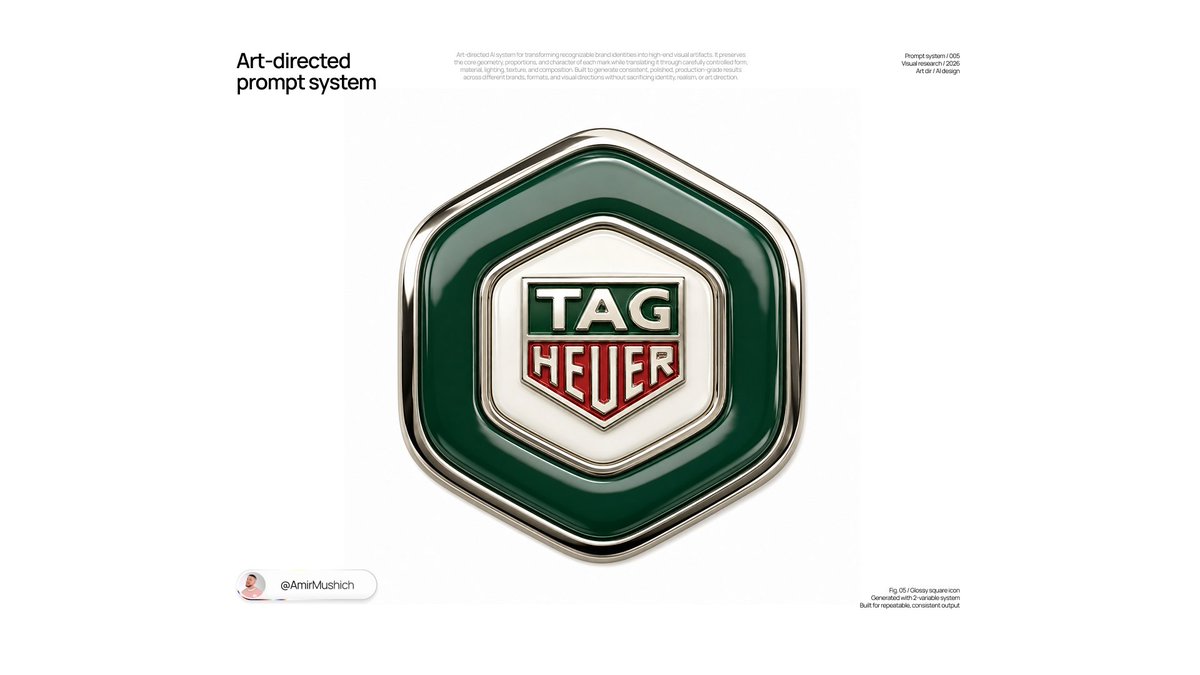
Glossy Brand Achievement Badge
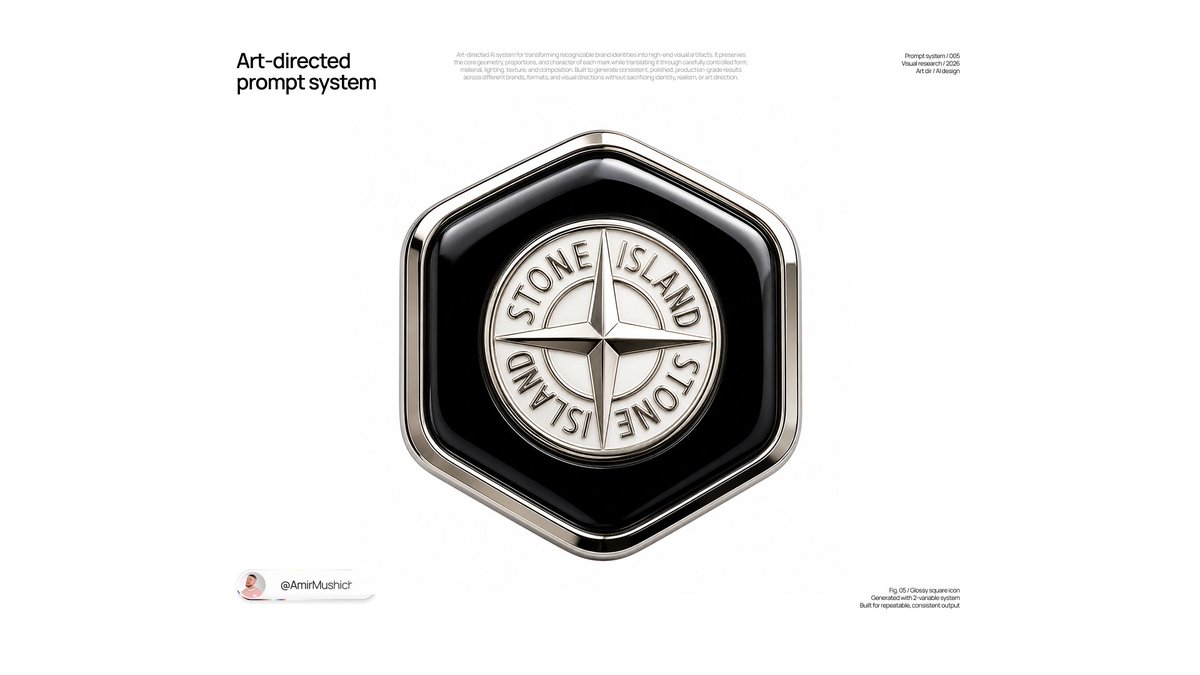
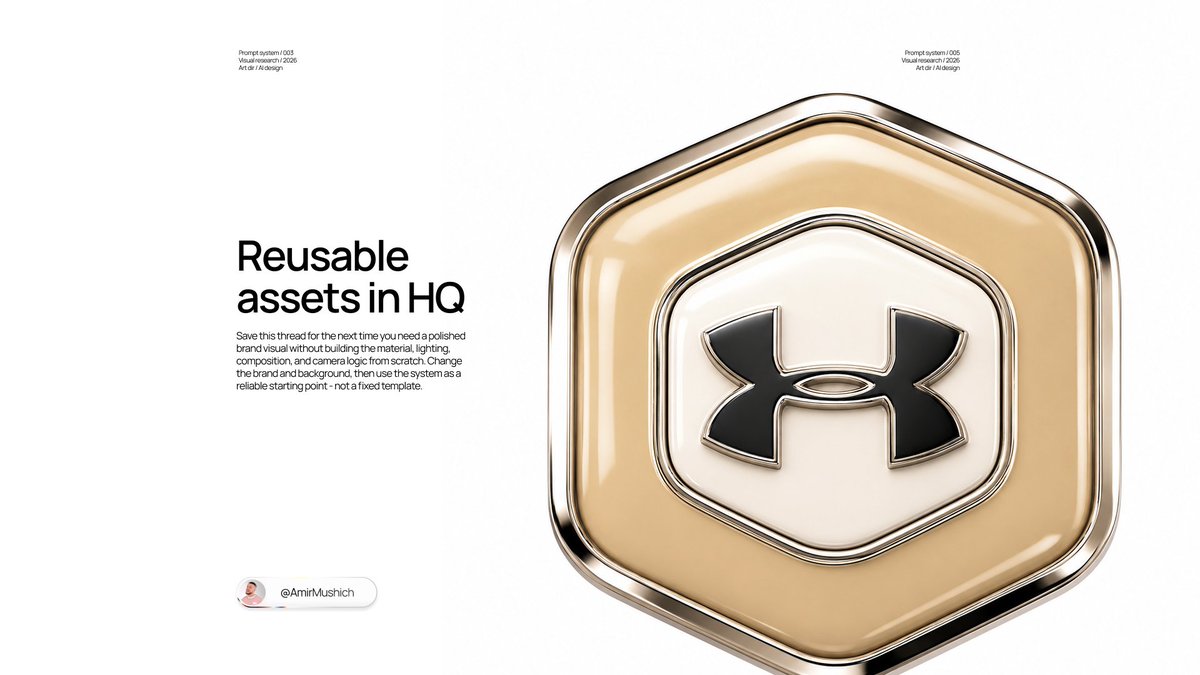

즉각적인

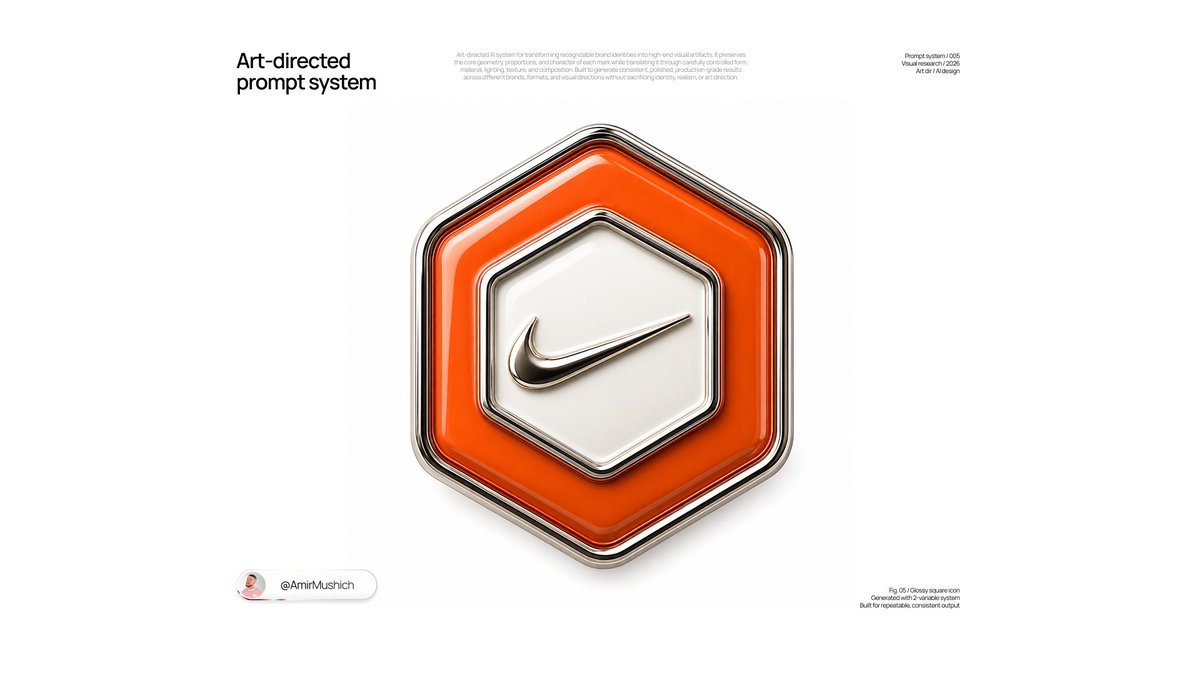
Goal: Create a clean, art-directed square-ish presentation poster showing an ornate collectible 3D achievement badge for Nike, rendered as a high-gloss enamel and polished-metal digital medal. Canvas: Wide 16:9 white studio canvas, minimalist editorial layout with a large centered object and lots of negative space. Use soft global illumination, realistic reflections, subtle shadows, and premium CGI product-render quality. Layout: Place one large central badge occupying the middle of the frame. Add three small text areas: 1) a bold black headline in the upper left reading “Art-directed prompt system”; 2) a tiny pale-gray descriptive paragraph centered near the top; 3) a tiny black label in the upper right reading “Prompt system /005”, “Visual framework /2026”, and “Art dir / AI design”. Add one small creator pill near the lower left with a circular avatar and the handle “@AmirMushich”. Add one tiny caption block near the lower right reading “Fig. 05 / Glossy square icon”, “Generated with v2-variable system”, and “Built for repeatable, consistent output”. Badge design: Use exactly one ornate hexagonal badge. The outer silhouette is a rounded-corner hexagon with thick layered bevels. Build it from polished chrome and dark gunmetal outlines, with multiple nested rims and black separator grooves. The main enamel ring is a vivid orange, glossy and translucent-looking, with bright white highlights along the upper-left edges and deeper saturation in the lower-right curves. In the center, place a raised cream-white hexagonal enamel plate with a chrome rim and soft inset shadow. On the central plate, place the Nike swoosh as a raised polished metallic emblem, slightly tilted upward from left to right, with dark reflective edges and a soft contact shadow. Visual style: Premium Apple-like product photography mixed with collectible medal design, ultra-clean white background, high-end 3D rendering, rounded bevels, glossy enamel, polished metal, crisp edges, subtle ambient occlusion, shallow studio shadow below the badge, no clutter. Constraints: Use exactly 1 badge, exactly 1 central brand emblem, exactly 3 main text blocks, and exactly 1 lower-left creator pill. Keep all text small except the upper-left headline. Do not add extra icons, extra badges, ribbons, patterns, or decorative background elements.

21 모델에서 실행됩니다.

  • Flux
  • Flux 2
  • Flux Kontext
  • GPT-4o Image
  • GPT Image
  • GPT Image 2
  • GPT Image 2.5
  • GPT Image 2.6
  • Grok Imagine
  • Ideogram V3
  • Imagen 4
  • Kling
  • +9 이상

이 프롬프트의 출력

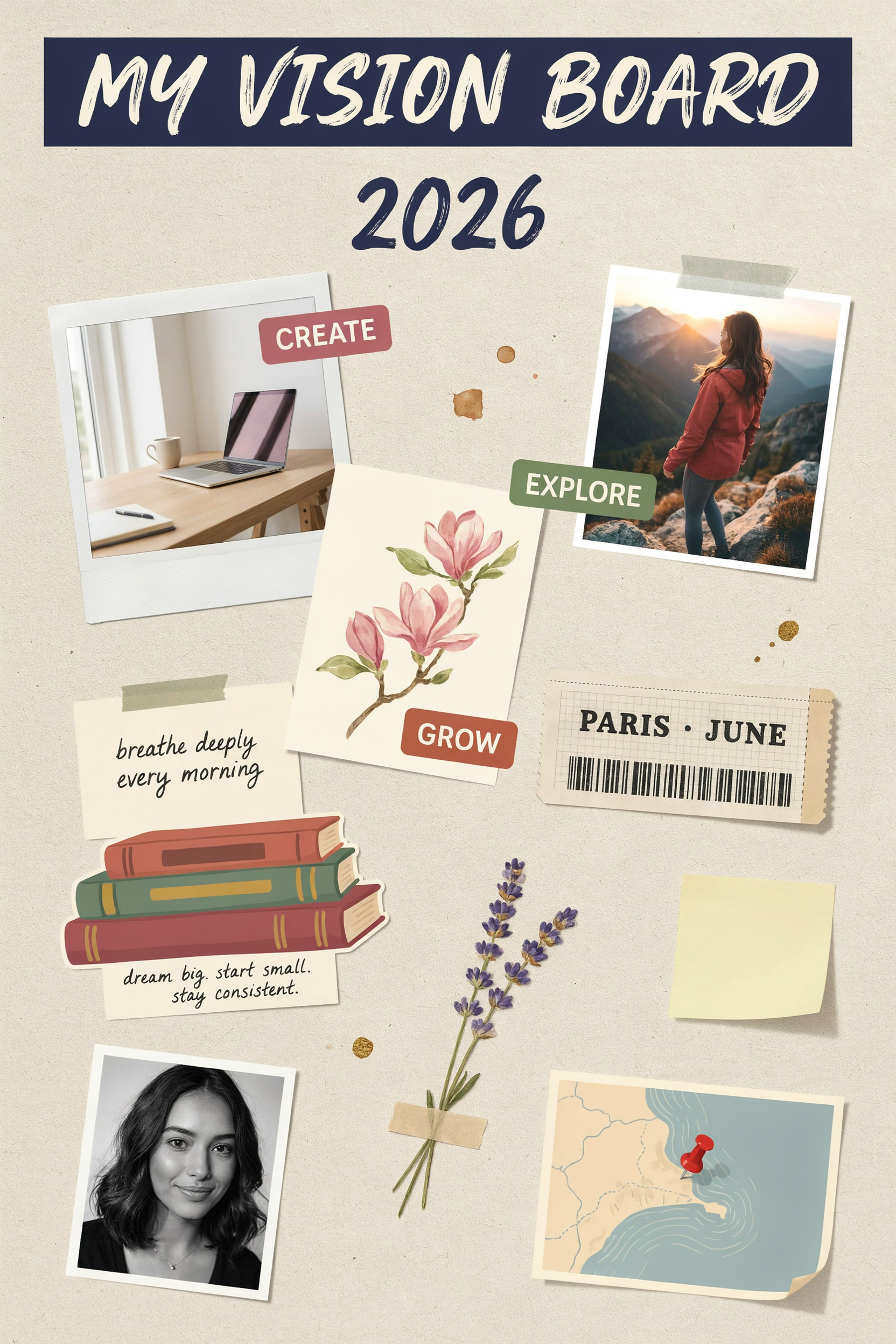
Ideogram prompt: diseñame un vision board 지정되지 않음 ideogram-4
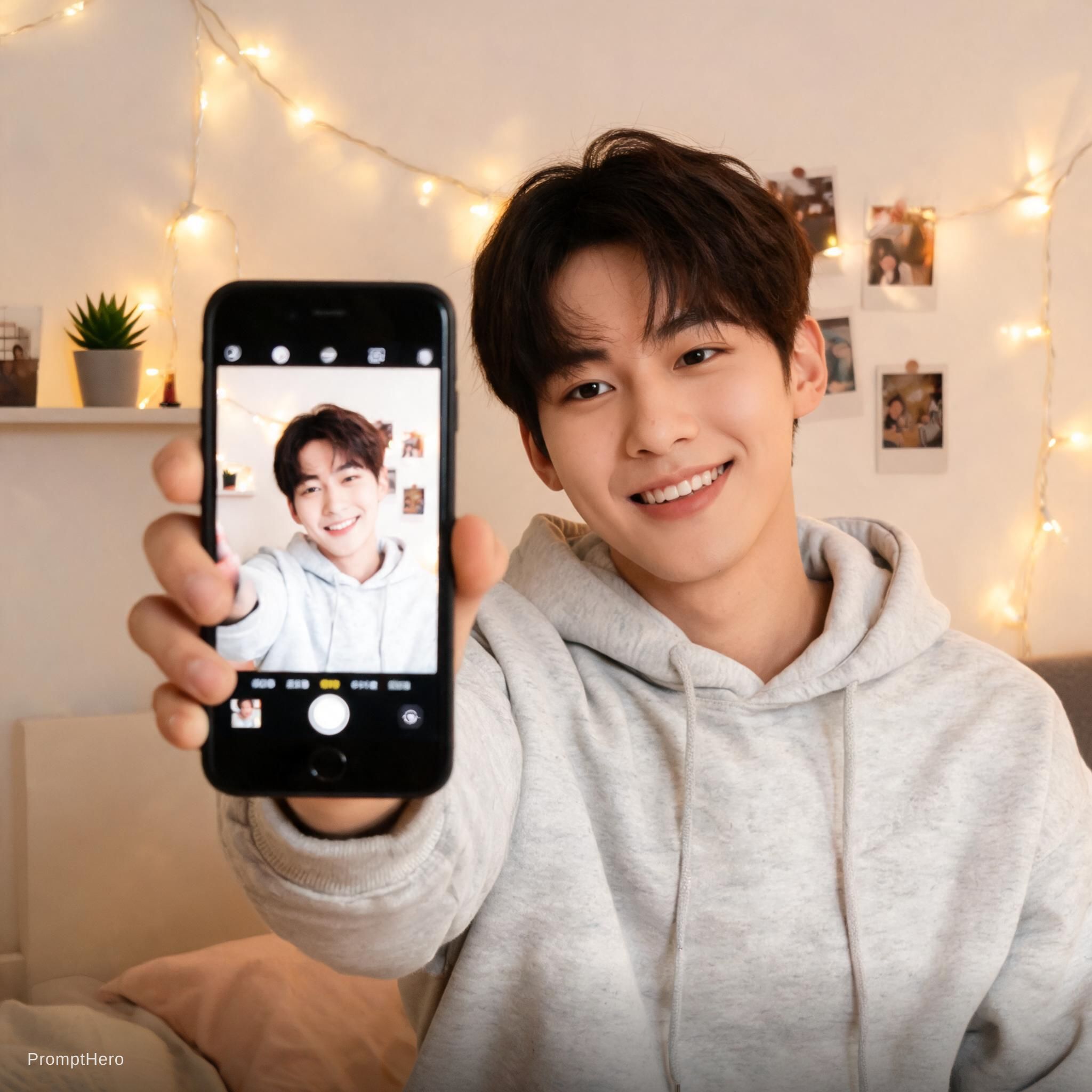
Seedream 5 prompt: selfie 지정되지 않음 v2
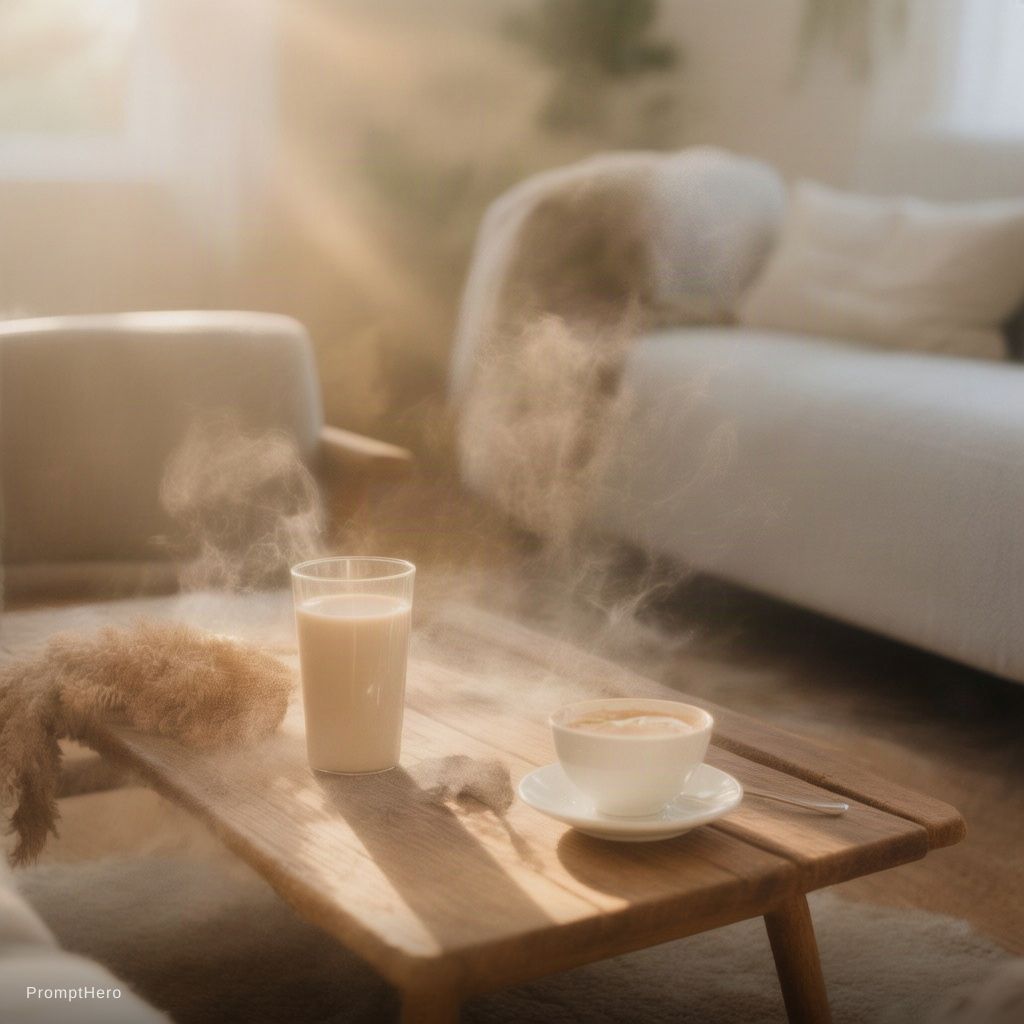
Hunyuan  prompt: pov shot 지정되지 않음 hunyuan-3
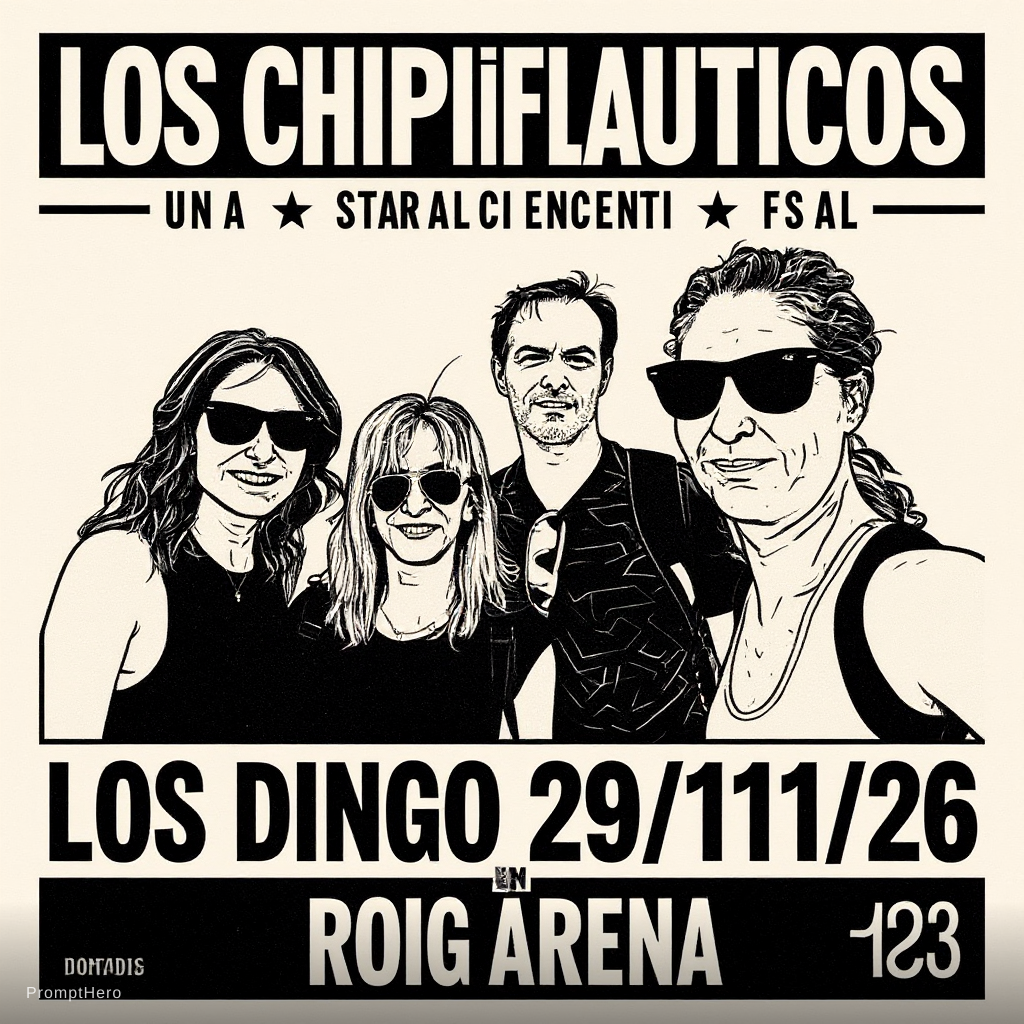
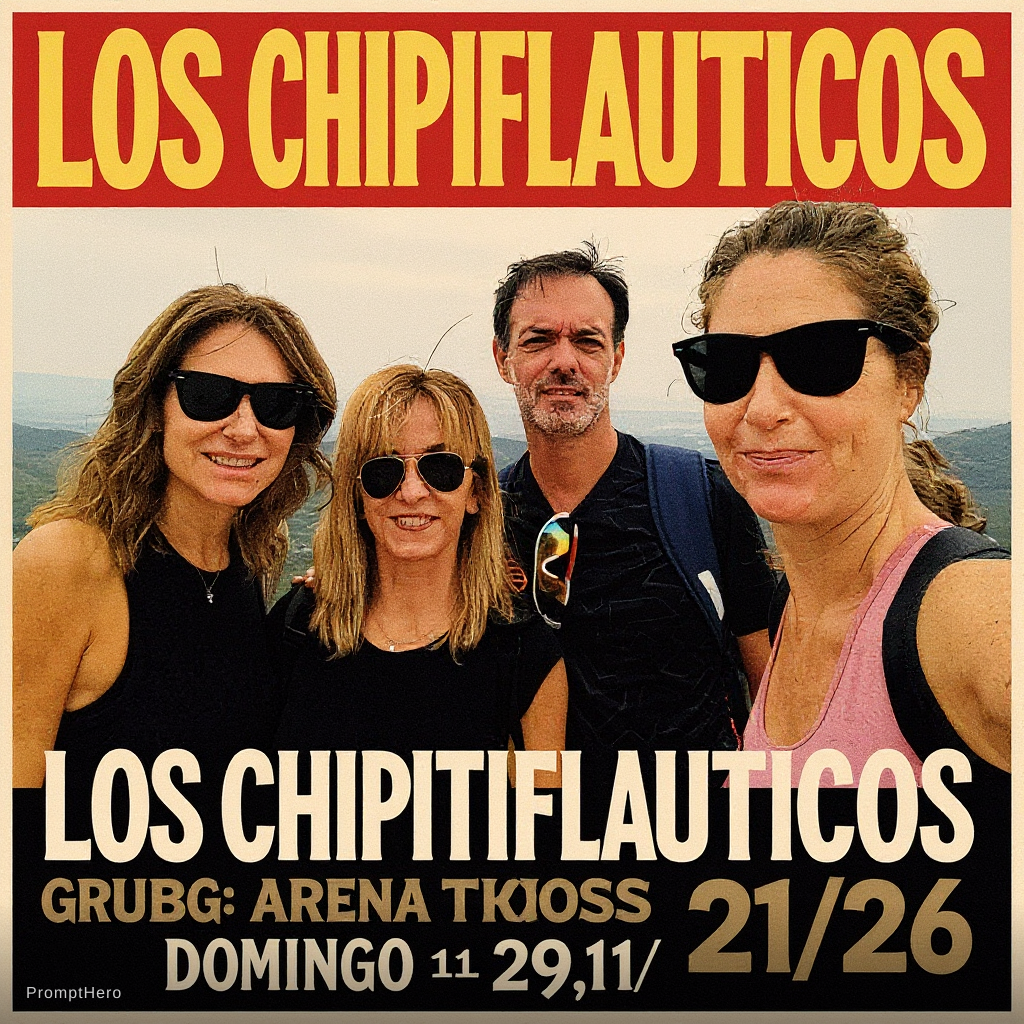
Flux Kontext  prompt: generame un cartel de un grupo musical y que haga ... 지정되지 않음 flux-kontext-pro
ChatGPT Image prompt: cozy living room with a decorated Christmas tree, ... 지정되지 않음 gpt-image-2.6-flare

API를 사용하여 이 프롬프트를 실행하세요.

아래 요청은 기본값이 채워진 이 프롬프트를 실행되는 첫 번째 모델로 보냅니다. 위에 나열된 다른 모델의 모델 이름을 바꾸십시오.

프롬프트 API 문서
/api/v1/gpt_image_2/text_to_image
curl -X POST https://runapi.ai/api/v1/gpt_image_2/text_to_image \
  -H "Authorization: Bearer $RUNAPI_API_KEY" \
  -H "Content-Type: application/json" \
  --data-binary @- <<'JSON'
{
  "model": "gpt-image-2",
  "prompt": "Goal: Create a clean, art-directed square-ish presentation poster showing an ornate collectible 3D achievement badge for Nike, rendered as a high-gloss enamel and polished-metal digital medal.\n\nCanvas: Wide 16:9 white studio canvas, minimalist editorial layout with a large centered object and lots of negative space. Use soft global illumination, realistic reflections, subtle shadows, and premium CGI product-render quality.\n\nLayout: Place one large central badge occupying the middle of the frame. Add three small text areas: 1) a bold black headline in the upper left reading “Art-directed prompt system”; 2) a tiny pale-gray descriptive paragraph centered near the top; 3) a tiny black label in the upper right reading “Prompt system /005”, “Visual framework /2026”, and “Art dir / AI design”. Add one small creator pill near the lower left with a circular avatar and the handle “@AmirMushich”. Add one tiny caption block near the lower right reading “Fig. 05 / Glossy square icon”, “Generated with v2-variable system”, and “Built for repeatable, consistent output”.\n\nBadge design: Use exactly one ornate hexagonal badge. The outer silhouette is a rounded-corner hexagon with thick layered bevels. Build it from polished chrome and dark gunmetal outlines, with multiple nested rims and black separator grooves. The main enamel ring is a vivid orange, glossy and translucent-looking, with bright white highlights along the upper-left edges and deeper saturation in the lower-right curves. In the center, place a raised cream-white hexagonal enamel plate with a chrome rim and soft inset shadow. On the central plate, place the Nike swoosh as a raised polished metallic emblem, slightly tilted upward from left to right, with dark reflective edges and a soft contact shadow.\n\nVisual style: Premium Apple-like product photography mixed with collectible medal design, ultra-clean white background, high-end 3D rendering, rounded bevels, glossy enamel, polished metal, crisp edges, subtle ambient occlusion, shallow studio shadow below the badge, no clutter.\n\nConstraints: Use exactly 1 badge, exactly 1 central brand emblem, exactly 3 main text blocks, and exactly 1 lower-left creator pill. Keep all text small except the upper-left headline. Do not add extra icons, extra badges, ribbons, patterns, or decorative background elements."
}
JSON

메시지를 보내보세요