Technical Annotation Infographic Style
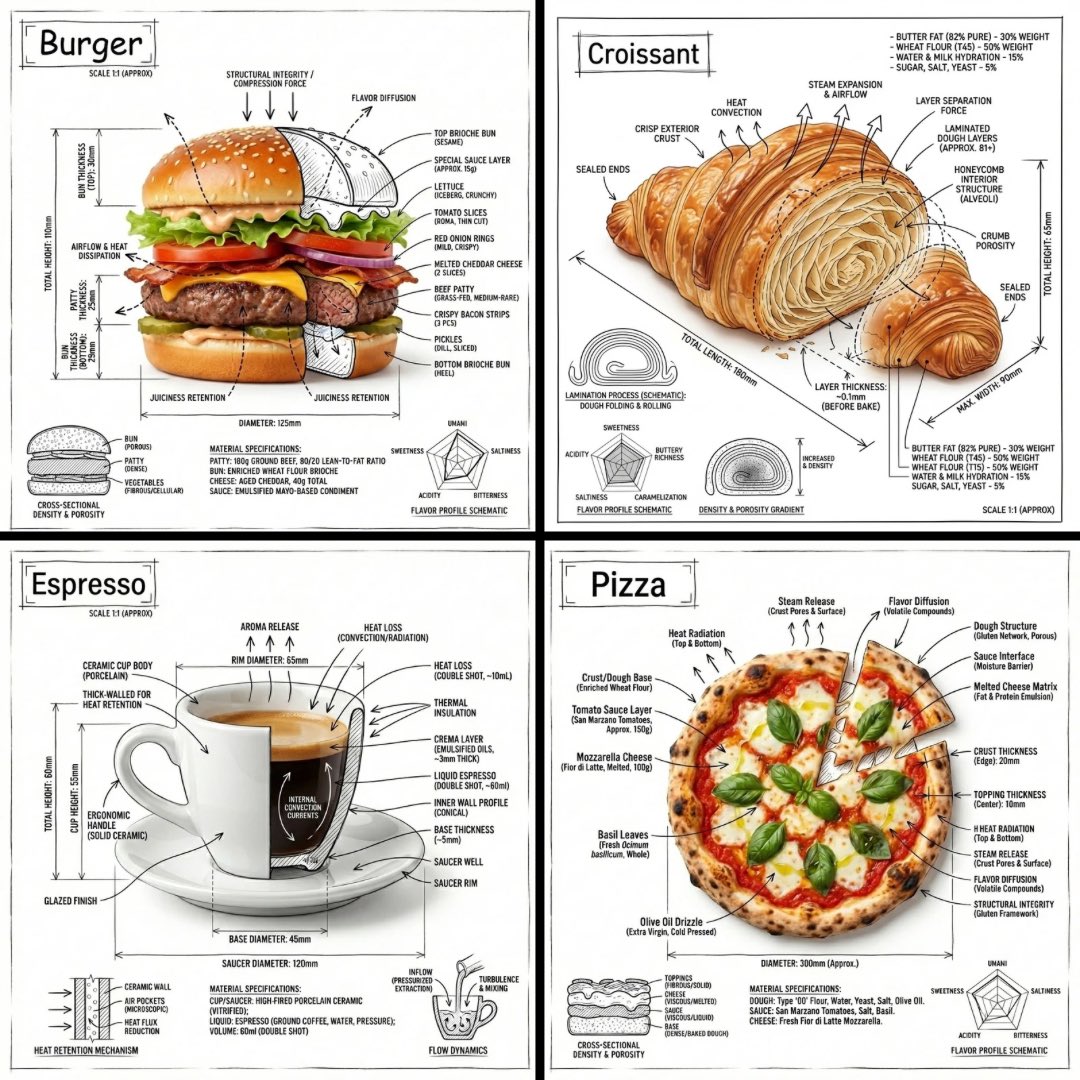
Technical Annotation Infographic Style

즉각적인

Generate an infographic image of any food item, combining a realistic photograph or photoreal render with technical annotation overlays placed directly on top. Use black ink-style line drawings and text (technical pen / architectural sketch look) on a pure white studio background. Include: key component labels, internal cutaway or exploded-view outlines, measurements and scale markers, material callouts and quantities, arrows indicating function or flow, simple schematic or sectional diagrams where relevant. Place the food name as a title inside a hand-drawn annotation box in one corner. The real object should remain clearly visible beneath the annotations. Annotations should feel sketched, technical, and architectural. Clean composition with balanced negative space, educational museum-exhibit / engineering-manual vibe. White background, black annotation lines and text only, no colors. Output: 1080x1080, ultra-crisp, no watermark.

20 모델에서 실행됩니다.

  • Flux
  • Flux 2
  • Flux Kontext
  • GPT-4o Image
  • GPT Image
  • GPT Image 2
  • GPT Image 2.5
  • GPT Image 2.6
  • Grok Imagine
  • Ideogram V3
  • Imagen 4
  • Kling
  • +8 이상

이 프롬프트의 출력

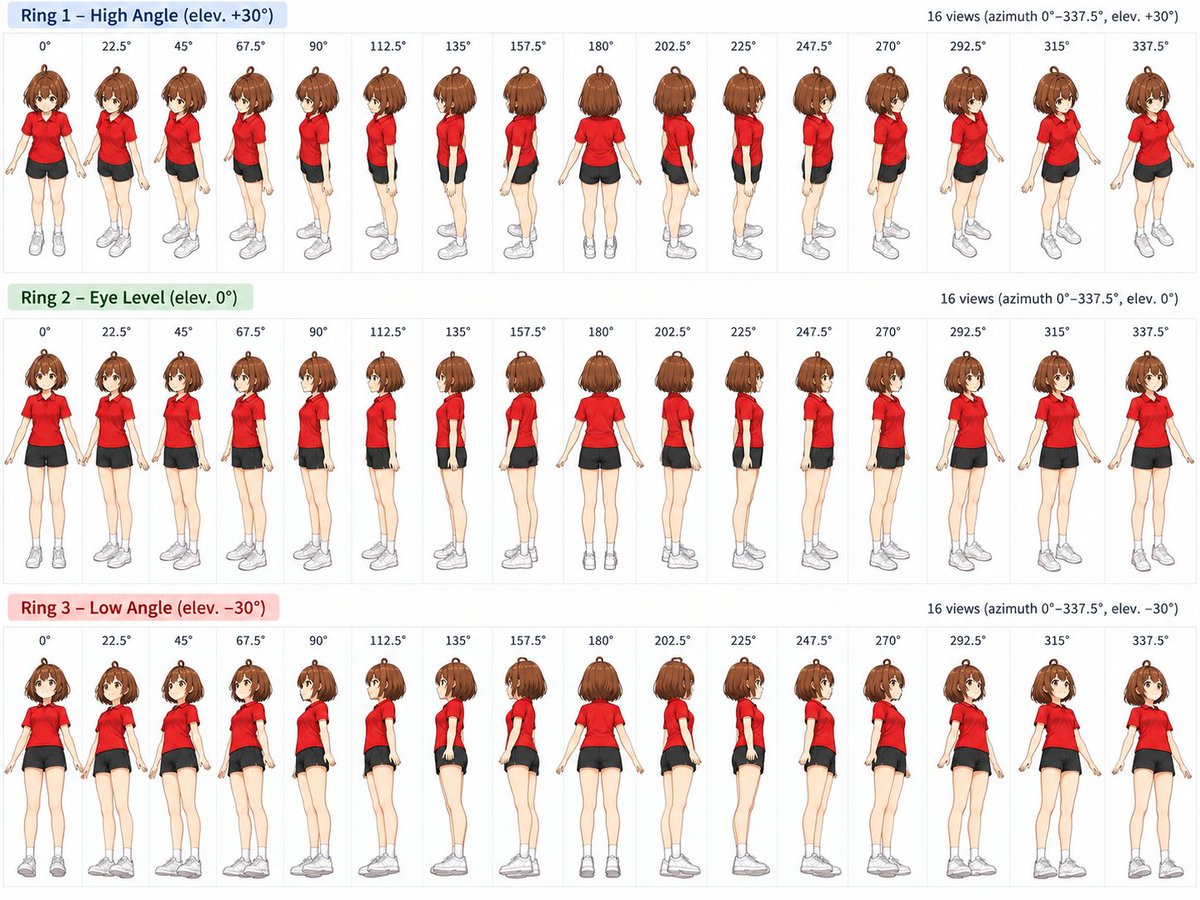
Camera Dome 48-Point View Setup 지정되지 않음 gpt-image-2
Seedream 5 prompt: Preteen cheerleaders, very pretty, around 11 years... 지정되지 않음 v2
Hunyuan  prompt: make a prompt in which a small boy playing with th... 지정되지 않음 hunyuan-3
Hero prompt: Base Image (Template): Image 1. Retain the exact o... 지정되지 않음 1.0
Seedream 5 prompt: Una mujer 지정되지 않음 v2
Seedream 5 prompt: Make this picture cute and no other changes 지정되지 않음 seedream-5-pro

API를 사용하여 이 프롬프트를 실행하세요.

아래 요청은 기본값이 채워진 이 프롬프트를 실행되는 첫 번째 모델로 보냅니다. 위에 나열된 다른 모델의 모델 이름을 바꾸십시오.

프롬프트 API 문서
/api/v1/gpt_image_2/text_to_image
curl -X POST https://runapi.ai/api/v1/gpt_image_2/text_to_image \
  -H "Authorization: Bearer $RUNAPI_API_KEY" \
  -H "Content-Type: application/json" \
  --data-binary @- <<'JSON'
{
  "model": "gpt-image-2",
  "prompt": "Generate an infographic image of any food item, combining a realistic photograph or photoreal render with technical annotation overlays placed directly on top. Use black ink-style line drawings and text (technical pen / architectural sketch look) on a pure white studio background. Include: key component labels, internal cutaway or exploded-view outlines, measurements and scale markers, material callouts and quantities, arrows indicating function or flow, simple schematic or sectional diagrams where relevant. Place the food name as a title inside a hand-drawn annotation box in one corner. The real object should remain clearly visible beneath the annotations. Annotations should feel sketched, technical, and architectural. Clean composition with balanced negative space, educational museum-exhibit / engineering-manual vibe. White background, black annotation lines and text only, no colors. Output: 1080x1080, ultra-crisp, no watermark."
}
JSON

메시지를 보내보세요