AI Image Degradation Collage
AI Image Degradation Collage

즉각적인

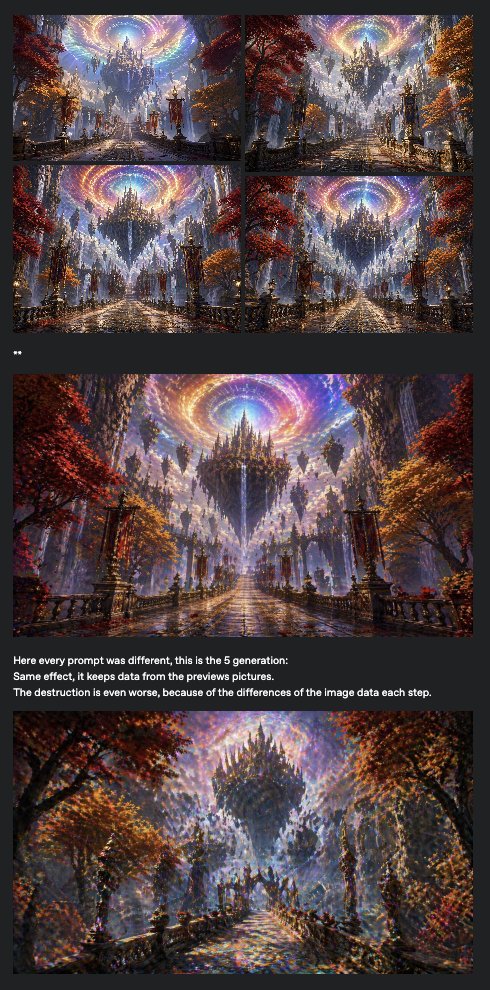
Goal: Create a dark social-media style evidence collage illustrating iterative AI image degradation and repeated pattern accumulation, using a fantasy castle scene as the repeated subject. Canvas: Tall vertical screenshot format, approximately 490 × 957 px, charcoal-black background with narrow margins and a feed-post look. Layout: At the top, place a 2 × 2 grid of exactly 4 small landscape thumbnails with thin dark gutters. Beneath the grid, add a tiny two-character mark that looks like “**” or two small white dots. Below that, place 1 large landscape fantasy image spanning almost the full width. Under the large image, add exactly 3 short lines of white caption text aligned left. At the bottom, place 1 final large landscape fantasy image spanning almost the full width. Total visible image panels: exactly 6, consisting of 4 small thumbnails, 1 middle large panel, and 1 bottom large panel. Fantasy image subject: Each panel should depict a similar epic gothic fantasy avenue leading toward a floating black spired castle or citadel, with wet reflective cobblestone paving, ornate lamp posts and railings, red and orange autumn trees on both sides, misty blue atmospheric depth, waterfalls or vertical light beams, and a luminous swirling rainbow vortex in the sky above the castle. The style should resemble highly detailed digital fantasy concept art with dramatic perspective, painterly lighting, and ornate architecture. Degradation concept: The 4 thumbnails should look very similar to each other, as if the same scene is being regenerated repeatedly. The middle large image should be sharper and grand, but already show repeated texture patterns and overlaid effects. The bottom image should look noticeably degraded: noisy, smeared, oversaturated, speckled, warped details, doubled edges, crunchy textures, and excessive accumulated brush-like artifacts, while still recognizable as the same fantasy castle avenue. Text content: Use exactly these 3 caption lines under the middle image in small bold white sans-serif text: “Here every prompt was different, this is the 5 generation:” “Same effect, it keeps data from the previous pictures.” “The destruction is even worse, because of the differences of the image data each step.” Visual style: Dark UI screenshot aesthetic, no decorative border, compact spacing, high contrast white text, images cropped as landscape rectangles. Make the collage feel like a forum or tweet screenshot documenting a model failure. Customizable details: Use floating gothic castle avenue under a rainbow vortex, Here every prompt was different, this is the 5 generation:, Same effect, it keeps data from the previous pictures., The destruction is even worse, because of the differences of the image data each step., and charcoal black.

21 모델에서 실행됩니다.

  • Flux
  • Flux 2
  • Flux Kontext
  • GPT-4o Image
  • GPT Image
  • GPT Image 2
  • GPT Image 2.5
  • GPT Image 2.6
  • Grok Imagine
  • Ideogram V3
  • Imagen 4
  • Kling
  • +9 이상

이 프롬프트의 출력

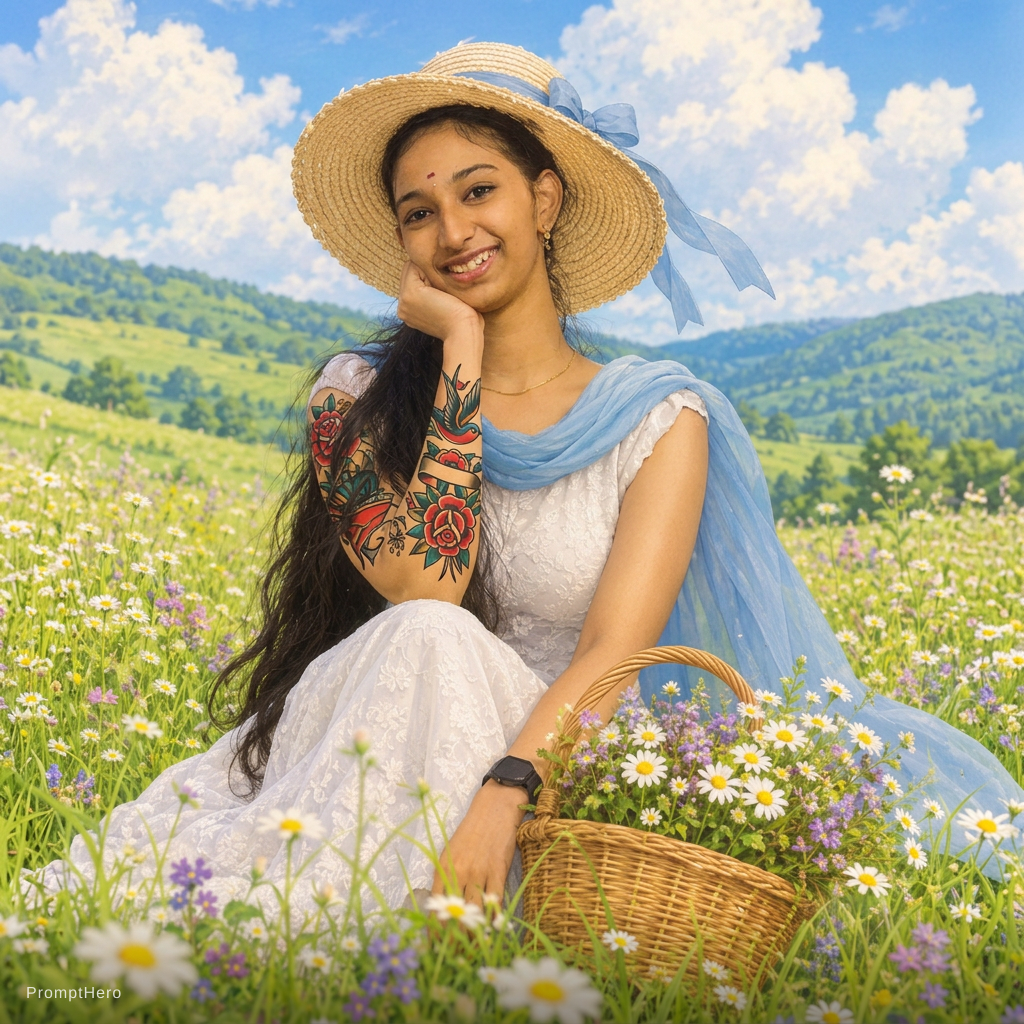
Nano Banana prompt: Kavya covering full bicep, bold American style wit 지정되지 않음 nano-banana-2.1
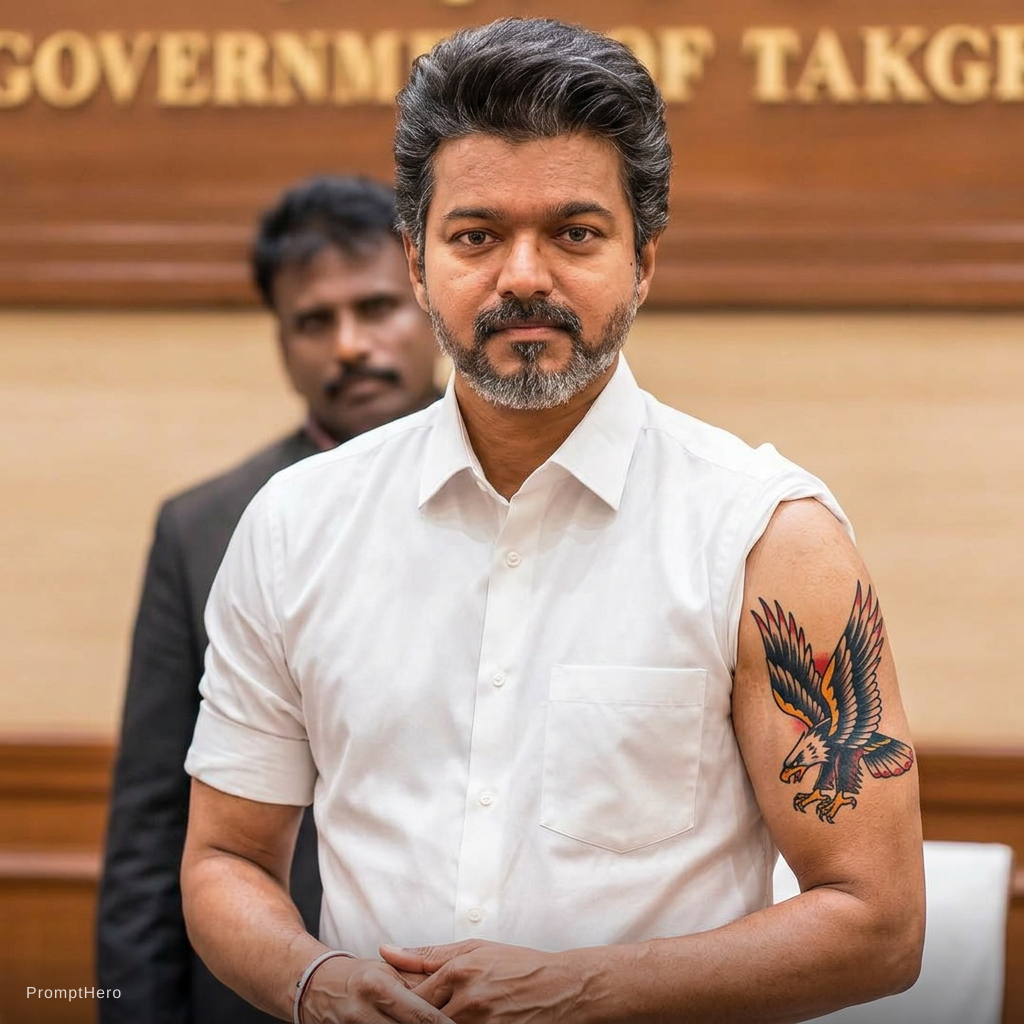
Nano Banana prompt: traditional eagle covering full bicep, bold Americ... 지정되지 않음 nano-banana-2.1
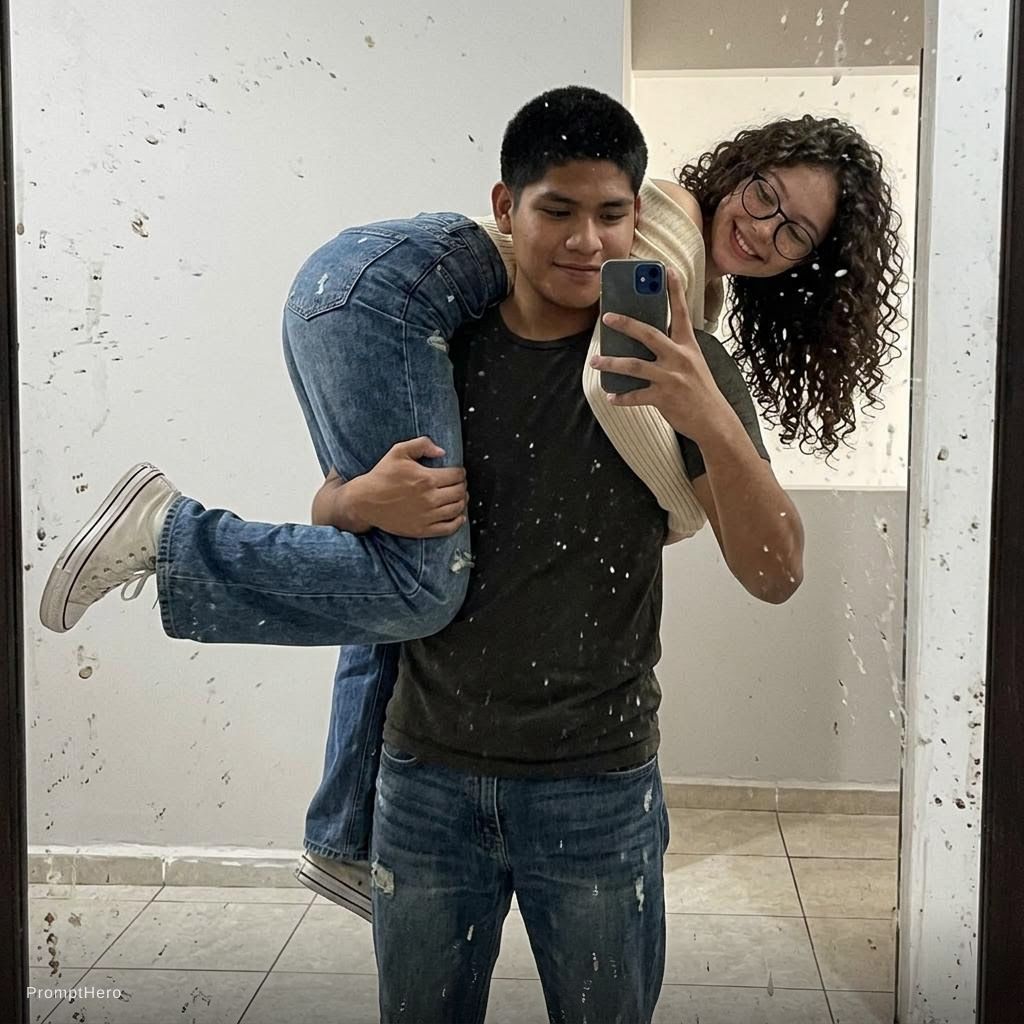
Hero prompt: nos podrias hacer una foto con la pose de la prime... 지정되지 않음 1.0
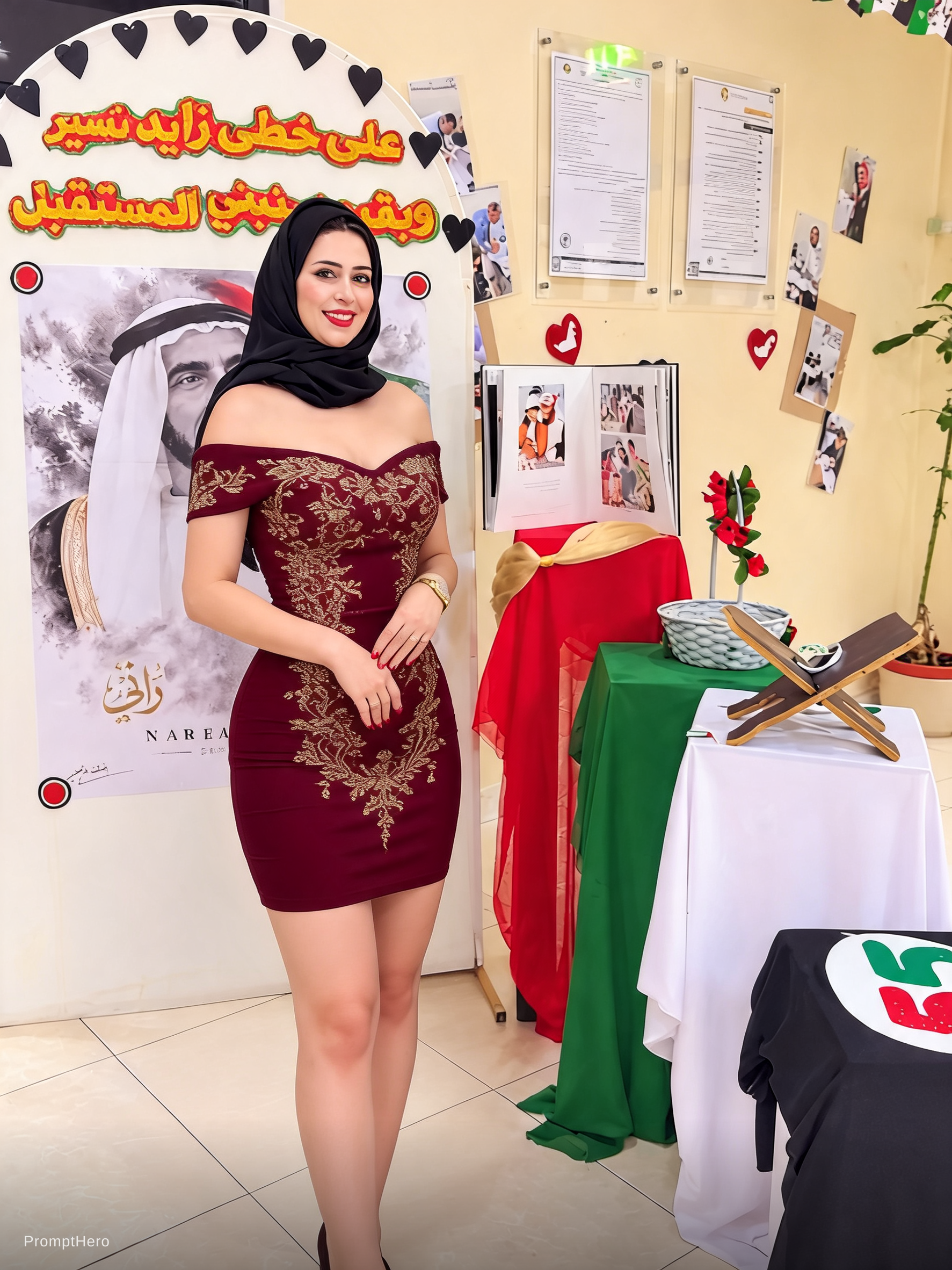
Seedream 5 prompt: Hot dress 지정되지 않음 v2
Nano Banana prompt: Match the same pose from the 1st image 지정되지 않음 nano-banana-2.1
Seedream 5 prompt: Modern minimalist mobile app icon logo design for ... 지정되지 않음 seedream-5-pro

API를 사용하여 이 프롬프트를 실행하세요.

아래 요청은 기본값이 채워진 이 프롬프트를 실행되는 첫 번째 모델로 보냅니다. 위에 나열된 다른 모델의 모델 이름을 바꾸십시오.

프롬프트 API 문서
/api/v1/gpt_image_2/text_to_image
curl -X POST https://runapi.ai/api/v1/gpt_image_2/text_to_image \
  -H "Authorization: Bearer $RUNAPI_API_KEY" \
  -H "Content-Type: application/json" \
  --data-binary @- <<'JSON'
{
  "model": "gpt-image-2",
  "prompt": "Goal: Create a dark social-media style evidence collage illustrating iterative AI image degradation and repeated pattern accumulation, using a fantasy castle scene as the repeated subject.\n\nCanvas: Tall vertical screenshot format, approximately 490 × 957 px, charcoal-black background with narrow margins and a feed-post look.\n\nLayout: At the top, place a 2 × 2 grid of exactly 4 small landscape thumbnails with thin dark gutters. Beneath the grid, add a tiny two-character mark that looks like “**” or two small white dots. Below that, place 1 large landscape fantasy image spanning almost the full width. Under the large image, add exactly 3 short lines of white caption text aligned left. At the bottom, place 1 final large landscape fantasy image spanning almost the full width. Total visible image panels: exactly 6, consisting of 4 small thumbnails, 1 middle large panel, and 1 bottom large panel.\n\nFantasy image subject: Each panel should depict a similar epic gothic fantasy avenue leading toward a floating black spired castle or citadel, with wet reflective cobblestone paving, ornate lamp posts and railings, red and orange autumn trees on both sides, misty blue atmospheric depth, waterfalls or vertical light beams, and a luminous swirling rainbow vortex in the sky above the castle. The style should resemble highly detailed digital fantasy concept art with dramatic perspective, painterly lighting, and ornate architecture.\n\nDegradation concept: The 4 thumbnails should look very similar to each other, as if the same scene is being regenerated repeatedly. The middle large image should be sharper and grand, but already show repeated texture patterns and overlaid effects. The bottom image should look noticeably degraded: noisy, smeared, oversaturated, speckled, warped details, doubled edges, crunchy textures, and excessive accumulated brush-like artifacts, while still recognizable as the same fantasy castle avenue.\n\nText content: Use exactly these 3 caption lines under the middle image in small bold white sans-serif text: “Here every prompt was different, this is the 5 generation:” “Same effect, it keeps data from the previous pictures.” “The destruction is even worse, because of the differences of the image data each step.”\n\nVisual style: Dark UI screenshot aesthetic, no decorative border, compact spacing, high contrast white text, images cropped as landscape rectangles. Make the collage feel like a forum or tweet screenshot documenting a model failure.\n\nCustomizable details: Use floating gothic castle avenue under a rainbow vortex, Here every prompt was different, this is the 5 generation:, Same effect, it keeps data from the previous pictures., The destruction is even worse, because of the differences of the image data each step., and charcoal black."
}
JSON

메시지를 보내보세요