Glasses Glare Removal Portrait Collage
Glasses Glare Removal Portrait Collage

즉각적인

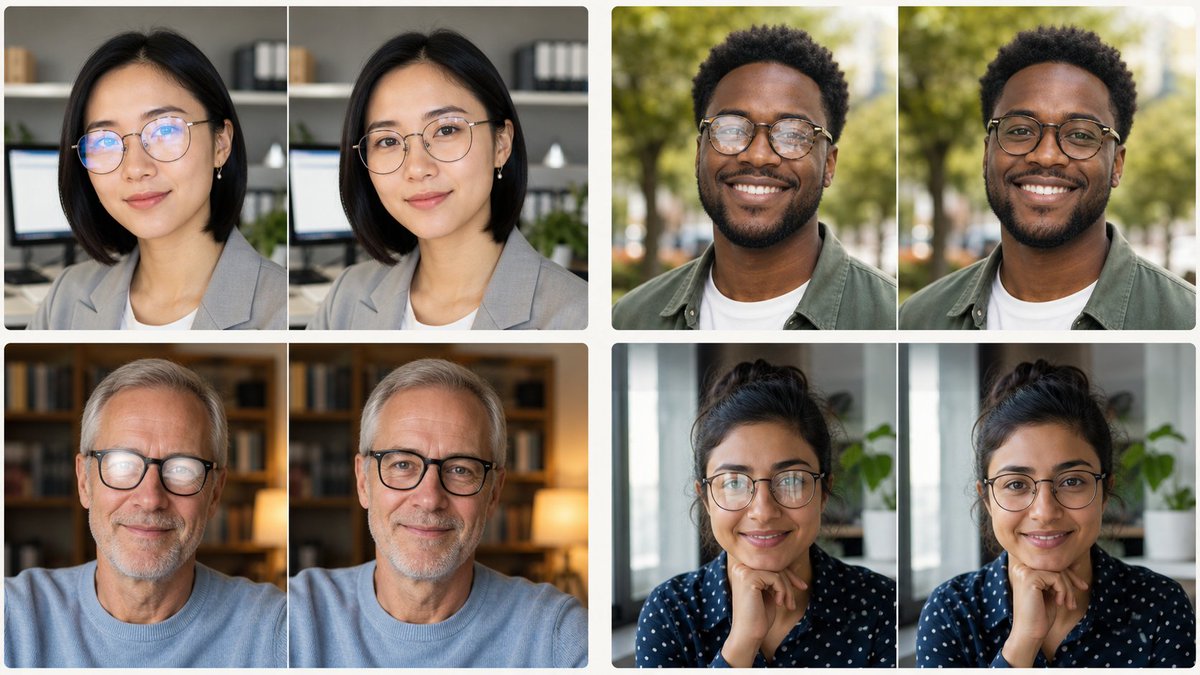
Goal: Create a clean comparison collage showing four portrait-photo examples for eyeglasses glare removal, with each example displayed as a side-by-side before-and-after pair while preserving the same person, pose, clothing, lighting, and background. Canvas: Wide 16:9 image, approximately 1200×675 px, white background, thin white gutters between panels, rounded photo corners, realistic profile-photo photography. Layout: Arrange exactly 4 comparison groups in a 2×2 grid. Each group contains exactly 2 near-identical portrait photos placed left and right, for a total of exactly 8 portrait panels. The pairs are: 1) top-left pair: an East Asian woman in a gray blazer in an office setting with shelves and a monitor behind her; 2) top-right pair: a young Black man outdoors in a green park, wearing an olive overshirt over a white T-shirt; 3) bottom-left pair: an older white man with gray hair wearing a pale blue sweater in a warm home-library setting with bookshelves and a glowing lamp; 4) bottom-right pair: a woman with dark curly hair tied up, wearing a navy blouse with white dots, seated indoors near a window and a green plant, resting her hand near her chin. Subject details: In the left image of each pair, show subtle eyeglasses glare or reflection over the eye area; in the right image of each pair, remove the glare so the eyes look natural and clear, without changing facial identity, expression, head position, skin tone, hairstyle, clothing, camera angle, or background. Use realistic shallow depth of field, natural color grading, soft professional portrait lighting, and profile-photo framing from chest or shoulders upward. Privacy treatment: Cover the central face area of every portrait with a solid opaque rectangular censor block, matching the skin tone of that subject, so facial features are hidden. Use exactly 8 censor rectangles, one per portrait panel, centered over the face and extending from forehead to lower face. The blocks should be plain, without blur texture or text. Constraints: No captions, no arrows, no logos, no watermark, no UI elements, no extra people, no decorative graphics. Keep the comparison pairs aligned and visually consistent, like a social-media demonstration image for remove glasses glare. Use realistic professional portrait photography, four side-by-side before-and-after portrait pairs, white, and solid skin-tone face censor blocks.

20 모델에서 실행됩니다.

  • Flux
  • Flux 2
  • Flux Kontext
  • GPT-4o Image
  • GPT Image
  • GPT Image 2
  • GPT Image 2.5
  • GPT Image 2.6
  • Grok Imagine
  • Ideogram V3
  • Imagen 4
  • Kling
  • +8 이상

이 프롬프트의 출력

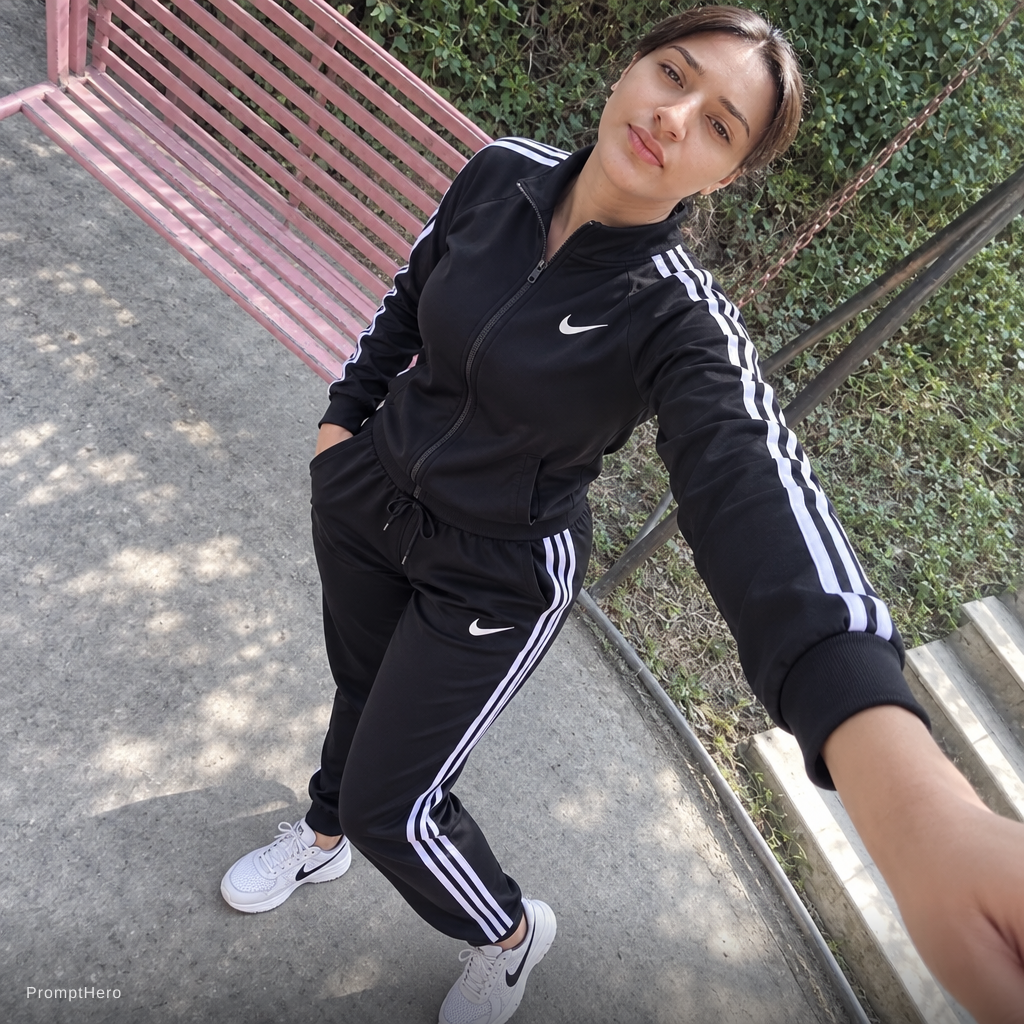
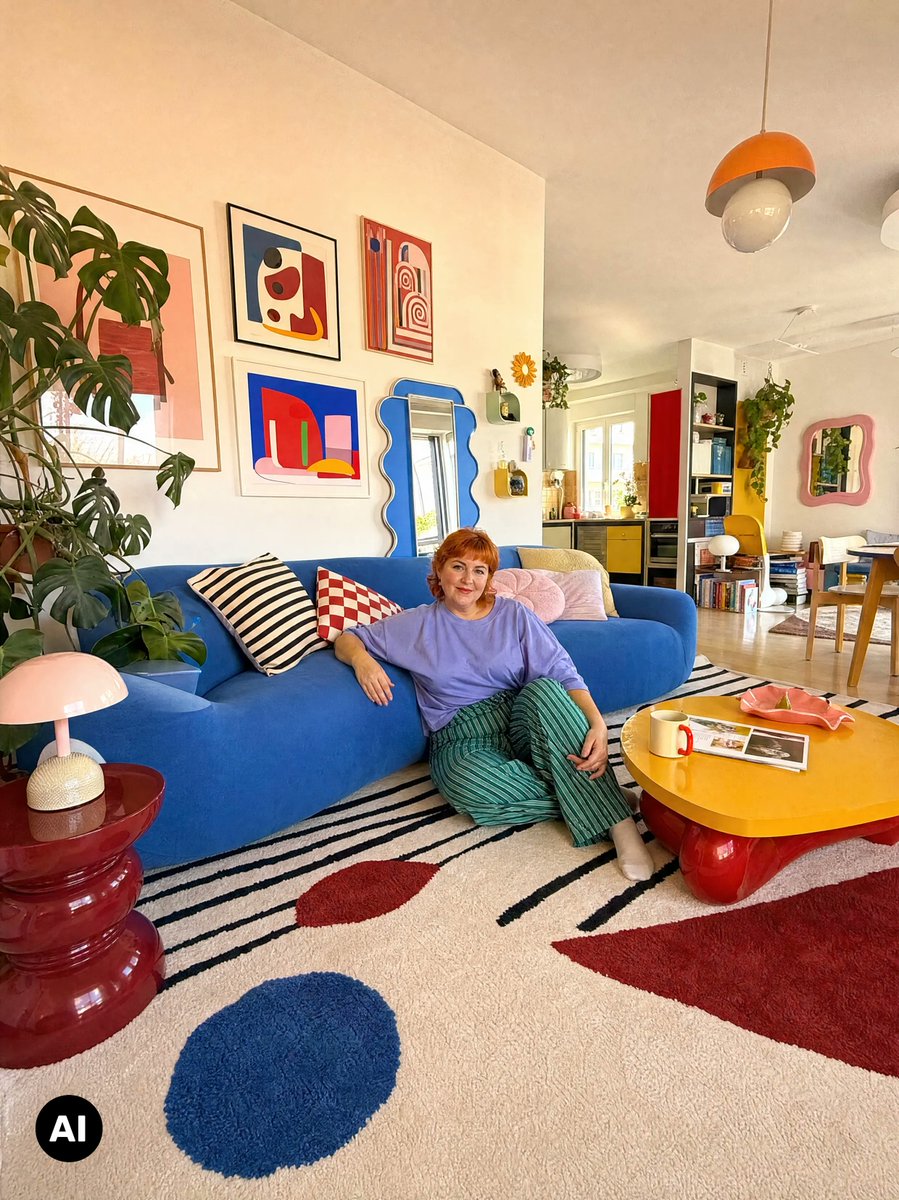
ChatGPT Image prompt: Sport stil 지정되지 않음 gpt-image-2.6-flare
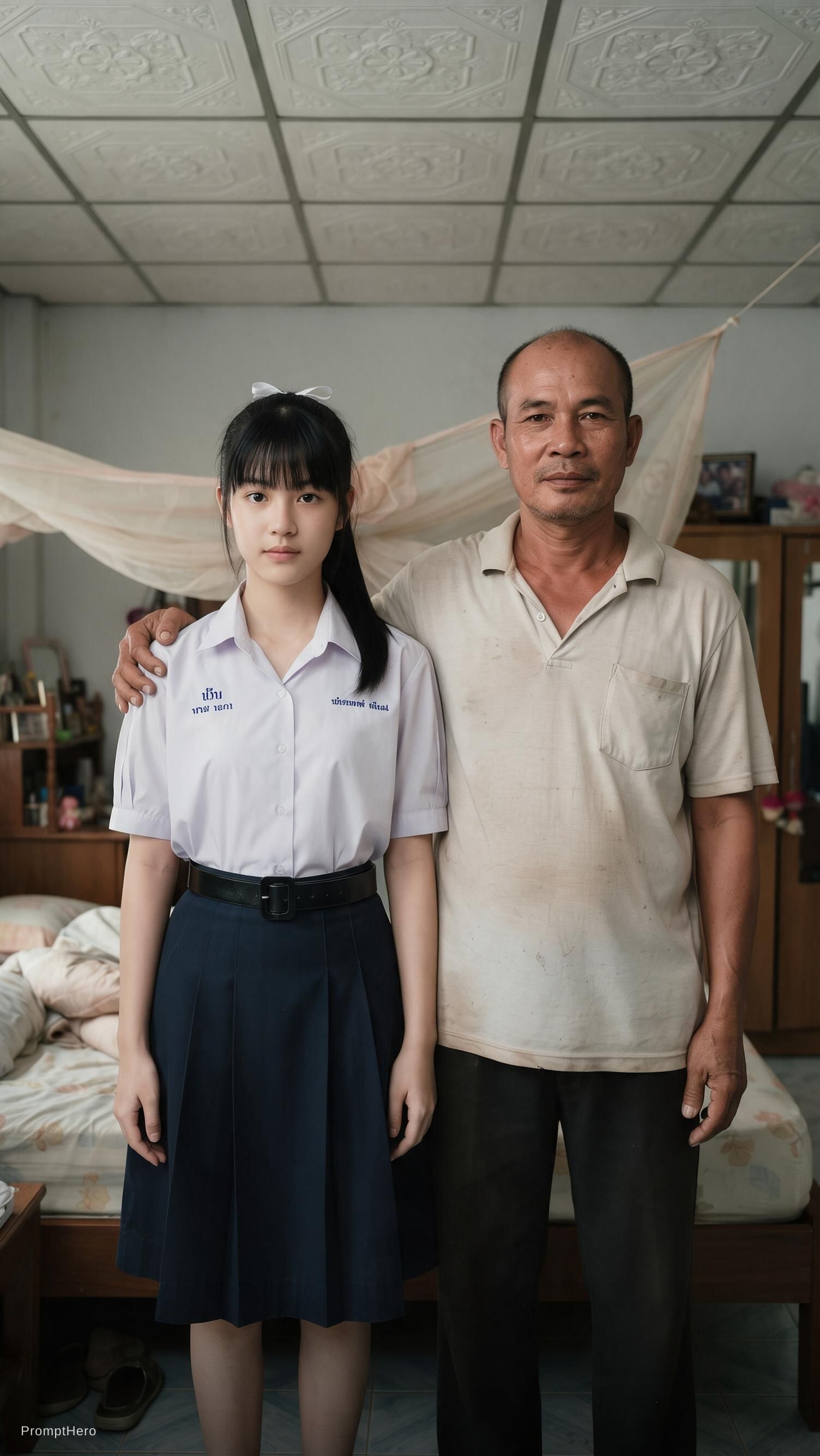
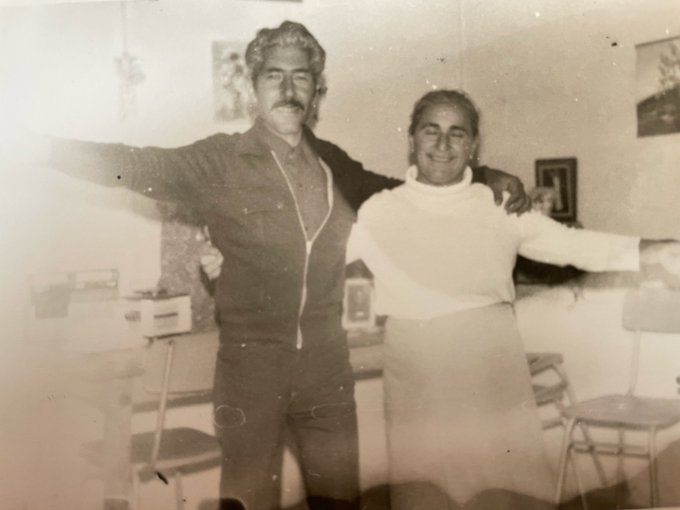
Seedream 5 prompt: Have the man put his arm around the woman's should 지정되지 않음 seedream-5-pro
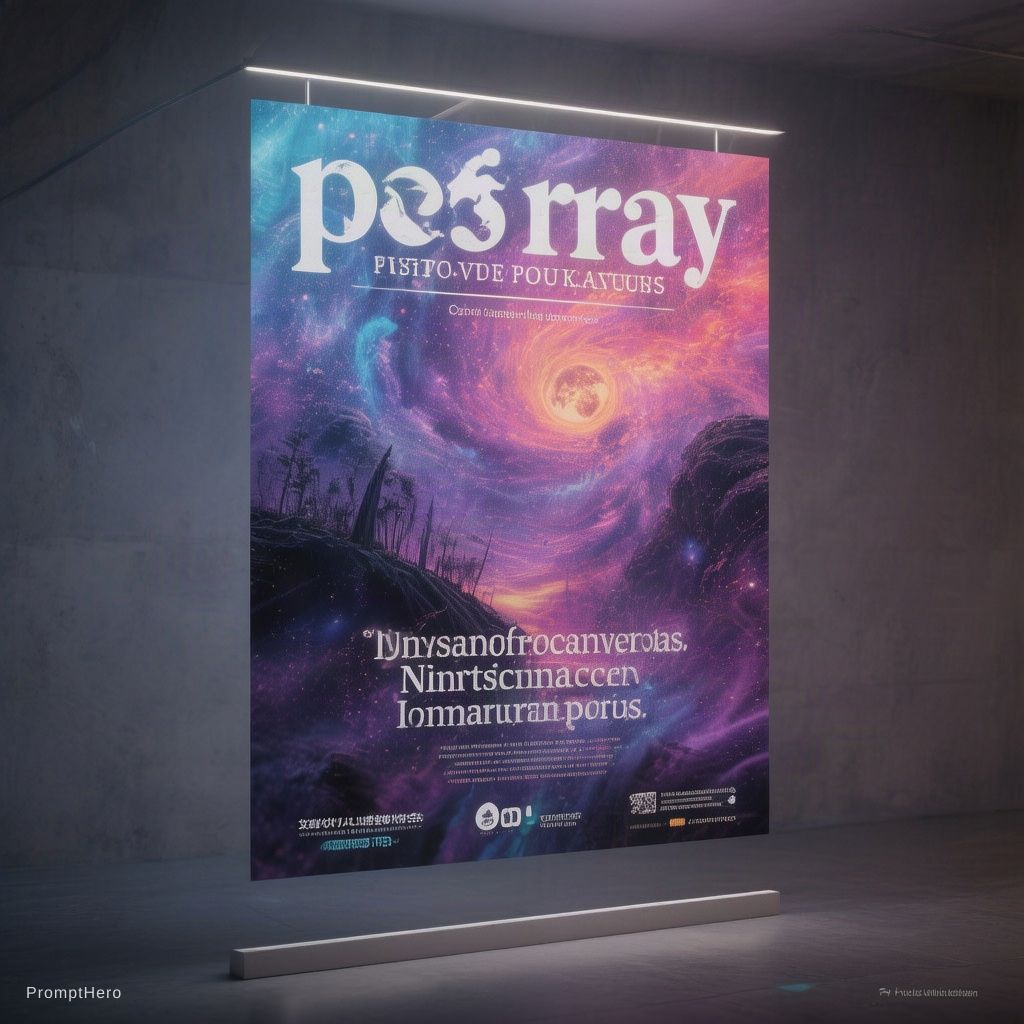
Hunyuan  prompt: póster/imagen 지정되지 않음 hunyuan-3
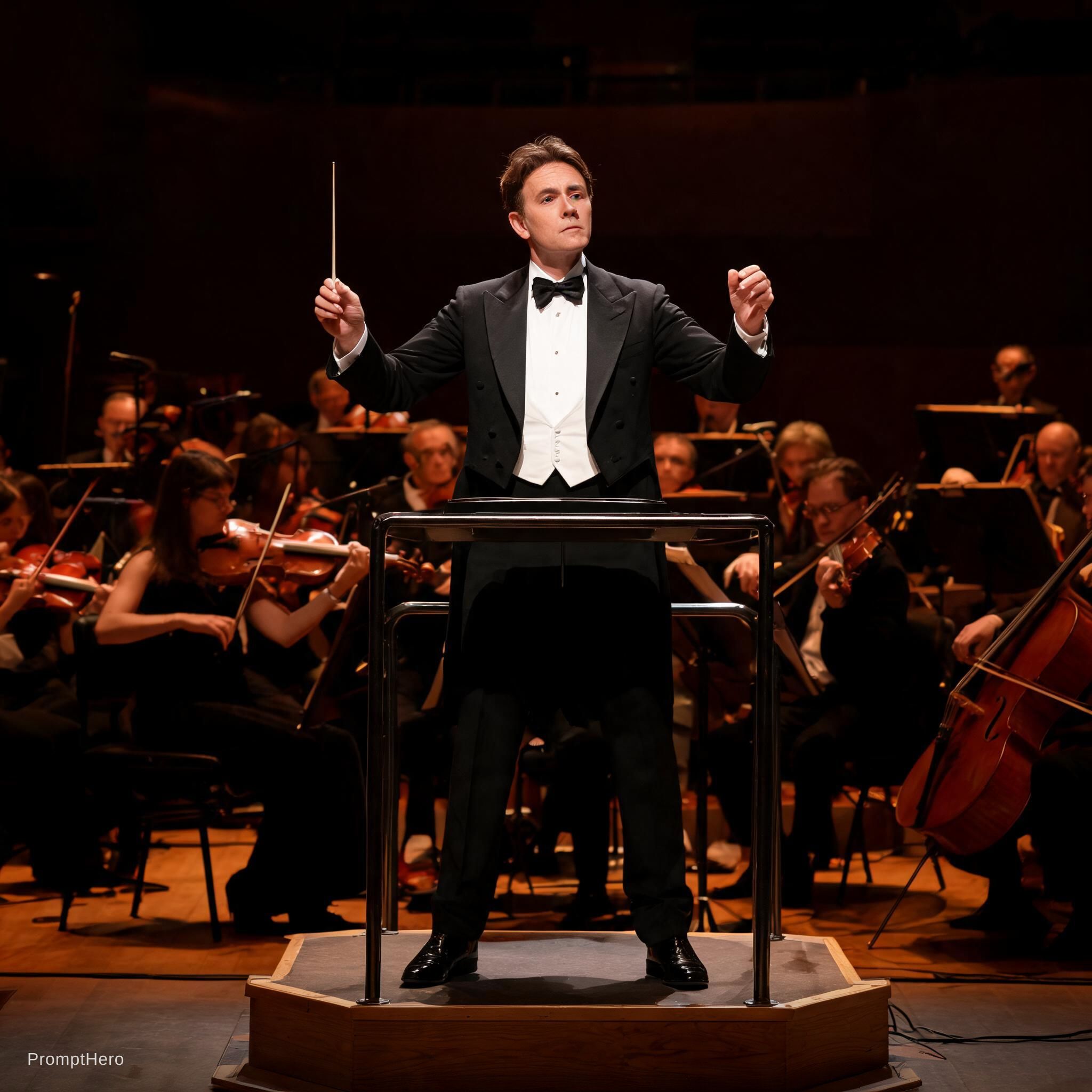
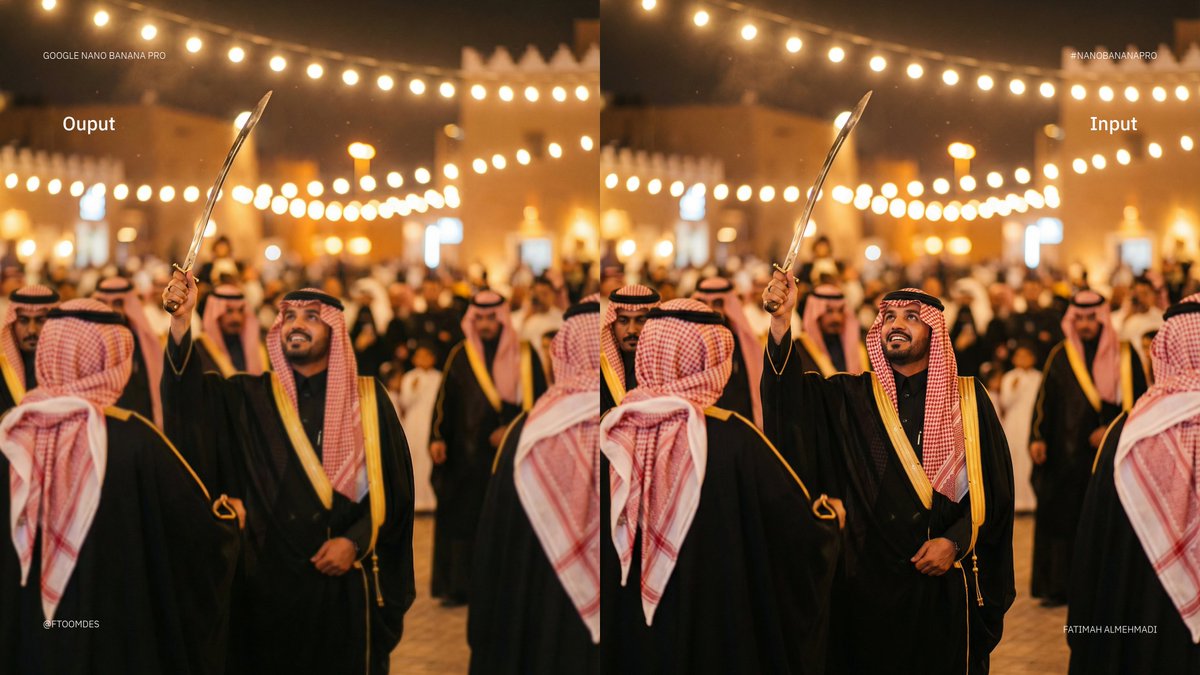
Seedream 5 prompt: Conductor 지정되지 않음 v2
FLUX prompt: oil painting 지정되지 않음 flux-2-pro
ChatGPT Image prompt: vytvor fotorealistycke študio quality s viacerimi ... 지정되지 않음 v1

API를 사용하여 이 프롬프트를 실행하세요.

아래 요청은 기본값이 채워진 이 프롬프트를 실행되는 첫 번째 모델로 보냅니다. 위에 나열된 다른 모델의 모델 이름을 바꾸십시오.

프롬프트 API 문서
/api/v1/gpt_image_2/text_to_image
curl -X POST https://runapi.ai/api/v1/gpt_image_2/text_to_image \
  -H "Authorization: Bearer $RUNAPI_API_KEY" \
  -H "Content-Type: application/json" \
  --data-binary @- <<'JSON'
{
  "model": "gpt-image-2",
  "prompt": "Goal: Create a clean comparison collage showing four portrait-photo examples for eyeglasses glare removal, with each example displayed as a side-by-side before-and-after pair while preserving the same person, pose, clothing, lighting, and background.\n\nCanvas: Wide 16:9 image, approximately 1200×675 px, white background, thin white gutters between panels, rounded photo corners, realistic profile-photo photography.\n\nLayout: Arrange exactly 4 comparison groups in a 2×2 grid. Each group contains exactly 2 near-identical portrait photos placed left and right, for a total of exactly 8 portrait panels. The pairs are: 1) top-left pair: an East Asian woman in a gray blazer in an office setting with shelves and a monitor behind her; 2) top-right pair: a young Black man outdoors in a green park, wearing an olive overshirt over a white T-shirt; 3) bottom-left pair: an older white man with gray hair wearing a pale blue sweater in a warm home-library setting with bookshelves and a glowing lamp; 4) bottom-right pair: a woman with dark curly hair tied up, wearing a navy blouse with white dots, seated indoors near a window and a green plant, resting her hand near her chin.\n\nSubject details: In the left image of each pair, show subtle eyeglasses glare or reflection over the eye area; in the right image of each pair, remove the glare so the eyes look natural and clear, without changing facial identity, expression, head position, skin tone, hairstyle, clothing, camera angle, or background. Use realistic shallow depth of field, natural color grading, soft professional portrait lighting, and profile-photo framing from chest or shoulders upward.\n\nPrivacy treatment: Cover the central face area of every portrait with a solid opaque rectangular censor block, matching the skin tone of that subject, so facial features are hidden. Use exactly 8 censor rectangles, one per portrait panel, centered over the face and extending from forehead to lower face. The blocks should be plain, without blur texture or text.\n\nConstraints: No captions, no arrows, no logos, no watermark, no UI elements, no extra people, no decorative graphics. Keep the comparison pairs aligned and visually consistent, like a social-media demonstration image for remove glasses glare. Use realistic professional portrait photography, four side-by-side before-and-after portrait pairs, white, and solid skin-tone face censor blocks."
}
JSON

메시지를 보내보세요

예상 금액: $0.04 / 이미지

RunAPI로 생성하려면 로그인하세요.

로그인 후 생성

로그인하여 사용 가능한 언어 모델로 생성을 시작하세요.