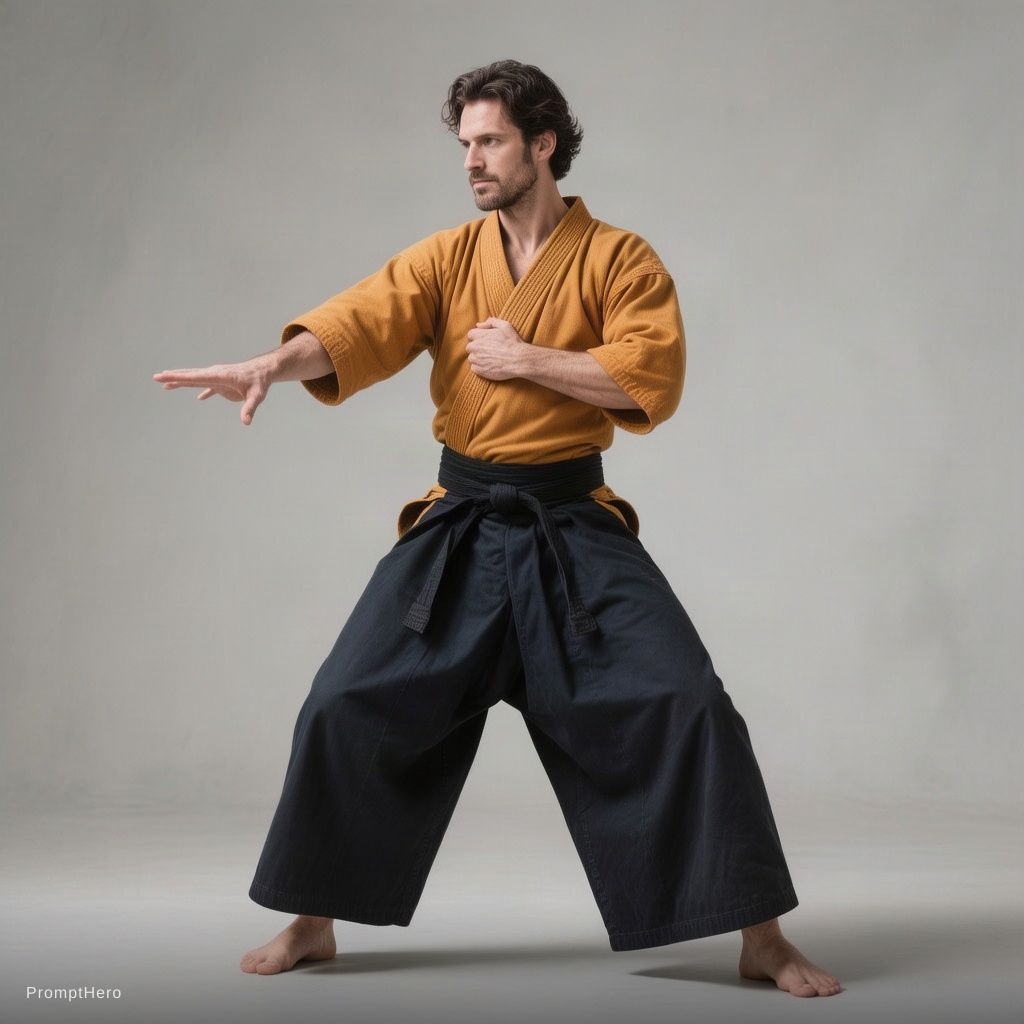
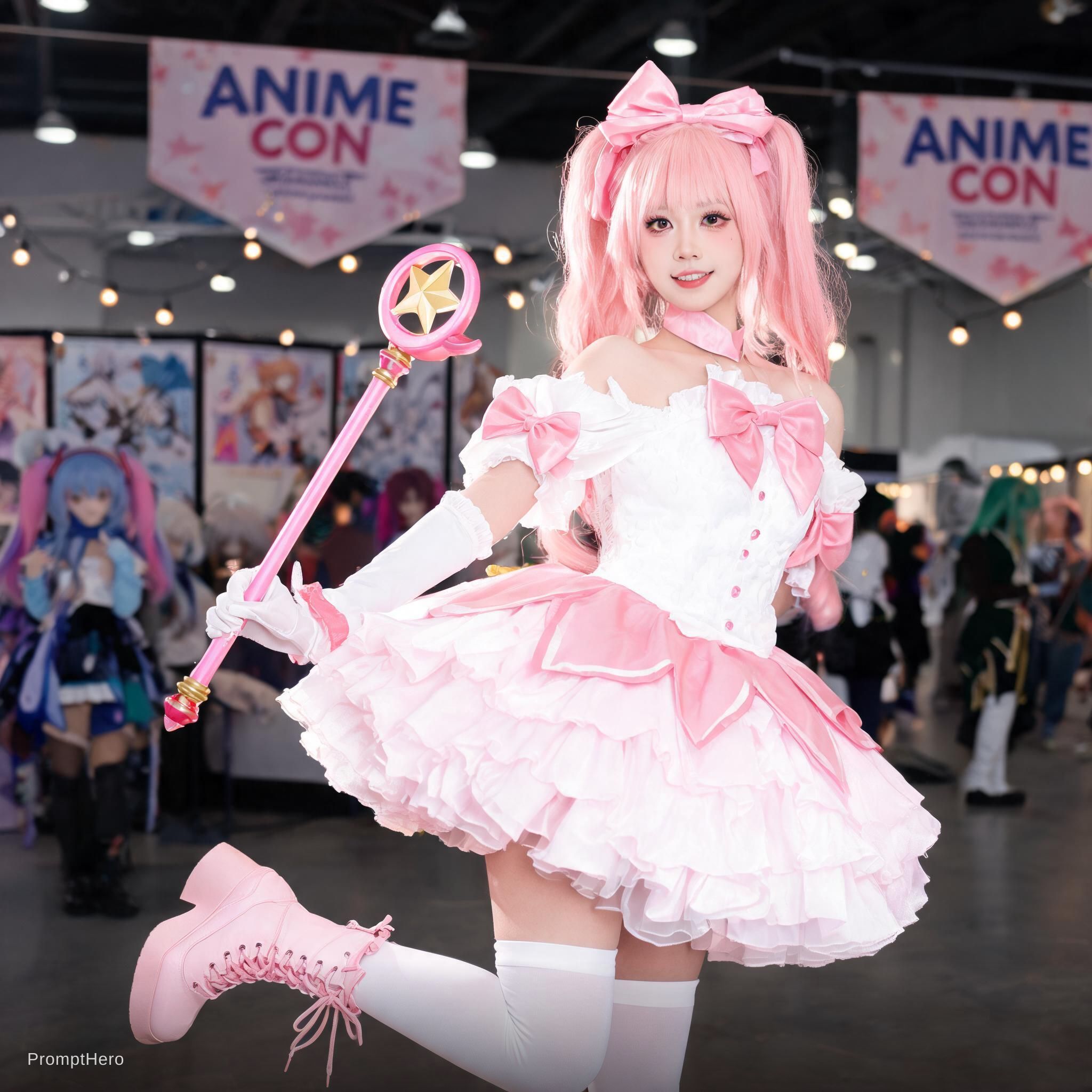
Anime Miko Night Shrine Livestream
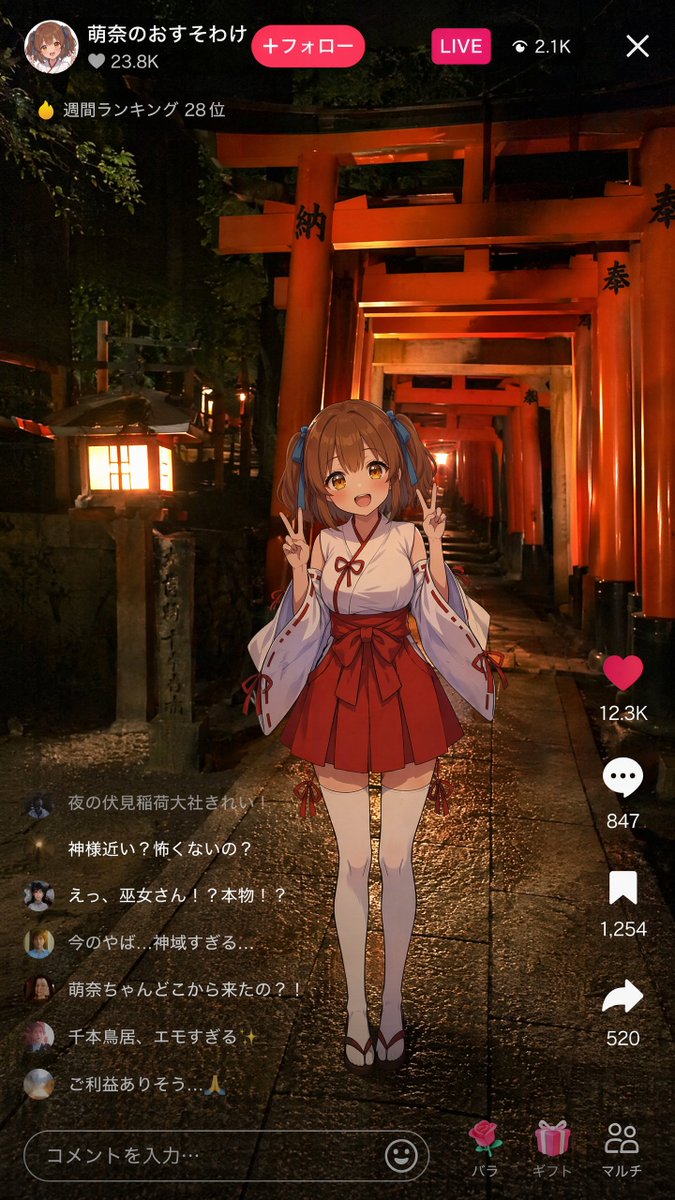
Anime Miko Night Shrine Livestream

즉각적인

Goal: Create a vertical smartphone live-stream screenshot showing a Gen Z anime shrine maiden doing a livestream at night inside Fushimi Inari Shrine, blending a realistic photo-like background with a 2D anime avatar overlay and social media UI. Canvas: 9:16 vertical mobile screen, 675 × 1200 style composition. Dark nighttime atmosphere, high contrast, warm orange shrine lighting, realistic wet stone path reflections. Background: A photorealistic night scene of endless vermilion torii gates receding into the distance at Fushimi Inari Shrine. The path is centered with strong depth perspective. Add a glowing stone lantern on the left foreground, dark trees and foliage around the gates, glossy rain-wet paving stones, and warm amber light spilling across the scene. Some torii pillars have black Japanese characters painted on them. Main subject: Center foreground full-body anime girl avatar, slightly pasted over the realistic scene like an AR live-stream filter. She is Moena, a cute young shrine maiden with brown twin-tail hair tied with blue ribbons, soft anime shading, and a deliberately blurred/obscured face as if anonymized. She wears a traditional miko outfit: white kimono top with red trim, long detached sleeves with red cords, red pleated hakama-style skirt with a large bow at the waist, white thigh-high tabi socks, and red-and-white sandals. Pose: standing upright, both hands raised near her shoulders making double peace signs. Cute, cheerful idol-streamer energy. Top live-stream UI: Overlay a TikTok-like livestream interface. At top left show a circular anime profile icon, username text in Japanese: 萌奈のおすそわけ, a heart count “♡ 23.8K”, and a bright pink rounded button reading “+フォロー”. Near the top center-right show a pink “LIVE” badge, an eye icon with “2.1K”, and a white close X at the far right. Under the username area show a small flame icon and the ranking text “週間ランキング 28位”. Right-side engagement column: Include exactly 4 vertical action items: 1) red heart icon with “12.3K”, 2) white comment bubble with “847”, 3) white bookmark icon with “1,254”, 4) white share arrow with “520”. Comment overlay: Add exactly 6 semi-transparent live comments stacked on the lower left, each with a small circular avatar. Preserve these Japanese comments: 1) “夜の伏見稲荷大社きれい!” 2) “神様近い?怖くないの?” 3) “えっ、巫女さん!?本物!?” 4) “今のやば…神域すぎる….” 5) “萌奈ちゃんどこから来たの?!” 6) “千本鳥居、エモすぎる”. Beneath them add a final faint comment line “ご利益ありそう。🙏”. Bottom input and navigation UI: At bottom left place a rounded comment input field reading “コメントを入力…”, with a smiley icon at its right end. At bottom right add exactly 3 gift/navigation icons with labels: a rose labeled “バラ”, a present labeled “ギフト”, and two-person icon labeled “マルチ”. Visual style: Realistic cinematic shrine photo background plus crisp anime illustration overlay, mobile livestream screenshot, Japanese social app aesthetic, bright pink accent UI, white text, subtle transparency on comments, no extra characters, no watermark, no visible camera frame outside the phone screenshot.

21 모델에서 실행됩니다.

  • Flux
  • Flux 2
  • Flux Kontext
  • GPT-4o Image
  • GPT Image
  • GPT Image 2
  • GPT Image 2.5
  • GPT Image 2.6
  • Grok Imagine
  • Ideogram V3
  • Imagen 4
  • Kling
  • +9 이상

이 프롬프트의 출력

Hunyuan  prompt: Aikido 지정되지 않음 hunyuan-3
Seedream 5 prompt: f smiling middle aged woman in nice home wrapped i... 지정되지 않음 v2
Create an extreme close-up underwater portrait, ca... 지정되지 않음 지정되지 않음
Using the face from the attached photograph, recre... 지정되지 않음 지정되지 않음
Using the face from the attached photo, recreate a... 지정되지 않음 지정되지 않음
Seedream 5 prompt: cosplay 지정되지 않음 v2

API를 사용하여 이 프롬프트를 실행하세요.

아래 요청은 기본값이 채워진 이 프롬프트를 실행되는 첫 번째 모델로 보냅니다. 위에 나열된 다른 모델의 모델 이름을 바꾸십시오.

프롬프트 API 문서
/api/v1/gpt_image_2/text_to_image
curl -X POST https://runapi.ai/api/v1/gpt_image_2/text_to_image \
  -H "Authorization: Bearer $RUNAPI_API_KEY" \
  -H "Content-Type: application/json" \
  --data-binary @- <<'JSON'
{
  "model": "gpt-image-2",
  "prompt": "Goal: Create a vertical smartphone live-stream screenshot showing a Gen Z anime shrine maiden doing a livestream at night inside Fushimi Inari Shrine, blending a realistic photo-like background with a 2D anime avatar overlay and social media UI.\n\nCanvas: 9:16 vertical mobile screen, 675 × 1200 style composition. Dark nighttime atmosphere, high contrast, warm orange shrine lighting, realistic wet stone path reflections.\n\nBackground: A photorealistic night scene of endless vermilion torii gates receding into the distance at Fushimi Inari Shrine. The path is centered with strong depth perspective. Add a glowing stone lantern on the left foreground, dark trees and foliage around the gates, glossy rain-wet paving stones, and warm amber light spilling across the scene. Some torii pillars have black Japanese characters painted on them.\n\nMain subject: Center foreground full-body anime girl avatar, slightly pasted over the realistic scene like an AR live-stream filter. She is Moena, a cute young shrine maiden with brown twin-tail hair tied with blue ribbons, soft anime shading, and a deliberately blurred/obscured face as if anonymized. She wears a traditional miko outfit: white kimono top with red trim, long detached sleeves with red cords, red pleated hakama-style skirt with a large bow at the waist, white thigh-high tabi socks, and red-and-white sandals. Pose: standing upright, both hands raised near her shoulders making double peace signs. Cute, cheerful idol-streamer energy.\n\nTop live-stream UI: Overlay a TikTok-like livestream interface. At top left show a circular anime profile icon, username text in Japanese: 萌奈のおすそわけ, a heart count “♡ 23.8K”, and a bright pink rounded button reading “+フォロー”. Near the top center-right show a pink “LIVE” badge, an eye icon with “2.1K”, and a white close X at the far right. Under the username area show a small flame icon and the ranking text “週間ランキング 28位”.\n\nRight-side engagement column: Include exactly 4 vertical action items: 1) red heart icon with “12.3K”, 2) white comment bubble with “847”, 3) white bookmark icon with “1,254”, 4) white share arrow with “520”.\n\nComment overlay: Add exactly 6 semi-transparent live comments stacked on the lower left, each with a small circular avatar. Preserve these Japanese comments: 1) “夜の伏見稲荷大社きれい!” 2) “神様近い?怖くないの?” 3) “えっ、巫女さん!?本物!?” 4) “今のやば…神域すぎる….” 5) “萌奈ちゃんどこから来たの?!” 6) “千本鳥居、エモすぎる”. Beneath them add a final faint comment line “ご利益ありそう。🙏”.\n\nBottom input and navigation UI: At bottom left place a rounded comment input field reading “コメントを入力…”, with a smiley icon at its right end. At bottom right add exactly 3 gift/navigation icons with labels: a rose labeled “バラ”, a present labeled “ギフト”, and two-person icon labeled “マルチ”.\n\nVisual style: Realistic cinematic shrine photo background plus crisp anime illustration overlay, mobile livestream screenshot, Japanese social app aesthetic, bright pink accent UI, white text, subtle transparency on comments, no extra characters, no watermark, no visible camera frame outside the phone screenshot."
}
JSON

메시지를 보내보세요