Anime Couple Segmentation UI Screenshot
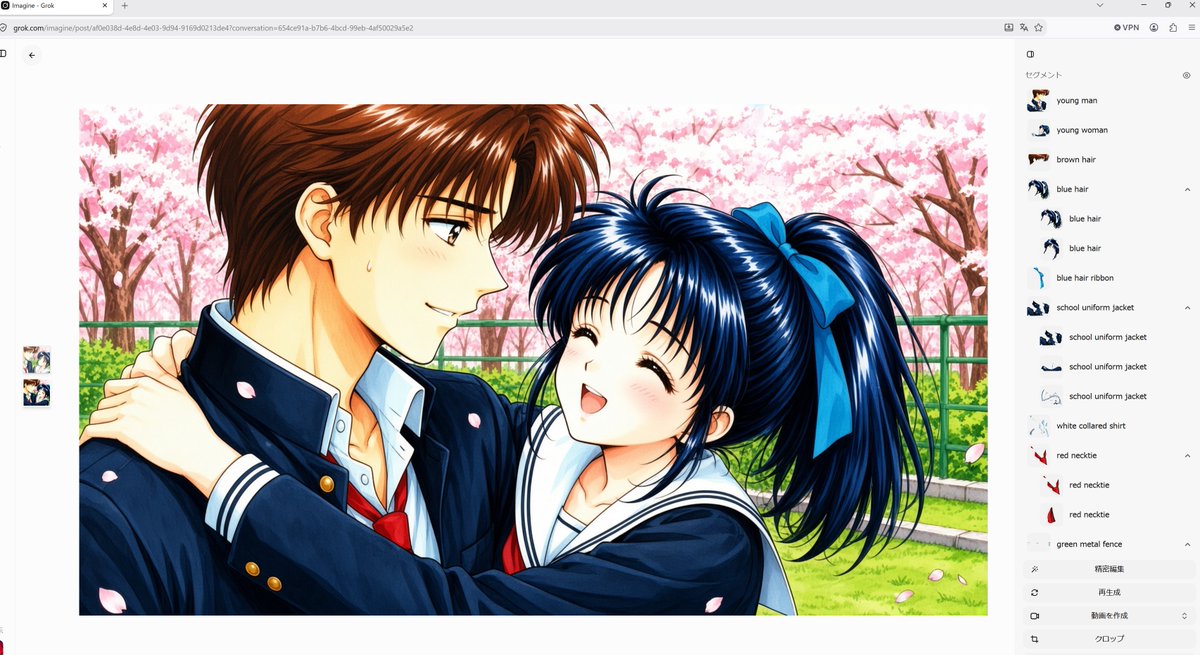
Anime Couple Segmentation UI Screenshot

즉각적인

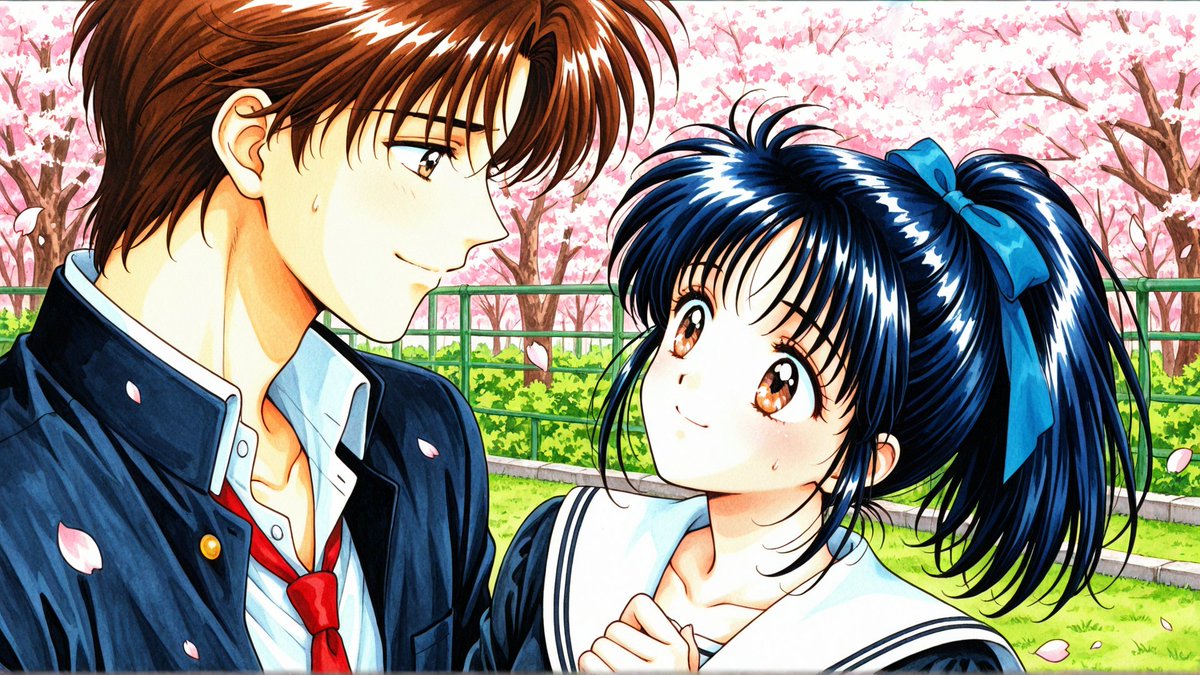
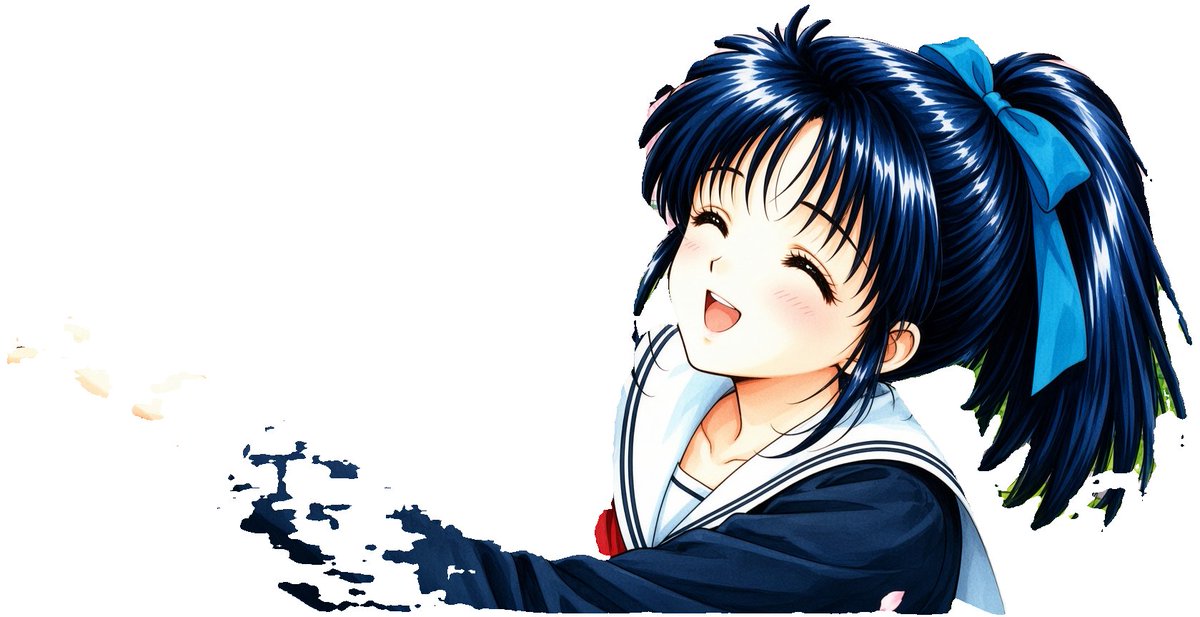
Goal: Create a widescreen desktop browser screenshot of an AI image-generation/segmentation interface showing a large generated anime illustration in the center and a right sidebar listing detected parts. Canvas: 16:9 landscape screenshot, light gray browser chrome at the top with an address bar and small toolbar icons. The web app background is mostly white. Include a small back arrow near the upper left of the content area and two small stacked thumbnail previews along the far left side. Main image: Center-left, display a polished 1990s shoujo anime-style illustration with glossy cel shading and detailed highlights. The scene shows exactly 2 characters: a tall young man with short brown hair in a dark navy Japanese school uniform jacket, white collared shirt, and red necktie; and a cheerful young woman with long dark blue hair in a high ponytail tied with a large blue ribbon, wearing a navy sailor-style school uniform with a white collar. The girl hugs the boy from the side with both arms around his shoulders, smiling with closed happy eyes and an open mouth; the boy smiles gently while looking at her, with a small sweat drop on his cheek. Set them outdoors in spring under pink cherry blossom trees, with a green metal fence, green grass, branches, and scattered falling sakura petals. The anime artwork itself should be a bright rectangular image with a thin margin, occupying most of the left and center of the screen. Right sidebar: Add a pale gray vertical panel labeled in Japanese at the top as 「セグメント」, with a small eye icon. Show a segmentation list with exactly 17 visible detected items, each with a tiny cropped thumbnail and English label: 1 young man, 2 young woman, 3 brown hair, 4 blue hair, 5 blue hair, 6 blue hair, 7 blue hair ribbon, 8 school uniform jacket, 9 school uniform jacket, 10 school uniform jacket, 11 school uniform jacket, 12 white collared shirt, 13 red necktie, 14 red necktie, 15 red necktie, 16 green metal fence, 17 cherry blossoms. Use small expand/collapse chevrons next to some grouped items. Bottom of sidebar: Add four subtle gray action rows with simple icons and Japanese labels: 「確定編集」, 「再生成」, 「動画を作成」, and 「クロップ」. Visual style: Make the screenshot look like it was captured from a real browser window, including faint tabs, URL bar text, top-right extension icons, and a clean minimal interface. The anime image should be vivid and high-resolution, while the surrounding UI is flat, crisp, and unobtrusive. Customizable details: Use a romantic school anime couple under cherry blossoms, Imagine - Grok, dark navy, dark blue, and pink cherry blossom park. Constraints: English UI labels in the segment list must remain legible; preserve the Japanese sidebar heading and action labels; do not add extra characters, extra thumbnails, watermarks, captions, or speech bubbles.

21 모델에서 실행됩니다.

  • Flux
  • Flux 2
  • Flux Kontext
  • GPT-4o Image
  • GPT Image
  • GPT Image 2
  • GPT Image 2.5
  • GPT Image 2.6
  • Grok Imagine
  • Ideogram V3
  • Imagen 4
  • Kling
  • +9 이상

이 프롬프트의 출력

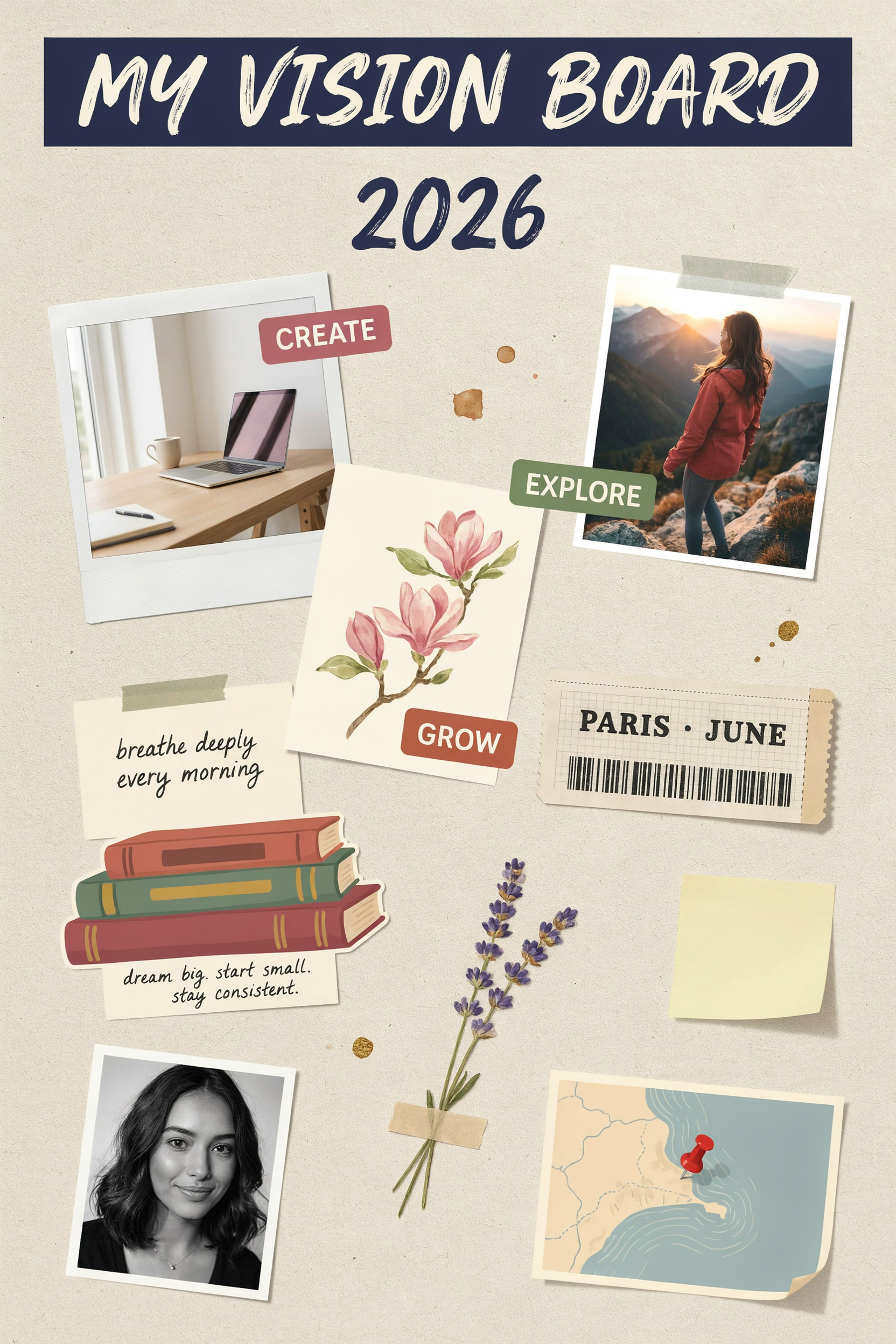
Ideogram prompt: diseñame un vision board 지정되지 않음 ideogram-4
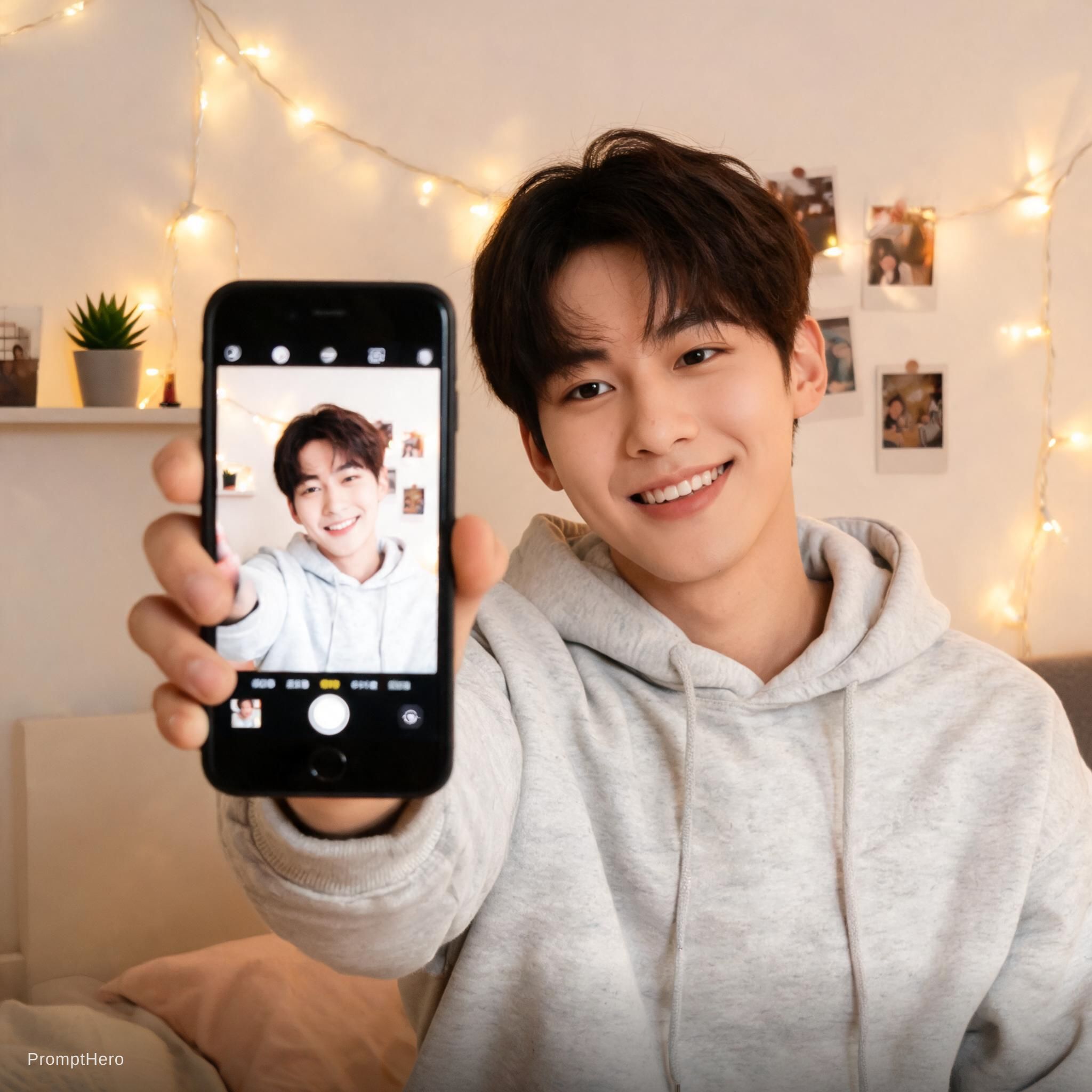
Seedream 5 prompt: selfie 지정되지 않음 v2
Hunyuan  prompt: pov shot 지정되지 않음 hunyuan-3
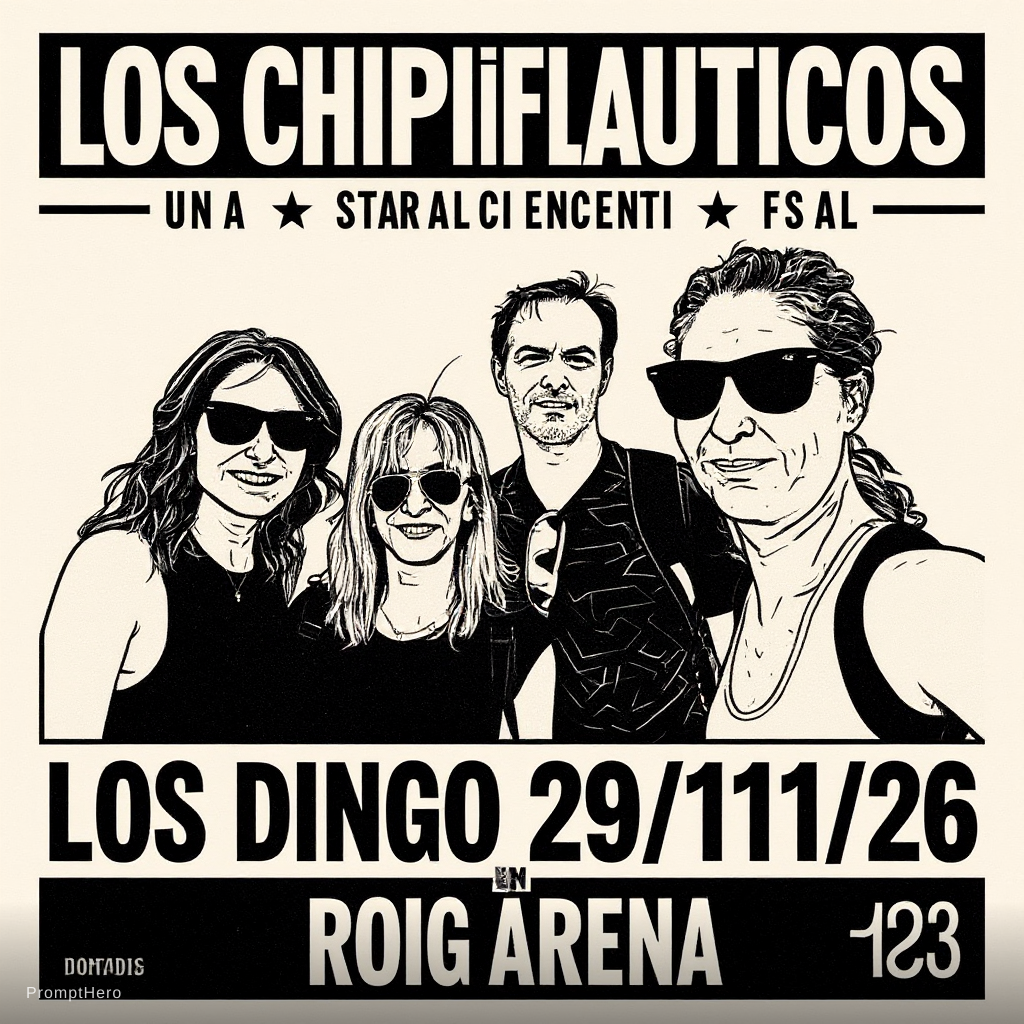
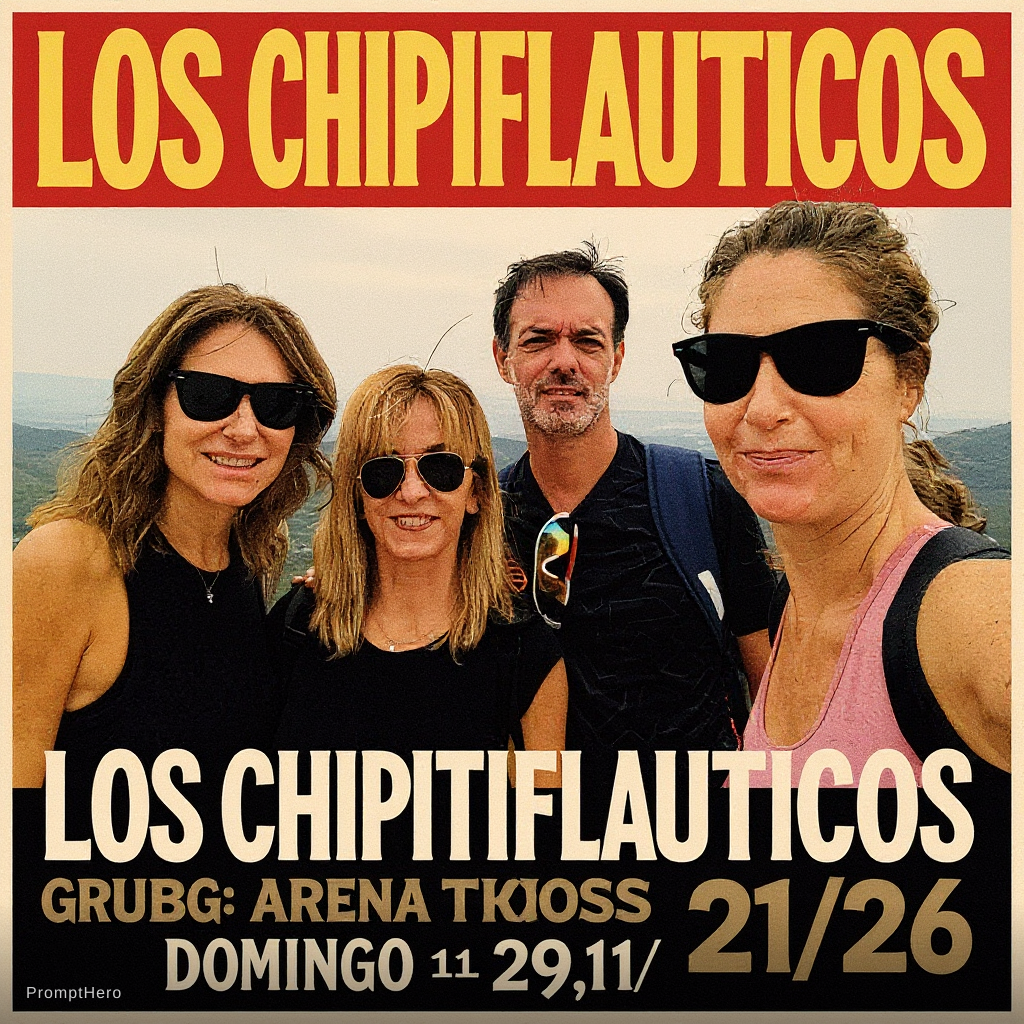
Flux Kontext  prompt: generame un cartel de un grupo musical y que haga ... 지정되지 않음 flux-kontext-pro
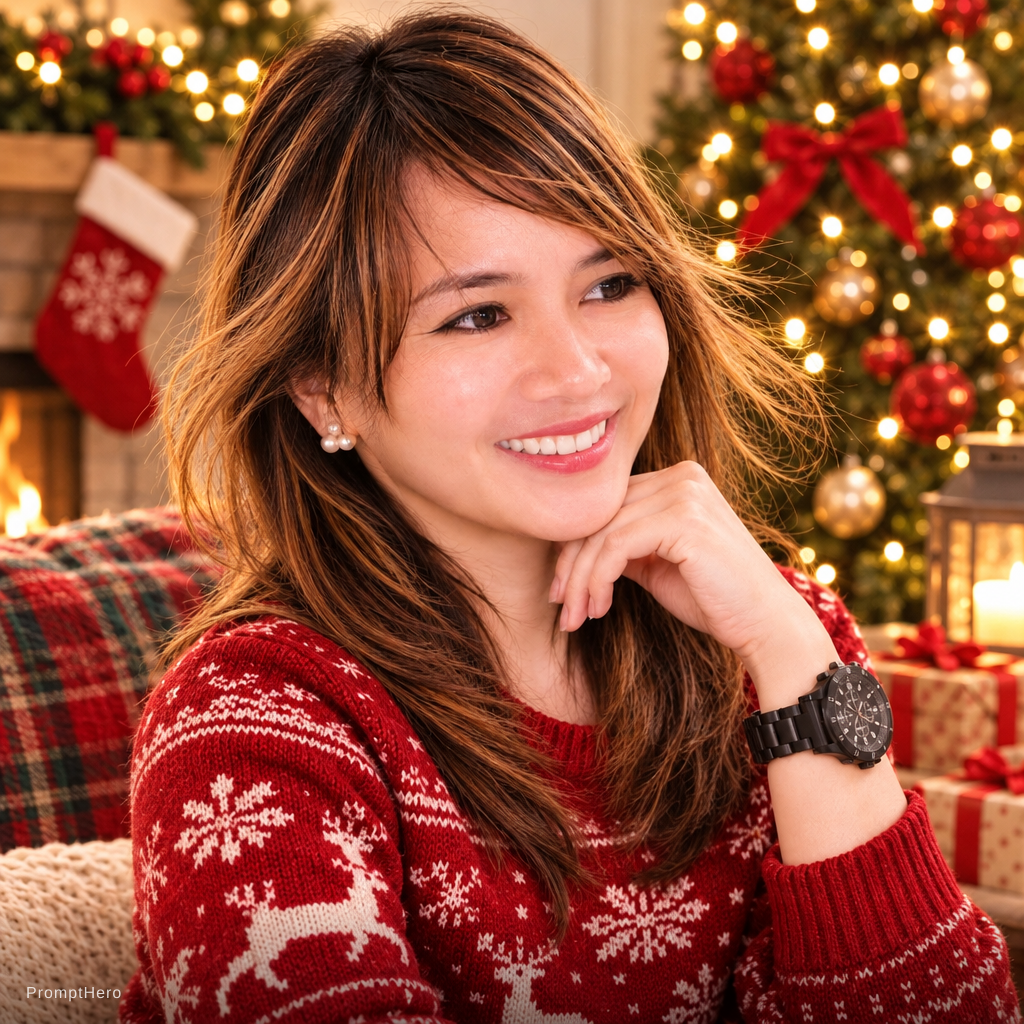
ChatGPT Image prompt: cozy living room with a decorated Christmas tree, ... 지정되지 않음 gpt-image-2.6-flare

API를 사용하여 이 프롬프트를 실행하세요.

아래 요청은 기본값이 채워진 이 프롬프트를 실행되는 첫 번째 모델로 보냅니다. 위에 나열된 다른 모델의 모델 이름을 바꾸십시오.

프롬프트 API 문서
/api/v1/gpt_image_2/text_to_image
curl -X POST https://runapi.ai/api/v1/gpt_image_2/text_to_image \
  -H "Authorization: Bearer $RUNAPI_API_KEY" \
  -H "Content-Type: application/json" \
  --data-binary @- <<'JSON'
{
  "model": "gpt-image-2",
  "prompt": "Goal: Create a widescreen desktop browser screenshot of an AI image-generation/segmentation interface showing a large generated anime illustration in the center and a right sidebar listing detected parts.\n\nCanvas: 16:9 landscape screenshot, light gray browser chrome at the top with an address bar and small toolbar icons. The web app background is mostly white. Include a small back arrow near the upper left of the content area and two small stacked thumbnail previews along the far left side.\n\nMain image: Center-left, display a polished 1990s shoujo anime-style illustration with glossy cel shading and detailed highlights. The scene shows exactly 2 characters: a tall young man with short brown hair in a dark navy Japanese school uniform jacket, white collared shirt, and red necktie; and a cheerful young woman with long dark blue hair in a high ponytail tied with a large blue ribbon, wearing a navy sailor-style school uniform with a white collar. The girl hugs the boy from the side with both arms around his shoulders, smiling with closed happy eyes and an open mouth; the boy smiles gently while looking at her, with a small sweat drop on his cheek. Set them outdoors in spring under pink cherry blossom trees, with a green metal fence, green grass, branches, and scattered falling sakura petals. The anime artwork itself should be a bright rectangular image with a thin margin, occupying most of the left and center of the screen.\n\nRight sidebar: Add a pale gray vertical panel labeled in Japanese at the top as 「セグメント」, with a small eye icon. Show a segmentation list with exactly 17 visible detected items, each with a tiny cropped thumbnail and English label: 1 young man, 2 young woman, 3 brown hair, 4 blue hair, 5 blue hair, 6 blue hair, 7 blue hair ribbon, 8 school uniform jacket, 9 school uniform jacket, 10 school uniform jacket, 11 school uniform jacket, 12 white collared shirt, 13 red necktie, 14 red necktie, 15 red necktie, 16 green metal fence, 17 cherry blossoms. Use small expand/collapse chevrons next to some grouped items.\n\nBottom of sidebar: Add four subtle gray action rows with simple icons and Japanese labels: 「確定編集」, 「再生成」, 「動画を作成」, and 「クロップ」.\n\nVisual style: Make the screenshot look like it was captured from a real browser window, including faint tabs, URL bar text, top-right extension icons, and a clean minimal interface. The anime image should be vivid and high-resolution, while the surrounding UI is flat, crisp, and unobtrusive.\n\nCustomizable details: Use a romantic school anime couple under cherry blossoms, Imagine - Grok, dark navy, dark blue, and pink cherry blossom park.\n\nConstraints: English UI labels in the segment list must remain legible; preserve the Japanese sidebar heading and action labels; do not add extra characters, extra thumbnails, watermarks, captions, or speech bubbles."
}
JSON

메시지를 보내보세요