Japanese AI Report Correction App Mockup
Japanese AI Report Correction App Mockup

prompt

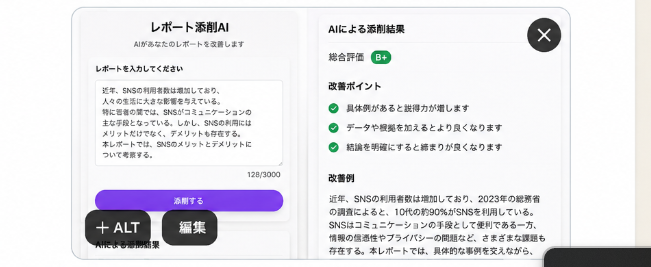
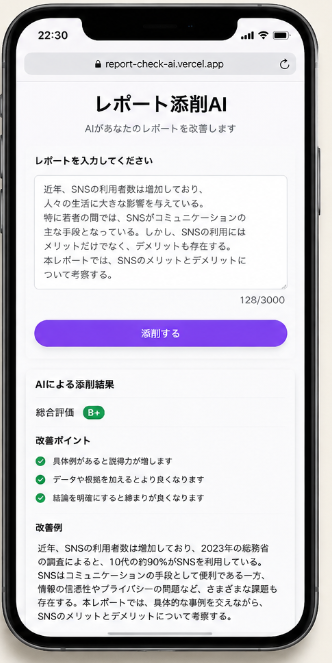
Goal: Create a clean, realistic mobile app mockup for a Japanese AI report-checking app, shown as a rounded white modal card on a light gray background, suitable for testing demand on social media. The app name should be レポート添削AI and the screen should look like a finished product UI. Canvas: Wide horizontal image, approximately 16:7 aspect ratio. Center a large rounded rectangle app window with a soft shadow, thin light-gray border, and bright white background. Add subtle vertical divider lines and very light gradients to make it feel like a polished SaaS/mobile web interface. Layout: Use exactly 2 main content panels inside the app window. Left panel is the report input area. Right panel is the AI correction results area. Place a dark circular close button with a white “×” in the top-right corner of the modal. Add two floating dark pill buttons near the bottom-left overlapping the modal: one labeled “+ ALT” and one labeled “編集”. A partial dark rounded bar is barely visible at the bottom-right edge, cropped by the image frame. Left panel details: At the top center, show the heading “レポート添削AI” and a smaller subtitle “AIがあなたのレポートを改善します”. Below, add the section label “レポートを入力してください”. Show a large textarea card with a sample Japanese report paragraph about SNS usage among young people; include a small character counter “128/3000” at the lower right of the textarea. Under the textarea, place one prominent purple rounded button labeled “添削する”. Beneath the button, add a tiny caption “AIによる添削開始”. Right panel details: Add the title “AIによる添削結果”. Show a rating row with label “総合評価” and a small green rounded badge labeled “B+”. Then create an “改善ポイント” section containing exactly 3 checklist items, each preceded by a green circular check icon: 1) “具体例があると説得力が増します”, 2) “データや根拠を加えるとより良くなります”, 3) “結論を明確にすると締まりが良くなります”. Below that, add an “改善例” section with a paragraph of Japanese corrected text beginning with “近年、SNSの利用者数は増加しており、2023年の総務省の調査によると、10代の約90%がSNSを利用している。” and continuing in small readable Japanese body text. Visual style: Minimal Japanese product UI, Apple-like rounded corners, crisp sans-serif Japanese typography, black and dark-gray text, green success accents, purple primary CTA button with slight gradient, generous whitespace, realistic soft shadows, high-resolution screenshot aesthetic. Constraints: Keep the UI text in Japanese exactly where specified, use no extra panels beyond the 2 main panels, include exactly 3 checklist improvement items, no people, no illustrations, no watermark, no browser chrome, no phone frame.

Funciona con 20 modelos

  • Flux
  • Flux 2
  • Flux Kontext
  • GPT-4o Image
  • GPT Image
  • GPT Image 2
  • GPT Image 2.5
  • GPT Image 2.6
  • Grok Imagine
  • Ideogram V3
  • Imagen 4
  • Kling
  • +8 Más

Lo que produce este prompt

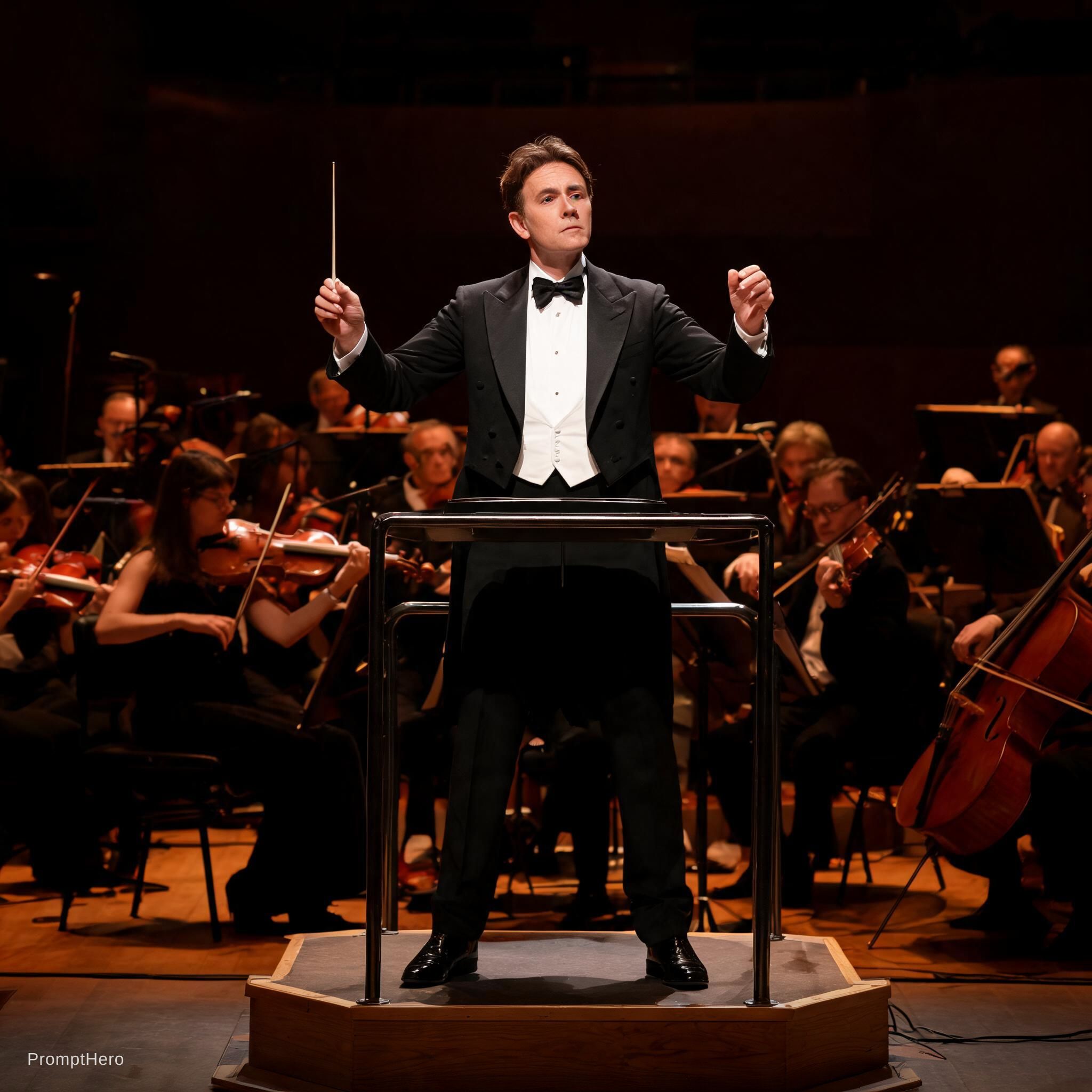
Seedream 5 prompt: Conductor No especificado v2
FLUX prompt: oil painting No especificado flux-2-pro
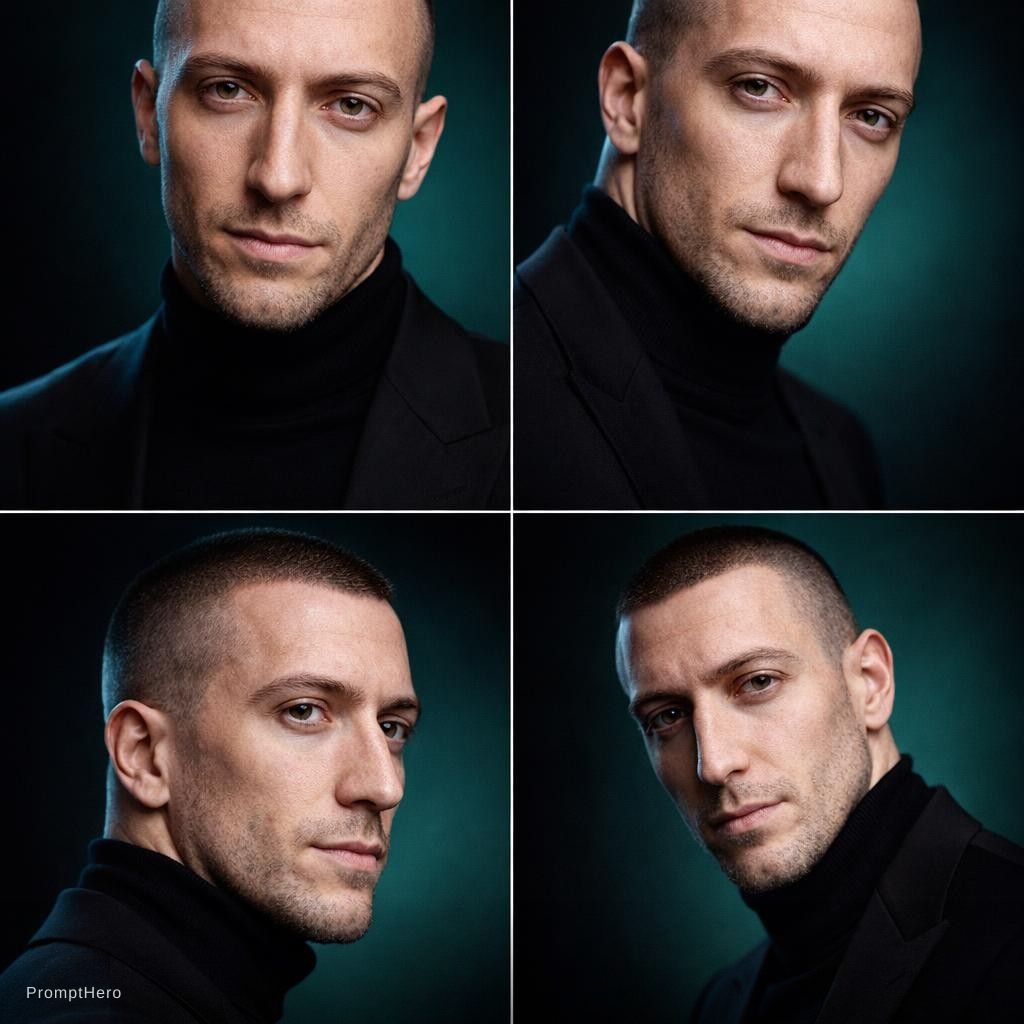
ChatGPT Image prompt: vytvor fotorealistycke študio quality s viacerimi ... No especificado v1
Hunyuan  prompt: Dogs No especificado hunyuan-3
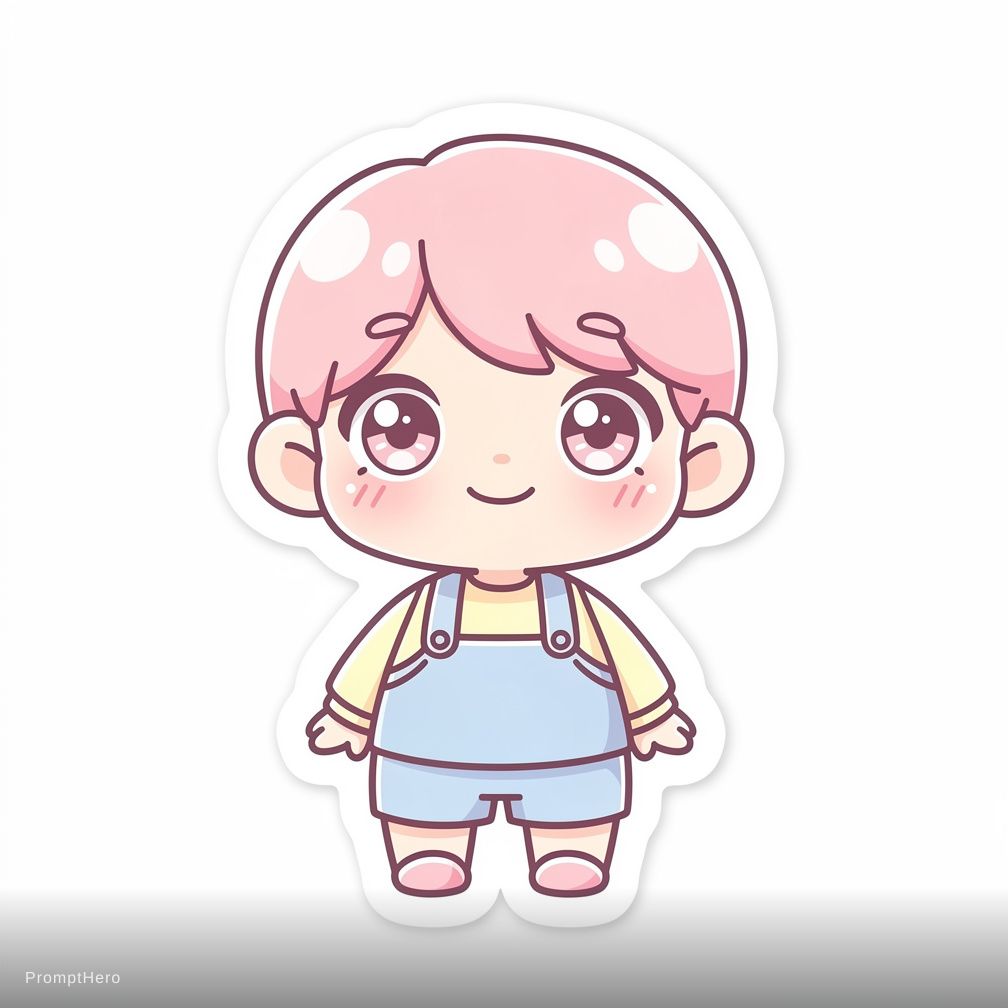
FLUX prompt: pastel character sticker No especificado flux-2-pro
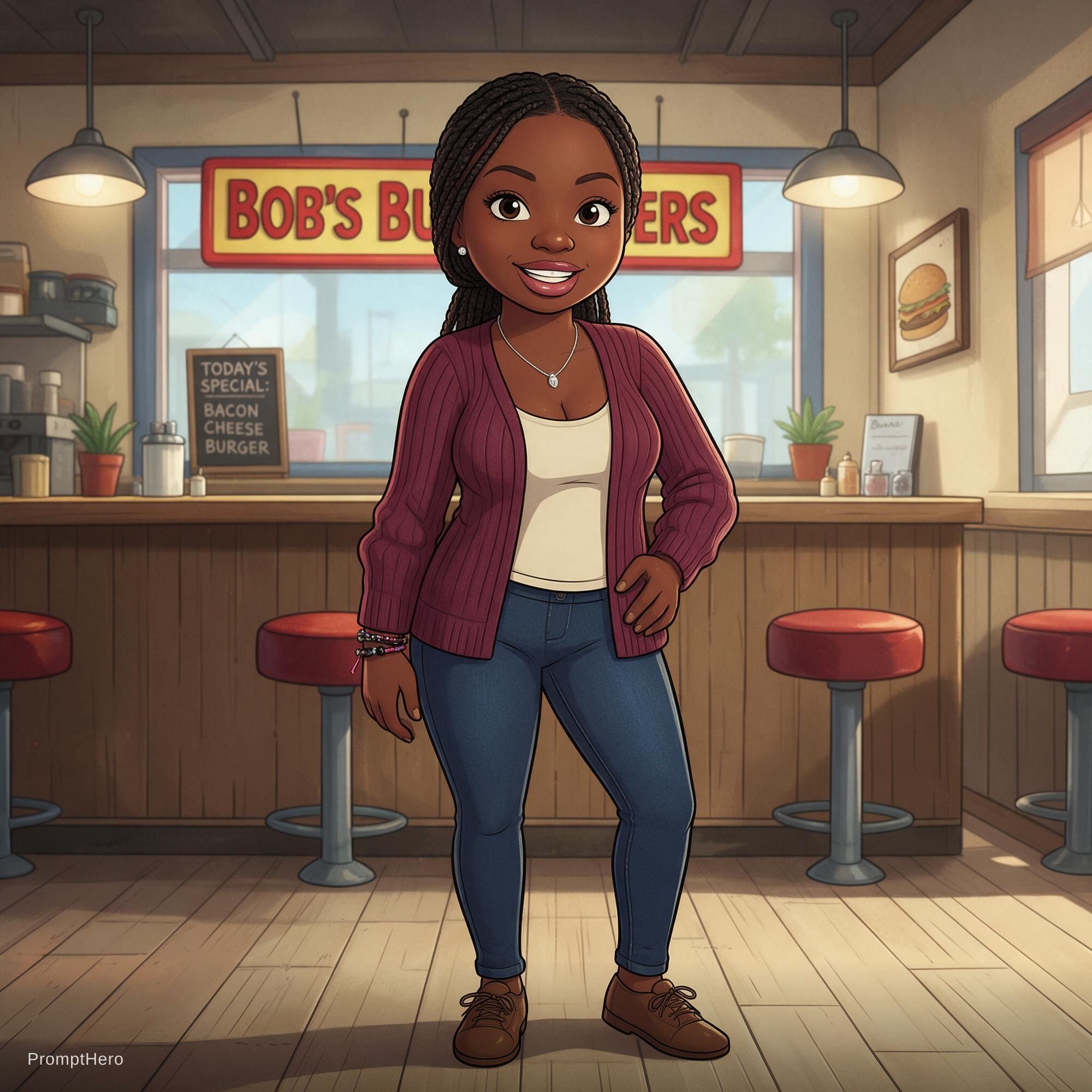
Seedream 5 prompt: full  character bobs burger style natural pose. No especificado seedream-5-pro

Run este prompt con el API

La siguiente solicitud envía este mensaje, con sus valores predeterminados completados, al primer modelo en el que se ejecuta. Cambie el nombre del modelo por cualquier otro modelo enumerado anteriormente.

Documentación de la API de prompts
/api/v1/gpt_image_2/text_to_image
curl -X POST https://runapi.ai/api/v1/gpt_image_2/text_to_image \
  -H "Authorization: Bearer $RUNAPI_API_KEY" \
  -H "Content-Type: application/json" \
  --data-binary @- <<'JSON'
{
  "model": "gpt-image-2",
  "prompt": "Goal: Create a clean, realistic mobile app mockup for a Japanese AI report-checking app, shown as a rounded white modal card on a light gray background, suitable for testing demand on social media. The app name should be レポート添削AI and the screen should look like a finished product UI.\n\nCanvas: Wide horizontal image, approximately 16:7 aspect ratio. Center a large rounded rectangle app window with a soft shadow, thin light-gray border, and bright white background. Add subtle vertical divider lines and very light gradients to make it feel like a polished SaaS/mobile web interface.\n\nLayout: Use exactly 2 main content panels inside the app window. Left panel is the report input area. Right panel is the AI correction results area. Place a dark circular close button with a white “×” in the top-right corner of the modal. Add two floating dark pill buttons near the bottom-left overlapping the modal: one labeled “+ ALT” and one labeled “編集”. A partial dark rounded bar is barely visible at the bottom-right edge, cropped by the image frame.\n\nLeft panel details: At the top center, show the heading “レポート添削AI” and a smaller subtitle “AIがあなたのレポートを改善します”. Below, add the section label “レポートを入力してください”. Show a large textarea card with a sample Japanese report paragraph about SNS usage among young people; include a small character counter “128/3000” at the lower right of the textarea. Under the textarea, place one prominent purple rounded button labeled “添削する”. Beneath the button, add a tiny caption “AIによる添削開始”.\n\nRight panel details: Add the title “AIによる添削結果”. Show a rating row with label “総合評価” and a small green rounded badge labeled “B+”. Then create an “改善ポイント” section containing exactly 3 checklist items, each preceded by a green circular check icon: 1) “具体例があると説得力が増します”, 2) “データや根拠を加えるとより良くなります”, 3) “結論を明確にすると締まりが良くなります”. Below that, add an “改善例” section with a paragraph of Japanese corrected text beginning with “近年、SNSの利用者数は増加しており、2023年の総務省の調査によると、10代の約90%がSNSを利用している。” and continuing in small readable Japanese body text.\n\nVisual style: Minimal Japanese product UI, Apple-like rounded corners, crisp sans-serif Japanese typography, black and dark-gray text, green success accents, purple primary CTA button with slight gradient, generous whitespace, realistic soft shadows, high-resolution screenshot aesthetic.\n\nConstraints: Keep the UI text in Japanese exactly where specified, use no extra panels beyond the 2 main panels, include exactly 3 checklist improvement items, no people, no illustrations, no watermark, no browser chrome, no phone frame."
}
JSON

Probar a prompt

Estimado: $0.04 / imagen

Inicia sesión para generar con RunAPI.

Inicia sesión para generar

Inicia sesión para comenzar a generar con tus modelos de lenguaje disponibles.