Brand-World Product Photo Advertising Template
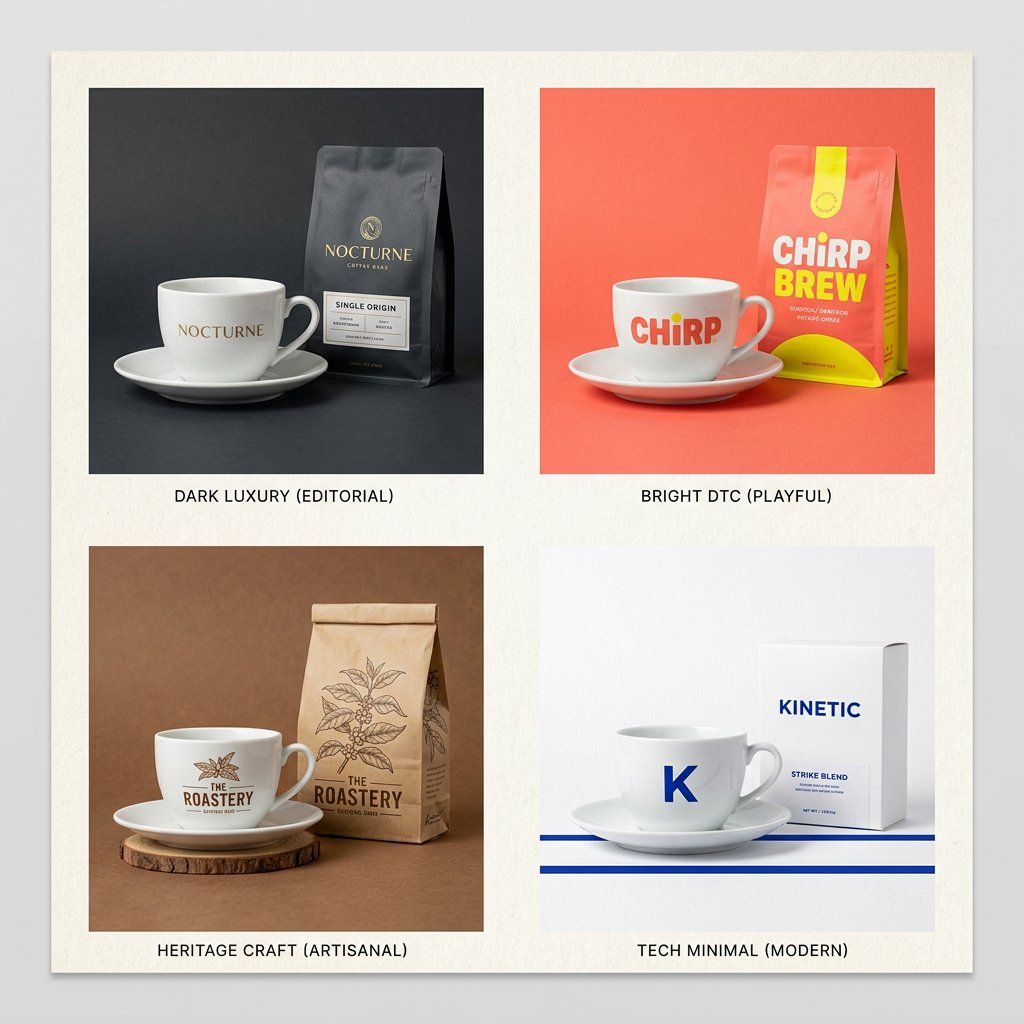
品牌包络产品广告

prompt

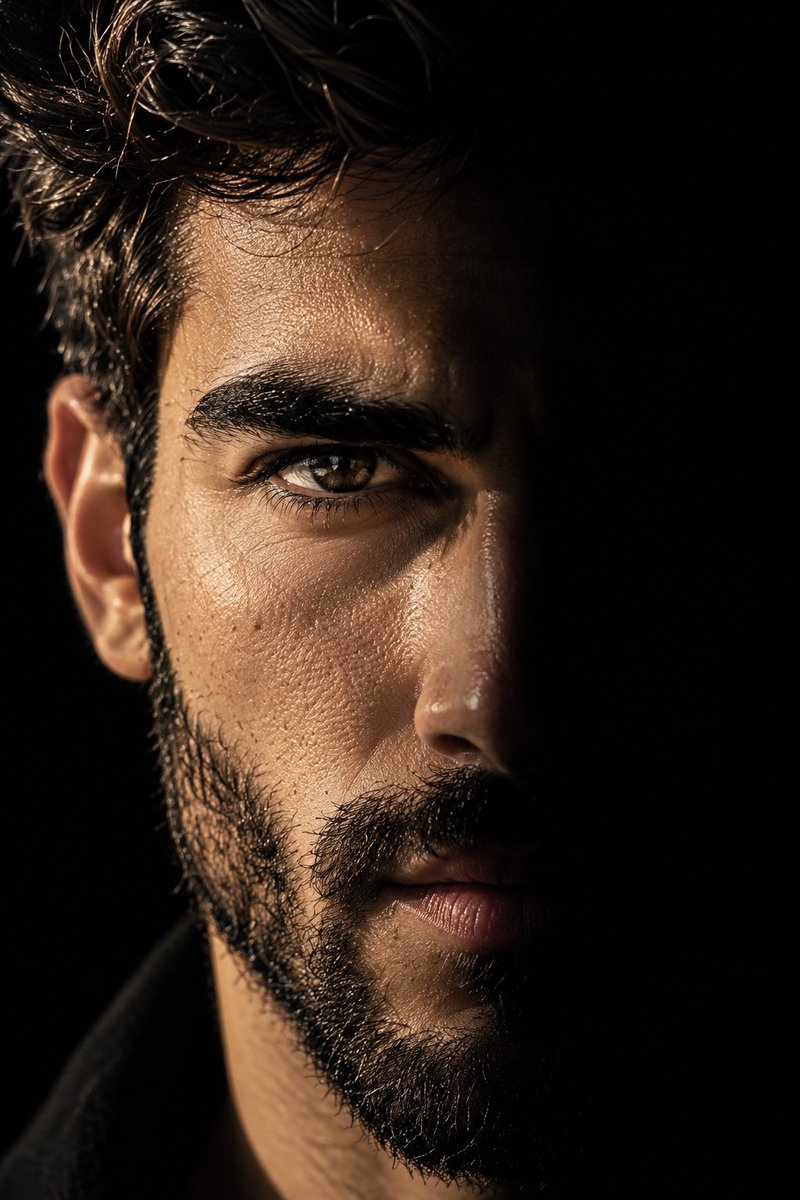
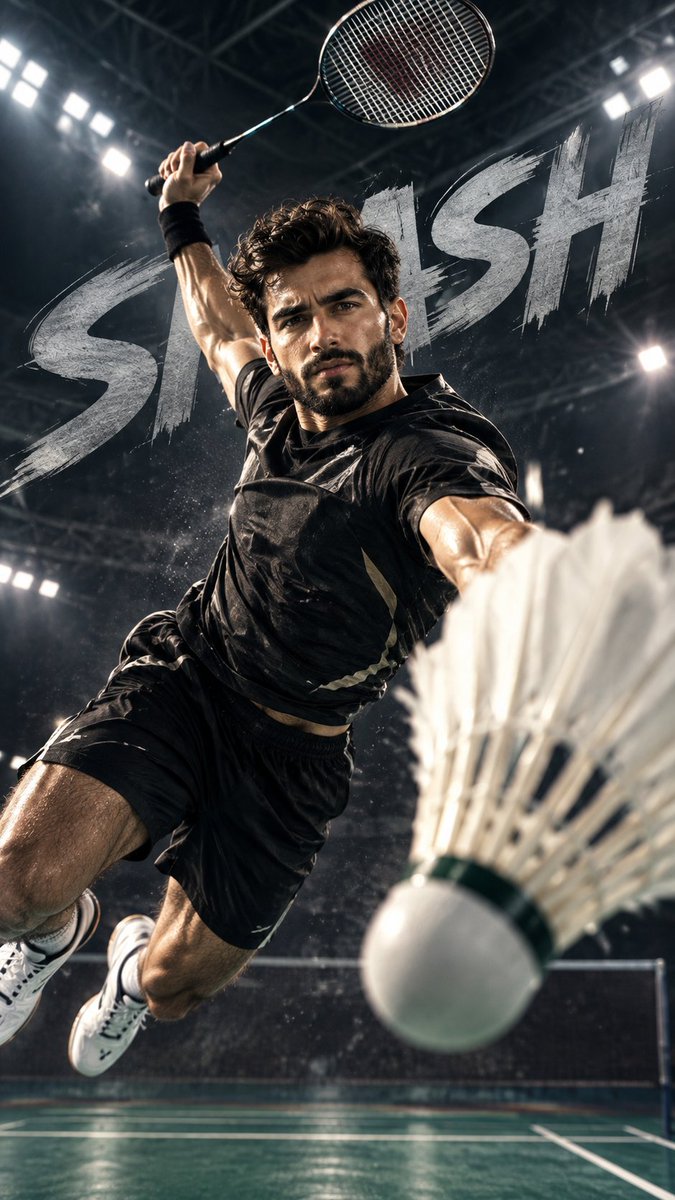
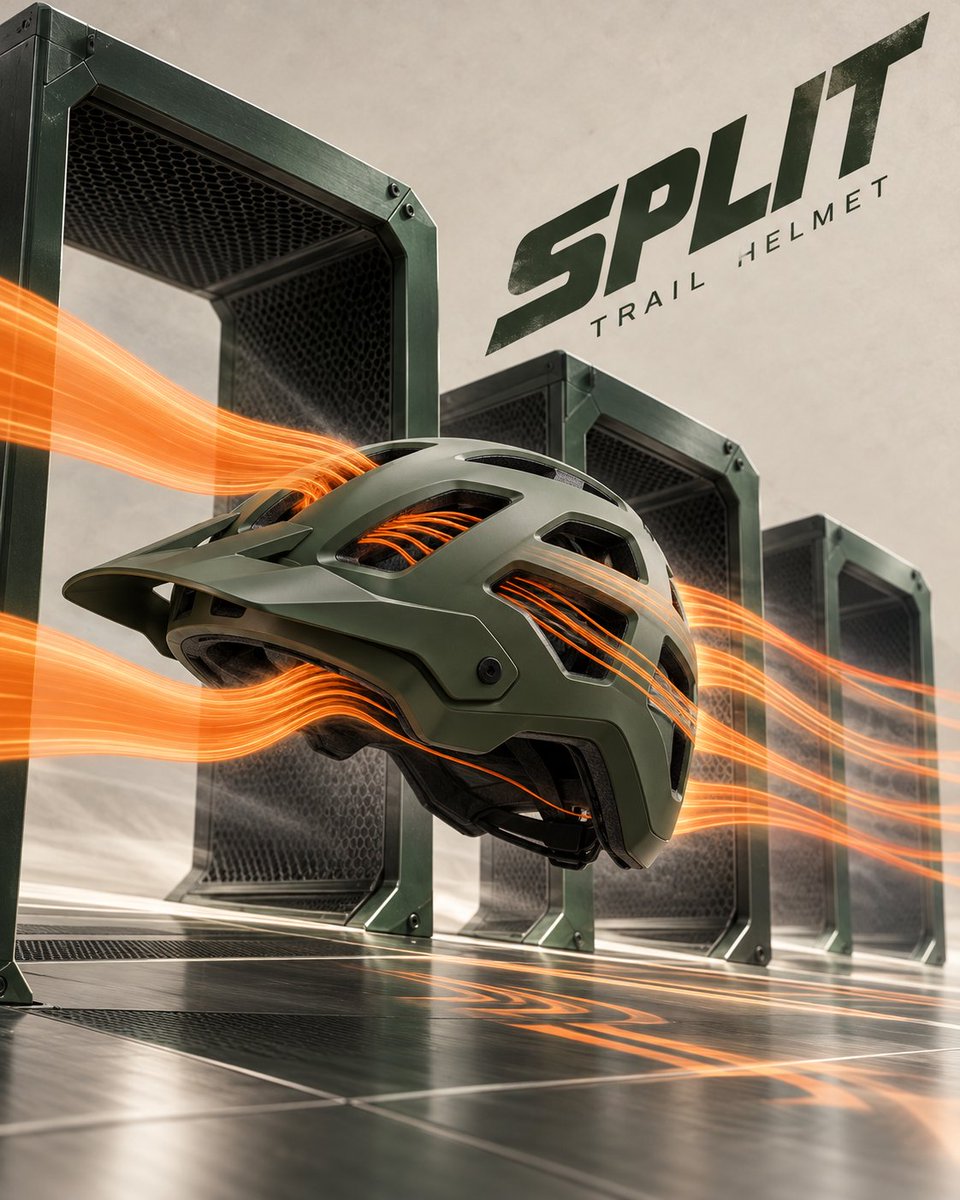
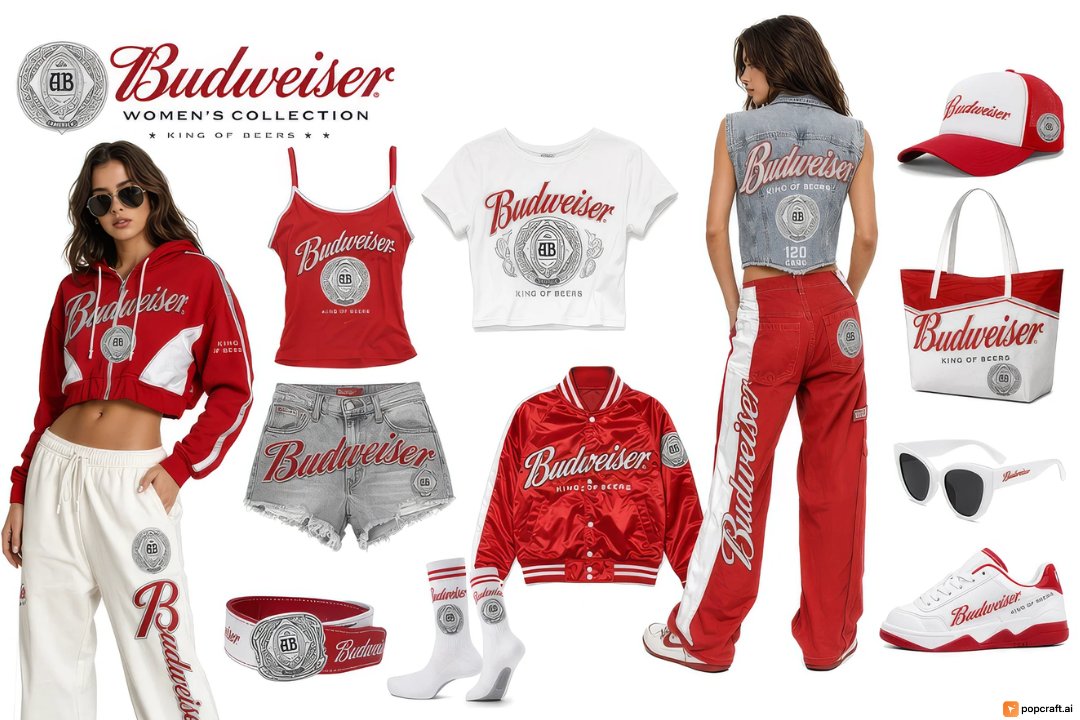
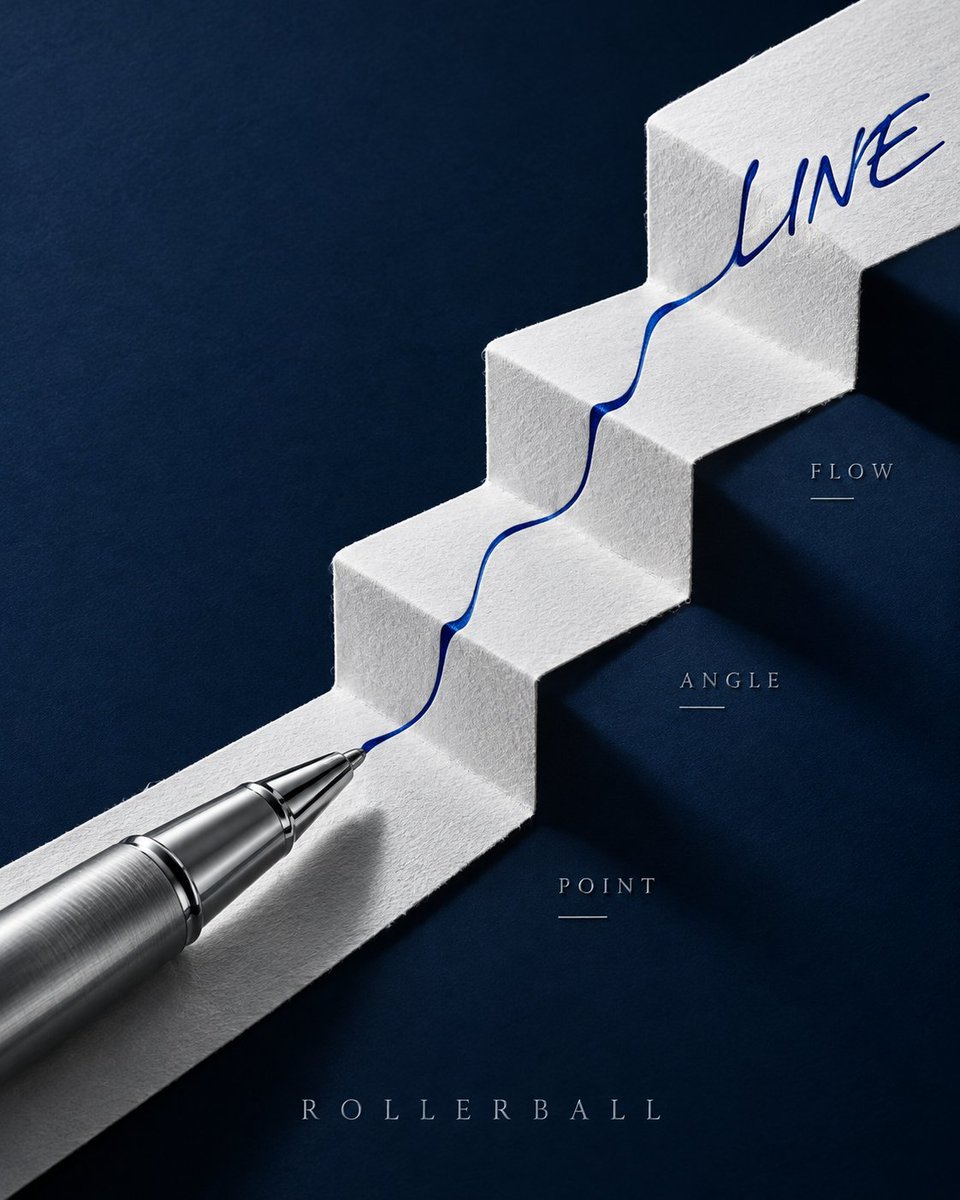
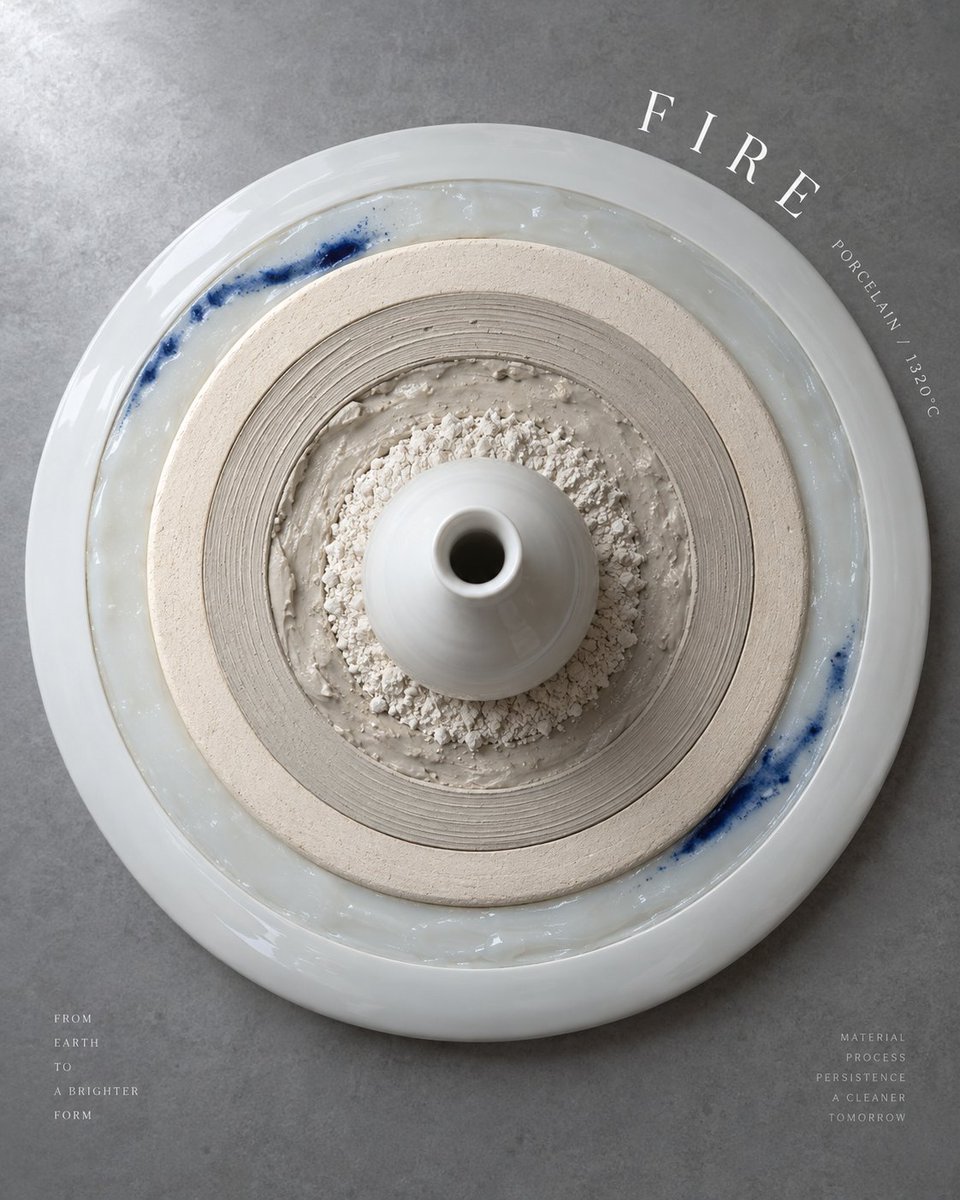
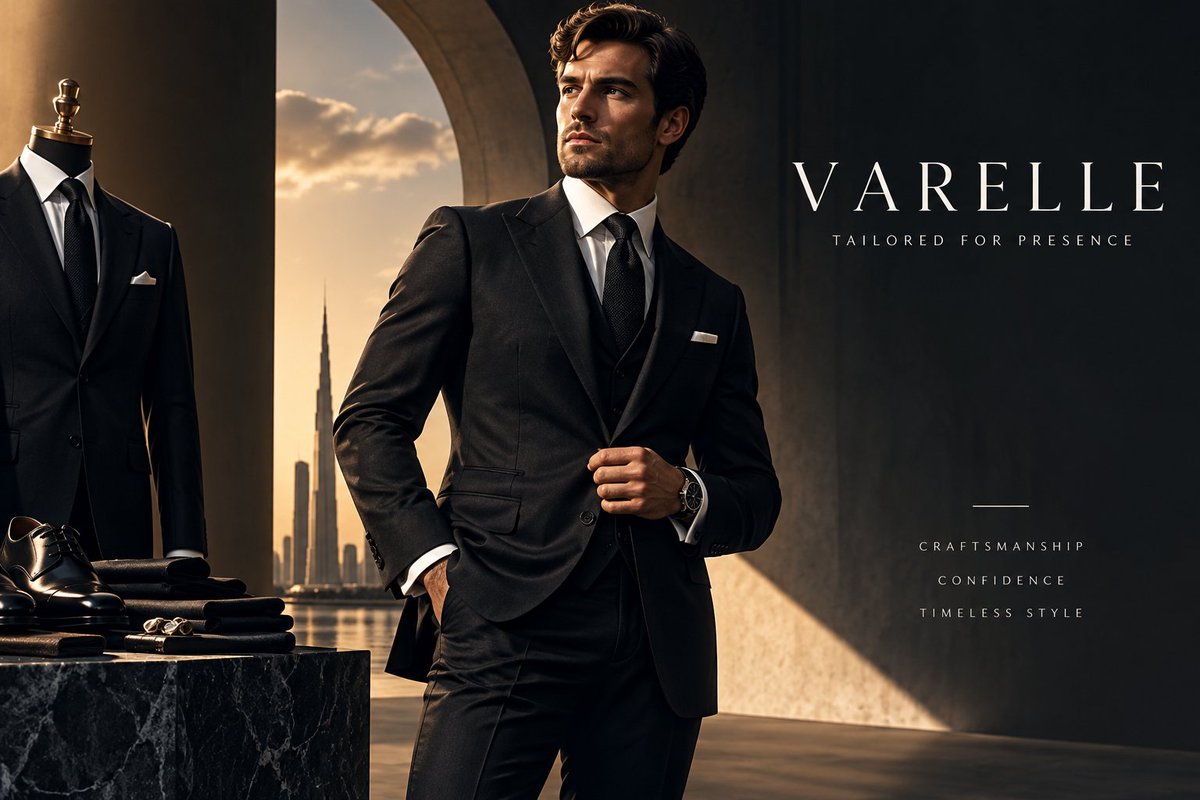
The Brand Envelope | GPT Image-2 Prompt #89 This takes any product photo and wraps it in your specific brand world. Different product each time. Same brand, every time. PHASE 1 / ANCHOR: Describe [BRAND IDENTITY] in 2 lines. Palette, texture, mood. PHASE 2 / INJECT: Place [PRODUCT] inside that brand world, not the reverse. PHASE 3 / FORMAT: Set [OUTPUT FORMAT]. Hero, square ad, or story. PHASE 4 / SIGNATURE: Apply [BRAND ELEMENT]. Grain, shadow, or overlay. Swap: [BRAND IDENTITY] / [PRODUCT] / [FORMAT]

Funciona con 21 modelos

  • Flux
  • Flux 2
  • Flux Kontext
  • GPT-4o Image
  • GPT Image
  • GPT Image 2
  • GPT Image 2.5
  • GPT Image 2.6
  • Grok Imagine
  • Ideogram V3
  • Imagen 4
  • Kling
  • +9 Más

Lo que produce este prompt

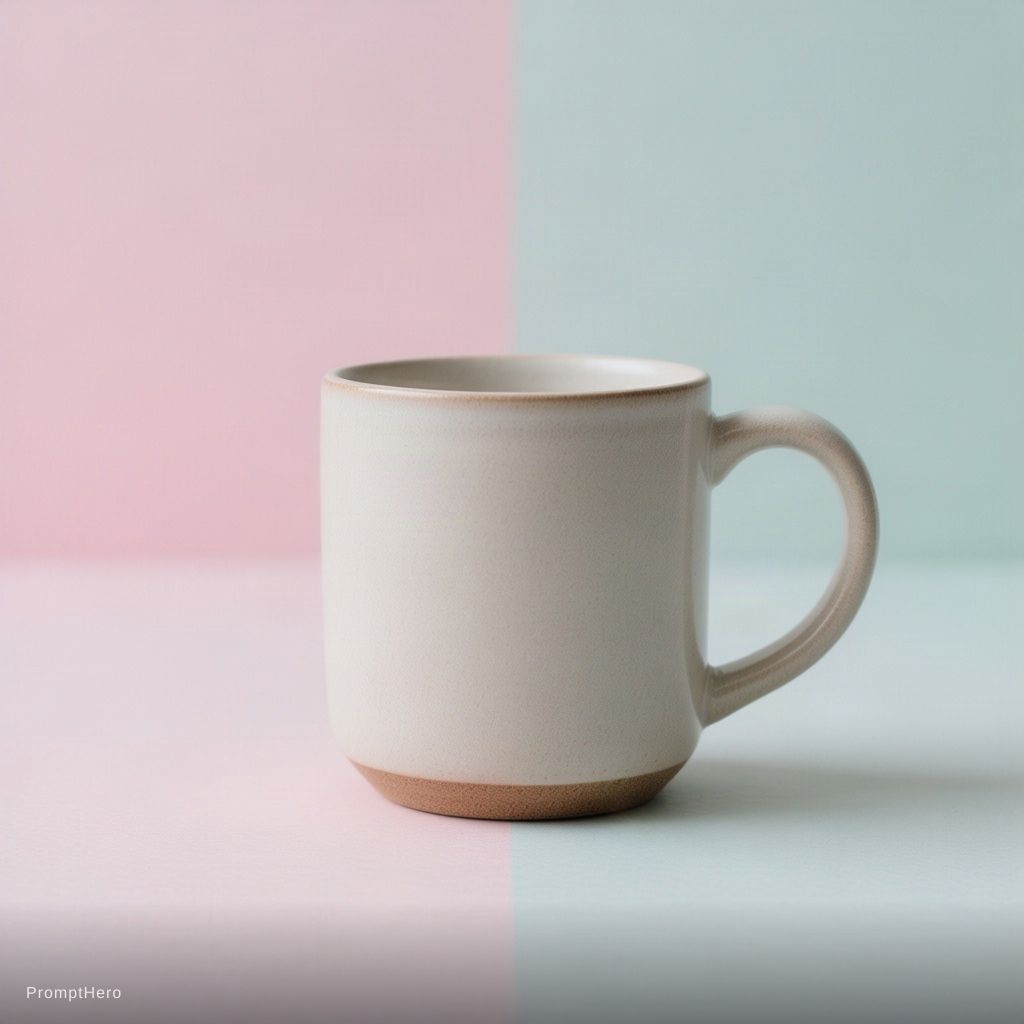
Hunyuan  prompt: Minimalist product photo of a ceramic mug on a pas... No especificado hunyuan-3
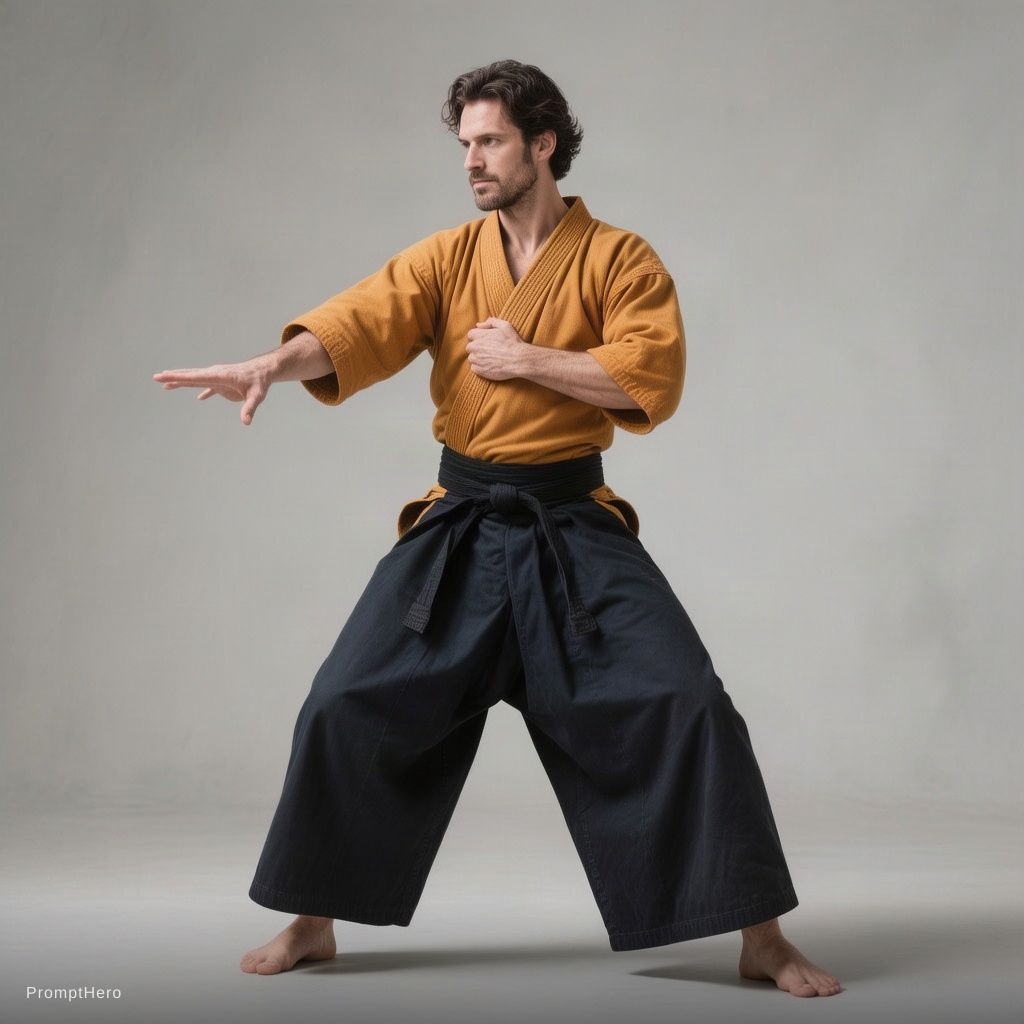
Hunyuan  prompt: Aikido No especificado hunyuan-3
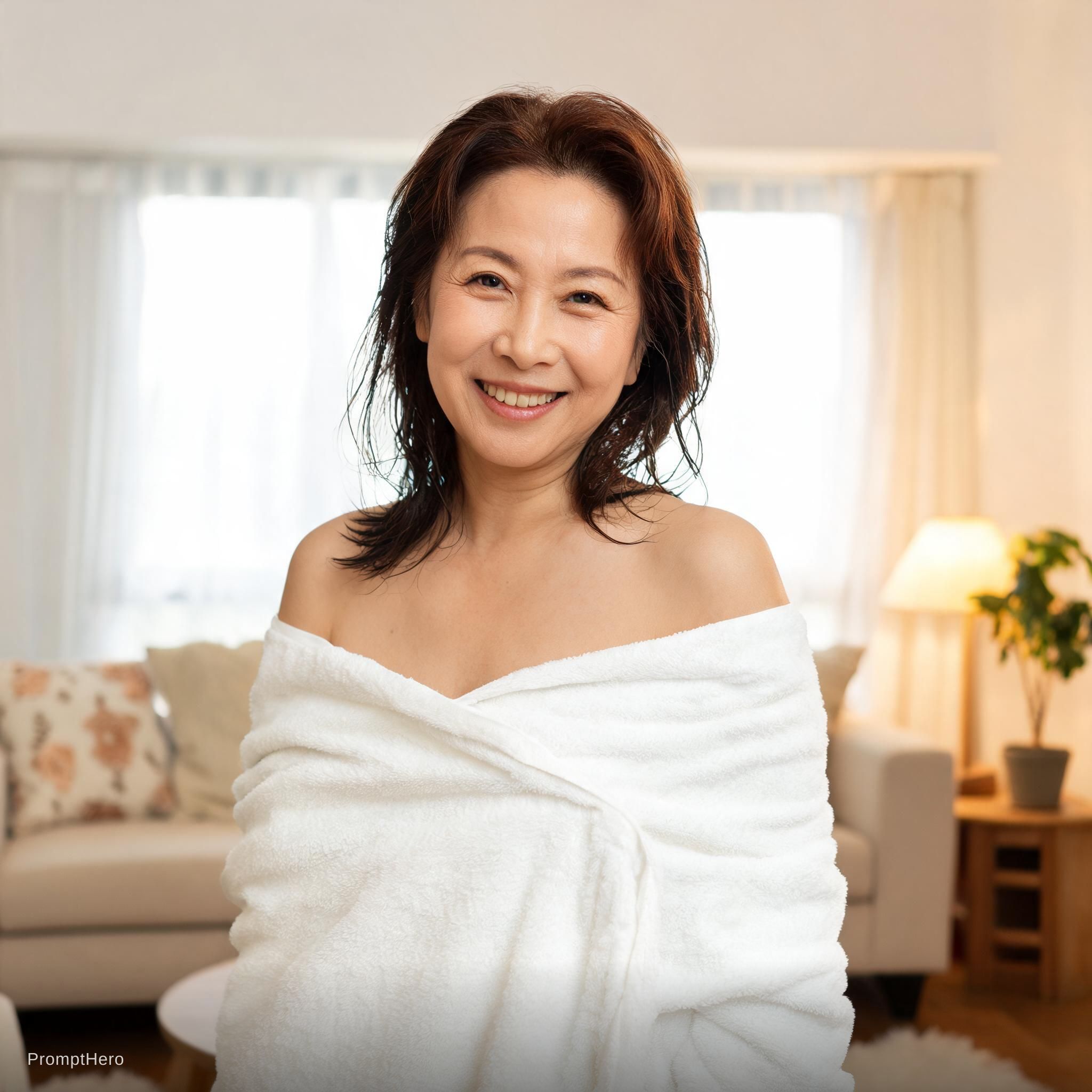
Seedream 5 prompt: f smiling middle aged woman in nice home wrapped i... No especificado v2
Create an extreme close-up underwater portrait, ca... No especificado No especificado
Using the face from the attached photograph, recre... No especificado No especificado
Using the face from the attached photo, recreate a... No especificado No especificado

Run este prompt con el API

La siguiente solicitud envía este mensaje, con sus valores predeterminados completados, al primer modelo en el que se ejecuta. Cambie el nombre del modelo por cualquier otro modelo enumerado anteriormente.

Documentación de la API de prompts
/api/v1/gpt_image_2/text_to_image
curl -X POST https://runapi.ai/api/v1/gpt_image_2/text_to_image \
  -H "Authorization: Bearer $RUNAPI_API_KEY" \
  -H "Content-Type: application/json" \
  --data-binary @- <<'JSON'
{
  "model": "gpt-image-2",
  "prompt": "The Brand Envelope | GPT Image-2 Prompt #89\n\nThis takes any product photo and wraps it in your specific brand world. Different product each time. Same brand, every time.\n\nPHASE 1 / ANCHOR: Describe [BRAND IDENTITY] in 2 lines. Palette, texture, mood.\nPHASE 2 / INJECT: Place [PRODUCT] inside that brand world, not the reverse.\nPHASE 3 / FORMAT: Set [OUTPUT FORMAT]. Hero, square ad, or story.\nPHASE 4 / SIGNATURE: Apply [BRAND ELEMENT]. Grain, shadow, or overlay.\n\nSwap: [BRAND IDENTITY] / [PRODUCT] / [FORMAT]"
}
JSON

Probar a prompt