Brand-World Product Photo Advertising Template
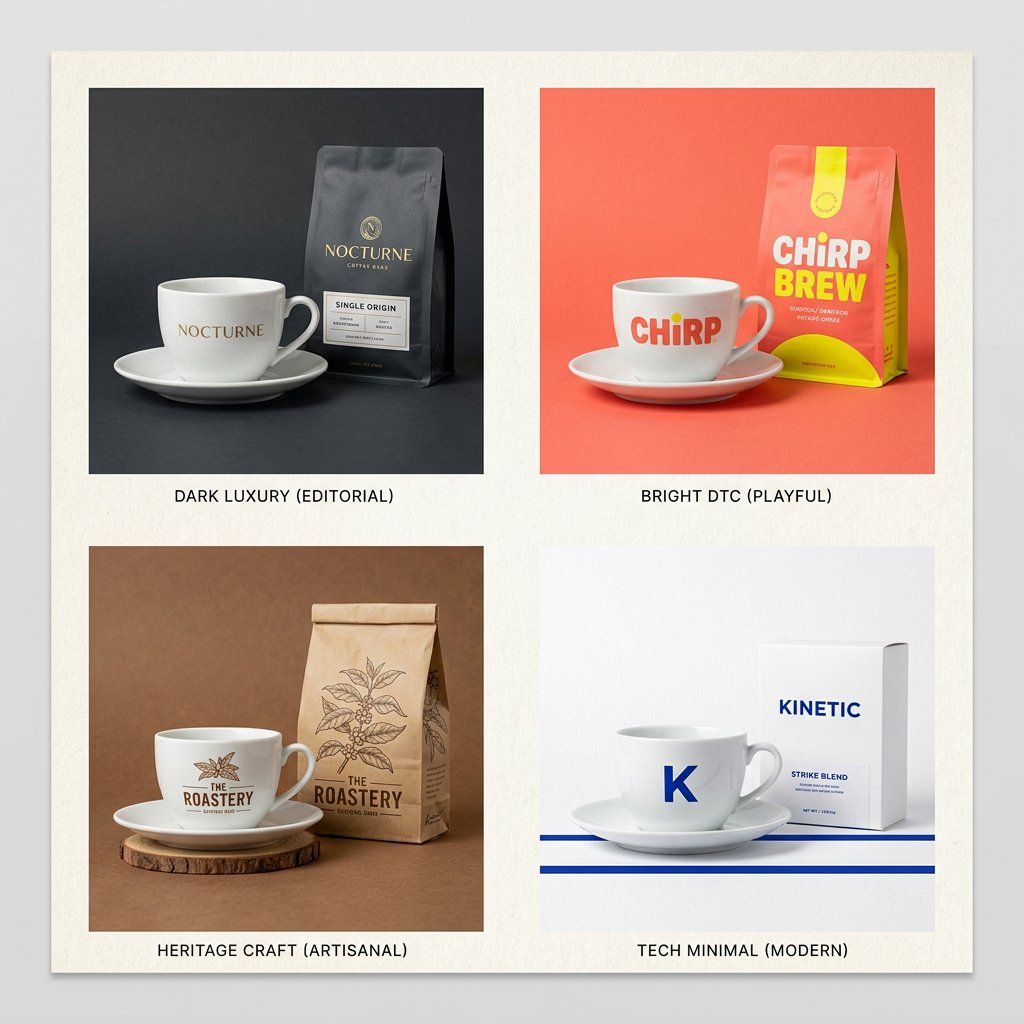
品牌包络产品广告

Prompt

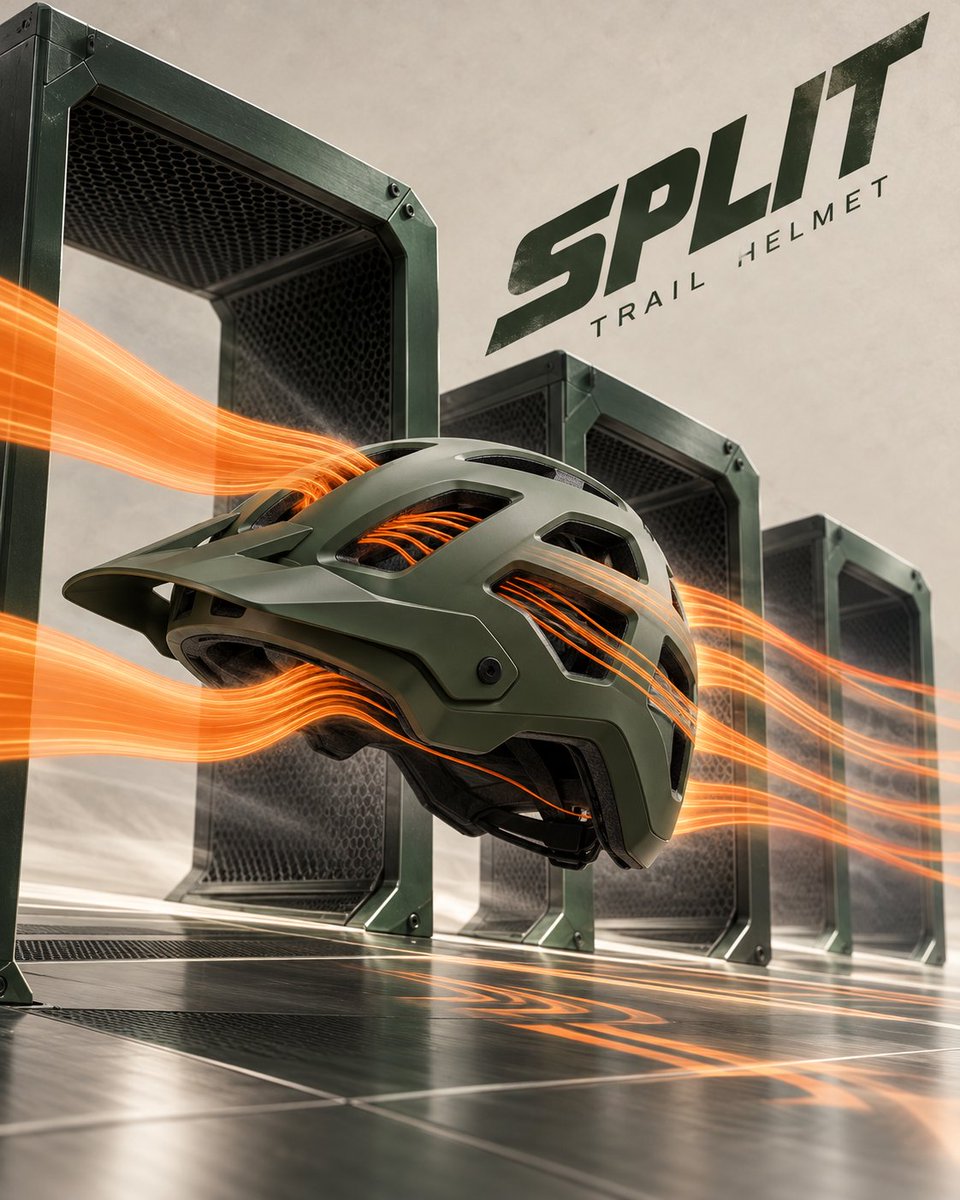
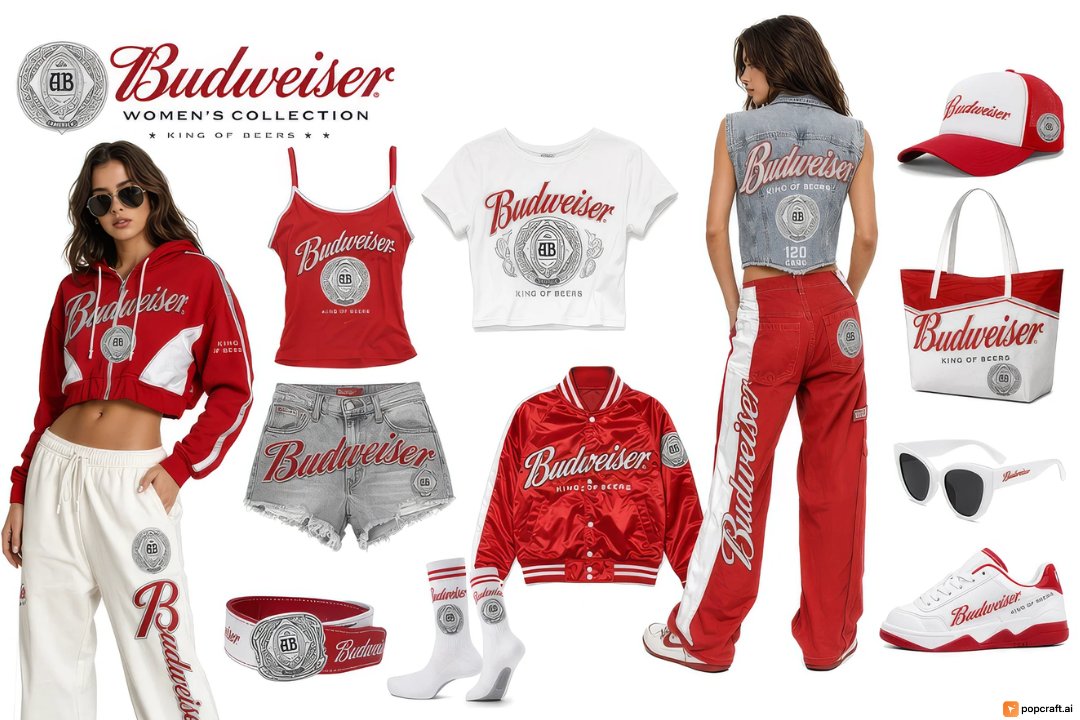
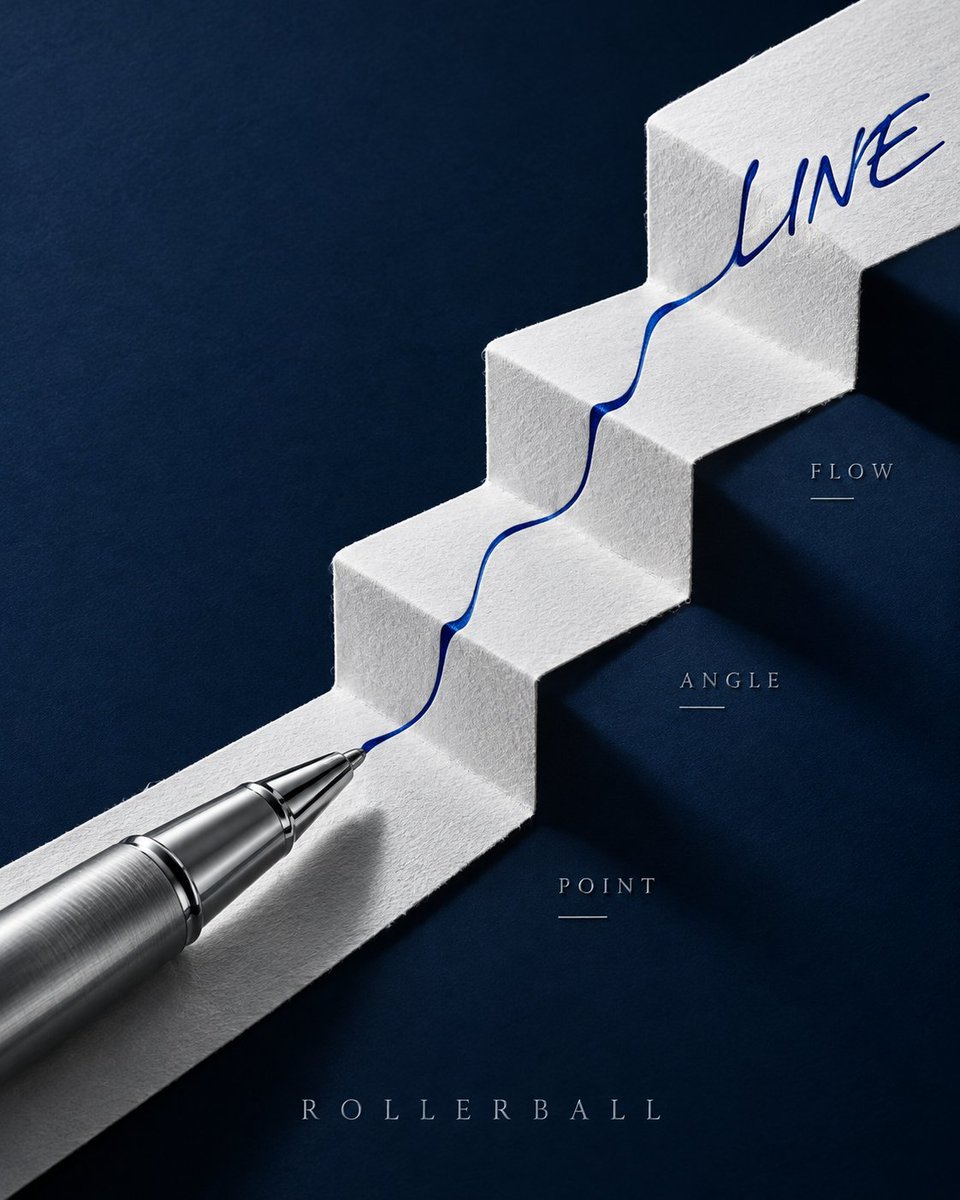
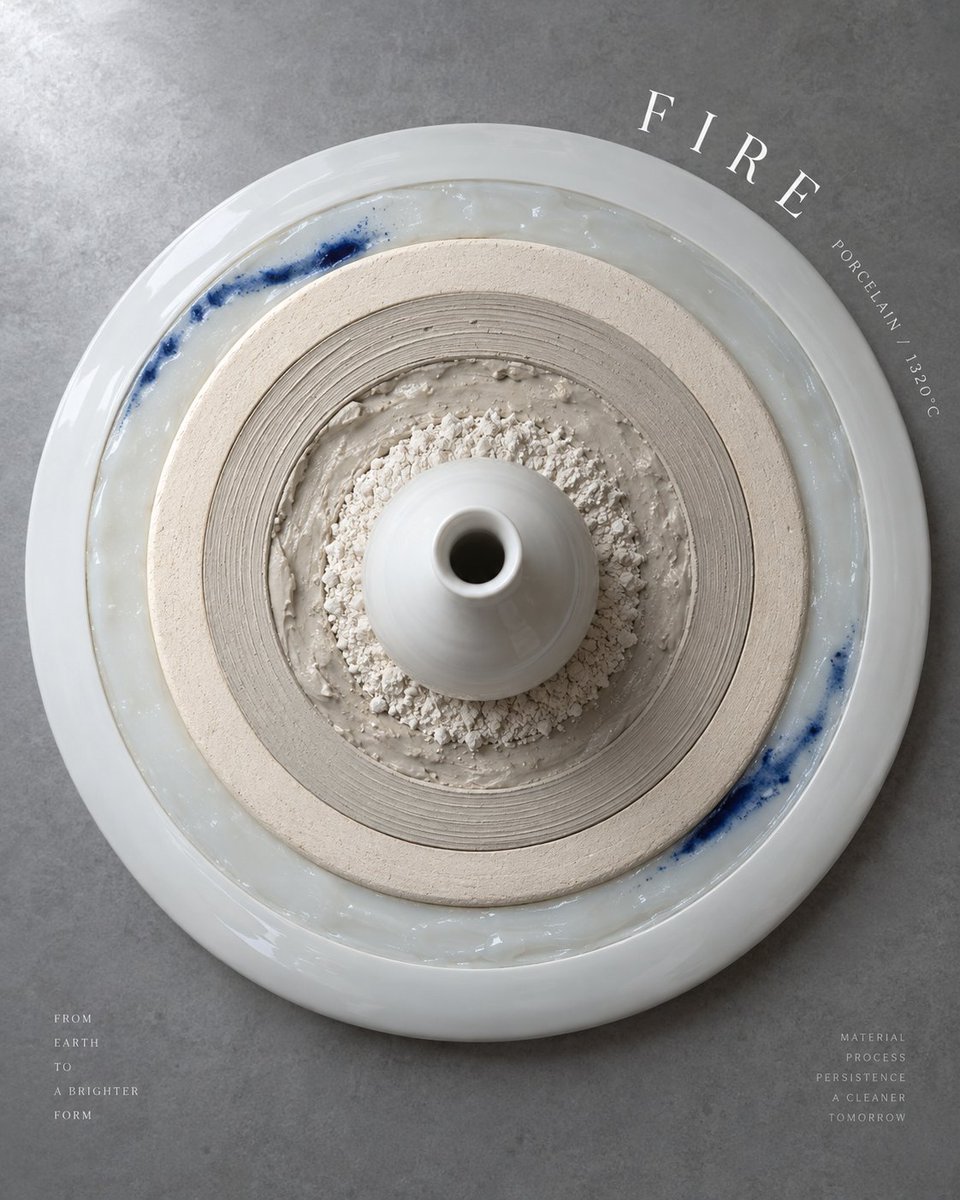
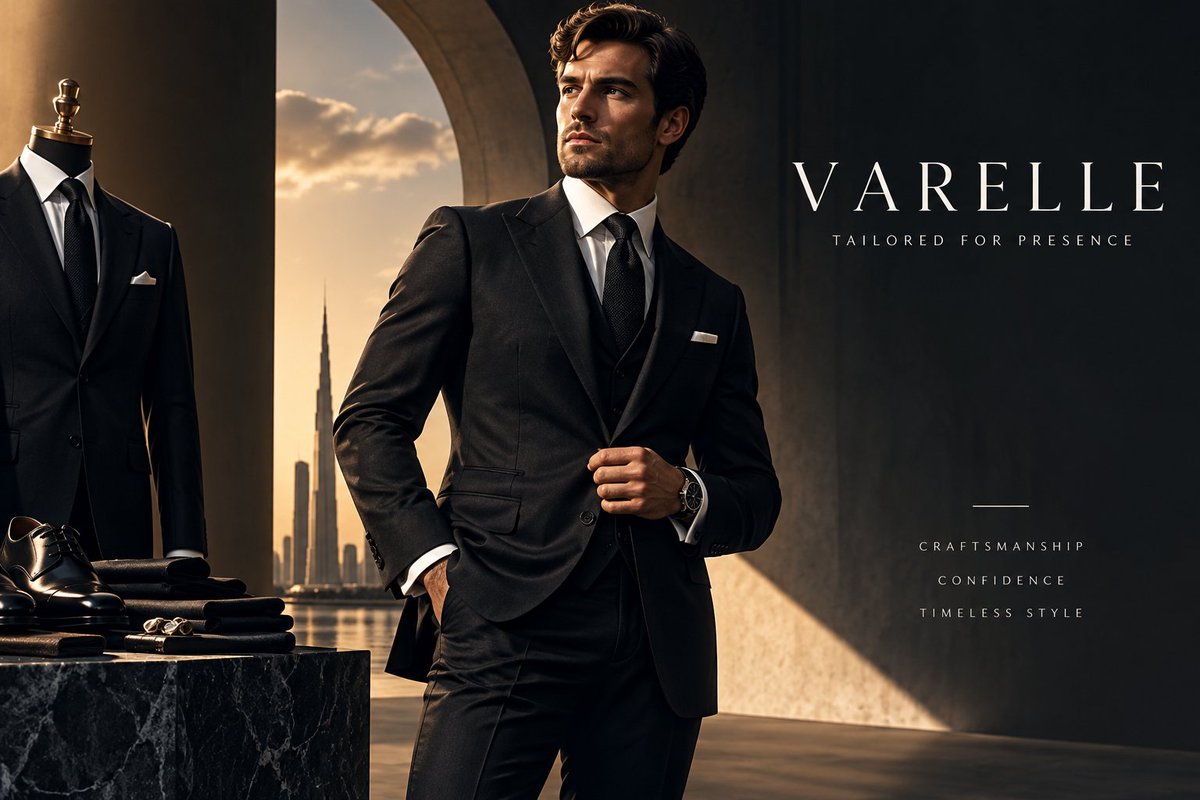
The Brand Envelope | GPT Image-2 Prompt #89 This takes any product photo and wraps it in your specific brand world. Different product each time. Same brand, every time. PHASE 1 / ANCHOR: Describe [BRAND IDENTITY] in 2 lines. Palette, texture, mood. PHASE 2 / INJECT: Place [PRODUCT] inside that brand world, not the reverse. PHASE 3 / FORMAT: Set [OUTPUT FORMAT]. Hero, square ad, or story. PHASE 4 / SIGNATURE: Apply [BRAND ELEMENT]. Grain, shadow, or overlay. Swap: [BRAND IDENTITY] / [PRODUCT] / [FORMAT]

Runs on 21 models

  • Flux
  • Flux 2
  • Flux Kontext
  • GPT-4o Image
  • GPT Image
  • GPT Image 2
  • GPT Image 2.5
  • GPT Image 2.6
  • Grok Imagine
  • Ideogram V3
  • Imagen 4
  • Kling
  • +9 more

What this prompt produces

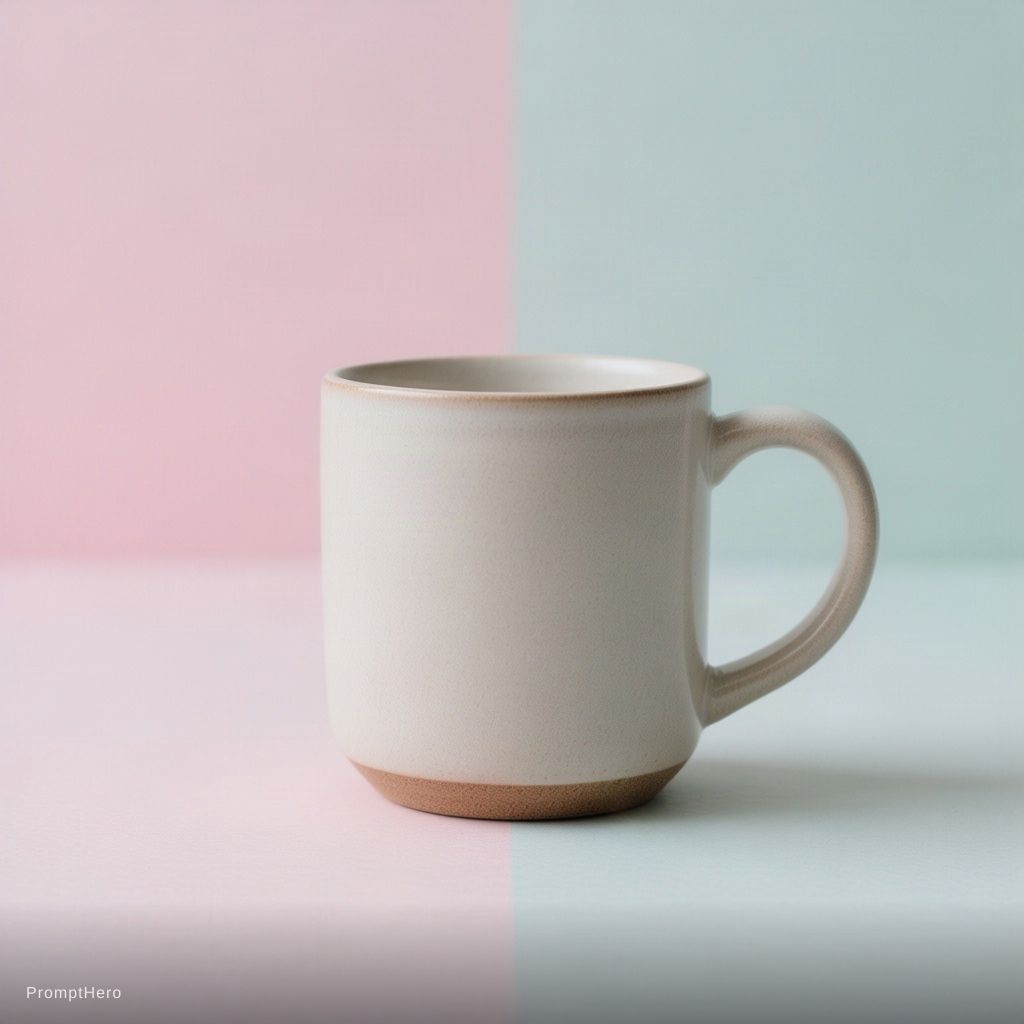
Hunyuan  prompt: Minimalist product photo of a ceramic mug on a pas... Not specified hunyuan-3
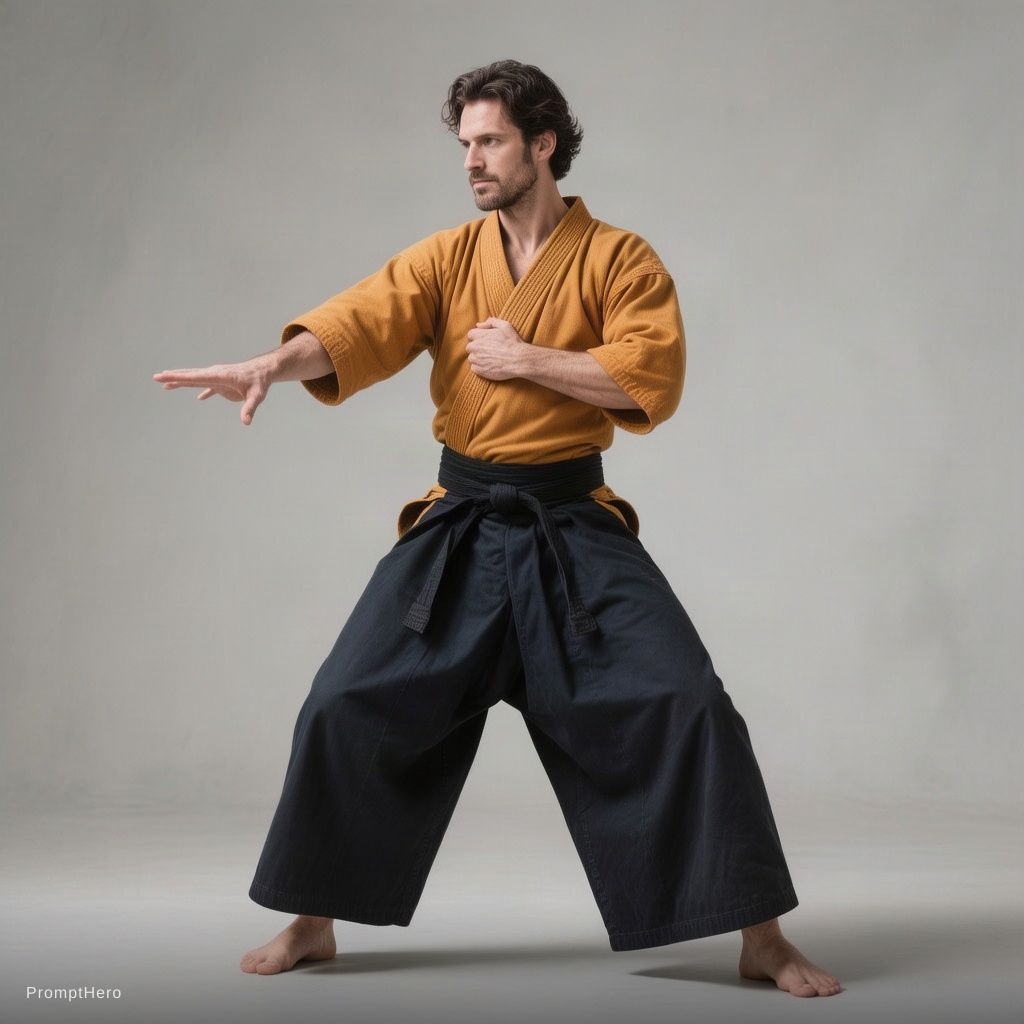
Hunyuan  prompt: Aikido Not specified hunyuan-3
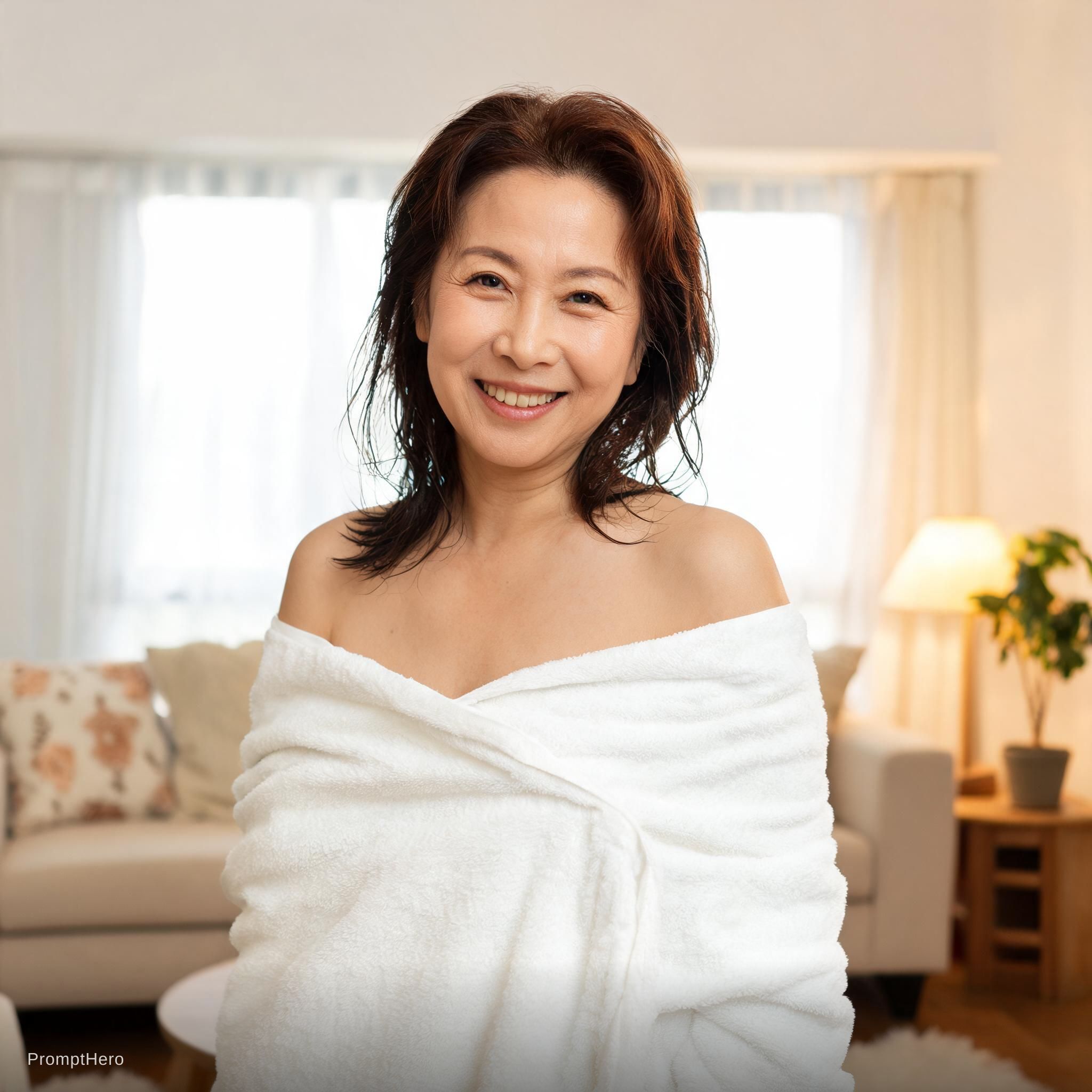
Seedream 5 prompt: f smiling middle aged woman in nice home wrapped i... Not specified v2
Create an extreme close-up underwater portrait, ca... Not specified Not specified
Using the face from the attached photograph, recre... Not specified Not specified
Using the face from the attached photo, recreate a... Not specified Not specified

Run this prompt with the API

The request below sends this prompt, with its default values filled in, to the first model it runs on. Swap the model name for any other model listed above.

Prompt API docs
/api/v1/gpt_image_2/text_to_image
curl -X POST https://runapi.ai/api/v1/gpt_image_2/text_to_image \
  -H "Authorization: Bearer $RUNAPI_API_KEY" \
  -H "Content-Type: application/json" \
  --data-binary @- <<'JSON'
{
  "model": "gpt-image-2",
  "prompt": "The Brand Envelope | GPT Image-2 Prompt #89\n\nThis takes any product photo and wraps it in your specific brand world. Different product each time. Same brand, every time.\n\nPHASE 1 / ANCHOR: Describe [BRAND IDENTITY] in 2 lines. Palette, texture, mood.\nPHASE 2 / INJECT: Place [PRODUCT] inside that brand world, not the reverse.\nPHASE 3 / FORMAT: Set [OUTPUT FORMAT]. Hero, square ad, or story.\nPHASE 4 / SIGNATURE: Apply [BRAND ELEMENT]. Grain, shadow, or overlay.\n\nSwap: [BRAND IDENTITY] / [PRODUCT] / [FORMAT]"
}
JSON

Try a prompt