UI与界面

UI与界面

翻譯: Prompt

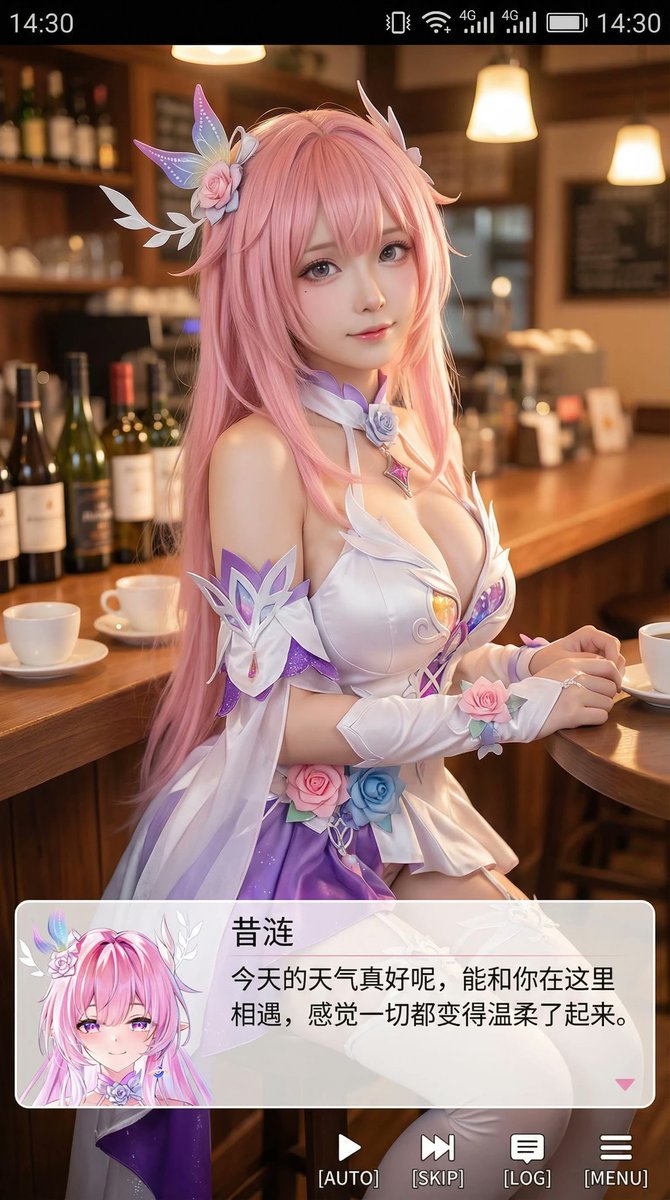
[中文] 生成一张竖版手机截图风格的图片,整体比例接近 9:16。画面中心偏上是一位真人 coser,扮演(角色名称)的二次元角色。人物为写实风格,但五官略带动漫感,皮肤细腻,眼睛稍大,表情温柔地看向镜头,坐在室内的休闲场景中,例如咖啡厅或酒吧吧台前,背景有符合场景的道具。画面最上方加入手机系统状态栏 UI,包括时间、电量、信号、网络等图标,让整张图看起来像手机截图。画面底部叠加一块宽大的半透明 galgame 风格对话框,对话框左侧放一个与画面人物对应的动漫或 Q 版头像;对话框右侧排版文字:第一行用较大字体显示与前面相同的角色名字,下面一到两行显示一段适合这个角色人设的、温柔治愈风格的简体中文台词,由你自动创作。再在对话框下方加一条操作栏,仿照 galgame UI。整体风格高清、细节丰富、光线柔和、二次元与真人写真自然融合。 [English] Generate a portrait mobile phone screenshot style image, with an overall aspect ratio close to 9:16. In the upper center of the frame is a real-life coser, playing a 2D anime character named (Character Name). The character is in a realistic style, but with facial features slightly showing an anime feel, delicate skin, slightly larger eyes, a gentle expression looking at the camera, sitting in an indoor casual scene, such as in front of a cafe or bar counter, with background props fitting the scene. At the very top of the image, add a mobile phone system status bar UI, including icons for time, battery, signal, and network, to make the whole image look like a mobile phone screenshot. At the bottom of the image, overlay a wide semi-transparent galgame style dialog box, place an anime or Q-version avatar corresponding to the character in the image on the left side of the dialog box; on the right side of the dialog box, typeset text: the first line displays the same character name as before in a larger font, the following one to two lines display a piece of Simplified Chinese dialogue suitable for this character's personality, in a gentle and healing style, automatically created by you. Then add an operation bar below the dialog box, imitating the galgame UI. The overall style is high-definition, rich in details, with soft lighting, and a natural fusion of 2D anime and real-life photography.

翻譯: Runs on 21 models

  • Flux
  • Flux 2
  • Flux Kontext
  • GPT-4o Image
  • GPT Image
  • GPT Image 2
  • GPT Image 2.5
  • GPT Image 2.6
  • Grok Imagine
  • Ideogram V3
  • Imagen 4
  • Kling
  • 翻譯: +9 more

這則提示詞的輸出

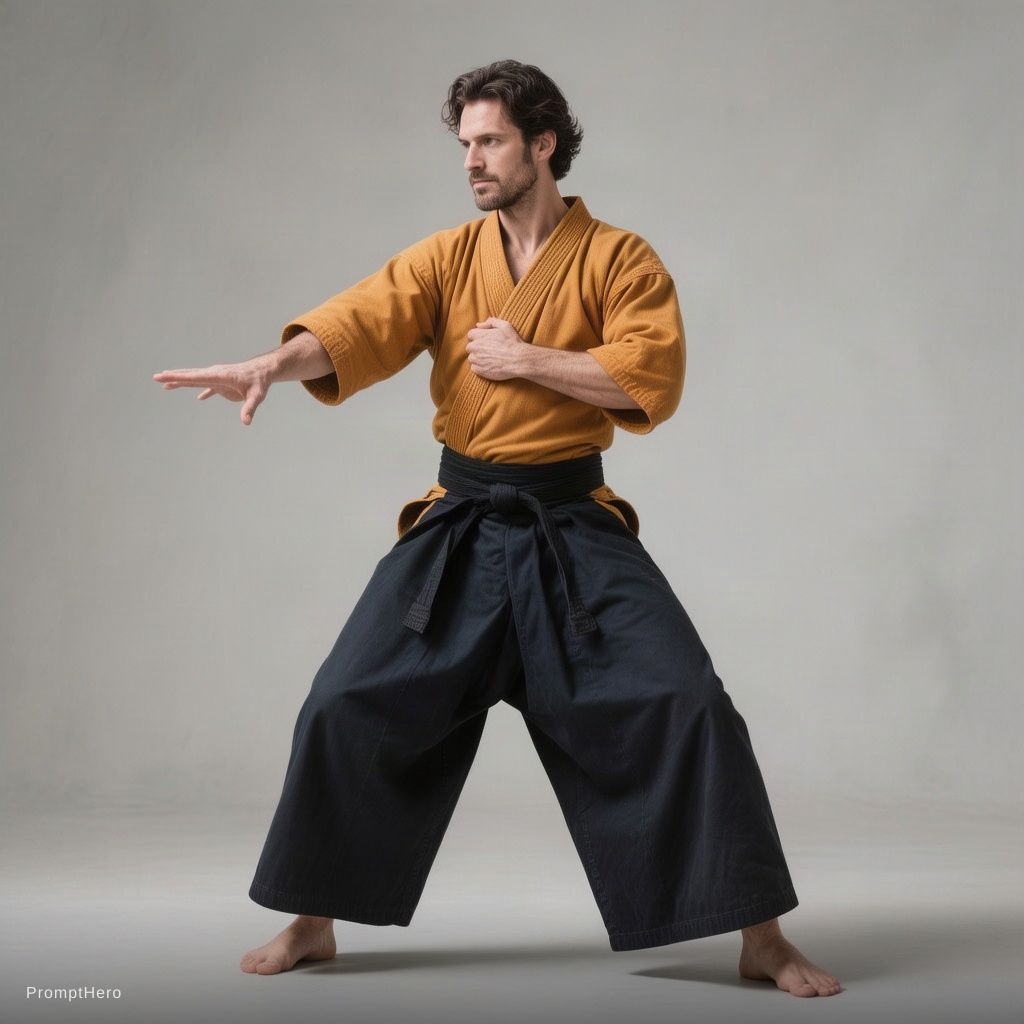
Hunyuan  prompt: Aikido 未指定 hunyuan-3
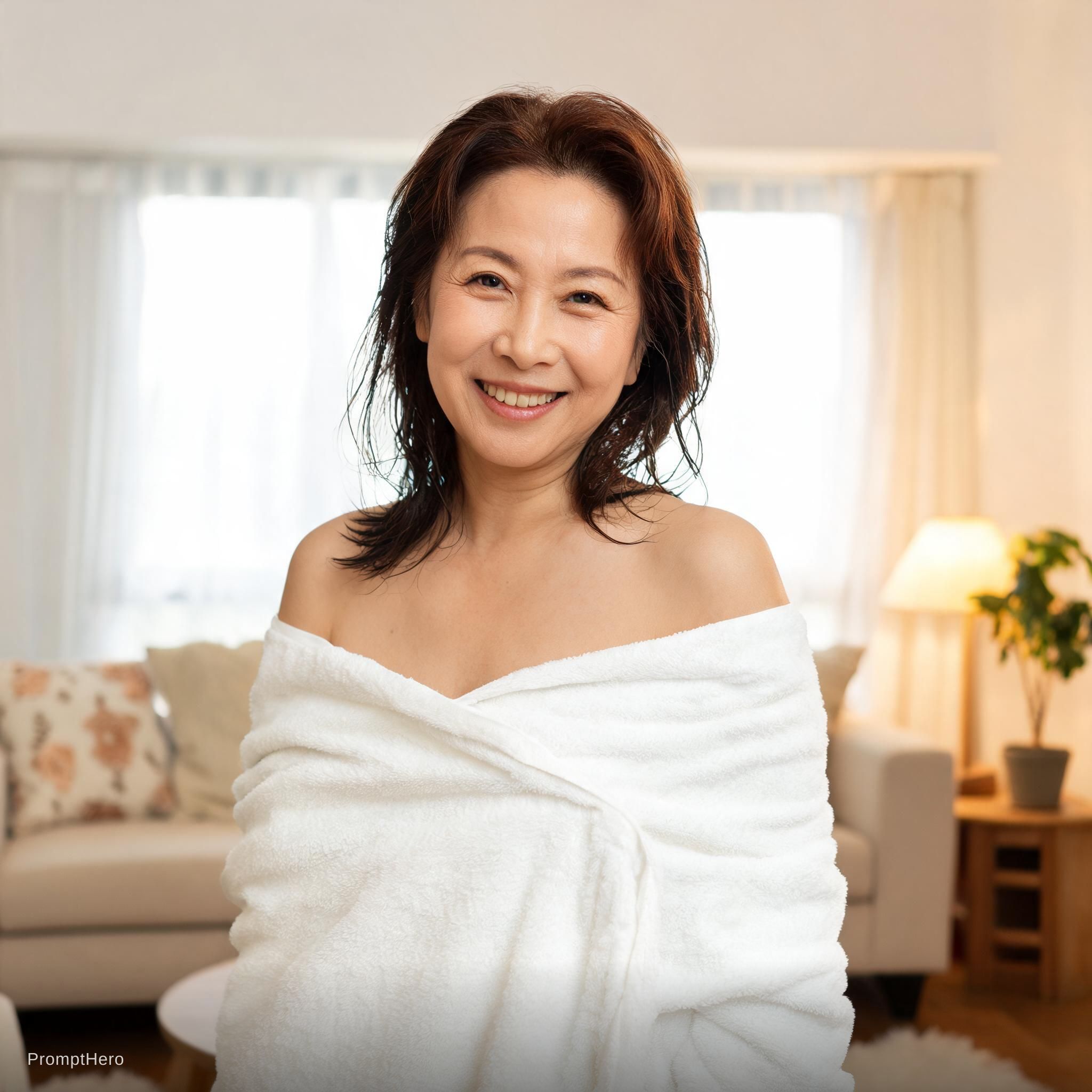
Seedream 5 prompt: f smiling middle aged woman in nice home wrapped i... 未指定 v2
Create an extreme close-up underwater portrait, ca... 未指定 未指定
Using the face from the attached photograph, recre... 未指定 未指定
Using the face from the attached photo, recreate a... 未指定 未指定
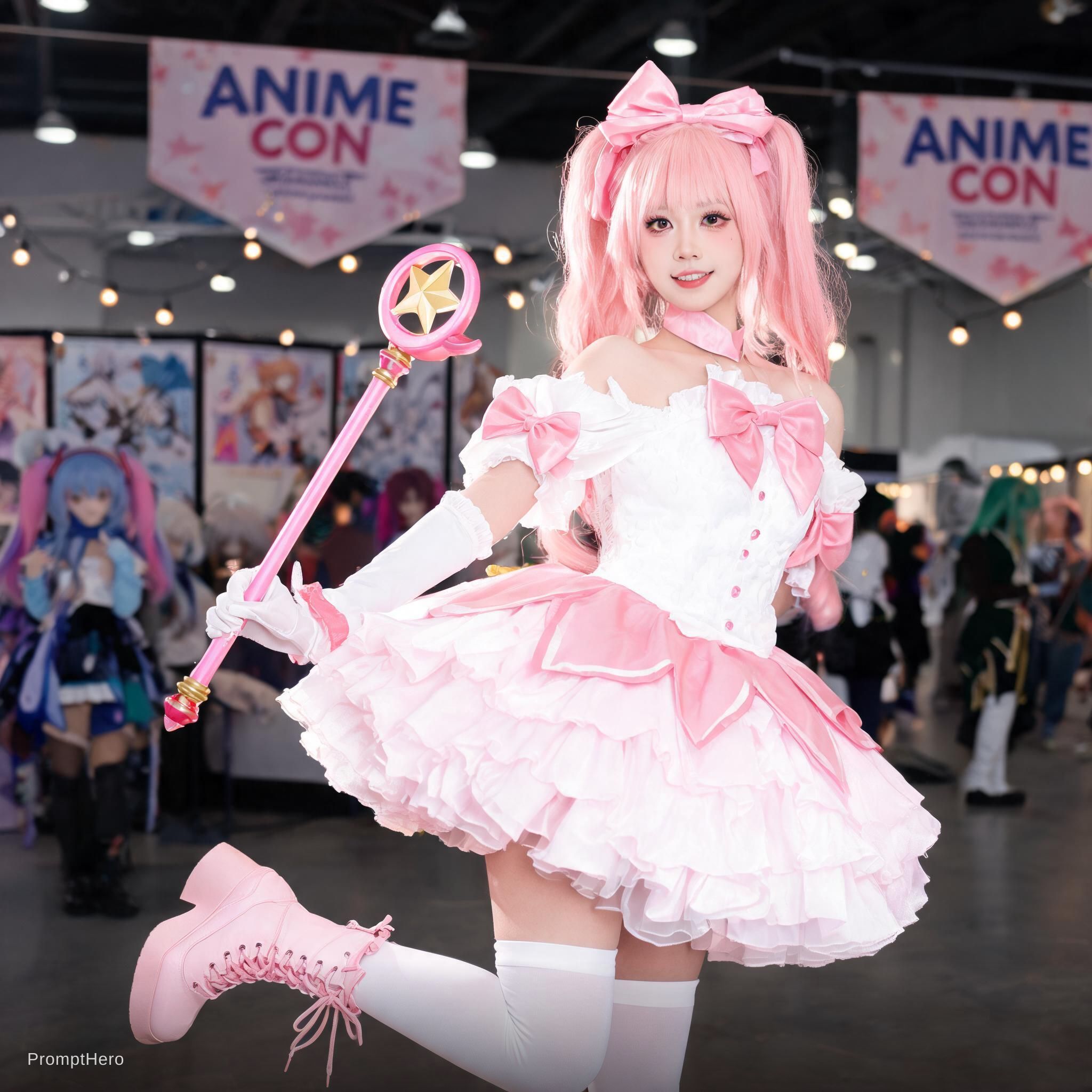
Seedream 5 prompt: cosplay 未指定 v2

翻譯: Run this prompt with the API

翻譯: The request below sends this prompt, with its default values filled in, to the first model it runs on. Swap the model name for any other model listed above.

翻譯: Prompt API docs
/api/v1/gpt_image_2/text_to_image
curl -X POST https://runapi.ai/api/v1/gpt_image_2/text_to_image \
  -H "Authorization: Bearer $RUNAPI_API_KEY" \
  -H "Content-Type: application/json" \
  --data-binary @- <<'JSON'
{
  "model": "gpt-image-2",
  "prompt": "[中文] 生成一张竖版手机截图风格的图片,整体比例接近 9:16。画面中心偏上是一位真人 coser,扮演(角色名称)的二次元角色。人物为写实风格,但五官略带动漫感,皮肤细腻,眼睛稍大,表情温柔地看向镜头,坐在室内的休闲场景中,例如咖啡厅或酒吧吧台前,背景有符合场景的道具。画面最上方加入手机系统状态栏 UI,包括时间、电量、信号、网络等图标,让整张图看起来像手机截图。画面底部叠加一块宽大的半透明 galgame 风格对话框,对话框左侧放一个与画面人物对应的动漫或 Q 版头像;对话框右侧排版文字:第一行用较大字体显示与前面相同的角色名字,下面一到两行显示一段适合这个角色人设的、温柔治愈风格的简体中文台词,由你自动创作。再在对话框下方加一条操作栏,仿照 galgame UI。整体风格高清、细节丰富、光线柔和、二次元与真人写真自然融合。 [English] Generate a portrait mobile phone screenshot style image, with an overall aspect ratio close to 9:16. In the upper center of the frame is a real-life coser, playing a 2D anime character named (Character Name). The character is in a realistic style, but with facial features slightly showing an anime feel, delicate skin, slightly larger eyes, a gentle expression looking at the camera, sitting in an indoor casual scene, such as in front of a cafe or bar counter, with background props fitting the scene. At the very top of the image, add a mobile phone system status bar UI, including icons for time, battery, signal, and network, to make the whole image look like a mobile phone screenshot. At the bottom of the image, overlay a wide semi-transparent galgame style dialog box, place an anime or Q-version avatar corresponding to the character in the image on the left side of the dialog box; on the right side of the dialog box, typeset text: the first line displays the same character name as before in a larger font, the following one to two lines display a piece of Simplified Chinese dialogue suitable for this character's personality, in a gentle and healing style, automatically created by you. Then add an operation bar below the dialog box, imitating the galgame UI. The overall style is high-definition, rich in details, with soft lighting, and a natural fusion of 2D anime and real-life photography."
}
JSON

翻譯: Try a prompt