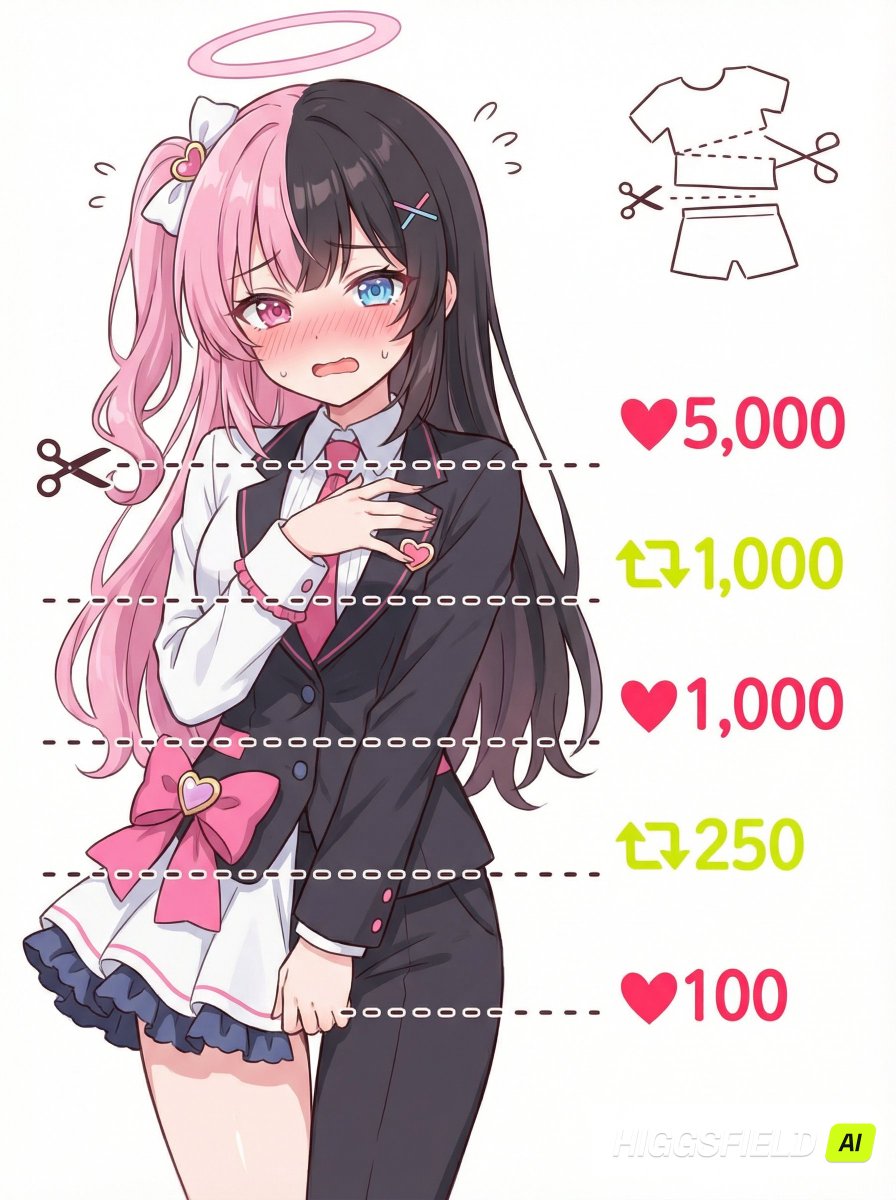
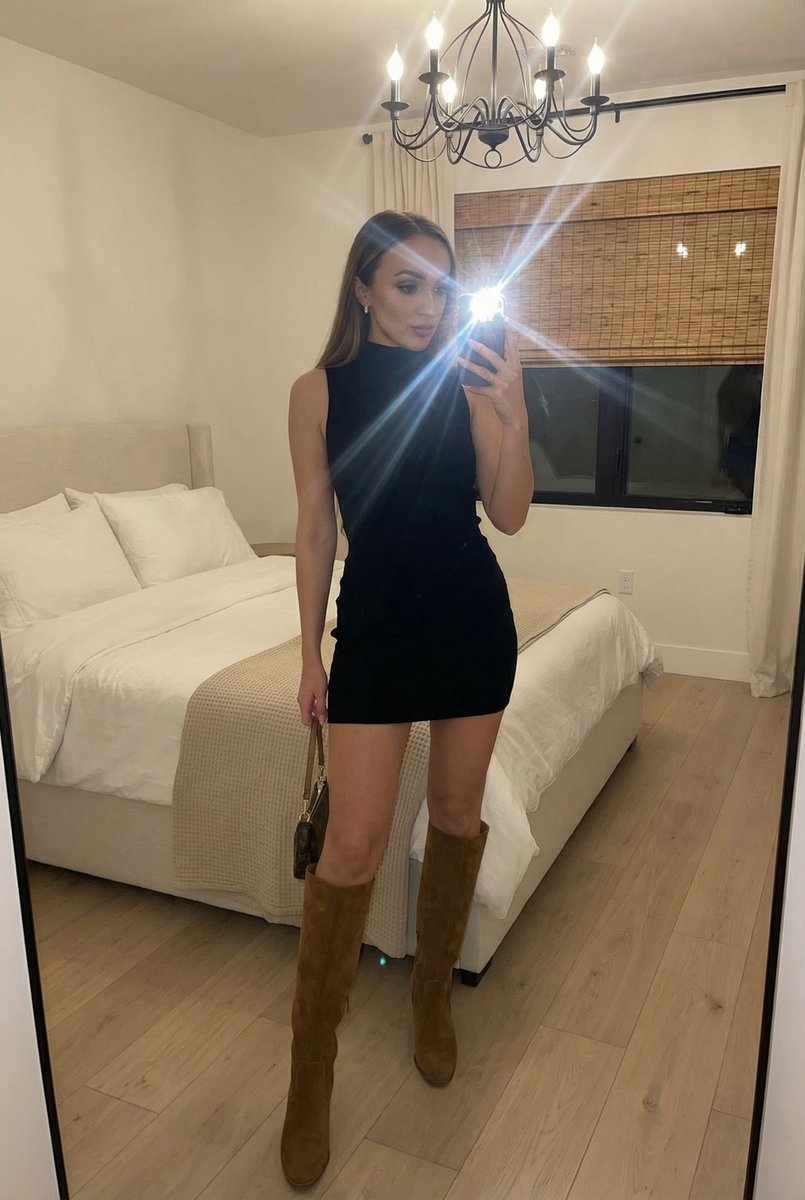
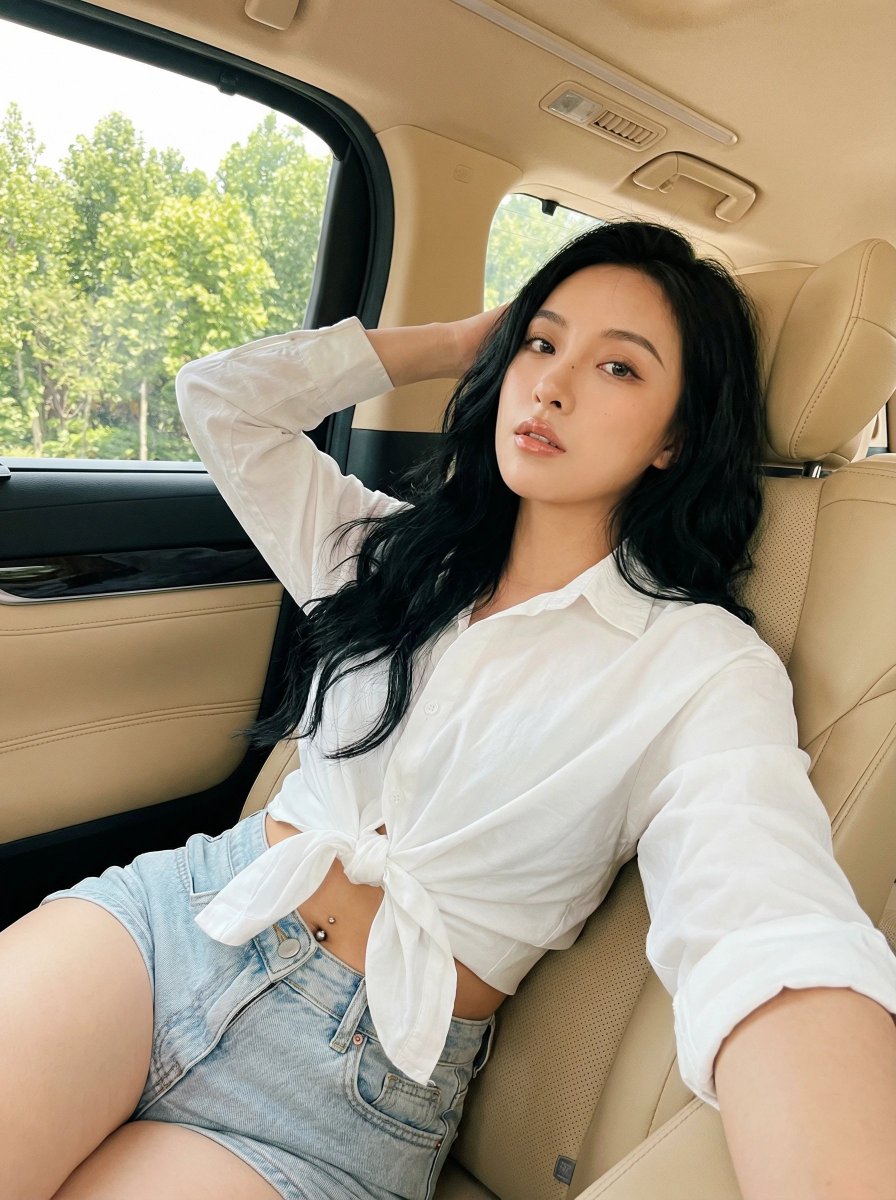
12-Style Anime Photo Collage
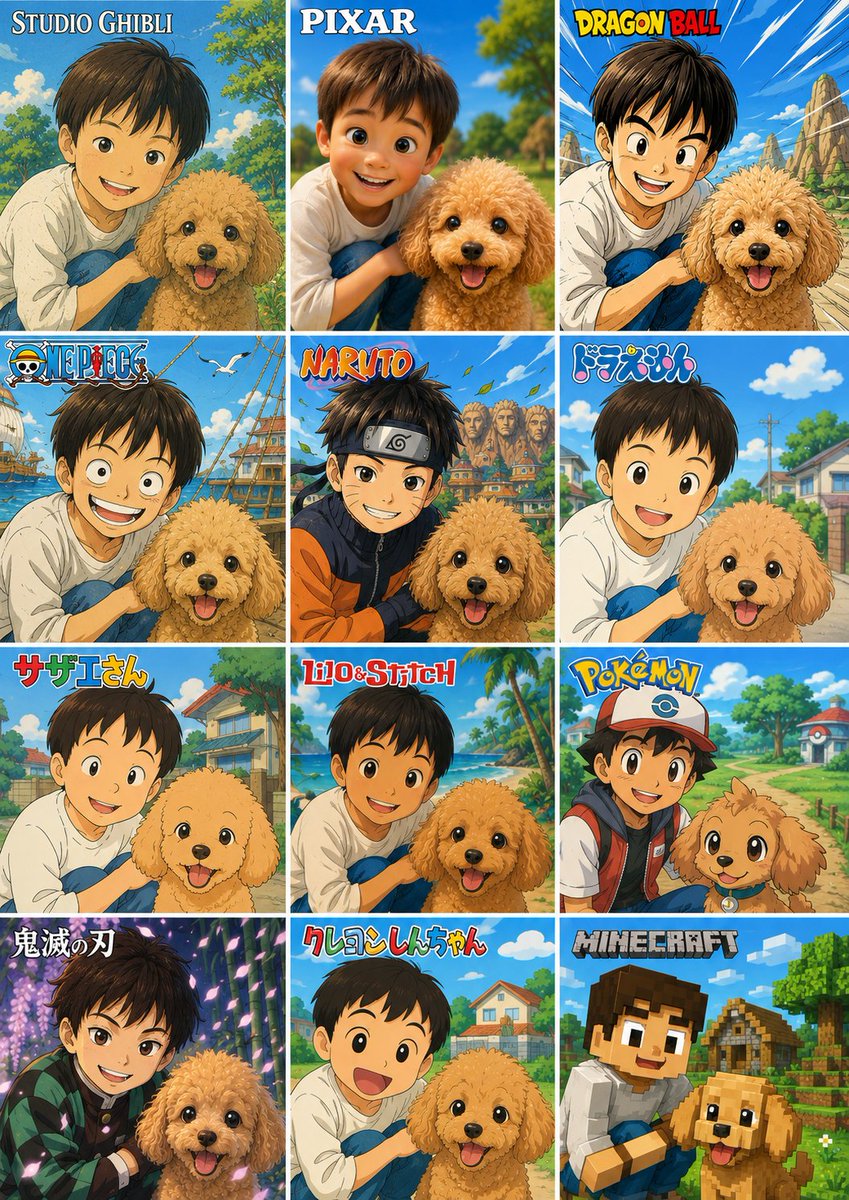
12-Style Anime Photo Collage

翻譯: Prompt

Using the provided reference photo as the subject base, create a vertical 3-column by 4-row comparison collage that transforms the same child-and-dog scene into exactly 12 popular animation/game-inspired visual styles. Keep the child and dog recognizable in pose, relative placement, clothing, and outdoor park feeling, and preserve any existing face anonymization/privacy masking from the reference rather than inventing facial details. Add a bold style-title logo at the top of each panel. Canvas and layout: Use a tall poster layout with 12 equal rectangular panels separated by thin white grid lines, arranged as 3 columns x 4 rows. Each panel should show the same subject pairing from the reference but redrawn in a different style, with bright saturated colors and clean promotional collage composition. Panels, in order from top-left to bottom-right, exactly 12: 1. “STUDIO GHIBLI” — soft hand-painted fantasy countryside look. 2. “PIXAR” — polished 3D animated movie look. 3. “DRAGON BALL” — dynamic action-anime look with speed lines and rocky landscape. 4. “ONE PIECE” — adventurous nautical anime look with ship/sea elements. 5. “NARUTO” — ninja-anime look with village background and orange/black outfit influence. 6. “ドラえもん” — cheerful rounded Japanese cartoon suburb style. 7. “サザエさん” — classic family-anime neighborhood style. 8. “Lilo&Stitch” — tropical island cartoon look with beach and palm trees. 9. “POKÉMON” — bright monster-adventure world look; add a cap/backpack vibe to the child and a cute creature-like treatment for the dog. 10. “鬼滅の刃” — dramatic sword-anime look with purple lighting and patterned haori influence. 11. “クレヨンしんちゃん” — simple cute children’s cartoon style with big expressive shapes. 12. “MINECRAFT” — blocky voxel game style with cubic characters and environment. Customizable text: Use anime style comparison poster as the overall design intent, and keep the panel labels exactly as listed unless replaced by STUDIO GHIBLI, PIXAR, DRAGON BALL, ONE PIECE, NARUTO, ドラえもん, サザエさん, Lilo&Stitch, POKÉMON, 鬼滅の刃, クレヨンしんちゃん, MINECRAFT. Constraints: Do not add extra panels, extra people, or extra pets. Keep the dog’s happy expression and fluffy tan appearance consistent across panels. Keep the child close to the dog in every panel. Maintain visible privacy blocks/anonymization over faces if present in the reference. Make the final image look like a shareable social media collage showcasing one photo converted into many animation styles.

翻譯: Runs on 20 models

  • Flux
  • Flux 2
  • Flux Kontext
  • GPT-4o Image
  • GPT Image
  • GPT Image 2
  • GPT Image 2.5
  • GPT Image 2.6
  • Grok Imagine
  • Ideogram V3
  • Imagen 4
  • Kling
  • 翻譯: +8 more

這則提示詞的輸出

Split-Page Coffee Shop Travel Journal 未指定 gpt-image-2
Cute Chibi Characters in a Sweet Playful Moment 未指定 gpt-image-2
Underground Train Yard Clash Anime Development Board 未指定 gpt-image-2
Realistic Group Selfie with Smartphone Flash Effect 未指定 nano-banana-pro
Exploded-View Structural Cutaway for Food Photography 未指定 nano-banana-pro
Four Seasons Portrait Collage 未指定 nano-banana-pro

翻譯: Run this prompt with the API

翻譯: The request below sends this prompt, with its default values filled in, to the first model it runs on. Swap the model name for any other model listed above.

翻譯: Prompt API docs
/api/v1/gpt_image_2/text_to_image
curl -X POST https://runapi.ai/api/v1/gpt_image_2/text_to_image \
  -H "Authorization: Bearer $RUNAPI_API_KEY" \
  -H "Content-Type: application/json" \
  --data-binary @- <<'JSON'
{
  "model": "gpt-image-2",
  "prompt": "Using the provided reference photo as the subject base, create a vertical 3-column by 4-row comparison collage that transforms the same child-and-dog scene into exactly 12 popular animation/game-inspired visual styles. Keep the child and dog recognizable in pose, relative placement, clothing, and outdoor park feeling, and preserve any existing face anonymization/privacy masking from the reference rather than inventing facial details. Add a bold style-title logo at the top of each panel.\n\nCanvas and layout: Use a tall poster layout with 12 equal rectangular panels separated by thin white grid lines, arranged as 3 columns x 4 rows. Each panel should show the same subject pairing from the reference but redrawn in a different style, with bright saturated colors and clean promotional collage composition.\n\nPanels, in order from top-left to bottom-right, exactly 12:\n1. “STUDIO GHIBLI” — soft hand-painted fantasy countryside look.\n2. “PIXAR” — polished 3D animated movie look.\n3. “DRAGON BALL” — dynamic action-anime look with speed lines and rocky landscape.\n4. “ONE PIECE” — adventurous nautical anime look with ship/sea elements.\n5. “NARUTO” — ninja-anime look with village background and orange/black outfit influence.\n6. “ドラえもん” — cheerful rounded Japanese cartoon suburb style.\n7. “サザエさん” — classic family-anime neighborhood style.\n8. “Lilo&Stitch” — tropical island cartoon look with beach and palm trees.\n9. “POKÉMON” — bright monster-adventure world look; add a cap/backpack vibe to the child and a cute creature-like treatment for the dog.\n10. “鬼滅の刃” — dramatic sword-anime look with purple lighting and patterned haori influence.\n11. “クレヨンしんちゃん” — simple cute children’s cartoon style with big expressive shapes.\n12. “MINECRAFT” — blocky voxel game style with cubic characters and environment.\n\nCustomizable text: Use anime style comparison poster as the overall design intent, and keep the panel labels exactly as listed unless replaced by STUDIO GHIBLI, PIXAR, DRAGON BALL, ONE PIECE, NARUTO, ドラえもん, サザエさん, Lilo&Stitch, POKÉMON, 鬼滅の刃, クレヨンしんちゃん, MINECRAFT.\n\nConstraints: Do not add extra panels, extra people, or extra pets. Keep the dog’s happy expression and fluffy tan appearance consistent across panels. Keep the child close to the dog in every panel. Maintain visible privacy blocks/anonymization over faces if present in the reference. Make the final image look like a shareable social media collage showcasing one photo converted into many animation styles."
}
JSON

翻譯: Try a prompt

預估: $0.04 / 張圖片

請登入以使用 RunAPI 生成。

請登入以生成

登入後,即可使用您可用的語言模型開始生成。