Witch Sketch to Fantasy Result UI
Witch Sketch to Fantasy Result UI

prompt

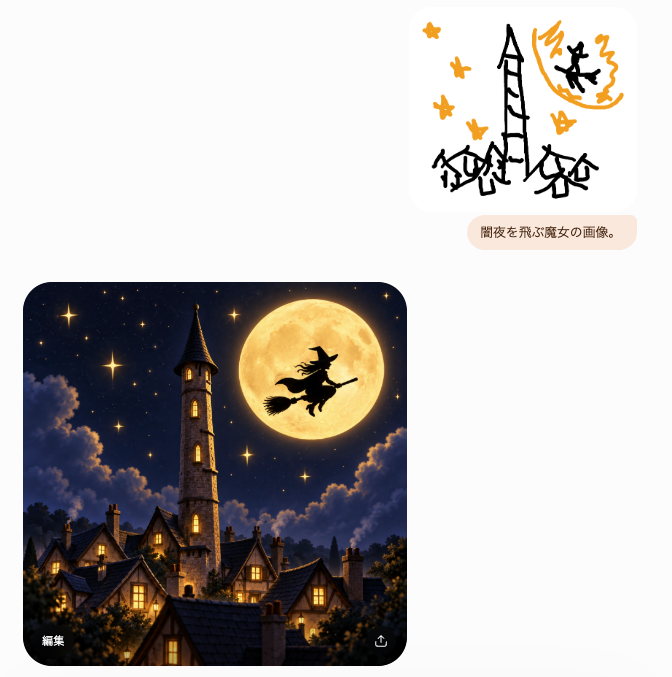
Goal: Create a minimalist chat-style image generation interface screenshot showing a rough sketch prompt and a polished generated result. Canvas: Square-ish light gray/off-white background, about 665×677 px, with lots of empty space. Use a clean modern mobile/web UI aesthetic with rounded cards and subtle shadows. Layout: Place exactly 3 main UI elements: 1 small sketch image card in the upper right, 1 small rounded text prompt bubble directly below it, and 1 large generated image card in the lower left. Leave the left side mostly blank above the large card. Upper sketch card: A white rounded rectangle with a childlike black-and-orange doodle. The doodle contains exactly 6 orange star shapes, a tall crooked black tower in the center, 3 small black haunted houses along the bottom, an orange full moon in the upper right, and 1 black witch silhouette flying across the moon. Keep the sketch rough, marker-like, playful, and sparse. Prompt bubble: A pale peach rounded pill below the sketch card containing the Japanese text 闇夜を飛ぶ魔女の画像。 in small dark brown type. Generated image card: A large rounded-corner square image in the lower left, cinematic fantasy style. Depict a cozy gothic village at night beneath a deep navy starry sky. Include exactly 1 tall stone clock/bell tower with a pointed dark roof near the left-center, exactly 1 enormous glowing golden full moon near the upper right, and exactly 1 black witch silhouette riding a broom in front of the moon. Include clustered steep-roof houses with warm yellow-lit windows in the foreground, soft glowing stars, dramatic moonlit clouds, and dark treetops framing the bottom. The image should feel like a highly polished transformation of the crude sketch. UI details: On the lower-left corner inside the large generated image, show the small white Japanese label 編集. On the lower-right corner inside the same image, show a small white share/export icon. No other visible text. Visual style: High contrast between the simple doodle and the refined result; rounded corners; soft app-interface spacing; no watermark; no extra panels; keep the composition faithful to a generated-image chat result.

Funciona con 21 modelos

  • Flux
  • Flux 2
  • Flux Kontext
  • GPT-4o Image
  • GPT Image
  • GPT Image 2
  • GPT Image 2.5
  • GPT Image 2.6
  • Grok Imagine
  • Ideogram V3
  • Imagen 4
  • Kling
  • +9 Más

Lo que produce este prompt

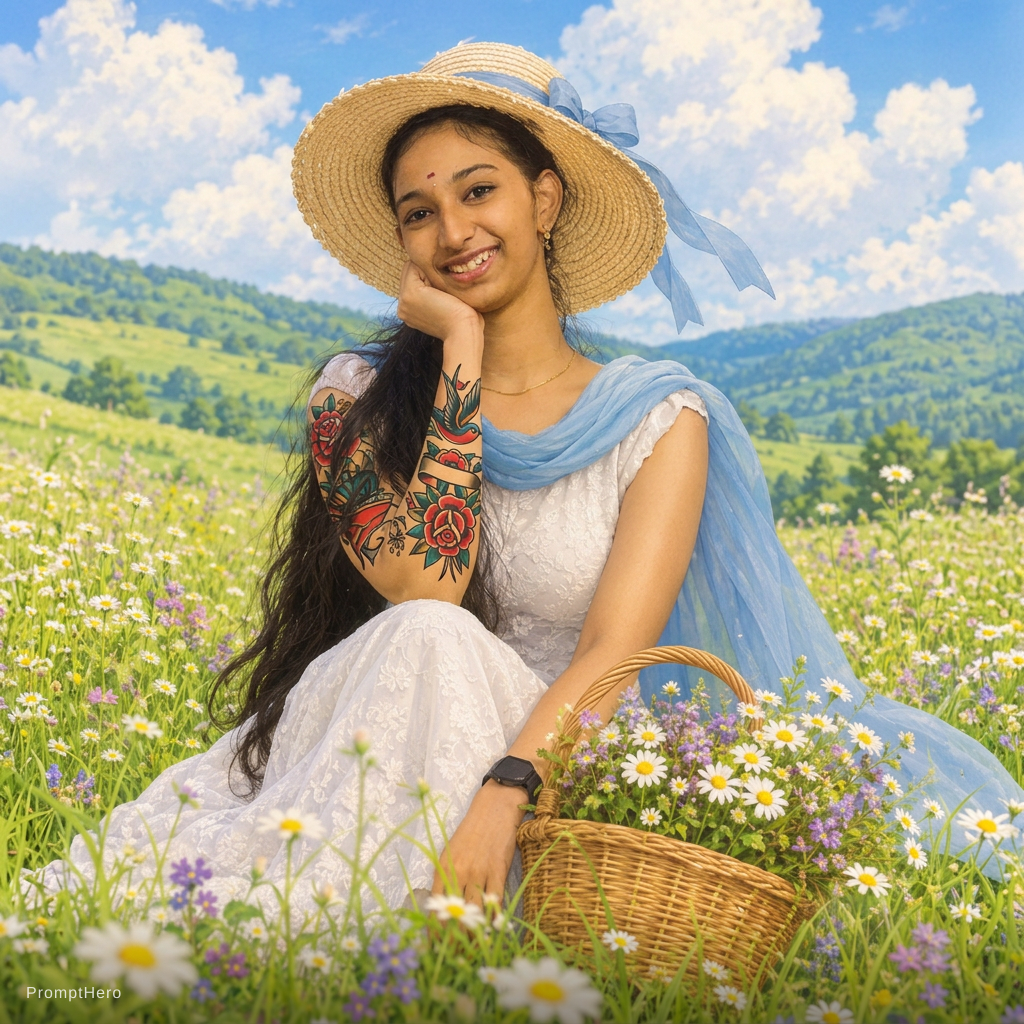
Nano Banana prompt: Kavya covering full bicep, bold American style wit No especificado nano-banana-2.1
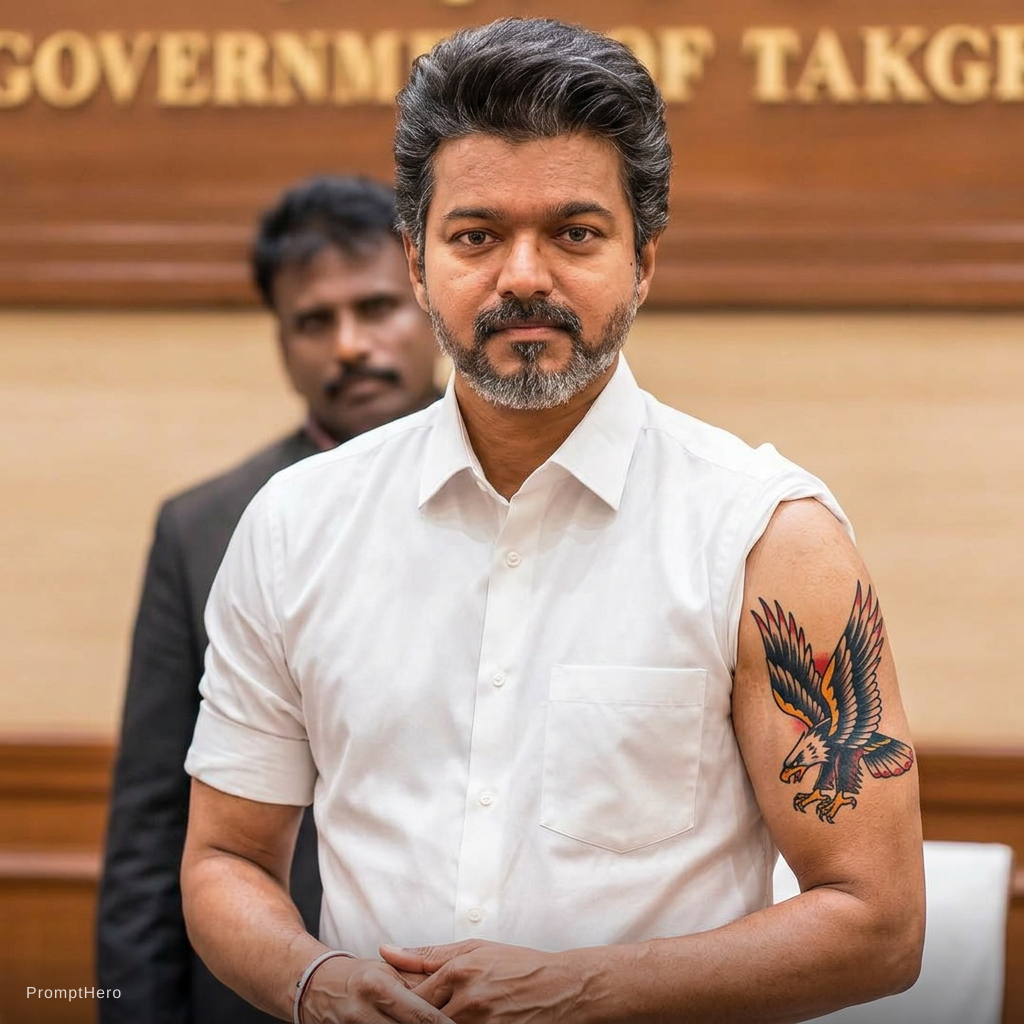
Nano Banana prompt: traditional eagle covering full bicep, bold Americ... No especificado nano-banana-2.1
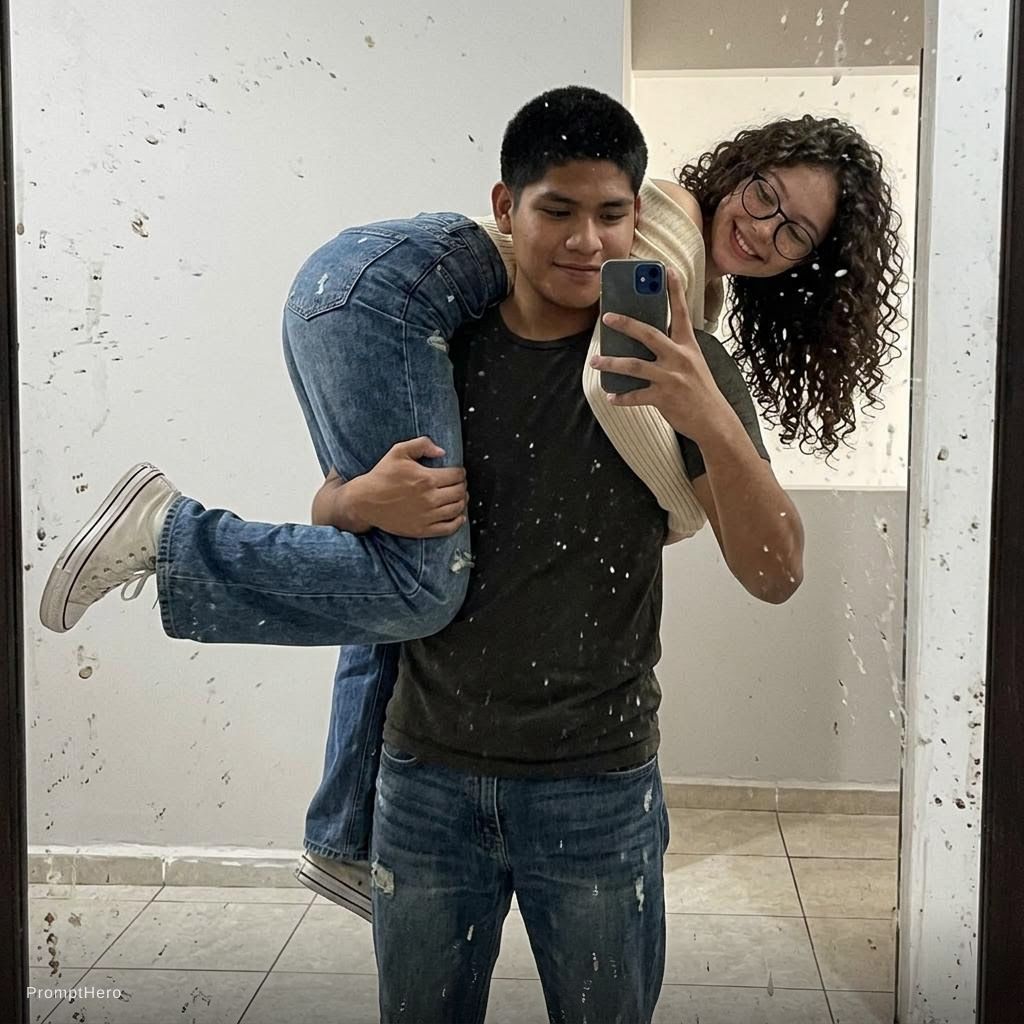
Hero prompt: nos podrias hacer una foto con la pose de la prime... No especificado 1.0
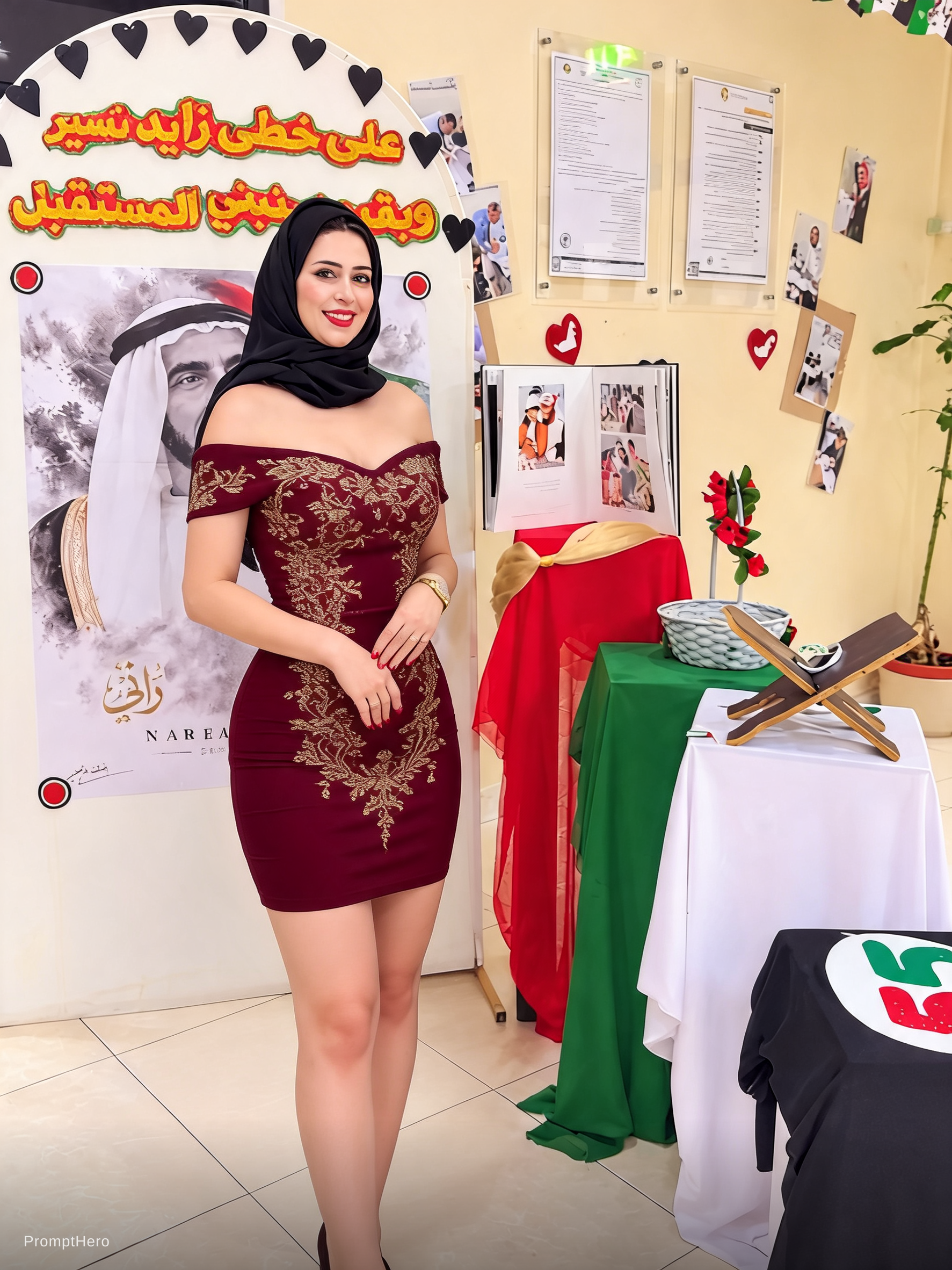
Seedream 5 prompt: Hot dress No especificado v2
Nano Banana prompt: Match the same pose from the 1st image No especificado nano-banana-2.1
Seedream 5 prompt: Modern minimalist mobile app icon logo design for ... No especificado seedream-5-pro

Run este prompt con el API

La siguiente solicitud envía este mensaje, con sus valores predeterminados completados, al primer modelo en el que se ejecuta. Cambie el nombre del modelo por cualquier otro modelo enumerado anteriormente.

Documentación de la API de prompts
/api/v1/gpt_image_2/text_to_image
curl -X POST https://runapi.ai/api/v1/gpt_image_2/text_to_image \
  -H "Authorization: Bearer $RUNAPI_API_KEY" \
  -H "Content-Type: application/json" \
  --data-binary @- <<'JSON'
{
  "model": "gpt-image-2",
  "prompt": "Goal: Create a minimalist chat-style image generation interface screenshot showing a rough sketch prompt and a polished generated result.\n\nCanvas: Square-ish light gray/off-white background, about 665×677 px, with lots of empty space. Use a clean modern mobile/web UI aesthetic with rounded cards and subtle shadows.\n\nLayout: Place exactly 3 main UI elements: 1 small sketch image card in the upper right, 1 small rounded text prompt bubble directly below it, and 1 large generated image card in the lower left. Leave the left side mostly blank above the large card.\n\nUpper sketch card: A white rounded rectangle with a childlike black-and-orange doodle. The doodle contains exactly 6 orange star shapes, a tall crooked black tower in the center, 3 small black haunted houses along the bottom, an orange full moon in the upper right, and 1 black witch silhouette flying across the moon. Keep the sketch rough, marker-like, playful, and sparse.\n\nPrompt bubble: A pale peach rounded pill below the sketch card containing the Japanese text 闇夜を飛ぶ魔女の画像。 in small dark brown type.\n\nGenerated image card: A large rounded-corner square image in the lower left, cinematic fantasy style. Depict a cozy gothic village at night beneath a deep navy starry sky. Include exactly 1 tall stone clock/bell tower with a pointed dark roof near the left-center, exactly 1 enormous glowing golden full moon near the upper right, and exactly 1 black witch silhouette riding a broom in front of the moon. Include clustered steep-roof houses with warm yellow-lit windows in the foreground, soft glowing stars, dramatic moonlit clouds, and dark treetops framing the bottom. The image should feel like a highly polished transformation of the crude sketch.\n\nUI details: On the lower-left corner inside the large generated image, show the small white Japanese label 編集. On the lower-right corner inside the same image, show a small white share/export icon. No other visible text.\n\nVisual style: High contrast between the simple doodle and the refined result; rounded corners; soft app-interface spacing; no watermark; no extra panels; keep the composition faithful to a generated-image chat result."
}
JSON

Probar a prompt