Avisos AI Diseño de aplicaciones y sitios web
Mensajes 580, cada uno mostrado con la imagen que produjo. Copie uno tal como está escrito o ejecútelo en GPT Image, Nano Banana, Seedream y otros modelos con la misma llamada API.
Runs on 36 imagen modelos through uno API key
curl -G https://runapi.ai/api/v1/prompts \
  -d modality=image -d category=app-web-design \
-H "Authorization: Bearer $RUNAPI_API_KEY"Diseño de aplicaciones y sitios web ejemplos de indicaciones
580 indicaciones Actualizado 10 de octubre de 2026
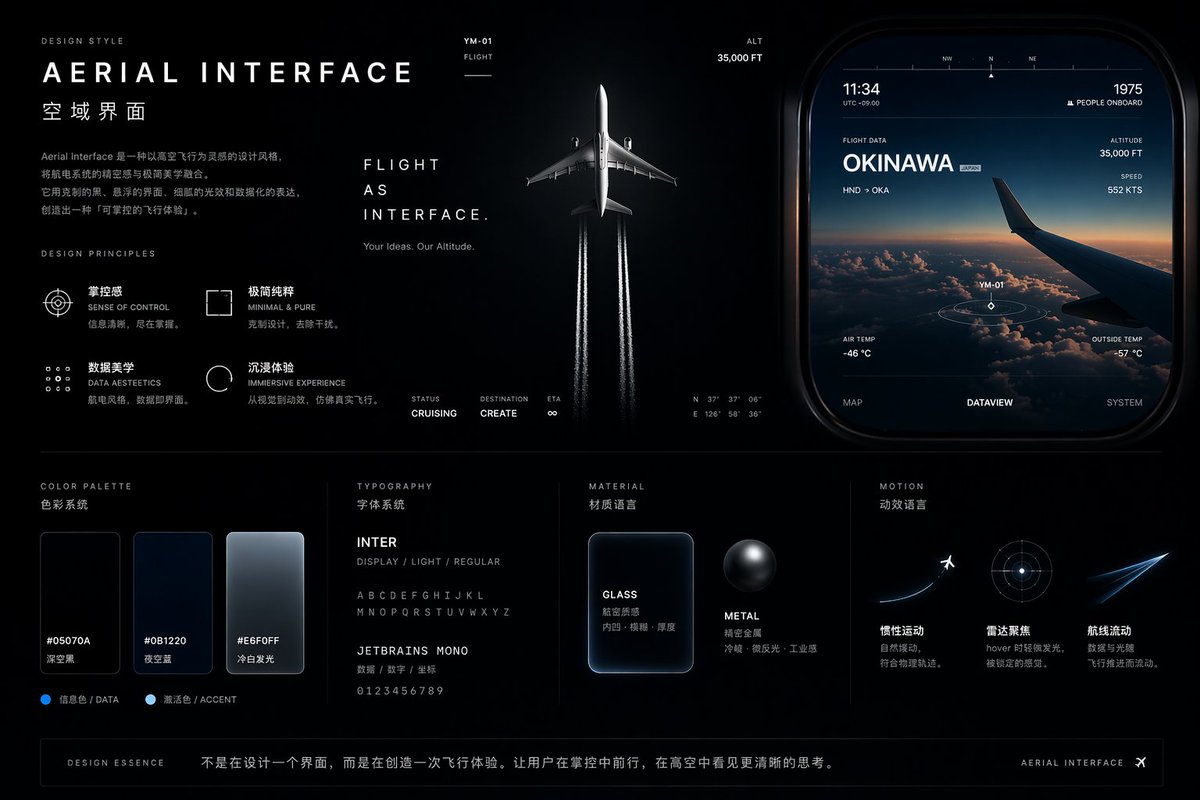
Aviation-Themed UI Design System Board
gpt-image-2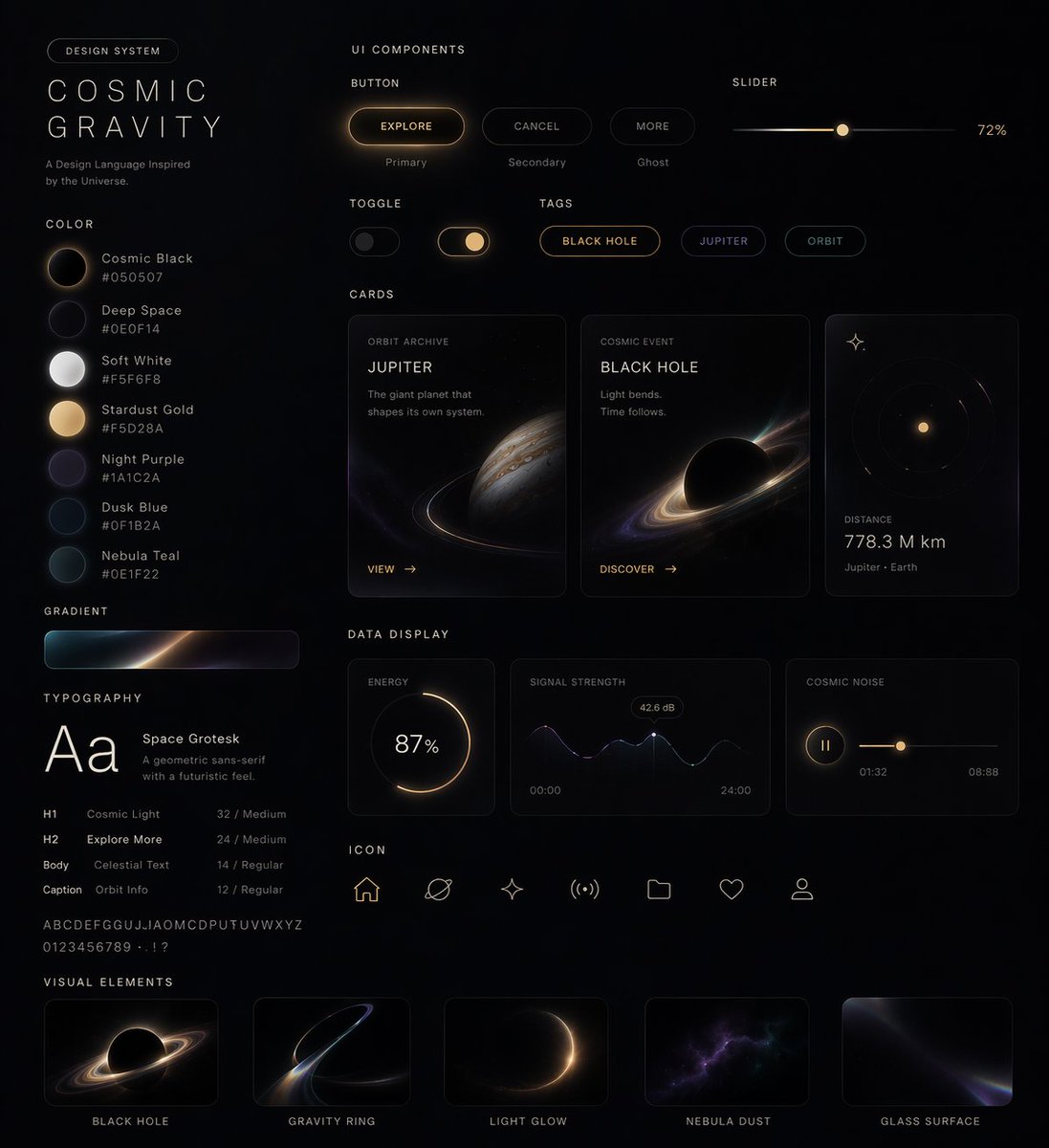
Cosmic Dark Mode UI Design System
gpt-image-2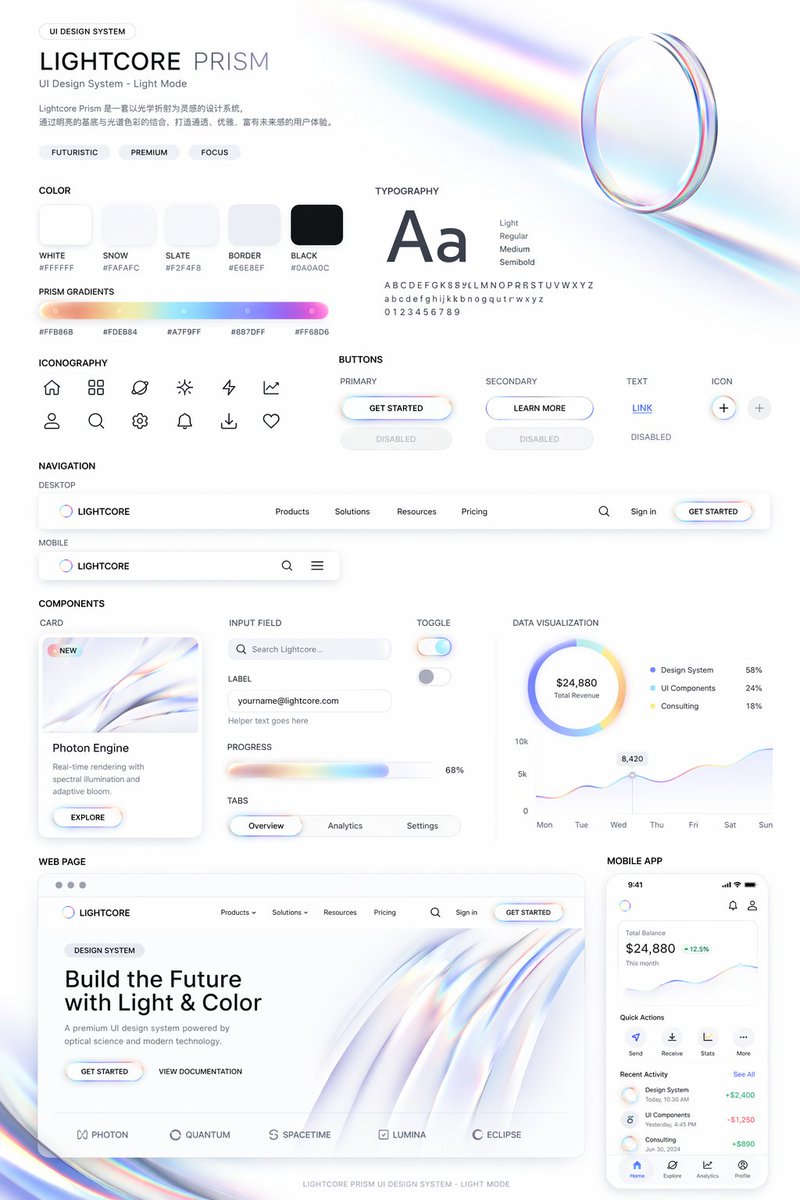
Light Mode UI Design System Board
gpt-image-2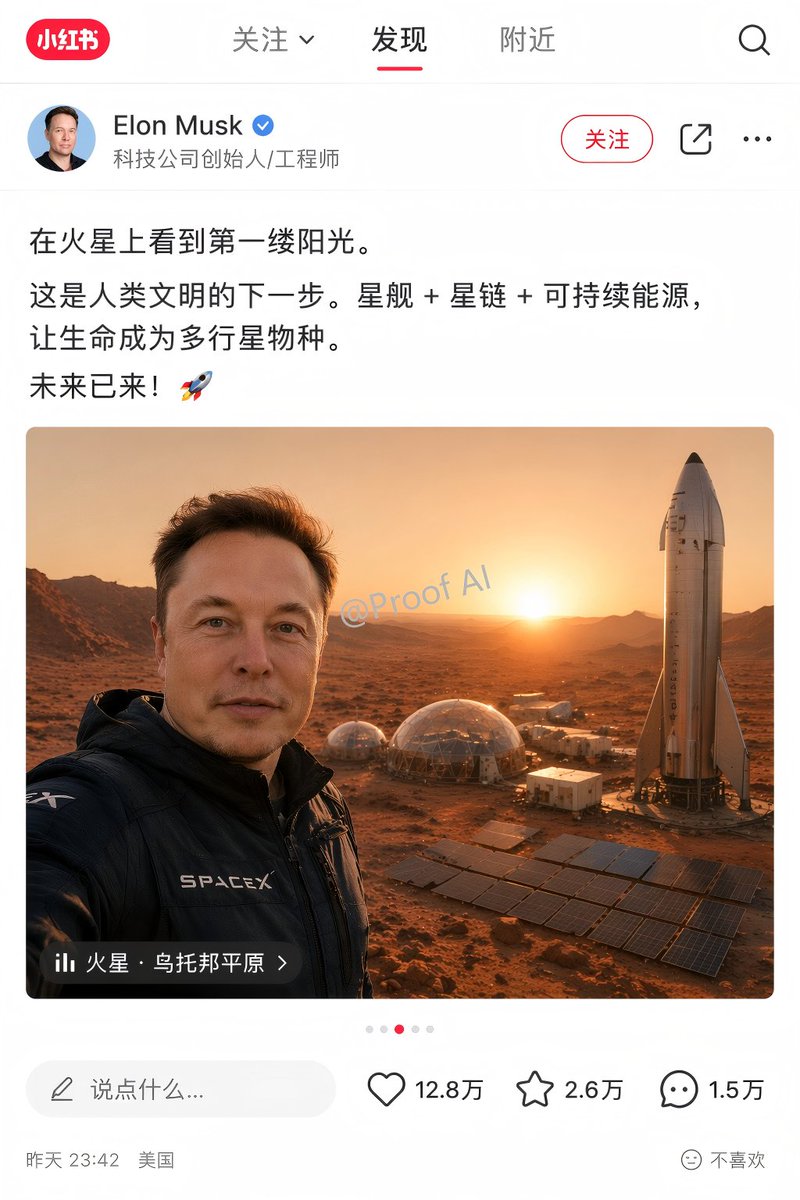
Mars Selfie Social Media Mockup
gpt-image-2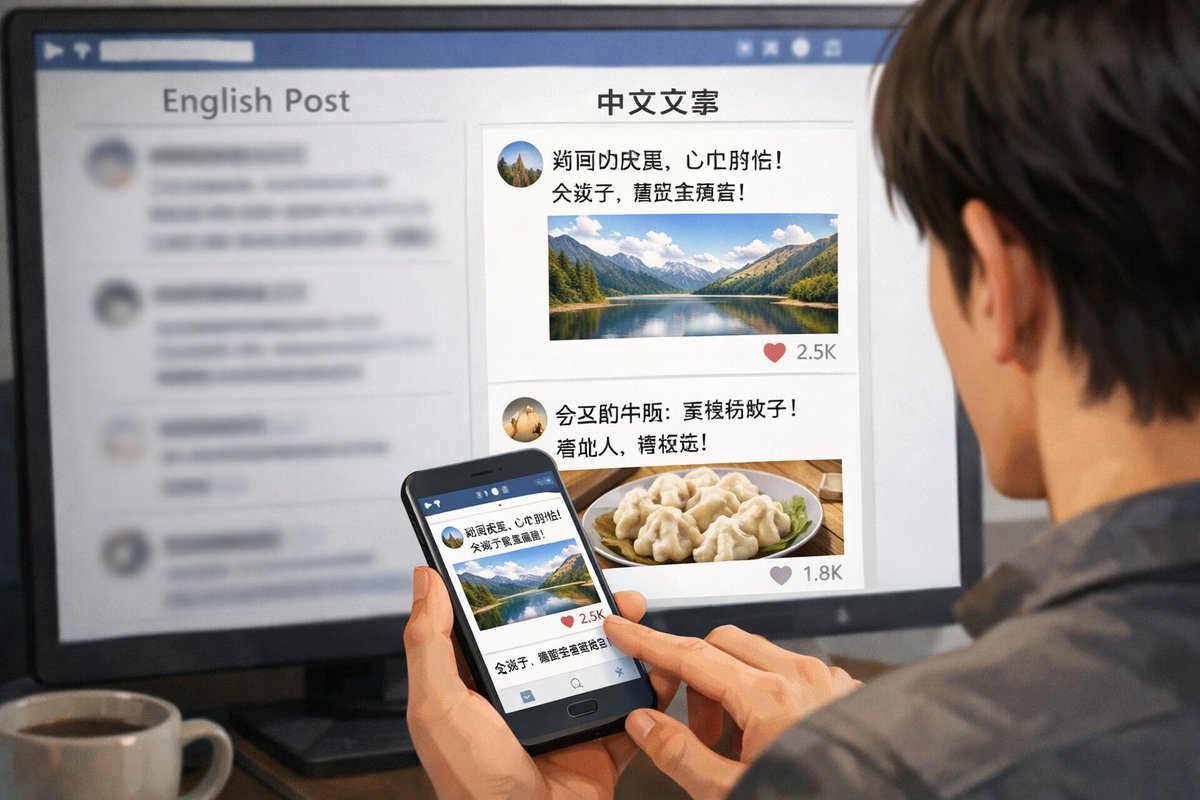
Cross-Device Social Media Feed
gpt-image-2
UI Design System Prompt
gpt-image-2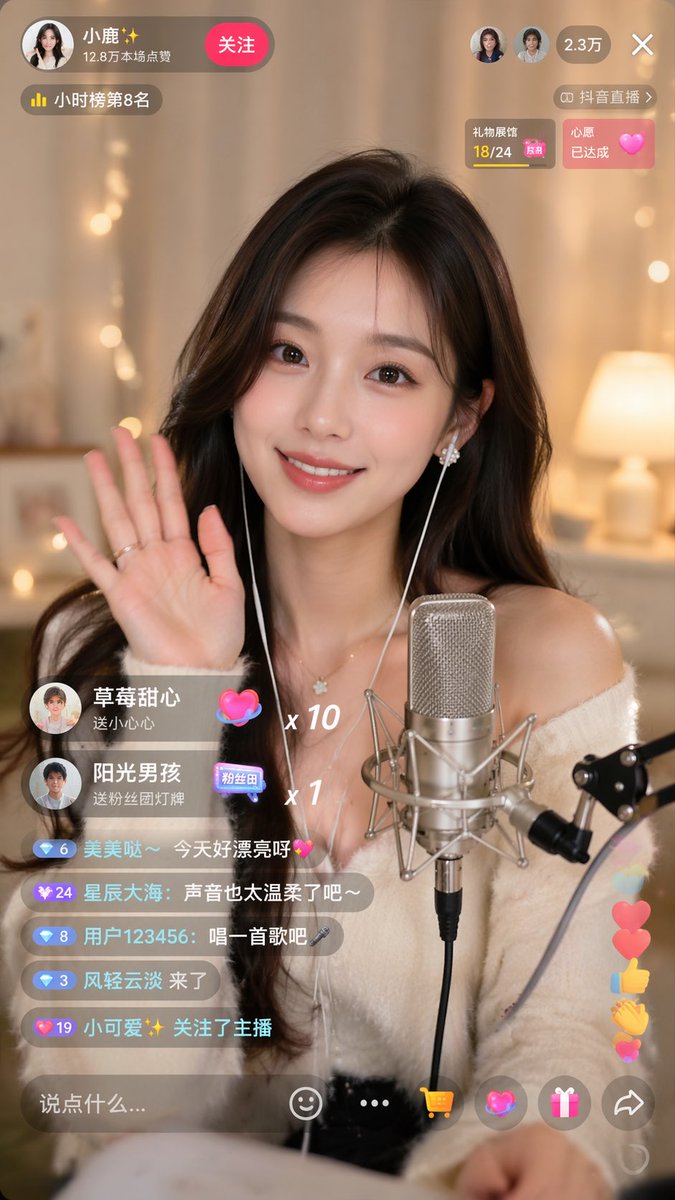
Douyin Live Stream UI Prompt
gpt-image-2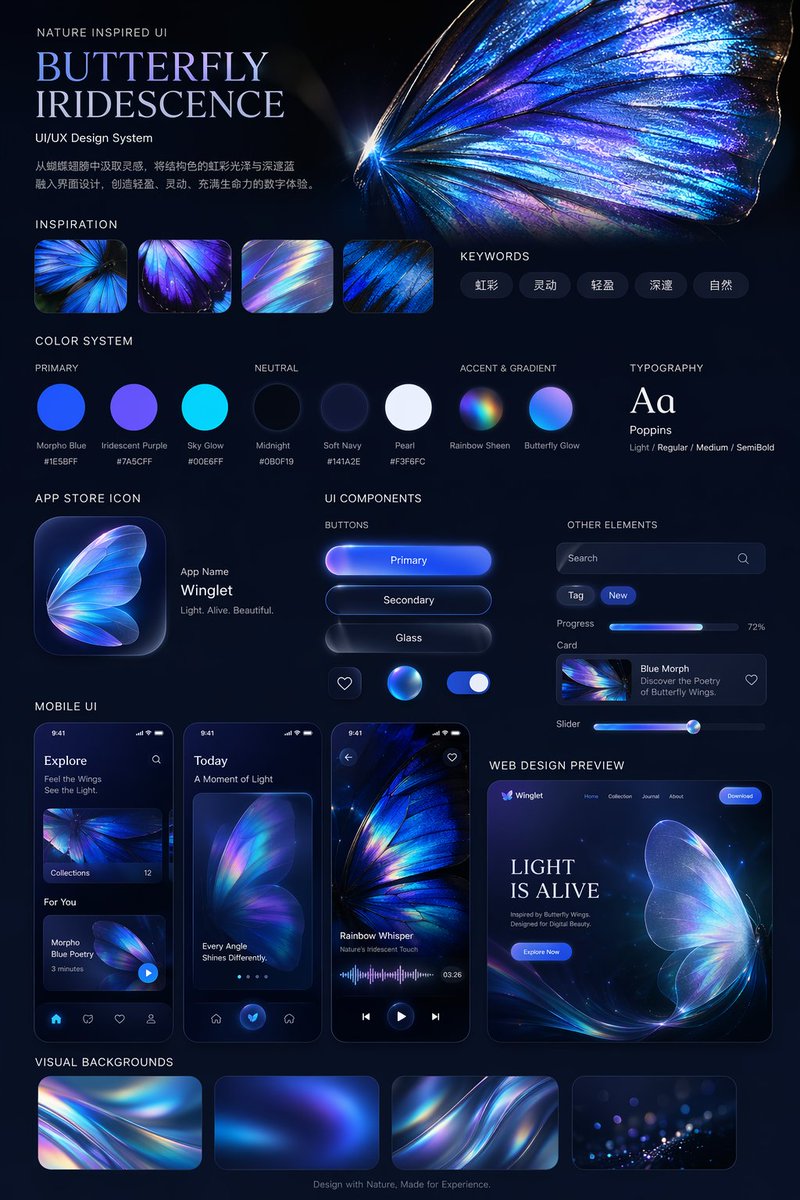
Iridescent Butterfly UI/UX Design System
gpt-image-2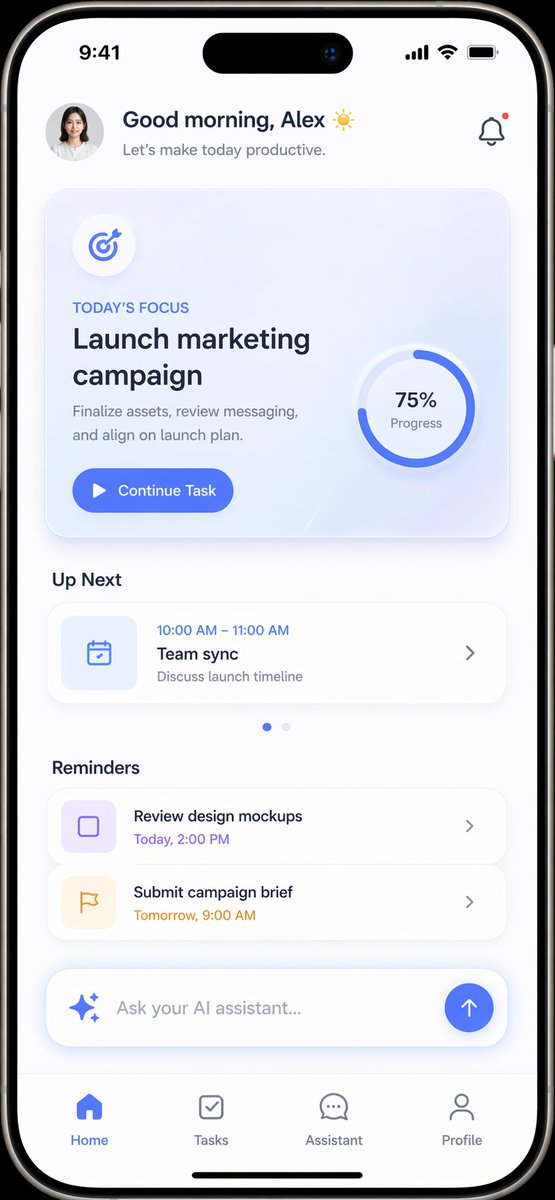
Productivity App UI Mockup
gpt-image-2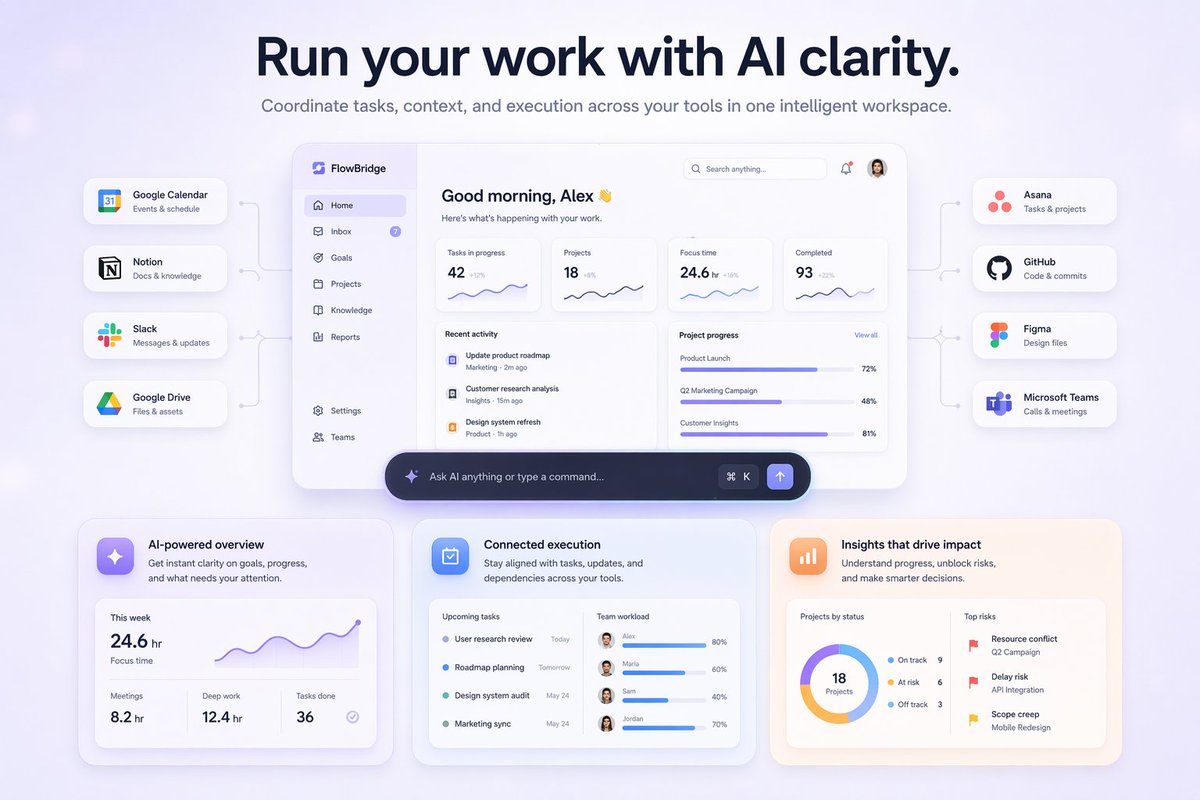
SaaS AI Dashboard Landing Page
gpt-image-2
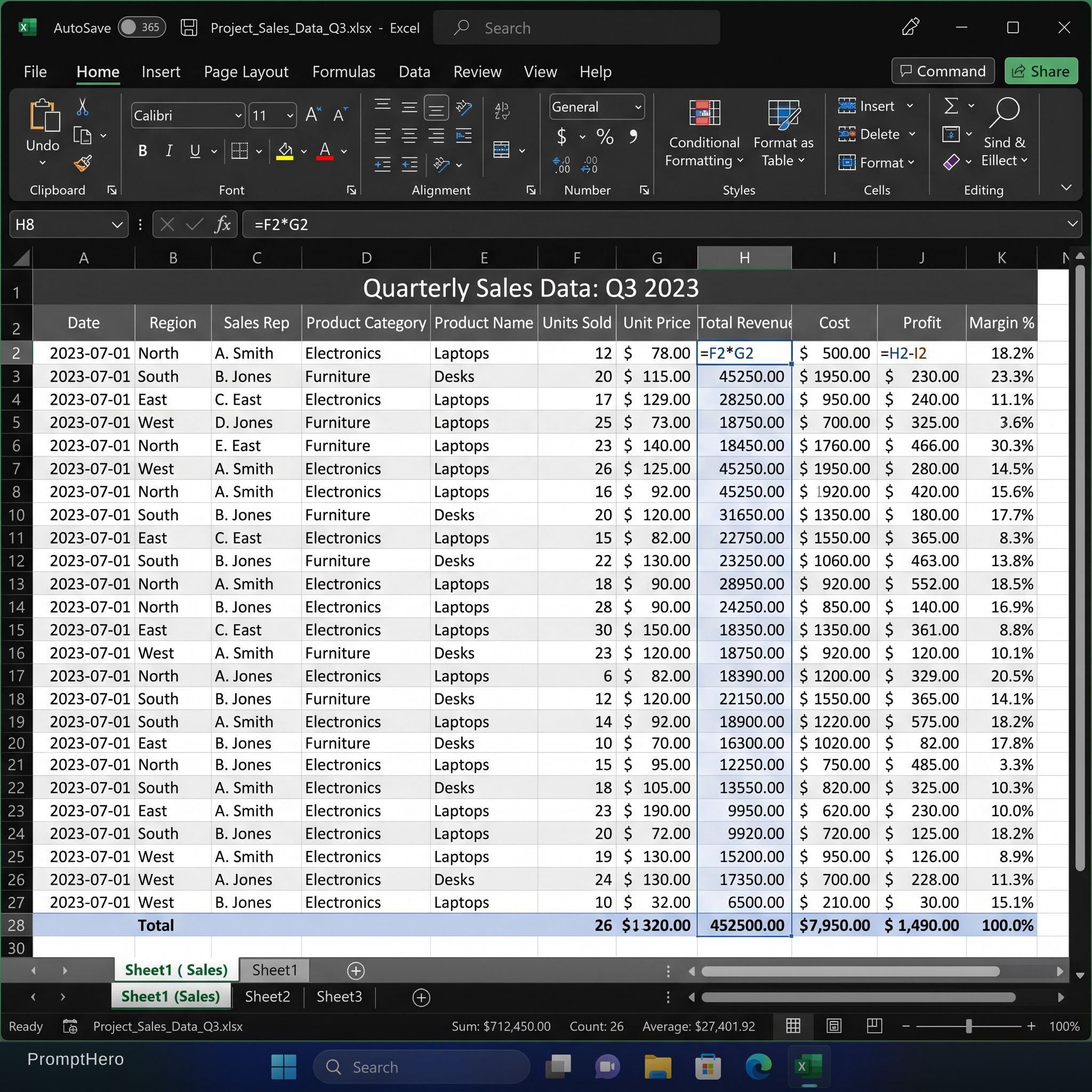
Nano Banana prompt: create a excel screen
nano-banana-2Diseño HUD Sci-Fi | Agente Celestial Designs
Eres un diseñador gráfico experto en estética HUD Sci-Fi y realismo cinematográfico. Genera una imagen con los siguientes parámetros: ESTILO: HUD Futurista con interfaz de datos, elementos de vidrio, Obsidiana Líquida y Oro Celestial RESOLUCIÓN: 8K, ultra-detalle ILUMINACIÓN: Volumétrica, neón azul violeta, con destellos dorados COMPOSICIÓN: Simetría forense, ángulo de cámara cenital o contrapicado TEXTURA: Micro-detalles, partículas flotantes, líneas de datos ATMÓSFERA: Tecnología sagrada, alta tecnología con misticismo PALETA DE COLOR: Negro profundo, azul cobalto, oro, blanco hueso El resultado debe verse como una pantalla de interfaz de un sistema de inteligencia artificial de élite.
Design App Store Style Icons
Reconstruct the central object of the given 2D image as a true 3D wireframe model. - Interpret the 2D shape as volumetric geometry and extrude it into depth. - Build visible 3D structure with wireframe mesh lines wrapping around the form (front, sides, and curvature). - Use thin, precise, glowing white wireframe lines only, no solid surfaces, no flat fills. - Apple App Store style icon, premium iOS design language, WWDC-inspired. - Rounded square app icon, centered and symmetrical. - Soft blue gradient background, subtle glow. - Clean orthographic front view with clear depth cues (z-axis wireframe). - High-resolution, futuristic UI icon. - No text, no logos, no illustration style Negatives: 2D flat design, flat icon, illustration, lighting-only depth, fake 3D, gradients on object, shading, shadows, cartoon style, sketch, photorealism, textures, noise, grain
Create Icons
A premium iOS app icon for a running and fitness app, featuring a stylized abstract runner figure in motion, composed of flowing gradient ribbons in energetic coral transitioning to vibrant magenta. The figure suggests speed and forward momentum with trailing motion elements. Background is a deep navy blue with subtle radial gradient lighter behind the figure. Dynamic, energetic, aspirational. Soft lighting with subtle glow around figure. Rounded square format, 1024x1024px. follow the specs below and the example icon designs attached: These specifications define the visual language of premium, modern app icons as seen in top-tier iOS/macOS applications. The goal is to produce icons that feel polished, memorable, and worthy of a flagship product. --- ## 1. Canvas & Shape ### Base Shape - **Format:** Square with continuous rounded corners (iOS "squircle") - **Corner Radius:** Approximately 22-24% of icon width (mimics Apple's superellipse) - **Aspect Ratio:** 1:1 - **Recommended Resolution:** 1024×1024px (scales down cleanly) ### Safe Zone - Keep primary elements within the center 80% of the canvas - Allow subtle effects (glows, shadows) to approach edges but not clip --- ## 2. Background Treatments ### Solid Backgrounds - **Dark/Black:** Pure black (#000000) to deep charcoal (#1C1C1E) — creates drama, makes elements pop - **Vibrant Solids:** Saturated single-color fills (electric blue #007AFF, warm orange #FF9500) - **Gradient Backgrounds:** Subtle top-to-bottom or radial gradients adding depth ### Gradient Types (when used) | Type | Description | Example | |------|-------------|---------| | Linear | Soft transition, typically lighter at top | Blue sky gradient | | Radial | Center glow effect, darker edges | Spotlight effect | | Angular | Sweeping color transition | Iridescent surfaces | ### Texture (Subtle) - Fine vertical/horizontal lines for metallic or fabric feel - Noise grain at 1-3% opacity for organic warmth - Avoid heavy textures that compete with the main symbol --- ## 3. Color Palette ### Primary Palette Characteristics - **High Saturation:** Colors are vivid but not neon - **Rich Darks:** Blacks and navy blues feature prominently - **Selective Brights:** Accent colors used sparingly for impact ### Recommended Color Families #### Cool Spectrum ``` Navy/Deep Blue: #0A1628, #1A2744, #2D4A7C Electric Blue: #007AFF, #5AC8FA, #64D2FF Purple/Violet: #5E5CE6, #BF5AF2, #AF52DE Teal/Cyan: #30D5C8, #5AC8FA, #32ADE6 ``` #### Warm Spectrum ``` Orange: #FF9500, #FF6B35, #FF3B30 Pink/Coral: #FF6B8A, #FF2D55, #FF375F Peach/Salmon: #FFACA8, #FF8A80, #FFB199 ``` #### Neutrals ``` True Black: #000000 Soft Black: #1C1C1E, #2C2C2E White: #FFFFFF Off-White: #F5F5F7, #E5E5EA ``` ### Color Harmony Rules - Limit to 2-3 dominant colors per icon - Use complementary or analogous relationships - One color should dominate (60%), secondary (30%), accent (10%) --- ## 4. Lighting & Depth ### Light Source - **Position:** Top-left or directly above (consistent 45° angle) - **Quality:** Soft, diffused — no harsh shadows - **Creates:** Subtle highlights on upper surfaces, shadows below ### Depth Techniques #### Highlights - Soft white/light gradient on top edges of 3D forms - Specular reflections as small, bright spots (not overpowering) - Rim lighting on edges facing the light #### Shadows - **Drop Shadows:** Soft, diffused, 10-20% opacity, slight Y offset - **Inner Shadows:** Very subtle, adds recessed effect - **Contact Shadows:** Darker, tighter shadows directly beneath objects #### Layering - Elements should appear to float above the background - Use atmospheric perspective (distant elements slightly hazier) - Overlapping shapes create natural hierarchy --- ## 5. Symbol & Iconography ### Style Approaches #### A. Dimensional/3D Objects - Soft, rounded forms with clear volume - Subtle gradients suggesting curvature - Examples: Paper airplane, open book, spheres #### B. Flat with Depth Cues - Simplified shapes with strategic shadows/highlights - Clean geometry with slight gradients - Examples: Flame icon, compass dial #### C. Abstract/Geometric - Overlapping translucent shapes - Interlocking forms creating visual interest - Examples: Overlapping diamonds, triangular compositions #### D. Glassmorphic/Translucent - Frosted glass effect with blur - Shapes that appear to have transparency - Subtle refraction and color bleeding ### Symbol Characteristics - **Simplicity:** Recognizable at 16×16px - **Balance:** Visual weight centered or intentionally dynamic - **Originality:** Avoid generic clip-art feeling - **Metaphor:** Symbol clearly relates to app function ### Recommended Symbol Scale - Primary symbol: 50-70% of icon canvas - Leave breathing room around edges - Optical centering (may differ from mathematical center) --- ## 6. Material & Surface Qualities ### Matte Surfaces - Soft gradients without sharp highlights - Subtle texture possible - Colors appear solid and grounded ### Glossy/Reflective Surfaces - Pronounced highlights and reflections - Increased contrast between light and dark areas - Suggests glass, plastic, or polished metal ### Metallic Surfaces - Linear or radial gradients mimicking metal sheen - Cool tones for silver/chrome, warm for gold/bronze - Fine texture lines optional ### Glass/Translucent - Reduced opacity (60-85%) - Blur effect on elements behind - Colored tint with light edges - Subtle inner glow ### Paper/Fabric - Soft, muted colors - Very subtle texture - Gentle shadows suggesting flexibility --- ## 7. Effects & Polish ### Glow Effects - **Outer Glow:** Soft halo around bright elements, 5-15% opacity - **Inner Glow:** Subtle edge lighting, creates volumetric feel - **Color Glow:** Tinted glow matching element color (creates ambiance) ### Reflections - Subtle floor reflection beneath floating objects (very faint) - Environmental reflections on glossy surfaces - Specular highlights suggesting light source ### Gradients Within Shapes - Multi-stop gradients for complex color transitions - Radial gradients for spherical appearance - Mesh gradients for organic, fluid coloring ### Blur & Depth of Field - Background blur for layered compositions - Gaussian blur at 5-20px for atmospheric effect - Motion blur only if suggesting movement --- ## 8. Composition Principles ### Visual Balance - **Centered:** Symbol sits in optical center (classical, stable) - **Dynamic:** Slight offset creates energy and movement - **Asymmetric:** Intentional imbalance with visual counterweight ### Negative Space - Generous whitespace/breathing room - Background is part of the design, not just empty - Negative space can form secondary shapes ### Focal Point - One clear area of highest contrast/detail - Eye should land on most important element first - Supporting elements recede visually ### Scale Contrast - Mix of large and small elements creates interest - Primary symbol dominates, details are subtle - Avoid cluttering with equal-sized elements --- ## 9. Style Variations ### Minimal Dark - Black or very dark background - Single bright element or monochromatic symbol - High contrast, dramatic feel - Examples: Flame icon, stocks chart ### Vibrant Gradient - Multi-color gradient backgrounds - White or light symbols on top - Energetic, modern feel - Examples: Telegram, Books app ### Soft & Light - Light, airy backgrounds (white, pastels) - Colorful symbols with soft shadows - Friendly, approachable feel - Examples: Altitude app, gesture icons ### Glassmorphic - Translucent, frosted elements - Layered shapes with varying opacity - Contemporary, sophisticated feel - Examples: Shortcuts icon, overlapping shapes ### 3D Rendered - Realistic 3D objects - Complex lighting and materials - Premium, tangible feel - Examples: Sphere, airplane, book
Plant Hero Section Image
Create an image for a hero section with a 16:9 aspect ratio. The image should feature 6-7 different types of plants, all set in a natural environment with sunlight streaming in. Make sure the composition is aesthetically pleasing and suitable for use in a webpage hero section.
Q 版角色卡
画一张带有圆角和柔和投影的现代 UI 卡片 2:3图片。卡片中央应展示一个上穿图片转换为的 3D 卡通风角色。姿势和服饰应该都是图片的 Q 版版本,在角色下方,包含一个加粗的黑色标题(“Reyna”)和一个字体更小、颜色更浅的副标题(“Valorant”)。使用干净、简约的白色或浅灰色背景。整体外观应感觉现代、有趣且富有科技感,适合创意应用或游戏界面。
音乐播放器界面
创建一个高保真的中文音乐 App 播放器界面截图,采用手机竖屏比例,视觉精致,类似现代流媒体播放器。使用深色模式,背景来自专辑封面颜色的模糊扩散版本。中央放置一张大型方形专辑封面,带有细腻阴影和圆角。 界面要求: - 顶部状态栏时间为 18:26 - 导航栏左侧是返回箭头,中间是标题,右侧是更多操作图标 - 播放进度条显示当前时间 01:42,总时长 04:18 - 包含随机播放、上一首、播放/暂停、下一首、循环播放控制按钮 - 歌词区显示 5 到 7 行滚动歌词,当前行高亮 - 操作栏包含喜欢、评论、下载、加入歌单、分享 - 底部区域包含设备投播入口和播放队列入口 使用以下精确中文标签与名称: - title: "正在播放" - song name: "海边的晚风" - artist: "林秋" - album: "夏夜实验室" 歌词排版、按钮图标、反光、阴影和深色层级都应该像真实量产界面,而不是 Dribbble 概念图。
宋朝社交媒体动态流
“宋朝人的朋友圈” / “SONG DYNASTY SOCIAL MEDIA FEED”,采用古今穿越幽默融合的界面设计风格。画面模拟手机社交媒体界面,但内容全部是宋朝场景。头像是宋代文人的肖像,用户名为 “Su Dongpo SuShi_Official”,发帖内容为 “刚到黄州,被贬了但心态还行。今天自己做了东坡肉,味道绝了,附上做法:”。配图是一张工笔画风格的东坡肉特写。点赞列表为 “黄庭坚、秦观、佛印等 126 人”,评论区为 “王安石:呵呵” “司马光:还是那个味”。点赞图标等界面元素替换成宋代纹样。状态栏显示 “大宋移动 5G” 和 “元丰三年”。整体配色为手机深色模式搭配雅致宋韵色调,形成历史与社交媒体趣味碰撞的代表作。
电商 App 首页
生成一张高保真的移动电商 App 首页截图,灵感来自 2026 年中国主流电商 App。界面需要完全真实,具备完整的移动端 UI 逻辑和强烈的商业设计完成度。 布局要求: - 状态栏包含时间 9:41、5G 信号和电池图标 - 搜索区左侧是城市选择器,中间是圆角搜索框,右侧是消息和扫码图标 - 搜索区下方有横向分类标签 - 顶部有促销轮播 Banner - 有 10 图标功能网格 - 有带倒计时和 3 张商品卡片的限时秒杀模块 - 有“猜你喜欢”双列商品瀑布流,至少 6 张商品卡片 - 底部标签栏包含 5 个标签 在合适的位置使用以下精确中文文案: - city: "杭州" - search placeholder: "搜索耳机、咖啡机、运动鞋" - category tabs: "推荐、数码、家电、服饰、美妆、食品、运动、家居" - top banner: "618 预售开启" and "每满300减50" - function grid: "超市、百亿补贴、秒杀、直播、充值中心、到家、领券、品牌馆、全球购、排行榜" - flash sale title: "限时秒杀" - recommendation section: "猜你喜欢" - bottom tabs: "首页、分类、购物车、消息、我的" 所有中文文字都必须清晰可读,并使用真实字体。间距、图标风格、留白、阴影、圆角、分割线和标签处理都应尽量接近真实 App 截图,而不是概念设计图。
直播截图
生成一张 TikTok 直播截图,画面里是一位漂亮女性正在直播。
月下美女直播画面
生成一张直播间的图片,直播间氛围是月下美女跳舞的画面,直播间有很多人评论