Dark JSON Diff Tool UI Mockup
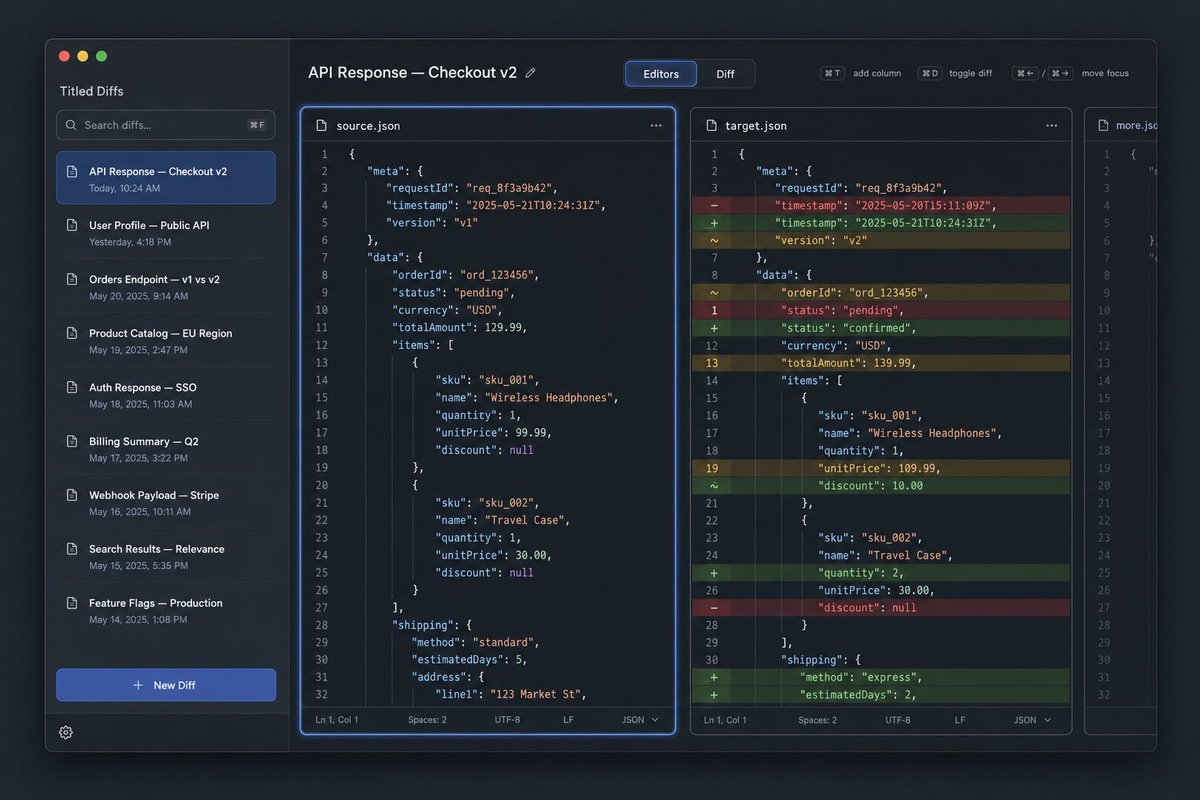
Dark JSON Diff Tool UI Mockup

prompt

Goal: Create a dark-mode desktop app UI mockup for a JSON diff tool named Tilted Diffs, showing an API response comparison titled API Response — Checkout v2. Canvas: 16:10 widescreen desktop screenshot, roughly 1152×768, with a macOS-style app window floating on a dark bluish gradient background. Use subtle shadows, rounded corners, thin borders, and a polished developer-tool aesthetic. Layout: The app has 4 main regions: 1 left sidebar, 1 top toolbar spanning the editor area, 3 vertical code editor panes. The first editor pane is selected and outlined with a bright blue focus glow. The middle pane shows colored inline diff highlights. The rightmost pane is narrow and partially visible, like an additional file tab or third comparison column. Left sidebar: Show macOS traffic-light buttons at top left: 3 circles, red, yellow, green. Under the app name, include 1 search field with placeholder text “Search diffs…” and a keyboard hint. Below it show exactly 8 saved diff list items with small document icons and timestamps: 1) “API Response — Checkout v2” with “Today, 10:24 AM”, highlighted in blue as the selected item; 2) “User Profile — Public API” with “Yesterday, 4:18 PM”; 3) “Orders Endpoint — v1 vs v2” with “May 20, 2025, 9:14 AM”; 4) “Product Catalog — EU Region” with “May 19, 2025, 2:47 PM”; 5) “Auth Response — SSO” with “May 18, 2025, 11:03 AM”; 6) “Billing Summary — Q2” with “May 17, 2025, 3:22 PM”; 7) “Webhook Payload — Stripe” with “May 16, 2025, 10:11 AM”; 8) “Search Results — Relevance” with “May 15, 2025, 5:35 PM”. At the bottom include exactly 1 prominent blue “+ New Diff” button and 1 small gear icon. Top toolbar: On the left, display the title “API Response — Checkout v2” with a tiny edit pencil icon. Center a segmented control with exactly 2 tabs: “Editors” selected in blue and “Diff” inactive. On the right include exactly 4 compact shortcut controls labeled “⌘T add column”, “⌘D toggle diff”, “⌘← / ⌘→ move focus” and one small spacing gap between groups. Editor panes: Use a monospaced code font, line numbers, JSON syntax highlighting, dark navy panels, and thin rounded borders. The left pane header is “source.json” with a document icon and a three-dot menu. The middle pane header is “target.json” with a document icon and a three-dot menu. The narrow right pane header is “more.json” and should show only the left portion of code, implying overflow. Each full editor pane has a bottom status bar with “Ln 1, Col 1”, “Spaces: 2”, “UTF-8”, “LF”, and “JSON”. Code content: Show JSON for an order checkout response. Use requestId “req_8f3a9b42”, orderId “ord_123456”, currency USD, items for Wireless Headphones and Travel Case, and shipping information. The left source version should include timestamp “2025-05-21T10:24:31Z”, version “v1”, status “pending”, totalAmount 129.99, Wireless Headphones unitPrice 99.99 with discount null, Travel Case quantity 1, unitPrice 30.00, discount null, shipping method “standard”, estimatedDays 5, and address line “123 Market St”. The middle target version should show diff markers in a left gutter and colored row highlights: red removed rows, green added rows, yellow changed rows. It should include timestamp changed from “2025-05-20T15:11:09Z” to “2025-05-21T10:24:31Z”, version changed to v2, status changed from pending to confirmed, totalAmount changed to 139.99, Wireless Headphones unitPrice changed to 109.99 and discount added as 10.00, Travel Case quantity changed to 2, and shipping method changed to express with estimatedDays 2. Show approximately 32 numbered lines in each full editor. Visual style: Premium SaaS developer tool interface, crisp vector-like rendering, dark theme, cobalt-blue accent color, muted gray text, realistic but clean UI screenshot, no people, no watermark, no browser chrome outside the app window. Keep all text legible and aligned to a grid.

Funciona con 20 modelos

  • Flux
  • Flux 2
  • Flux Kontext
  • GPT-4o Image
  • GPT Image
  • GPT Image 2
  • GPT Image 2.5
  • GPT Image 2.6
  • Grok Imagine
  • Ideogram V3
  • Imagen 4
  • Kling
  • +8 Más

Lo que produce este prompt

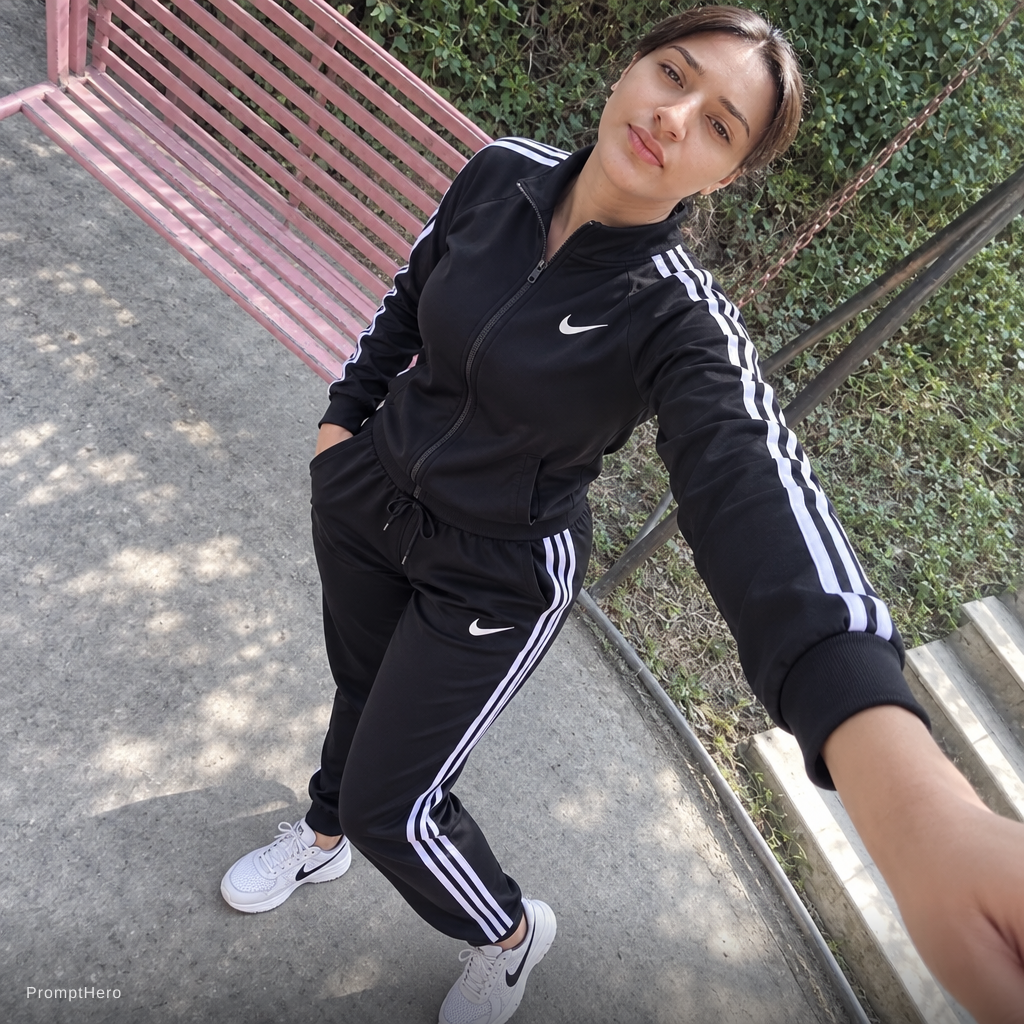
ChatGPT Image prompt: Sport stil No especificado gpt-image-2.6-flare
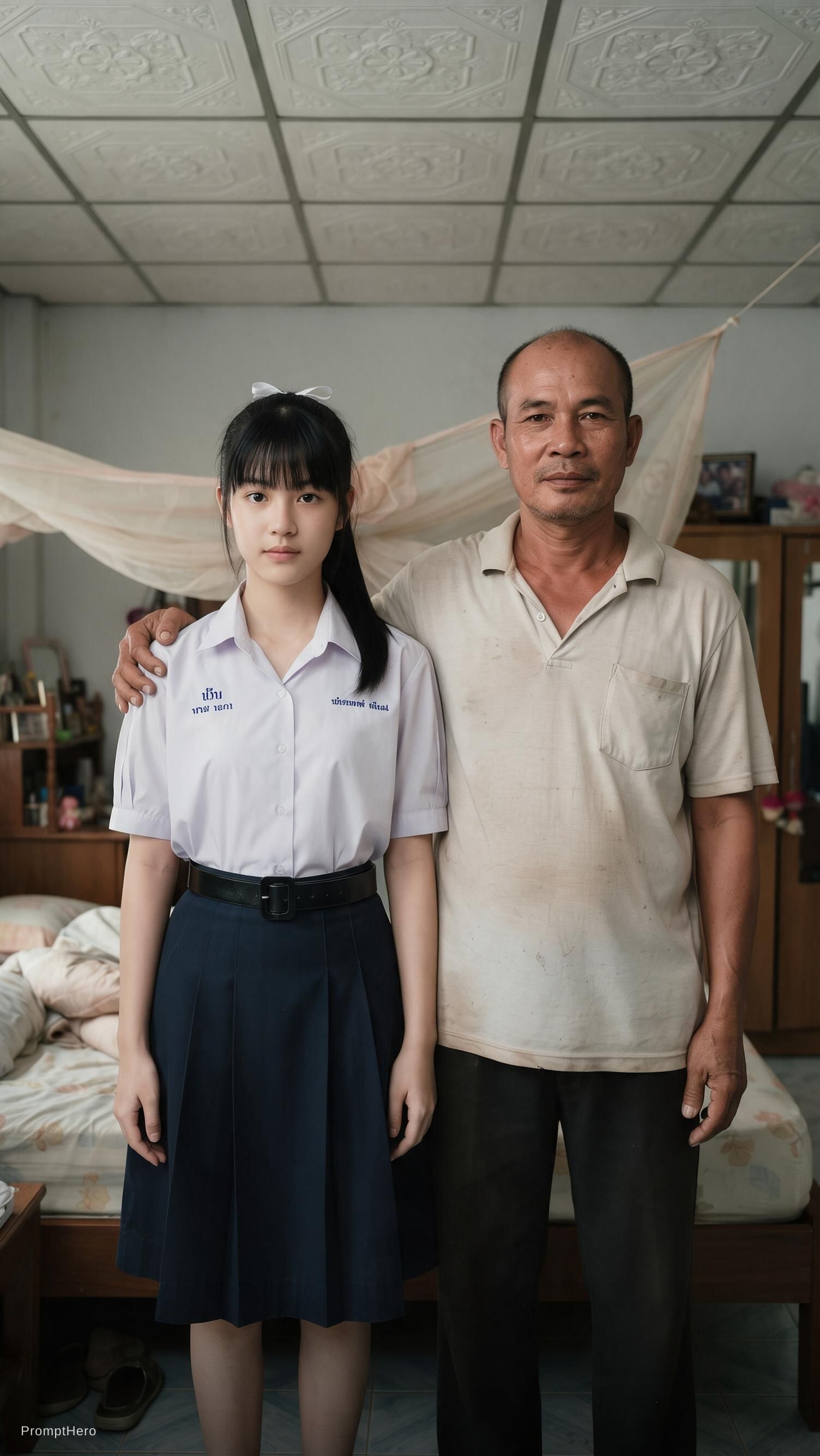
Seedream 5 prompt: Have the man put his arm around the woman's should No especificado seedream-5-pro
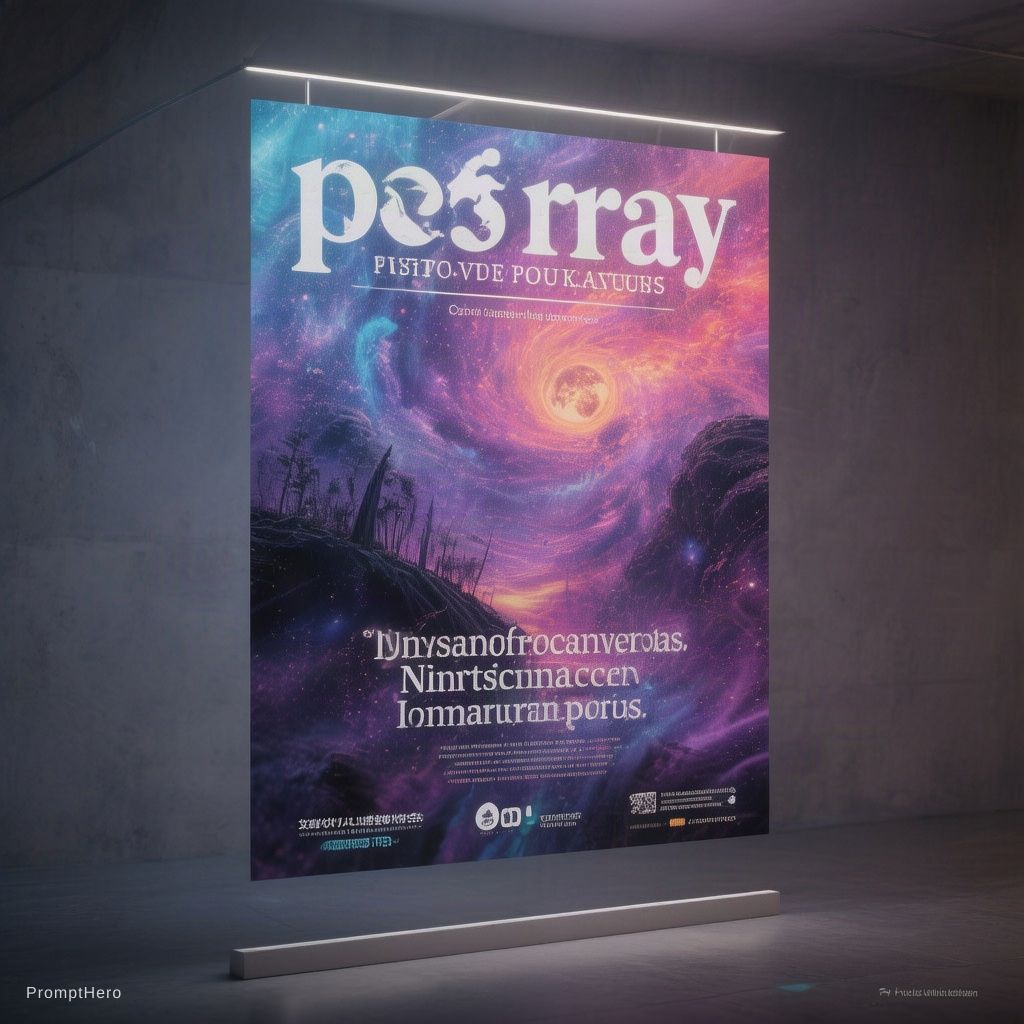
Hunyuan  prompt: póster/imagen No especificado hunyuan-3
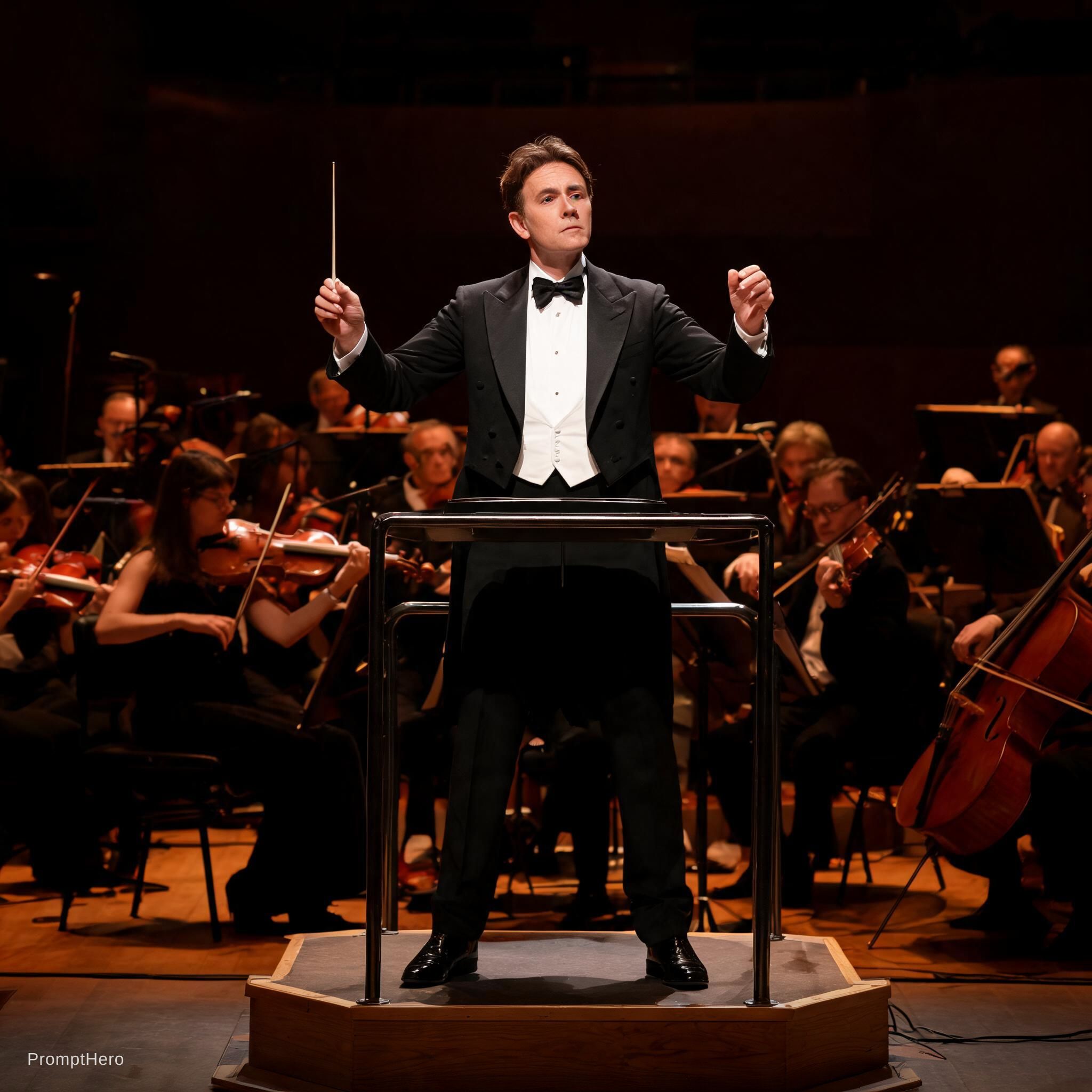
Seedream 5 prompt: Conductor No especificado v2
FLUX prompt: oil painting No especificado flux-2-pro
ChatGPT Image prompt: vytvor fotorealistycke študio quality s viacerimi ... No especificado v1

Run este prompt con el API

La siguiente solicitud envía este mensaje, con sus valores predeterminados completados, al primer modelo en el que se ejecuta. Cambie el nombre del modelo por cualquier otro modelo enumerado anteriormente.

Documentación de la API de prompts
/api/v1/gpt_image_2/text_to_image
curl -X POST https://runapi.ai/api/v1/gpt_image_2/text_to_image \
  -H "Authorization: Bearer $RUNAPI_API_KEY" \
  -H "Content-Type: application/json" \
  --data-binary @- <<'JSON'
{
  "model": "gpt-image-2",
  "prompt": "Goal: Create a dark-mode desktop app UI mockup for a JSON diff tool named Tilted Diffs, showing an API response comparison titled API Response — Checkout v2.\n\nCanvas: 16:10 widescreen desktop screenshot, roughly 1152×768, with a macOS-style app window floating on a dark bluish gradient background. Use subtle shadows, rounded corners, thin borders, and a polished developer-tool aesthetic.\n\nLayout: The app has 4 main regions: 1 left sidebar, 1 top toolbar spanning the editor area, 3 vertical code editor panes. The first editor pane is selected and outlined with a bright blue focus glow. The middle pane shows colored inline diff highlights. The rightmost pane is narrow and partially visible, like an additional file tab or third comparison column.\n\nLeft sidebar: Show macOS traffic-light buttons at top left: 3 circles, red, yellow, green. Under the app name, include 1 search field with placeholder text “Search diffs…” and a keyboard hint. Below it show exactly 8 saved diff list items with small document icons and timestamps: 1) “API Response — Checkout v2” with “Today, 10:24 AM”, highlighted in blue as the selected item; 2) “User Profile — Public API” with “Yesterday, 4:18 PM”; 3) “Orders Endpoint — v1 vs v2” with “May 20, 2025, 9:14 AM”; 4) “Product Catalog — EU Region” with “May 19, 2025, 2:47 PM”; 5) “Auth Response — SSO” with “May 18, 2025, 11:03 AM”; 6) “Billing Summary — Q2” with “May 17, 2025, 3:22 PM”; 7) “Webhook Payload — Stripe” with “May 16, 2025, 10:11 AM”; 8) “Search Results — Relevance” with “May 15, 2025, 5:35 PM”. At the bottom include exactly 1 prominent blue “+ New Diff” button and 1 small gear icon.\n\nTop toolbar: On the left, display the title “API Response — Checkout v2” with a tiny edit pencil icon. Center a segmented control with exactly 2 tabs: “Editors” selected in blue and “Diff” inactive. On the right include exactly 4 compact shortcut controls labeled “⌘T add column”, “⌘D toggle diff”, “⌘← / ⌘→ move focus” and one small spacing gap between groups.\n\nEditor panes: Use a monospaced code font, line numbers, JSON syntax highlighting, dark navy panels, and thin rounded borders. The left pane header is “source.json” with a document icon and a three-dot menu. The middle pane header is “target.json” with a document icon and a three-dot menu. The narrow right pane header is “more.json” and should show only the left portion of code, implying overflow. Each full editor pane has a bottom status bar with “Ln 1, Col 1”, “Spaces: 2”, “UTF-8”, “LF”, and “JSON”.\n\nCode content: Show JSON for an order checkout response. Use requestId “req_8f3a9b42”, orderId “ord_123456”, currency USD, items for Wireless Headphones and Travel Case, and shipping information. The left source version should include timestamp “2025-05-21T10:24:31Z”, version “v1”, status “pending”, totalAmount 129.99, Wireless Headphones unitPrice 99.99 with discount null, Travel Case quantity 1, unitPrice 30.00, discount null, shipping method “standard”, estimatedDays 5, and address line “123 Market St”. The middle target version should show diff markers in a left gutter and colored row highlights: red removed rows, green added rows, yellow changed rows. It should include timestamp changed from “2025-05-20T15:11:09Z” to “2025-05-21T10:24:31Z”, version changed to v2, status changed from pending to confirmed, totalAmount changed to 139.99, Wireless Headphones unitPrice changed to 109.99 and discount added as 10.00, Travel Case quantity changed to 2, and shipping method changed to express with estimatedDays 2. Show approximately 32 numbered lines in each full editor.\n\nVisual style: Premium SaaS developer tool interface, crisp vector-like rendering, dark theme, cobalt-blue accent color, muted gray text, realistic but clean UI screenshot, no people, no watermark, no browser chrome outside the app window. Keep all text legible and aligned to a grid."
}
JSON

Probar a prompt

Estimado: $0.04 / imagen

Inicia sesión para generar con RunAPI.

Inicia sesión para generar

Inicia sesión para comenzar a generar con tus modelos de lenguaje disponibles.