ChatGPT Apple Generation Screenshot
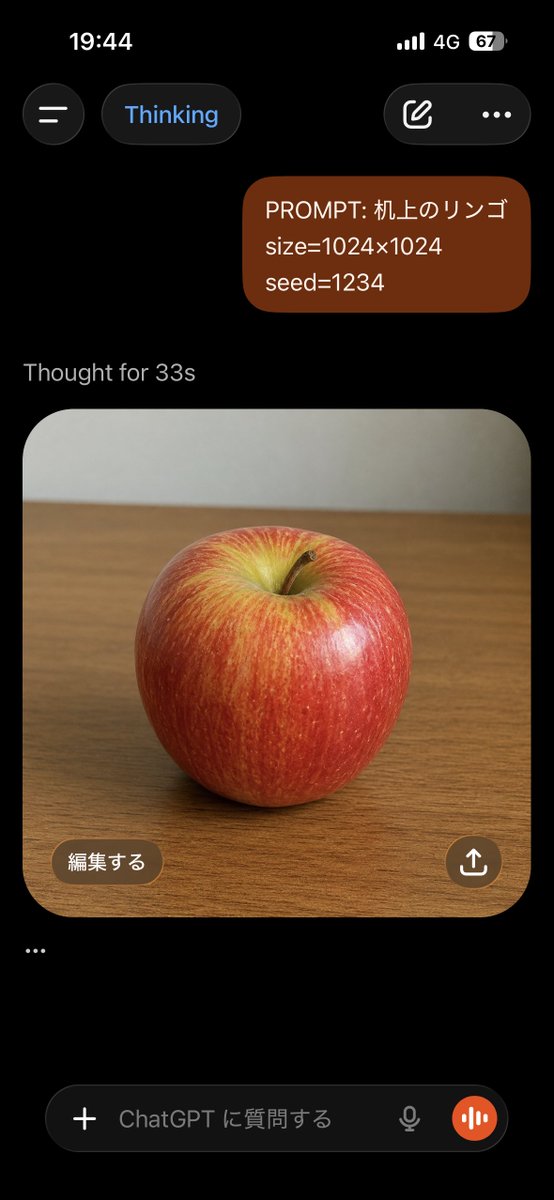
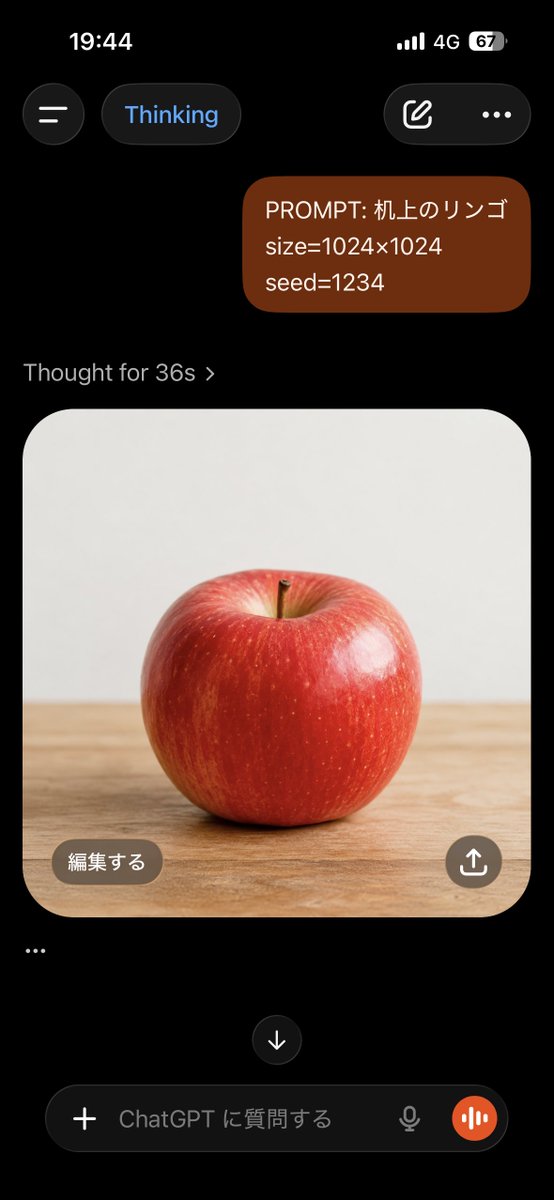
ChatGPT Apple Generation Screenshot

prompt

Goal: Create a realistic vertical smartphone screenshot of the ChatGPT mobile app in dark mode, showing an image-generation conversation about an apple. Canvas: Tall phone screenshot, 9:16 aspect ratio, black background, iPhone-style status bar at the top. The time reads 19:44, with cellular bars, 4G, and battery at 67%. Layout: At the top are exactly 4 interface elements: a circular hamburger menu button on the left, a rounded pill labeled “Thinking” in blue text, a rounded button with an edit-pencil icon on the right, and a three-dot menu icon. Below, place one right-aligned user message bubble in dark reddish-brown with rounded corners containing exactly 3 lines of text: “PROMPT: 机上のリンゴ”, “size=1024×1024”, and “seed=1234”. Under it, show the gray status text “Thought for 33s”. Generated image card: Below the status text, show one large rounded-square image card with a photorealistic red apple centered on a wooden tabletop. The apple is glossy with red skin, yellow-green highlights near the top indentation, subtle vertical streaks, a small brown stem, and soft studio lighting. The background inside the photo is a plain pale gray wall above the wooden desk, slightly blurred. The card has large rounded corners and fills most of the screen width. Overlays and bottom UI: Inside the lower-left of the image card, add one brown rounded button labeled “編集する”. Inside the lower-right, add one circular brown share button with a white upload/share arrow icon. Below the image card, add exactly one standalone ellipsis line: “…”. At the bottom, show a ChatGPT input bar with exactly 5 visible elements: a plus icon button, placeholder text “ChatGPT に質問する”, a small microphone icon, an orange circular voice-wave button, and the rounded dark text-field container. Visual style: Authentic iOS ChatGPT app screenshot, dark theme, crisp UI, realistic spacing, clean sans-serif typography, no extra messages, no watermark, no browser chrome.

Funciona con 21 modelos

  • Flux
  • Flux 2
  • Flux Kontext
  • GPT-4o Image
  • GPT Image
  • GPT Image 2
  • GPT Image 2.5
  • GPT Image 2.6
  • Grok Imagine
  • Ideogram V3
  • Imagen 4
  • Kling
  • +9 Más

Lo que produce este prompt

Hunyuan  prompt: wine No especificado hunyuan-3
Hunyuan  prompt: can beer No especificado hunyuan-3
Hunyuan  prompt: ربات No especificado hunyuan-3
Hero prompt: recreate image 1 (close up indoor portrait of a wo... No especificado 1.0
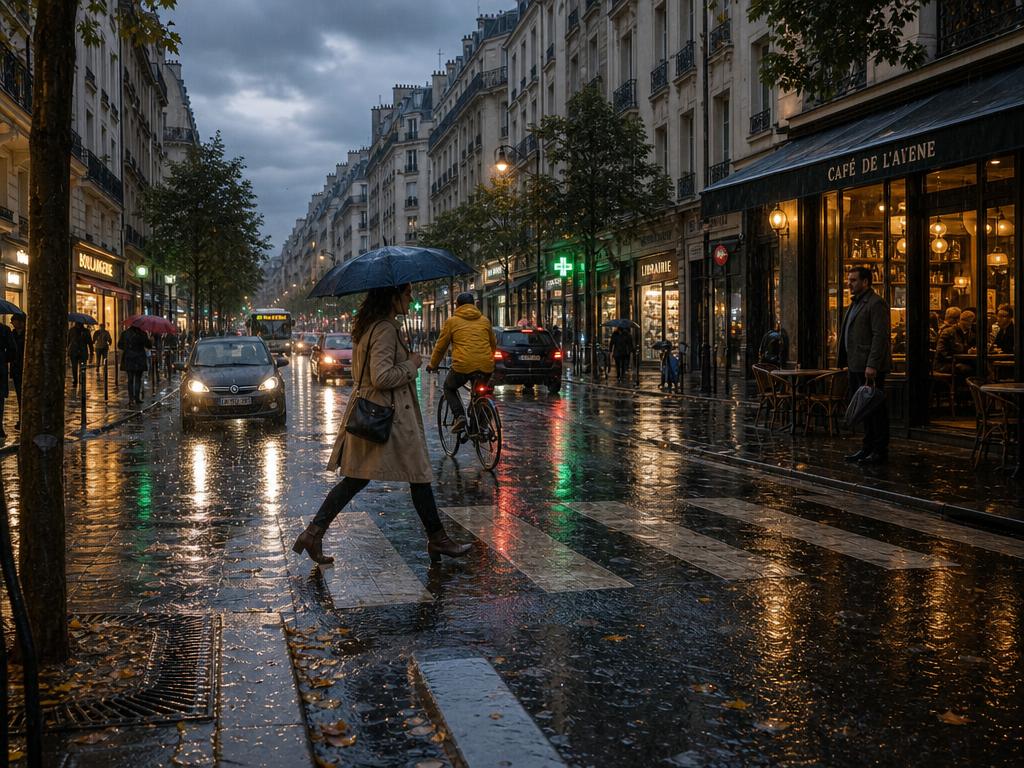
Rainy French Street at Night No especificado gpt-image-2
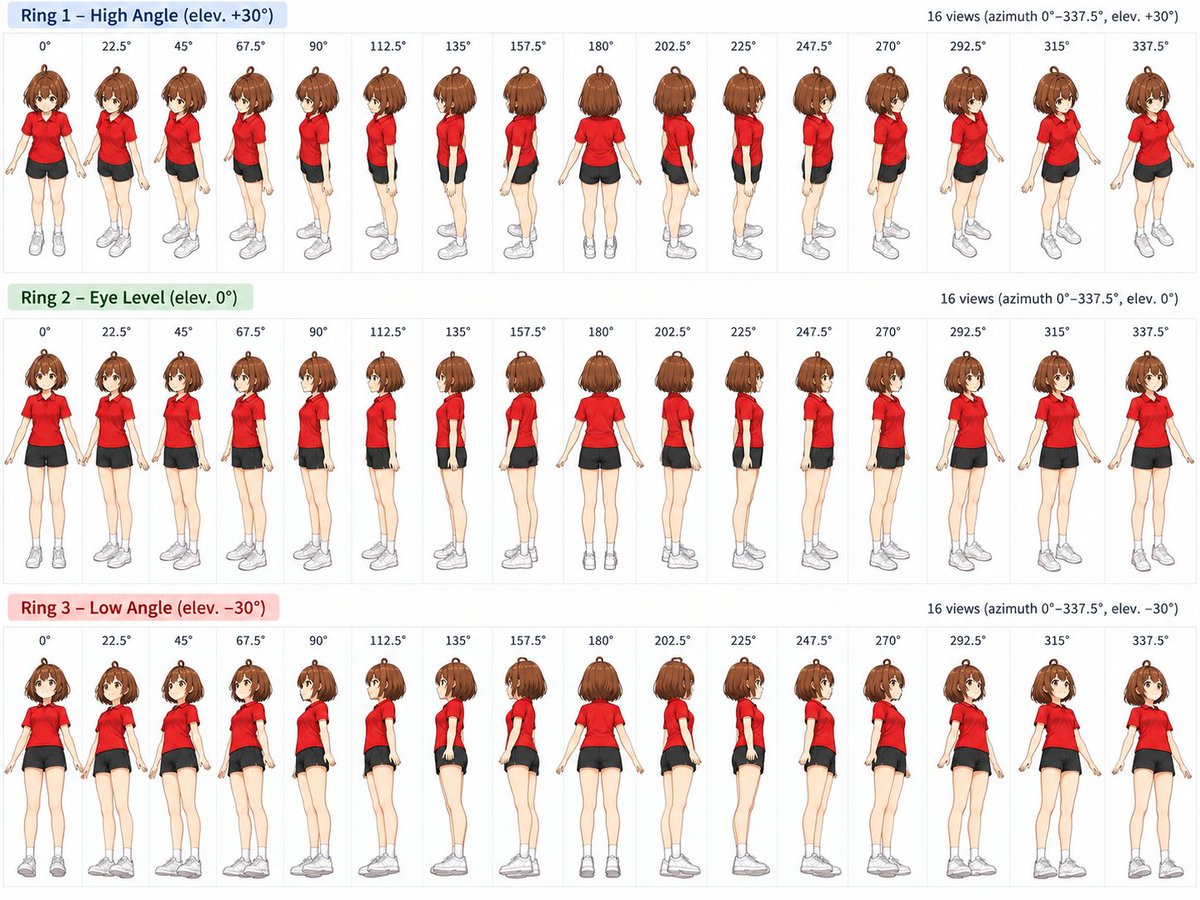
Camera Dome 48-Point View Setup No especificado gpt-image-2

Run este prompt con el API

La siguiente solicitud envía este mensaje, con sus valores predeterminados completados, al primer modelo en el que se ejecuta. Cambie el nombre del modelo por cualquier otro modelo enumerado anteriormente.

Documentación de la API de prompts
/api/v1/gpt_image_2/text_to_image
curl -X POST https://runapi.ai/api/v1/gpt_image_2/text_to_image \
  -H "Authorization: Bearer $RUNAPI_API_KEY" \
  -H "Content-Type: application/json" \
  --data-binary @- <<'JSON'
{
  "model": "gpt-image-2",
  "prompt": "Goal: Create a realistic vertical smartphone screenshot of the ChatGPT mobile app in dark mode, showing an image-generation conversation about an apple.\n\nCanvas: Tall phone screenshot, 9:16 aspect ratio, black background, iPhone-style status bar at the top. The time reads 19:44, with cellular bars, 4G, and battery at 67%.\n\nLayout: At the top are exactly 4 interface elements: a circular hamburger menu button on the left, a rounded pill labeled “Thinking” in blue text, a rounded button with an edit-pencil icon on the right, and a three-dot menu icon. Below, place one right-aligned user message bubble in dark reddish-brown with rounded corners containing exactly 3 lines of text: “PROMPT: 机上のリンゴ”, “size=1024×1024”, and “seed=1234”. Under it, show the gray status text “Thought for 33s”.\n\nGenerated image card: Below the status text, show one large rounded-square image card with a photorealistic red apple centered on a wooden tabletop. The apple is glossy with red skin, yellow-green highlights near the top indentation, subtle vertical streaks, a small brown stem, and soft studio lighting. The background inside the photo is a plain pale gray wall above the wooden desk, slightly blurred. The card has large rounded corners and fills most of the screen width.\n\nOverlays and bottom UI: Inside the lower-left of the image card, add one brown rounded button labeled “編集する”. Inside the lower-right, add one circular brown share button with a white upload/share arrow icon. Below the image card, add exactly one standalone ellipsis line: “…”. At the bottom, show a ChatGPT input bar with exactly 5 visible elements: a plus icon button, placeholder text “ChatGPT に質問する”, a small microphone icon, an orange circular voice-wave button, and the rounded dark text-field container.\n\nVisual style: Authentic iOS ChatGPT app screenshot, dark theme, crisp UI, realistic spacing, clean sans-serif typography, no extra messages, no watermark, no browser chrome."
}
JSON

Probar a prompt