Urban Golden Hour Male Portrait
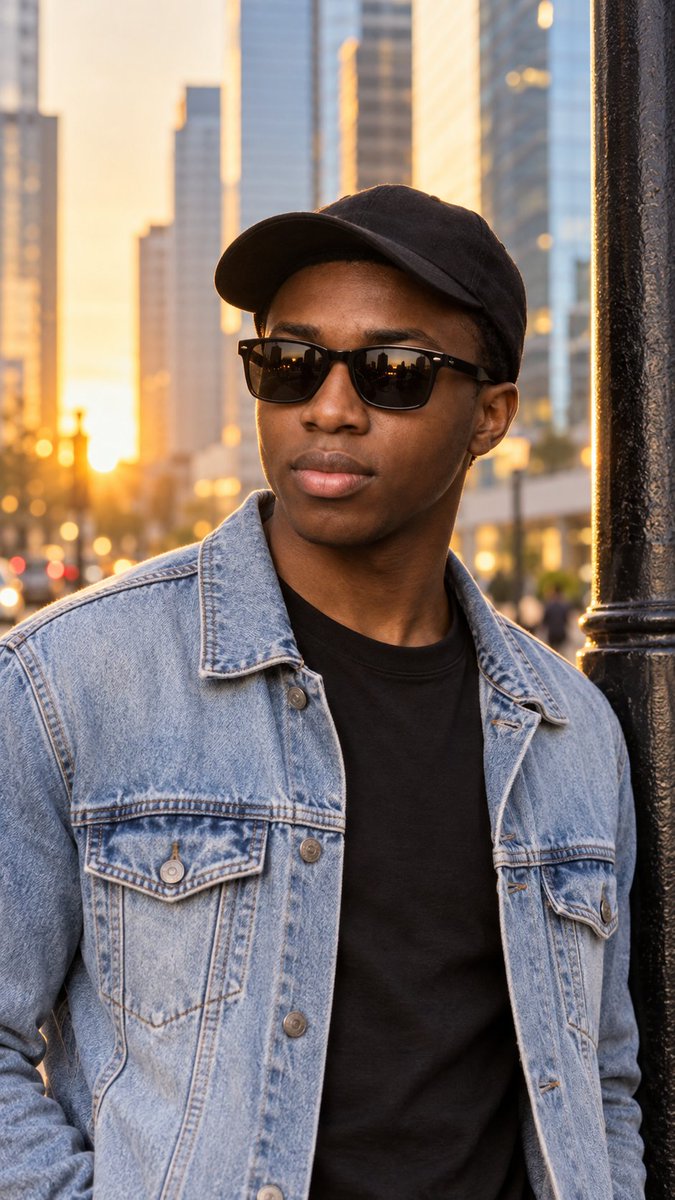
Urban Golden Hour Male Portrait

翻譯: Prompt

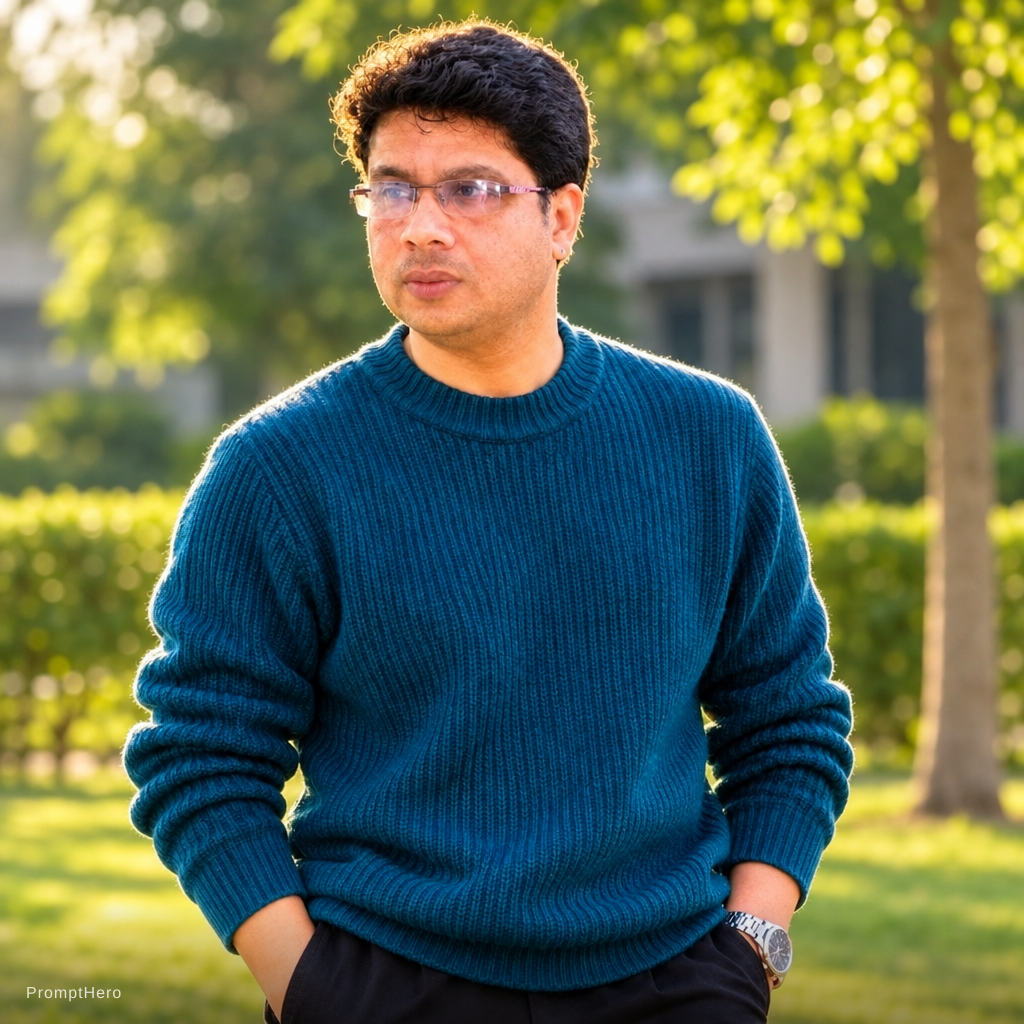
Use the uploaded image as the main facial identity and composition reference. Preserve the subject’s recognizable facial features, skin tone, facial proportions, and natural appearance accurately. Create a photorealistic urban lifestyle portrait of an adult man standing outdoors in a modern city during golden hour. Frame him from about the chest upward in a relaxed three-quarter pose, facing slightly to one side with a calm, confident expression. Dress him in a light blue washed denim jacket layered over a plain black crew-neck T-shirt. Add a simple black baseball cap and stylish black rectangular sunglasses with subtle reflections in the lenses. Keep the styling clean, modern, masculine, and minimal, with no chain or unnecessary accessories. Place him beside a tall black street pole, with modern glass skyscrapers and city architecture softly blurred in the background. Capture warm sunset light glowing between the buildings, creating golden highlights, soft rim lighting, and atmospheric city bokeh. Use shallow depth of field, realistic skin texture, natural facial details, crisp denim fabric texture, cinematic golden-hour lighting, soft background blur, premium street-fashion photography, DSLR realism, 85mm portrait-lens look, high detail, vertical 9:16 composition.

翻譯: Runs on 21 models

  • Flux
  • Flux 2
  • Flux Kontext
  • GPT-4o Image
  • GPT Image
  • GPT Image 2
  • GPT Image 2.5
  • GPT Image 2.6
  • Grok Imagine
  • Ideogram V3
  • Imagen 4
  • Kling
  • 翻譯: +9 more

此提示的輸出

Hero prompt: 
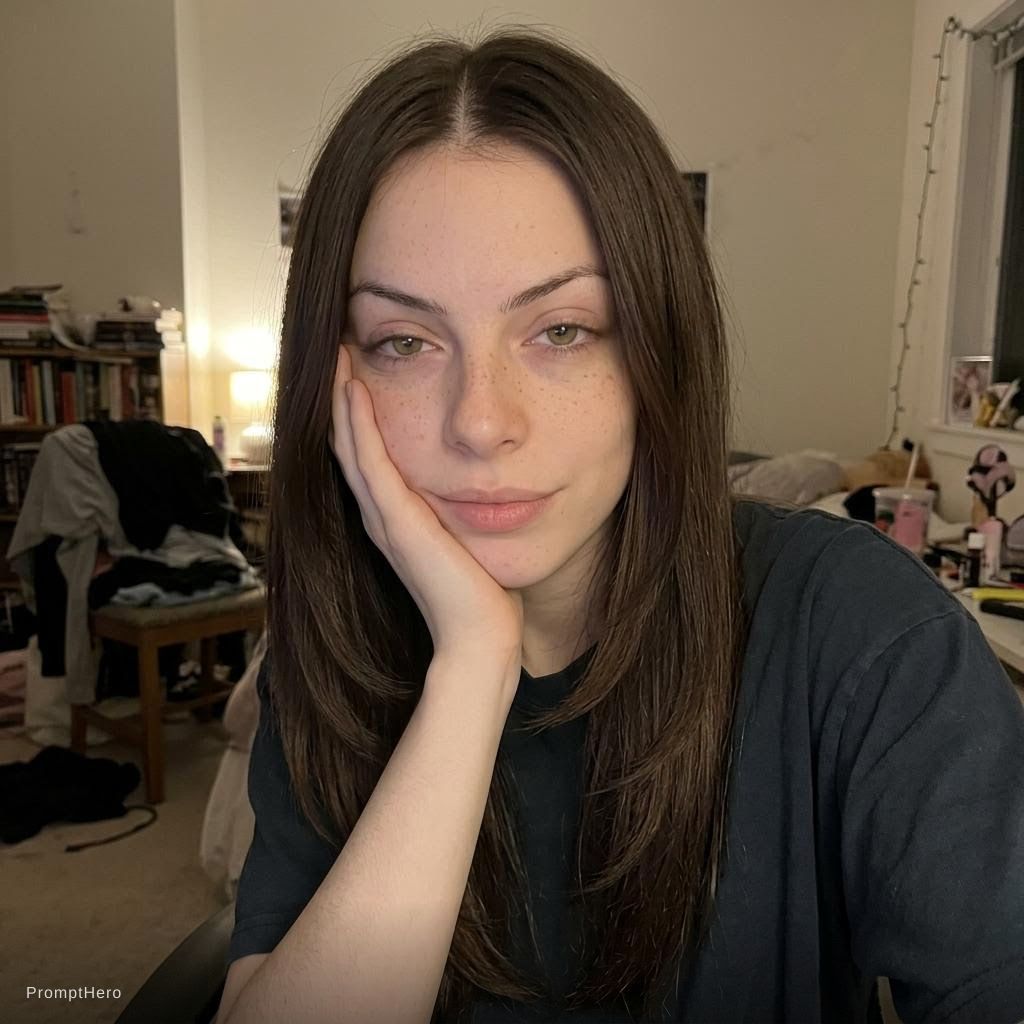
Take the face and natural body proportions from t... 未指定 1.0
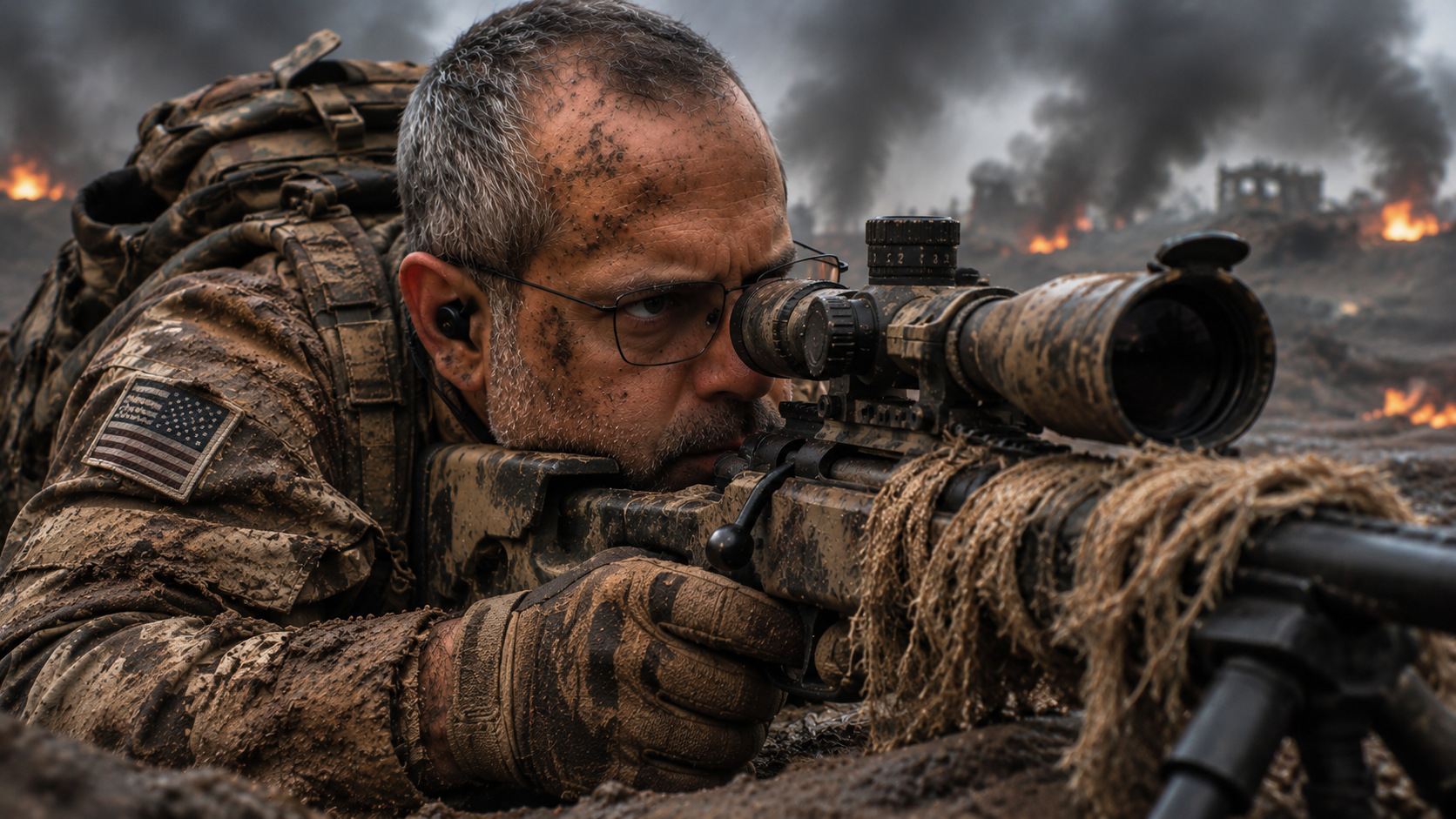
Using the attached image, to recreate a scene feat... 未指定 未指定
Hero prompt: furniture, softly blurred.

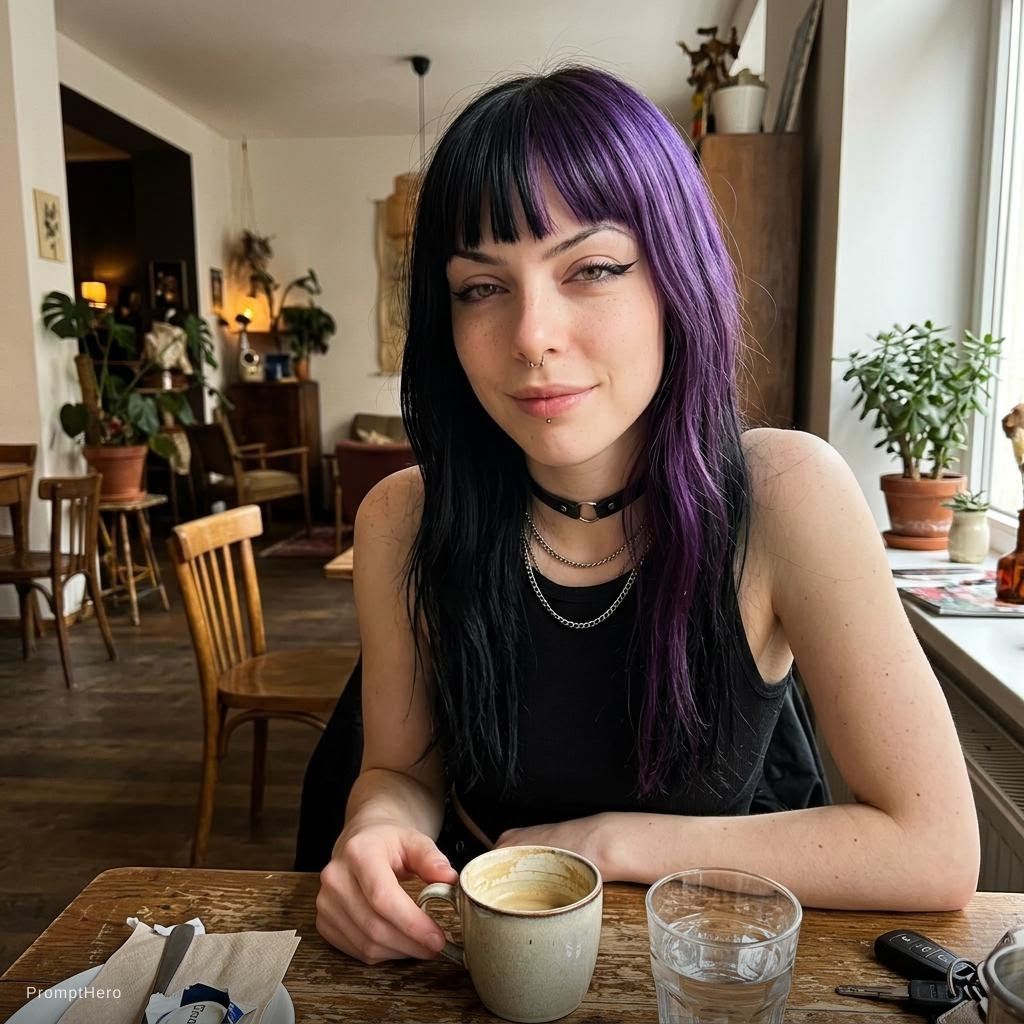
UGC iPhone aesthetic, ... 未指定 1.0
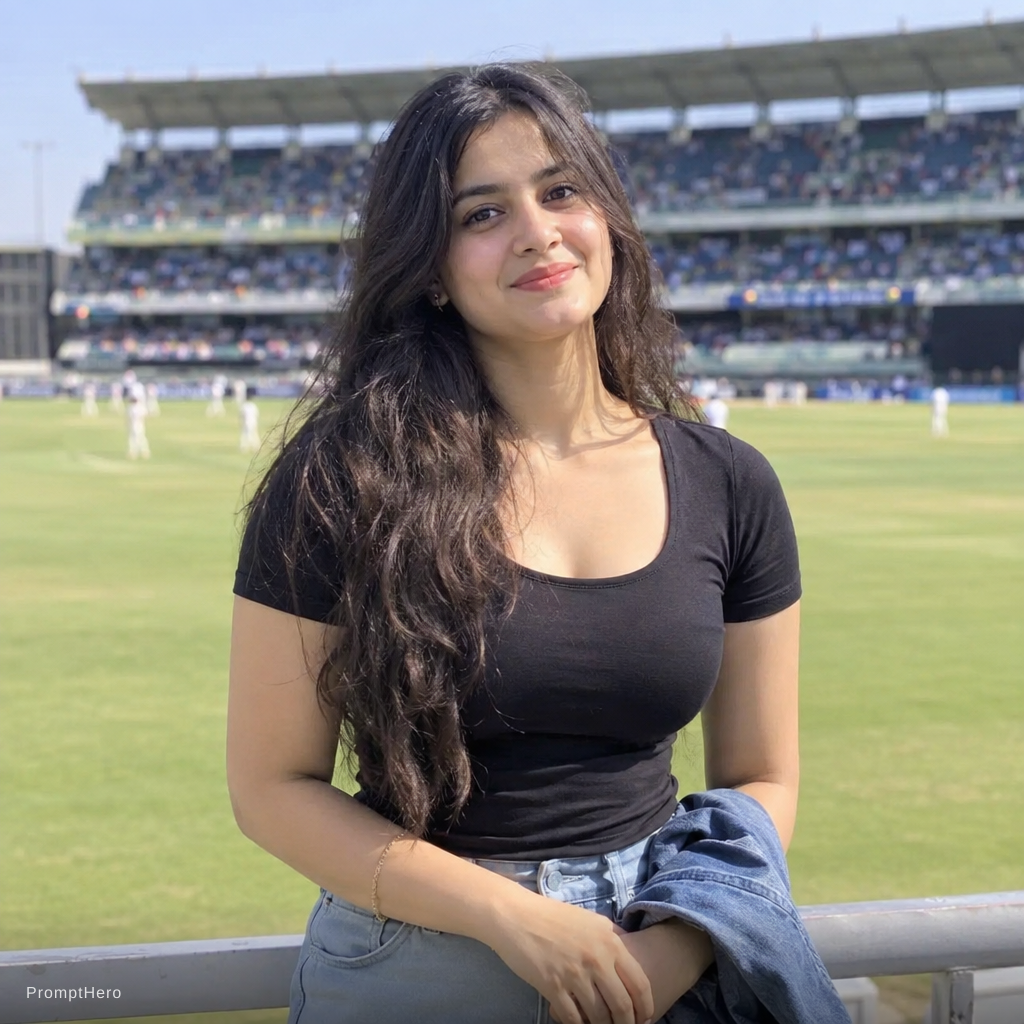
ChatGPT Image prompt: Change background with cricket stadium 未指定 gpt-image-2.6-flare
ChatGPT Image prompt: Make this photo as 3D viewing 未指定 gpt-image-2.6-flare
ChatGPT Image prompt: logo book keeping 未指定 v1

翻譯: Run this prompt with the API

翻譯: The request below sends this prompt, with its default values filled in, to the first model it runs on. Swap the model name for any other model listed above.

翻譯: Prompt API docs
/api/v1/gpt_image_2/text_to_image
curl -X POST https://runapi.ai/api/v1/gpt_image_2/text_to_image \
  -H "Authorization: Bearer $RUNAPI_API_KEY" \
  -H "Content-Type: application/json" \
  --data-binary @- <<'JSON'
{
  "model": "gpt-image-2",
  "prompt": "Use the uploaded image as the main facial identity and composition reference. Preserve the subject’s recognizable facial features, skin tone, facial proportions, and natural appearance accurately.\n\nCreate a photorealistic urban lifestyle portrait of an adult man standing outdoors in a modern city during golden hour. Frame him from about the chest upward in a relaxed three-quarter pose, facing slightly to one side with a calm, confident expression.\n\nDress him in a light blue washed denim jacket layered over a plain black crew-neck T-shirt. Add a simple black baseball cap and stylish black rectangular sunglasses with subtle reflections in the lenses. Keep the styling clean, modern, masculine, and minimal, with no chain or unnecessary accessories.\n\nPlace him beside a tall black street pole, with modern glass skyscrapers and city architecture softly blurred in the background. Capture warm sunset light glowing between the buildings, creating golden highlights, soft rim lighting, and atmospheric city bokeh.\n\nUse shallow depth of field, realistic skin texture, natural facial details, crisp denim fabric texture, cinematic golden-hour lighting, soft background blur, premium street-fashion photography, DSLR realism, 85mm portrait-lens look, high detail, vertical 9:16 composition."
}
JSON

翻譯: Try a prompt