Retro HUD Claude Usage Gauge
Retro HUD Claude Usage Gauge

prompt

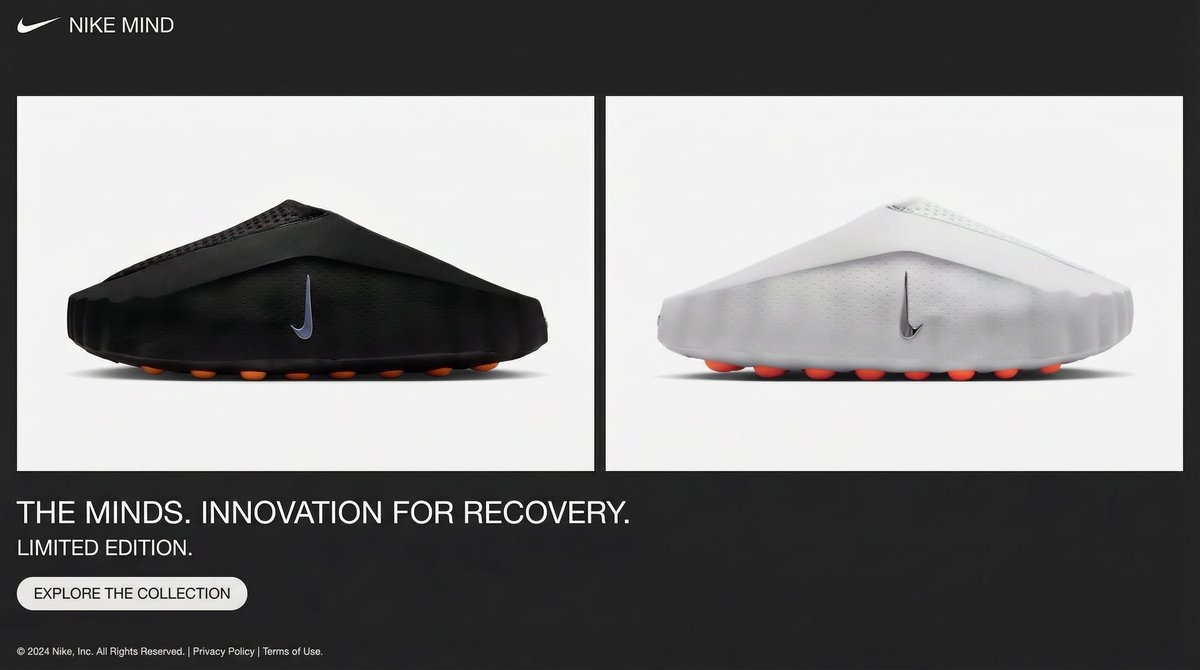
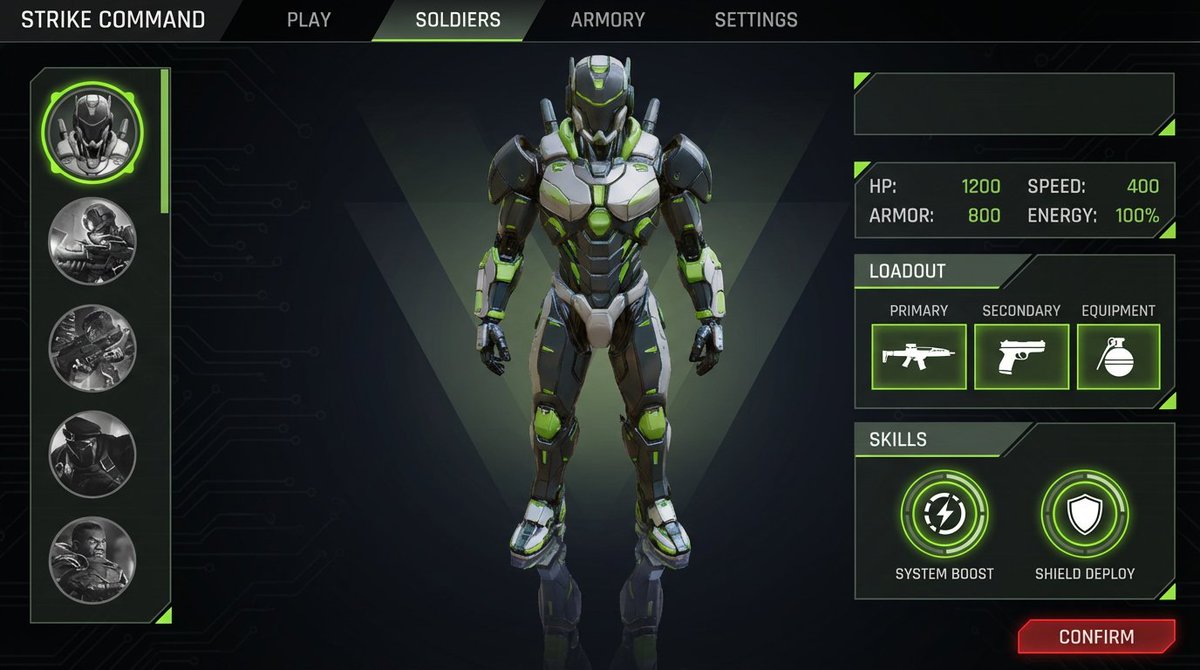
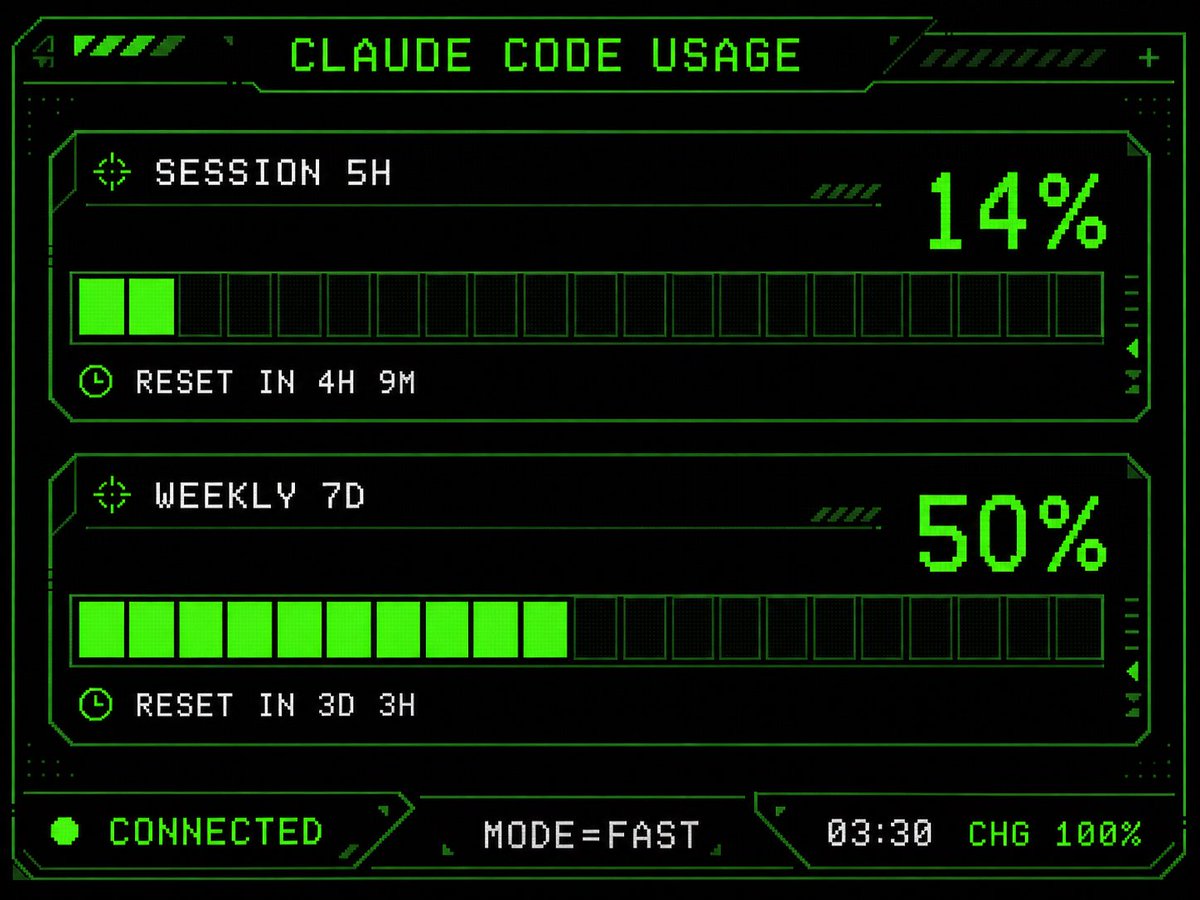
Using the provided reference image as the UI/data source, redesign it into a polished retro-futuristic monochrome green terminal HUD for an M5Stack-style display. Keep the same information and values unchanged: title CLAUDE CODE USAGE, two usage sections labeled SESSION 5H and WEEKLY 7D, percentages 14% and 50%, reset messages "RESET IN 4H 9M" and "RESET IN 3D 3H", and footer statuses "CONNECTED", "MODE=FAST", "03:30", "CHG 100%". Replace the plain bars with chunky pixelated segmented gauges: exactly 2 horizontal gauge panels, each with 20 rectangular segments, with the first showing 2 filled neon-green segments and the second showing 10 filled neon-green segments. Add a detailed sci-fi frame with angular borders, thin circuit-like linework, corner brackets, dotted texture, small arrow/target/clock icons, diagonal hazard stripes, and subtle CRT/pixel-grid glow. Use a black background, bright neon green outlines and fills, and white-green pixel text. Arrange the footer as exactly 3 bottom modules: left "CONNECTED" with a green status dot, center "MODE=FAST", and right "03:30 CHG 100%". Make it sharper, more stylish, and more production-ready than the reference while preserving the same dashboard function and data.

Działa z 20 modelami

  • Flux
  • Flux 2
  • Flux Kontext
  • GPT-4o Image
  • GPT Image
  • GPT Image 2
  • GPT Image 2.5
  • GPT Image 2.6
  • Grok Imagine
  • Ideogram V3
  • Imagen 4
  • Kling
  • +8 Więcej

Wynik tego promptu

Split-Page Coffee Shop Travel Journal Nie określono gpt-image-2
Cute Chibi Characters in a Sweet Playful Moment Nie określono gpt-image-2
Underground Train Yard Clash Anime Development Board Nie określono gpt-image-2
Realistic Group Selfie with Smartphone Flash Effect Nie określono nano-banana-pro
Exploded-View Structural Cutaway for Food Photography Nie określono nano-banana-pro
Four Seasons Portrait Collage Nie określono nano-banana-pro

Run ten prompt z ten API

Poniższe żądanie wysyła ten monit z wypełnionymi wartościami domyślnymi do pierwszego modelu, na którym działa. Zamień nazwę modelu na dowolny inny model wymieniony powyżej.

Dokumentacja prompt API
/api/v1/gpt_image_2/text_to_image
curl -X POST https://runapi.ai/api/v1/gpt_image_2/text_to_image \
  -H "Authorization: Bearer $RUNAPI_API_KEY" \
  -H "Content-Type: application/json" \
  --data-binary @- <<'JSON'
{
  "model": "gpt-image-2",
  "prompt": "Using the provided reference image as the UI/data source, redesign it into a polished retro-futuristic monochrome green terminal HUD for an M5Stack-style display. Keep the same information and values unchanged: title CLAUDE CODE USAGE, two usage sections labeled SESSION 5H and WEEKLY 7D, percentages 14% and 50%, reset messages \"RESET IN 4H 9M\" and \"RESET IN 3D 3H\", and footer statuses \"CONNECTED\", \"MODE=FAST\", \"03:30\", \"CHG 100%\". Replace the plain bars with chunky pixelated segmented gauges: exactly 2 horizontal gauge panels, each with 20 rectangular segments, with the first showing 2 filled neon-green segments and the second showing 10 filled neon-green segments. Add a detailed sci-fi frame with angular borders, thin circuit-like linework, corner brackets, dotted texture, small arrow/target/clock icons, diagonal hazard stripes, and subtle CRT/pixel-grid glow. Use a black background, bright neon green outlines and fills, and white-green pixel text. Arrange the footer as exactly 3 bottom modules: left \"CONNECTED\" with a green status dot, center \"MODE=FAST\", and right \"03:30  CHG 100%\". Make it sharper, more stylish, and more production-ready than the reference while preserving the same dashboard function and data."
}
JSON

Wypróbuj a prompt

Szacunkowo: $0.04 / obraz

Zaloguj się, aby generować przez RunAPI.

Zaloguj się, aby generować

Zaloguj się, aby rozpocząć generowanie z dostępnymi modelami językowymi.