Cozy Café Chat Screenshot

Cozy Café Chat Screenshot

prompt

Goal: Create a dark-mode mobile chat interface screenshot showing an AI image generation result for an article illustration. Canvas: Portrait smartphone screenshot, 896×768 style crop, black background, with a large rounded dark-gray prompt bubble near the top and a generated image preview card below it. Leave generous black margins around both cards. Top prompt bubble: One charcoal-gray rounded rectangle aligned toward the upper right, partly cropped at the very top. It contains white and gray prompt text in English, including the visible lines: “slight angle, looking at the café window with a slightly uncertain posture”, a standalone dash, “hands in pockets or arms crossed. Warm light glowing”, and a dimmer line “from inside the café.” At the bottom of this bubble, include the Japanese UI text “表示を増やす” with a small downward chevron. Generated image card: One large rounded-rectangle image preview beneath the prompt bubble, with strongly rounded corners. Inside it, paint a soft, warm, nostalgic watercolor-style illustration of a young woman standing alone outside a small neighborhood café at dusk. The woman is viewed from behind at a slight angle, looking into the café window with a hesitant, uncertain posture. She has dark hair tied in a low bun, wears a long beige coat over a dark ankle-length skirt, white shoes, and carries a cream tote bag over one shoulder; her hands are in her coat pockets. The café façade has large glass windows, weathered wooden double doors, warm amber interior lighting, pendant lamps, shelves, a coffee counter, faint customers or staff silhouettes, and a chalkboard menu inside. The street is quiet and slightly rainy or overcast, with utility poles, overhead wires, narrow sidewalk, muted buildings receding into the distance, and a pale evening sky. Add exactly 8 visible plant containers around the storefront: 2 taller shrubs flanking the window/door area, 3 medium pots near the right side, 1 small white pot near the bench, 1 planter near the sidewalk sign, and 1 low pot by the step. Add exactly 2 street-side objects in front of the café: a small wooden bench and a black A-frame chalkboard sign. Overlay UI on image card: Add exactly 2 circular translucent buttons on top of the image: a bottom-left button labeled “編集” and a bottom-right share/upload icon button. Keep the buttons subtle, light gray, and semi-transparent. Visual style: Gentle Japanese urban slice-of-life illustration, muted beige and gray palette, warm café glow, painterly watercolor texture, soft edges, slightly grainy paper feel, atmospheric and cute but realistic. The image preview should look like a finished generated illustration embedded in a chat app, not a full-bleed artwork. Constraints: Use only the visible UI elements described: 1 top prompt bubble, 1 generated image card, 2 overlay buttons, and the Japanese text labels exactly as written. No extra captions, no watermark, no app logo.

Działa z 21 modelami

  • Flux
  • Flux 2
  • Flux Kontext
  • GPT-4o Image
  • GPT Image
  • GPT Image 2
  • GPT Image 2.5
  • GPT Image 2.6
  • Grok Imagine
  • Ideogram V3
  • Imagen 4
  • Kling
  • +9 Więcej

Wynik tego promptu

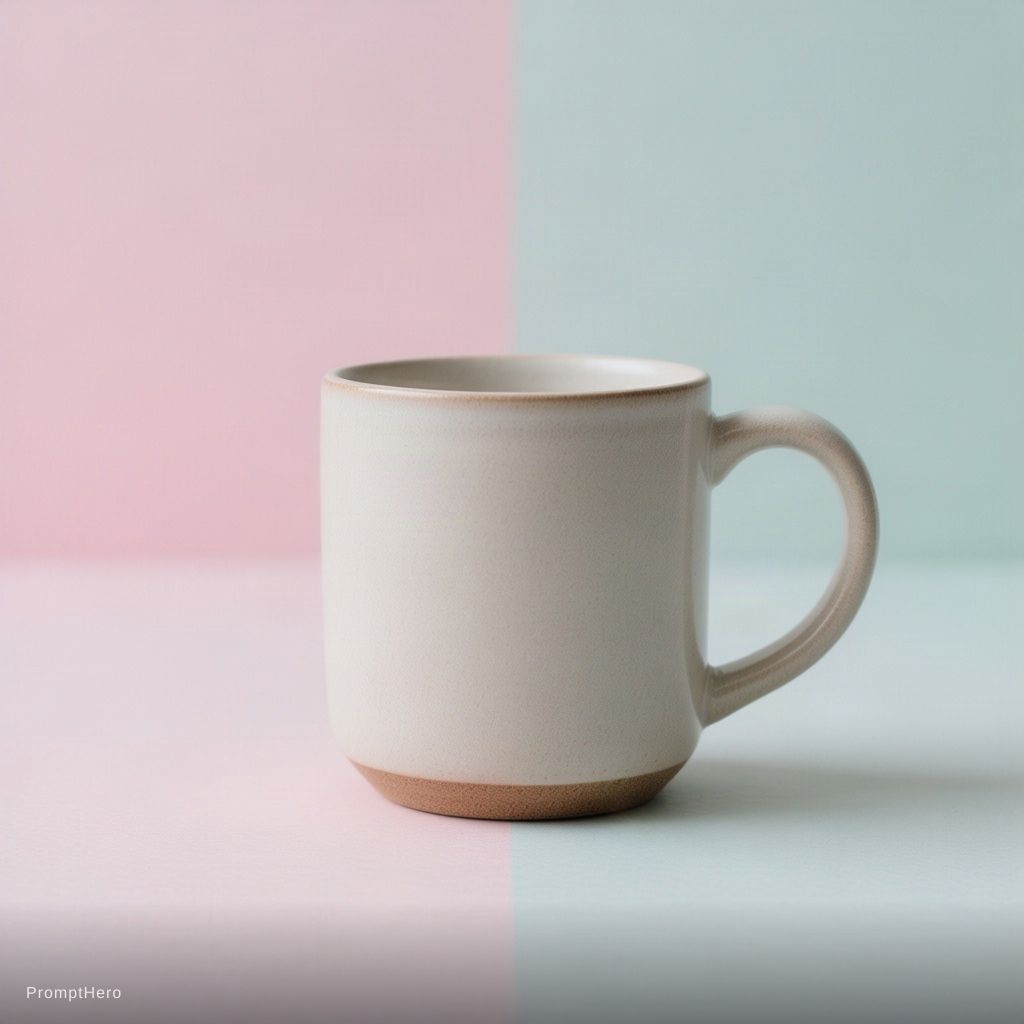
Hunyuan  prompt: Minimalist product photo of a ceramic mug on a pas... Nie określono hunyuan-3
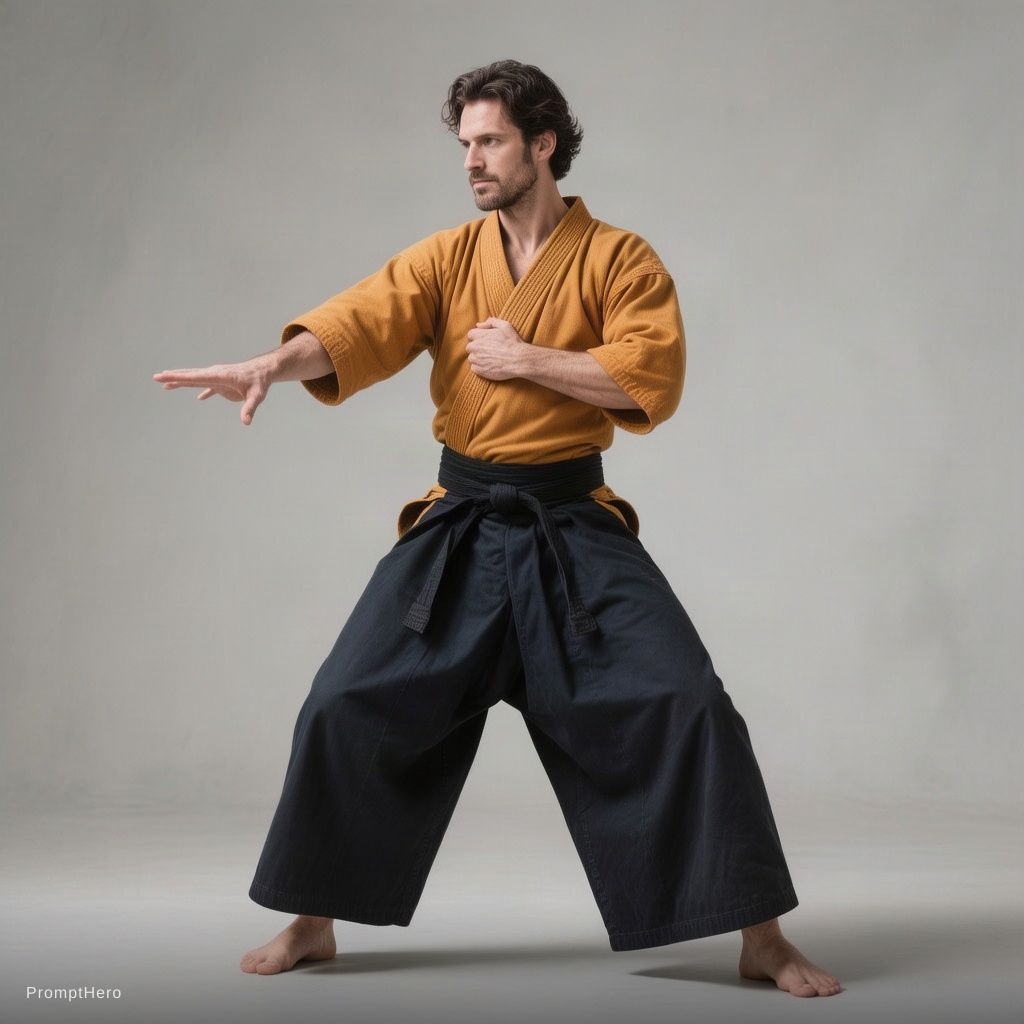
Hunyuan  prompt: Aikido Nie określono hunyuan-3
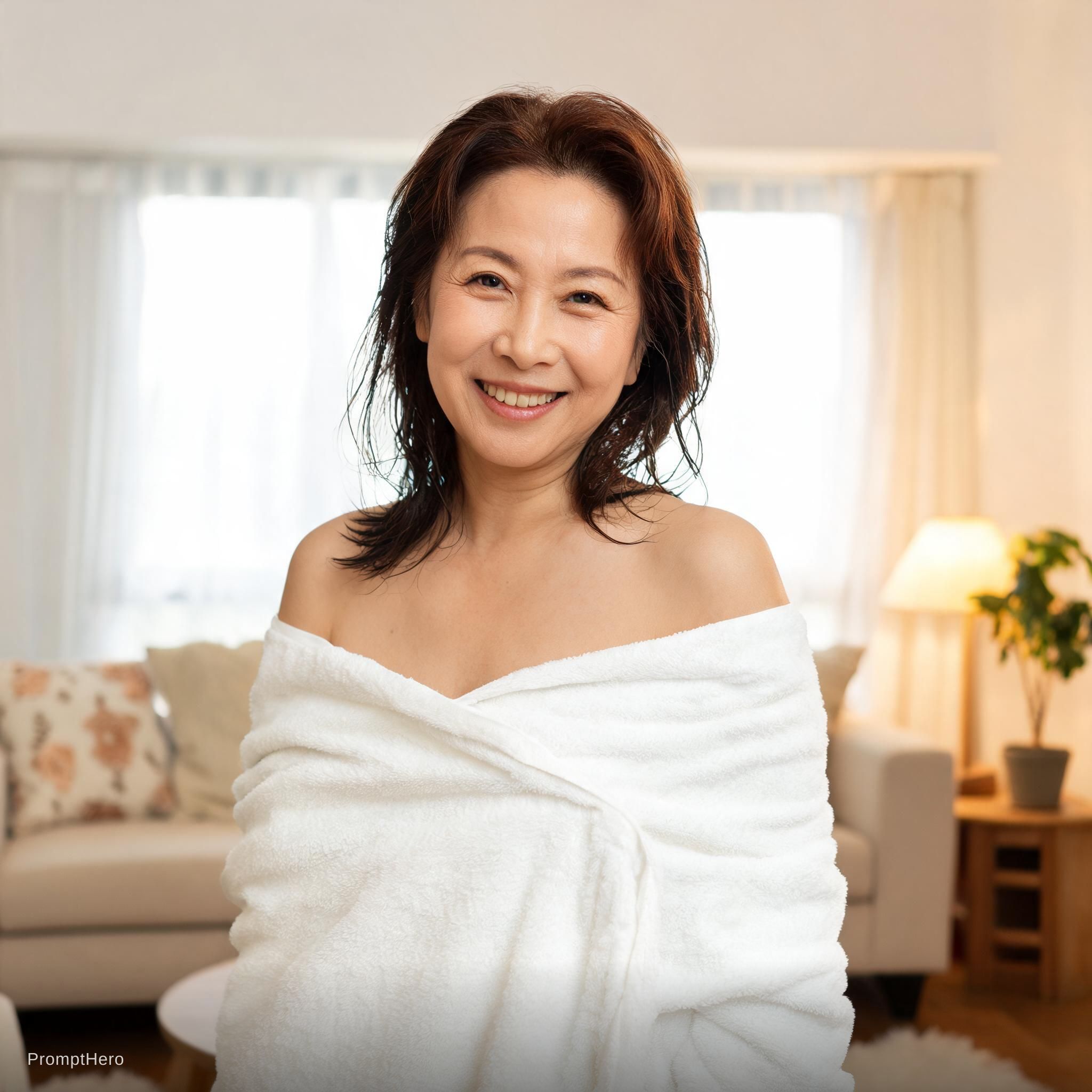
Seedream 5 prompt: f smiling middle aged woman in nice home wrapped i... Nie określono v2
Create an extreme close-up underwater portrait, ca... Nie określono Nie określono
Using the face from the attached photograph, recre... Nie określono Nie określono
Using the face from the attached photo, recreate a... Nie określono Nie określono

Run ten prompt z ten API

Poniższe żądanie wysyła ten monit z wypełnionymi wartościami domyślnymi do pierwszego modelu, na którym działa. Zamień nazwę modelu na dowolny inny model wymieniony powyżej.

Dokumentacja prompt API
/api/v1/gpt_image_2/text_to_image
curl -X POST https://runapi.ai/api/v1/gpt_image_2/text_to_image \
  -H "Authorization: Bearer $RUNAPI_API_KEY" \
  -H "Content-Type: application/json" \
  --data-binary @- <<'JSON'
{
  "model": "gpt-image-2",
  "prompt": "Goal: Create a dark-mode mobile chat interface screenshot showing an AI image generation result for an article illustration.\n\nCanvas: Portrait smartphone screenshot, 896×768 style crop, black background, with a large rounded dark-gray prompt bubble near the top and a generated image preview card below it. Leave generous black margins around both cards.\n\nTop prompt bubble: One charcoal-gray rounded rectangle aligned toward the upper right, partly cropped at the very top. It contains white and gray prompt text in English, including the visible lines: “slight angle, looking at the café window with a slightly uncertain posture”, a standalone dash, “hands in pockets or arms crossed. Warm light glowing”, and a dimmer line “from inside the café.” At the bottom of this bubble, include the Japanese UI text “表示を増やす” with a small downward chevron.\n\nGenerated image card: One large rounded-rectangle image preview beneath the prompt bubble, with strongly rounded corners. Inside it, paint a soft, warm, nostalgic watercolor-style illustration of a young woman standing alone outside a small neighborhood café at dusk. The woman is viewed from behind at a slight angle, looking into the café window with a hesitant, uncertain posture. She has dark hair tied in a low bun, wears a long beige coat over a dark ankle-length skirt, white shoes, and carries a cream tote bag over one shoulder; her hands are in her coat pockets. The café façade has large glass windows, weathered wooden double doors, warm amber interior lighting, pendant lamps, shelves, a coffee counter, faint customers or staff silhouettes, and a chalkboard menu inside. The street is quiet and slightly rainy or overcast, with utility poles, overhead wires, narrow sidewalk, muted buildings receding into the distance, and a pale evening sky. Add exactly 8 visible plant containers around the storefront: 2 taller shrubs flanking the window/door area, 3 medium pots near the right side, 1 small white pot near the bench, 1 planter near the sidewalk sign, and 1 low pot by the step. Add exactly 2 street-side objects in front of the café: a small wooden bench and a black A-frame chalkboard sign.\n\nOverlay UI on image card: Add exactly 2 circular translucent buttons on top of the image: a bottom-left button labeled “編集” and a bottom-right share/upload icon button. Keep the buttons subtle, light gray, and semi-transparent.\n\nVisual style: Gentle Japanese urban slice-of-life illustration, muted beige and gray palette, warm café glow, painterly watercolor texture, soft edges, slightly grainy paper feel, atmospheric and cute but realistic. The image preview should look like a finished generated illustration embedded in a chat app, not a full-bleed artwork.\n\nConstraints: Use only the visible UI elements described: 1 top prompt bubble, 1 generated image card, 2 overlay buttons, and the Japanese text labels exactly as written. No extra captions, no watermark, no app logo."
}
JSON

Wypróbuj a prompt