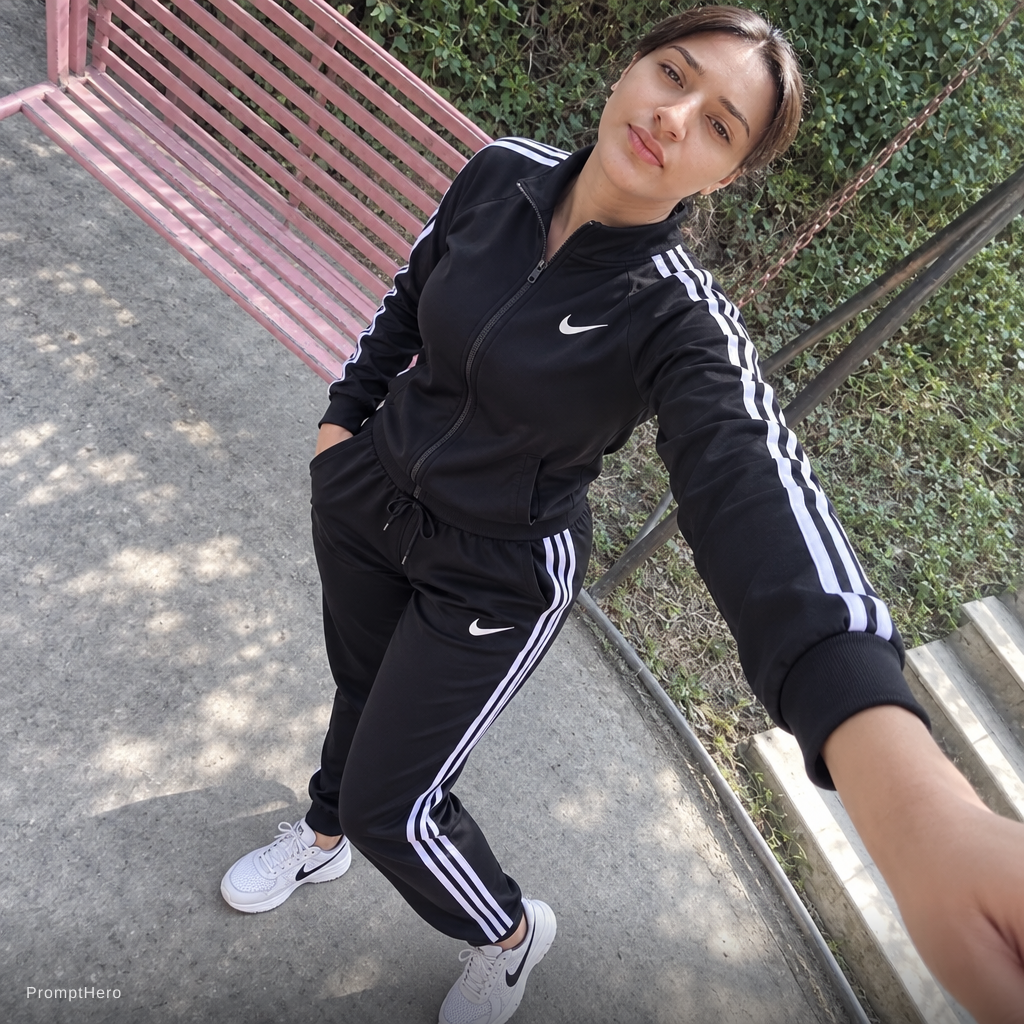
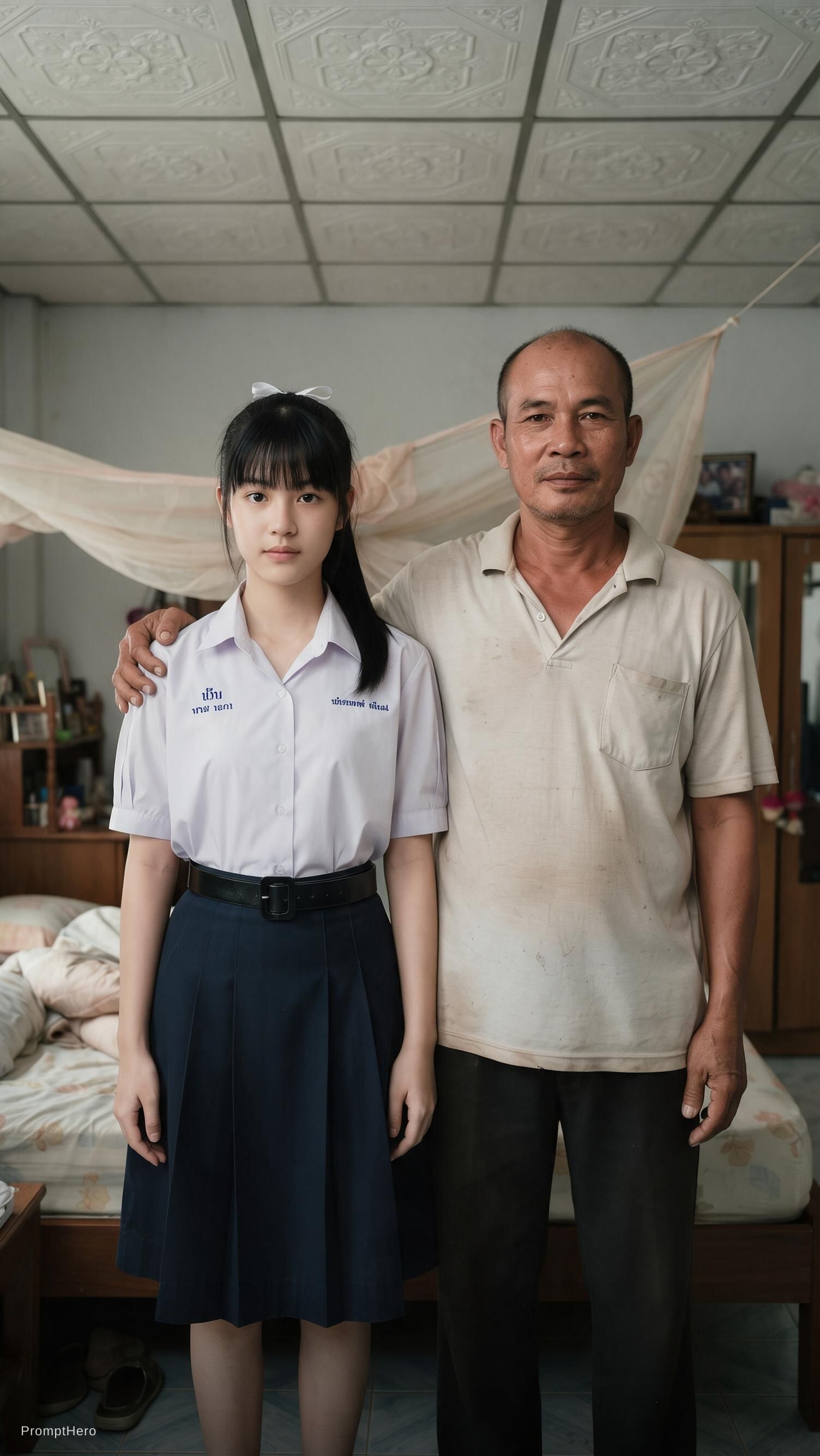
Dark AI Chat 4K Upscale Tutorial
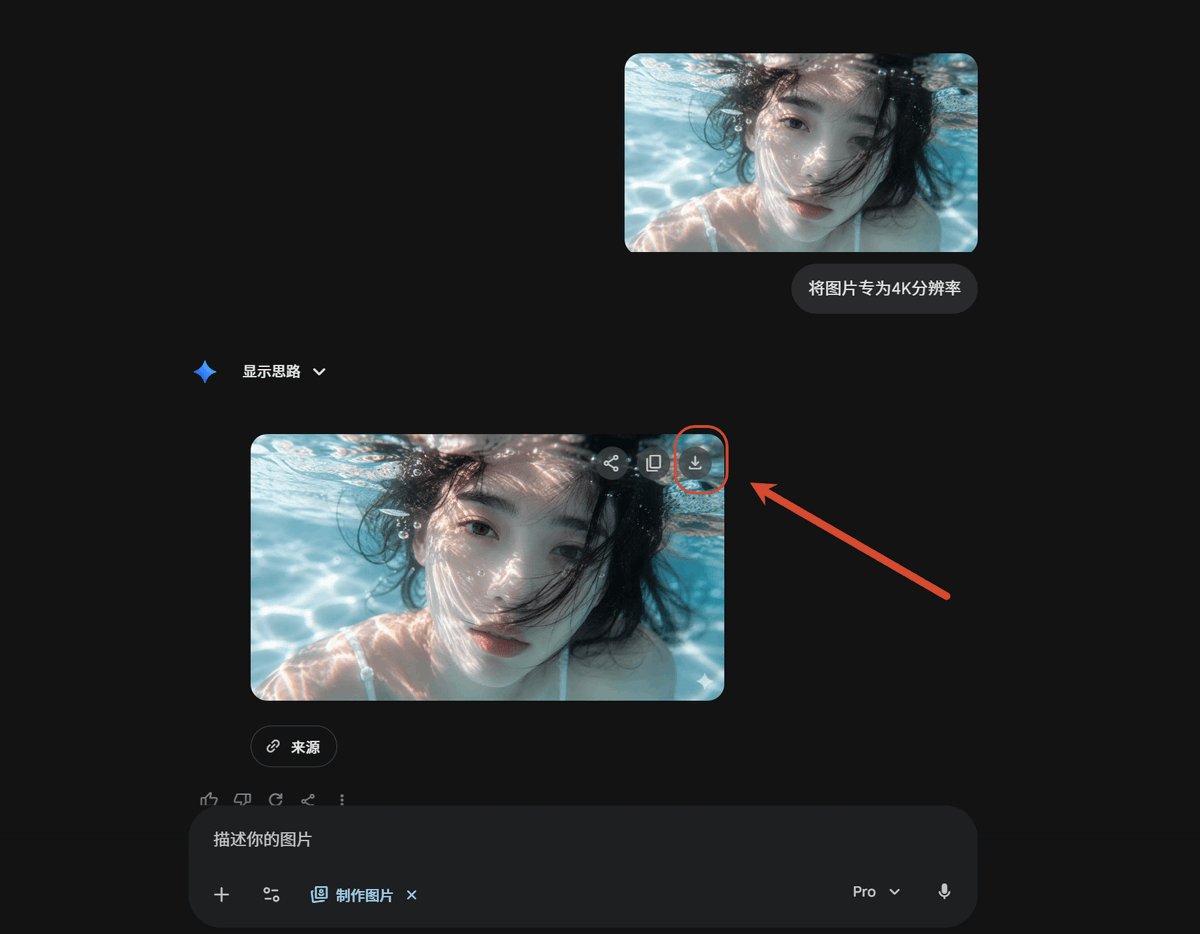
Dark AI Chat 4K Upscale Tutorial

prompt

Using REFERENCE_0 as the source screenshot, create a clean dark-mode AI chat interface tutorial mockup that shows the same underwater photo being upscaled. Remove the Windows Photos app chrome, side information panel, filename details, and resolution callout from the reference; use only the underwater image content as the visual asset. Layout: Place exactly 2 rounded-corner image previews of the underwater photo in the chat: 1 smaller uploaded-image preview near the upper right and 1 larger generated-result preview below it, slightly left of center. Keep the face-obscuring gray blur/block over the person in both previews. Chat elements: Add exactly 1 user message bubble beside the upper preview with the Chinese text 将图片专为4K分辨率. Add exactly 1 assistant label reading “显示思路” with a small blue sparkle icon and a dropdown chevron. Under the larger image preview, add exactly 1 small rounded “来源” source button. Callout: On the upper-right corner of the larger generated image preview, show the download icon and highlight it with exactly 1 red circular outline. Add exactly 1 thick red arrow pointing from the right side toward that circled download icon. Bottom UI: Include a dark rounded message input bar at the bottom with placeholder text “描述你的图片”, small attachment/tool icons, a “制作图片” chip, a Pro dropdown, and a microphone icon. Style and constraints: Match a modern Gemini/AI-chat dark theme with lots of empty black space, subtle gray UI controls, rounded corners, and a 16:9 screenshot composition. Do not add extra images, extra arrows, extra callouts, or additional explanatory text.

Działa z 20 modelami

  • Flux
  • Flux 2
  • Flux Kontext
  • GPT-4o Image
  • GPT Image
  • GPT Image 2
  • GPT Image 2.5
  • GPT Image 2.6
  • Grok Imagine
  • Ideogram V3
  • Imagen 4
  • Kling
  • +8 Więcej

Wynik tego promptu

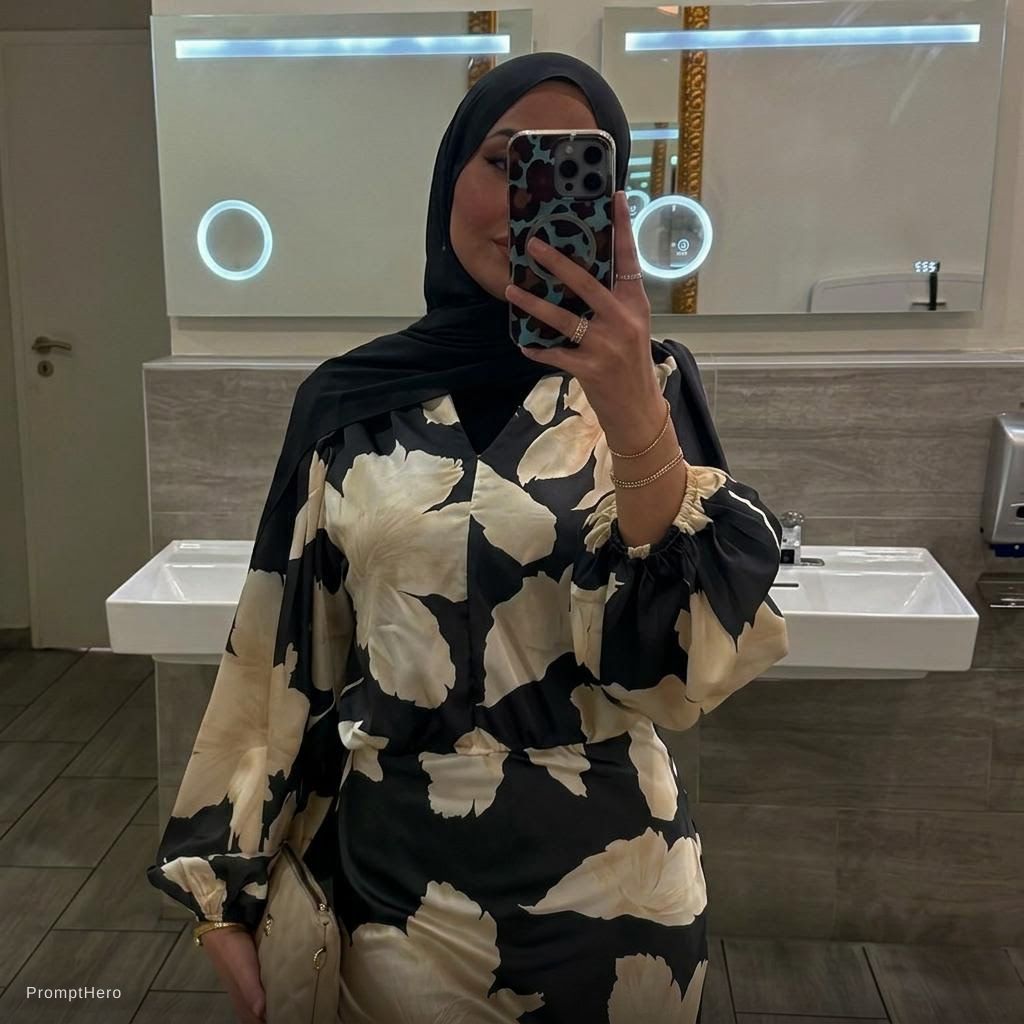
Nano Banana prompt: Zeigt Ausschnitt Nie określono nano-banana-2.1
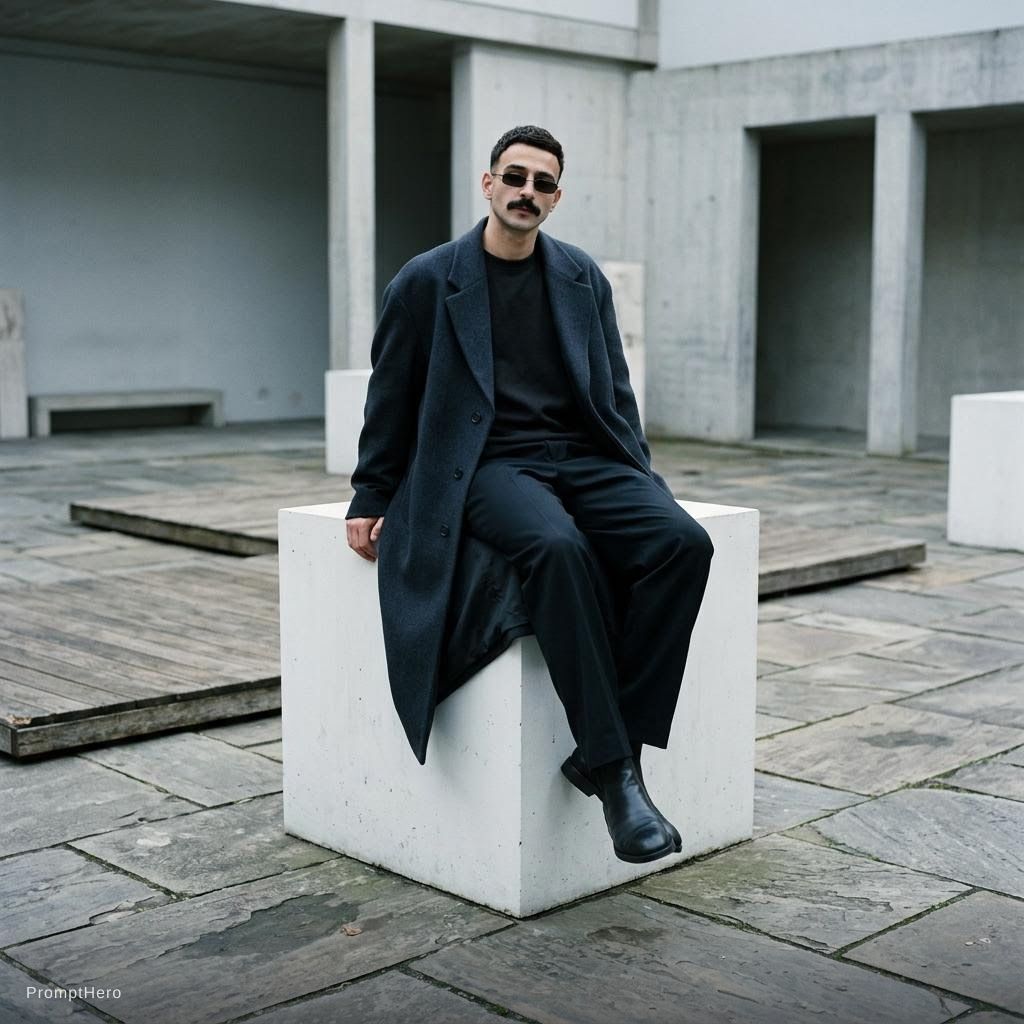
Hero prompt: a man sitting on top of a white cube, official jil... Nie określono 1.0
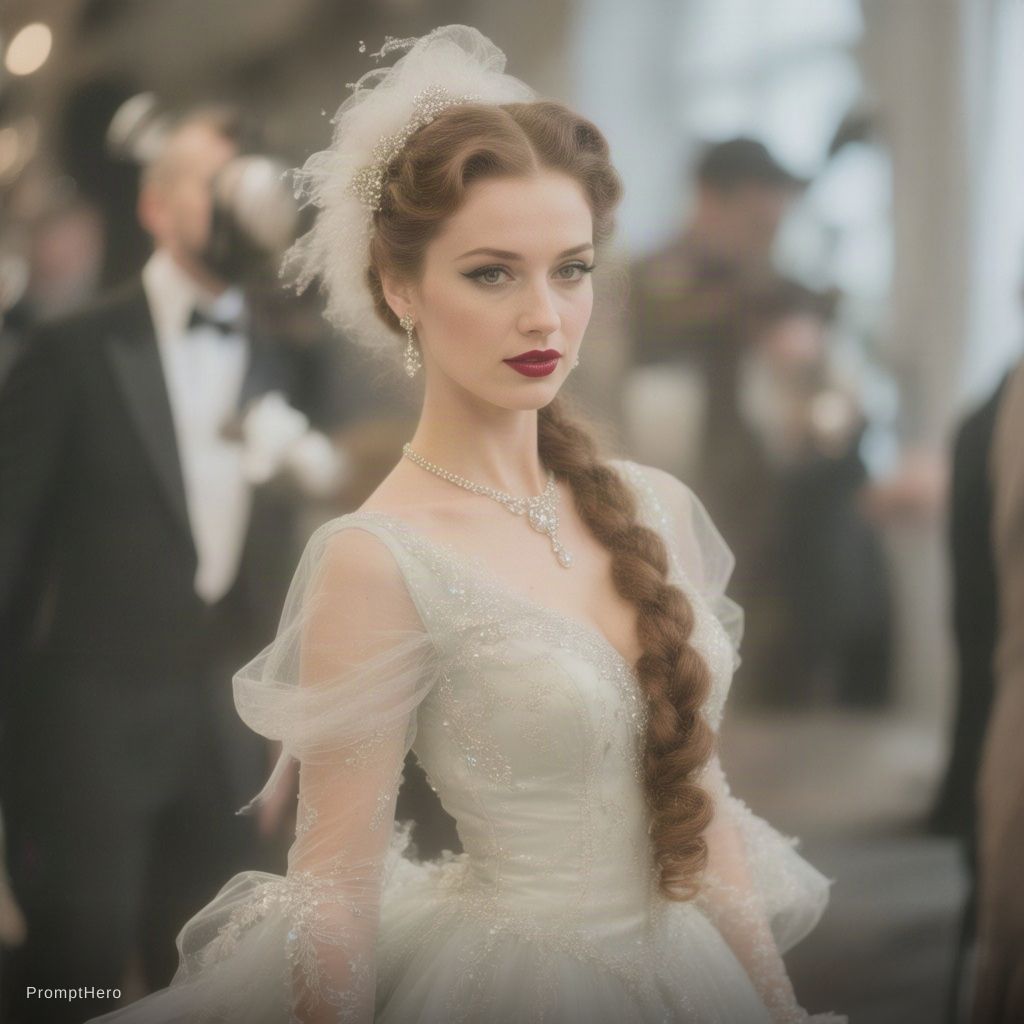
Hunyuan  prompt: Ballroom Nie określono hunyuan-3
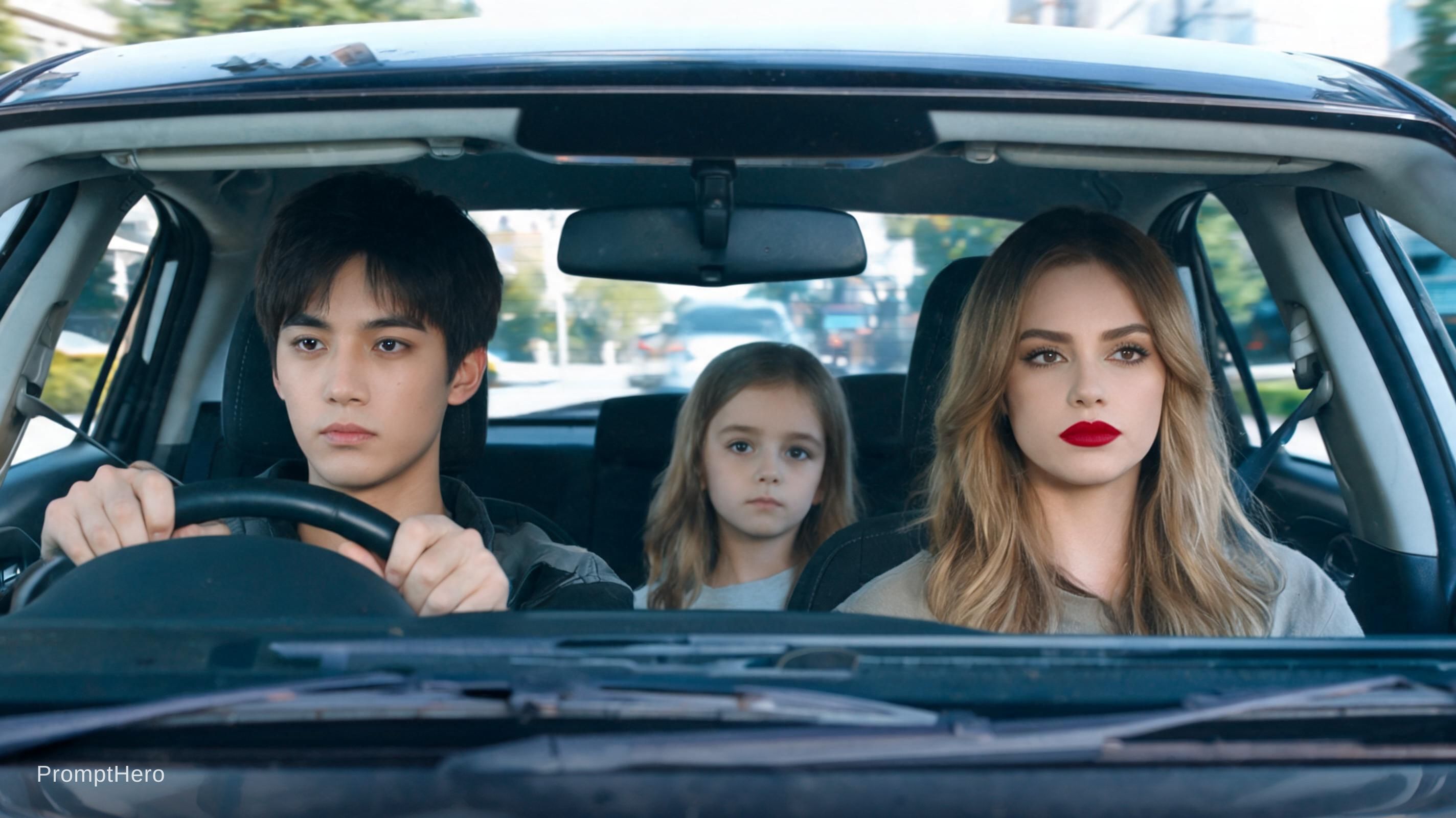
Seedream 5 prompt: 一辆家用小汽车内有三位人物,男性坐在驾驶位上,背景为移动的汽车,视角从前挡风玻璃往车内视角,可以看到... Nie określono v2
ChatGPT Image prompt: Sport stil Nie określono gpt-image-2.6-flare
Seedream 5 prompt: Have the man put his arm around the woman's should Nie określono seedream-5-pro

Run ten prompt z ten API

Poniższe żądanie wysyła ten monit z wypełnionymi wartościami domyślnymi do pierwszego modelu, na którym działa. Zamień nazwę modelu na dowolny inny model wymieniony powyżej.

Dokumentacja prompt API
/api/v1/gpt_image_2/text_to_image
curl -X POST https://runapi.ai/api/v1/gpt_image_2/text_to_image \
  -H "Authorization: Bearer $RUNAPI_API_KEY" \
  -H "Content-Type: application/json" \
  --data-binary @- <<'JSON'
{
  "model": "gpt-image-2",
  "prompt": "Using REFERENCE_0 as the source screenshot, create a clean dark-mode AI chat interface tutorial mockup that shows the same underwater photo being upscaled. Remove the Windows Photos app chrome, side information panel, filename details, and resolution callout from the reference; use only the underwater image content as the visual asset.\n\nLayout: Place exactly 2 rounded-corner image previews of the underwater photo in the chat: 1 smaller uploaded-image preview near the upper right and 1 larger generated-result preview below it, slightly left of center. Keep the face-obscuring gray blur/block over the person in both previews.\n\nChat elements: Add exactly 1 user message bubble beside the upper preview with the Chinese text 将图片专为4K分辨率. Add exactly 1 assistant label reading “显示思路” with a small blue sparkle icon and a dropdown chevron. Under the larger image preview, add exactly 1 small rounded “来源” source button.\n\nCallout: On the upper-right corner of the larger generated image preview, show the download icon and highlight it with exactly 1 red circular outline. Add exactly 1 thick red arrow pointing from the right side toward that circled download icon.\n\nBottom UI: Include a dark rounded message input bar at the bottom with placeholder text “描述你的图片”, small attachment/tool icons, a “制作图片” chip, a Pro dropdown, and a microphone icon.\n\nStyle and constraints: Match a modern Gemini/AI-chat dark theme with lots of empty black space, subtle gray UI controls, rounded corners, and a 16:9 screenshot composition. Do not add extra images, extra arrows, extra callouts, or additional explanatory text."
}
JSON

Wypróbuj a prompt

Szacunkowo: $0.04 / obraz

Zaloguj się, aby generować przez RunAPI.

Zaloguj się, aby generować

Zaloguj się, aby rozpocząć generowanie z dostępnymi modelami językowymi.