Cat Recognition Result Screen
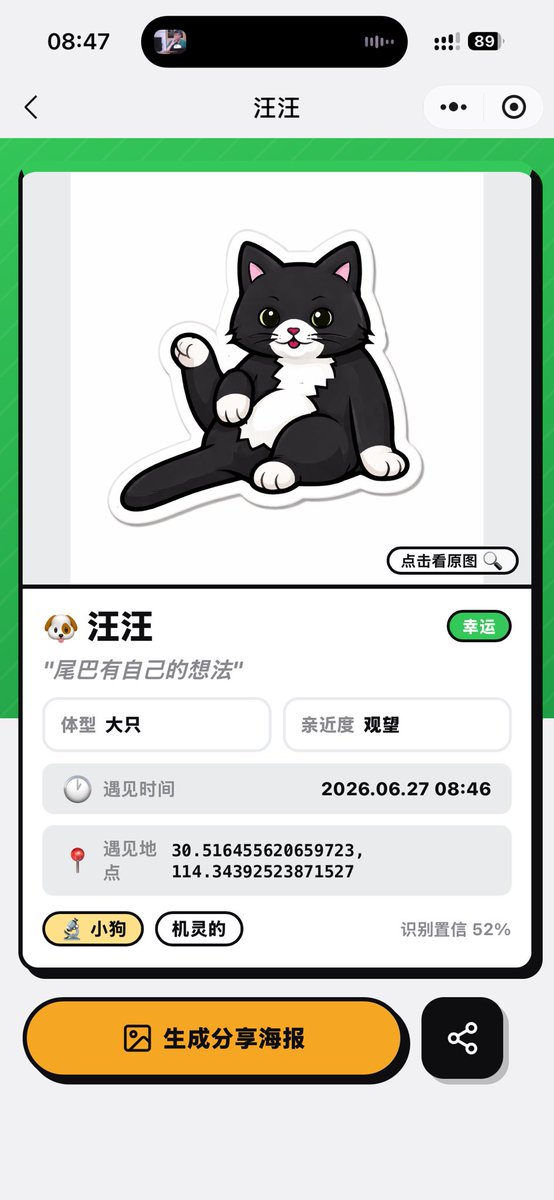
Cat Recognition Result Screen

prompt

Using the provided reference image as the source cat and app context, transform the camera recognition screen into a completed pet-profile result screen for a mini app. Replace the live camera view with a clean card-style analysis page: show a cute sticker-like cartoon illustration of the same black-and-white cat sitting with its tail raised on a white preview area, with a small button labeled “点击看原图” and a magnifying-glass icon. Keep the mobile screenshot aspect ratio and iOS-style top chrome, but change the page title to 汪汪. Layout: Create one large rounded rectangular result card on a bright green patterned background. Under the illustration, add a profile section with exactly these visible data elements: 1) name row with a dog emoji and 汪汪, plus a green badge labeled “幸运”; 2) quote text 尾巴有自己的想法; 3) two small info boxes labeled “体型 大只” and “亲近度 观望”; 4) a gray row labeled “遇见时间” with 2026.06.27 08:46; 5) a gray row labeled “遇见地点” with 30.516455620659723, 114.34392523871527; 6) two pill tags labeled “小狗” and “机灵的”; 7) confidence text “识别置信 52%”. Bottom actions: Add two bottom buttons below the card: a large yellow rounded button with an image icon and text “生成分享海报”, and a smaller black rounded square share button with a share-network icon. Style: playful polished Chinese mini-program UI, thick black outlines, rounded cards, soft shadows, yellow accent color, clean vector-like illustration. Do not keep the original camera scanning brackets, zoom controls, shutter button, or live street background.

Funziona su 21 modelli

  • Flux
  • Flux 2
  • Flux Kontext
  • GPT-4o Image
  • GPT Image
  • GPT Image 2
  • GPT Image 2.5
  • GPT Image 2.6
  • Grok Imagine
  • Ideogram V3
  • Imagen 4
  • Kling
  • +9 Altri

Cosa produce questo prompt

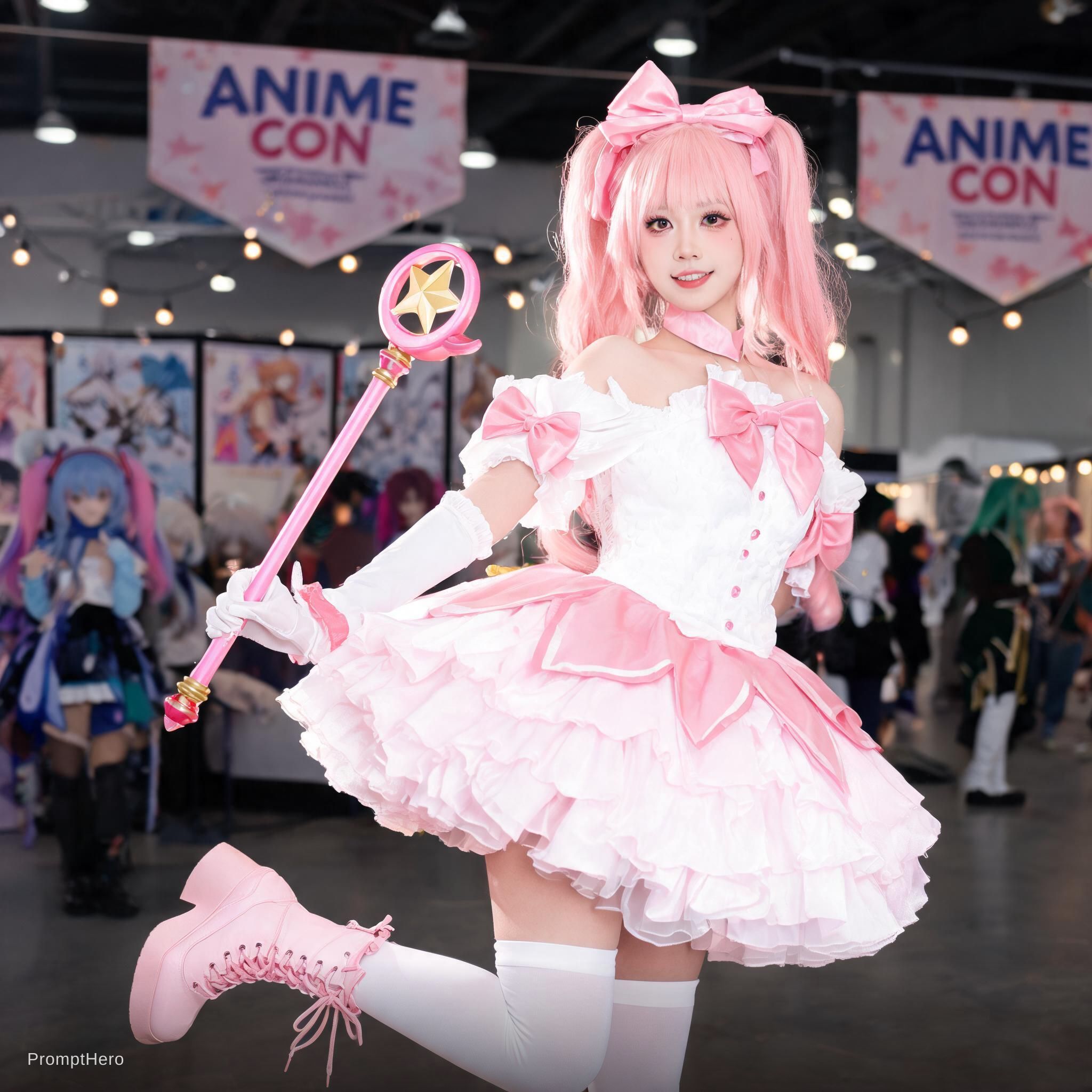
Using the face from the attached photo, recreate a... Non specificato Non specificato
Seedream 5 prompt: cosplay Non specificato v2
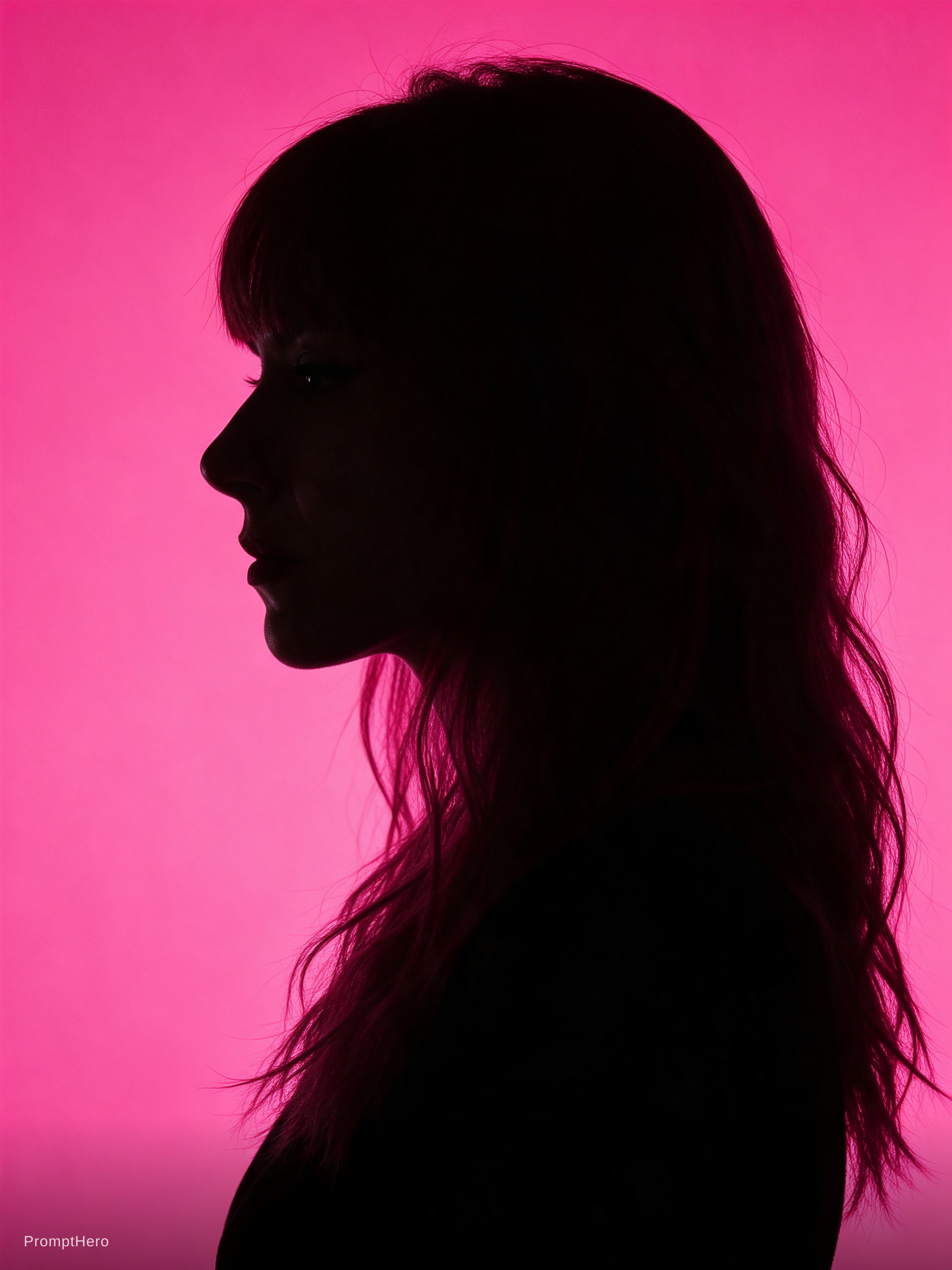
Seedream 5 prompt: photography, portrait of contrast, profile silhoue... Non specificato seedream-5-pro
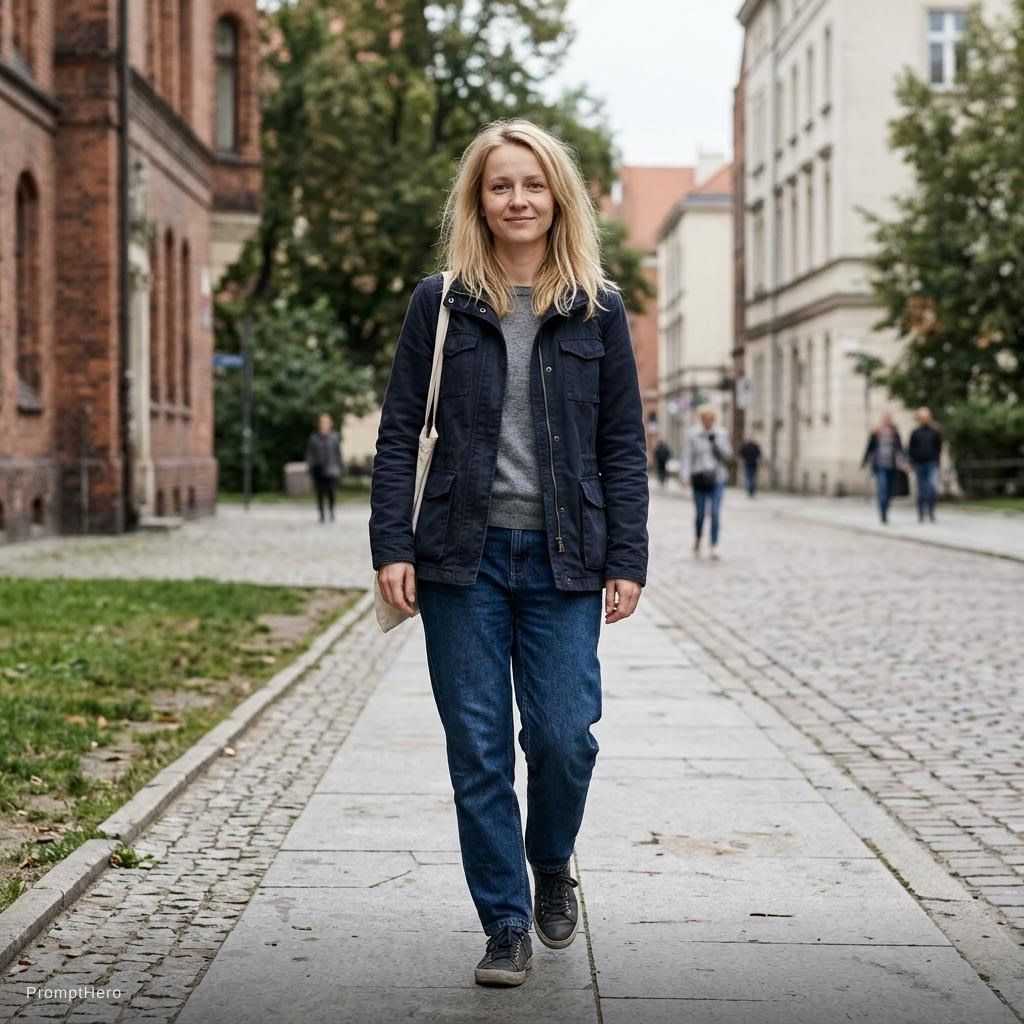
Hero prompt: natural blond polish woman, 30 years, slim, no mak... Non specificato 1.0
Hero prompt: natural blond swedish woman, 30 years, no make up,... Non specificato 1.0
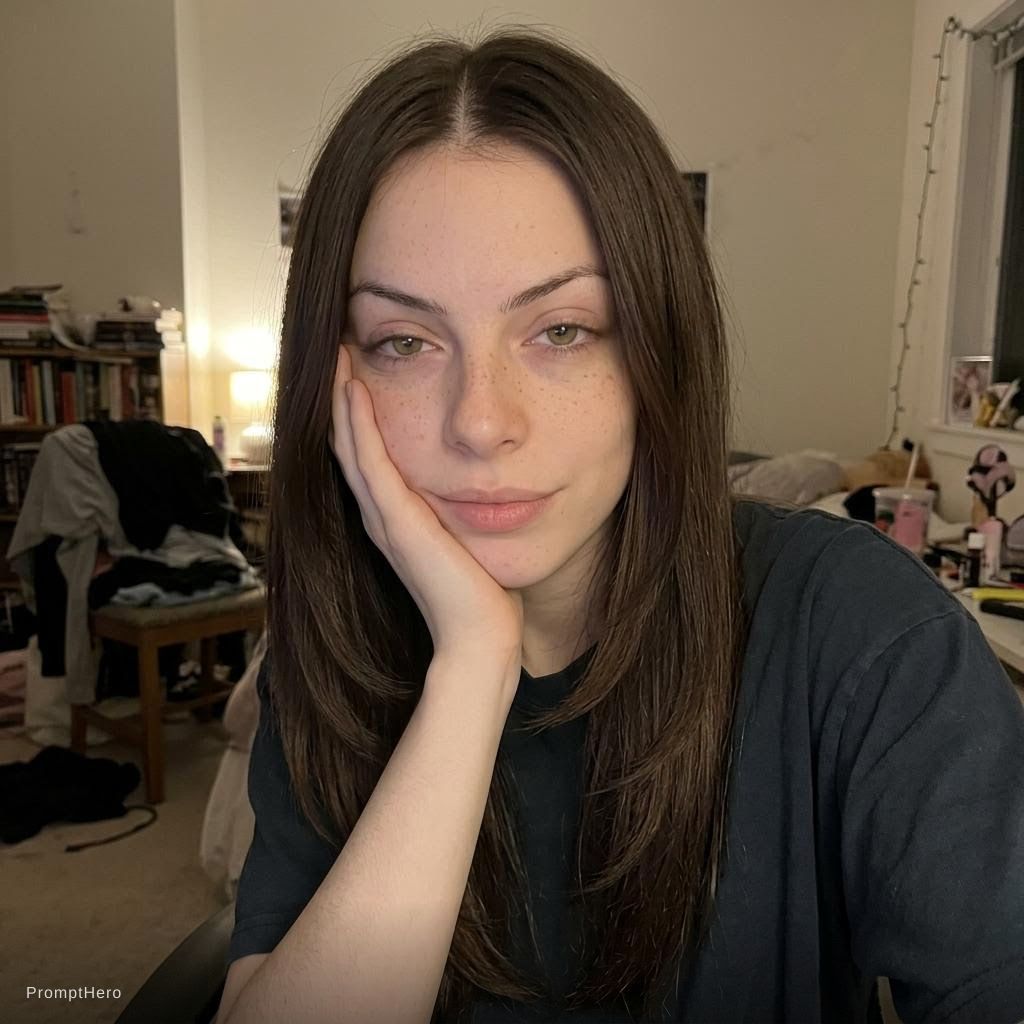
Hero prompt: 
Take the face and natural body proportions from t... Non specificato 1.0

Run questo prompt con il API

La richiesta seguente invia questo prompt, con i valori predefiniti compilati, al primo modello su cui viene eseguito. Scambia il nome del modello con qualsiasi altro modello elencato sopra.

Documentazione API prompt
/api/v1/gpt_image_2/text_to_image
curl -X POST https://runapi.ai/api/v1/gpt_image_2/text_to_image \
  -H "Authorization: Bearer $RUNAPI_API_KEY" \
  -H "Content-Type: application/json" \
  --data-binary @- <<'JSON'
{
  "model": "gpt-image-2",
  "prompt": "Using the provided reference image as the source cat and app context, transform the camera recognition screen into a completed pet-profile result screen for a mini app. Replace the live camera view with a clean card-style analysis page: show a cute sticker-like cartoon illustration of the same black-and-white cat sitting with its tail raised on a white preview area, with a small button labeled “点击看原图” and a magnifying-glass icon. Keep the mobile screenshot aspect ratio and iOS-style top chrome, but change the page title to 汪汪.\n\nLayout: Create one large rounded rectangular result card on a bright green patterned background. Under the illustration, add a profile section with exactly these visible data elements: 1) name row with a dog emoji and 汪汪, plus a green badge labeled “幸运”; 2) quote text 尾巴有自己的想法; 3) two small info boxes labeled “体型 大只” and “亲近度 观望”; 4) a gray row labeled “遇见时间” with 2026.06.27 08:46; 5) a gray row labeled “遇见地点” with 30.516455620659723, 114.34392523871527; 6) two pill tags labeled “小狗” and “机灵的”; 7) confidence text “识别置信 52%”.\n\nBottom actions: Add two bottom buttons below the card: a large yellow rounded button with an image icon and text “生成分享海报”, and a smaller black rounded square share button with a share-network icon.\n\nStyle: playful polished Chinese mini-program UI, thick black outlines, rounded cards, soft shadows, yellow accent color, clean vector-like illustration. Do not keep the original camera scanning brackets, zoom controls, shutter button, or live street background."
}
JSON

Prova a prompt