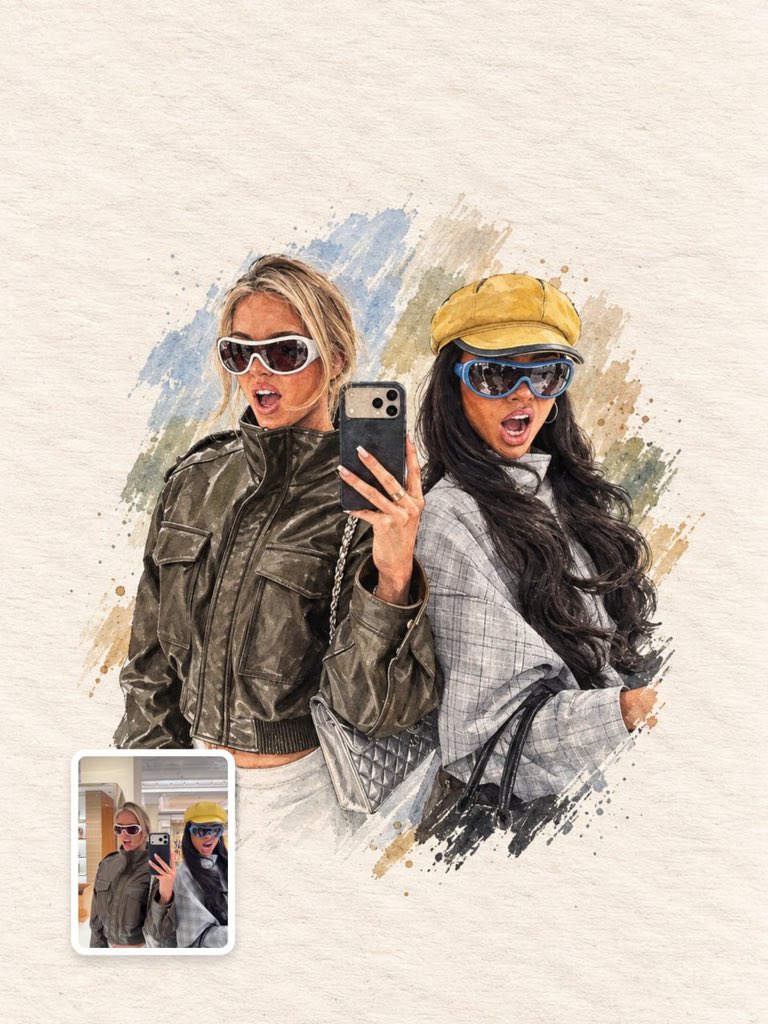
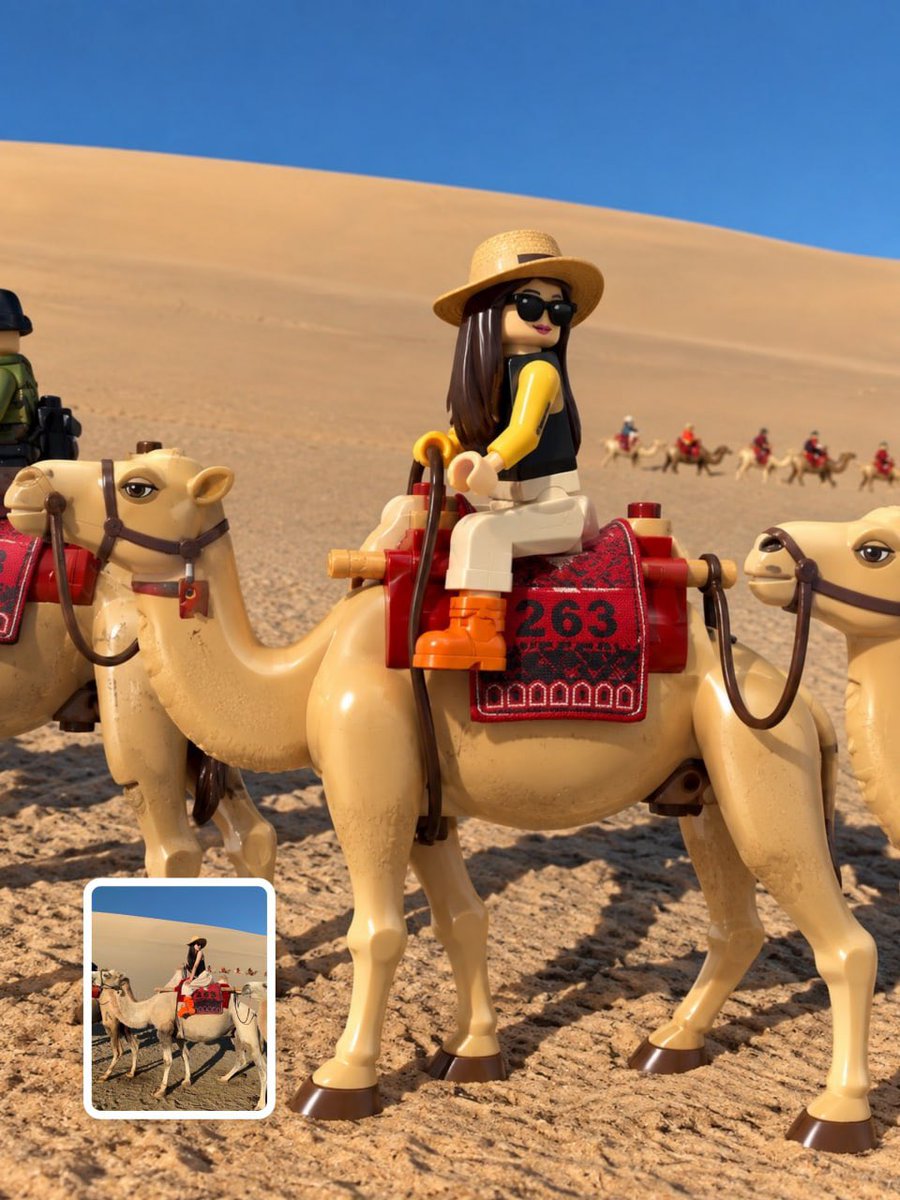
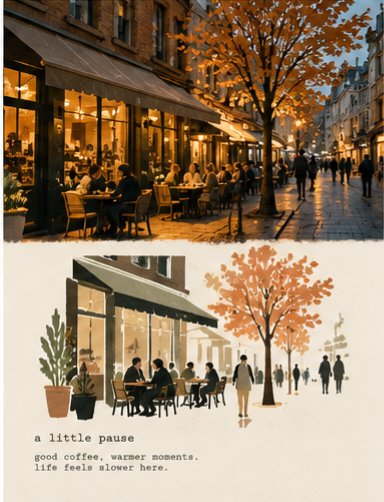
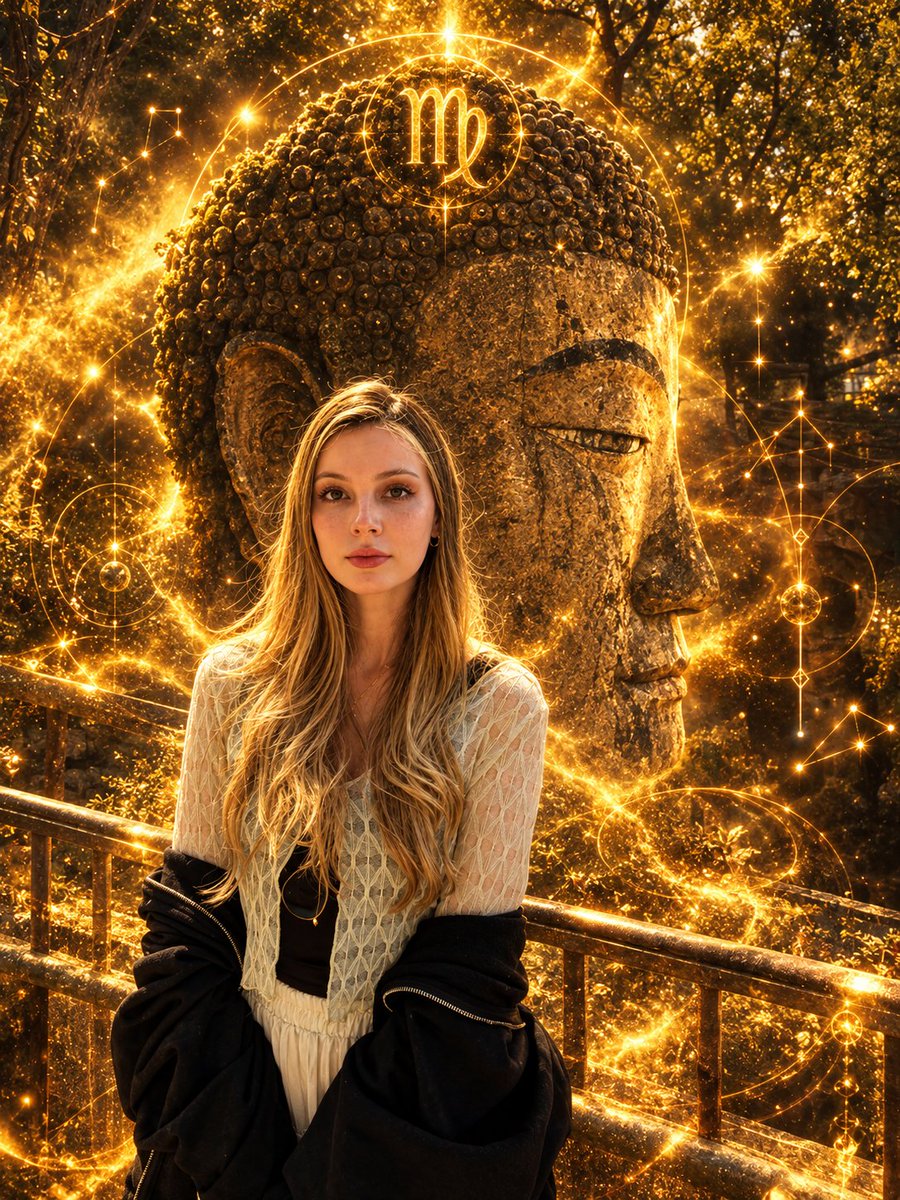
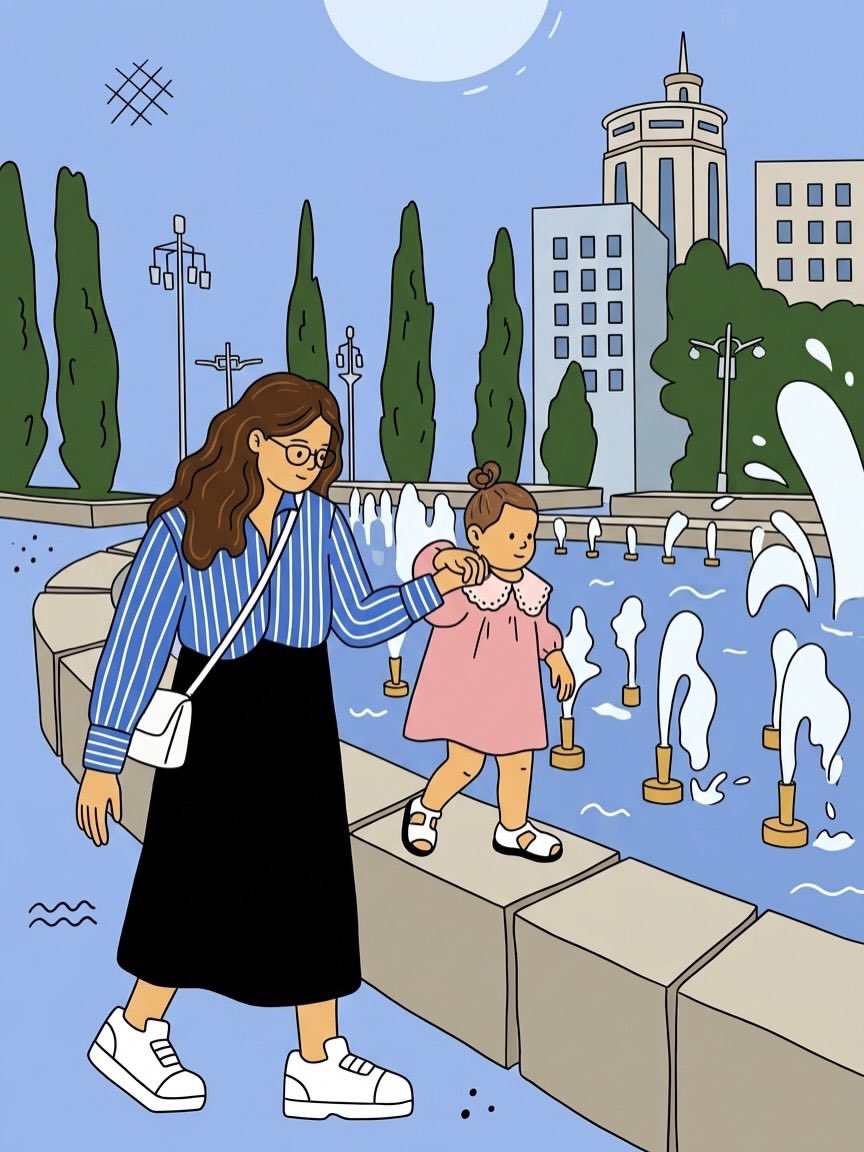
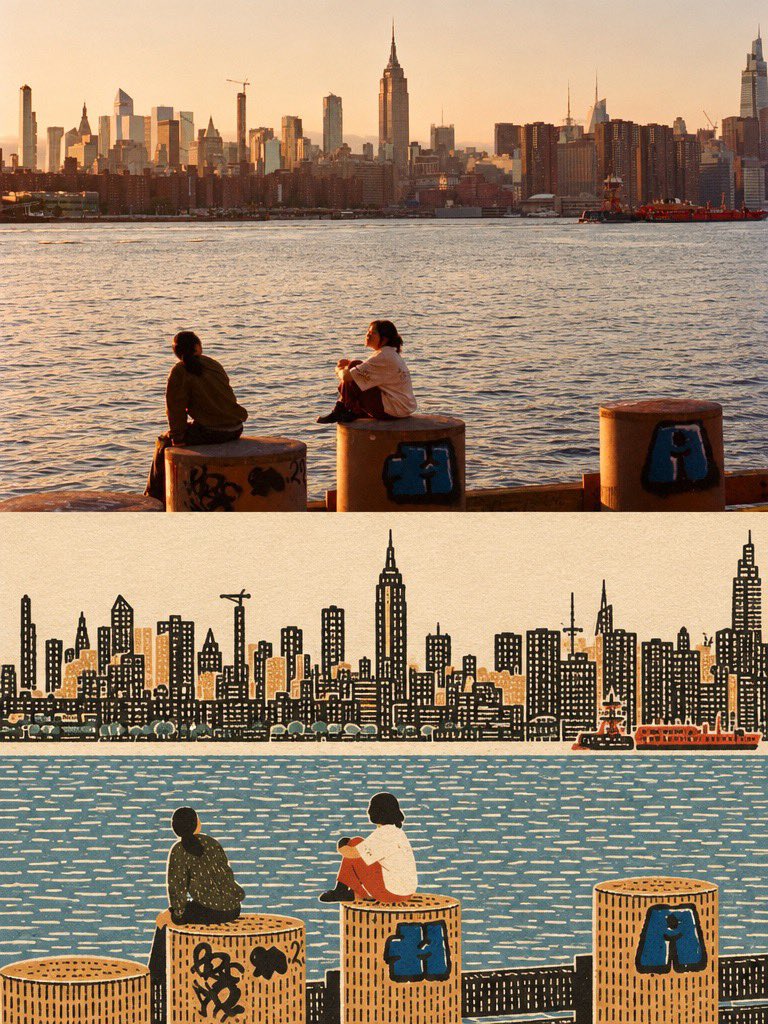
Retro 16-Bit Pixel Art Transformation
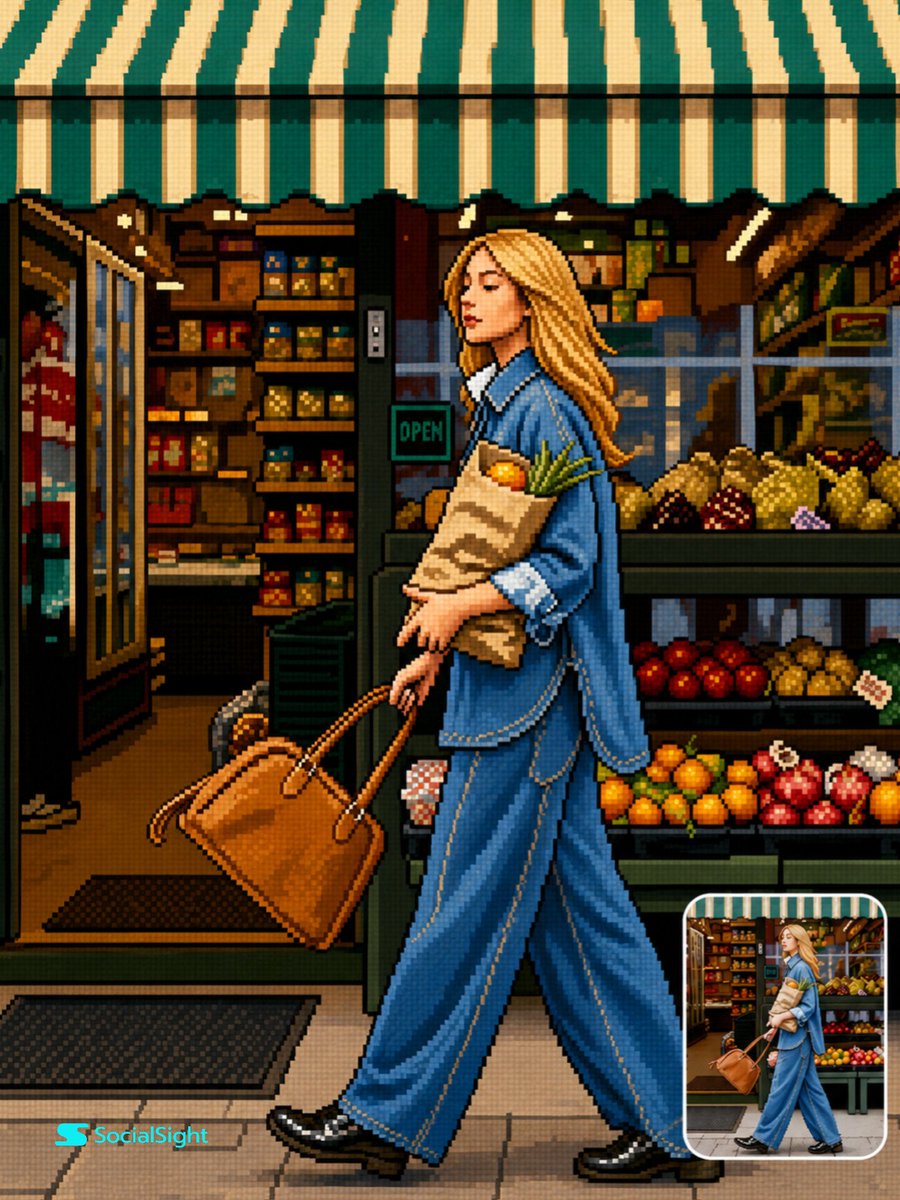
Retro 16-Bit Pixel Art Transformation

prompt

Transform the uploaded image into clean high-quality retro pixel art while preserving the original composition, subject placement, camera angle, proportions, pose, clothing, and overall scene structure. FORMAT LOCK — NON-NEGOTIABLE Preserve the original image aspect ratio. Preserve the original composition and framing. Do not crop, zoom, reposition, or redesign the scene. Maintain the original visual hierarchy and subject placement. SUBJECT PRESERVATION Preserve the main subject, recognizable silhouette, facial direction, clothing structure, pose, body proportions, and key visual features. Reduce unnecessary detail while keeping the subject immediately recognizable. Do not alter the person, anatomy, outfit, or scene structure. PIXEL ART STYLE Convert the entire image into premium 16-bit retro pixel art. Use a strict low-resolution pixel grid across the entire image. Downsample the image into large visible pixels before rendering. Maintain consistent pixel size throughout the artwork. Create clean pixel-perfect geometry. Use crisp hard edges. Avoid semi-realistic rendering. COLOR SYSTEM Use a limited retro gaming color palette. Strong contrast between shapes. Clear color separation. Carefully selected colors with excellent readability. Avoid excessive color variation. SHADING Use simplified retro-game shading. Flat color regions. One to two shading tones per surface. Minimal highlight usage. No realistic gradients. No soft lighting transitions. ENVIRONMENT Convert all environmental elements into pixel-art equivalents. Background objects, props, architecture, vegetation, terrain, sky, and lighting should follow the same pixel-art language. Keep scene depth and perspective while simplifying details. VISUAL QUALITY Authentic retro game aesthetic. Clean sprite-art readability. Consistent pixel density. Balanced visual design. No blur. No anti-aliasing. No smooth transitions. No noise. No artifacts. No smudging. No compression issues. OUTPUT STYLE Premium retro pixel art. Classic 16-bit console game aesthetic. Pixel-perfect rendering. High readability. Clean silhouette design. Authentic game-screenshot appearance. Crisp retro visuals. Professional pixel-art craftsmanship. FINAL LOOK The final image should feel like a polished SNES-era retro game screenshot while remaining faithful to the original image composition and subject.

Fonctionne avec 21 modèles

  • Flux
  • Flux 2
  • Flux Kontext
  • GPT-4o Image
  • GPT Image
  • GPT Image 2
  • GPT Image 2.5
  • GPT Image 2.6
  • Grok Imagine
  • Ideogram V3
  • Imagen 4
  • Kling
  • +9 Plus

Résultats de ce prompt

Hunyuan  prompt: dog pose Non précisé hunyuan-3
Wireless Doorbell Camera Instructions Prompt Non précisé gpt-image-2
Hunyuan  prompt: wine Non précisé hunyuan-3
Hunyuan  prompt: can beer Non précisé hunyuan-3
Hunyuan  prompt: ربات Non précisé hunyuan-3
Hero prompt: recreate image 1 (close up indoor portrait of a wo... Non précisé 1.0

Run ce prompt avec le API

le request below sends ce prompt, avec its default values filled in, to le first modèle it runs on. Swap le modèle name pour any other modèle listed above.

Documentation de l’API prompt
/api/v1/gpt_image_2/text_to_image
curl -X POST https://runapi.ai/api/v1/gpt_image_2/text_to_image \
  -H "Authorization: Bearer $RUNAPI_API_KEY" \
  -H "Content-Type: application/json" \
  --data-binary @- <<'JSON'
{
  "model": "gpt-image-2",
  "prompt": "Transform the uploaded image into clean high-quality retro pixel art while preserving the original composition, subject placement, camera angle, proportions, pose, clothing, and overall scene structure.\n\nFORMAT LOCK — NON-NEGOTIABLE\n\nPreserve the original image aspect ratio.\n\nPreserve the original composition and framing.\n\nDo not crop, zoom, reposition, or redesign the scene.\n\nMaintain the original visual hierarchy and subject placement.\n\nSUBJECT PRESERVATION\n\nPreserve the main subject, recognizable silhouette, facial direction, clothing structure, pose, body proportions, and key visual features.\n\nReduce unnecessary detail while keeping the subject immediately recognizable.\n\nDo not alter the person, anatomy, outfit, or scene structure.\n\nPIXEL ART STYLE\n\nConvert the entire image into premium 16-bit retro pixel art.\n\nUse a strict low-resolution pixel grid across the entire image.\n\nDownsample the image into large visible pixels before rendering.\n\nMaintain consistent pixel size throughout the artwork.\n\nCreate clean pixel-perfect geometry.\n\nUse crisp hard edges.\n\nAvoid semi-realistic rendering.\n\nCOLOR SYSTEM\n\nUse a limited retro gaming color palette.\n\nStrong contrast between shapes.\n\nClear color separation.\n\nCarefully selected colors with excellent readability.\n\nAvoid excessive color variation.\n\nSHADING\n\nUse simplified retro-game shading.\n\nFlat color regions.\n\nOne to two shading tones per surface.\n\nMinimal highlight usage.\n\nNo realistic gradients.\n\nNo soft lighting transitions.\n\nENVIRONMENT\n\nConvert all environmental elements into pixel-art equivalents.\n\nBackground objects, props, architecture, vegetation, terrain, sky, and lighting should follow the same pixel-art language.\n\nKeep scene depth and perspective while simplifying details.\n\nVISUAL QUALITY\n\nAuthentic retro game aesthetic.\n\nClean sprite-art readability.\n\nConsistent pixel density.\n\nBalanced visual design.\n\nNo blur.\n\nNo anti-aliasing.\n\nNo smooth transitions.\n\nNo noise.\n\nNo artifacts.\n\nNo smudging.\n\nNo compression issues.\n\nOUTPUT STYLE\n\nPremium retro pixel art.\n\nClassic 16-bit console game aesthetic.\n\nPixel-perfect rendering.\n\nHigh readability.\n\nClean silhouette design.\n\nAuthentic game-screenshot appearance.\n\nCrisp retro visuals.\n\nProfessional pixel-art craftsmanship.\n\nFINAL LOOK\n\nThe final image should feel like a polished SNES-era retro game screenshot while remaining faithful to the original image composition and subject."
}
JSON

Essayer a prompt