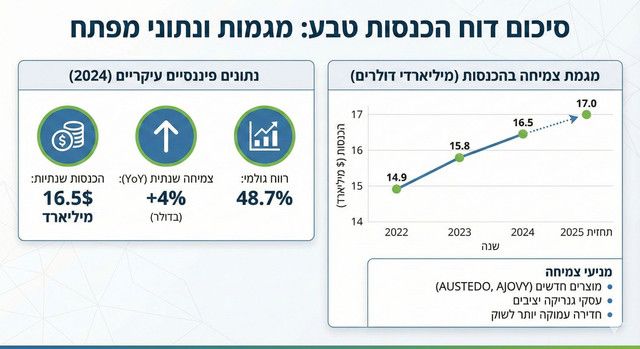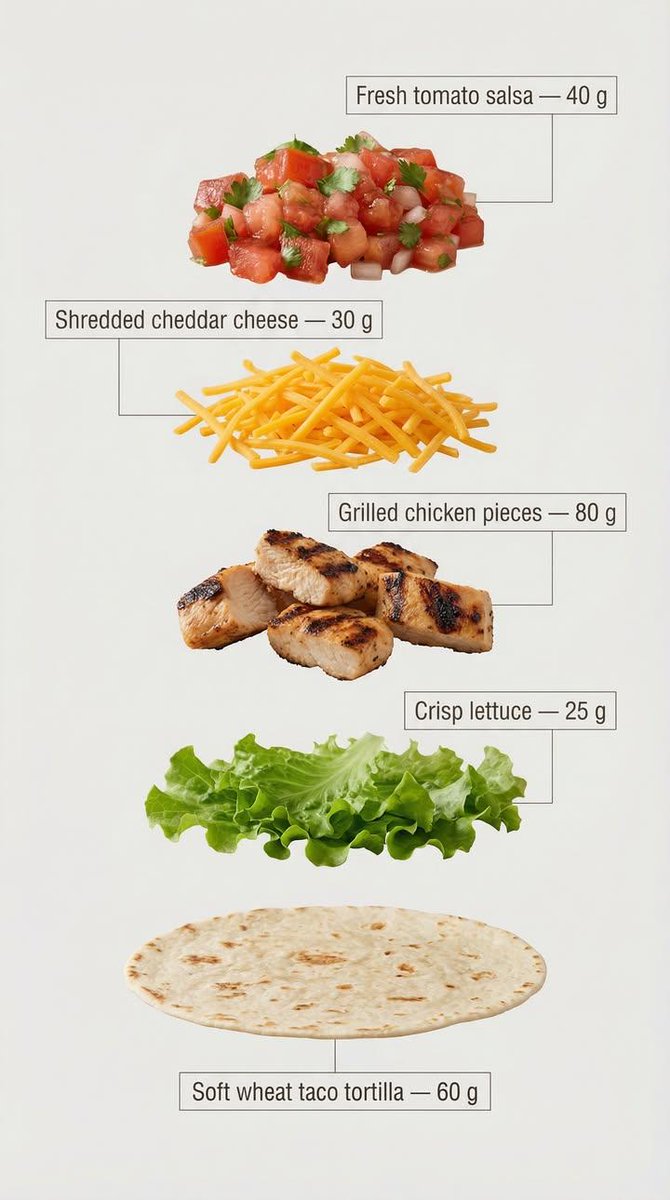
Invites AI Infographies
1,077 prompts, chaque affiché avec le image it produit. Copier un as written, or run it on GPT image, Nano Banana, Seedream et other modèles avec le same API call.
Runs on 36 image modèles through un API key
curl -G https://runapi.ai/api/v1/prompts \
  -d modality=image -d category=infographic-edu-visual \
-H "Authorization: Bearer $RUNAPI_API_KEY"Exemples d'invites Infographies
1,077 invite 13 octobre 2026 mis à jour
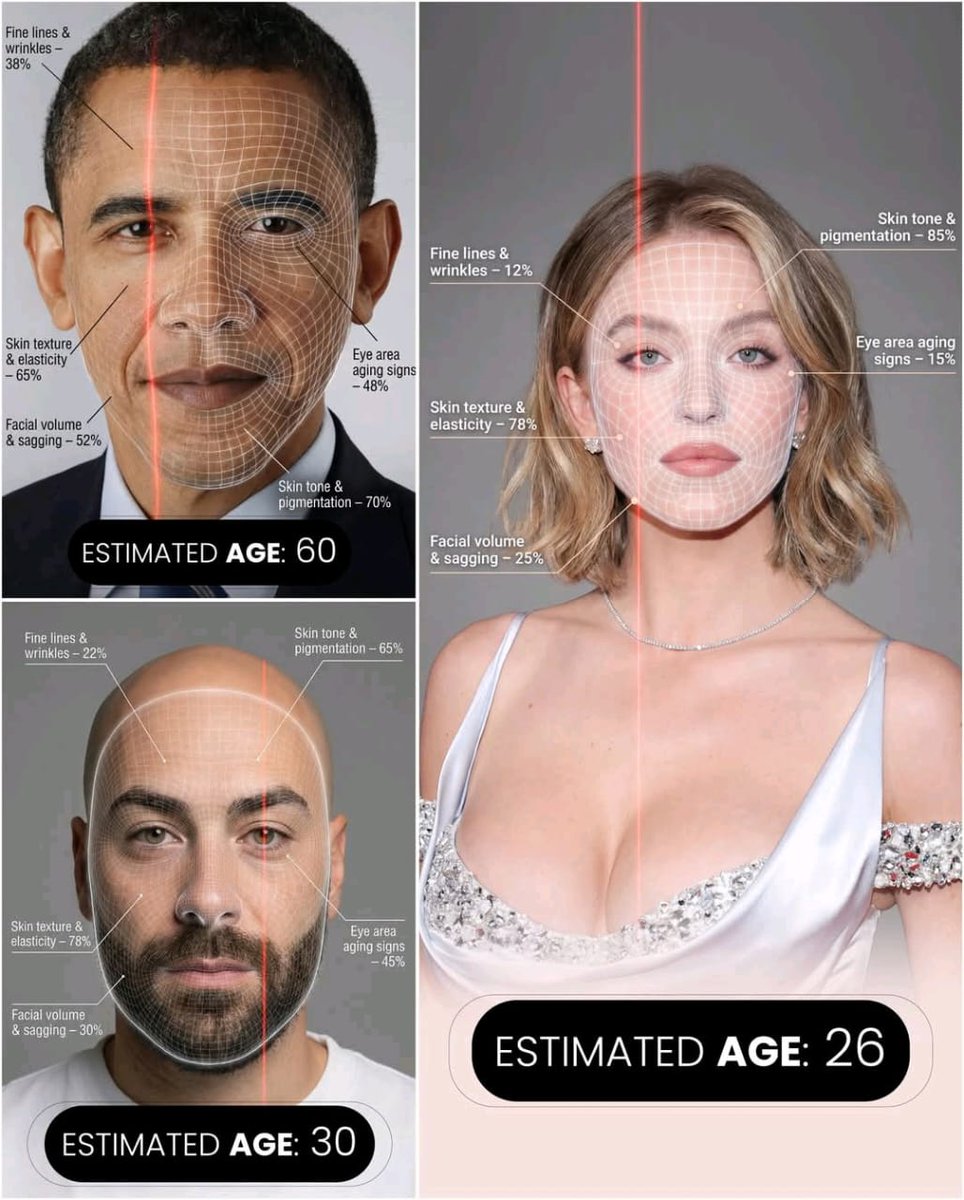
Futuristic AI Age Checker Infographic Portrait
nano-banana-pro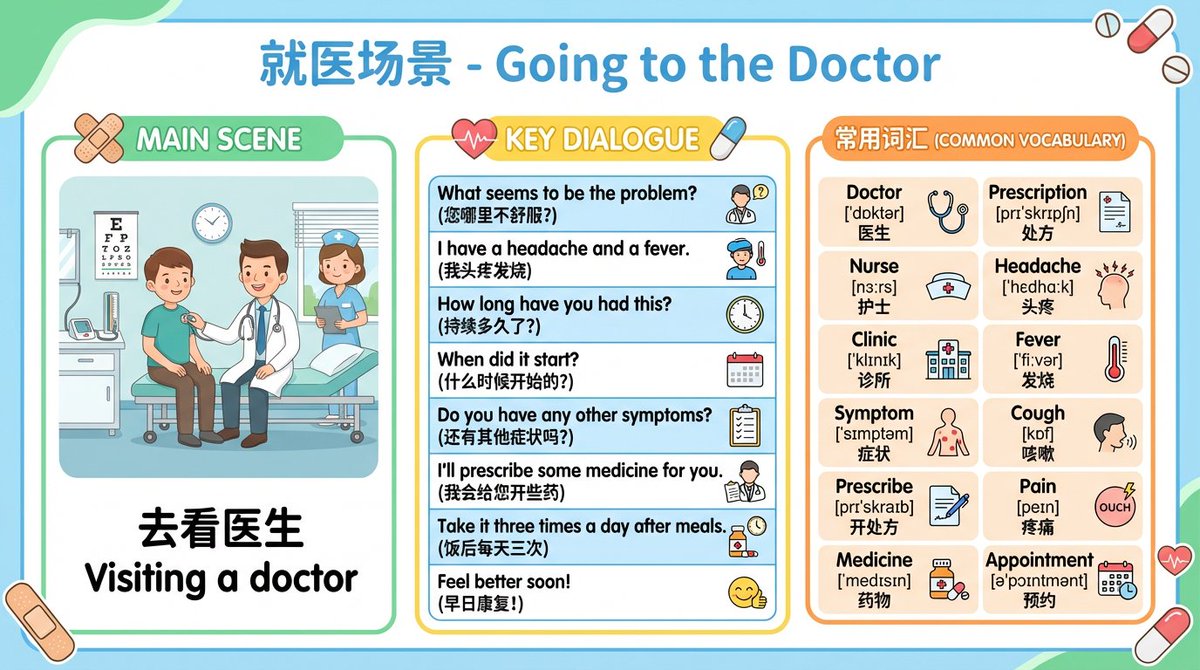
Batch study card generation prompts (physics, English, poetry)
nano-banana-pro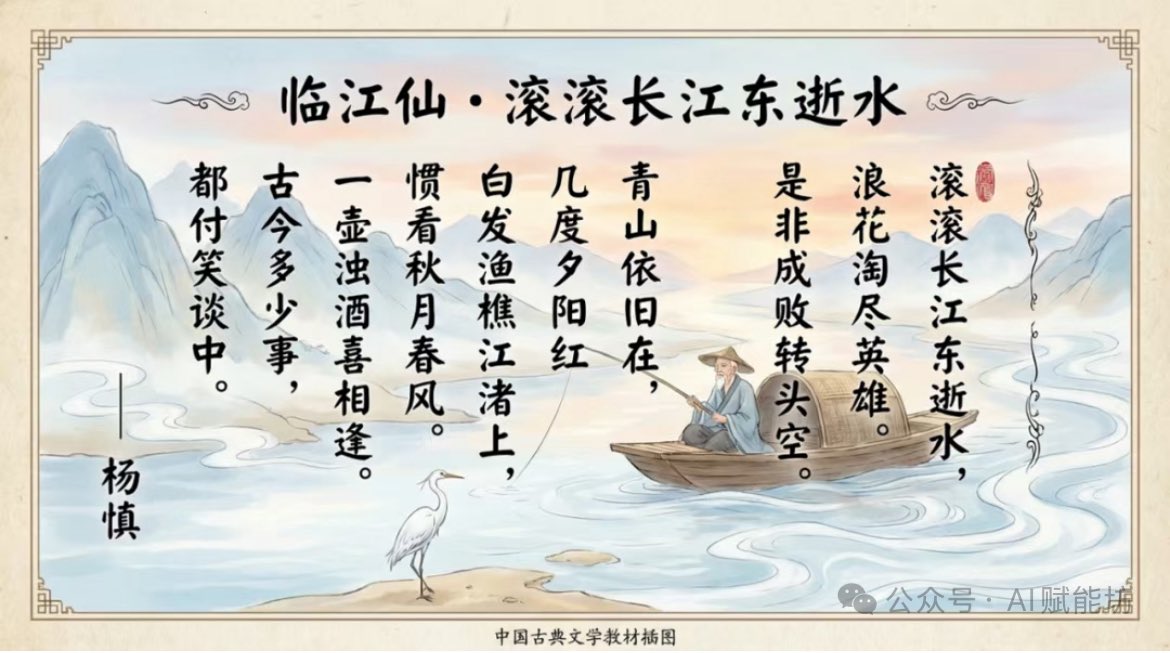
Textbook-style illustration for the poem “Linjiangxian”
nano-banana-pro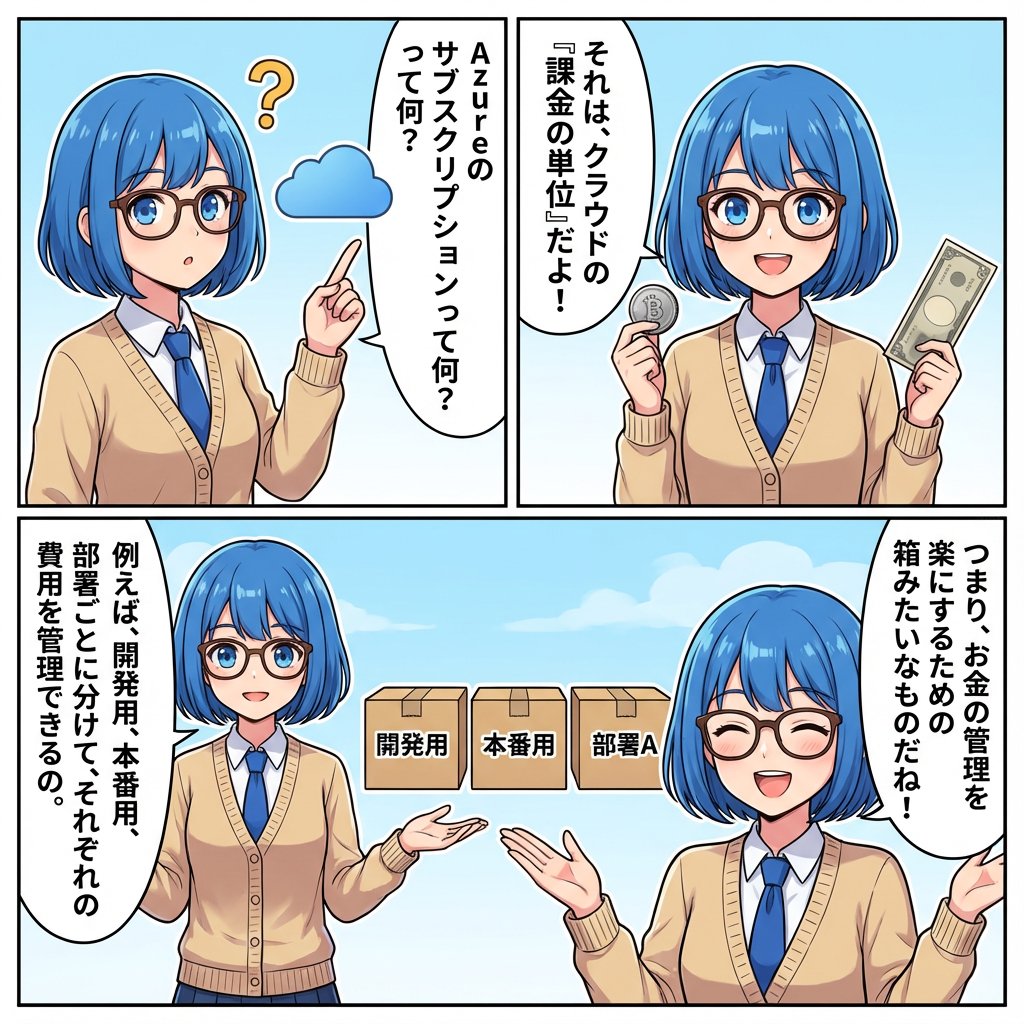
IT Education Manga Generation Prompt
nano-banana-pro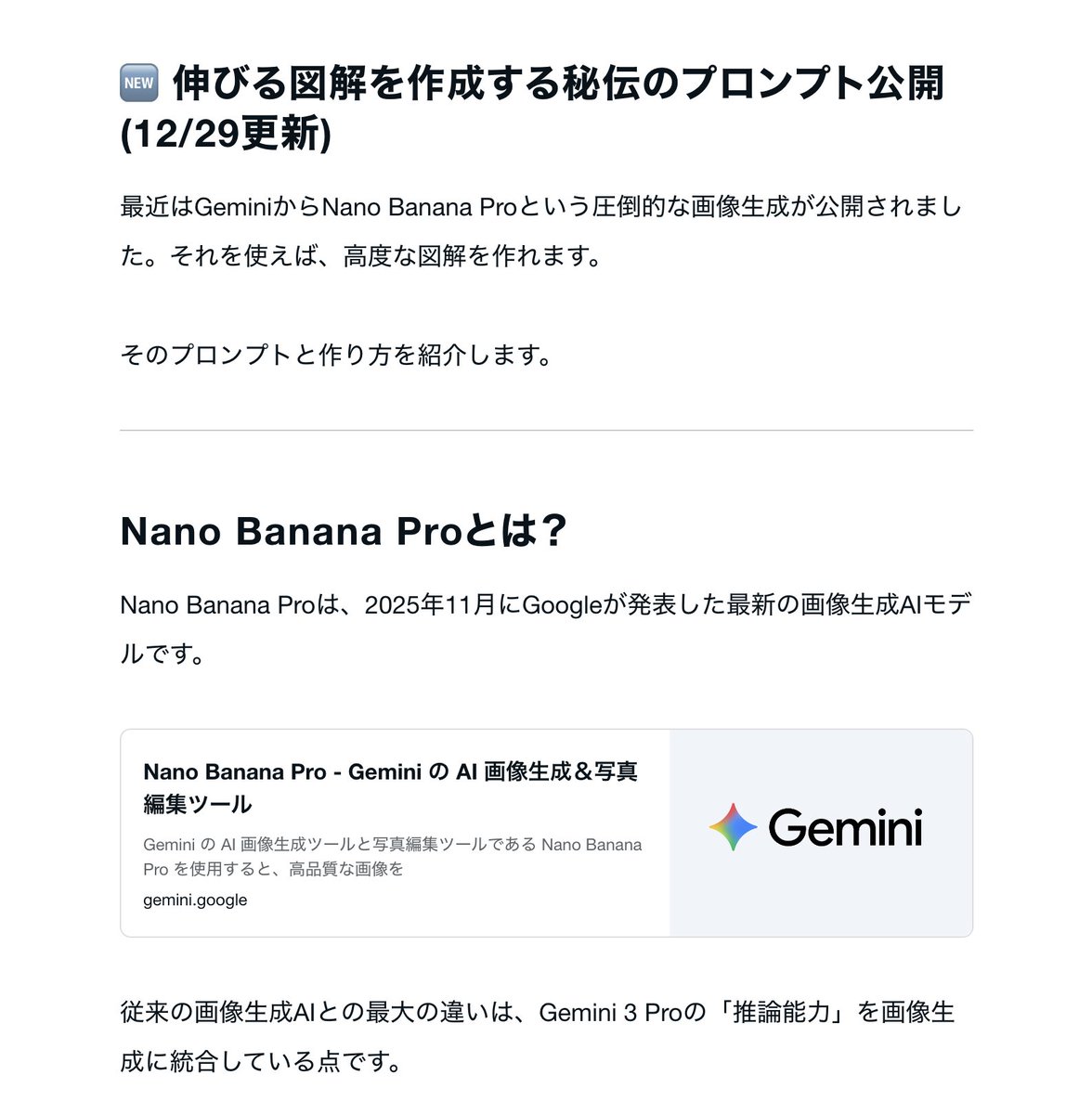
Nano Banana Pro Prompt for Generating 'Viral Diagrams'
nano-banana-pro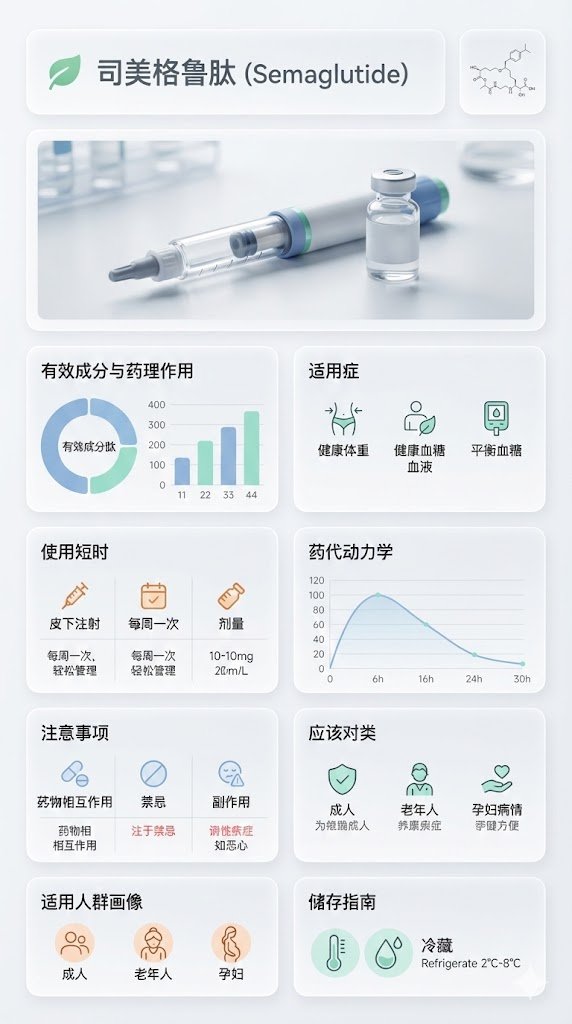
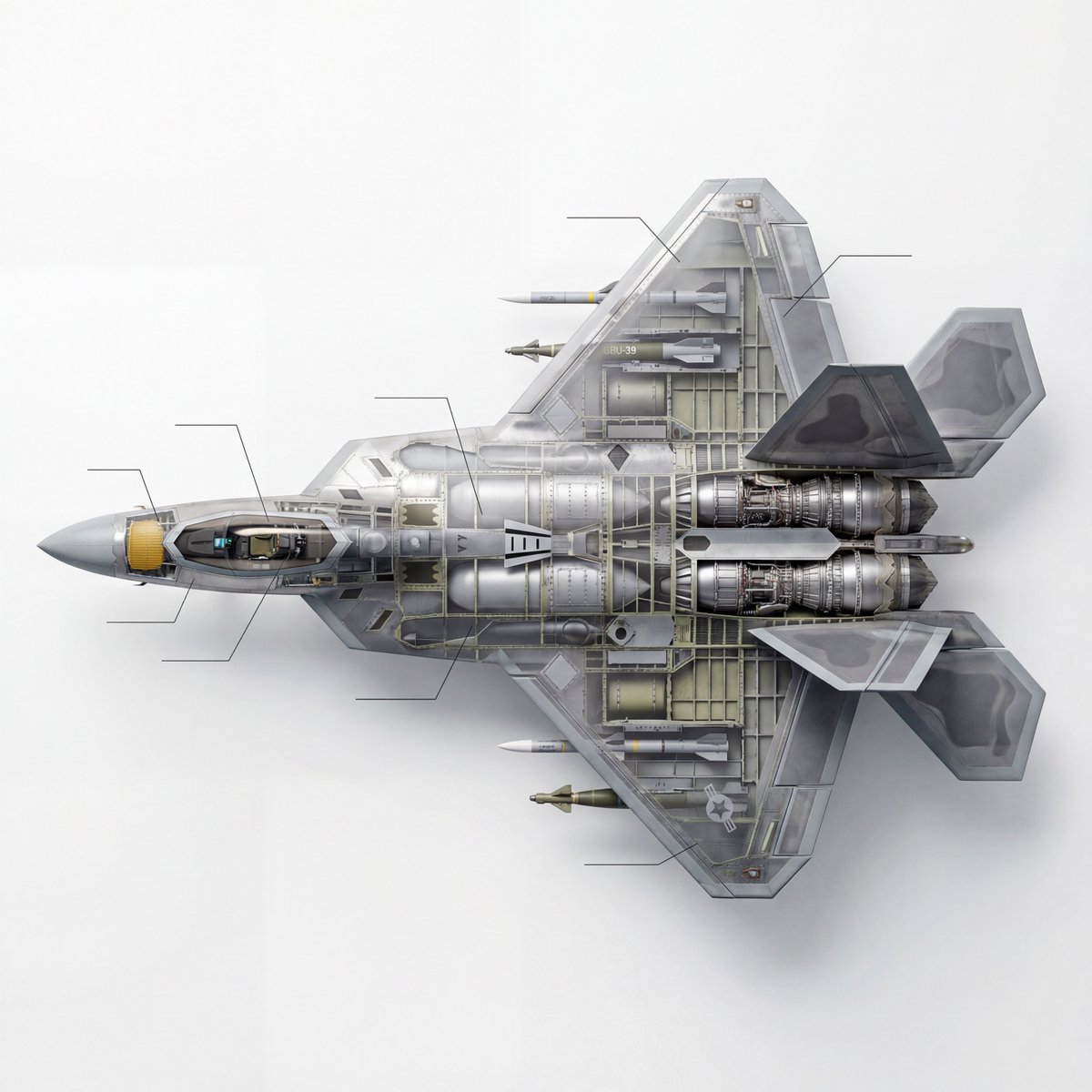
Cutaway infographic of a 5th generation stealth fighter jet
nano-banana-pro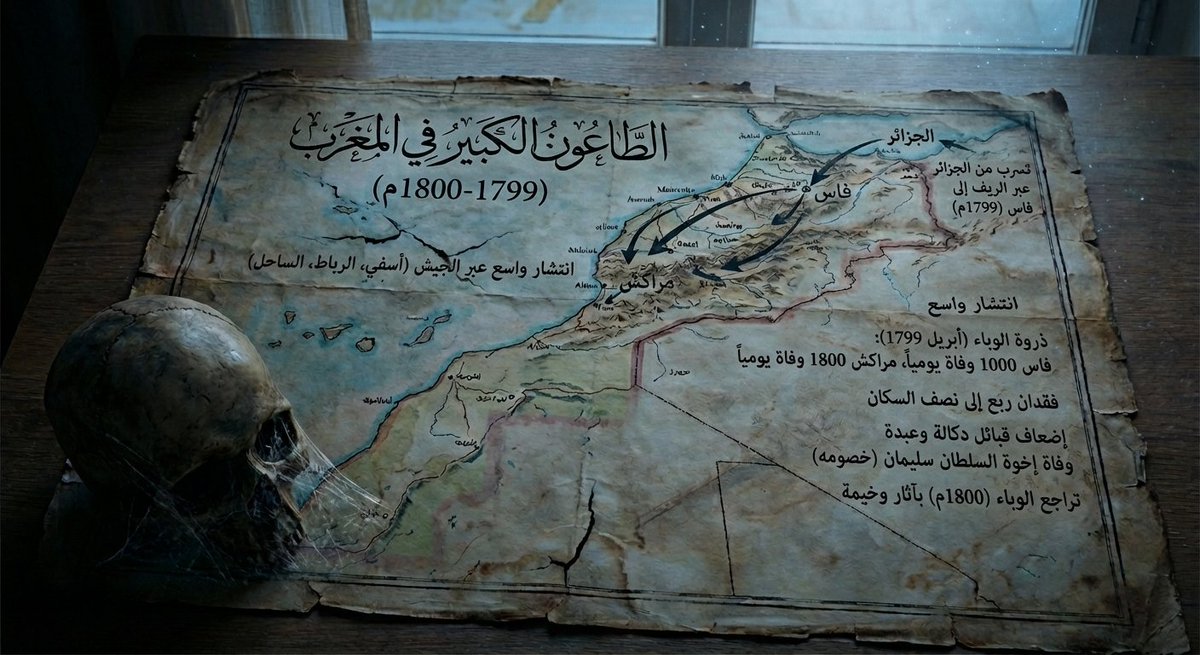
Map of Morocco in 1799–1800 with plague spread
nano-banana-pro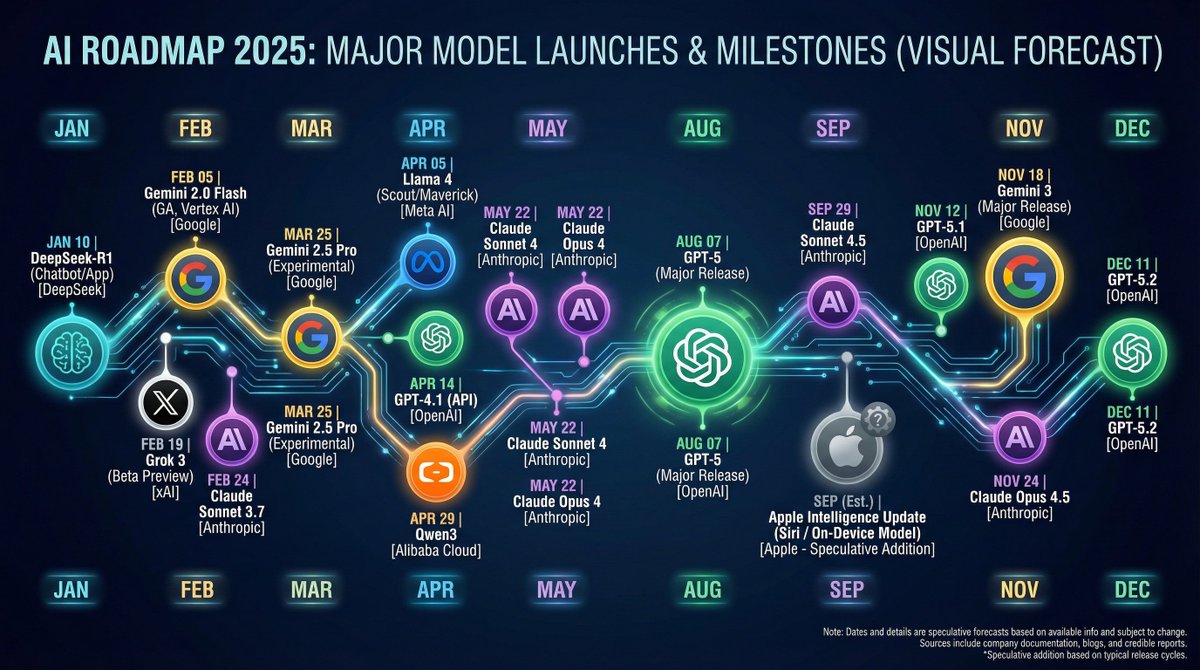
Nano Banana Chronology Request (Non-Executable)
nano-banana-pro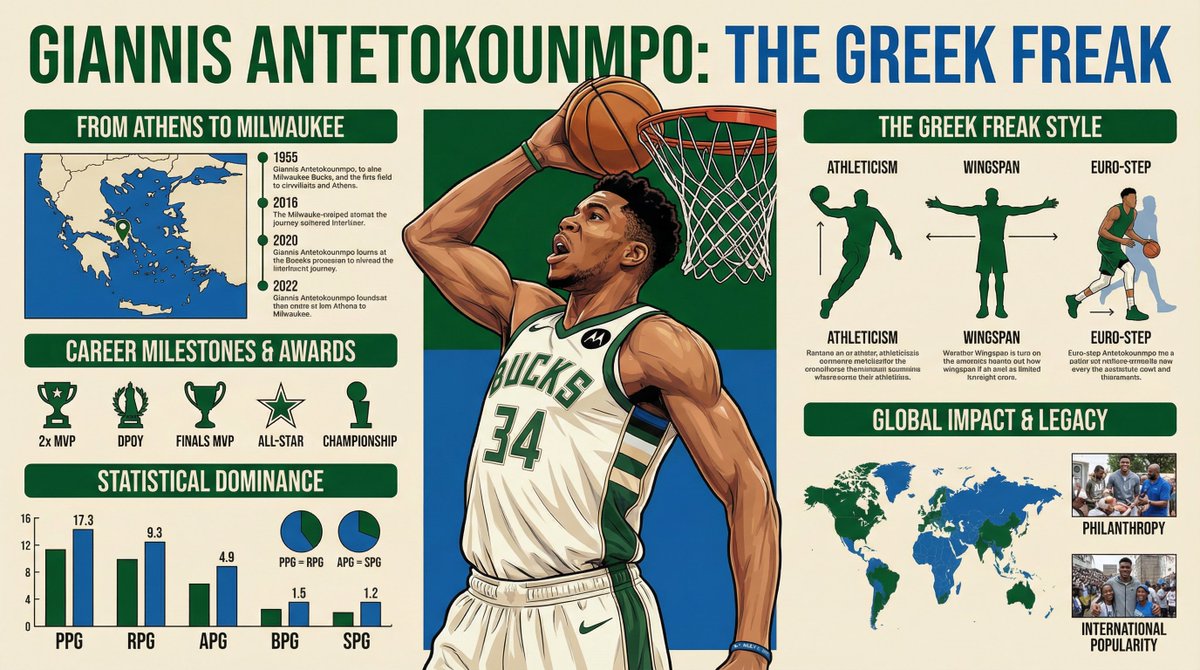
Infographic Generation Request
nano-banana-pro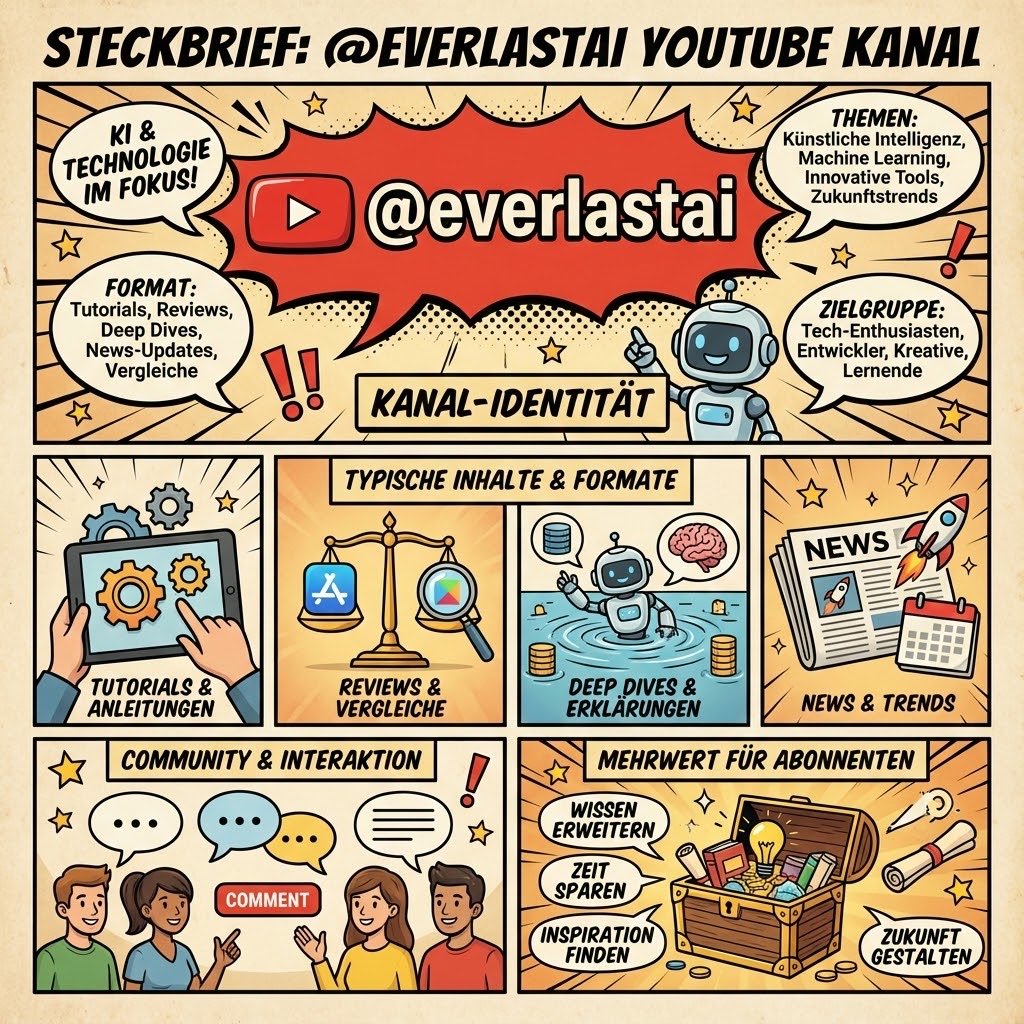
YouTube channel infographic design
nano-banana-pro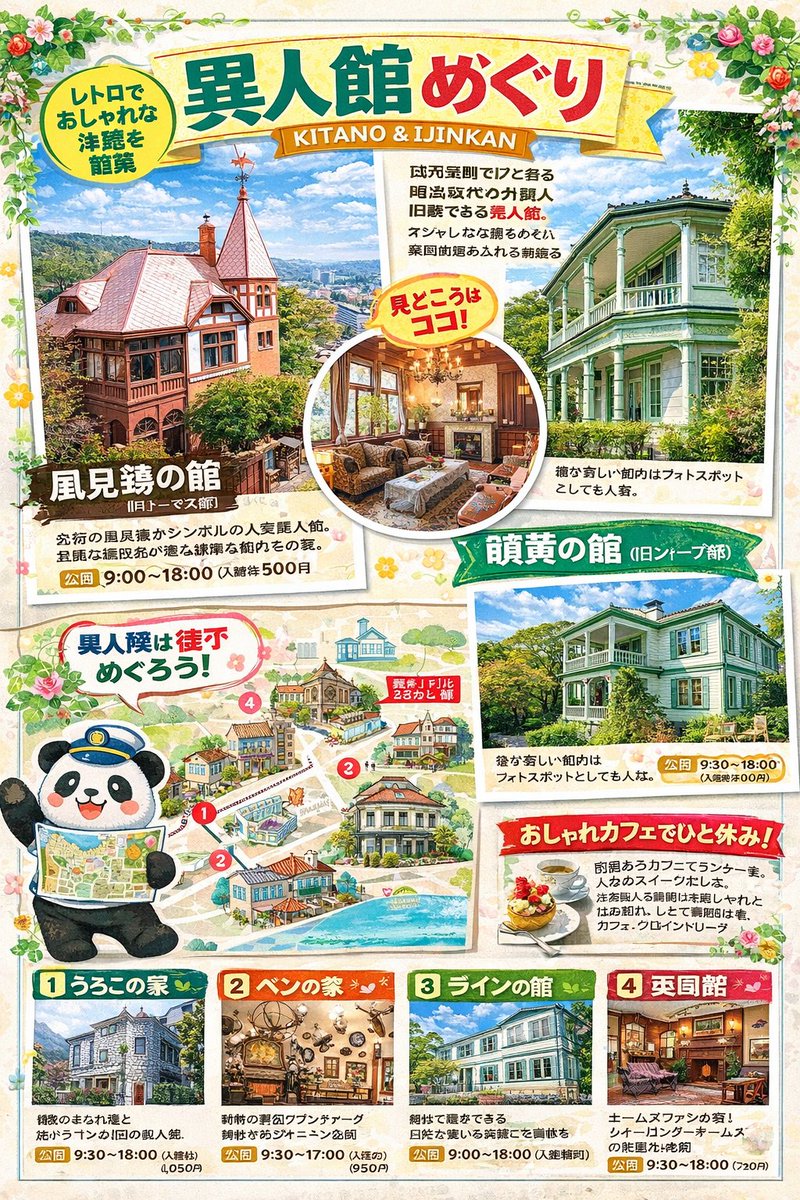
Magazine Page Generation for Travel Guide
nano-banana-proNano Banana Pro Diagram Generation Prompts (15 Templates)
01. Create a clean presentation-style overview diagram that shows the entire structure at a glance with labeled sections. 02. Create a dynamic flow diagram with arrows that visually guide the viewer from start to finish. 03. Create a bold side-by-side comparison slide with clear visual separation and minimal text. 04. Create a before-and-after presentation slide with strong visual contrast and clear labels. 05. Create a three-step breakdown slide that visually explains the process in simple stages. 06. Create a pyramid-style diagram that visually shows hierarchy from bottom to top. 07. Create a diagram that shows the big picture with a highlighted zoom-in detail section. 08. Create a clean timeline slide showing progression from past to future. 09. Create a presentation diagram that highlights the most important points using visual emphasis. 10. Create a four-quadrant presentation slide that organizes information into clear sections. 11. Create a roadmap-style slide showing a clear path from start to goal. 12. Create a layered diagram that visually stacks concepts in an easy-to-understand way. 13. Create a relationship diagram showing how key elements connect to each other. 14. Create a presentation slide that emphasizes key numbers with bold visual design. 15. Create a final summary slide that cleanly wraps up all key points in one visual.
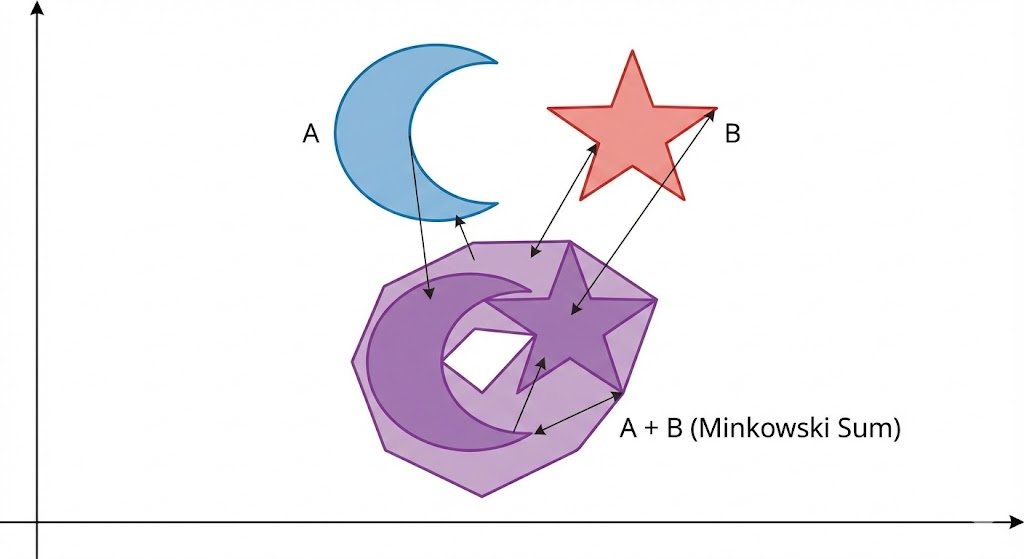
Minkowski sum of two non-convex sets
nano-banana-pro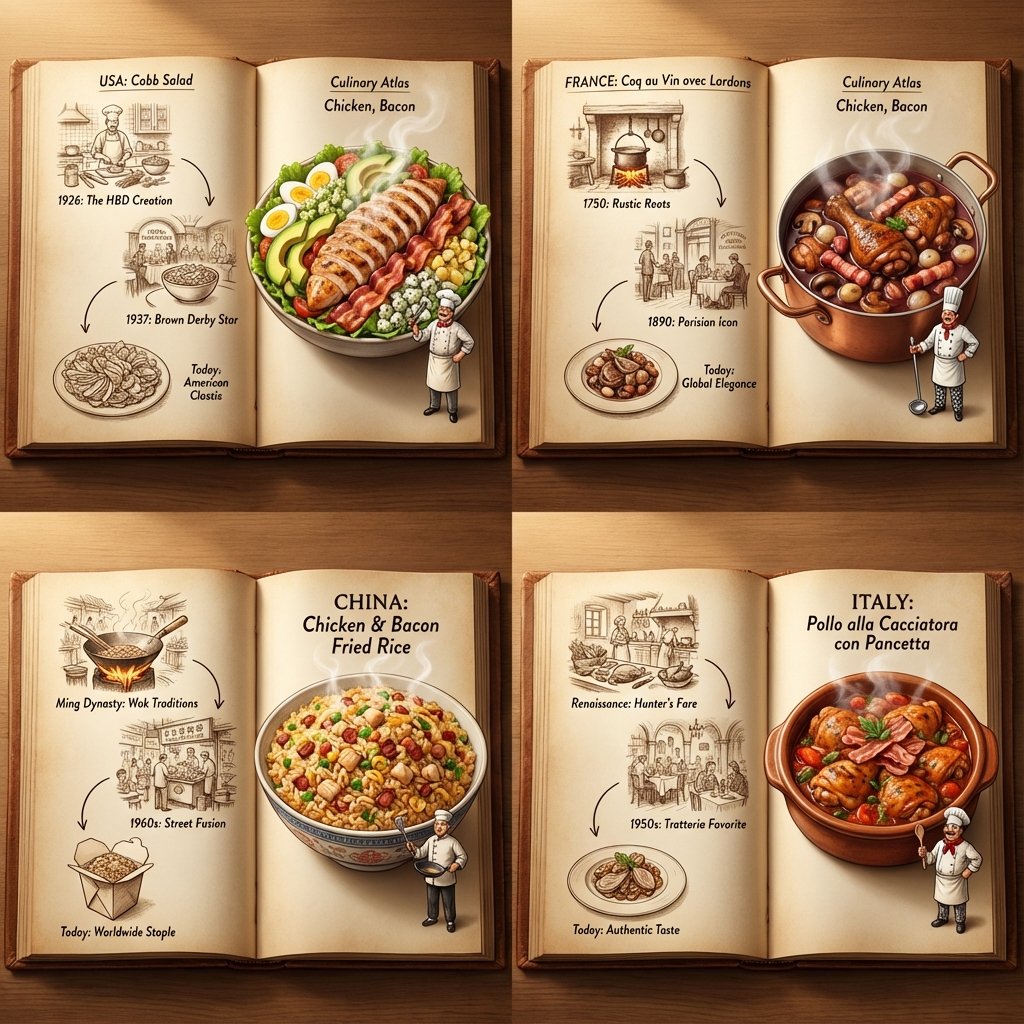
Culinary Atlas Grid: 3D Pop-up Recipe Dioramas
nano-banana-pro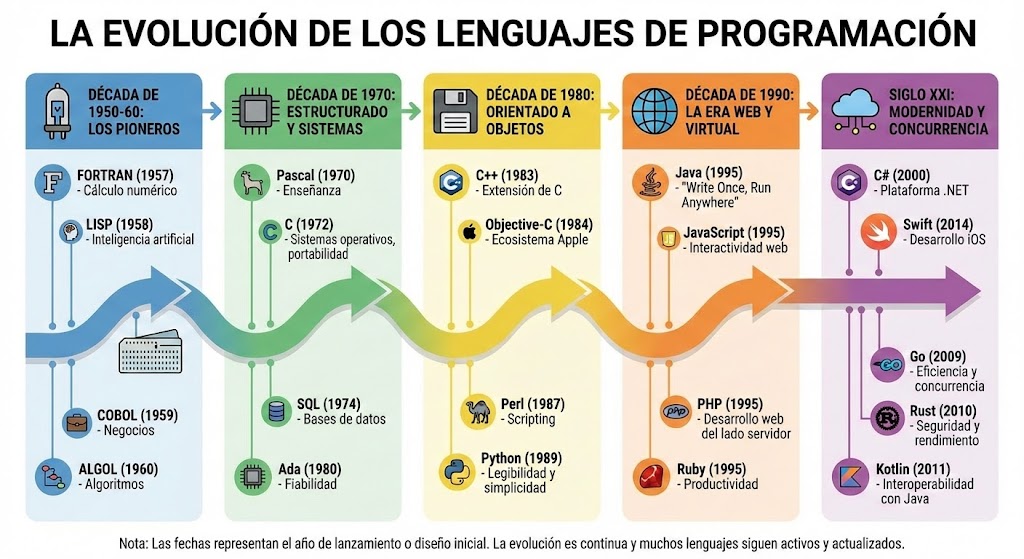
Infographic of programming language evolution
nano-banana-proVisualize conceptual difficulty: from chicken to chicken vs. panda to chicken
「ニワトリ直前から、ニワトリになるのは簡単」 「パンダやマムシからニワトリになるのは超むずい」 を視覚的にわかりやす~~く表現。
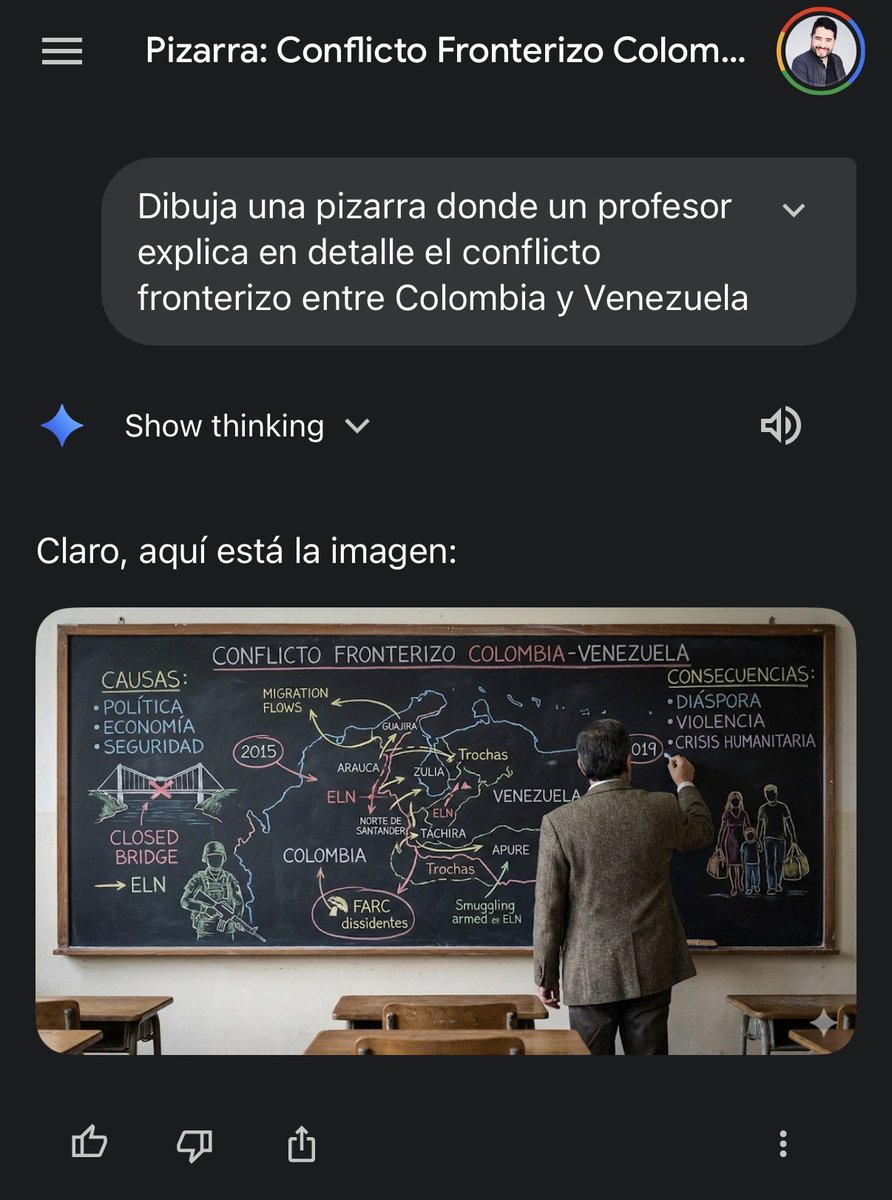
Military briefing on Caribbean tensions
nano-banana-pro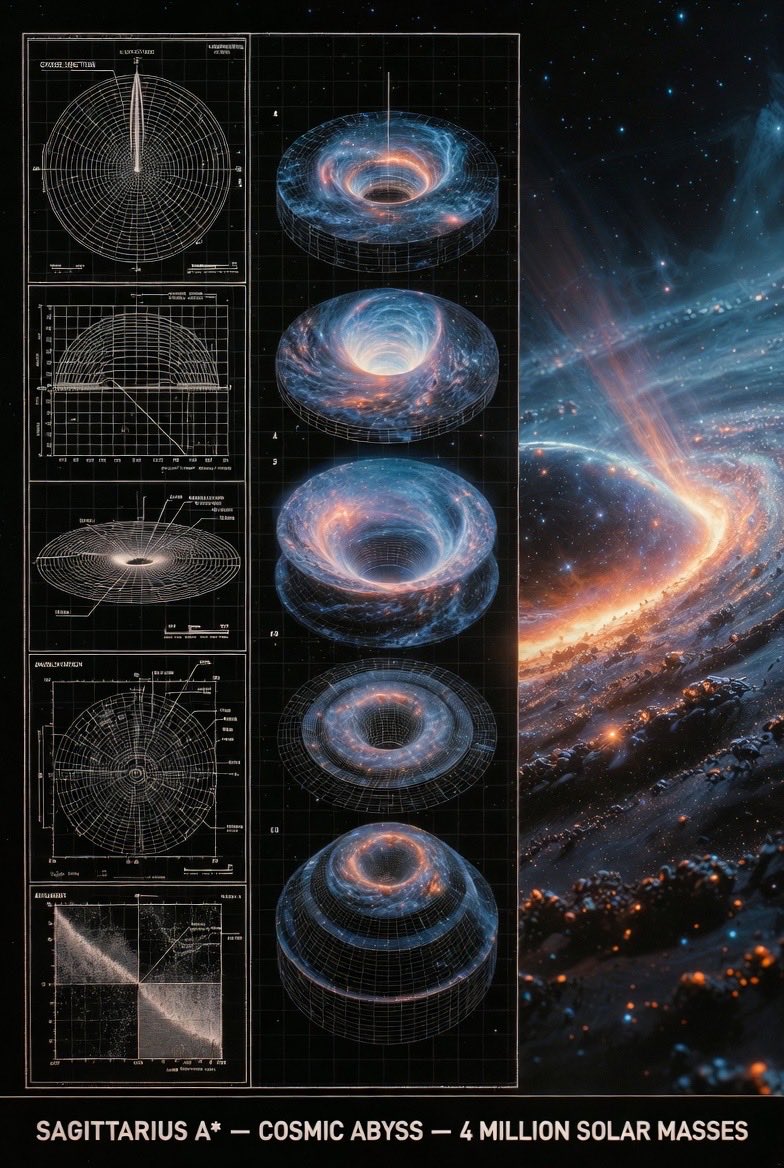
Supermassive Black Hole Museum Presentation Board
nano-banana-proChannel explainer image
このチャンネルについて説明した画像を生成してください
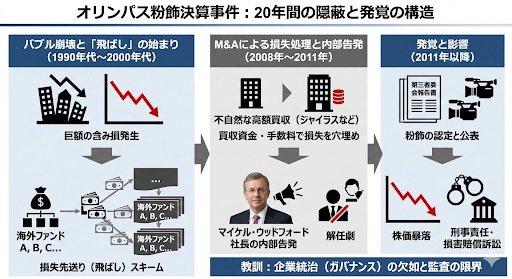
Slides explaining Olympus accounting scandal
nano-banana-pro
Presentation Slide Generation Prompt
nano-banana-pro