Dark Chat Anime Generation Screenshot
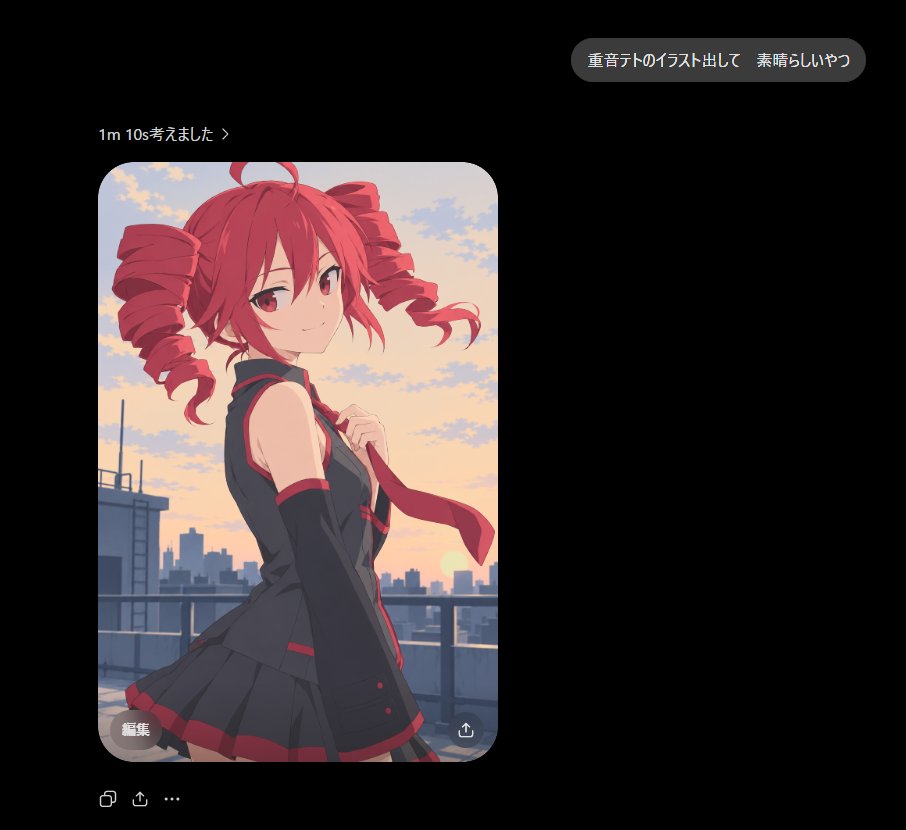
Dark Chat Anime Generation Screenshot

prompt

Goal: Create a dark-mode chat/app screenshot showing an AI image generation result for Astra, with a polished anime illustration embedded in the conversation. Canvas: Square 1:1 screenshot, approximately 920×920 px, black background, lots of negative space on the right and lower areas. Use a realistic mobile/desktop chat UI aesthetic with clean spacing and soft rounded elements. Layout: Place 3 main UI elements: 1 rounded gray user message bubble near the upper right, 1 small generation status line above the image on the left, and 1 large rounded-corner image card below it on the left. Under the image card, add 3 small action icons in a row: copy icon, share/upload icon, and ellipsis menu. Inside the image card add 2 small overlay controls: a gray rounded “edit” pill at bottom left and a circular download/share icon at bottom right. Text content: The user bubble must read exactly 「重音テトのイラスト出して 素晴らしいやつ」. The status line must read exactly 「1m 10s考えました ›」. The image overlay button must read exactly 「編集」. Keep all text crisp, white or light gray, in a modern sans-serif UI font. Image card subject: A high-quality clean anime illustration of Kasane Teto, shown from about mid-thigh up on a rooftop at sunset. She is a youthful anime girl with vivid red hair in two large drill twin-tails, red eyes, a small confident smile, and a slight over-the-shoulder pose looking at the viewer. Outfit: black sleeveless school-idol style top with red trim, matching black pleated skirt with red accents, long black arm warmers, and a red necktie being held lightly in one hand. The wind lifts her tie and hair ribbons slightly. Background inside image: Rooftop railing in the foreground, distant city skyline silhouettes, warm orange-pink sunset sky with scattered soft clouds and the sun low near the horizon. Lighting is soft and cinematic with smooth cel-shaded anime rendering, clean linework, subtle gradients, no gritty artifacts, no harsh malformed highlights, and no painterly blotches. Visual style: The surrounding chat UI should look like a real screenshot in dark mode. The anime image should have rounded corners, about 400 px wide and 600 px tall, placed around x=98 y=162, with a 28 px corner radius. Keep the UI minimal and do not add extra messages, watermarks, timestamps, or labels beyond the specified text.

Fonctionne avec 21 modèles

  • Flux
  • Flux 2
  • Flux Kontext
  • GPT-4o Image
  • GPT Image
  • GPT Image 2
  • GPT Image 2.5
  • GPT Image 2.6
  • Grok Imagine
  • Ideogram V3
  • Imagen 4
  • Kling
  • +9 Plus

Résultats de ce prompt

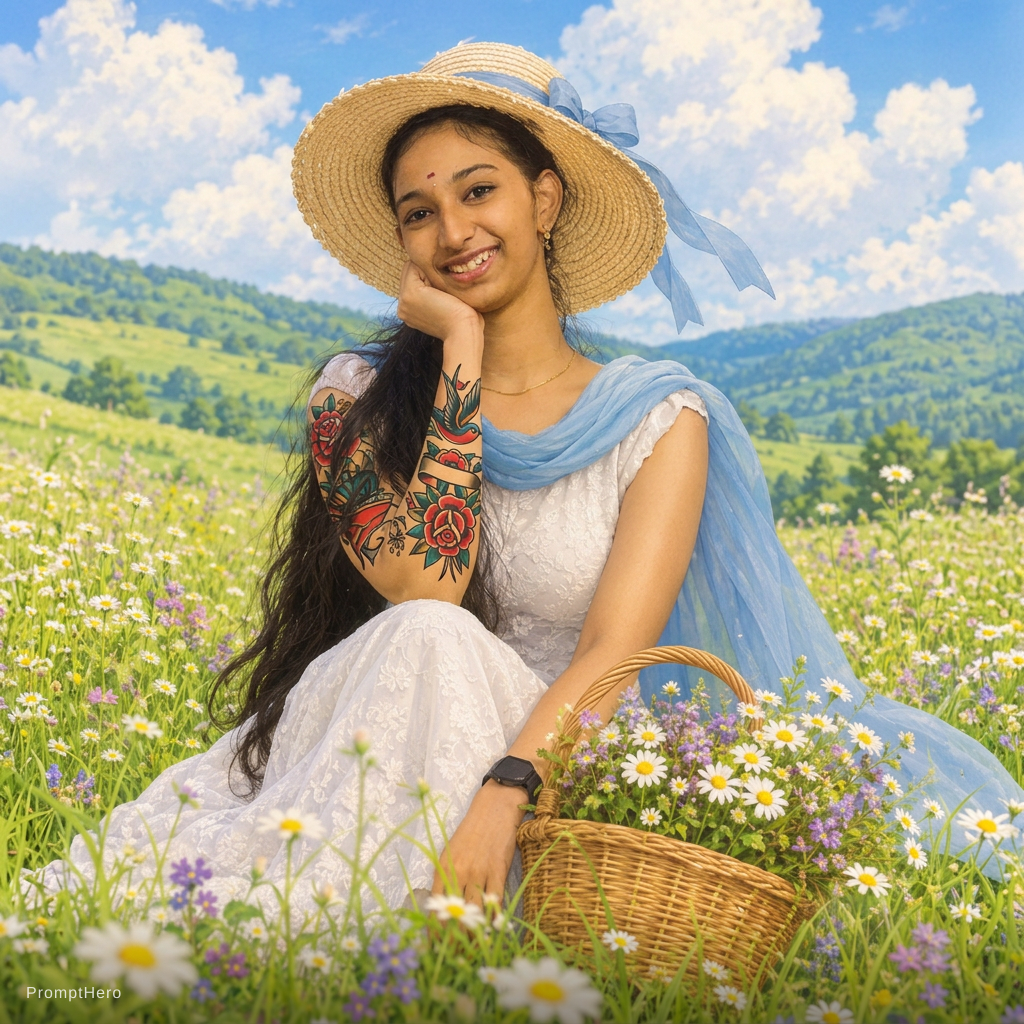
Nano Banana prompt: Kavya covering full bicep, bold American style wit Non précisé nano-banana-2.1
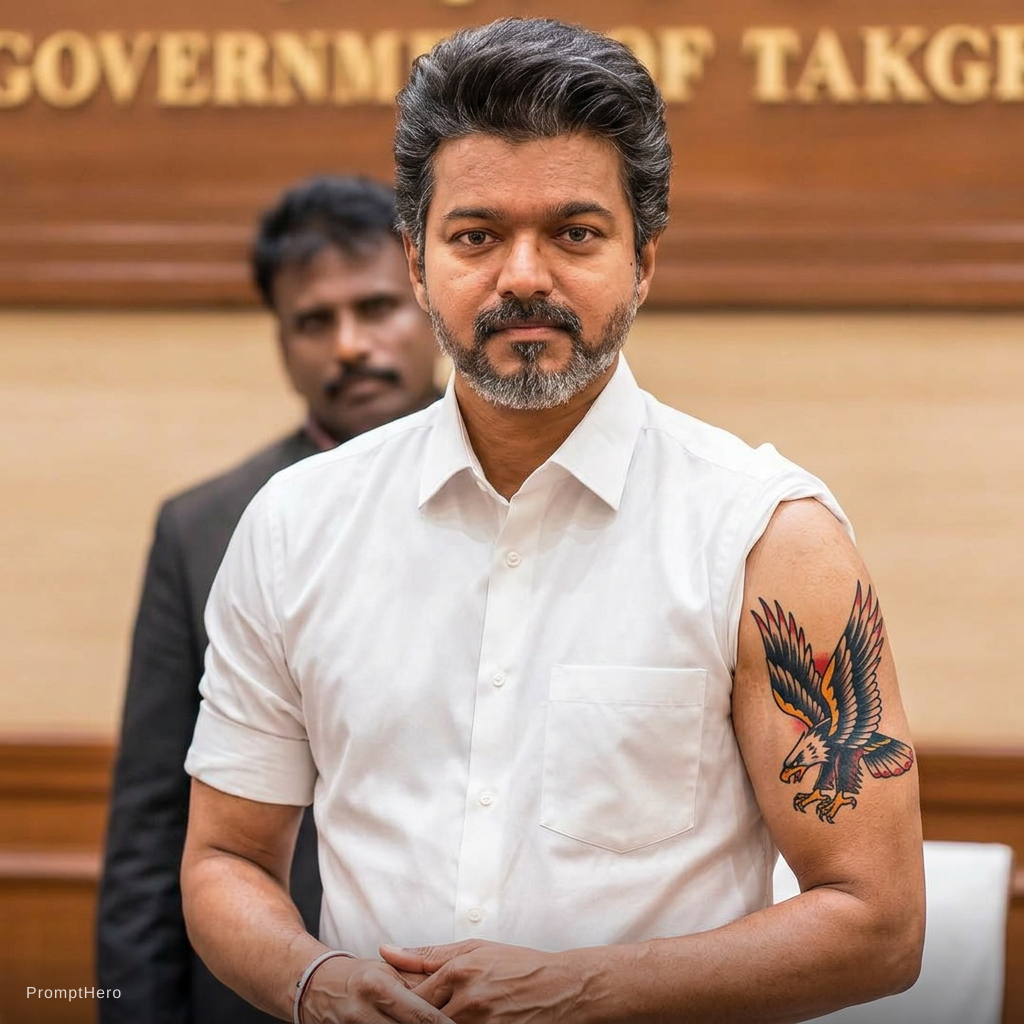
Nano Banana prompt: traditional eagle covering full bicep, bold Americ... Non précisé nano-banana-2.1
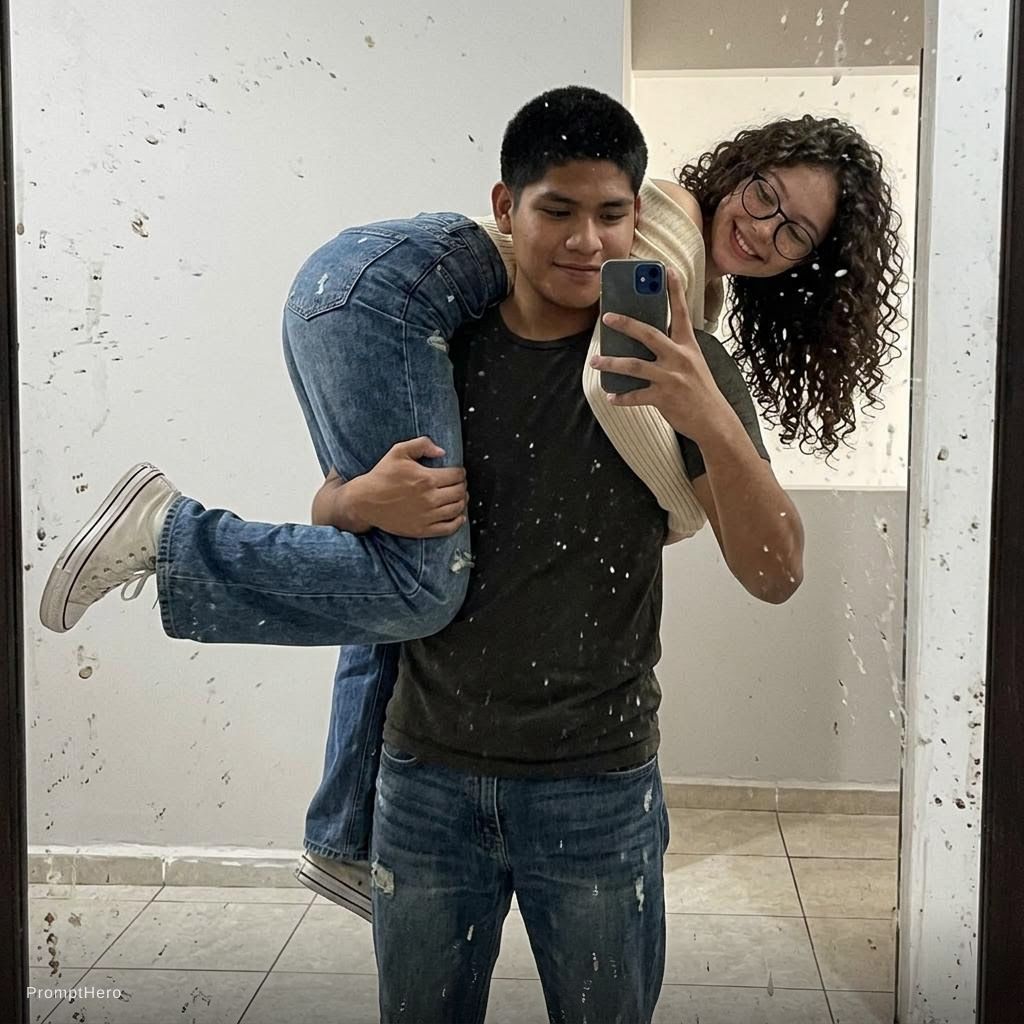
Hero prompt: nos podrias hacer una foto con la pose de la prime... Non précisé 1.0
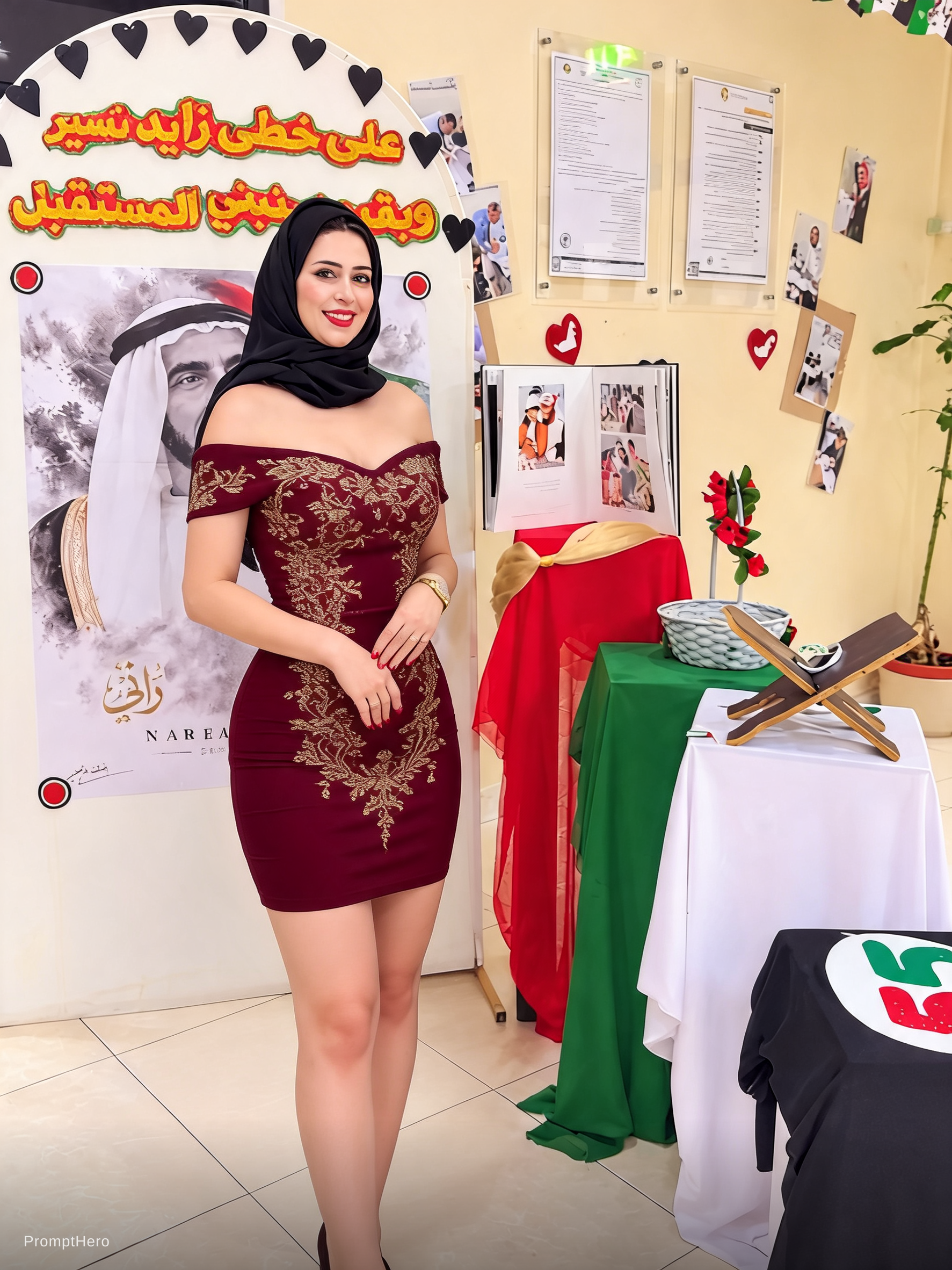
Seedream 5 prompt: Hot dress Non précisé v2
Nano Banana prompt: Match the same pose from the 1st image Non précisé nano-banana-2.1
Seedream 5 prompt: Modern minimalist mobile app icon logo design for ... Non précisé seedream-5-pro

Run ce prompt avec le API

le request below sends ce prompt, avec its default values filled in, to le first modèle it runs on. Swap le modèle name pour any other modèle listed above.

Documentation de l’API prompt
/api/v1/gpt_image_2/text_to_image
curl -X POST https://runapi.ai/api/v1/gpt_image_2/text_to_image \
  -H "Authorization: Bearer $RUNAPI_API_KEY" \
  -H "Content-Type: application/json" \
  --data-binary @- <<'JSON'
{
  "model": "gpt-image-2",
  "prompt": "Goal: Create a dark-mode chat/app screenshot showing an AI image generation result for Astra, with a polished anime illustration embedded in the conversation.\n\nCanvas: Square 1:1 screenshot, approximately 920×920 px, black background, lots of negative space on the right and lower areas. Use a realistic mobile/desktop chat UI aesthetic with clean spacing and soft rounded elements.\n\nLayout: Place 3 main UI elements: 1 rounded gray user message bubble near the upper right, 1 small generation status line above the image on the left, and 1 large rounded-corner image card below it on the left. Under the image card, add 3 small action icons in a row: copy icon, share/upload icon, and ellipsis menu. Inside the image card add 2 small overlay controls: a gray rounded “edit” pill at bottom left and a circular download/share icon at bottom right.\n\nText content: The user bubble must read exactly 「重音テトのイラスト出して 素晴らしいやつ」. The status line must read exactly 「1m 10s考えました ›」. The image overlay button must read exactly 「編集」. Keep all text crisp, white or light gray, in a modern sans-serif UI font.\n\nImage card subject: A high-quality clean anime illustration of Kasane Teto, shown from about mid-thigh up on a rooftop at sunset. She is a youthful anime girl with vivid red hair in two large drill twin-tails, red eyes, a small confident smile, and a slight over-the-shoulder pose looking at the viewer. Outfit: black sleeveless school-idol style top with red trim, matching black pleated skirt with red accents, long black arm warmers, and a red necktie being held lightly in one hand. The wind lifts her tie and hair ribbons slightly.\n\nBackground inside image: Rooftop railing in the foreground, distant city skyline silhouettes, warm orange-pink sunset sky with scattered soft clouds and the sun low near the horizon. Lighting is soft and cinematic with smooth cel-shaded anime rendering, clean linework, subtle gradients, no gritty artifacts, no harsh malformed highlights, and no painterly blotches.\n\nVisual style: The surrounding chat UI should look like a real screenshot in dark mode. The anime image should have rounded corners, about 400 px wide and 600 px tall, placed around x=98 y=162, with a 28 px corner radius. Keep the UI minimal and do not add extra messages, watermarks, timestamps, or labels beyond the specified text."
}
JSON

Essayer a prompt