Four-Panel DX Report Model Comparison
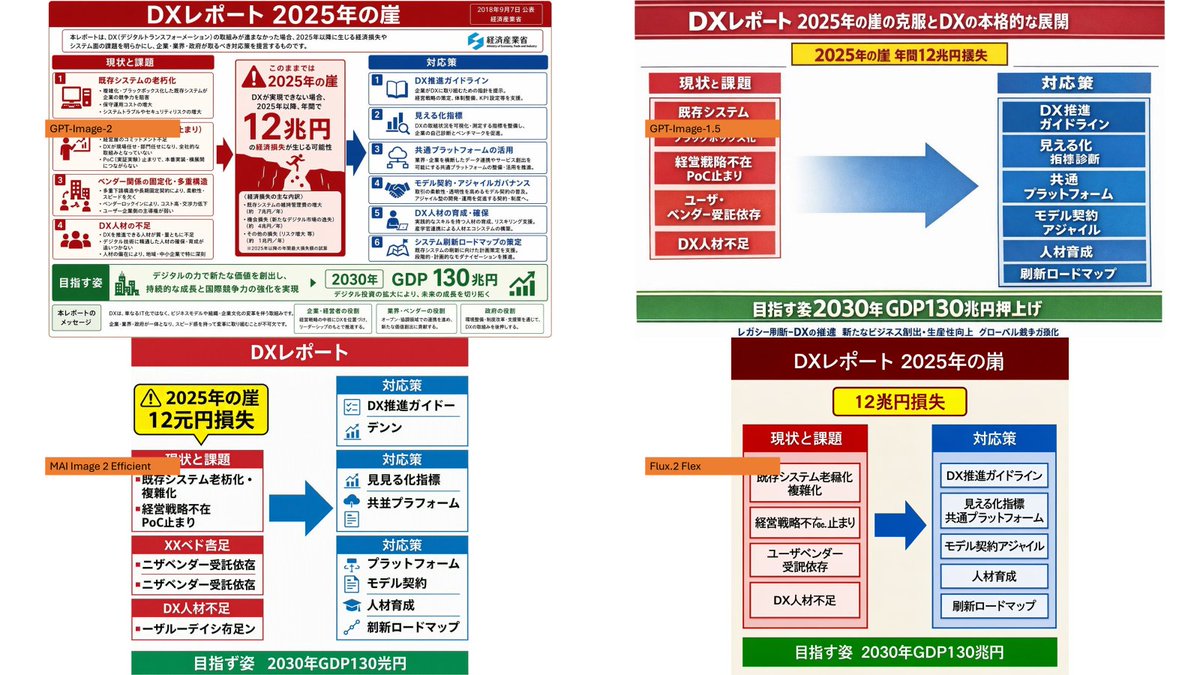
Four-Panel DX Report Model Comparison

prompt

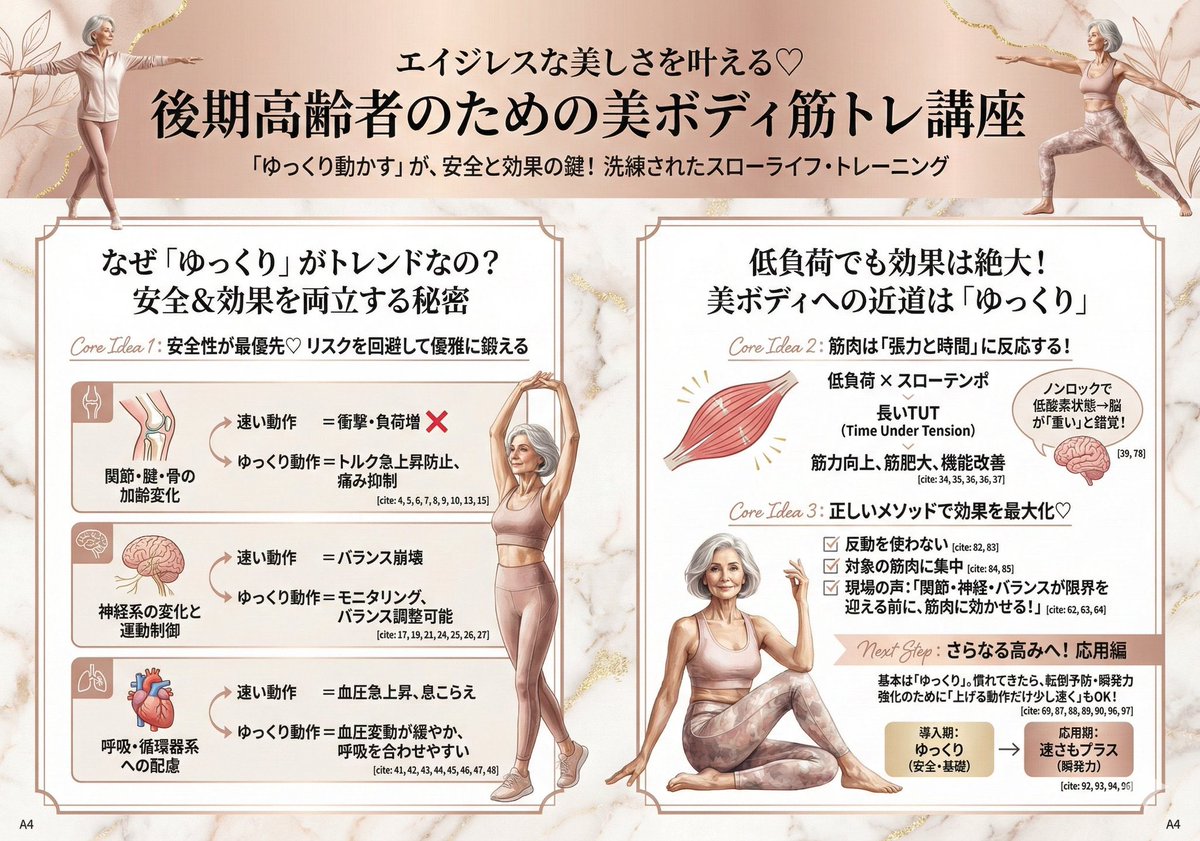
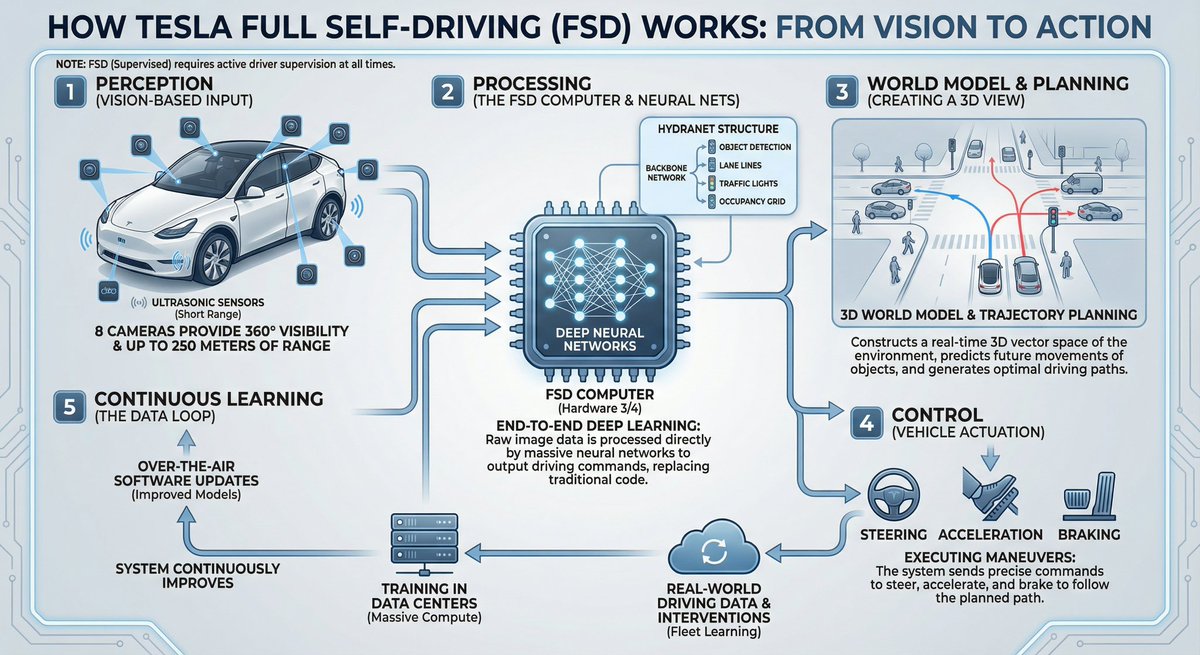
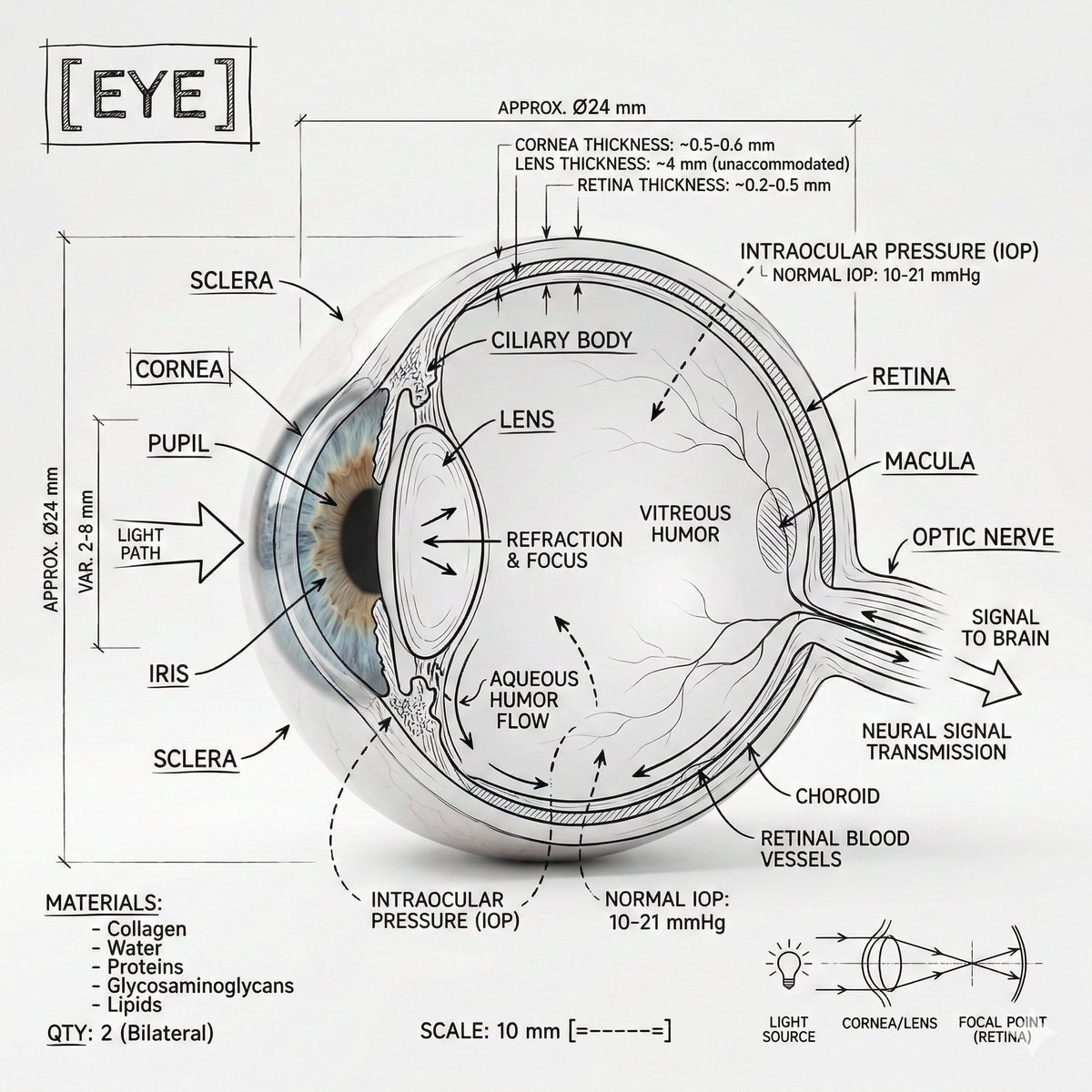
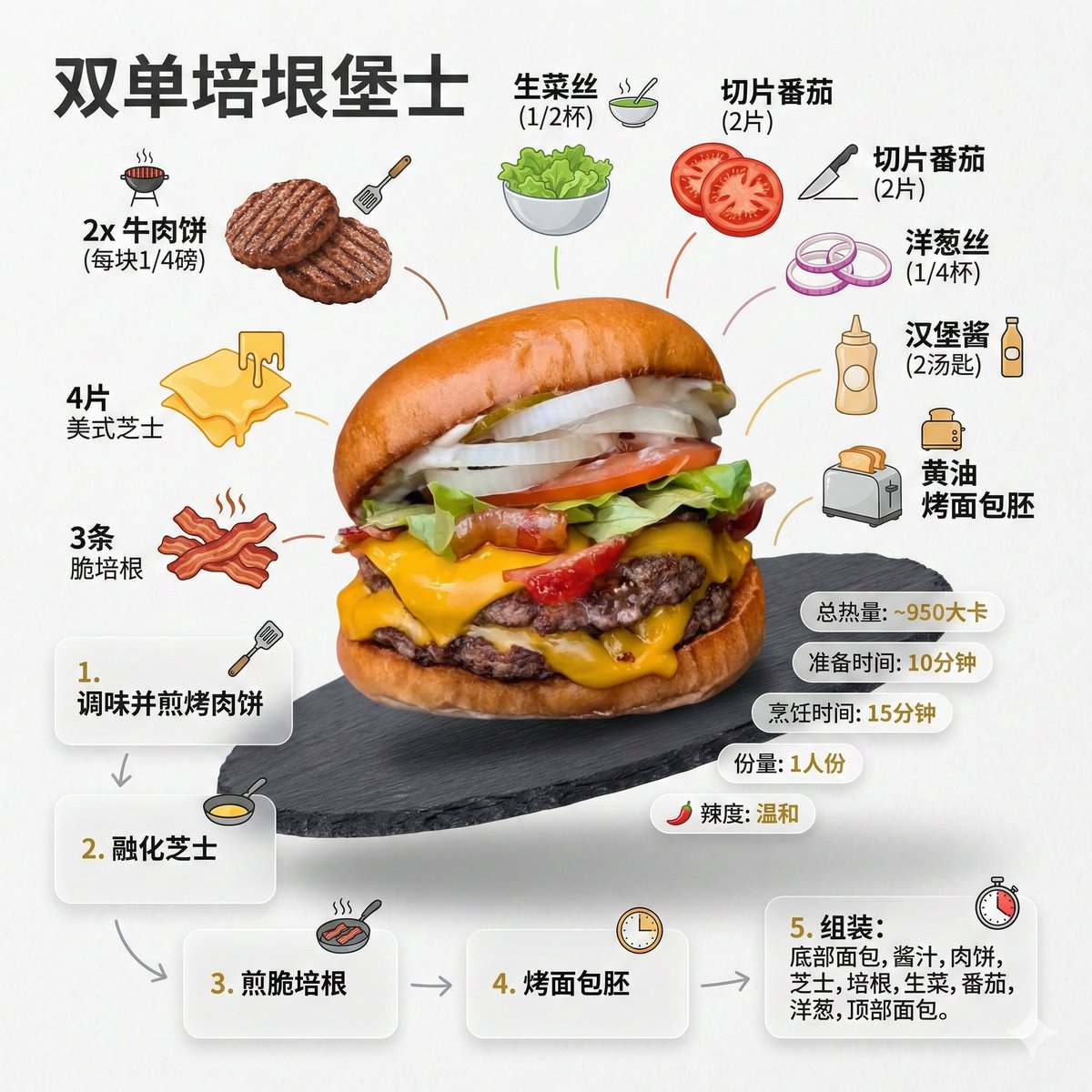
Using the provided reference image as the source slide, create a 16:9 white comparison canvas showing four different regenerated versions of the same Japanese government-style DX report slide. Layout: Arrange exactly 4 panels in a 2×2 grid with generous white margins. The top-left panel should keep the provided reference slide nearly unchanged and scaled down. The other three panels should be simplified reinterpretations of the same content, each with the same overall logic: red header, red “current issues” block on the left, blue “countermeasures” block on the right, a large blue arrow pointing from left to right, and a green goal band at the bottom. Panel labels: Add exactly 4 small orange model labels over the panels: GPT-Image-2, GPT-Image-1.5, MAI Image 2 Efficient, and Flux.2 Flex. Text and content to preserve from the reference: Keep the main theme as DXレポート 2025年の崖. Preserve readable Japanese key phrases such as “2025年の崖”, “12兆円損失”, “現状と課題”, “対応策”, “既存システム”, “経営戦略不在”, “DX人材不足”, “DX推進ガイドライン”, “見える化指標”, “共通プラットフォーム”, “モデル契約・アジャイル”, “人材育成”, “刷新ロードマップ”, and the green goal message about “2030年 GDP130兆円”. Panel differences: The top-right version should look like a clean, simplified PowerPoint infographic with a long red title bar, a yellow warning banner near the top, stacked red issue boxes on the left, stacked blue solution boxes on the right, and a large gradient blue arrow in the center. The bottom-left version should look more compact and slightly imperfect, with multiple red issue sections on the left and three blue response sections on the right. The bottom-right version should look like a neat minimal slide with a dark red title bar, a yellow loss badge, two bordered columns, and a green bottom goal bar. Style constraints: Make the overall image look like a screenshot of a PowerPoint slide comparing output quality across image models. Keep all four panels legible, flat, and infographic-like. Do not add photo-realistic elements, people, watermarks, or extra panels.

Działa z 20 modelami

  • Flux
  • Flux 2
  • Flux Kontext
  • GPT-4o Image
  • GPT Image
  • GPT Image 2
  • GPT Image 2.5
  • GPT Image 2.6
  • Grok Imagine
  • Ideogram V3
  • Imagen 4
  • Kling
  • +8 Więcej

Wynik tego promptu

Split-Page Coffee Shop Travel Journal Nie określono gpt-image-2
Cute Chibi Characters in a Sweet Playful Moment Nie określono gpt-image-2
Underground Train Yard Clash Anime Development Board Nie określono gpt-image-2
Realistic Group Selfie with Smartphone Flash Effect Nie określono nano-banana-pro
Exploded-View Structural Cutaway for Food Photography Nie określono nano-banana-pro
Four Seasons Portrait Collage Nie określono nano-banana-pro

Run ten prompt z ten API

Poniższe żądanie wysyła ten monit z wypełnionymi wartościami domyślnymi do pierwszego modelu, na którym działa. Zamień nazwę modelu na dowolny inny model wymieniony powyżej.

Dokumentacja prompt API
/api/v1/gpt_image_2/text_to_image
curl -X POST https://runapi.ai/api/v1/gpt_image_2/text_to_image \
  -H "Authorization: Bearer $RUNAPI_API_KEY" \
  -H "Content-Type: application/json" \
  --data-binary @- <<'JSON'
{
  "model": "gpt-image-2",
  "prompt": "Using the provided reference image as the source slide, create a 16:9 white comparison canvas showing four different regenerated versions of the same Japanese government-style DX report slide.\n\nLayout: Arrange exactly 4 panels in a 2×2 grid with generous white margins. The top-left panel should keep the provided reference slide nearly unchanged and scaled down. The other three panels should be simplified reinterpretations of the same content, each with the same overall logic: red header, red “current issues” block on the left, blue “countermeasures” block on the right, a large blue arrow pointing from left to right, and a green goal band at the bottom.\n\nPanel labels: Add exactly 4 small orange model labels over the panels: GPT-Image-2, GPT-Image-1.5, MAI Image 2 Efficient, and Flux.2 Flex.\n\nText and content to preserve from the reference: Keep the main theme as DXレポート 2025年の崖. Preserve readable Japanese key phrases such as “2025年の崖”, “12兆円損失”, “現状と課題”, “対応策”, “既存システム”, “経営戦略不在”, “DX人材不足”, “DX推進ガイドライン”, “見える化指標”, “共通プラットフォーム”, “モデル契約・アジャイル”, “人材育成”, “刷新ロードマップ”, and the green goal message about “2030年 GDP130兆円”.\n\nPanel differences: The top-right version should look like a clean, simplified PowerPoint infographic with a long red title bar, a yellow warning banner near the top, stacked red issue boxes on the left, stacked blue solution boxes on the right, and a large gradient blue arrow in the center. The bottom-left version should look more compact and slightly imperfect, with multiple red issue sections on the left and three blue response sections on the right. The bottom-right version should look like a neat minimal slide with a dark red title bar, a yellow loss badge, two bordered columns, and a green bottom goal bar.\n\nStyle constraints: Make the overall image look like a screenshot of a PowerPoint slide comparing output quality across image models. Keep all four panels legible, flat, and infographic-like. Do not add photo-realistic elements, people, watermarks, or extra panels."
}
JSON

Wypróbuj a prompt

Szacunkowo: $0.04 / obraz

Zaloguj się, aby generować przez RunAPI.

Zaloguj się, aby generować

Zaloguj się, aby rozpocząć generowanie z dostępnymi modelami językowymi.