Premium Loot App Screenshot Upgrade
Premium Loot App Screenshot Upgrade

prompt

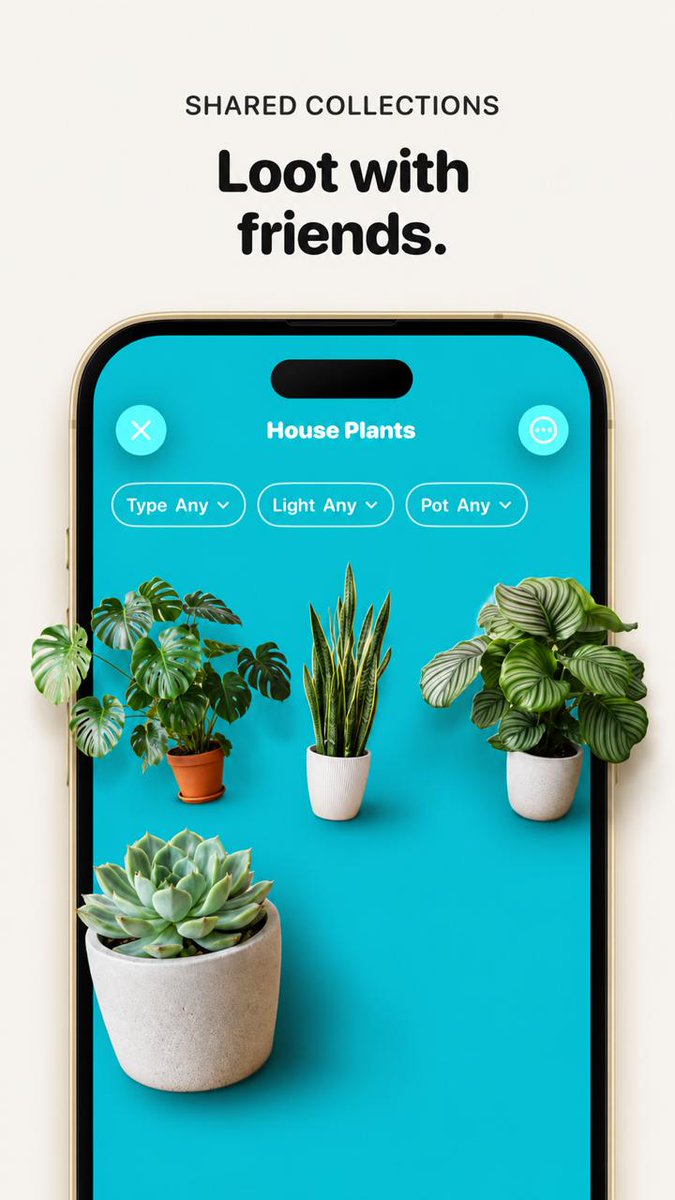
Using the provided reference image, improve the app promo screenshot into a polished, high-end product mockup while preserving the same overall layout, text, phone frame, turquoise app screen, and plant-collection UI. Enlarge and sharpen the phone crop so it fills more of the vertical canvas, keep the headline above it reading Loot with friends. with the small label SHARED COLLECTIONS. Replace the tiny flat plant thumbnails with realistic, larger, photoreal 3D/product-render plants that appear to sit inside the phone screen with soft shadows and depth. Use exactly 4 plants: a monstera in a terracotta pot on the left, a snake plant in a white ribbed pot in the center, a round-leaf striped calathea/peperomia-style plant in a white pot on the right, and a large echeveria succulent in a concrete pot in the lower-left foreground. Keep the UI title House Plants, the close button, menu button, and exactly 3 pill filters labeled “Type Any”, “Light Any”, and “Pot Any”. Make the overall image cleaner, brighter, more premium, with crisp typography, realistic shadows, and a beige/off-white background; avoid adding extra UI elements, extra plants, watermarks, or unrelated text.

Funziona su 21 modelli

  • Flux
  • Flux 2
  • Flux Kontext
  • GPT-4o Image
  • GPT Image
  • GPT Image 2
  • GPT Image 2.5
  • GPT Image 2.6
  • Grok Imagine
  • Ideogram V3
  • Imagen 4
  • Kling
  • +9 Altri

Cosa produce questo prompt

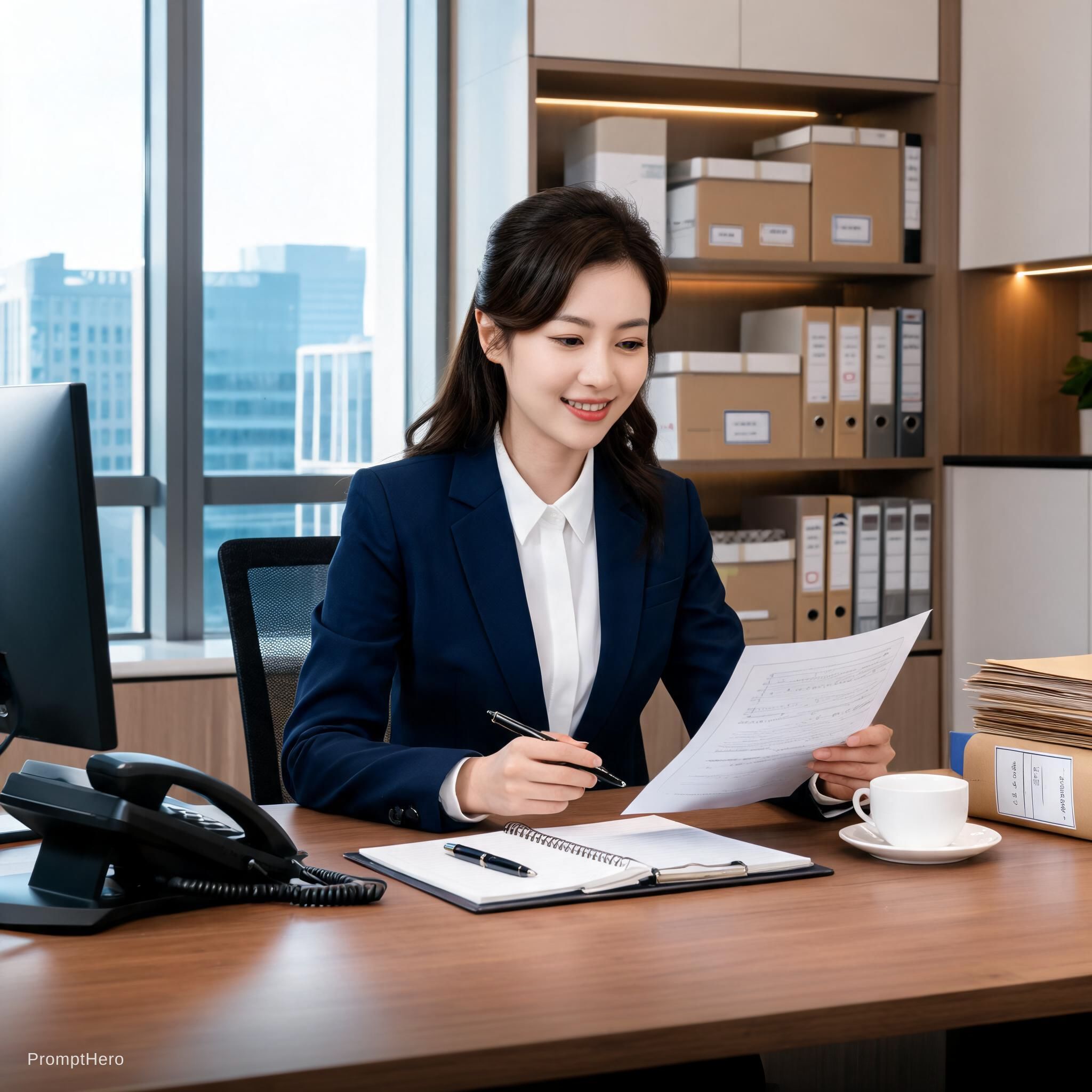
Seedream 5 prompt: secretary Non specificato v2
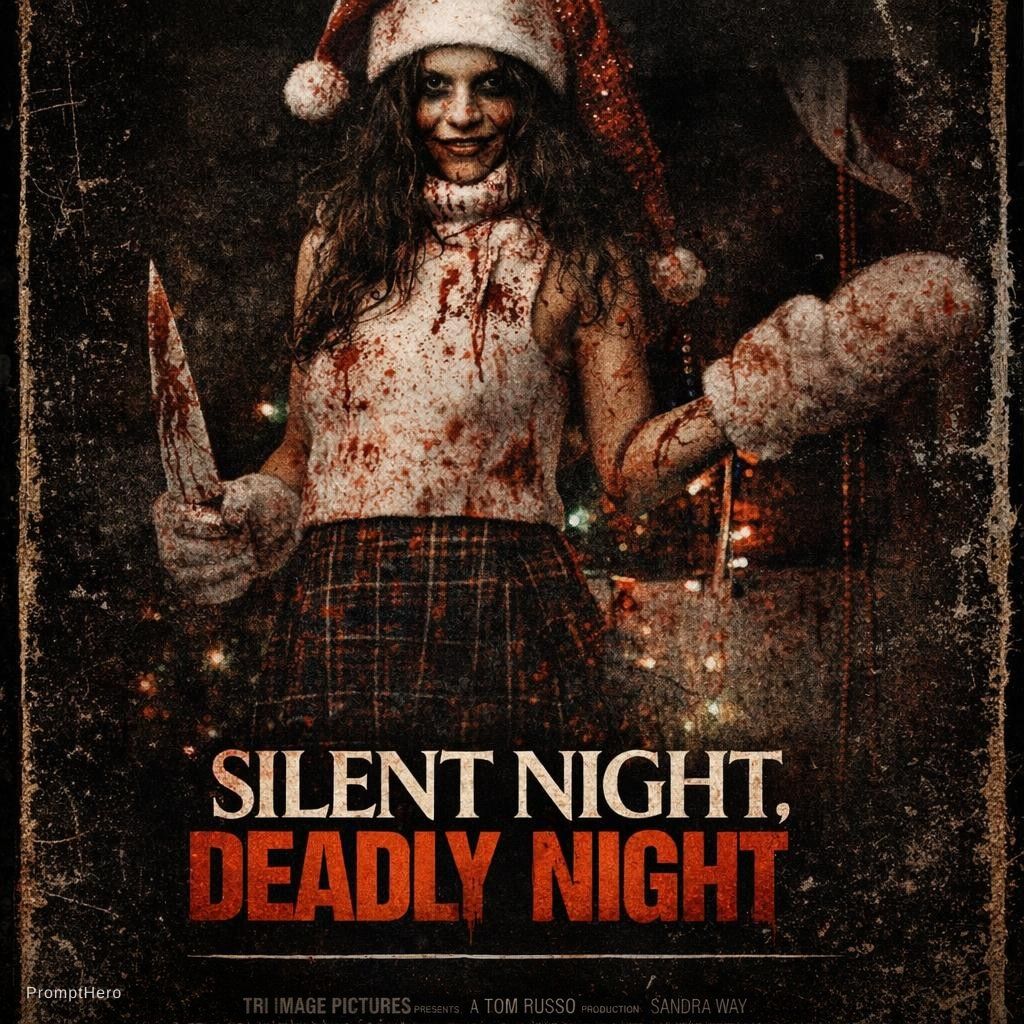
ChatGPT Image prompt: Made horror movie poster. Silent Night, Deadly Nig... Non specificato v1
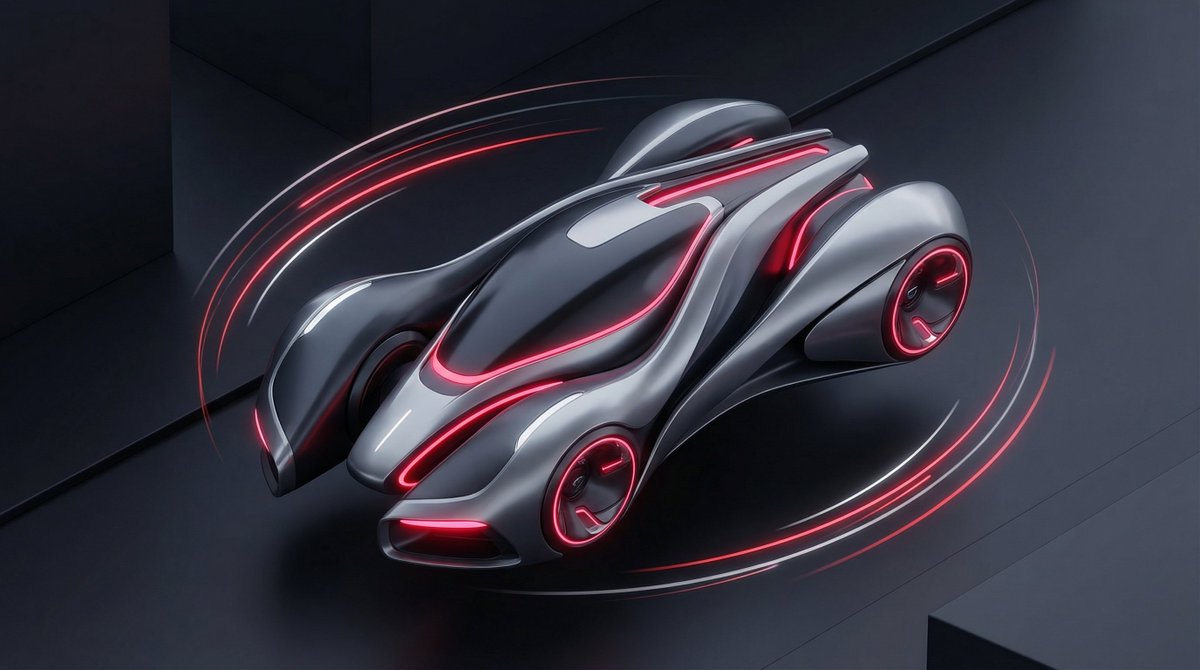
FLUX prompt: spartan stick man Non specificato flux-2-pro
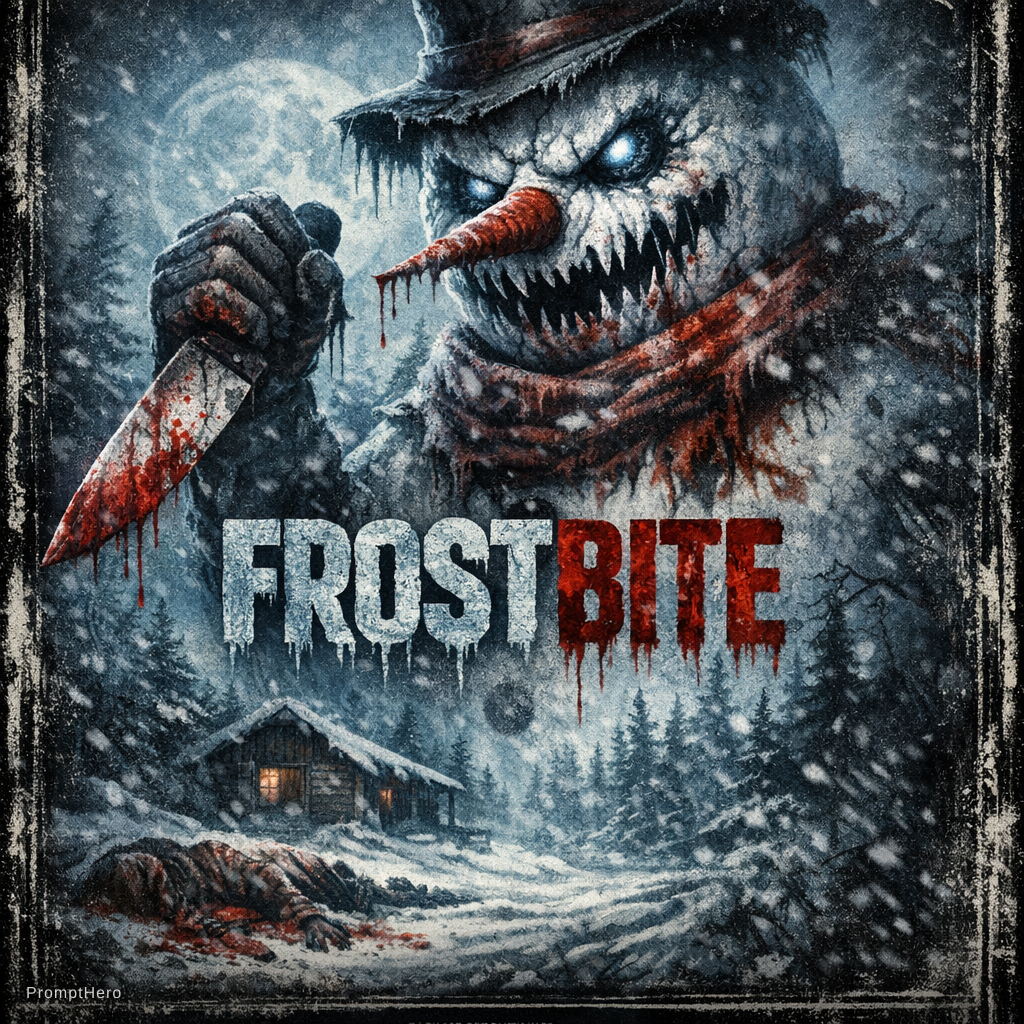
ChatGPT Image prompt: Made horror movie poster about snowman killer. Fro... Non specificato v1
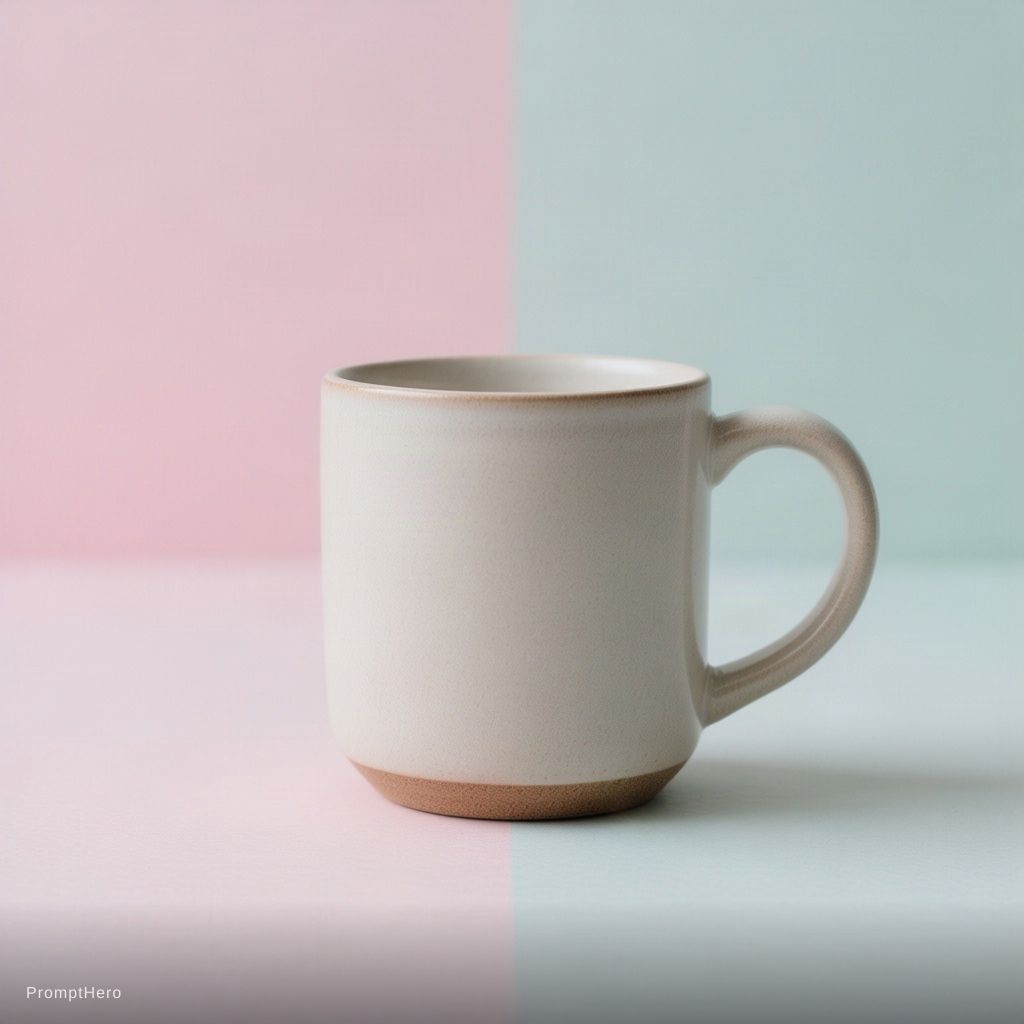
Hunyuan  prompt: Minimalist product photo of a ceramic mug on a pas... Non specificato hunyuan-3
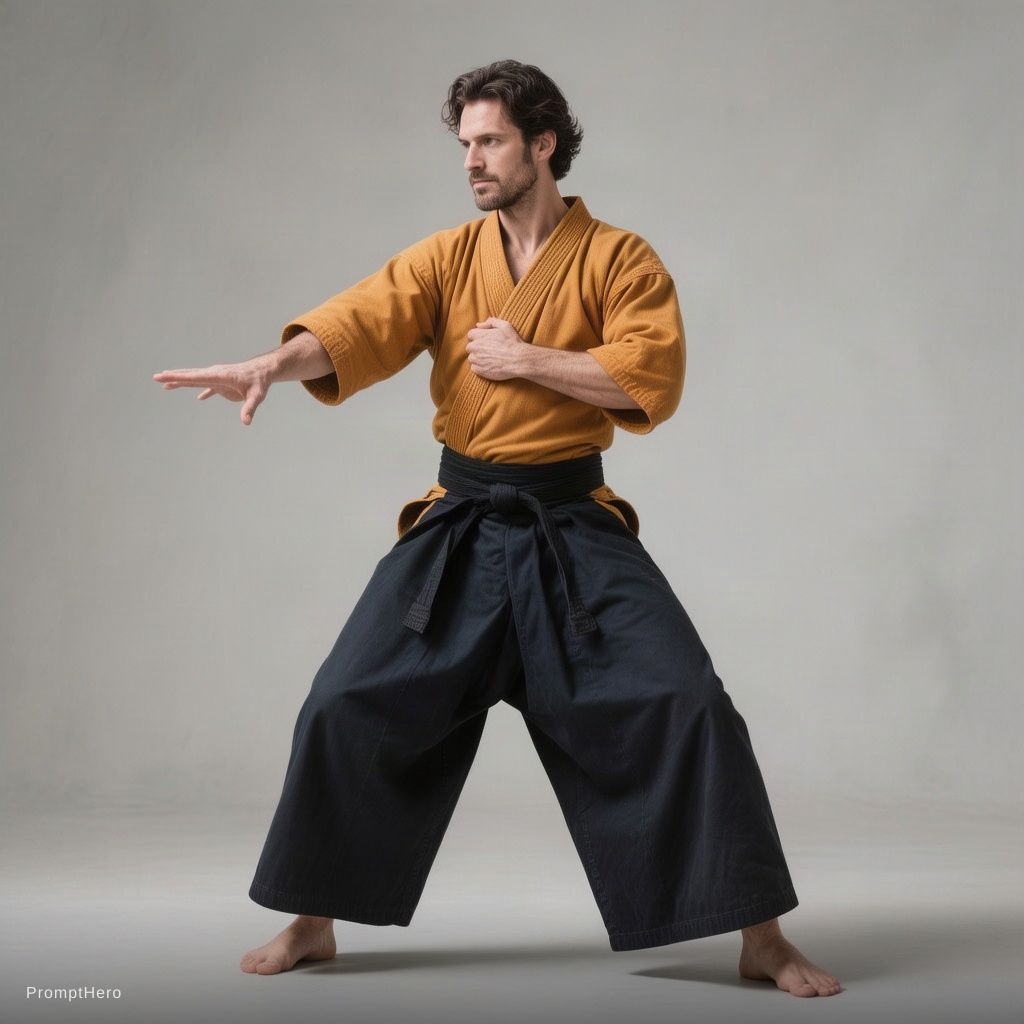
Hunyuan  prompt: Aikido Non specificato hunyuan-3

Run questo prompt con il API

La richiesta seguente invia questo prompt, con i valori predefiniti compilati, al primo modello su cui viene eseguito. Scambia il nome del modello con qualsiasi altro modello elencato sopra.

Documentazione API prompt
/api/v1/gpt_image_2/text_to_image
curl -X POST https://runapi.ai/api/v1/gpt_image_2/text_to_image \
  -H "Authorization: Bearer $RUNAPI_API_KEY" \
  -H "Content-Type: application/json" \
  --data-binary @- <<'JSON'
{
  "model": "gpt-image-2",
  "prompt": "Using the provided reference image, improve the app promo screenshot into a polished, high-end product mockup while preserving the same overall layout, text, phone frame, turquoise app screen, and plant-collection UI. Enlarge and sharpen the phone crop so it fills more of the vertical canvas, keep the headline above it reading Loot with friends. with the small label SHARED COLLECTIONS. Replace the tiny flat plant thumbnails with realistic, larger, photoreal 3D/product-render plants that appear to sit inside the phone screen with soft shadows and depth. Use exactly 4 plants: a monstera in a terracotta pot on the left, a snake plant in a white ribbed pot in the center, a round-leaf striped calathea/peperomia-style plant in a white pot on the right, and a large echeveria succulent in a concrete pot in the lower-left foreground. Keep the UI title House Plants, the close button, menu button, and exactly 3 pill filters labeled “Type Any”, “Light Any”, and “Pot Any”. Make the overall image cleaner, brighter, more premium, with crisp typography, realistic shadows, and a beige/off-white background; avoid adding extra UI elements, extra plants, watermarks, or unrelated text."
}
JSON

Prova a prompt