Angelic Cloud Terminal Icon

Angelic Cloud Terminal Icon

prompt

Create a dreamy celestial tech icon scene: a large rounded cloud-shaped logo floats in the center, filled with a smooth gradient from deep cobalt blue at the bottom to violet and pale lavender at the top. Inside the cloud, place exactly 2 white terminal symbols: a thick greater-than chevron on the left and a short horizontal underscore on the right, both rounded and softly glowing. Add exactly 2 large white angel wings attached symmetrically behind the cloud, with layered soft feathers, the left wing extending to the upper-left and the right wing to the upper-right. Above the cloud, add exactly 1 luminous halo: a thin glowing oval ring in warm pink-white light. Set the scene in a heavenly sky with voluminous pastel clouds filling the lower half and both side edges, using blue, lavender, pink, and peach tones. Add soft god rays from above, subtle sparkles, atmospheric haze, and a bright backlit glow behind the central icon. Use a polished 3D soft-rendered style, ultra-clean, whimsical, ethereal, high contrast but gentle, no text, no watermark. Wide 16:9 composition, centered subject, cinematic lighting, crisp edges on the icon with soft bloom around highlights.

Funziona su 21 modelli

  • Flux
  • Flux 2
  • Flux Kontext
  • GPT-4o Image
  • GPT Image
  • GPT Image 2
  • GPT Image 2.5
  • GPT Image 2.6
  • Grok Imagine
  • Ideogram V3
  • Imagen 4
  • Kling
  • +9 Altri

Cosa produce questo prompt

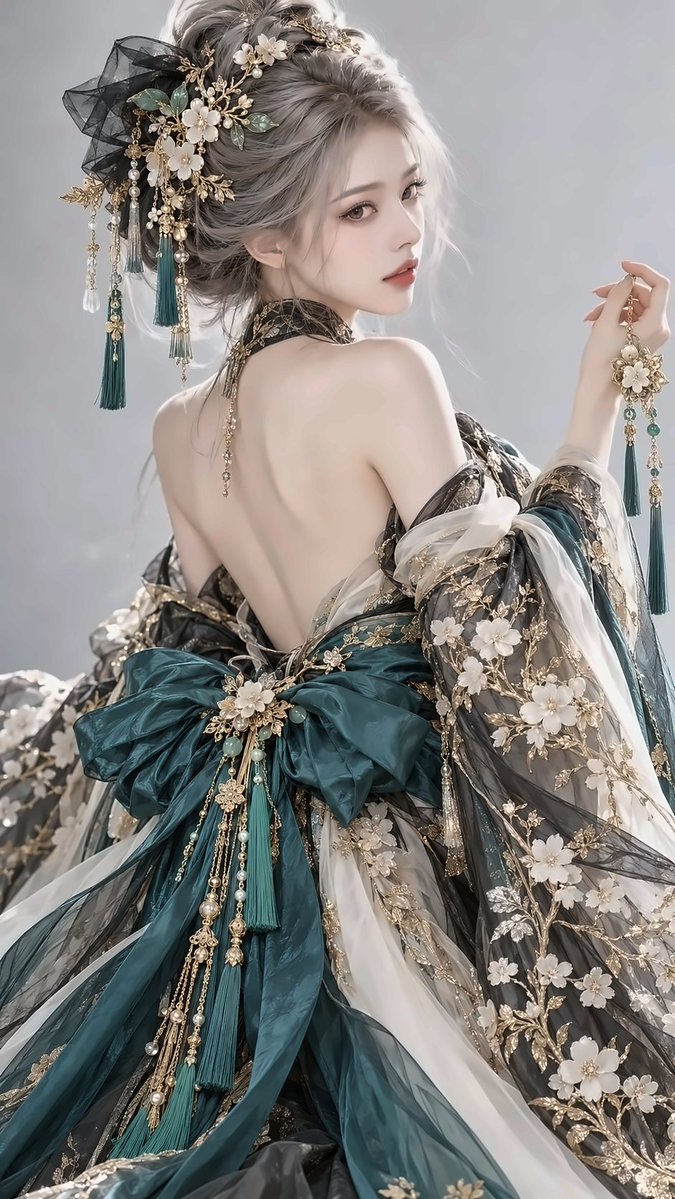
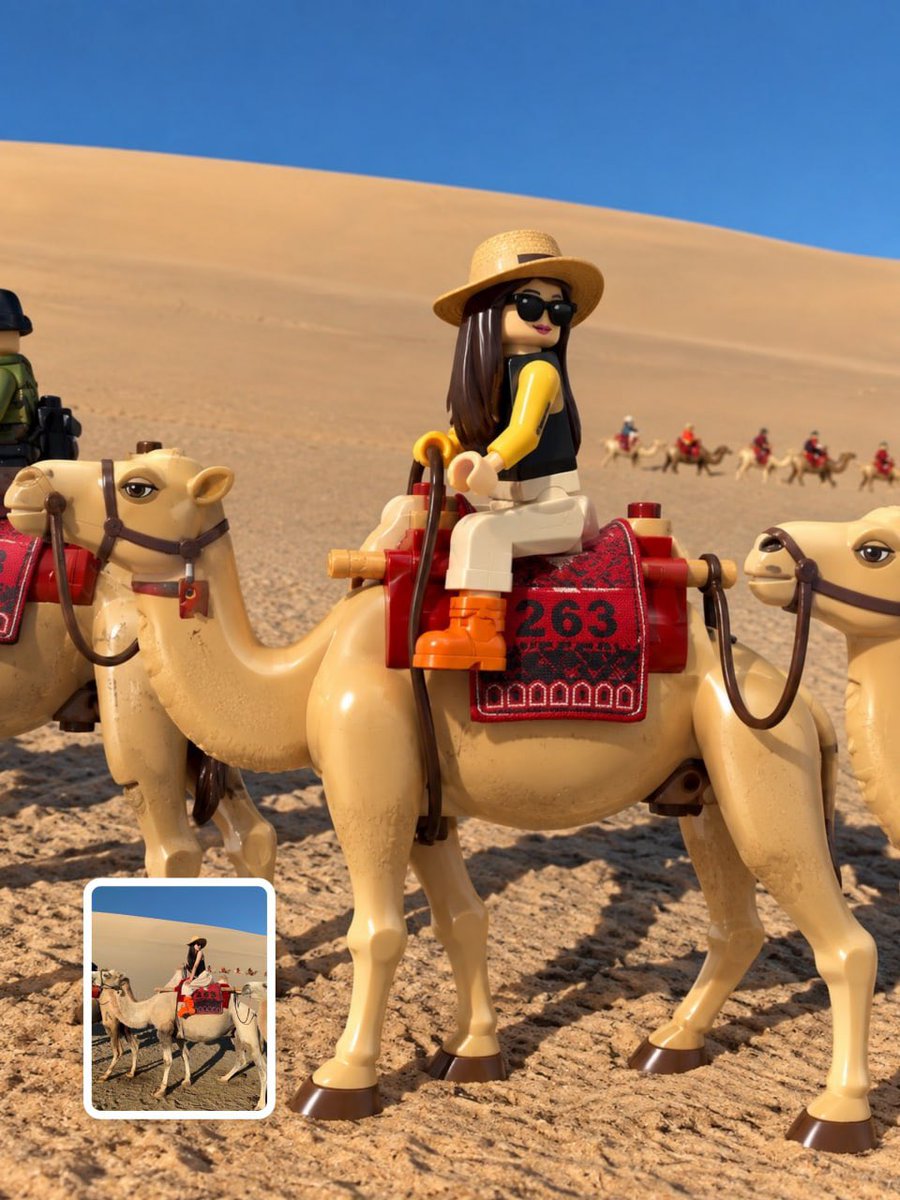
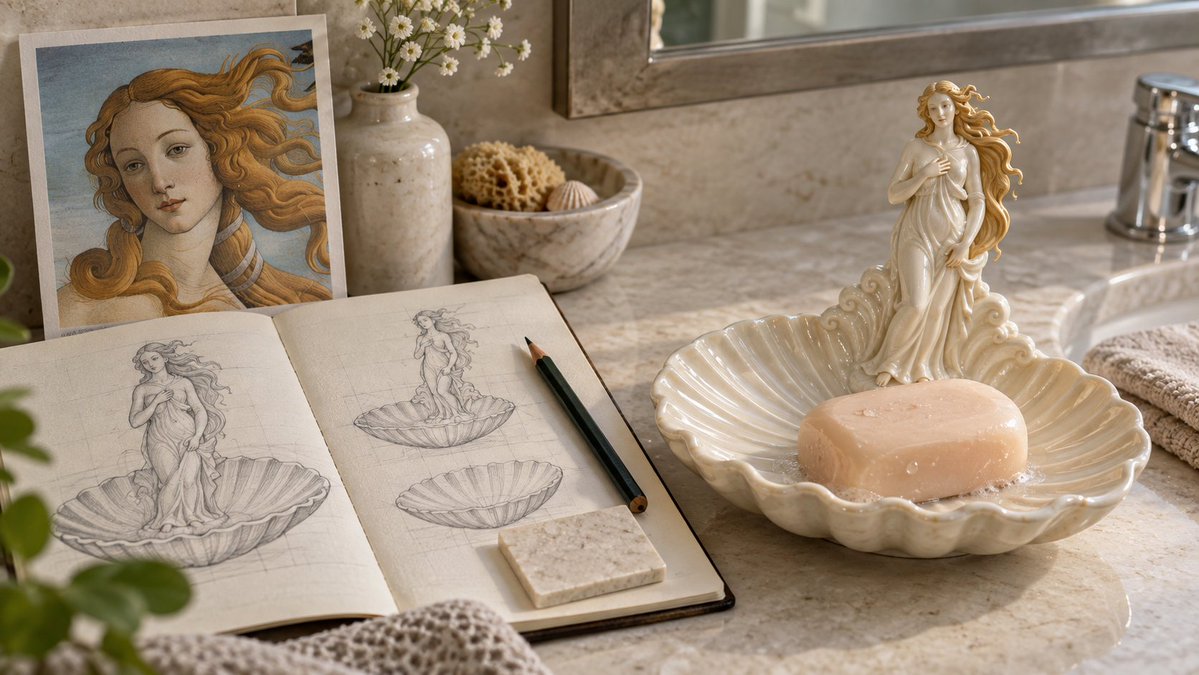
Seedream 5 prompt: Je veut une photo de moi prise par quelqu’un d’aut... Non specificato v2
Hero prompt: es domāju par zēnu  no skolas. Non specificato 1.0
Hunyuan  prompt: birthday Non specificato hunyuan-3
Seedream 5 prompt: secretary Non specificato v2
ChatGPT Image prompt: Made horror movie poster. Silent Night, Deadly Nig... Non specificato v1
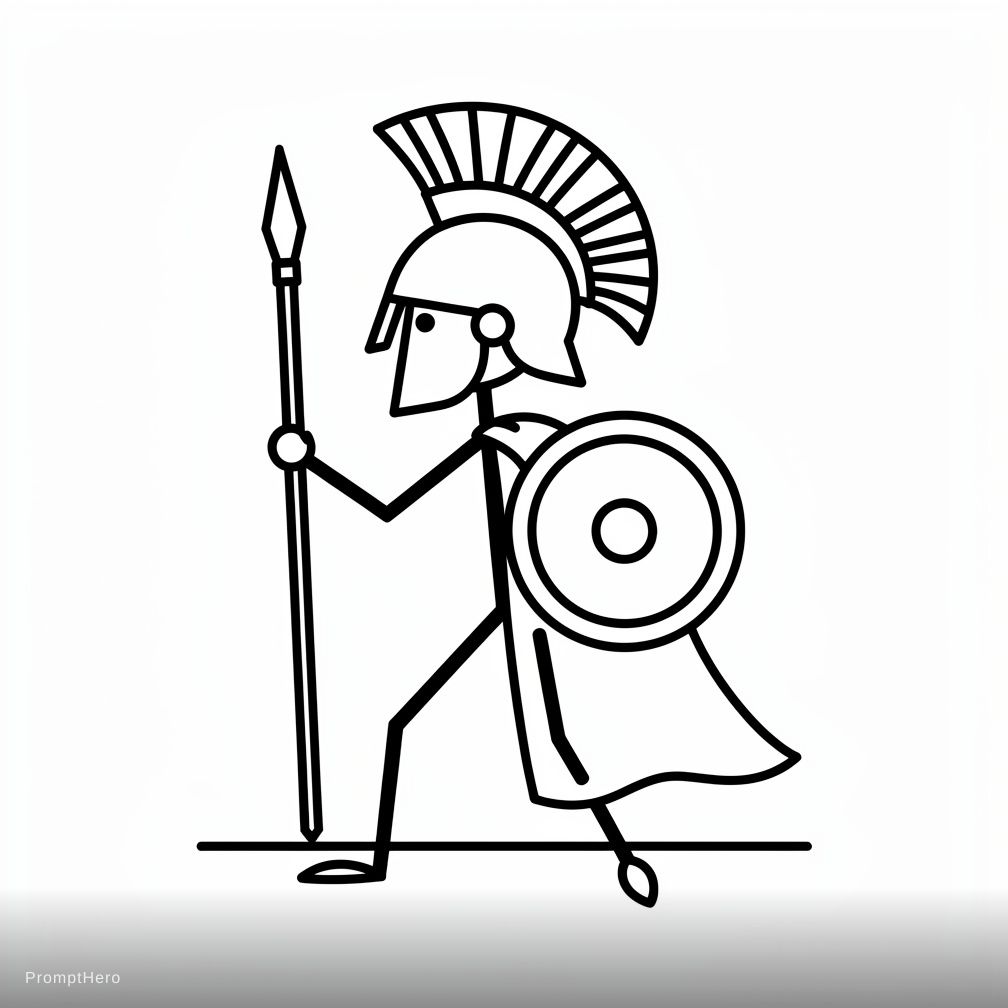
FLUX prompt: spartan stick man Non specificato flux-2-pro

Run questo prompt con il API

La richiesta seguente invia questo prompt, con i valori predefiniti compilati, al primo modello su cui viene eseguito. Scambia il nome del modello con qualsiasi altro modello elencato sopra.

Documentazione API prompt
/api/v1/gpt_image_2/text_to_image
curl -X POST https://runapi.ai/api/v1/gpt_image_2/text_to_image \
  -H "Authorization: Bearer $RUNAPI_API_KEY" \
  -H "Content-Type: application/json" \
  --data-binary @- <<'JSON'
{
  "model": "gpt-image-2",
  "prompt": "Create a dreamy celestial tech icon scene: a large rounded cloud-shaped logo floats in the center, filled with a smooth gradient from deep cobalt blue at the bottom to violet and pale lavender at the top. Inside the cloud, place exactly 2 white terminal symbols: a thick greater-than chevron on the left and a short horizontal underscore on the right, both rounded and softly glowing. Add exactly 2 large white angel wings attached symmetrically behind the cloud, with layered soft feathers, the left wing extending to the upper-left and the right wing to the upper-right. Above the cloud, add exactly 1 luminous halo: a thin glowing oval ring in warm pink-white light. Set the scene in a heavenly sky with voluminous pastel clouds filling the lower half and both side edges, using blue, lavender, pink, and peach tones. Add soft god rays from above, subtle sparkles, atmospheric haze, and a bright backlit glow behind the central icon. Use a polished 3D soft-rendered style, ultra-clean, whimsical, ethereal, high contrast but gentle, no text, no watermark. Wide 16:9 composition, centered subject, cinematic lighting, crisp edges on the icon with soft bloom around highlights."
}
JSON

Prova a prompt