AI Image Generator Collage Failure Screenshot
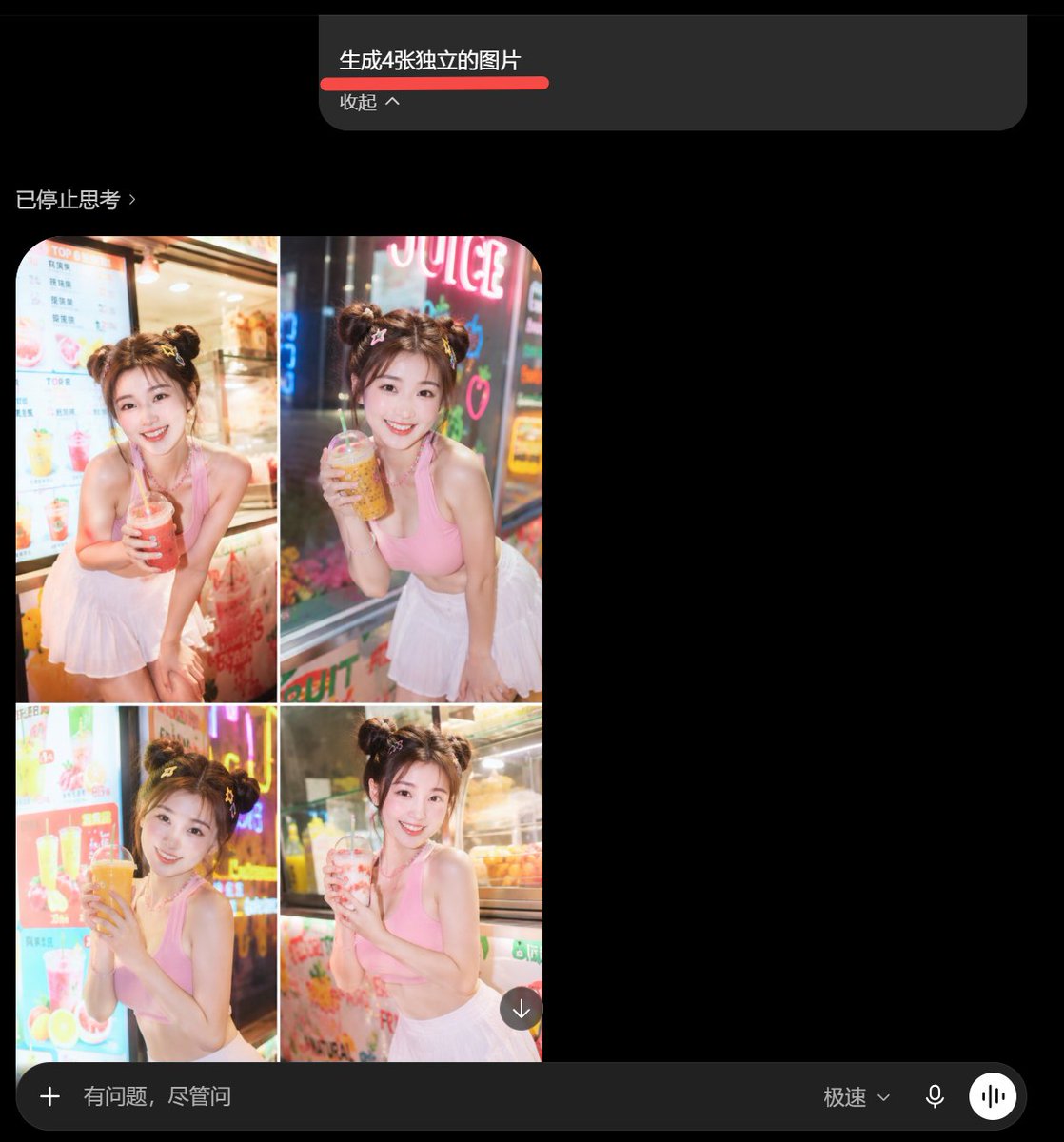
AI Image Generator Collage Failure Screenshot

prompt

Goal: Create a dark-mode mobile chat screenshot showing an AI image generator response that incorrectly combines four requested images into one 2x2 collage. Canvas: Square screenshot, approximately 768×768 px, black background, cropped like a smartphone app interface in dark mode. Top prompt card: Near the top center, place a wide dark gray rounded rectangle message card. Inside it, show the Chinese prompt text 生成4张独立的图片 in white, with a thick red underline beneath it. Below that, show smaller gray text 收起 ^. The card has a rounded lower-right corner and sits against empty black space. Status line: On the left below the prompt card, add a small gray status label 已停止思考 ›. Main generated image area: Under the status line on the left, show exactly 1 rounded-corner generated image panel containing exactly 4 photo tiles arranged in a 2×2 grid, separated by thin white dividers. Each tile shows the same young woman in a bright beverage shop setting, but with slightly different pose and drink: 1. Top-left tile: smiling young woman with double-bun hairstyle, pink sleeveless crop top and white pleated skirt, leaning forward and holding a red iced drink with a straw, menu board behind her. 2. Top-right tile: same woman holding an amber bubble tea or juice drink, neon sign behind her, night street-shop lighting. 3. Bottom-left tile: same woman holding a large orange drink with both hands, colorful drink menu and neon lights behind her. 4. Bottom-right tile: same woman holding a pale pink drink, refrigerated display case behind her. The woman should have fair skin, soft glam makeup, brown hair in two messy buns with small hair accessories, a cheerful expression, and a cute influencer-style pose. The photo style is glossy, overexposed, saturated, and slightly unrealistic, like an AI-generated social media portrait collage. Overlay controls: Add one small circular download button with a downward arrow at the lower-right corner of the collage image. Bottom input bar: Across the bottom, draw a long dark gray rounded input bar. It contains exactly 5 visible elements: a plus icon on the far left, placeholder text 有问题,尽管问, a speed mode label 极速⌄, a microphone icon, and a white circular voice-wave button on the far right. Visual style: Preserve the look of a real mobile app screenshot: black empty negative space on the right, subtle gray UI text, rounded rectangles, clean sans-serif font, and slightly compressed screenshot quality. Do not create four separate files; the visual joke is that the four images are fused into one collage.

Funziona su 21 modelli

  • Flux
  • Flux 2
  • Flux Kontext
  • GPT-4o Image
  • GPT Image
  • GPT Image 2
  • GPT Image 2.5
  • GPT Image 2.6
  • Grok Imagine
  • Ideogram V3
  • Imagen 4
  • Kling
  • +9 Altri

Cosa produce questo prompt

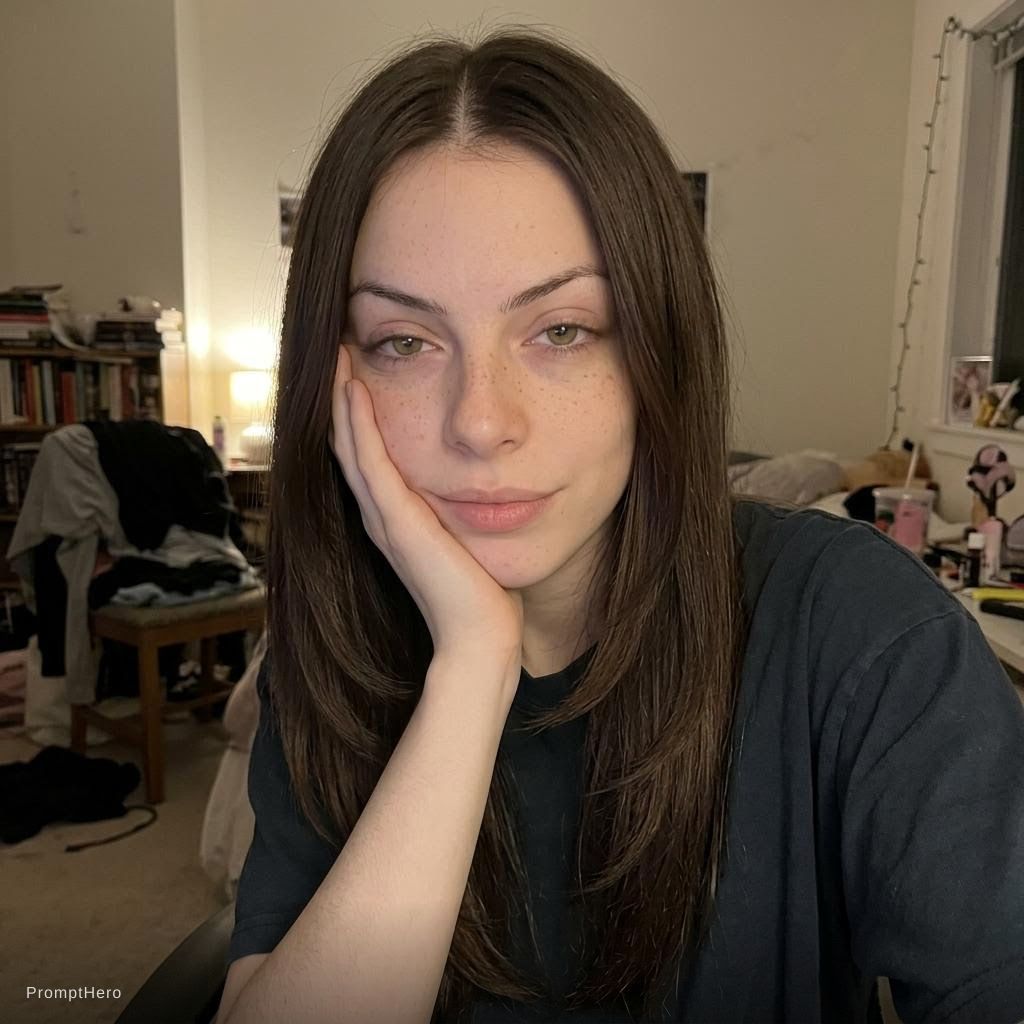
Using the face from the attached photo, recreate a... Non specificato Non specificato
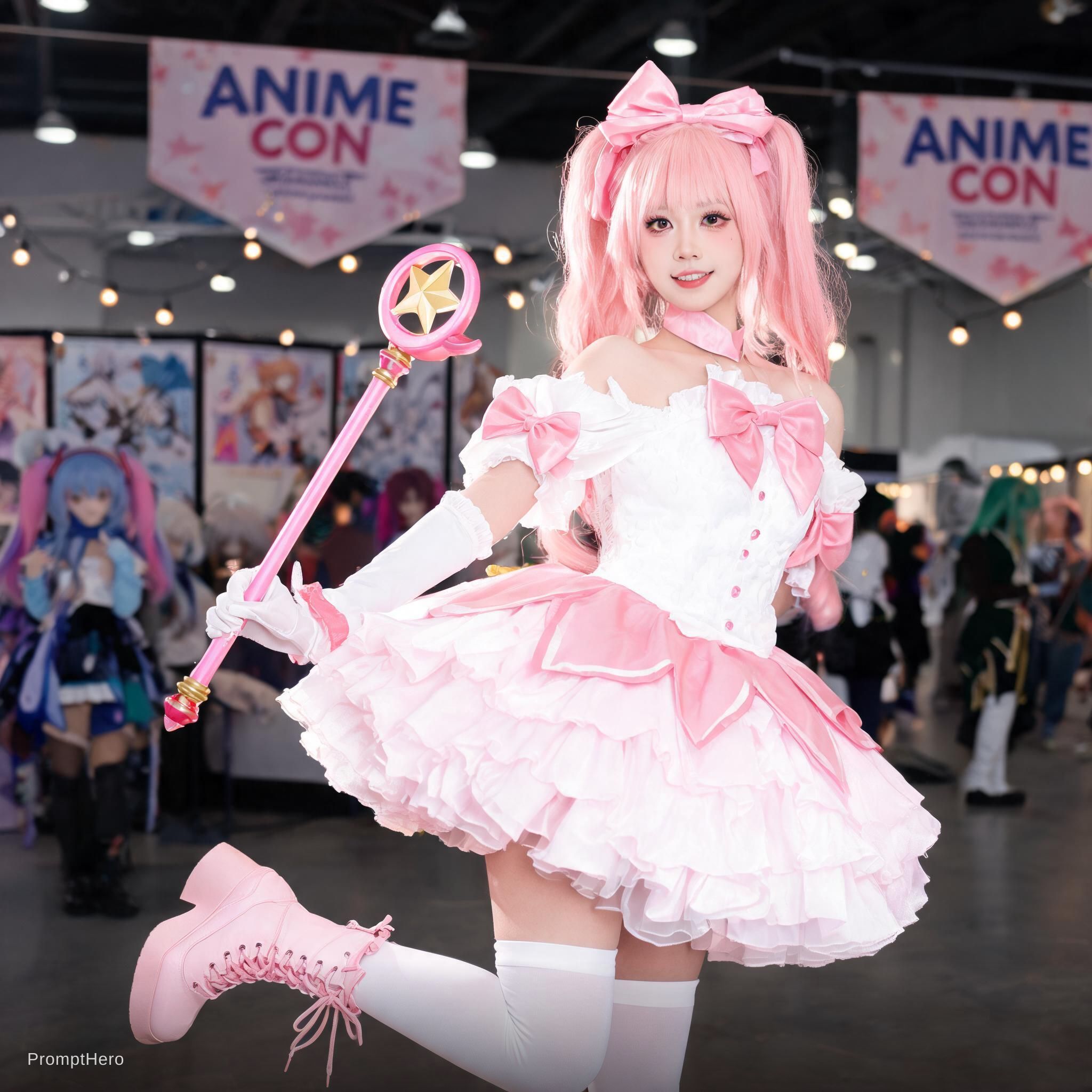
Seedream 5 prompt: cosplay Non specificato v2
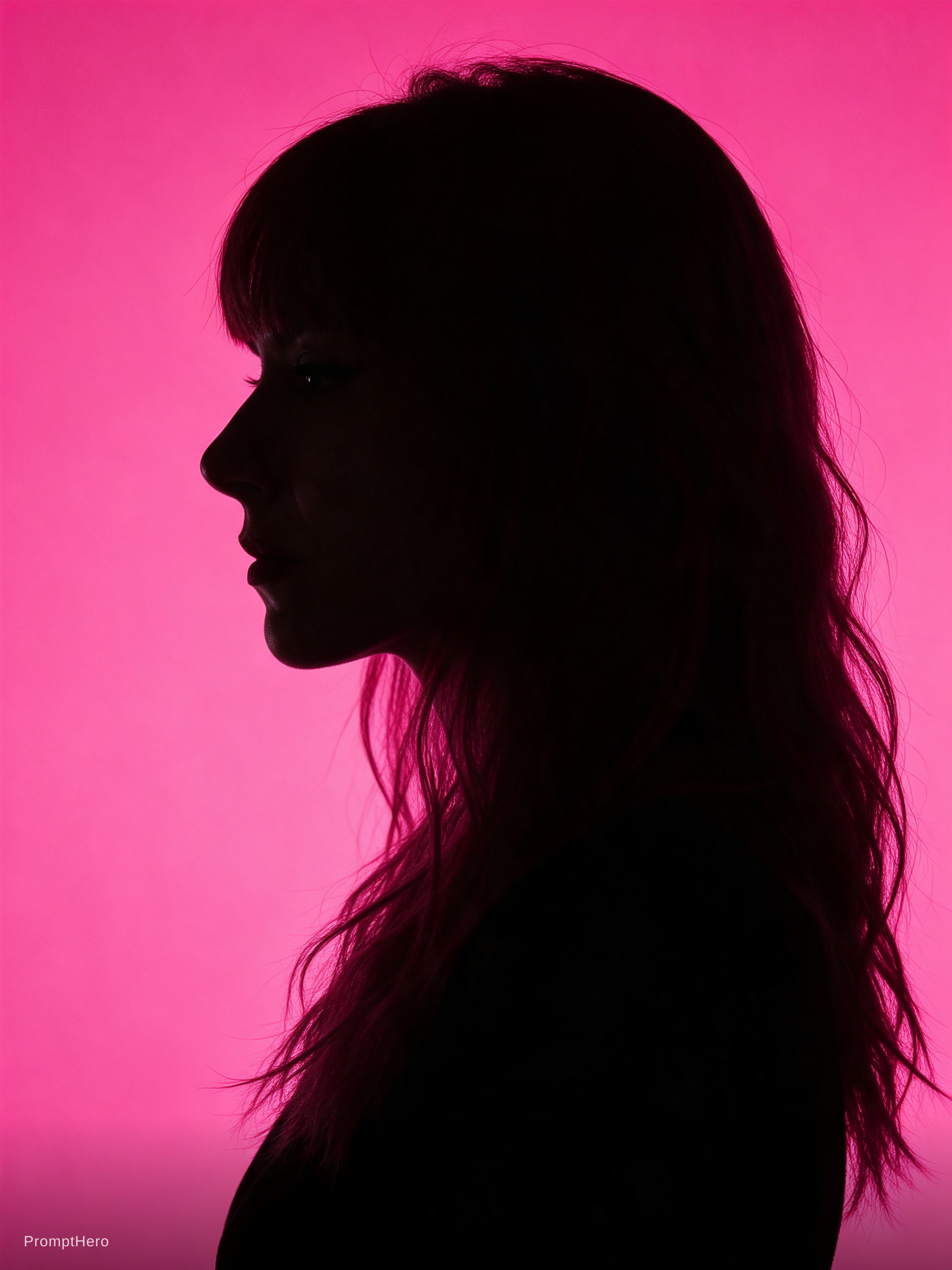
Seedream 5 prompt: photography, portrait of contrast, profile silhoue... Non specificato seedream-5-pro
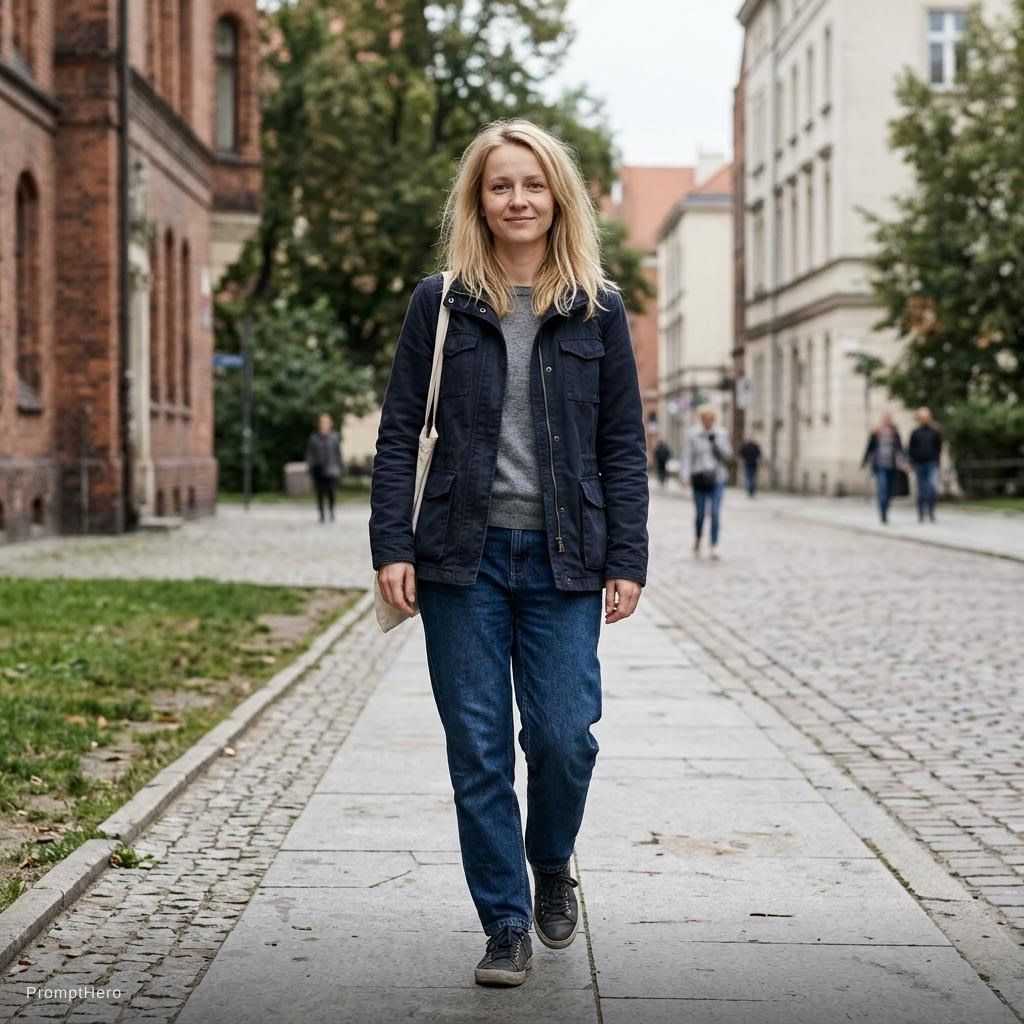
Hero prompt: natural blond polish woman, 30 years, slim, no mak... Non specificato 1.0
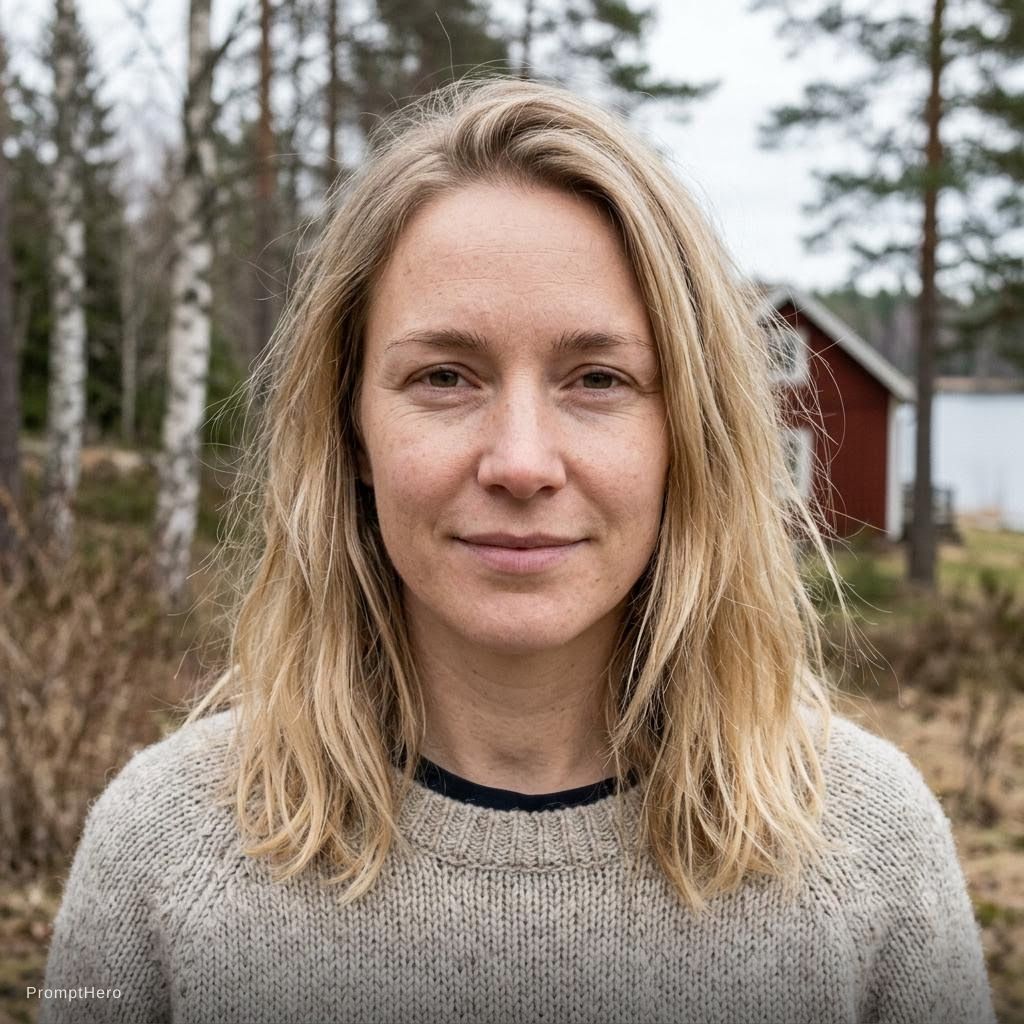
Hero prompt: natural blond swedish woman, 30 years, no make up,... Non specificato 1.0
Hero prompt: 
Take the face and natural body proportions from t... Non specificato 1.0

Run questo prompt con il API

La richiesta seguente invia questo prompt, con i valori predefiniti compilati, al primo modello su cui viene eseguito. Scambia il nome del modello con qualsiasi altro modello elencato sopra.

Documentazione API prompt
/api/v1/gpt_image_2/text_to_image
curl -X POST https://runapi.ai/api/v1/gpt_image_2/text_to_image \
  -H "Authorization: Bearer $RUNAPI_API_KEY" \
  -H "Content-Type: application/json" \
  --data-binary @- <<'JSON'
{
  "model": "gpt-image-2",
  "prompt": "Goal: Create a dark-mode mobile chat screenshot showing an AI image generator response that incorrectly combines four requested images into one 2x2 collage.\n\nCanvas: Square screenshot, approximately 768×768 px, black background, cropped like a smartphone app interface in dark mode.\n\nTop prompt card: Near the top center, place a wide dark gray rounded rectangle message card. Inside it, show the Chinese prompt text 生成4张独立的图片 in white, with a thick red underline beneath it. Below that, show smaller gray text 收起 ^. The card has a rounded lower-right corner and sits against empty black space.\n\nStatus line: On the left below the prompt card, add a small gray status label 已停止思考 ›.\n\nMain generated image area: Under the status line on the left, show exactly 1 rounded-corner generated image panel containing exactly 4 photo tiles arranged in a 2×2 grid, separated by thin white dividers. Each tile shows the same young woman in a bright beverage shop setting, but with slightly different pose and drink:\n1. Top-left tile: smiling young woman with double-bun hairstyle, pink sleeveless crop top and white pleated skirt, leaning forward and holding a red iced drink with a straw, menu board behind her.\n2. Top-right tile: same woman holding an amber bubble tea or juice drink, neon sign behind her, night street-shop lighting.\n3. Bottom-left tile: same woman holding a large orange drink with both hands, colorful drink menu and neon lights behind her.\n4. Bottom-right tile: same woman holding a pale pink drink, refrigerated display case behind her.\nThe woman should have fair skin, soft glam makeup, brown hair in two messy buns with small hair accessories, a cheerful expression, and a cute influencer-style pose. The photo style is glossy, overexposed, saturated, and slightly unrealistic, like an AI-generated social media portrait collage.\n\nOverlay controls: Add one small circular download button with a downward arrow at the lower-right corner of the collage image.\n\nBottom input bar: Across the bottom, draw a long dark gray rounded input bar. It contains exactly 5 visible elements: a plus icon on the far left, placeholder text 有问题,尽管问, a speed mode label 极速⌄, a microphone icon, and a white circular voice-wave button on the far right.\n\nVisual style: Preserve the look of a real mobile app screenshot: black empty negative space on the right, subtle gray UI text, rounded rectangles, clean sans-serif font, and slightly compressed screenshot quality. Do not create four separate files; the visual joke is that the four images are fused into one collage."
}
JSON

Prova a prompt