Per-Project API Keys
Create isolated keys for each project, environment, or team member. Each key tracks its own usage and cost independently.
Claude visitors: new accounts receive $1.00 in bonus API credit within 30 days. One per person; usage credits only.
Give every project its own API key, budget, and permissions. Monitor usage across your organization in real time.
Free team features · No credit card required
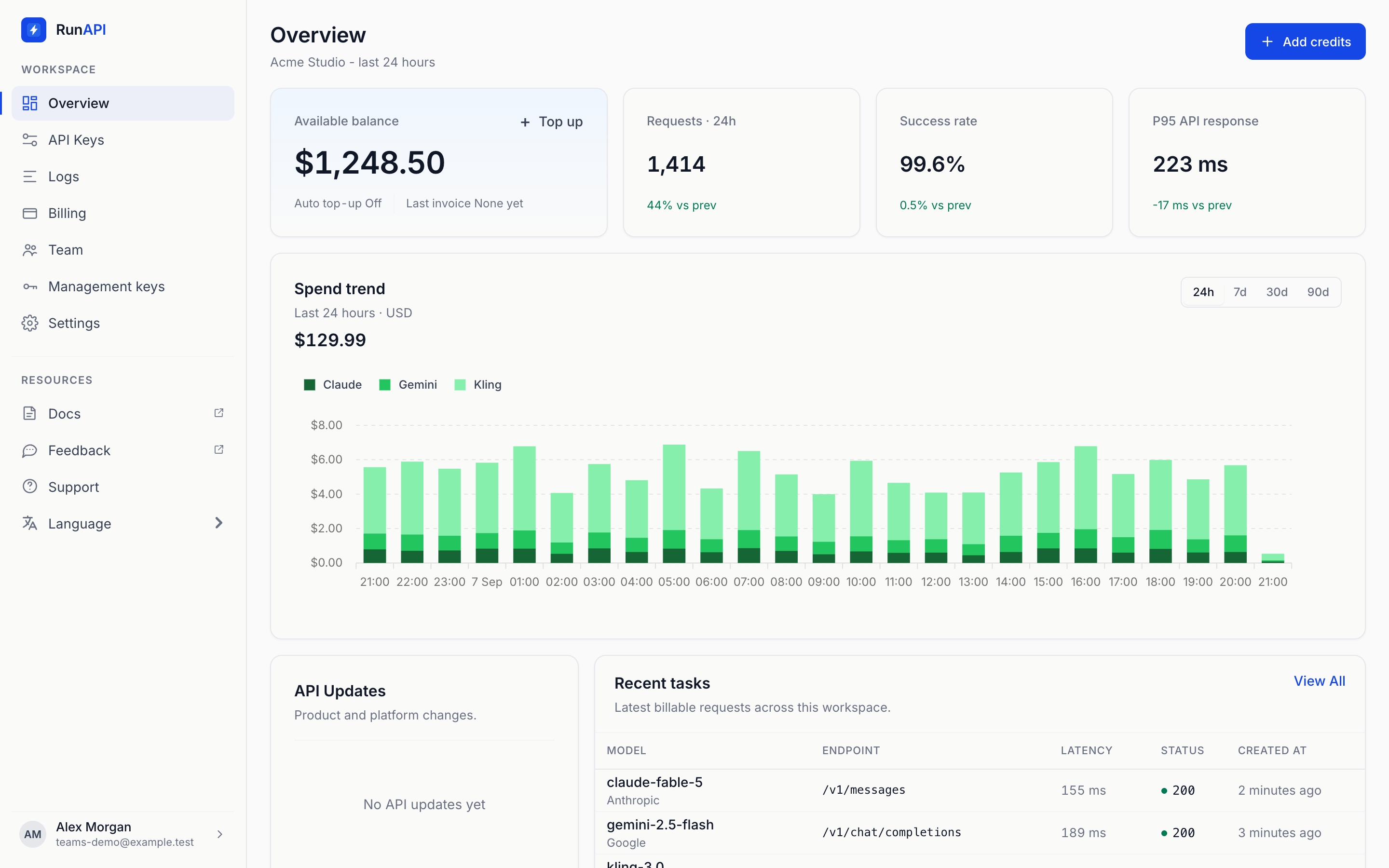
The team dashboard brings API keys, usage, cost tracking, and access status into one workspace.
Create isolated keys for each project, environment, or team member. Each key tracks its own usage and cost independently.
Set per-key monthly budgets. Requests stop automatically when the limit is reached - no surprise bills. Get email alerts at 80% and 100%.
Real-time dashboard showing requests, cost, and latency by key, model, date, and team member. Export CSV for finance.
Restrict keys to specific models or modalities. Revoke instantly without affecting other keys. Set expiration dates for temporary access.
Separate keys for each environment. Staging uses a $50/month budget for testing. Production has higher limits and priority support.
Each product gets its own key and budget. The video team uses Kling and Seedance. The content team uses Claude and GPT. One invoice.
Issue time-limited keys for contractors or freelancers. Auto-expire after the project ends. Full audit trail of what was generated.
Invite members by email. Set roles and permissions per project.
Configure per-member and per-project spending limits with real-time alerts.
Shared API keys, unified billing, and a single usage dashboard.
Every RunAPI account includes team management, multiple API keys, spending limits, and usage analytics. You only pay for what you generate — same per-request pricing, no team surcharge.
Get StartedAll data encrypted in transit and at rest. Zero prompt retention.
FAQ
Team features are free. Every account includes them — you only pay for API usage, at the same per-request pricing.
Create separate keys for the projects, environments, and team members that need isolated usage tracking.
Yes. Scope each key to the models and capabilities that project is allowed to use.
Assign a budget to each key and monitor its usage from the team dashboard.
SSO is not currently available. Each team member signs in with their own RunAPI account and is invited to the team by email.