Annotated ChatGPT Multiple Image Outputs
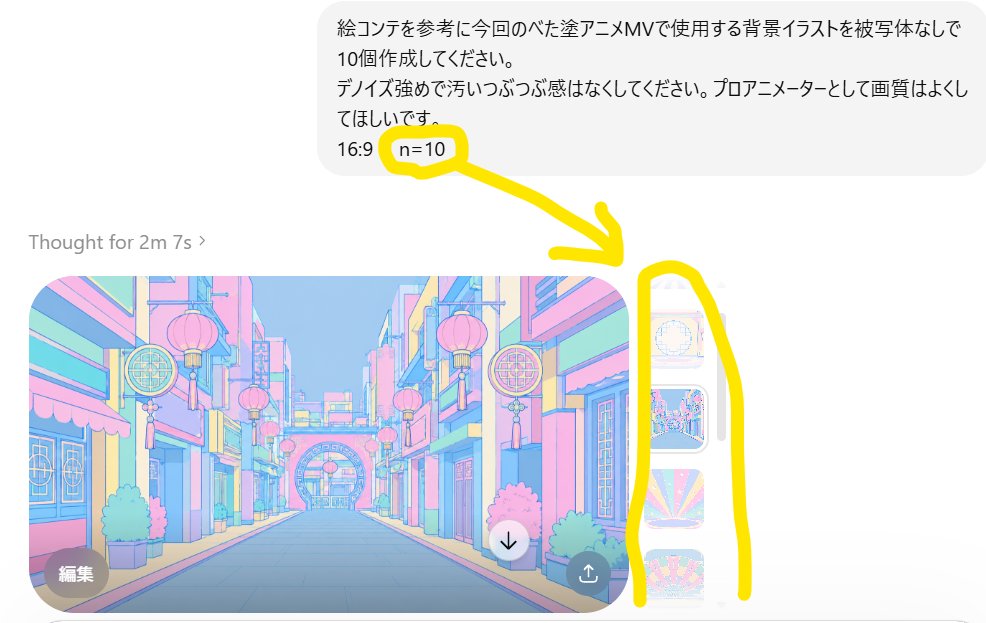
Annotated ChatGPT Multiple Image Outputs

prompt

Goal: Create a realistic screenshot-style image of a ChatGPT image generation interface demonstrating multiple image outputs from one request. Canvas: Landscape 16:9 screenshot crop, white background, resembling a mobile or narrow desktop chat interface. Keep the composition slightly zoomed in so the right edge of the image carousel is visible. Layout: At the top right, place one rounded light-gray user message bubble containing Japanese text. Beneath it on the left, show the status line “Thought for 2m 7s ›” in light gray. Below that, show one large generated image preview with rounded corners, and a narrow strip of additional generated thumbnails on the right side. Text content: The user bubble should read: “絵コンテを参考に今回のベた塗アニメMVで使用する背景イラストを被写体なしで10個作成してください。\nテイスト強めで汚らしっぷつぷ感はなくしてください。プロアニメーターとして画質はよくしてほしいです。\n16:9 n=10”. Highlight the “n=10” part as the key detail. Generated image preview: The main preview is a pastel anime background illustration of an empty stylized street with no characters, inspired by a colorful East Asian shopping district. Use soft cel-shaded anime line art, bright pastel blue, pink, yellow, and mint tones, lanterns hanging from buildings, decorative circular signs, shopfronts on both sides, a centered vanishing point, and a decorative archway in the distance. The image should look like a professional anime MV background, 16:9, clean and polished. Discrete visible elements to include: exactly 1 user message bubble; exactly 1 status line; exactly 1 large main generated image; exactly 3 narrow vertical thumbnails partially visible on the right, each showing a different pastel anime background; exactly 2 circular overlay buttons on the main preview, one dark “編集” edit button at bottom left and one white downward arrow download button near bottom right; exactly 1 small dark share/upload icon button at the lower-right corner of the main preview. Annotation: Add thick hand-drawn yellow marker annotations over the screenshot: exactly 1 yellow circle around “n=10”, exactly 1 thick yellow arrow pointing from the circled “n=10” down toward the right-side thumbnail strip, and exactly 1 tall yellow bracket-like outline encircling the vertical thumbnail strip. The yellow marker should look casual and drawn by hand. Style: Clean UI screenshot aesthetic with subtle antialiasing, light gray interface elements, Japanese text rendered legibly, and bright yellow annotation marks. Use n=10 as the highlighted parameter in the chat message. Keep the screenshot realistic, not a poster or infographic.

20 modelde çalışır

  • Flux
  • Flux 2
  • Flux Kontext
  • GPT-4o Image
  • GPT Image
  • GPT Image 2
  • GPT Image 2.5
  • GPT Image 2.6
  • Grok Imagine
  • Ideogram V3
  • Imagen 4
  • Kling
  • +8 Daha fazla

Bu prompt ne üretir

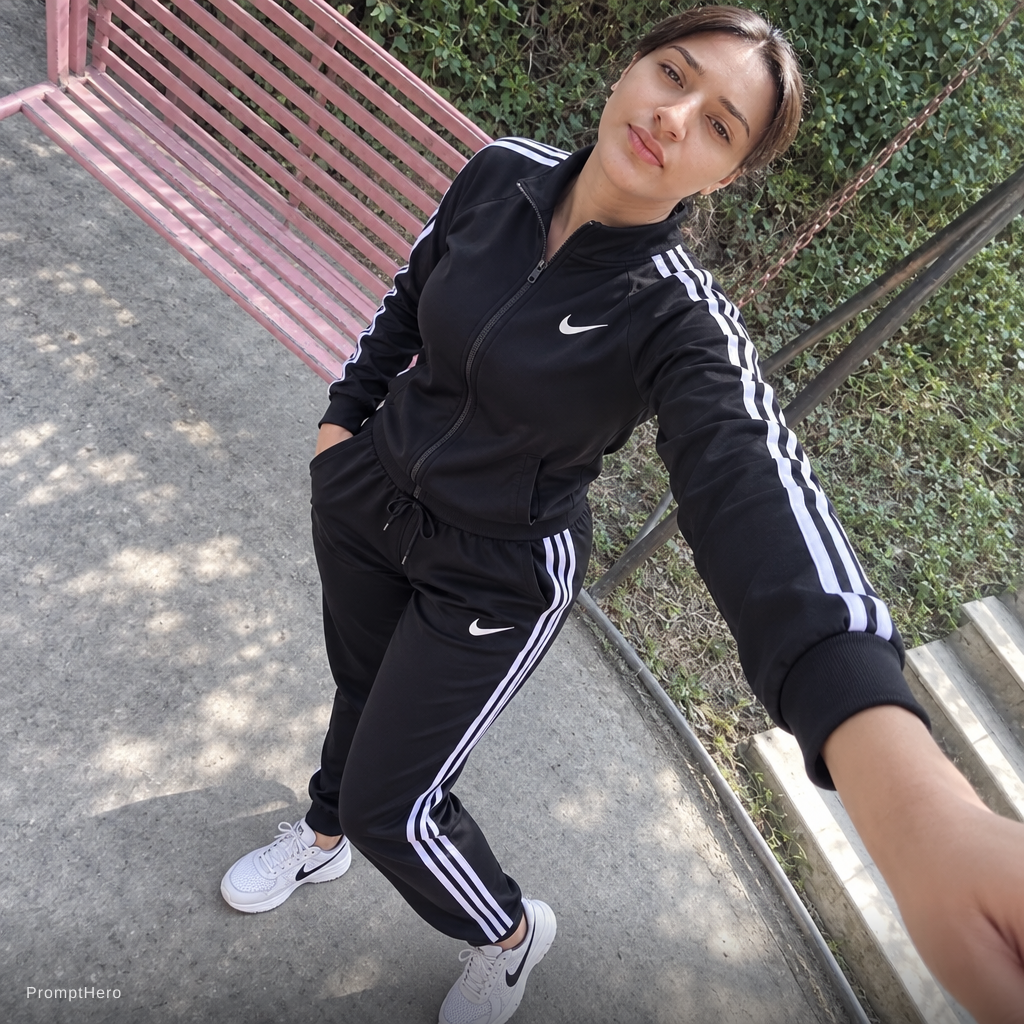
ChatGPT Image prompt: Sport stil Belirtilmedi gpt-image-2.6-flare
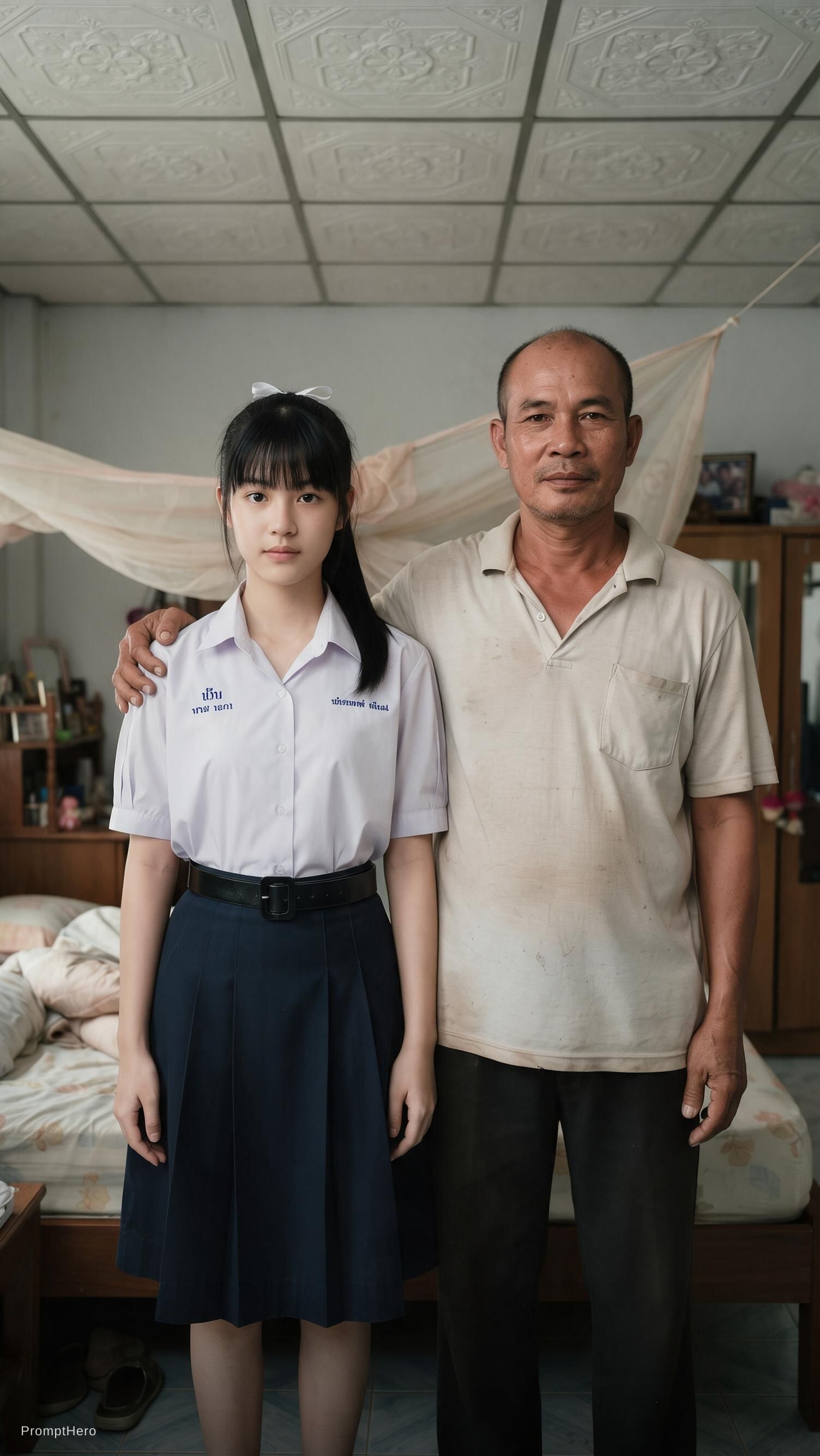
Seedream 5 prompt: Have the man put his arm around the woman's should Belirtilmedi seedream-5-pro
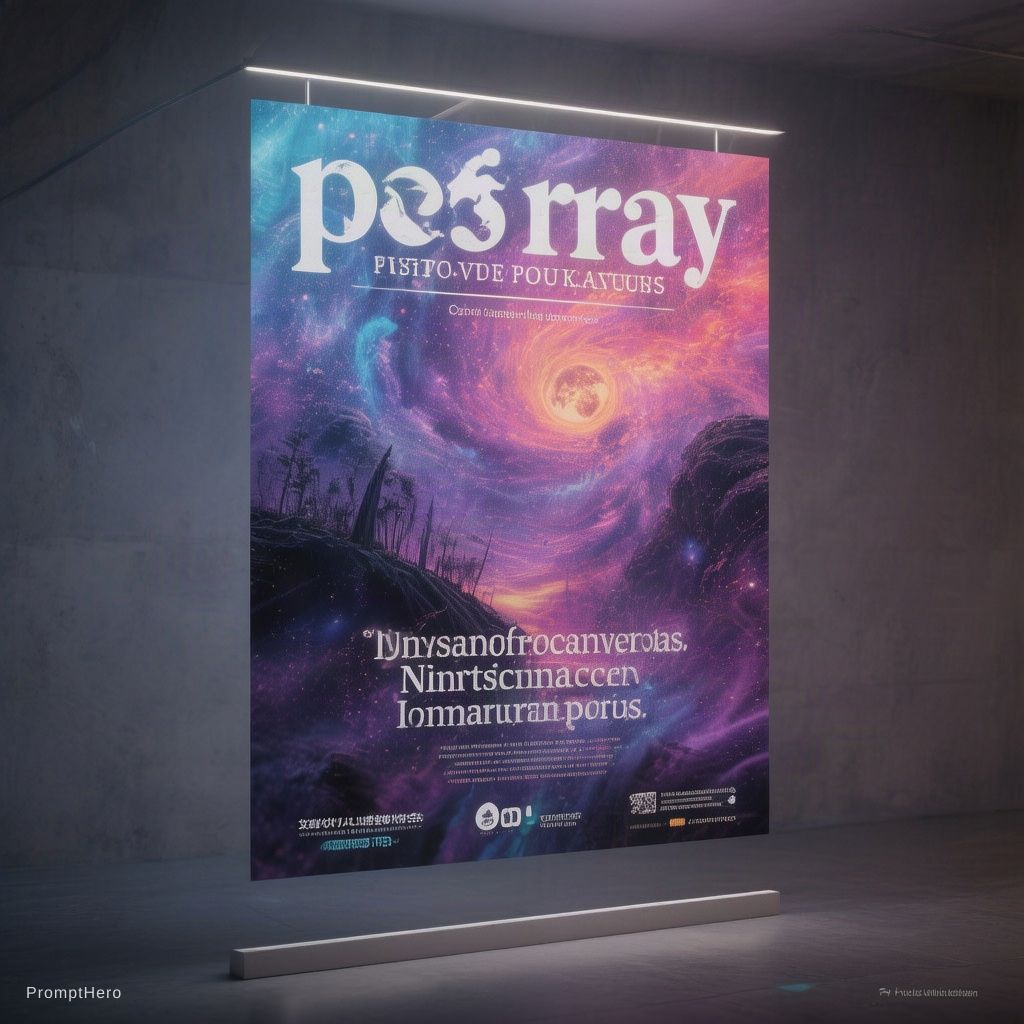
Hunyuan  prompt: póster/imagen Belirtilmedi hunyuan-3
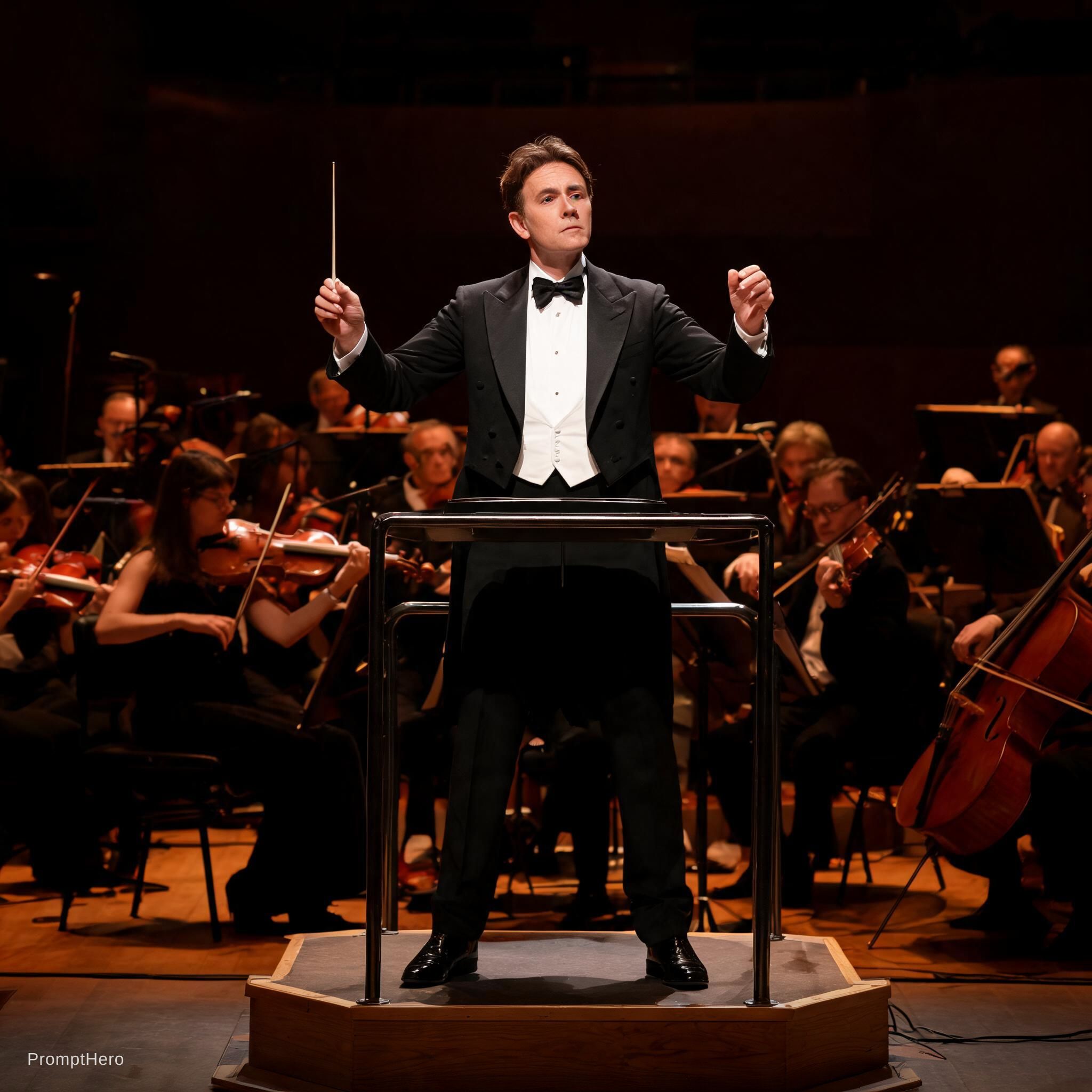
Seedream 5 prompt: Conductor Belirtilmedi v2
FLUX prompt: oil painting Belirtilmedi flux-2-pro
ChatGPT Image prompt: vytvor fotorealistycke študio quality s viacerimi ... Belirtilmedi v1

Run bu prompt ile bu API

bu request below sends bu prompt, ile its default values filled in, to bu first model it runs on. Swap bu model name için any other model listed above.

prompt API belgeleri
/api/v1/gpt_image_2/text_to_image
curl -X POST https://runapi.ai/api/v1/gpt_image_2/text_to_image \
  -H "Authorization: Bearer $RUNAPI_API_KEY" \
  -H "Content-Type: application/json" \
  --data-binary @- <<'JSON'
{
  "model": "gpt-image-2",
  "prompt": "Goal: Create a realistic screenshot-style image of a ChatGPT image generation interface demonstrating multiple image outputs from one request.\n\nCanvas: Landscape 16:9 screenshot crop, white background, resembling a mobile or narrow desktop chat interface. Keep the composition slightly zoomed in so the right edge of the image carousel is visible.\n\nLayout: At the top right, place one rounded light-gray user message bubble containing Japanese text. Beneath it on the left, show the status line “Thought for 2m 7s ›” in light gray. Below that, show one large generated image preview with rounded corners, and a narrow strip of additional generated thumbnails on the right side.\n\nText content: The user bubble should read: “絵コンテを参考に今回のベた塗アニメMVで使用する背景イラストを被写体なしで10個作成してください。\\nテイスト強めで汚らしっぷつぷ感はなくしてください。プロアニメーターとして画質はよくしてほしいです。\\n16:9 n=10”. Highlight the “n=10” part as the key detail.\n\nGenerated image preview: The main preview is a pastel anime background illustration of an empty stylized street with no characters, inspired by a colorful East Asian shopping district. Use soft cel-shaded anime line art, bright pastel blue, pink, yellow, and mint tones, lanterns hanging from buildings, decorative circular signs, shopfronts on both sides, a centered vanishing point, and a decorative archway in the distance. The image should look like a professional anime MV background, 16:9, clean and polished.\n\nDiscrete visible elements to include: exactly 1 user message bubble; exactly 1 status line; exactly 1 large main generated image; exactly 3 narrow vertical thumbnails partially visible on the right, each showing a different pastel anime background; exactly 2 circular overlay buttons on the main preview, one dark “編集” edit button at bottom left and one white downward arrow download button near bottom right; exactly 1 small dark share/upload icon button at the lower-right corner of the main preview.\n\nAnnotation: Add thick hand-drawn yellow marker annotations over the screenshot: exactly 1 yellow circle around “n=10”, exactly 1 thick yellow arrow pointing from the circled “n=10” down toward the right-side thumbnail strip, and exactly 1 tall yellow bracket-like outline encircling the vertical thumbnail strip. The yellow marker should look casual and drawn by hand.\n\nStyle: Clean UI screenshot aesthetic with subtle antialiasing, light gray interface elements, Japanese text rendered legibly, and bright yellow annotation marks. Use n=10 as the highlighted parameter in the chat message. Keep the screenshot realistic, not a poster or infographic."
}
JSON

Dene a prompt

Tahmini: $0.04 / görsel

RunAPI ile oluşturmak için giriş yapın.

Oluşturmak için giriş yapın

Mevcut dil modellerinizle oluşturmaya başlamak için giriş yapın.