Japanese AI Chat Kaiju Screenshot
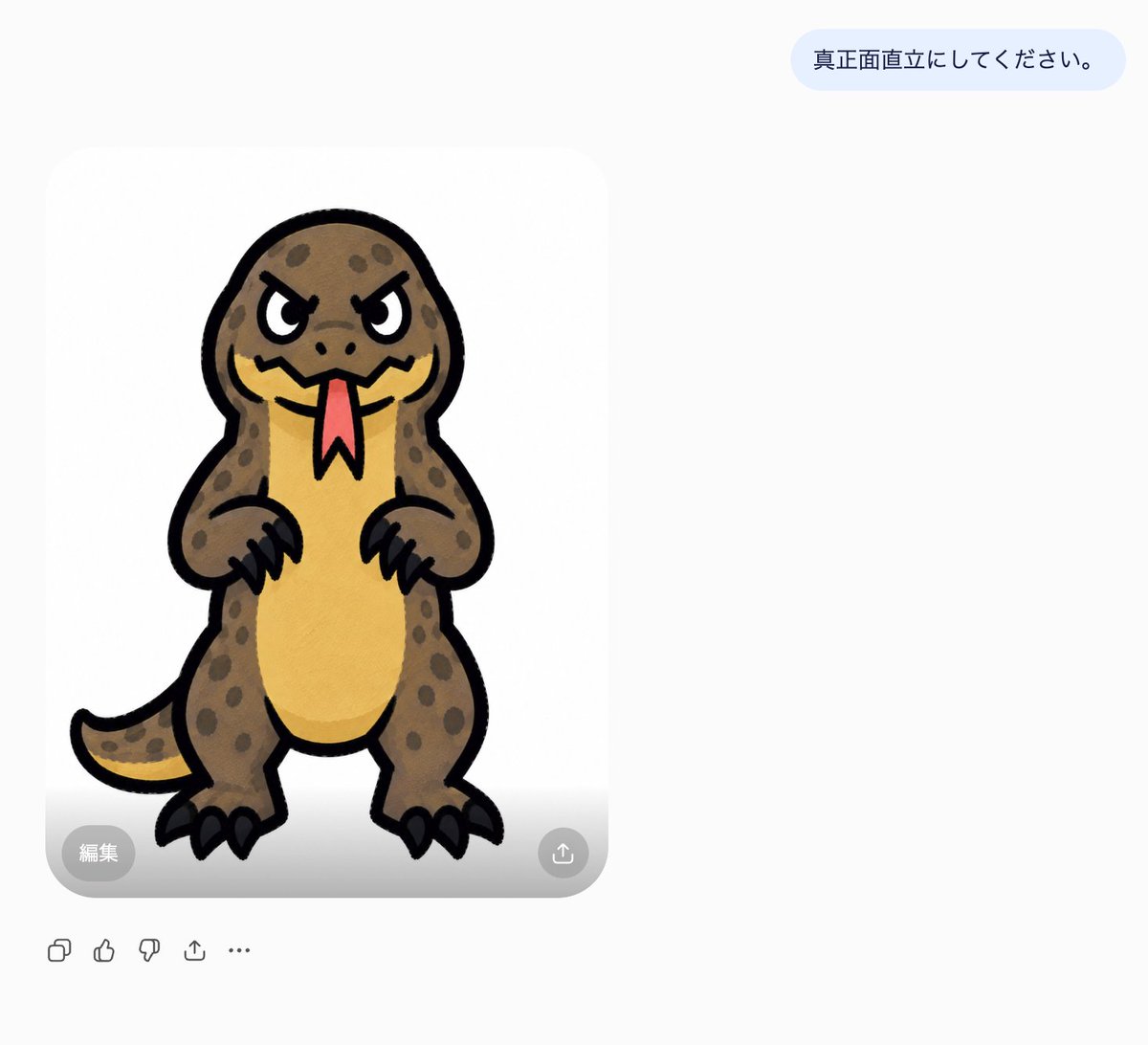
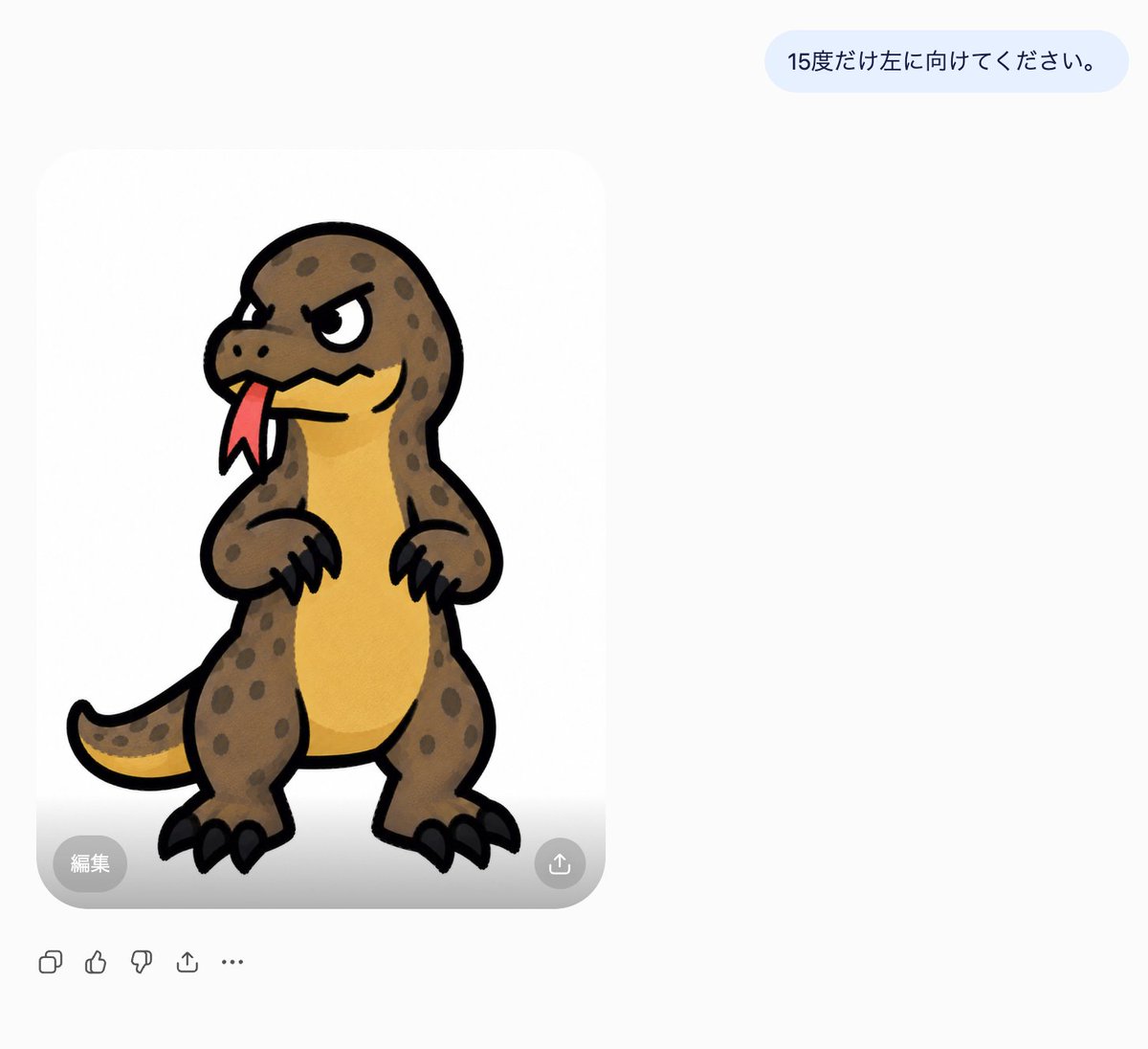
Japanese AI Chat Kaiju Screenshot
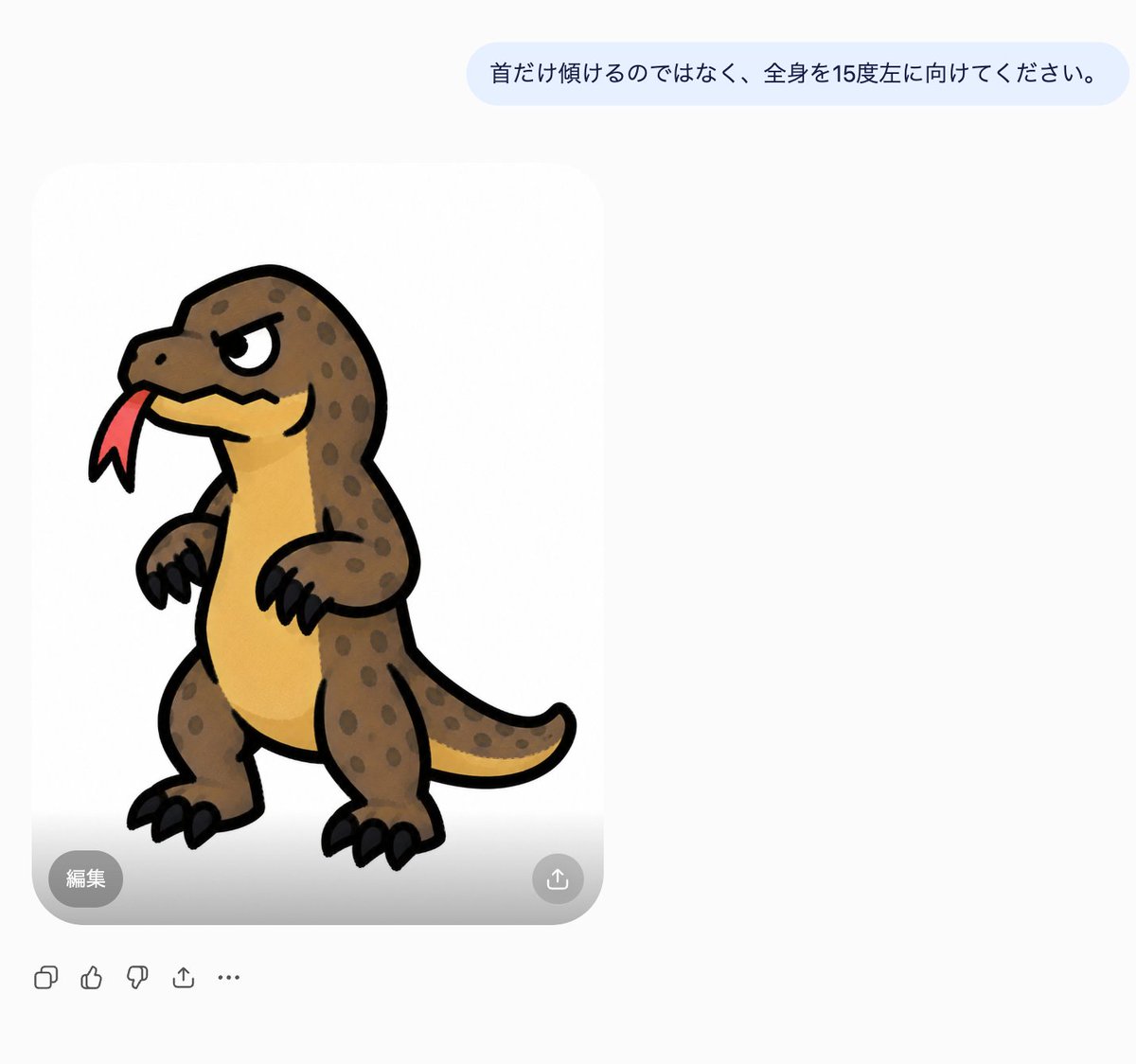
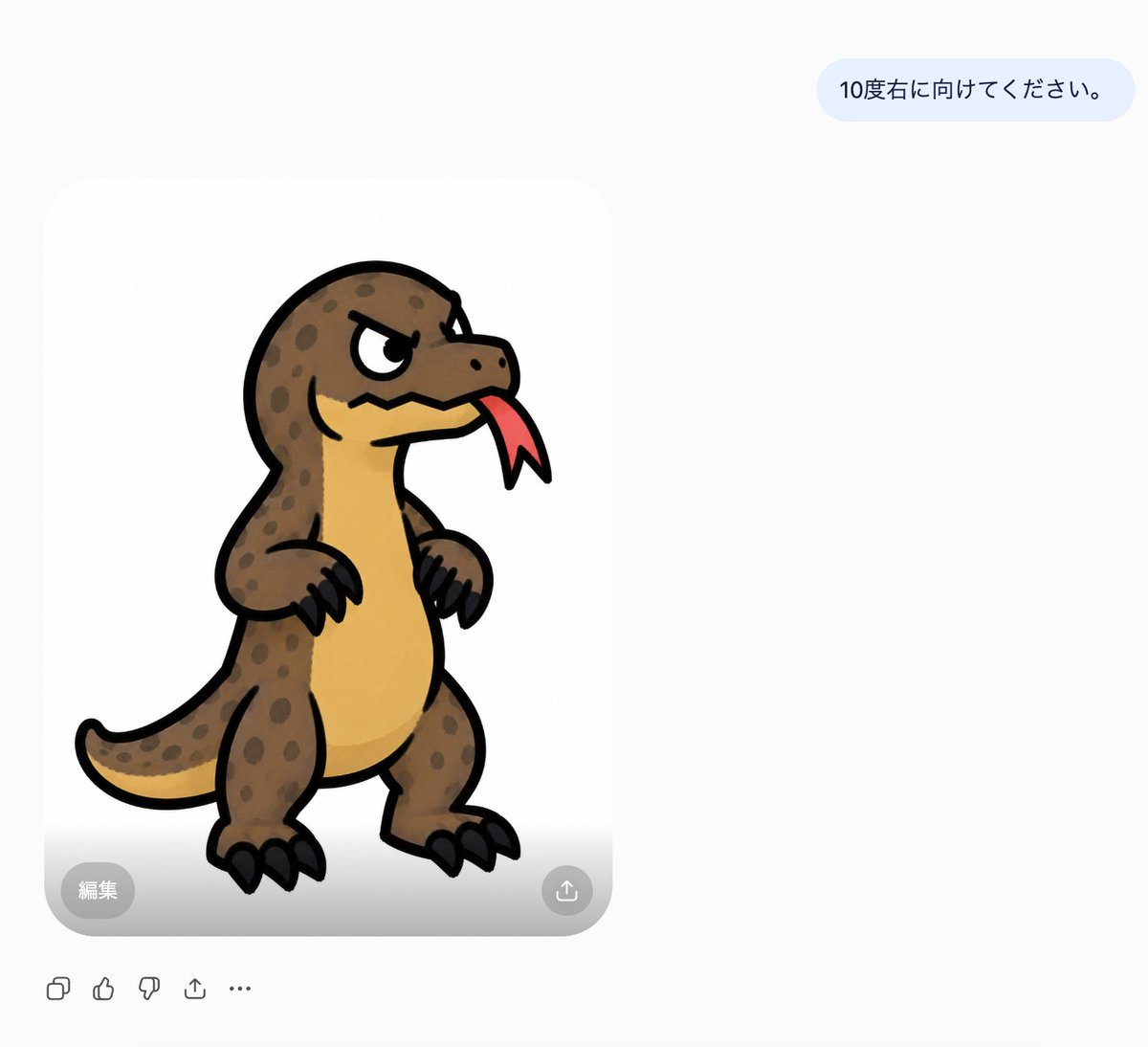

prompt

Goal: Create a clean screenshot-style chat interface showing an AI image generation result after a Japanese instruction. Canvas: Wide landscape canvas, about 1200×1000 px, with a very light gray-white background and lots of empty space on the right. The main generated image card sits left of center, with a user message bubble near the upper right. Text content: Include exactly 1 pale blue rounded message bubble in the upper right containing the Japanese text 真正面直立にしてください。. Keep the text dark navy, simple sans-serif, centered vertically in the bubble. Main image card: Show exactly 1 large rounded white image card on the left, with soft corners and a subtle gray shadow. Inside it is a front-facing, full-body cartoon monster drawn like a cute sticker: a squat upright reptile/kaiju with a big rounded head, angry slanted eyes, thick black outlines, brown spotted skin, a yellow belly, short arms with black claws, chunky legs with black toenails, and a curved tail extending to the left. The creature faces straight forward in a rigid standing pose. It has a red forked tongue hanging from a jagged mouth, small nostril dots, and dark spots scattered over the head, arms, body, legs, and tail. Use a hand-drawn marker or watercolor texture with slightly uneven fills. Character colors: muddy brown, warm yellow, red, with thick black outlines. Overlay controls: On the lower edge of the image card, include exactly 2 semi-transparent circular controls: a gray circle at bottom left labeled 「編集」 in white, and a gray circle at bottom right with a white upload/share arrow icon. A faint gray gradient appears along the bottom of the image card behind these controls. Bottom toolbar: Beneath the card, aligned left, include exactly 5 small gray outline icons in this order: copy/duplicate icon, thumbs-up icon, thumbs-down icon, share/upload icon, and horizontal ellipsis icon. Keep them minimal and unfilled. Style constraints: The whole scene should look like a cropped modern AI chat app screenshot, not a poster. Preserve the Japanese text exactly where specified. Do not add extra messages, captions, watermarks, borders, or additional characters.

21 modelde çalışır

  • Flux
  • Flux 2
  • Flux Kontext
  • GPT-4o Image
  • GPT Image
  • GPT Image 2
  • GPT Image 2.5
  • GPT Image 2.6
  • Grok Imagine
  • Ideogram V3
  • Imagen 4
  • Kling
  • +9 Daha fazla

Bu prompt ne üretir

Hero prompt: nos podrias hacer una foto con la pose de la prime... Belirtilmedi 1.0
Seedream 5 prompt: Hot dress Belirtilmedi v2
Nano Banana prompt: Match the same pose from the 1st image Belirtilmedi nano-banana-2.1
Seedream 5 prompt: Modern minimalist mobile app icon logo design for ... Belirtilmedi seedream-5-pro
FLUX prompt: Enchanted Victorian villages Belirtilmedi flux-2-pro
Hunyuan  prompt: субстанция Belirtilmedi hunyuan-3

Run bu prompt ile bu API

bu request below sends bu prompt, ile its default values filled in, to bu first model it runs on. Swap bu model name için any other model listed above.

prompt API belgeleri
/api/v1/gpt_image_2/text_to_image
curl -X POST https://runapi.ai/api/v1/gpt_image_2/text_to_image \
  -H "Authorization: Bearer $RUNAPI_API_KEY" \
  -H "Content-Type: application/json" \
  --data-binary @- <<'JSON'
{
  "model": "gpt-image-2",
  "prompt": "Goal: Create a clean screenshot-style chat interface showing an AI image generation result after a Japanese instruction.\n\nCanvas: Wide landscape canvas, about 1200×1000 px, with a very light gray-white background and lots of empty space on the right. The main generated image card sits left of center, with a user message bubble near the upper right.\n\nText content: Include exactly 1 pale blue rounded message bubble in the upper right containing the Japanese text 真正面直立にしてください。. Keep the text dark navy, simple sans-serif, centered vertically in the bubble.\n\nMain image card: Show exactly 1 large rounded white image card on the left, with soft corners and a subtle gray shadow. Inside it is a front-facing, full-body cartoon monster drawn like a cute sticker: a squat upright reptile/kaiju with a big rounded head, angry slanted eyes, thick black outlines, brown spotted skin, a yellow belly, short arms with black claws, chunky legs with black toenails, and a curved tail extending to the left. The creature faces straight forward in a rigid standing pose. It has a red forked tongue hanging from a jagged mouth, small nostril dots, and dark spots scattered over the head, arms, body, legs, and tail. Use a hand-drawn marker or watercolor texture with slightly uneven fills. Character colors: muddy brown, warm yellow, red, with thick black outlines.\n\nOverlay controls: On the lower edge of the image card, include exactly 2 semi-transparent circular controls: a gray circle at bottom left labeled 「編集」 in white, and a gray circle at bottom right with a white upload/share arrow icon. A faint gray gradient appears along the bottom of the image card behind these controls.\n\nBottom toolbar: Beneath the card, aligned left, include exactly 5 small gray outline icons in this order: copy/duplicate icon, thumbs-up icon, thumbs-down icon, share/upload icon, and horizontal ellipsis icon. Keep them minimal and unfilled.\n\nStyle constraints: The whole scene should look like a cropped modern AI chat app screenshot, not a poster. Preserve the Japanese text exactly where specified. Do not add extra messages, captions, watermarks, borders, or additional characters."
}
JSON

Dene a prompt