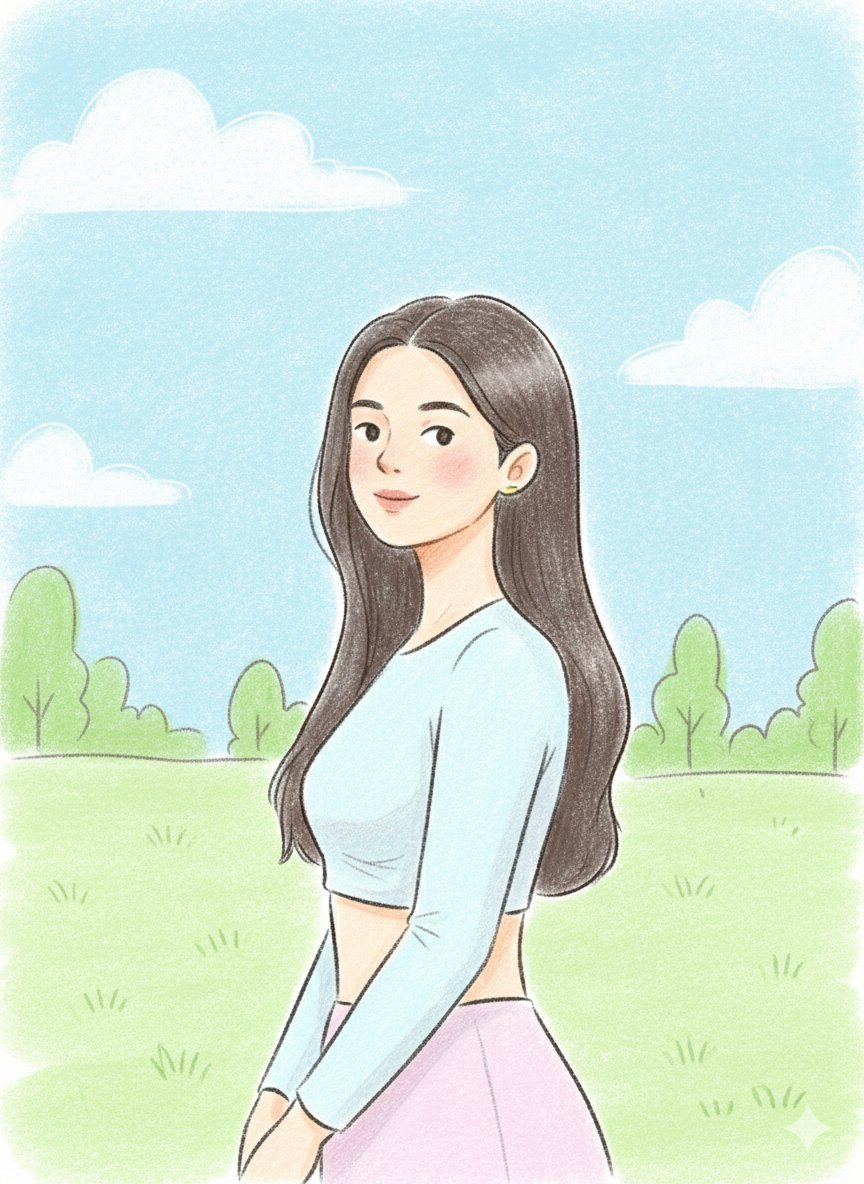
Madeleine Technical Blueprint

Transforms a reference photo of a madeleine into a white-on-blue engineering blueprint with labeled views, dimensions, scale, and notes.
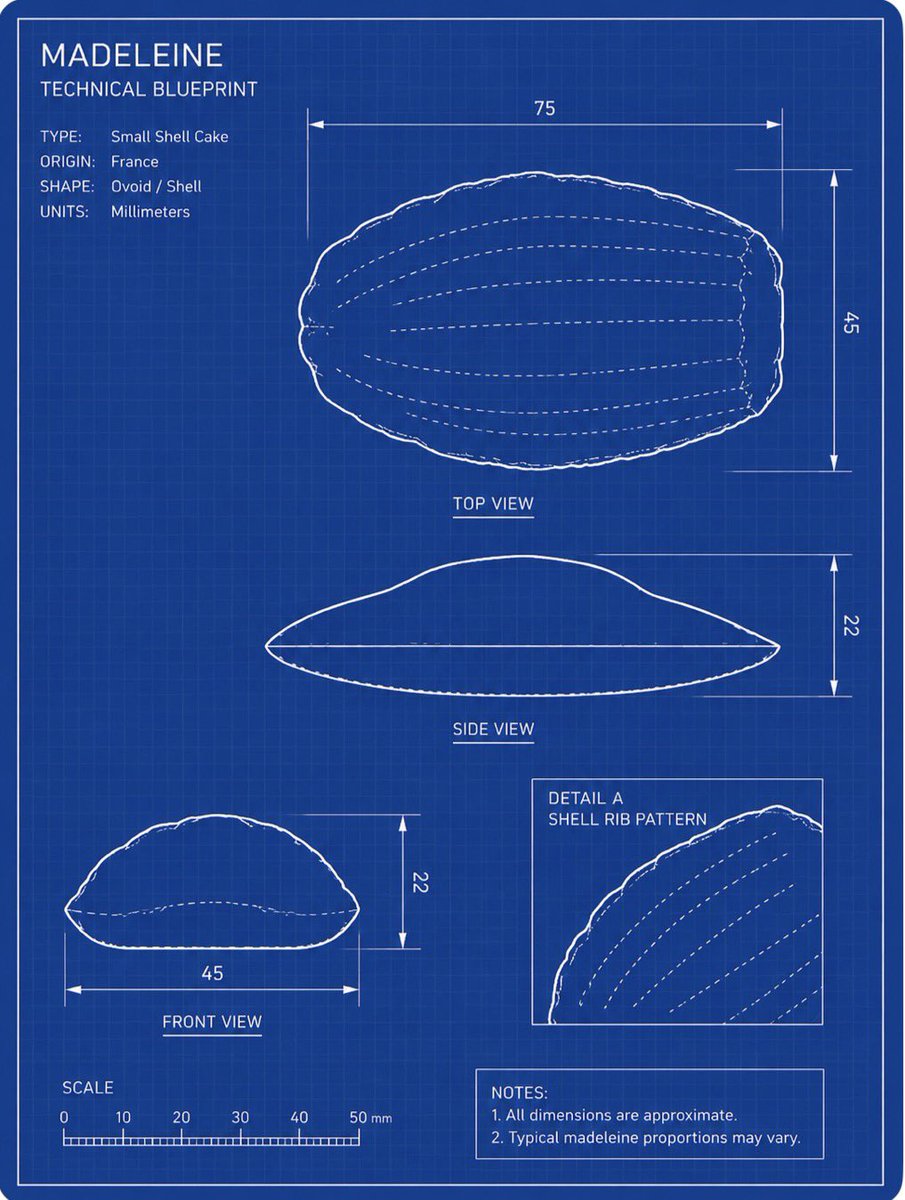
Madeleine Technical Blueprint

Prompt

Using the provided reference image as the subject, transform the madeleine into a clean technical blueprint drawing rather than a photo. Create a vertical engineering-sheet layout on a dark blue grid background with thin white linework, a double border, measurement arrows, labels, and schematic outlines that preserve the madeleine’s shell-like oval form. Goal: Produce a blueprint titled MADELEINE with the subtitle TECHNICAL BLUEPRINT. Layout: Include exactly 4 technical drawing panels derived from the reference pastry: 1 large top view at the upper right, 1 side view centered below it, 1 front view at the lower left, and 1 boxed detail inset at the lower right showing the shell rib pattern. Use white contour lines and dashed internal rib lines. Technical text: Add a specification block at upper left with exactly 4 rows: TYPE: Small Shell Cake, ORIGIN: France, SHAPE: Ovoid / Shell, UNITS: Millimeters. Measurements: Add dimension lines and numeric labels matching a blueprint: top view width 75 and height 45, side view height 22, front view width 45 and height 22. Add a bottom-left scale ruler labeled SCALE with marks 0, 10, 20, 30, 40, 50 mm. Additional elements: Add the inset label “DETAIL A” and “SHELL RIB PATTERN”. Add a notes box at the bottom right with exactly 2 notes: “1. All dimensions are approximate.” and “2. Typical madeleine proportions may vary.” Style constraints: Do not render the pastry as a realistic food photo; convert it fully into a white-on-blue technical schematic. Keep the blueprint crisp, precise, lightly hand-drawn at the outline edges, with no extra objects, no shadows, and no watermark.

Runs on 18 models

  • Flux
  • Flux 2
  • Flux Kontext
  • GPT-4o Image
  • GPT Image
  • GPT Image 2
  • GPT Image 2.5
  • Grok Imagine
  • Ideogram V3
  • Imagen 4
  • Midjourney
  • Nano Banana
  • +6 more

What this prompt produces

Realistic Group Selfie with Smartphone Flash Effect Not specified nano-banana-pro
Four Seasons Portrait Collage Not specified nano-banana-pro
Minimalist Dog Sketch Clipart Not specified nano-banana-pro
Mecha Girl figure concept generated by Nano Banana Pro Not specified nano-banana-pro
Candid Flash Photography: Chaotic Holiday Party (Duplicate) Not specified nano-banana-pro
Ethereal Floral Studio Portrait Not specified nano-banana-pro

Run this prompt with the API

The request below sends this prompt, with its default values filled in, to the first model it runs on. Swap the model name for any other model listed above.

Prompt API docs
/api/v1/gpt_image_2/text_to_image
curl -X POST https://runapi.ai/api/v1/gpt_image_2/text_to_image \
  -H "Authorization: Bearer $RUNAPI_API_KEY" \
  -H "Content-Type: application/json" \
  --data-binary @- <<'JSON'
{
  "model": "gpt-image-2",
  "prompt": "Using the provided reference image as the subject, transform the madeleine into a clean technical blueprint drawing rather than a photo. Create a vertical engineering-sheet layout on a dark blue grid background with thin white linework, a double border, measurement arrows, labels, and schematic outlines that preserve the madeleine’s shell-like oval form.\n\nGoal: Produce a blueprint titled MADELEINE with the subtitle TECHNICAL BLUEPRINT.\n\nLayout: Include exactly 4 technical drawing panels derived from the reference pastry: 1 large top view at the upper right, 1 side view centered below it, 1 front view at the lower left, and 1 boxed detail inset at the lower right showing the shell rib pattern. Use white contour lines and dashed internal rib lines.\n\nTechnical text: Add a specification block at upper left with exactly 4 rows: TYPE: Small Shell Cake, ORIGIN: France, SHAPE: Ovoid / Shell, UNITS: Millimeters.\n\nMeasurements: Add dimension lines and numeric labels matching a blueprint: top view width 75 and height 45, side view height 22, front view width 45 and height 22. Add a bottom-left scale ruler labeled SCALE with marks 0, 10, 20, 30, 40, 50 mm.\n\nAdditional elements: Add the inset label “DETAIL A” and “SHELL RIB PATTERN”. Add a notes box at the bottom right with exactly 2 notes: “1. All dimensions are approximate.” and “2. Typical madeleine proportions may vary.”\n\nStyle constraints: Do not render the pastry as a realistic food photo; convert it fully into a white-on-blue technical schematic. Keep the blueprint crisp, precise, lightly hand-drawn at the outline edges, with no extra objects, no shadows, and no watermark."
}
JSON

Try a prompt

Estimated: $0.04 / image

Sign in to generate with RunAPI.

Sign in to generate

Sign in to start generating with your available language models.