Object-Oriented Prompt for Composition and Lighting Study
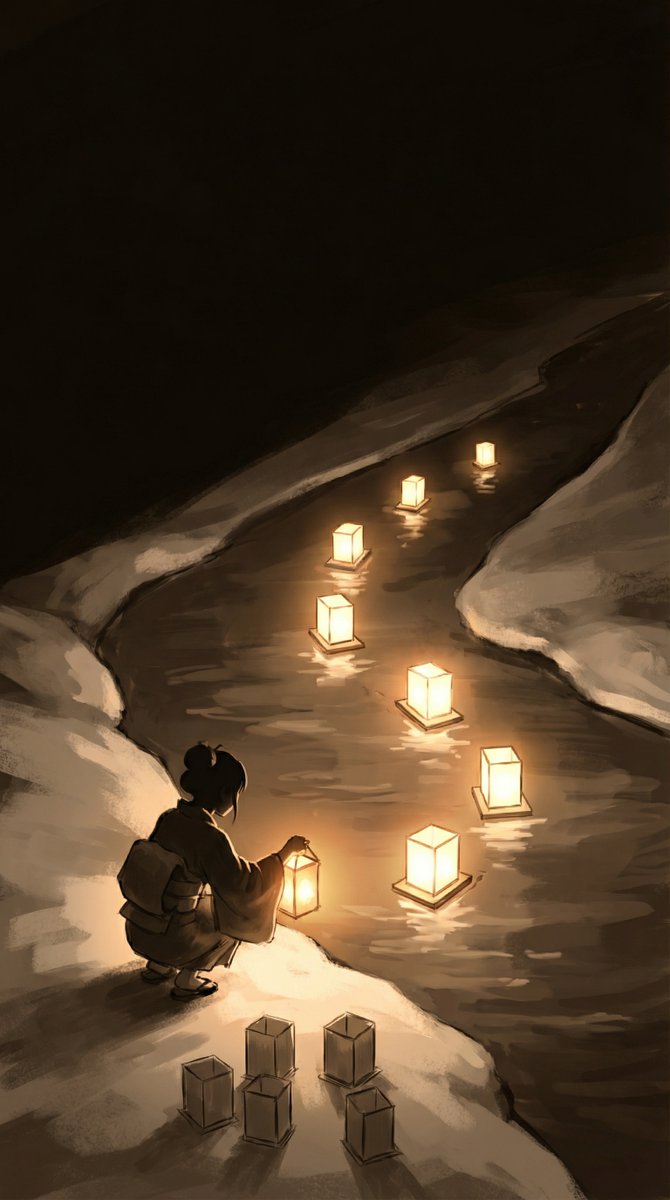
This is an extremely detailed, structured YAML-style prompt designed for the Nano Banana Pro AI, focusing on logical composition and visual flow. It uses object-oriented concepts like 'class definition' to logically define elements, ensuring the AI understands complex instructions like '12 placements' and an 'S-curve visual path' for generating high-contrast concept art. The goal is to move beyond random generation ('gacha') to deliberate visual 'architecture'.
Prompt
# Composition & Lighting Study Generator
# Project: "Zodiac Parade" - Emotional Night Illustration
# Purpose: コントラストの高いコンセプトアートを作成し、全体の「流れ」と「配置」を確定させる
# ▼ 1. プロジェクトのゴール定義
project_goal:
type: "Atmospheric Concept Art / Lighting Study"
# ここで「S字の光の道」を視覚的な最優先事項としてAIに認識させる
visual_priority: "Establish a strong S-curve visual path using light."
canvas_configuration:
aspect_ratio: "9:16"
# 色塗りに惑わされないよう、あえてモノクロやセピアのスケッチとして出力指示
rendering_mode: "Monochrome or Sepia Sketch with Strong Lighting Bloom."
camera_angle: "High Angle (Cinematic overview)."
# ▼ 2. 視線誘導ロジック(ここが重要)
visual_guidance_logic:
# 視線のスタートとゴールを言語化する
path_of_light: "視線は『左下(少女)』から始まり、水面の灯籠を辿って『右上(奥)』へ抜ける。"
# 明暗のルールを決めることで、画面が散らかるのを防ぐ
contrast_strategy:
- "Darkest Areas: River surface (reflecting lights)."
- "Brightest Areas: Lanterns (Light Sources)."
# テキストを入れるための「左上」の余白を確保
negative_space: "Top-Left (Dark Sky) should be kept empty for text placement."
# ▼ 3. オブジェクトのクラス定義
scene_elements:
# --- 境界線 (Terrain) ---
- element: "Terrain_Divider"
visual: "Diagonal separation."
# ここで「陸」と「川」を明確に分けないと、キャラが水没したり浮いたりする
details: "Bottom-Left is the Snowy River Bank (Land). Top-Right is the flowing River (Water)."
# --- 人物 (Character) ---
- element: "Girl_Silhouette"
position: "Bottom_Left (On the snow)"
pose: "Crouching/Sitting, facing the river."
# 初期段階では「顔」よりも「着物のボリューム感(塊)」を重視
style: "Rough sketch style, showing the volume of the Kimono."
# --- 灯籠の配置 (Lanterns) ---
# ▼「12個」と一言で書くより、グループ分けしたほうがAIは数を守りやすい
- element: "Lantern_Group_Water (Past/Present)"
count: "7 lanterns (1 in hand + 6 on water)."
arrangement: "Forming a beautiful S-Curve flowing towards top-right."
- element: "Lantern_Group_Land (Future)"
count: "5 lanterns."
arrangement: "Clustered neatly, waiting to be released."
rendering_style:
- "Chiaroscuro (Strong contrast between light and dark)."
- "Focus on Composition balance and Visual Flow."
Runs on 18 models
Flux
Flux 2
Flux Kontext
GPT-4o Image
GPT Image
GPT Image 2
GPT Image 2.5
Grok Imagine
Ideogram V3
Imagen 4
Midjourney
Nano Banana
+6 more
What this prompt produces
Not specified
nano-banana-pro
$0.11 / callNot specified · Not specified
Not specified
nano-banana-pro
$0.11 / callNot specified · Not specified
Not specified
nano-banana-pro
$0.11 / callNot specified · Not specified
Not specified
nano-banana-pro
$0.11 / callNot specified · Not specified
Not specified
nano-banana-pro
$0.11 / callNot specified · Not specified
Not specified
nano-banana-pro
$0.11 / callNot specified · Not specified
Run this prompt with the API
The request below sends this prompt, with its default values filled in, to the first model it runs on. Swap the model name for any other model listed above.
A small red funicular railway car climbing a steep single track up a hillside town of stacked terracotta-roofed houses, cypress trees and a church bell tower at the summit, rendered as pyrography wood-burning art on a pale birch plywood panel. Technique: every line is burned into the wood in warm sepia and deep chocolate browns. Use fine parallel hatching for the roof tiles, stippled dots for the cypress trees and foliage, darker scorched tones for doorways and shadows, and leave the light natural wood grain bare for the sky and soft clouds. Only the funicular car carries a soft hand-applied wash of red stain, so it is the single color accent. Details: the track runs diagonally from the lower left to the bell tower at the upper right, with a small station platform at the bottom and narrow stairways between the houses beside the track. Slightly uneven handmade line quality, subtle char marks along the panel edges, visible birch grain throughout. Presentation: 3:4 portrait framing of the whole panel, viewed straight on under flat, even studio lighting, no glare. Avoid: text, signatures, people, photographic realism, digital gradients.
A traditional black-and-cream linocut print of a crowded European Christmas market at night, tall portrait 3:4. A narrow cobblestone lane runs between wooden market stalls with peaked snow-covered roofs; a dense crowd in heavy winter coats and hats walks between the stalls. In the background a tall ornate Gothic cathedral spire rises into a solid black sky filled with falling cream snow dots. Three strings of round festival lights swoop across the upper third with soft white halos. Left stall shows jars and hanging ornaments; right stall sends a plume of steam from a tray of roasted chestnuts. High-contrast hand-carved hatching, block-print woodgrain feel, ink-black and cream paper only, lively winter-night mood. No readable shop names, no logos, no watermarks, no modern brand marks.
A charcoal drawing of a jazz trio playing in a smoky club, landscape 4:3, on warm off-white textured drawing paper. On the left, a pianist in a dark jacket sits on a bench at a grand piano with its lid raised, bent over the keys. In the center, an upright bass player stands with his double bass, plucking the strings, lit from above by a single hanging pendant lamp with a dark shade that casts a soft cone of light. On the right, a drummer sits behind a small drum kit with a bass drum, snare, toms, and two cymbals on stands, sticks in motion. Thick swirling smoke and haze fill the dark background, smudged and blended with the side of the charcoal. Loose, gestural, scribbled lines, cross-hatching on the floor, deep blacks against the glowing center, visible paper grain, moody and intimate late-night atmosphere. Faces in soft shadow with no detailed features, no text, no logos.
A wide scrimshaw-style engraving of a three-masted clipper ship under full sail battling towering storm waves, while a long coiled sea serpent rises from the sea beside it on the right. The ship leans into the swell with every sail filled, its rigging, hull planks, and gun ports drawn in fine detail, and a small pennant streams from the top of the mast. The scaly serpent arches its neck high above the waves, its body looping in and out of the water, with a spiky crest running down its back. Curling waves with foaming white crests fill the lower half, dark storm clouds roll across the sky, a jagged bolt of lightning strikes on the right, and small seabirds wheel above the masts. Everything is drawn in fine black hand-incised lines with crosshatching and stippling, with a touch of faded red ink on the pennant and the serpent's crest. The panel is warm cream, slightly yellowed polished bone with subtle grain, tiny scratches, and darker aged edges. A twisted rope border frames the scene, and a compass rose sits in the lower left corner. Antique 19th-century sailor folk art look, high detail. Wide landscape 16:9. No text, no letters, no signatures.
A black scratchboard illustration of a barn owl perched on a rough wooden beam inside a quiet barn at night, 16:9 landscape, high-contrast white scratched lines on deep black ink board. Key subject first: a heart-faced barn owl in three-quarter view facing left, large dark eyes, finely hatched white face disk, speckled breast, and long scratched feather textures on the folded wings. Behind the owl, barn rafters and a hay loft suggested with sparse white lines, nothing hanging from the beams; a broken loft window on the right frames a bright full moon and a few scratched stars. Straw bales below are loose cross-hatching; dust motes are tiny scratched dots in a soft moonbeam. Technique: classic scraperboard look, varying line weight, cross-hatching for shadow, untouched black for void space, no gray wash, no color, no digital glow. Mood still, watchful, slightly eerie but calm. No text, no signature, no watermark, no color tint.
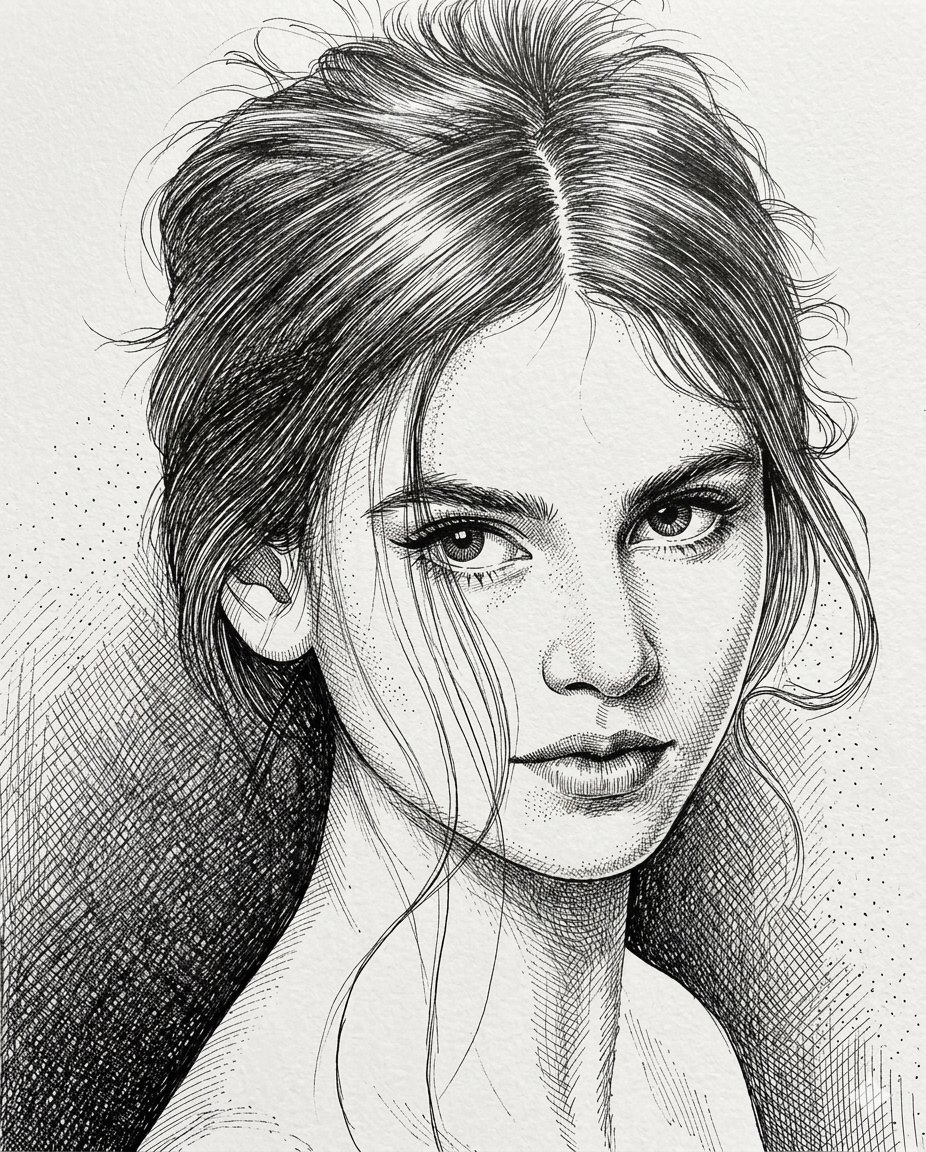
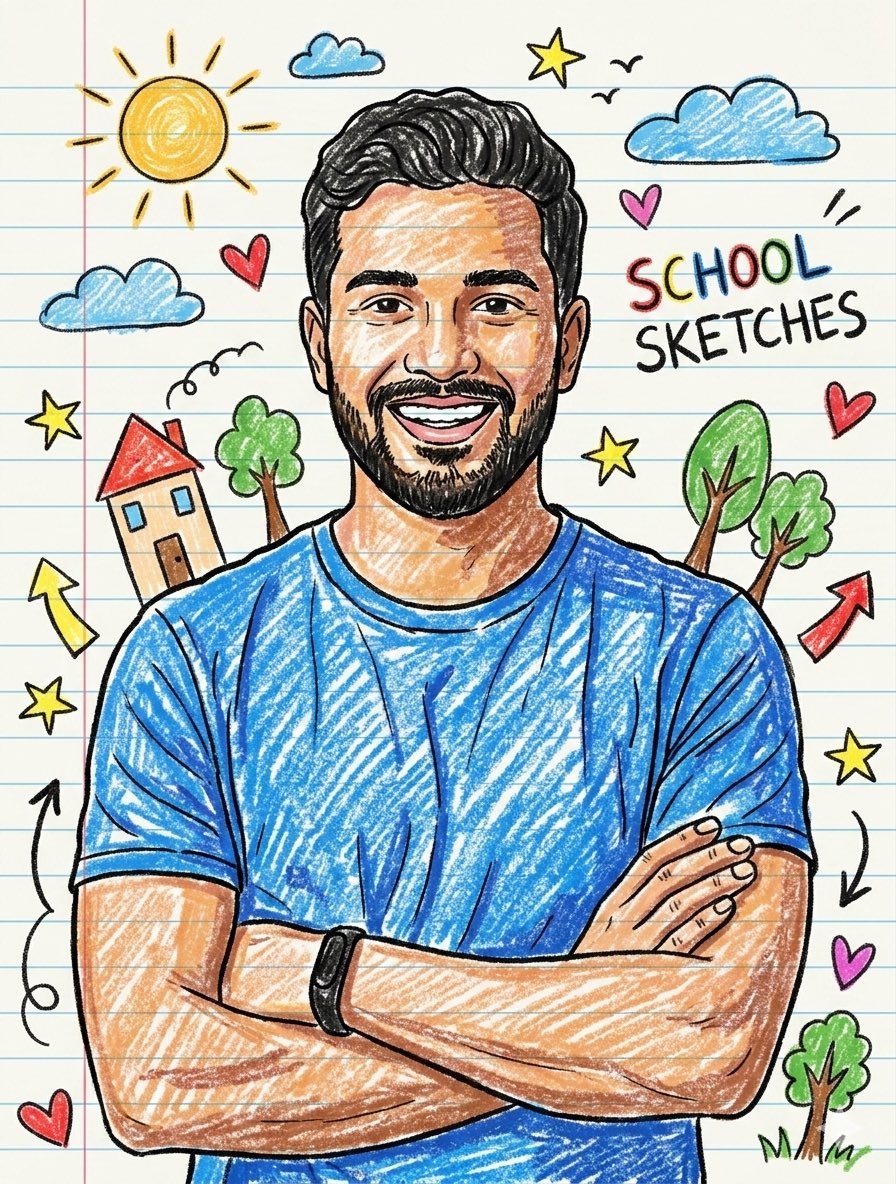
Transform the uploaded photo into a vertical 4:5 mixed-media memory card with a strict 50/50 split. Top: Keep the original photo completely unchanged,same subject, composition, lighting, colors, and details. Only subtle film grain. Bottom: Warm off-white handmade paper with visible fibers and a muted irregular color patch inspired by the photo. Redraw only the main subject as a minimal dark wax-crayon sketch, using loose imperfect lines and subtle Risograph grain. Add one short handwritten English phrase matching the mood. Style: quiet, nostalgic, Morandi-inspired, tactile, elegant, generous negative space. Avoid: extra elements, clutter, borders, stickers, logos, glossy effects, cartoon/vector style, or altering the original photo.