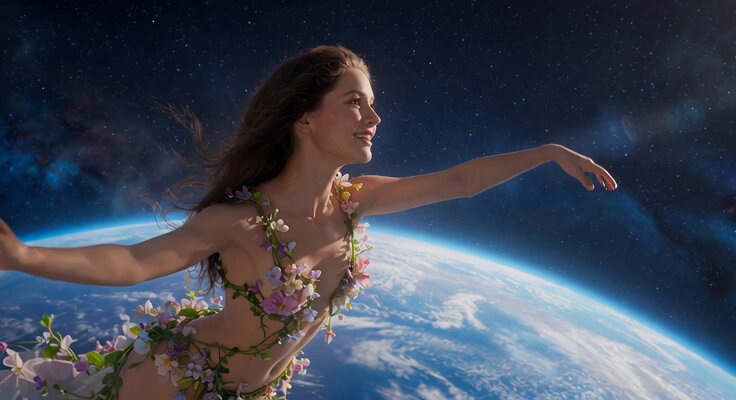
AI Photo Editing Prompts
1,651 prompts, each shown with the image it produced. Copy one as written, or run it on GPT Image, Nano Banana, Seedream and other models with the same API call.
Runs on 36 image models through one API key
curl -G https://runapi.ai/api/v1/prompts \
  -d modality=image -d category=photo-editing \
-H "Authorization: Bearer $RUNAPI_API_KEY"Photo Editing prompt examples
1,651 prompts Updated November 20, 2026
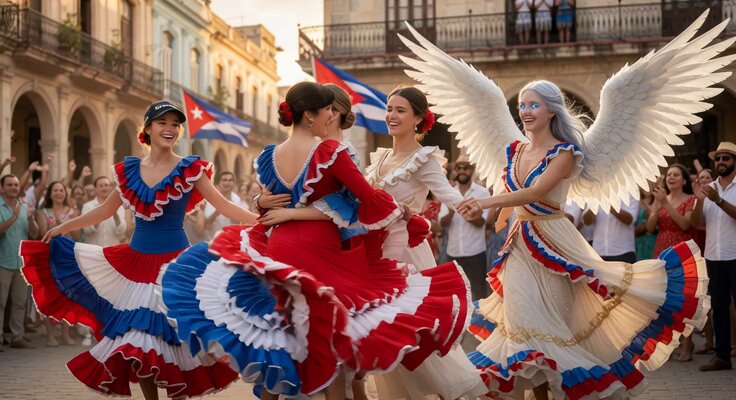
Cuban Plaza Dancers Extension
grok-imagine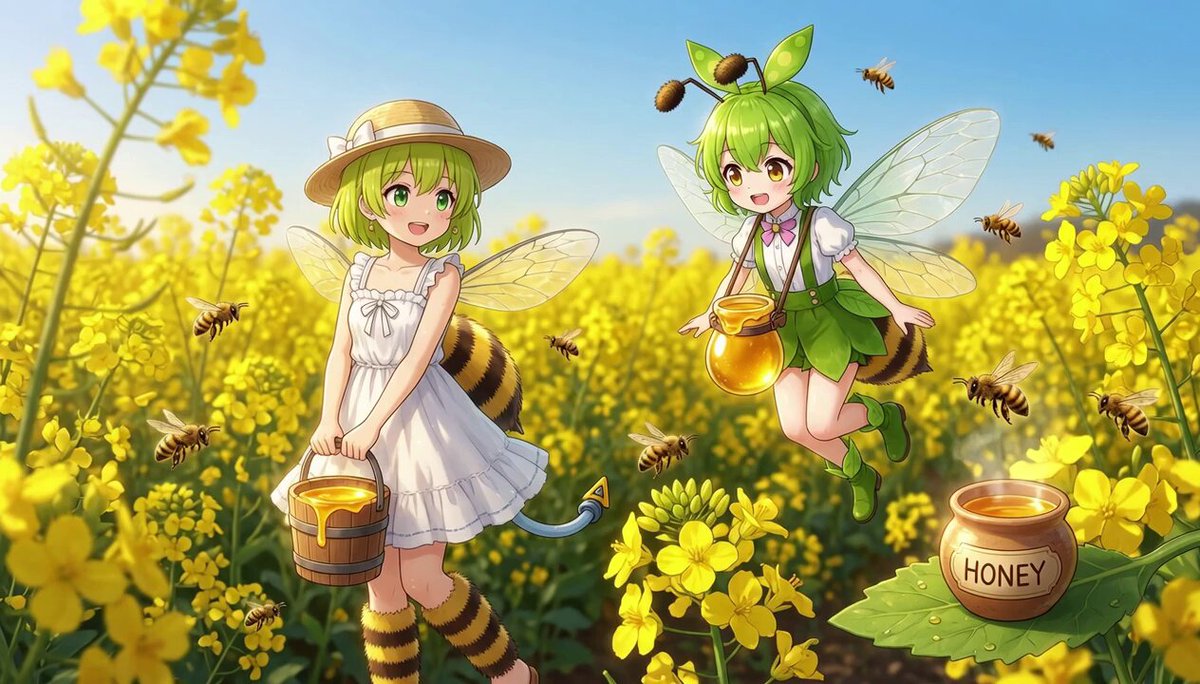
Zundamon and Deltamon Rapeseed Field
grok-imagine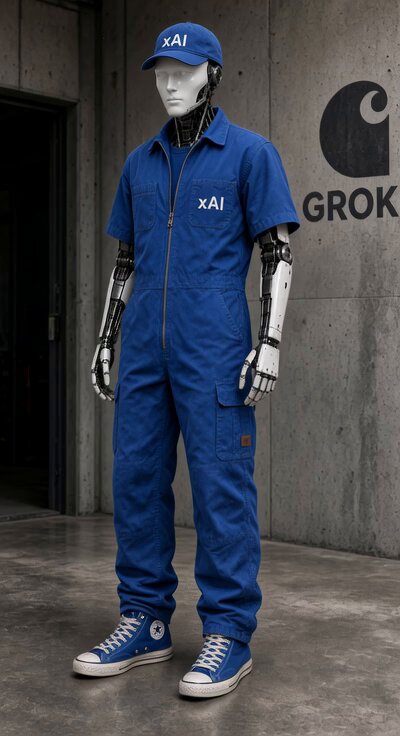
Grok Humanoid Robot in Carhartt Jumpsuit
grok-imagine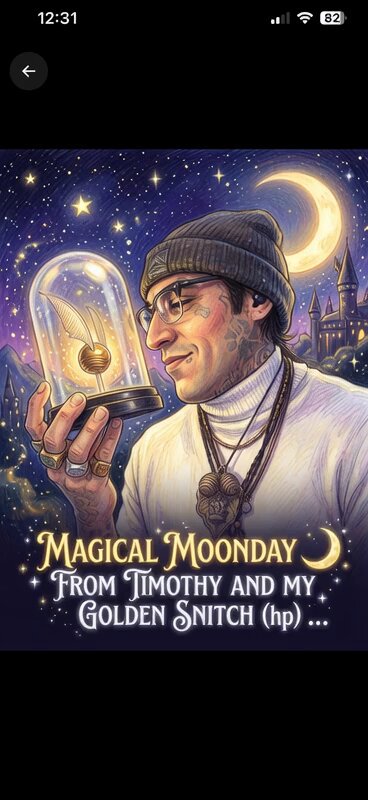
Thor Thursday Video Sketch
grok-imagine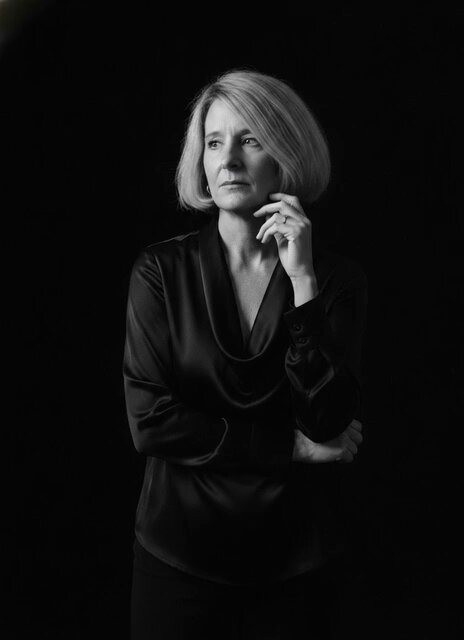
Diamond Jewelry Video Addition
grok-imagine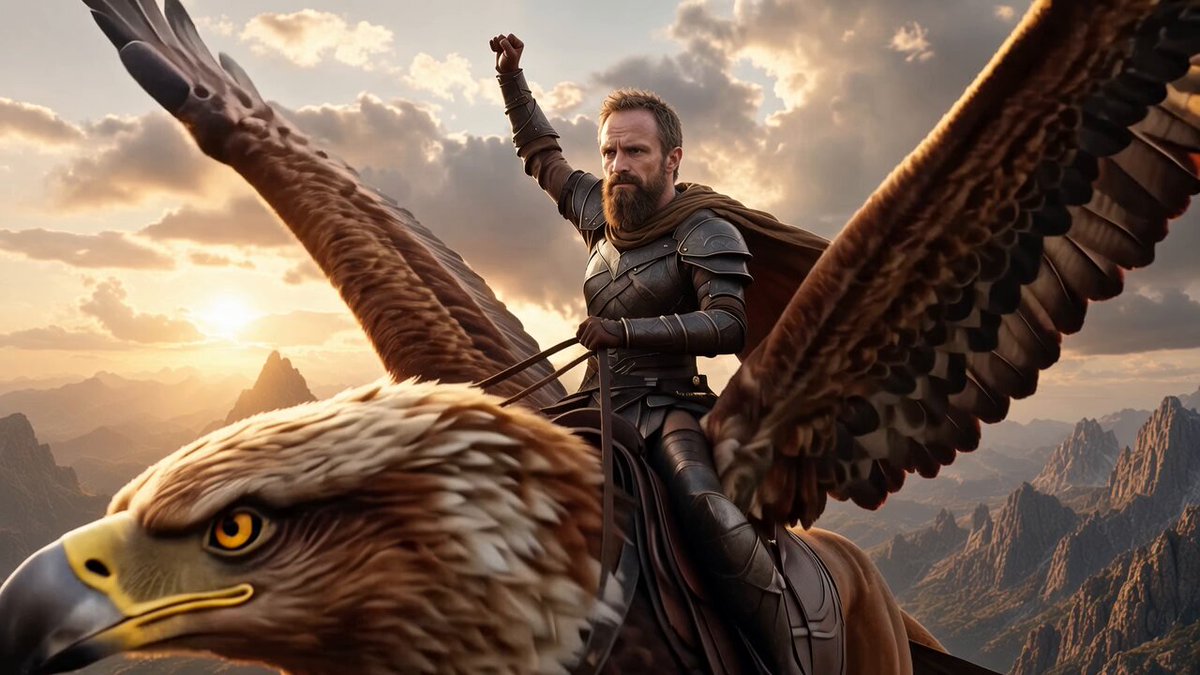
Video Face Swap and Element Preservation
grok-imagine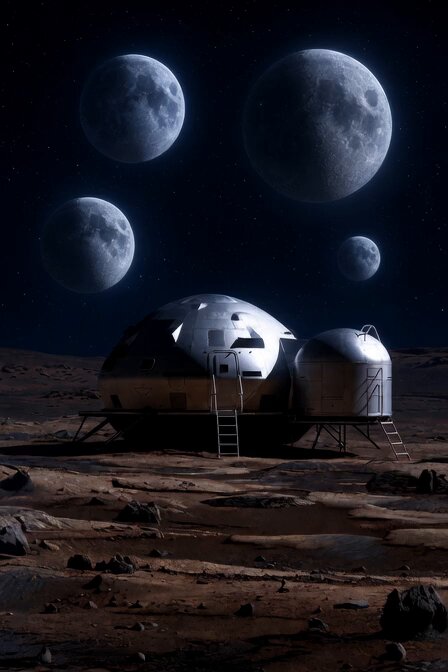
Martian Habitat Night Transformation Video
grok-imagine
Billboard Image Transformation Prompt
seedance-2.0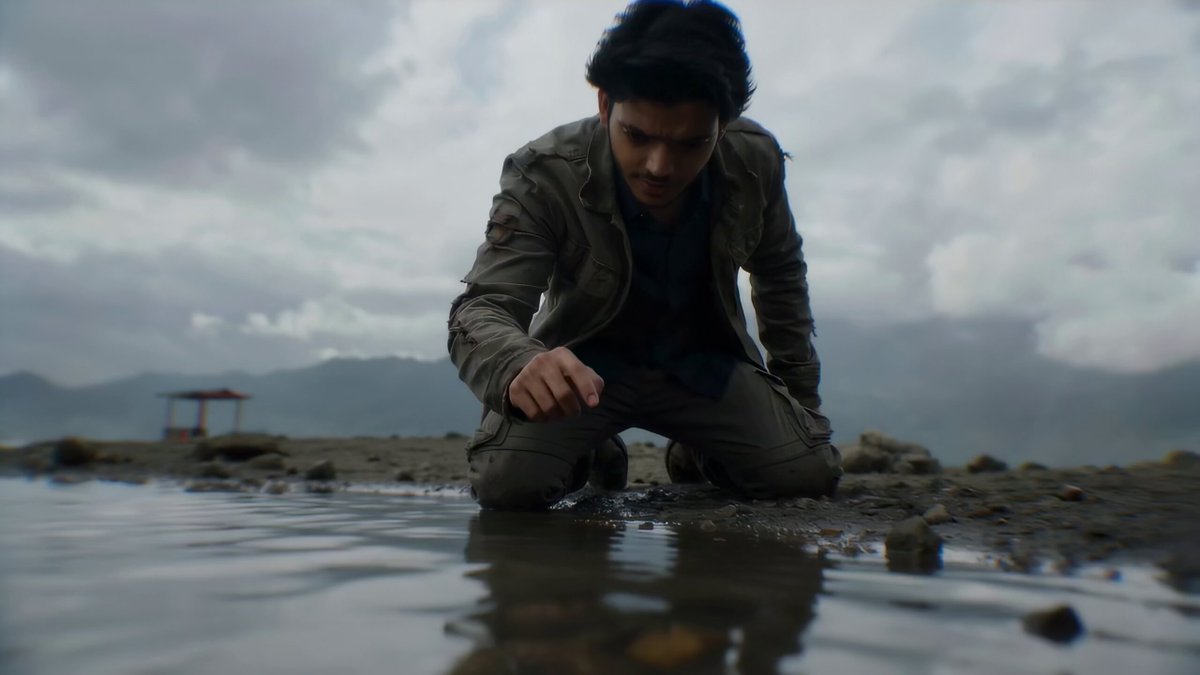
Upscaling Image from Book
"extract the image from my book and upscale it to fit full screen"
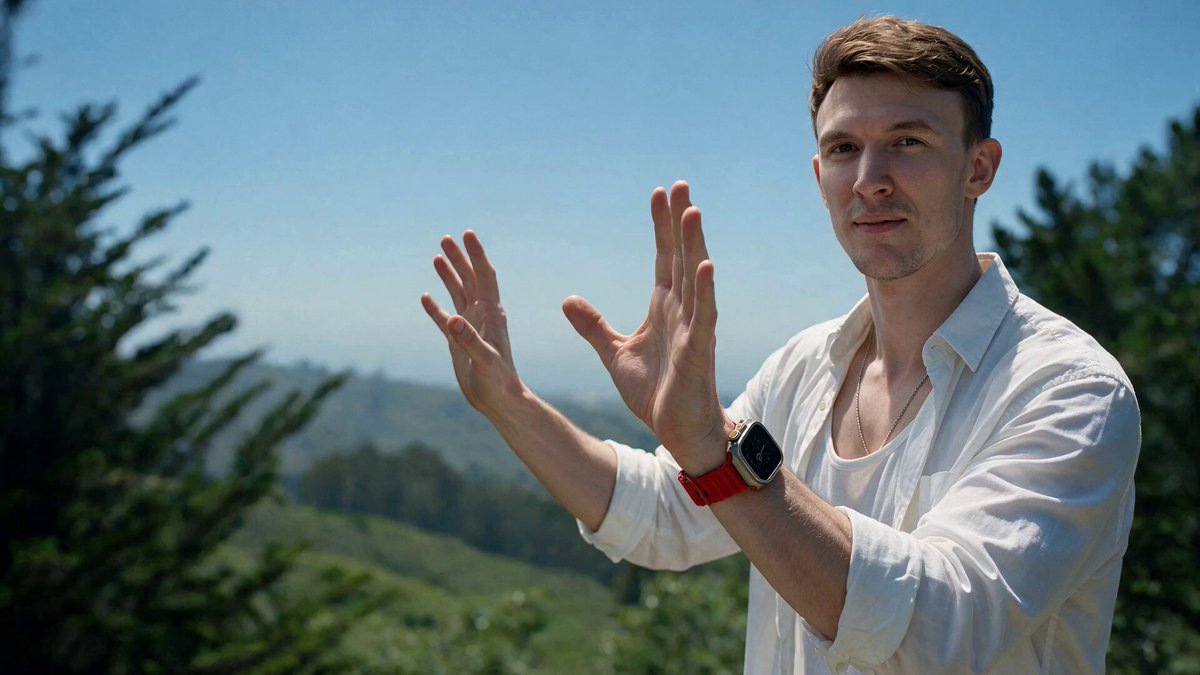
Character Replacement Video Transformation
seedance-2.0Product photo with item placed on a stone
place the product on top of the stone
Realistic character design sheet from a photo
この写真の人物の詳細なキャラクターデザインシートを作成してください。実写映画で使いますのでアニメの絵にならないように注意してください。必ず以下の3つのキャラクター設定で構成してください。作成できたら元の人物の画像は消してください。 - キャラクターを複数の角度から描いたターンアラウンド(三面図) - 喜び、悲しみ、怒り、驚き、恐怖、中立など、基本的な感情状態がそれぞれ描かれた表情シート - キャラクターの走る、跳ぶ、笑う、泣くなどの典型的な行動を示したポーズシート
Cartoon version of an existing image
Genera una versión de esta imagen en dibujos animados. Mantén la consistencia y coherencia de la imagen
Normal and depth map generation prompts for Nano Banana Pro
Generate a surface normal map from the input artwork image. Output one RGB image where each pixel encodes the surface normal direction in standard tangent-space format: •R = X direction •G = Y direction •B = Z direction Requirements: •Maintain the same resolution and aspect ratio as the input image. •Normal directions must follow the local geometry implied by brush strokes, shading, and contours. •Do NOT add new artistic elements or repaint the scene. •Only infer plausible micro-geometry and surface orientation. •Ensure smooth, consistent normal transitions without noise. Generate a depth map from the input artwork image. Output a single grayscale depth map where: •White = near to the viewer •Black = far from the viewer Requirements: •Maintain the same resolution and aspect ratio as the input image. •Depth must be smooth, continuous, and physically plausible. •Infer only geometric depth that could reasonably exist in the original artwork. •Do NOT add new objects or details. •Do NOT stylize, repaint, or reinterpret the scene. •Avoid texture noise; focus solely on depth structure.
Multi-Step Image and Video Generation Prompts (Grok Imagine, Seedream, Nano Banana Pro)
画像1の文字の「いいね」の背後から画像2の猫が文字を押している画像。背景は画像1を使用。雰囲気が同じであれば良いので、サイズ変更など多少の変更はかまわない。
Photoshop Nano Banana Pro Upscale Prompt
肌質は女性モデルの解像度の高さまでアップスケールして肌質が分かるようにしてください。画像の縦横比などは変えないでください。
Simulated High-Resolution Photo Enhancement Prompt
- 低解像度の写真を擬似高精細化 肌のディテールを追加
Freeze Subject Inside Realistic Ice Cube
"Place the entire subject from the uploaded photo fully inside a large, ultra-realistic rectangular block of ice. Do not change the pose, scale, camera angle, composition, background, or lighting. Preserve all original clothing, accessories, facial features, colors, and details exactly. Do not stylize or recolor the subject. The ice should be crystal clear with internal frost, frozen cracks, trapped air bubbles, and subtle imperfections, with realistic refraction so the subject appears deeply encased—not on the surface. The block must rest solidly on the ground with scattered ice shards around the base, matching the scene’s lighting. Maintain accurate shadows and reflections. No melting or dripping. Ultra-photorealistic, cinematic realism."
Molten Voxel Transformation Prompt
Input A is the subject photo. Preserve exact pose and scene geometry. Goal: Transform Input A into a "Molten Voxel" state. Rules: - Spatial Fidelity: Preserve every character's exact silhouette using "Voxel Grid Reconstruction." - Materiality: The subject is made of "cooling volcanic rock" with "internal magma veins." - Technical Spec: Pyro-solver simulation. The "voxels" should appear to be crumbling at the edges with "black ash smoke" plumes. - Lighting: 100% emissive "Magma Glow" (intensity 3.0) from the cracks, casting orange light onto the surroundings. - Rendering: High-contrast, glowing embers, volumetric lighting. Output: ONE image, high-energy and destructive.
Convert Portrait to 3D Pixel Art Avatar
Convert a portrait into a 3D pixel art, cel shaded avatar using Nano Banana Pro. (the photos were created on Midjourney) Multi-steps Prompt 👇
Nano Banana Pro for Imagen Quality Image Generation
Generate sharper, more realistic photos with better lighting. Great for portraits, cinematic shots, or product photography. Supports editing, merging photos, and switching styles.
Shocked Expression Portrait with Butterfly Top
Use the same face from the reference image without changing facial features { "image_description": { "subject": { "person": "Young woman with blonde hair and fair skin", "expression": "Extremely shocked and surprised, mouth wide open in a gasp, eyes rolled slightly upward, dramatic facial expression", "pose": "Reclining or lying down, captured from a low-angle perspective looking up" }, "clothing_and_style": { "top": "Purple sheer or mesh top with a solid chest panel featuring a large, colorful butterfly print (yellow, orange, and red wings)", "details": "Small iridescent sequins or rhinestones on the fabric, dark nail polish on visible hand" }, "environment": { "background": "A patterned pillow with a floral or leaf motif in shades of burgundy and beige, plain off-white wall behind it", "lighting": "Soft, indoor ambient lighting, slightly shadowed" }, "technical_attributes": { "camera_angle": "Close-up, extreme low angle (worm's eye view)", "image_quality": "Slightly grainy, candid smartphone photography style, soft focus", "color_palette": "Deep purples, vibrant yellows from the butterfly print, and muted earth tones in the background" } } }