Video Face Swap and Element Preservation

A complex instruction for Grok Imagine to swap faces between two reference images while maintaining composition, armor, and environment.
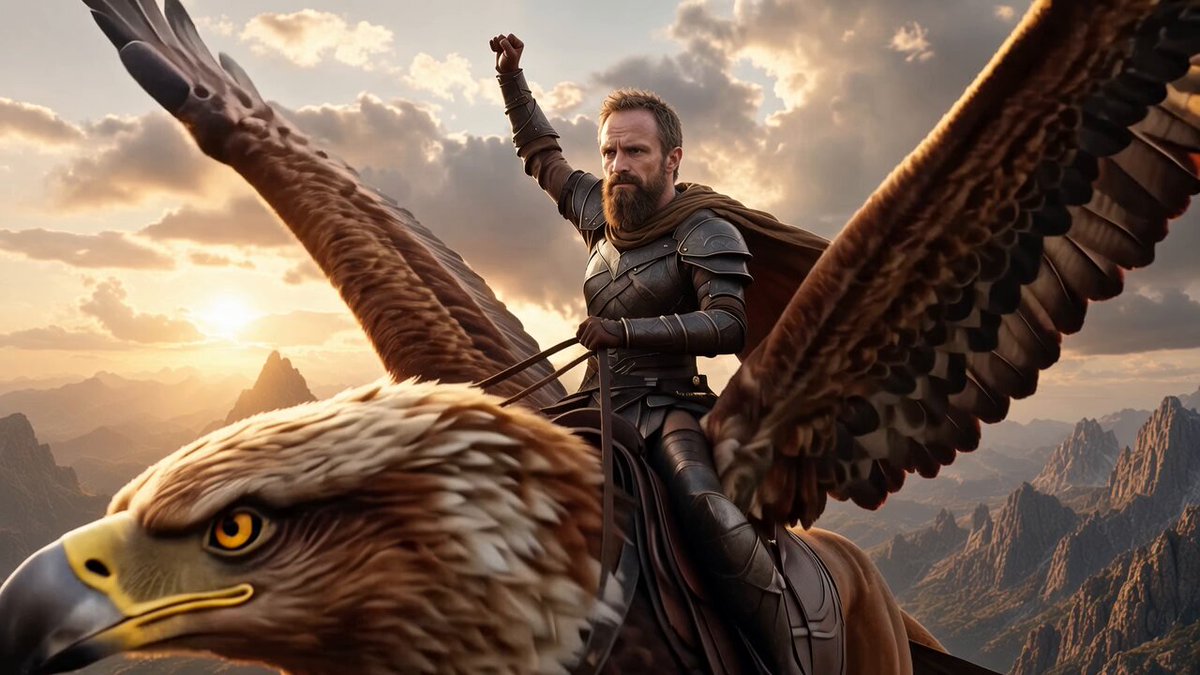
Video Face Swap and Element Preservation

Prompt

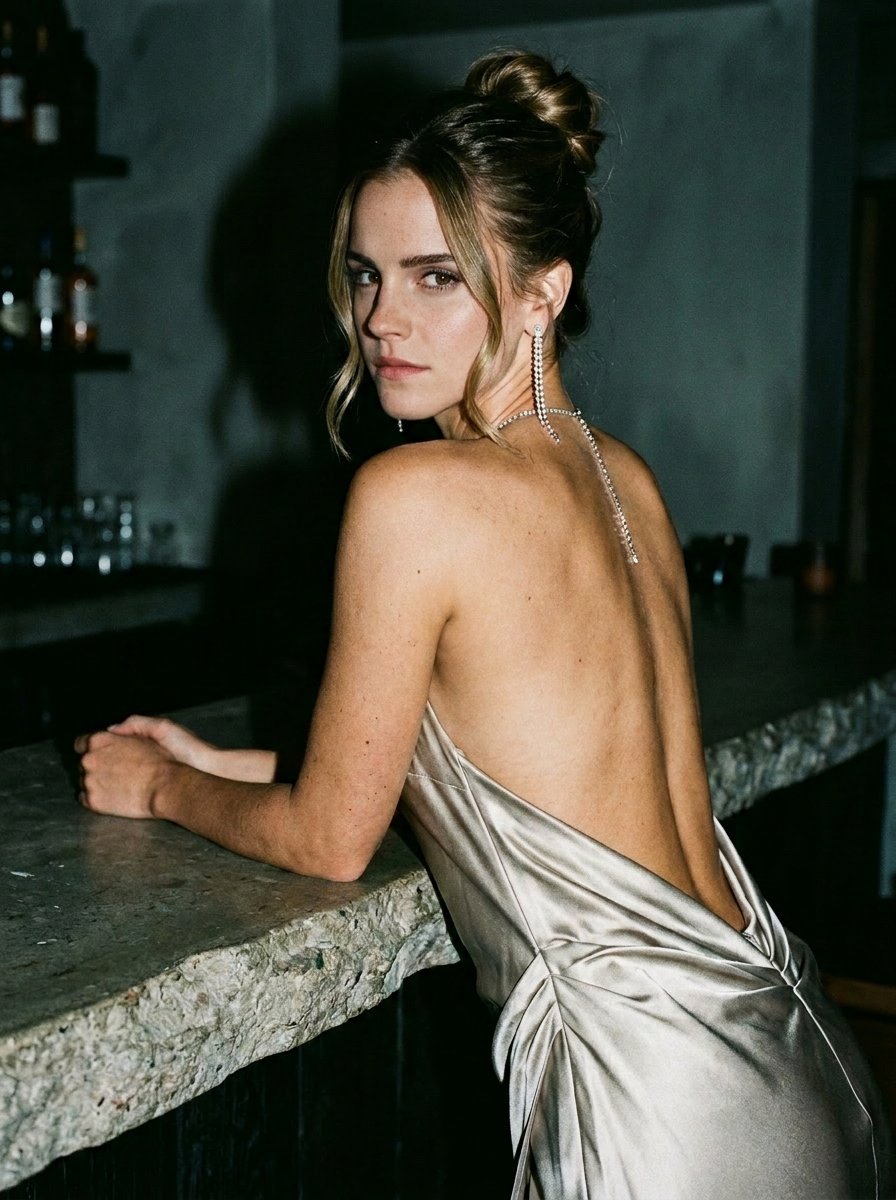
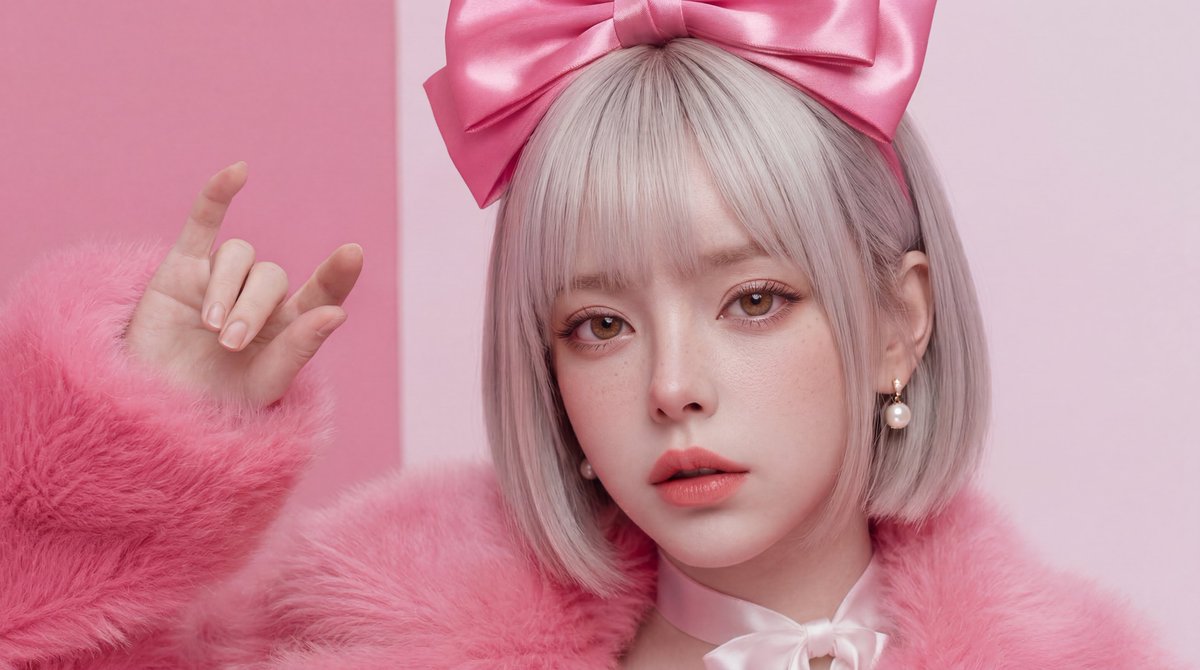
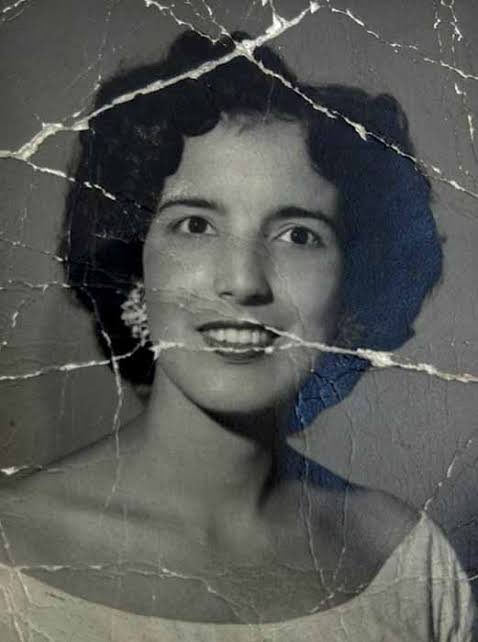
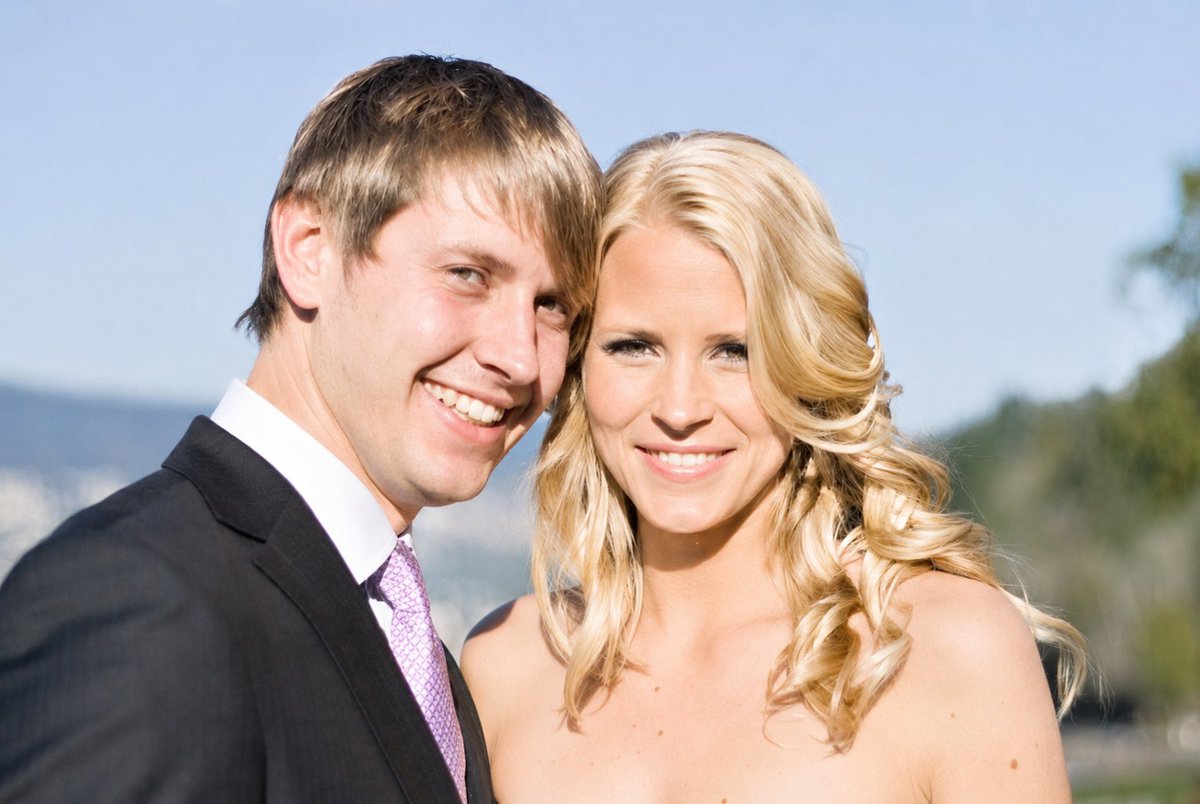
Replace the face of the armored woman in the first image with the exact face of the man from the second image. Keep the same pose, body, armor, hair style and windblown motion, cape, lighting, golden-hour sky, griffon, and overall composition complete

Runs on 18 models

  • Flux
  • Flux 2
  • Flux Kontext
  • GPT-4o Image
  • GPT Image
  • GPT Image 2
  • GPT Image 2.5
  • Grok Imagine
  • Ideogram V3
  • Imagen 4
  • Midjourney
  • Nano Banana
  • +6 more

What this prompt produces

咖啡馆旅行手账分栏页 Not specified gpt-image-2
日系 Chibi 互动小插画 Not specified gpt-image-2
动漫动作短片设定分镜板 Not specified gpt-image-2
Realistic Group Selfie with Smartphone Flash Effect Not specified nano-banana-pro
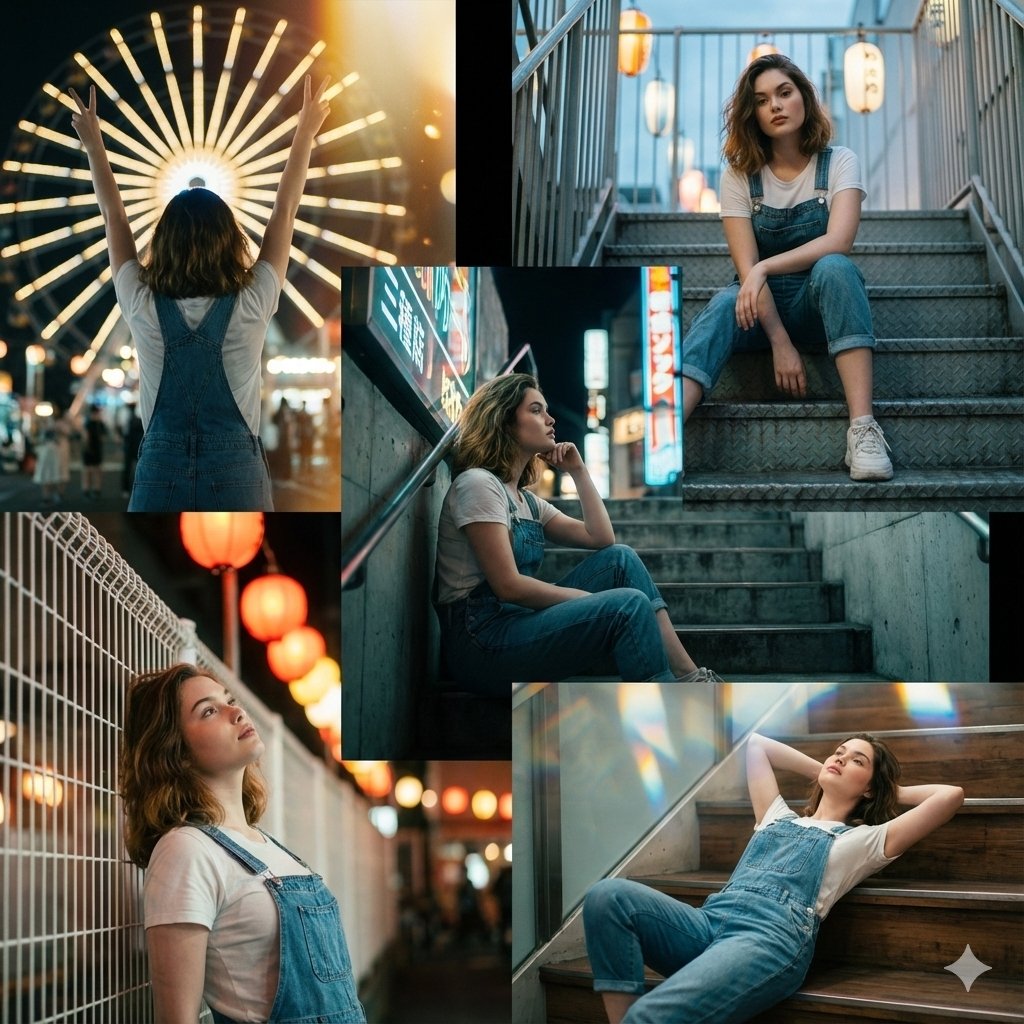
Four Seasons Portrait Collage Not specified nano-banana-pro
Minimalist Dog Sketch Clipart Not specified nano-banana-pro

Run this prompt with the API

The request below sends this prompt, with its default values filled in, to the first model it runs on. Swap the model name for any other model listed above.

Prompt API docs
/api/v1/grok/text_to_image
curl -X POST https://runapi.ai/api/v1/grok/text_to_image \
  -H "Authorization: Bearer $RUNAPI_API_KEY" \
  -H "Content-Type: application/json" \
  --data-binary @- <<'JSON'
{
  "model": "grok-imagine",
  "prompt": "Replace the face of the armored woman in the first image with the exact face of the man from the second image. Keep the same pose, body, armor, hair style and windblown motion, cape, lighting, golden-hour sky, griffon, and overall composition complete"
}
JSON

Try a prompt

Estimated: $0.04 / image

Sign in to generate with RunAPI.

Sign in to generate

Sign in to start generating with your available language models.