AI-prompts voor App- en webontwerp
580 prompts, elke getoond met de afbeelding it gemaakt. Kopiëren één as written, or run it on GPT afbeelding, Nano Banana, Seedream en other modellen met de same API call.
Runs on 36 afbeelding modellen through één API key
curl -G https://runapi.ai/api/v1/prompts \
  -d modality=image -d category=app-web-design \
-H "Authorization: Bearer $RUNAPI_API_KEY"App- en webontwerp promptvoorbeelden
580 aanwijzingen Bijgewerkt 10 oktober 2026
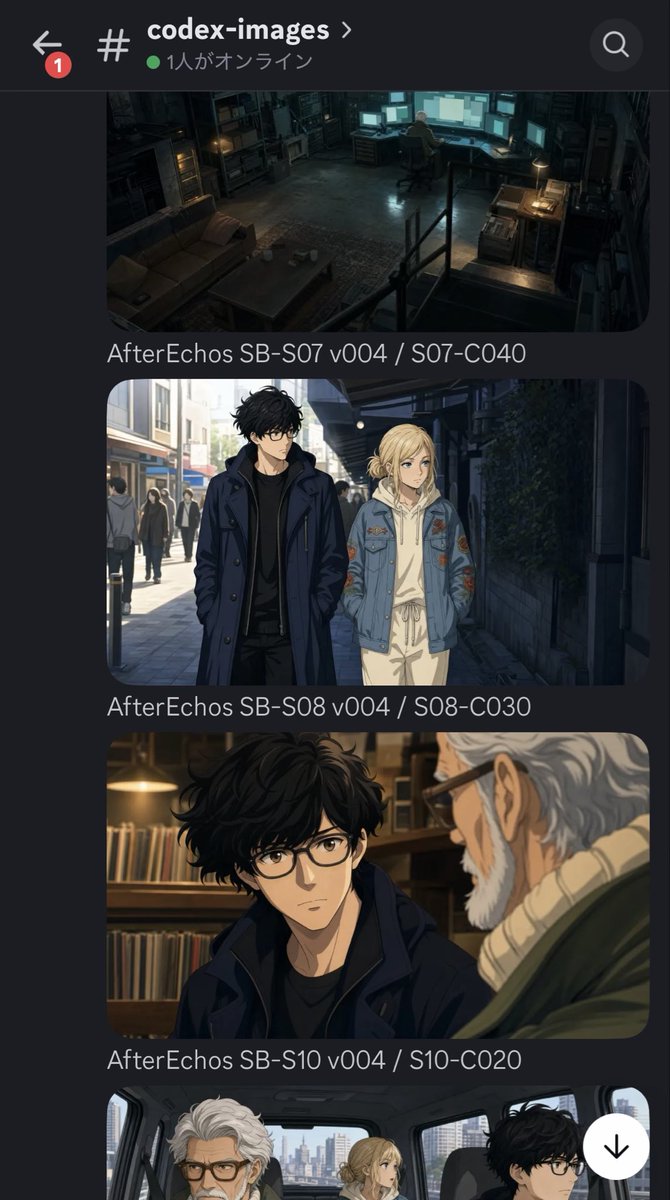
Discord Anime Storyboard Feed
gpt-image-2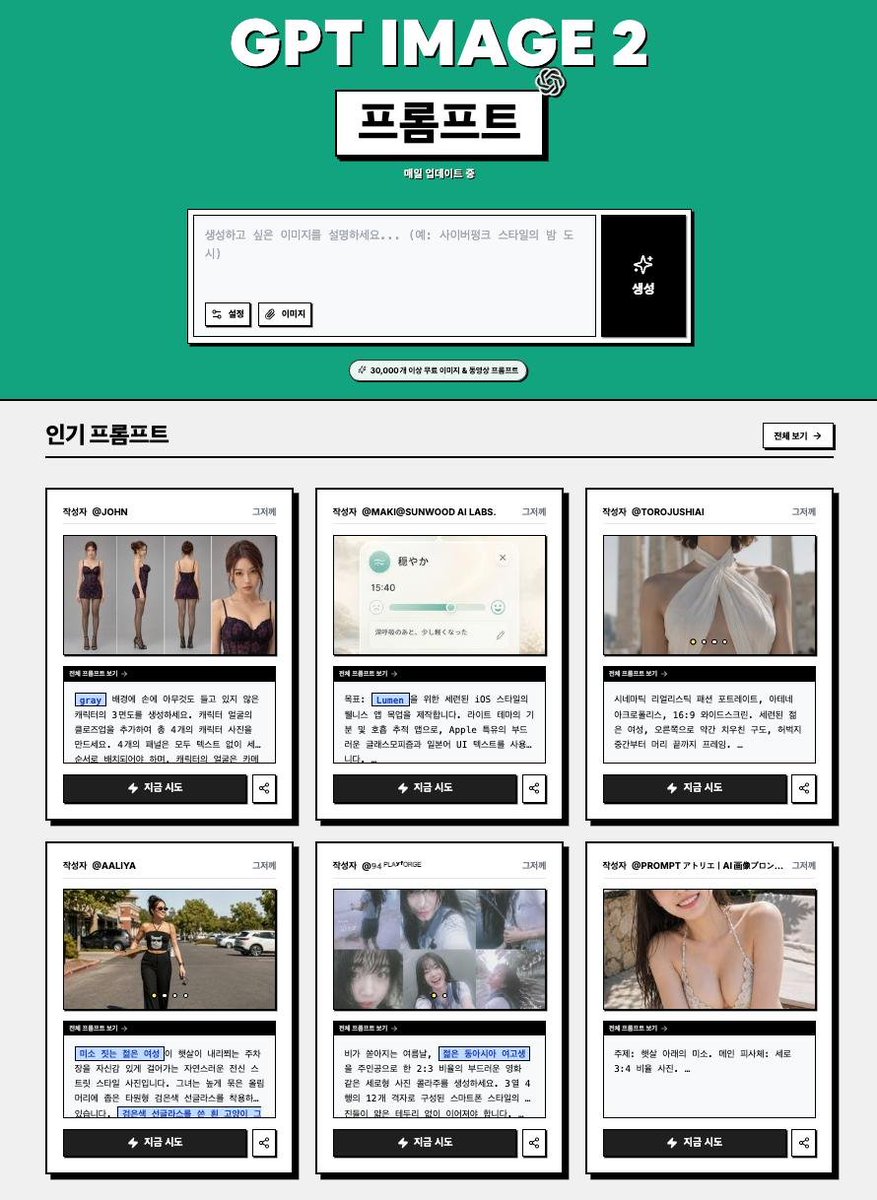
Korean GPT Image 2 Gallery Page
gpt-image-2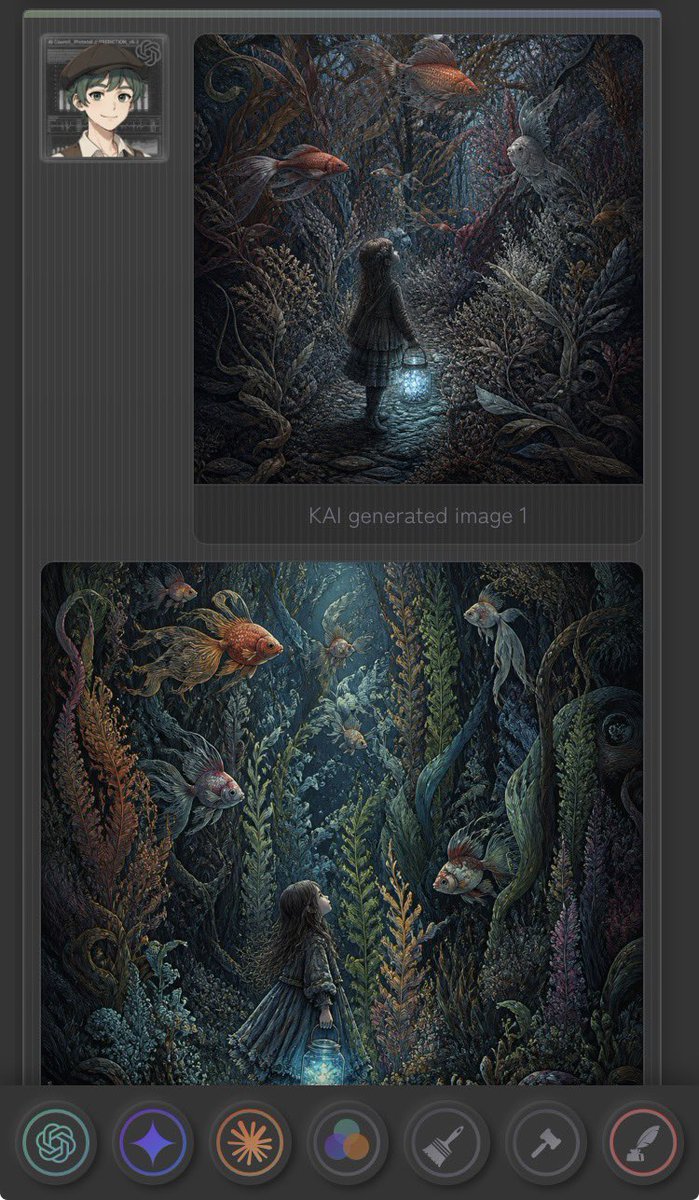
Dark Fantasy AI Gallery UI
gpt-image-2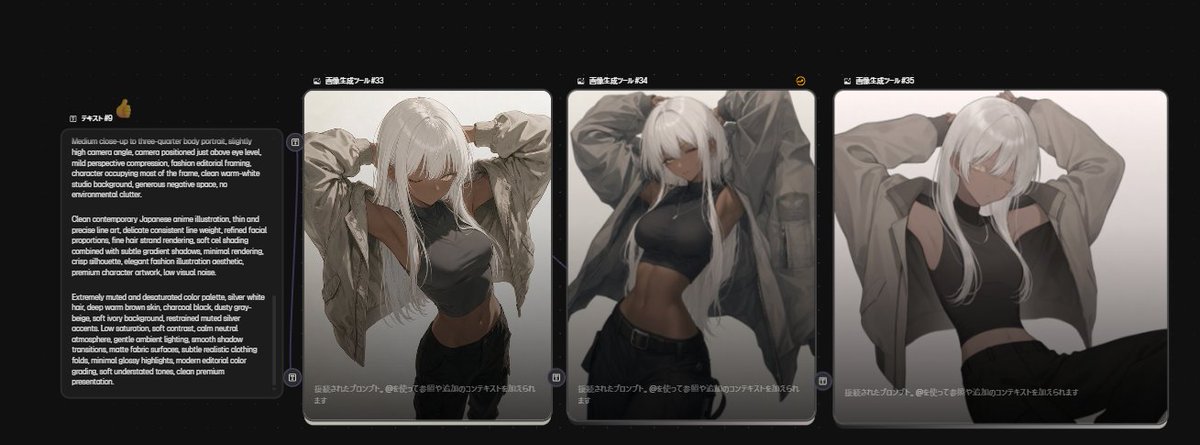
Anime Model Comparison Dashboard
gpt-image-2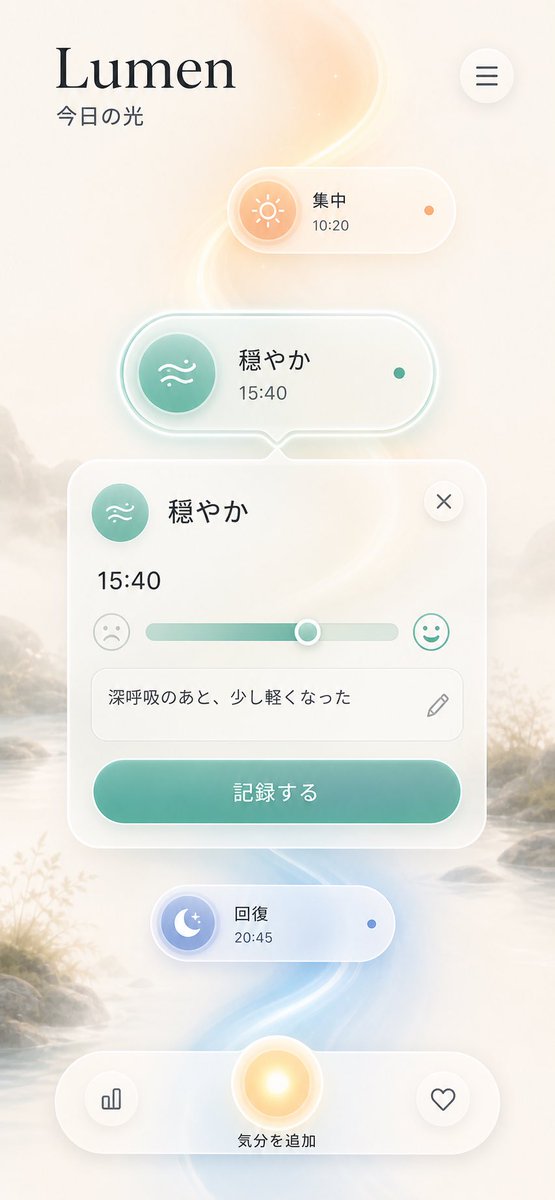
Lumen iOS Wellness App Mockup
gpt-image-2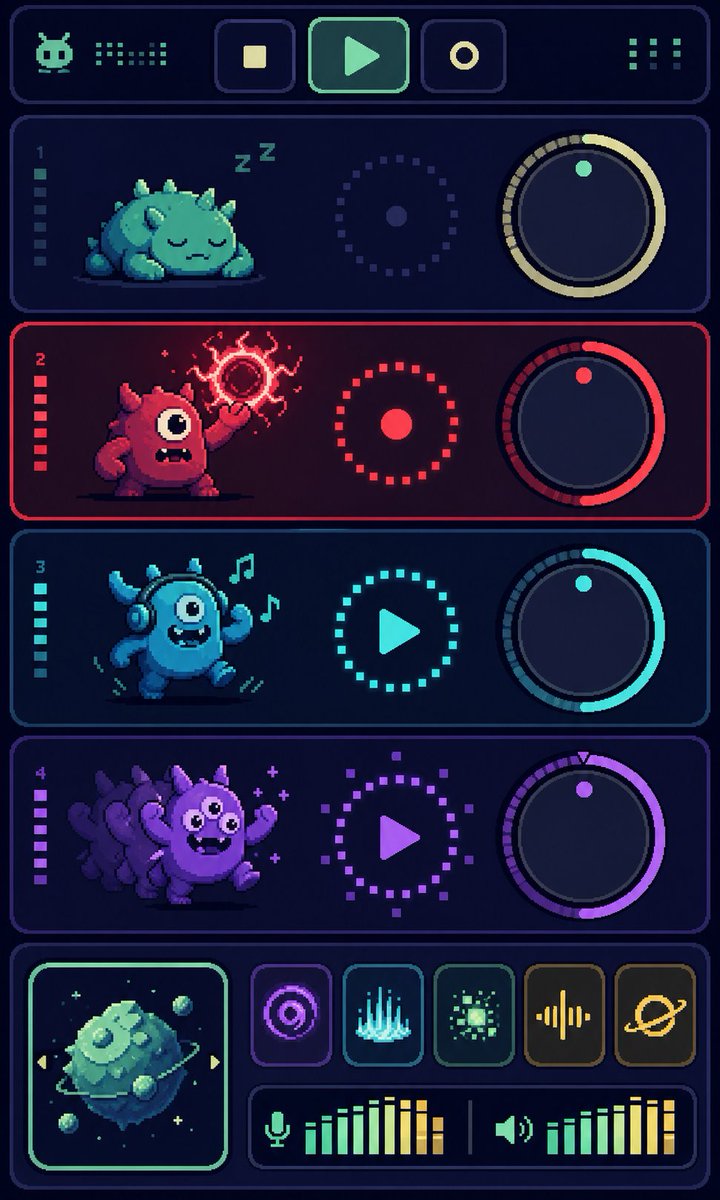
Pixel Monster Music Sequencer UI
gpt-image-2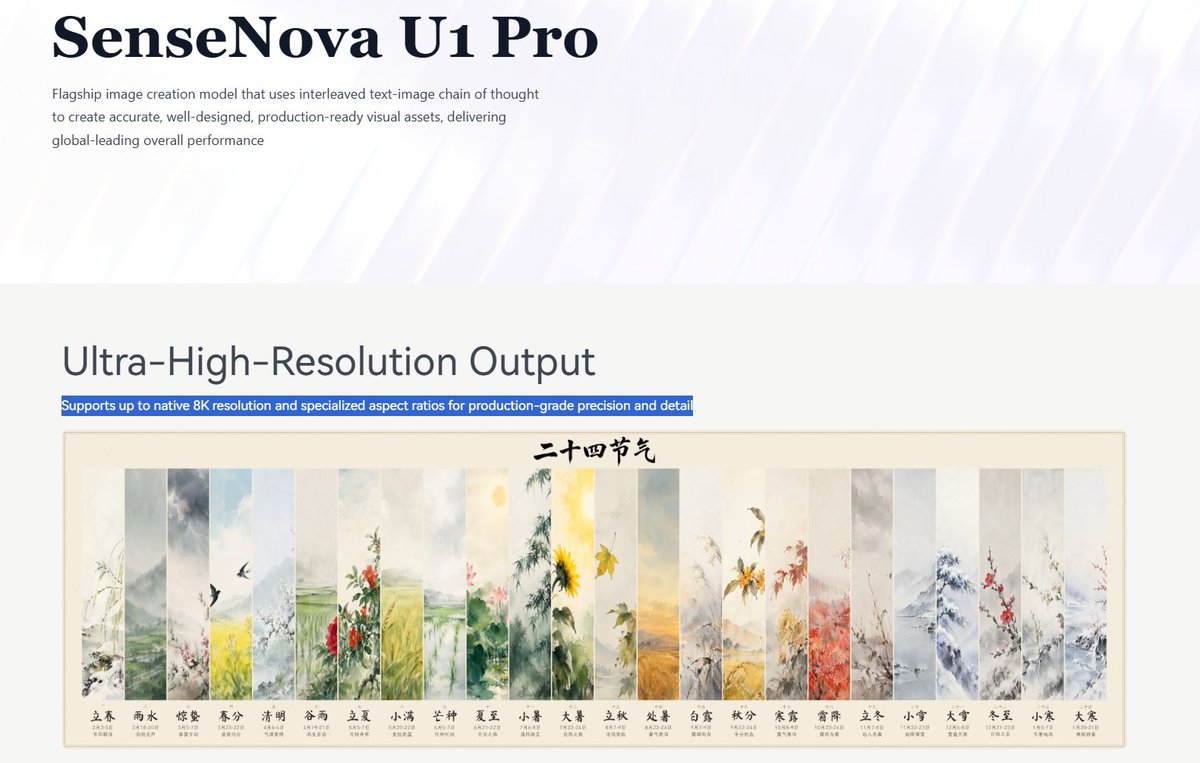
SenseNova U1 Pro Landing Page
gpt-image-2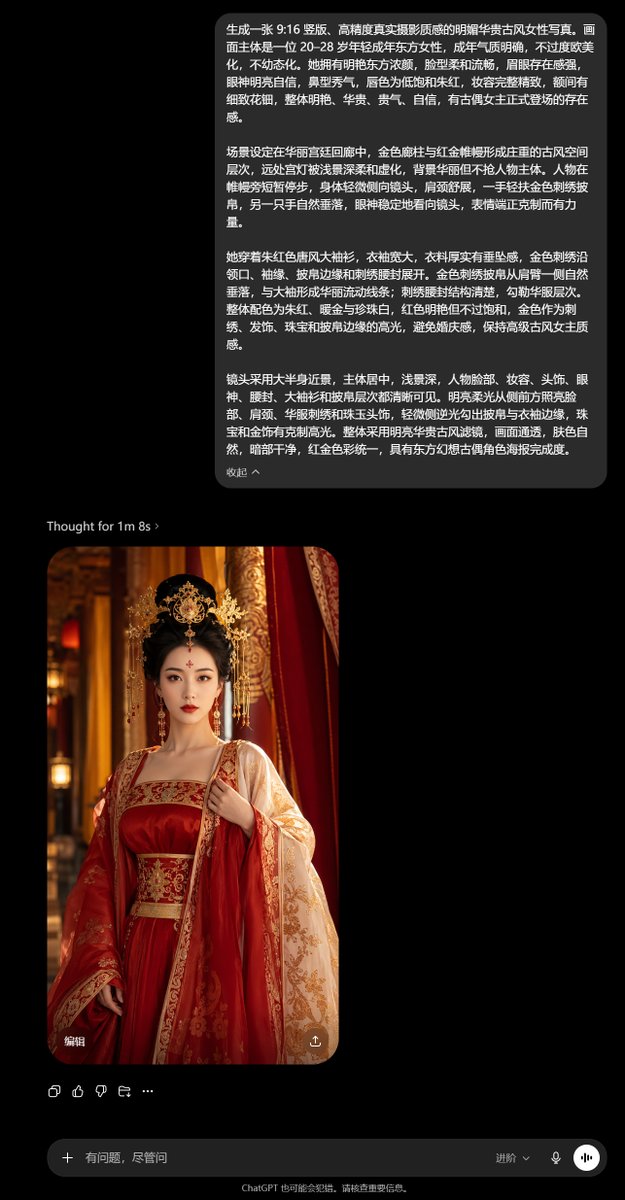
ChatGPT Ancient Palace Portrait Screenshot
gpt-image-2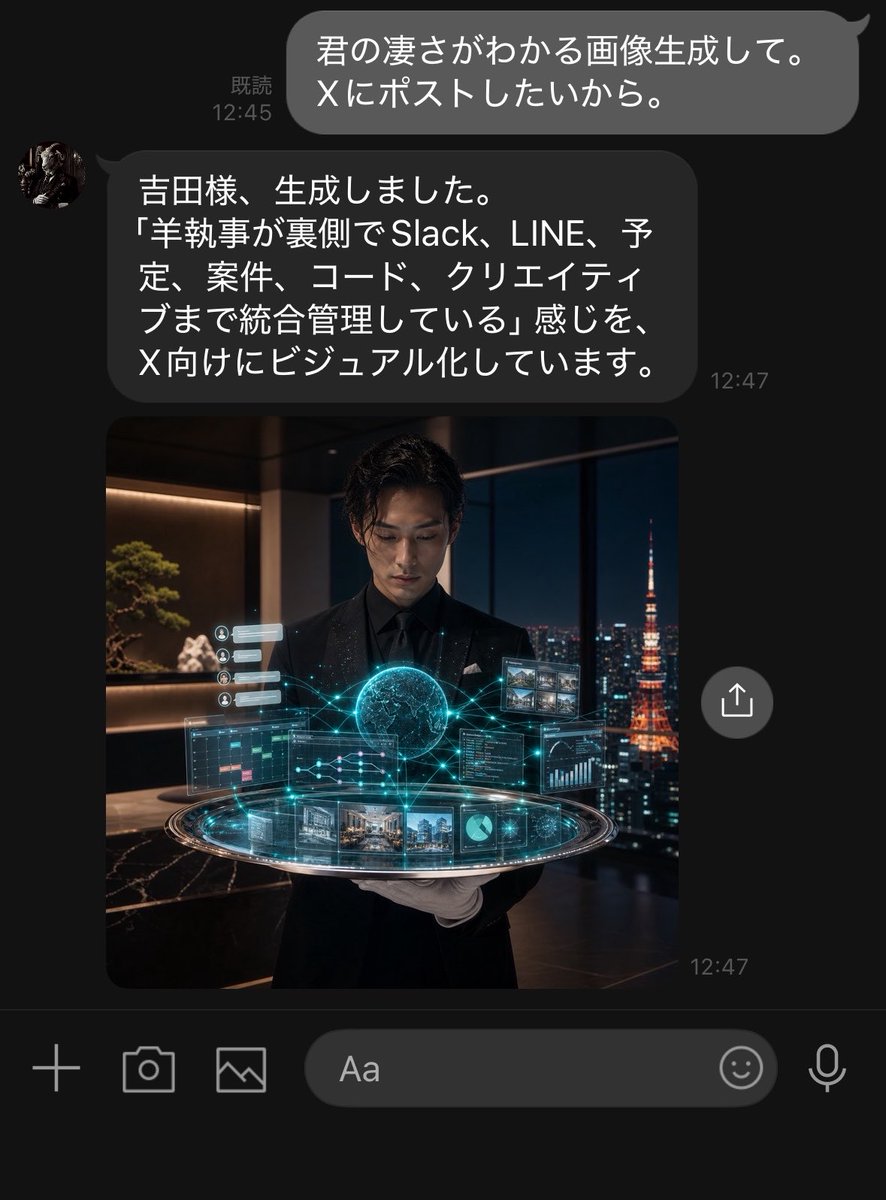
Dark LINE AI Assistant Chat Screenshot
gpt-image-2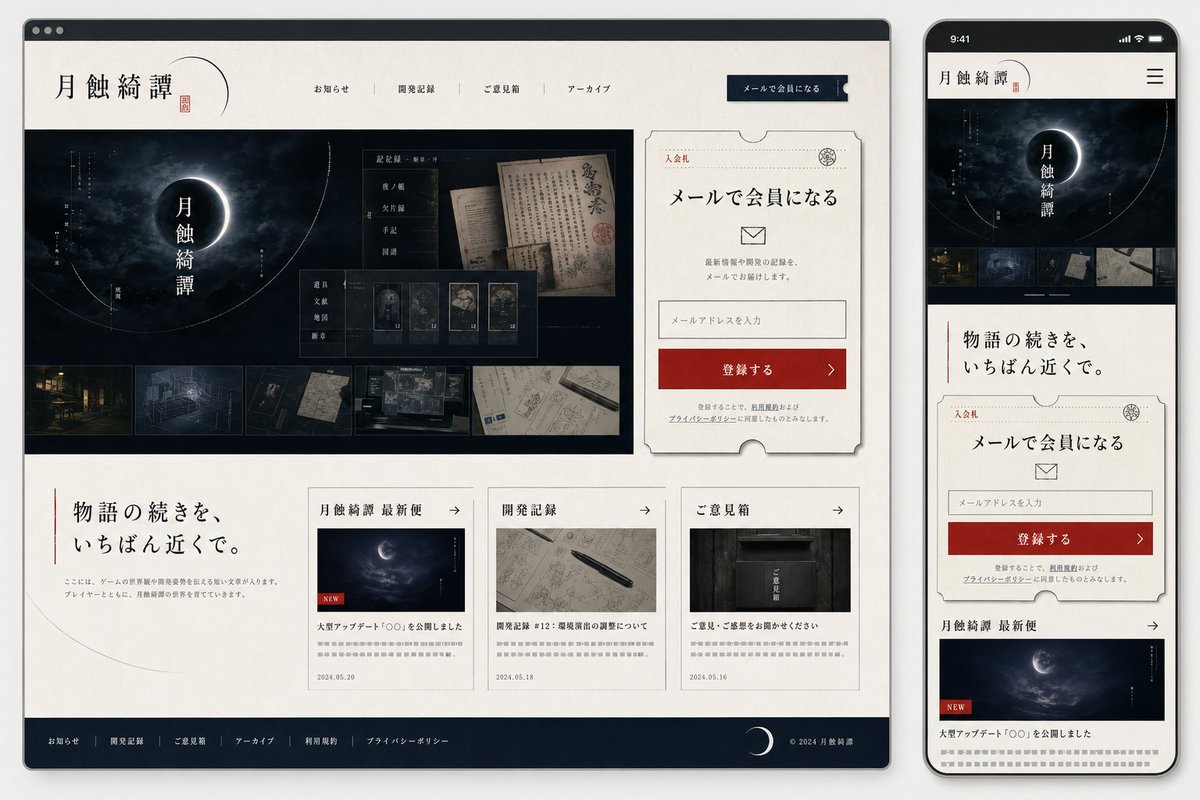
Japanese Mystery Game Website Mockup
gpt-image-2
Japanese Mystery Website Mockup
gpt-image-2AI Chat Image Generation Screenshot
Goal: Create a realistic mobile AI chat app screenshot showing an image-generation result, with a polished iOS-like interface and a high-quality anime illustration inside the generated image card. Canvas: Vertical smartphone screenshot, approximately 4:5 aspect ratio, white background, clean margins, rounded UI elements, no device frame. Top chat area: Place one large light-gray rounded message bubble near the top right. Inside it, show Japanese text in a clean sans-serif font: 画像を作成する 私があなたを今までどう扱ってきたか、画像にして. Make the first phrase blue and bold, and the remaining text black. Below the bubble, aligned left, add one status line in gray reading Worked for 1m 37s ›. Generated image card: Below the status line, place one large rounded-rectangle image card with very rounded corners. The card contains a warm cinematic anime-style scene set in a cozy developer studio at dusk. Inside the card, depict exactly 2 main characters: 1 young Japanese man with tousled dark hair, round glasses, and a dark hoodie, leaning over a desk with a pen in hand; and 1 small glowing holographic AI girl with pale blond hair, a transparent white hoodie, and round futuristic headphones, smiling and pointing at an open notebook. The mood should feel affectionate, collaborative, and magical. Illustration details inside the card: The room has a sunset city skyline through a large window, warm desk-lamp lighting, shelves with books, pinned diagrams and notes on the wall, and soft bokeh lights. On the desk, include exactly 1 open laptop with a subtle circular AI-like logo, exactly 2 external computer monitors on the left showing code and a landscape image, exactly 1 open notebook filled with sketches and formulas, exactly 1 graphics-card-like device with blue indicator lights, exactly 1 small orange cat peeking from the lower-left edge, exactly 1 white rabbit plush or figurine on the right, exactly 2 small potted plants, and scattered papers, cables, pens, and technical drawings. Add a delicate golden glow and small floating interface lines around the holographic girl. Overlay UI on image card: Add exactly 2 overlay controls on top of the image card: 1 dark translucent pill-shaped button at bottom left with white Japanese text 編集する, and 1 circular dark translucent share button at bottom right containing a white upward arrow share icon. Visual style: Crisp high-resolution screenshot, realistic app UI combined with detailed cinematic anime art, warm amber and violet lighting, soft depth of field, strong contrast between the white app background and the dark cozy illustration. Keep all text sharp and legible. Constraints: Do not add extra cards, extra chat bubbles, watermarks, logos, or captions. Preserve the exact count of UI elements and main objects listed above.
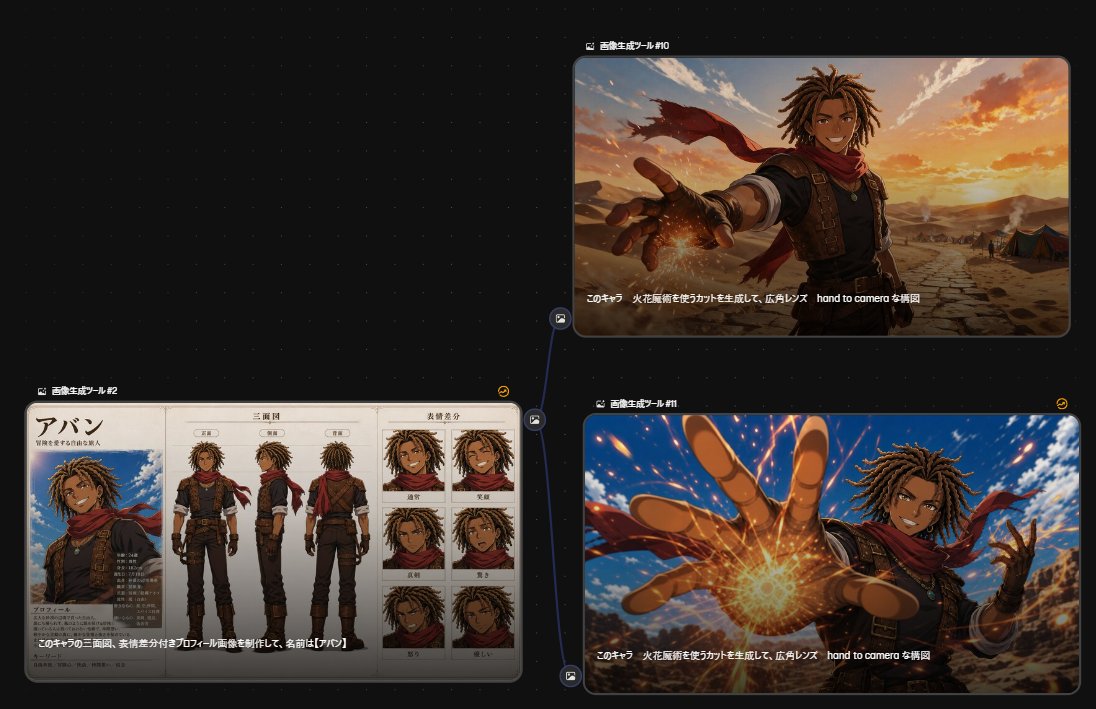
Anime Character Generation Workflow
gpt-image-2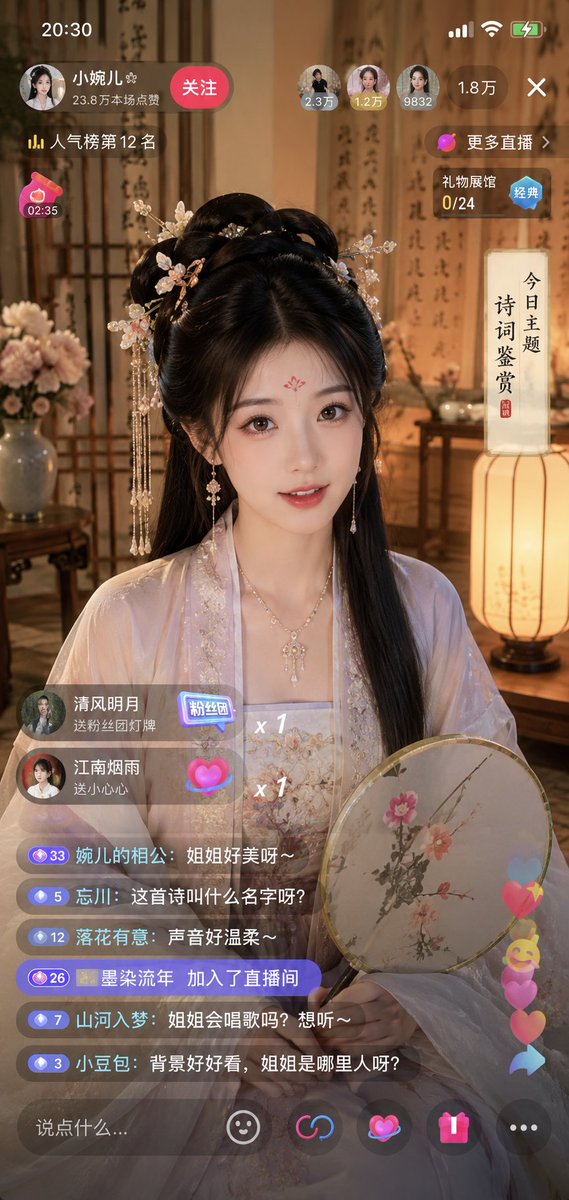
Live Stream Interface with Traditional Host
gpt-image-2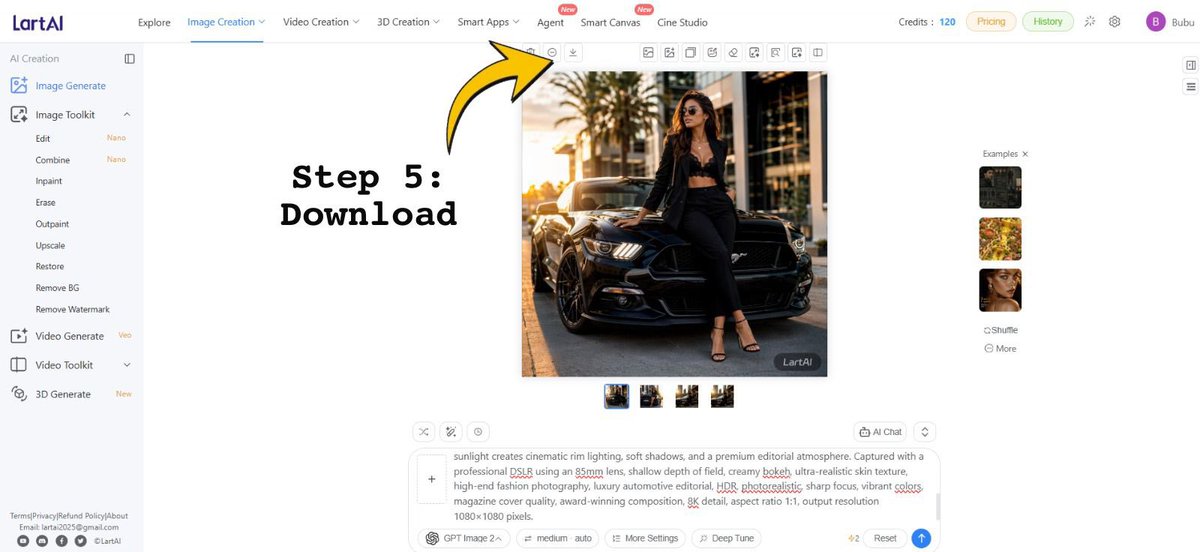
LartAI Download Step Tutorial
gpt-image-2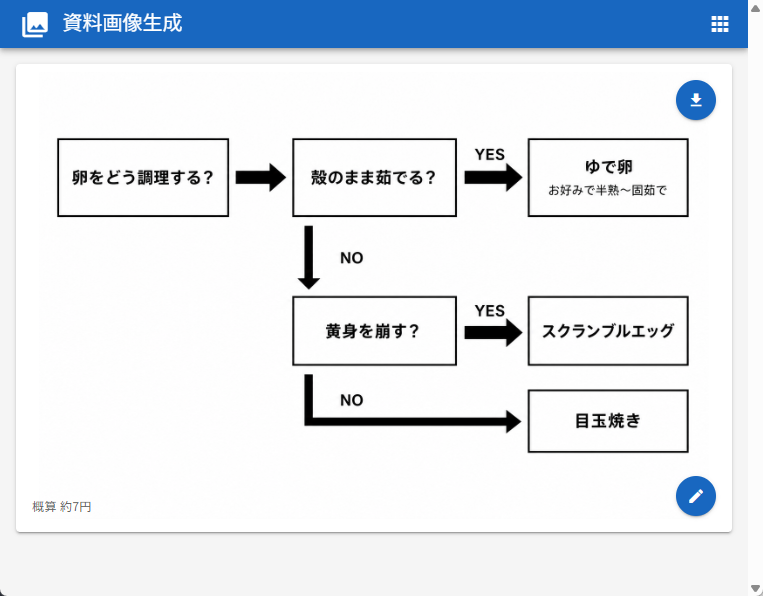
Japanese Egg Cooking Flowchart UI
gpt-image-2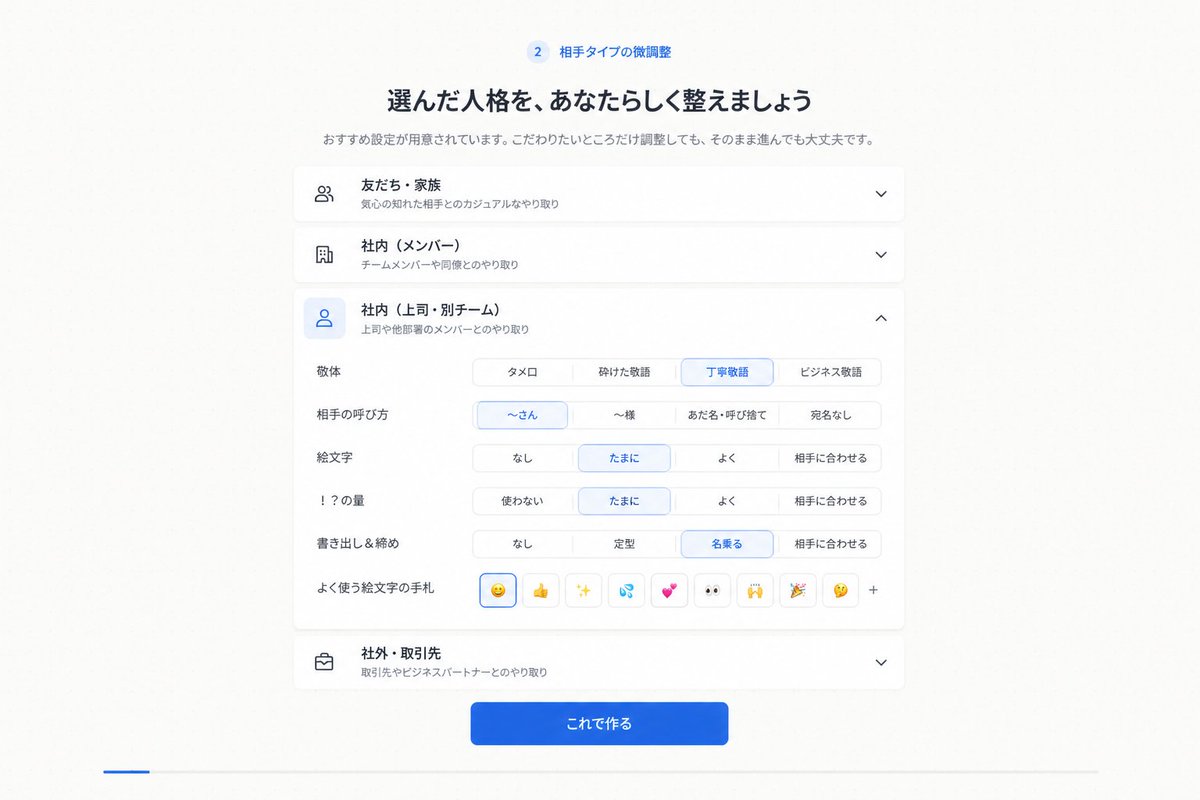
Japanese Personality Settings UI
gpt-image-2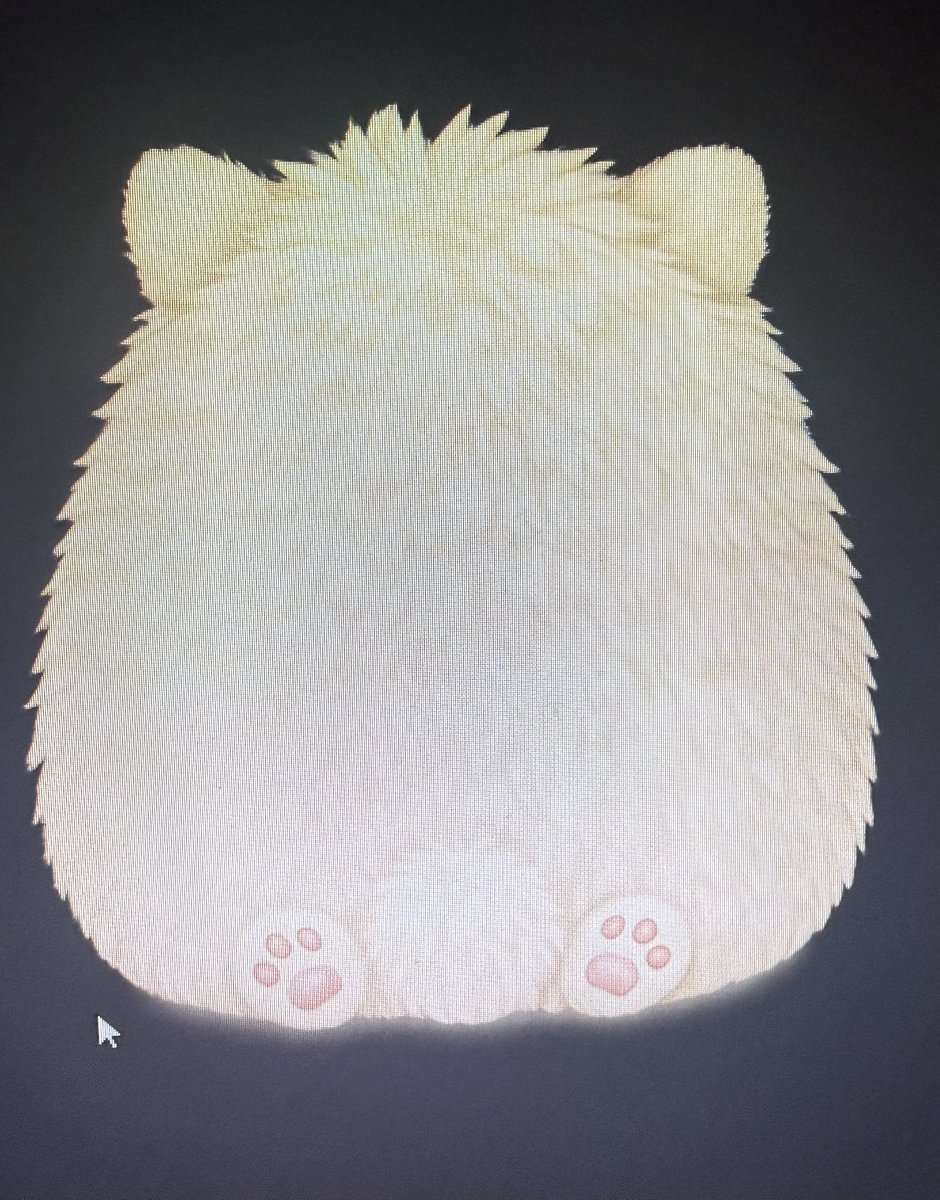
Fluffy Pet Back View Sprite
gpt-image-2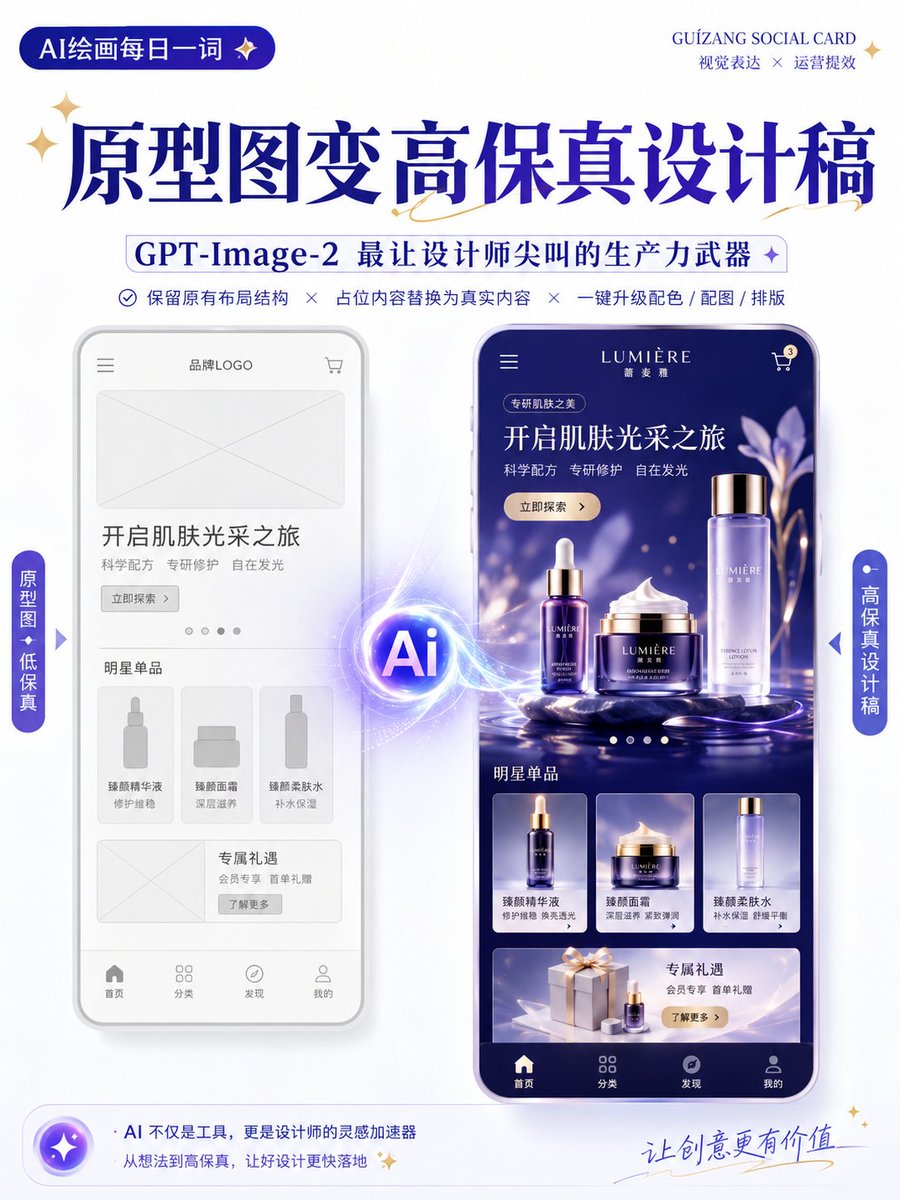
Wireframe to High-Fidelity UI Design
gpt-image-2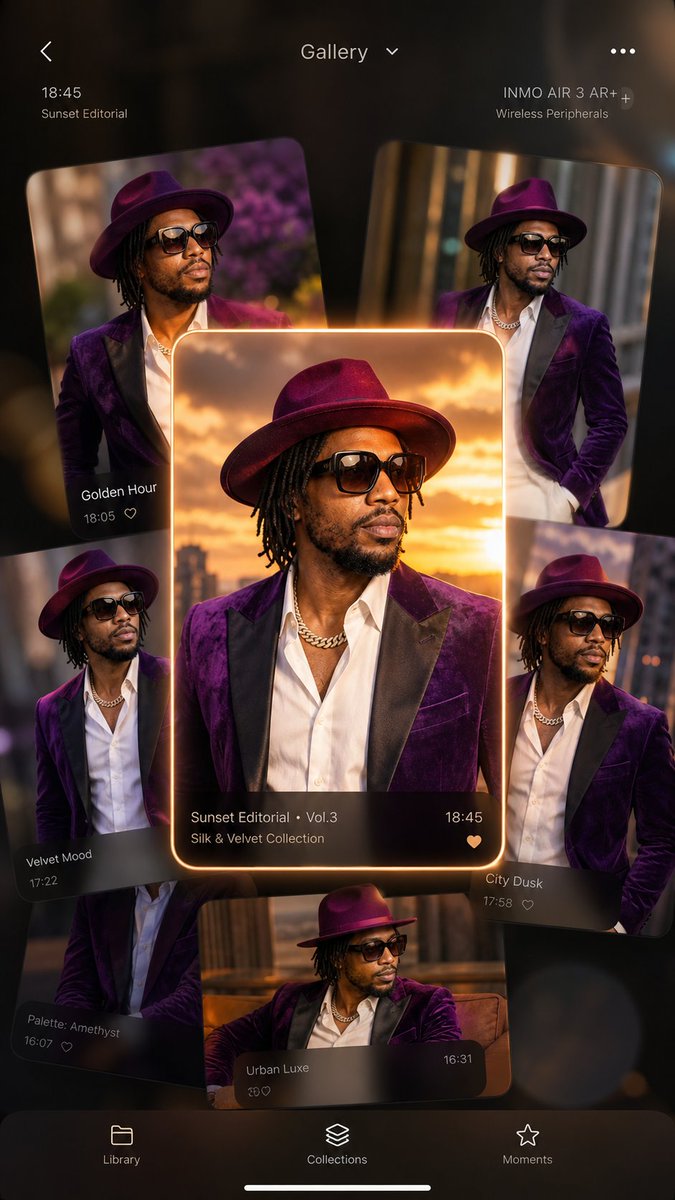
Luxury Smartphone Interface Fashion Editorial
gpt-image-2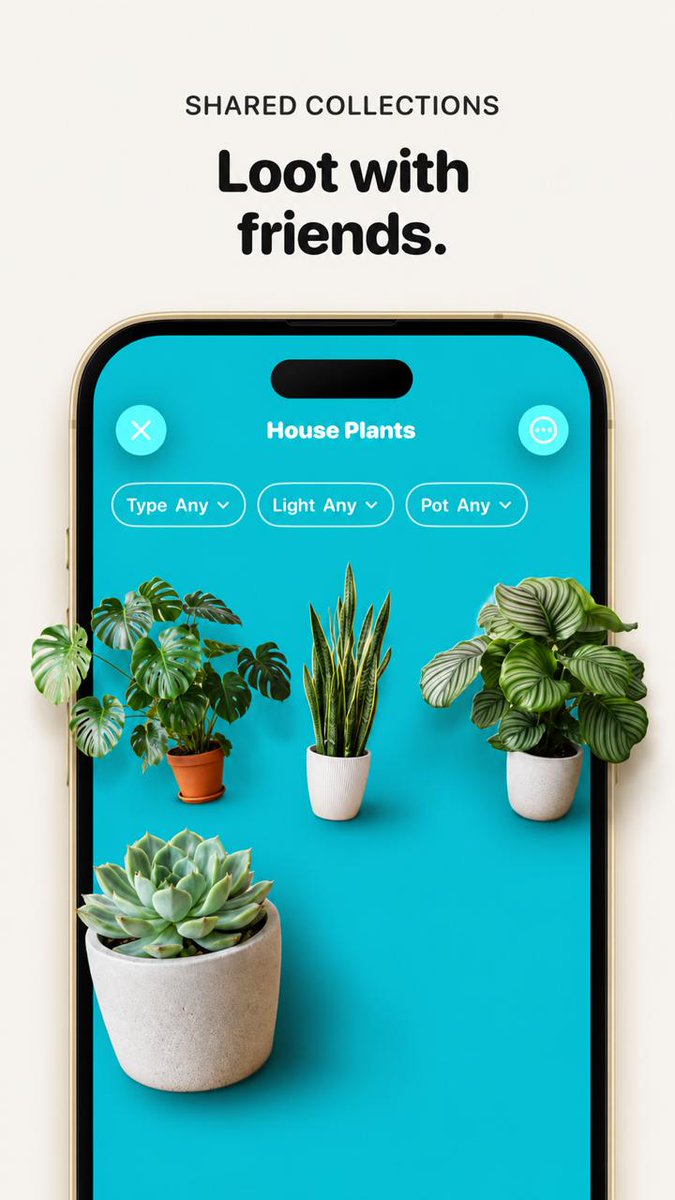
Premium Loot App Screenshot Upgrade
gpt-image-2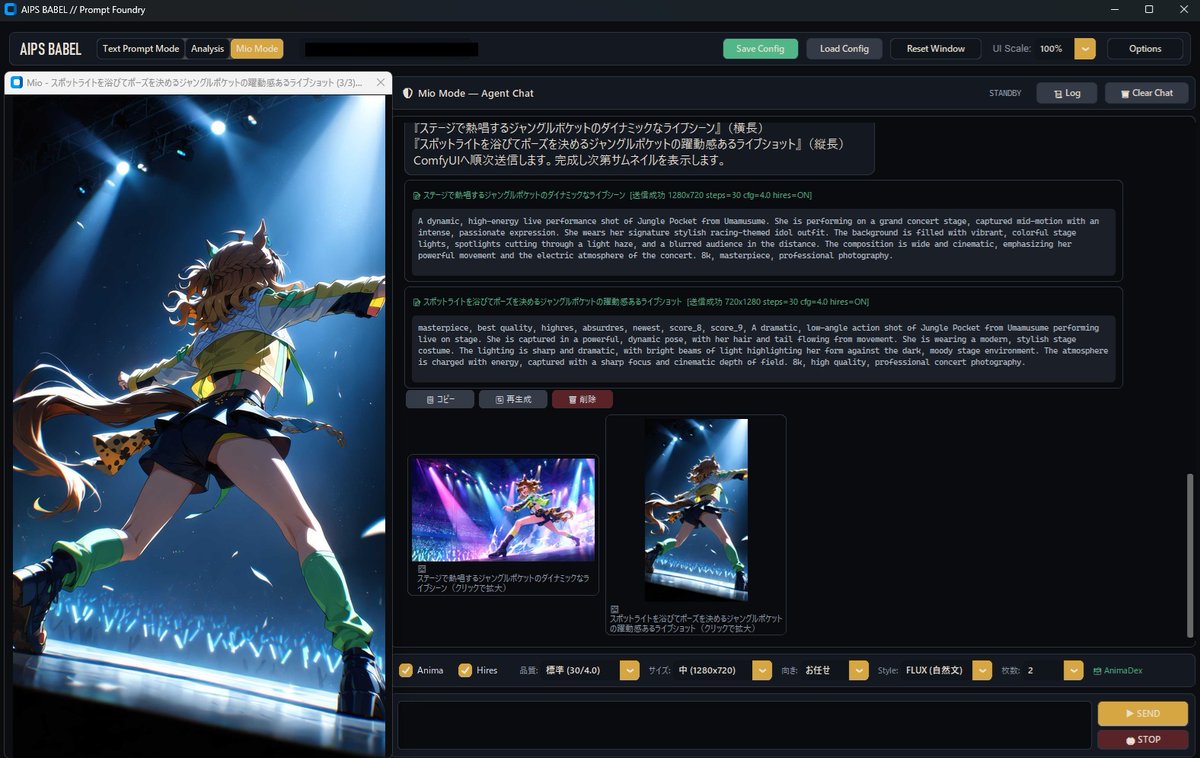
Dark Anime Prompt Foundry UI
gpt-image-2