Vogue Watercolor Photo Transformation
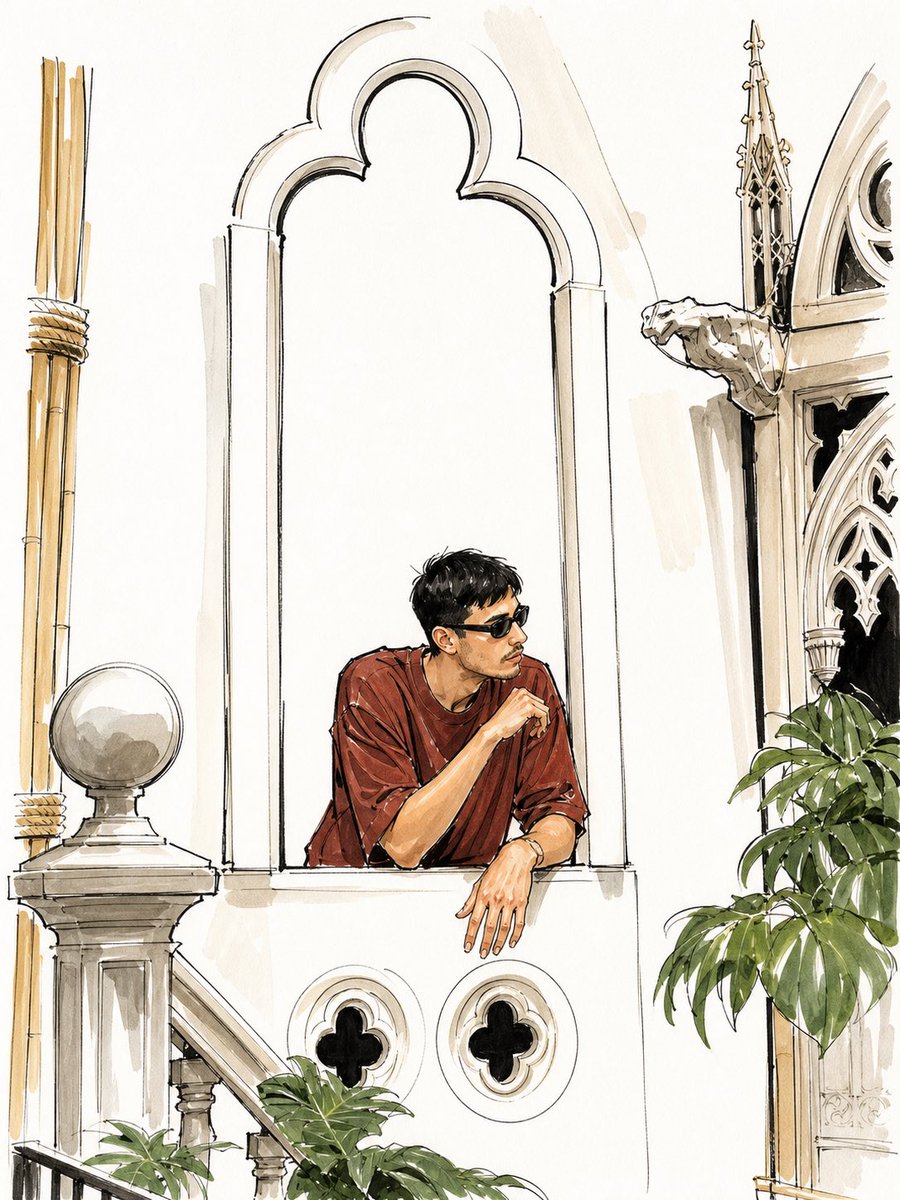
Vogue Watercolor Photo Transformation

Prompt

Using REFERENCE_0 as the source image, transform the phone photo into a refined Vogue-style fashion/architectural illustration. Keep the same vertical composition, the same person leaning out of the arched window in the same pose, and preserve the anonymized blurred face. Convert the scene into elegant ink-and-watercolor line art on a mostly white paper background, with loose black sketch outlines, soft beige shadows, muted green foliage, and a warm rust-red shirt. Simplify the photographic wall into clean white negative space while retaining the key architectural features: the tall scalloped arch window, the Gothic ornament and gargoyle-like detail on the right, the stone stair post with round finial on the left, the bamboo poles, leafy plants, and exactly 2 small circular quatrefoil vents below the window. Make it look like a high-fashion travel illustration from Vogue, polished but hand-drawn, with airy editorial spacing and no added text, logos, or extra people.

Runs on 21 models

  • Flux
  • Flux 2
  • Flux Kontext
  • GPT-4o Image
  • GPT Image
  • GPT Image 2
  • GPT Image 2.5
  • GPT Image 2.6
  • Grok Imagine
  • Ideogram V3
  • Imagen 4
  • Kling
  • +9 more

What this prompt produces

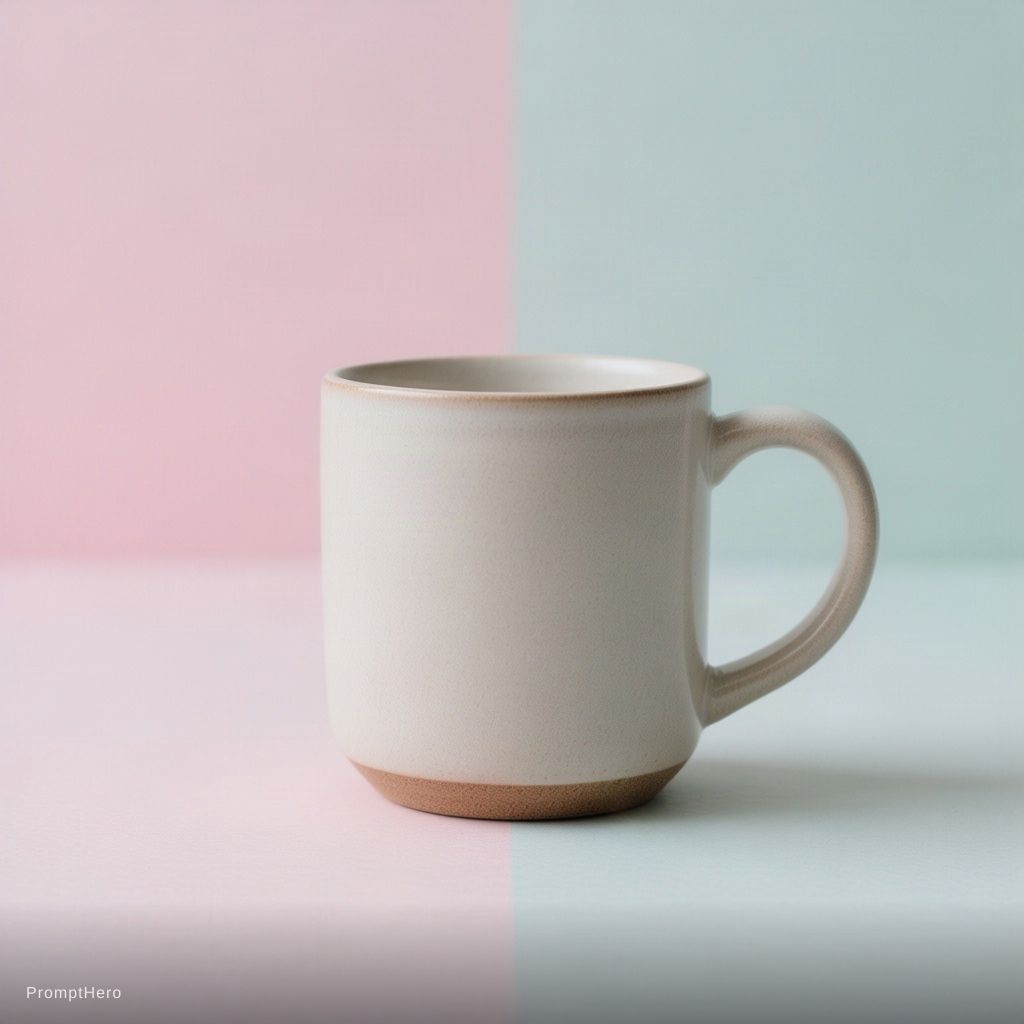
Hunyuan  prompt: Minimalist product photo of a ceramic mug on a pas... Not specified hunyuan-3
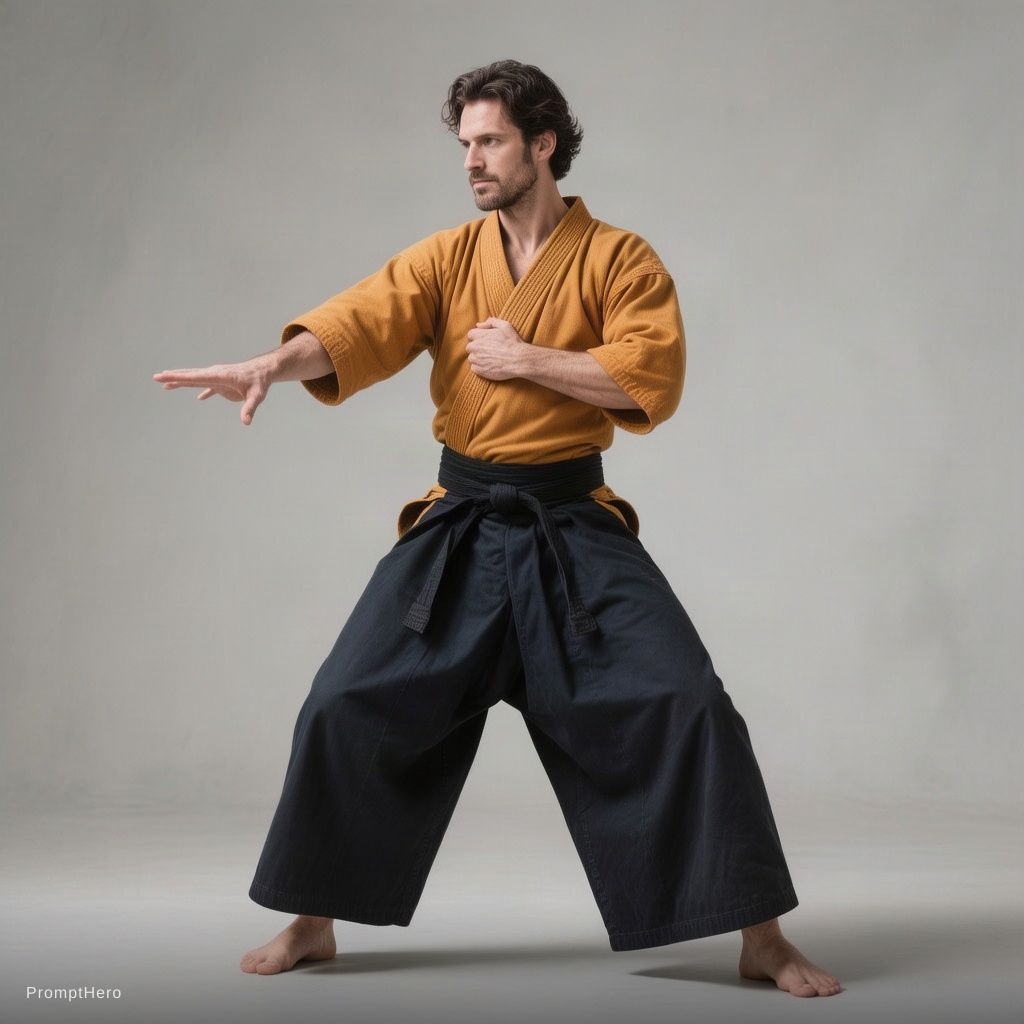
Hunyuan  prompt: Aikido Not specified hunyuan-3
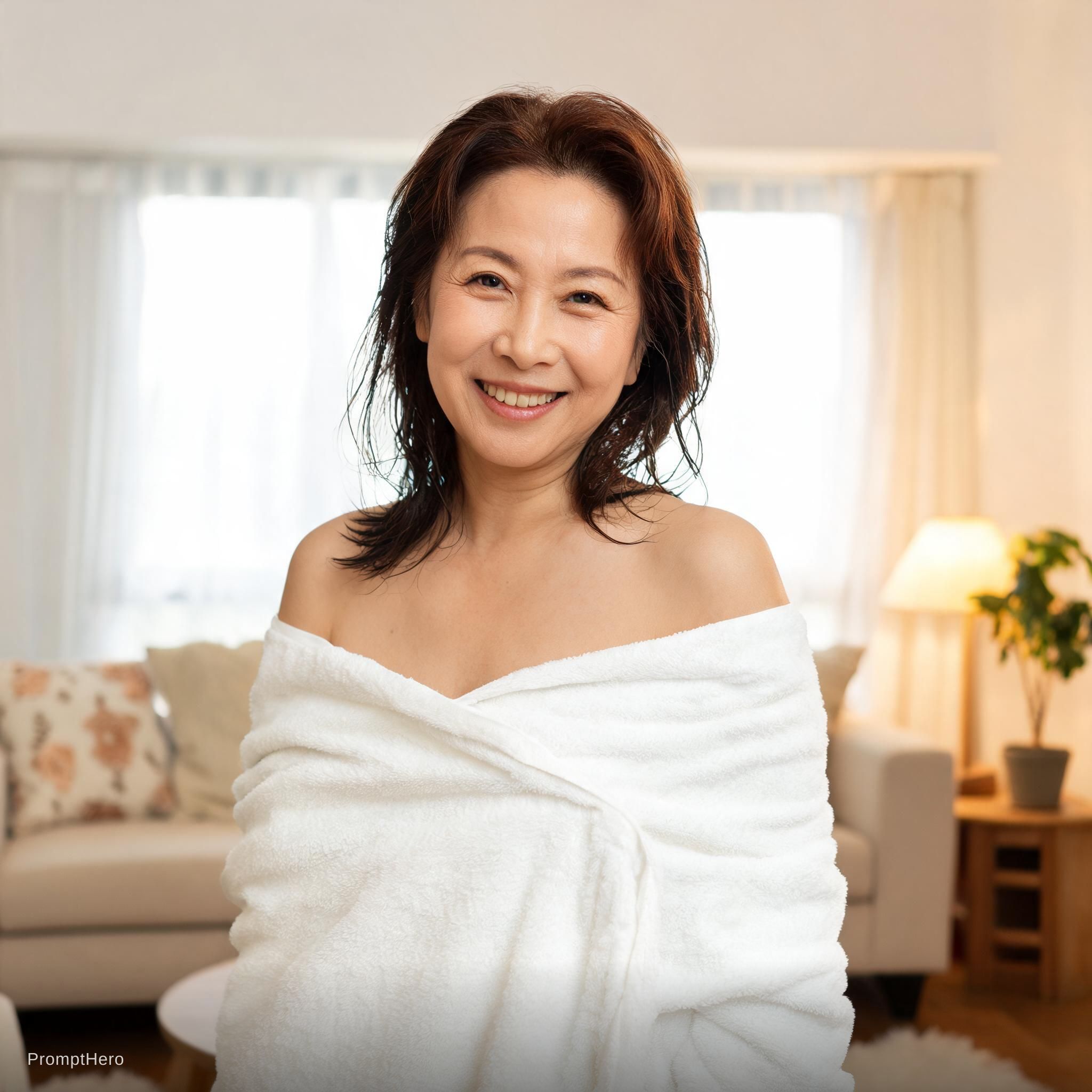
Seedream 5 prompt: f smiling middle aged woman in nice home wrapped i... Not specified v2
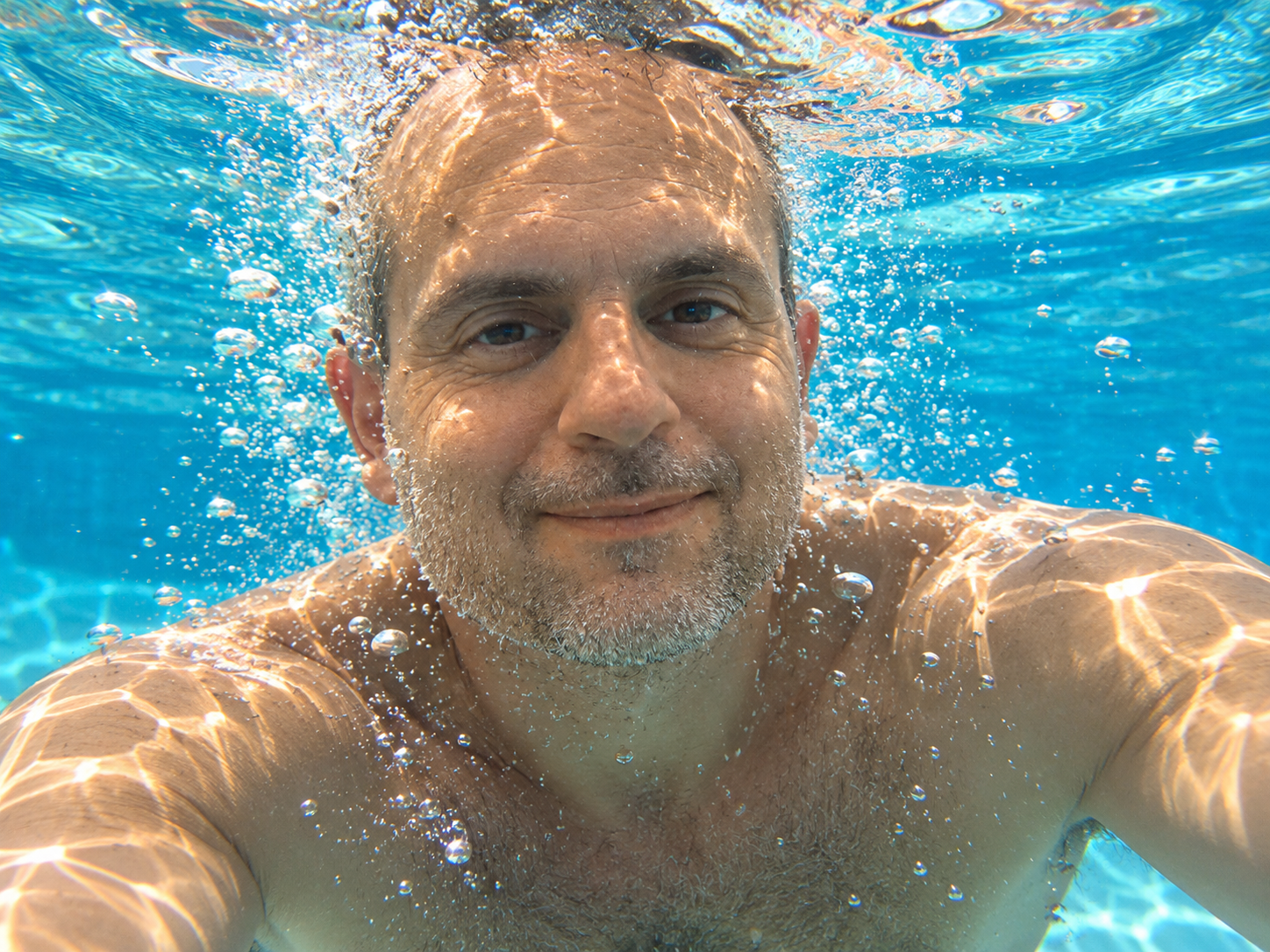
Create an extreme close-up underwater portrait, ca... Not specified Not specified
Using the face from the attached photograph, recre... Not specified Not specified
Using the face from the attached photo, recreate a... Not specified Not specified

Run this prompt with the API

The request below sends this prompt, with its default values filled in, to the first model it runs on. Swap the model name for any other model listed above.

Prompt API docs
/api/v1/gpt_image_2/text_to_image
curl -X POST https://runapi.ai/api/v1/gpt_image_2/text_to_image \
  -H "Authorization: Bearer $RUNAPI_API_KEY" \
  -H "Content-Type: application/json" \
  --data-binary @- <<'JSON'
{
  "model": "gpt-image-2",
  "prompt": "Using REFERENCE_0 as the source image, transform the phone photo into a refined Vogue-style fashion/architectural illustration. Keep the same vertical composition, the same person leaning out of the arched window in the same pose, and preserve the anonymized blurred face. Convert the scene into elegant ink-and-watercolor line art on a mostly white paper background, with loose black sketch outlines, soft beige shadows, muted green foliage, and a warm rust-red shirt. Simplify the photographic wall into clean white negative space while retaining the key architectural features: the tall scalloped arch window, the Gothic ornament and gargoyle-like detail on the right, the stone stair post with round finial on the left, the bamboo poles, leafy plants, and exactly 2 small circular quatrefoil vents below the window. Make it look like a high-fashion travel illustration from Vogue, polished but hand-drawn, with airy editorial spacing and no added text, logos, or extra people."
}
JSON

Try a prompt