Urban Alley Cinematic Portrait
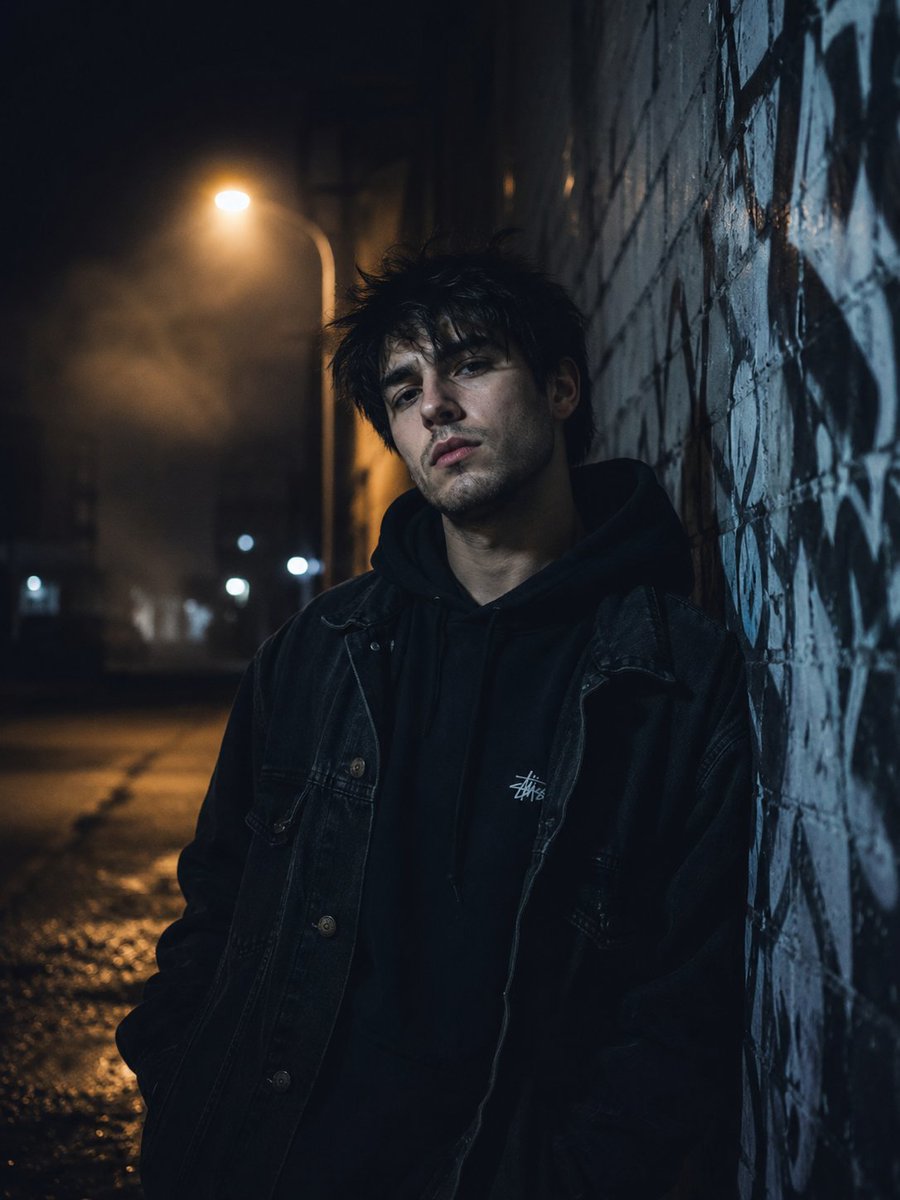
Urban Alley Cinematic Portrait

Prompt

Ultra-realistic cinematic portrait of a young man standing under a dim streetlight at night, leaning casually against a graffiti-covered brick wall in a narrow urban alley. He is wearing a black oversized hoodie with no visible branding, layered under a dark washed denim jacket. Messy textured black hair, faint stubble, defined jawline, serious and confident expression, hands in pockets. Cold blue ambient lighting mixed with warm orange streetlight glow, cinematic shadows, subtle volumetric fog in the background, wet pavement reflecting light, gritty urban atmosphere. Highly detailed realistic skin texture, natural facial features, sharp focus on the subject, shallow depth of field, creamy bokeh, 50mm lens, f/1.8, high contrast, HDR, subtle film grain, photorealistic, ultra-detailed, color graded, professional fashion photography, premium editorial style, 8K resolution. Negative prompt: cartoon, anime, CGI, 3D render, painting, illustration, low quality, blurry, noisy, overexposed, underexposed, oversaturated, deformed face, extra limbs, bad anatomy, unrealistic skin, watermark, text, logo, cropped, duplicate, artifacts. Aspect ratio: 3:4

Runs on 21 models

  • Flux
  • Flux 2
  • Flux Kontext
  • GPT-4o Image
  • GPT Image
  • GPT Image 2
  • GPT Image 2.5
  • GPT Image 2.6
  • Grok Imagine
  • Ideogram V3
  • Imagen 4
  • Kling
  • +9 more

What this prompt produces

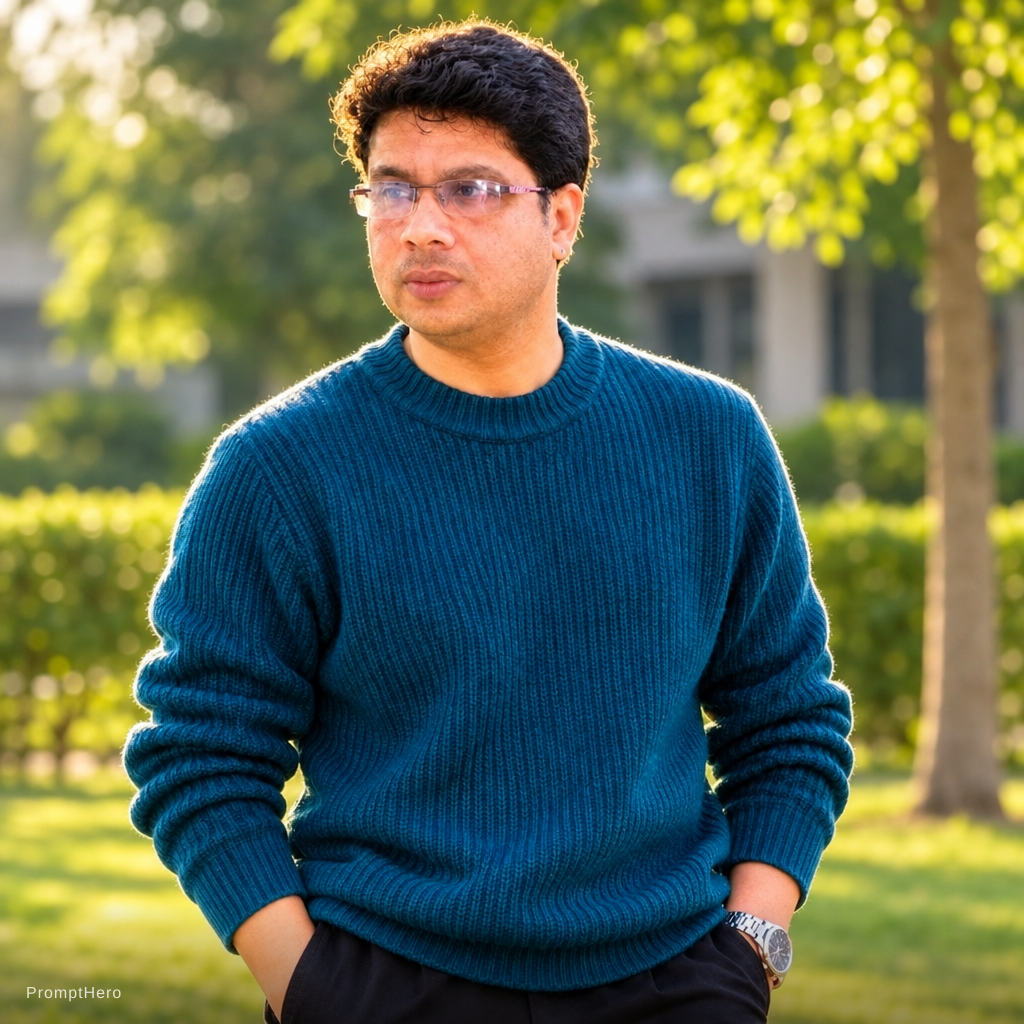
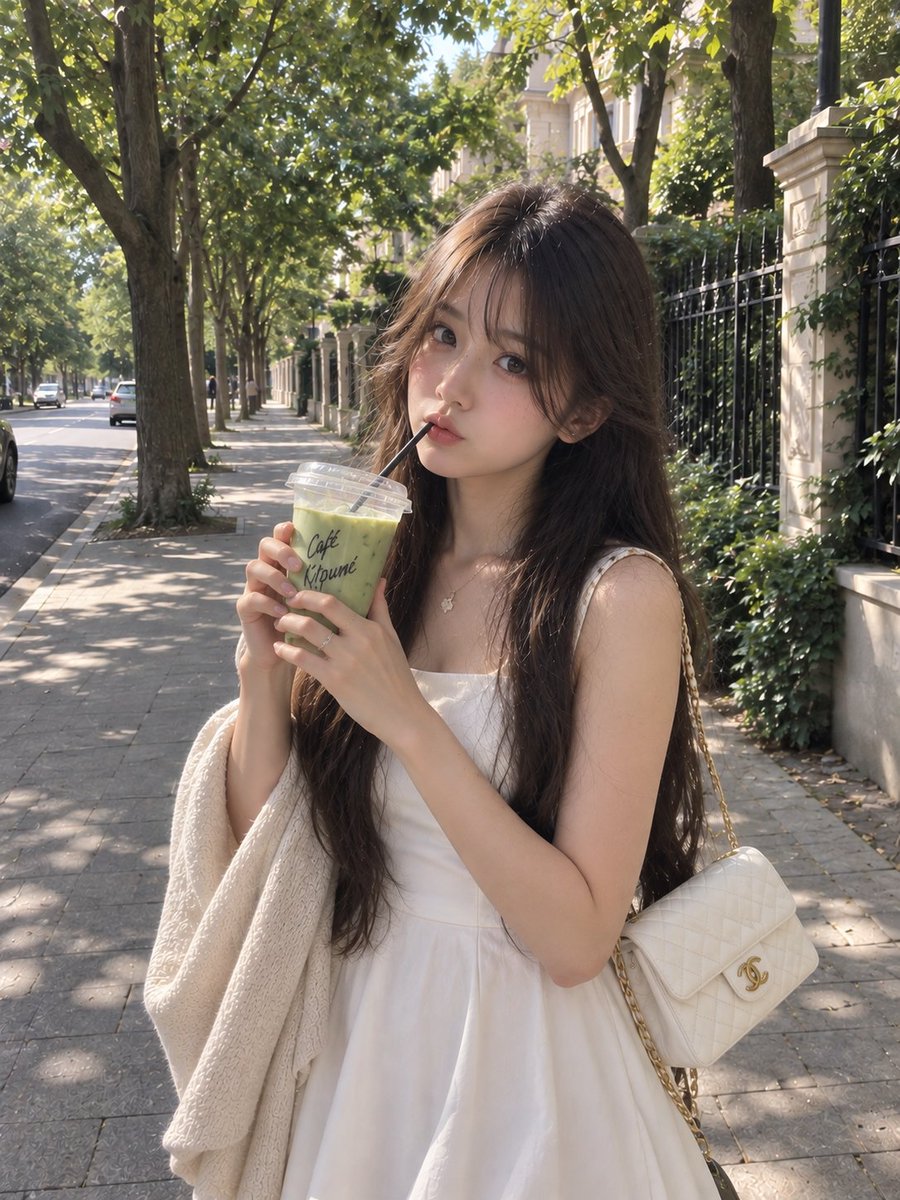
Hero prompt: 
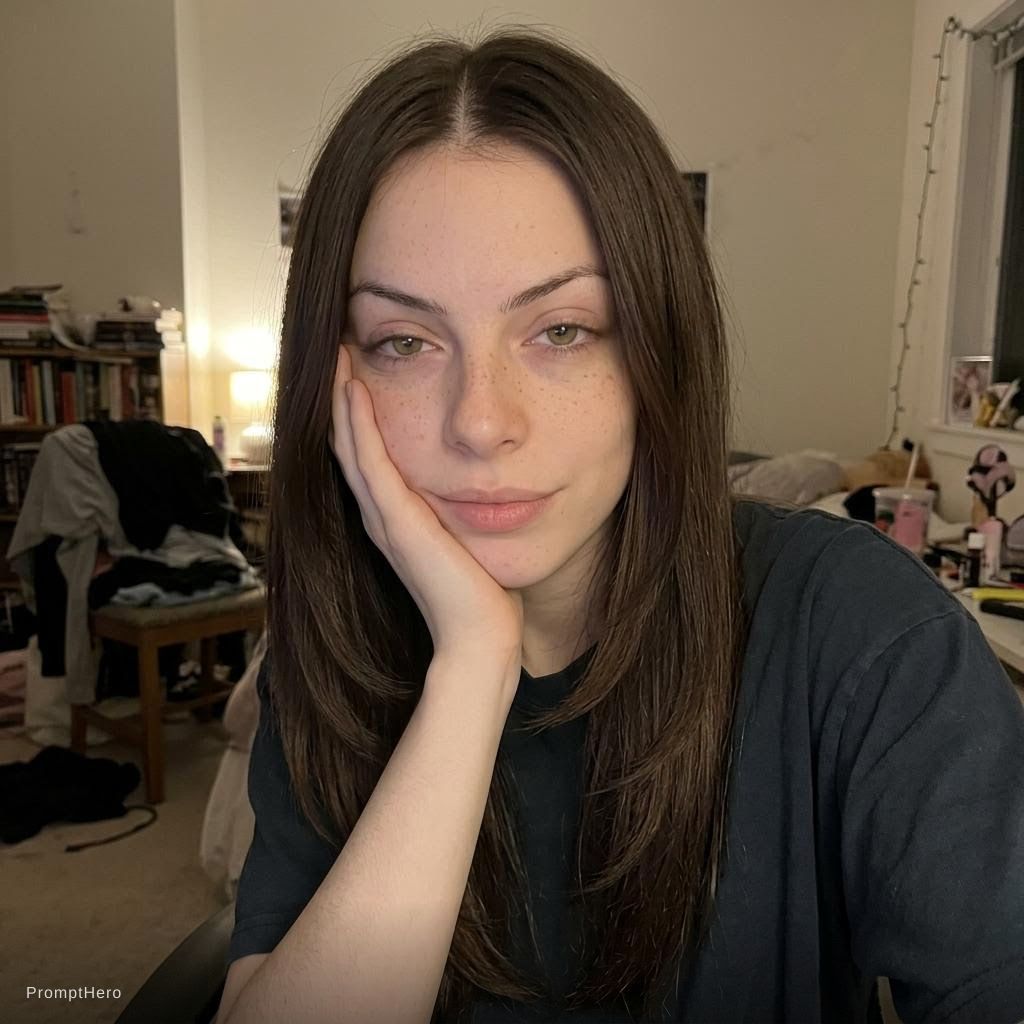
Take the face and natural body proportions from t... Not specified 1.0
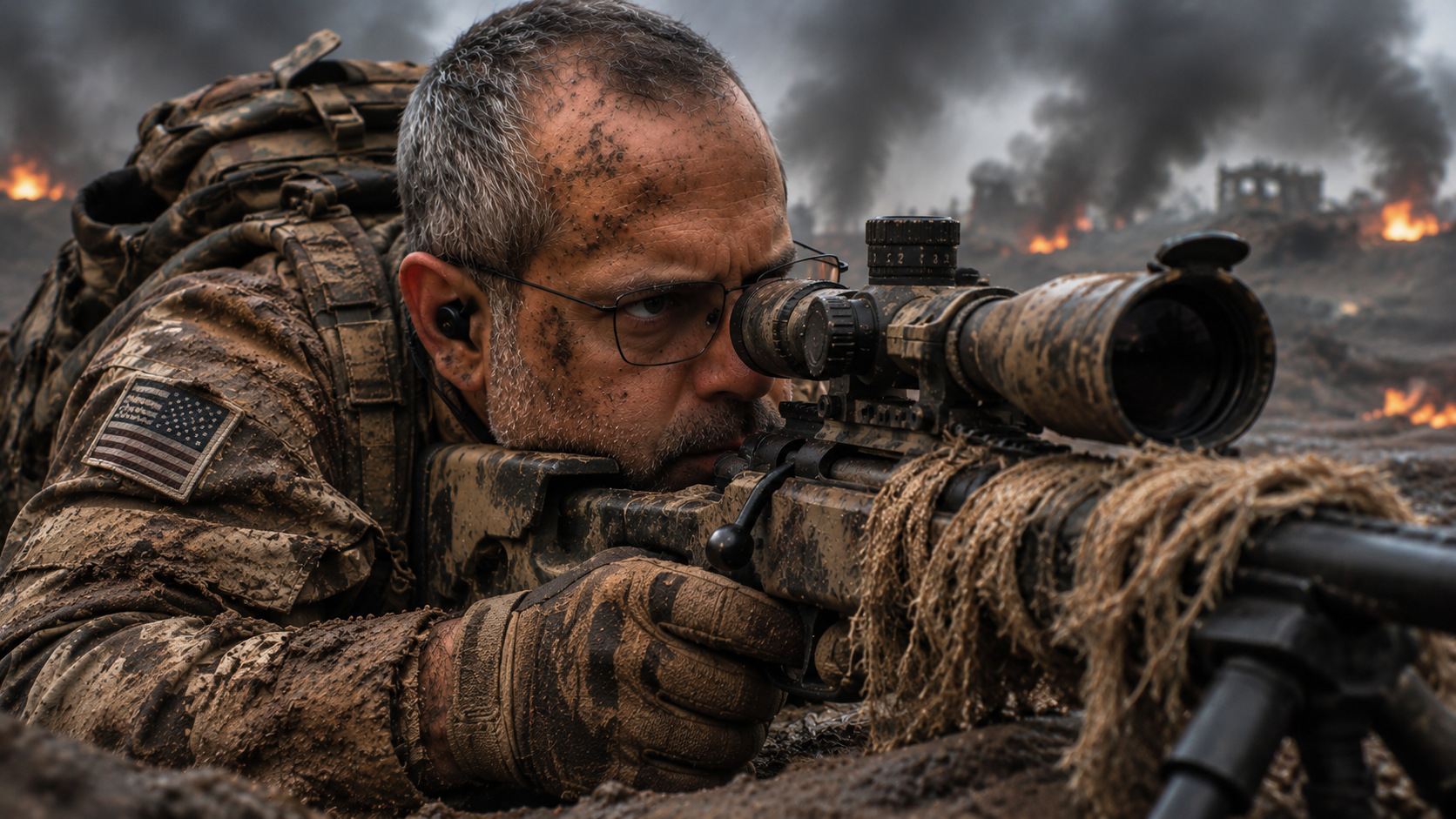
Using the attached image, to recreate a scene feat... Not specified Not specified
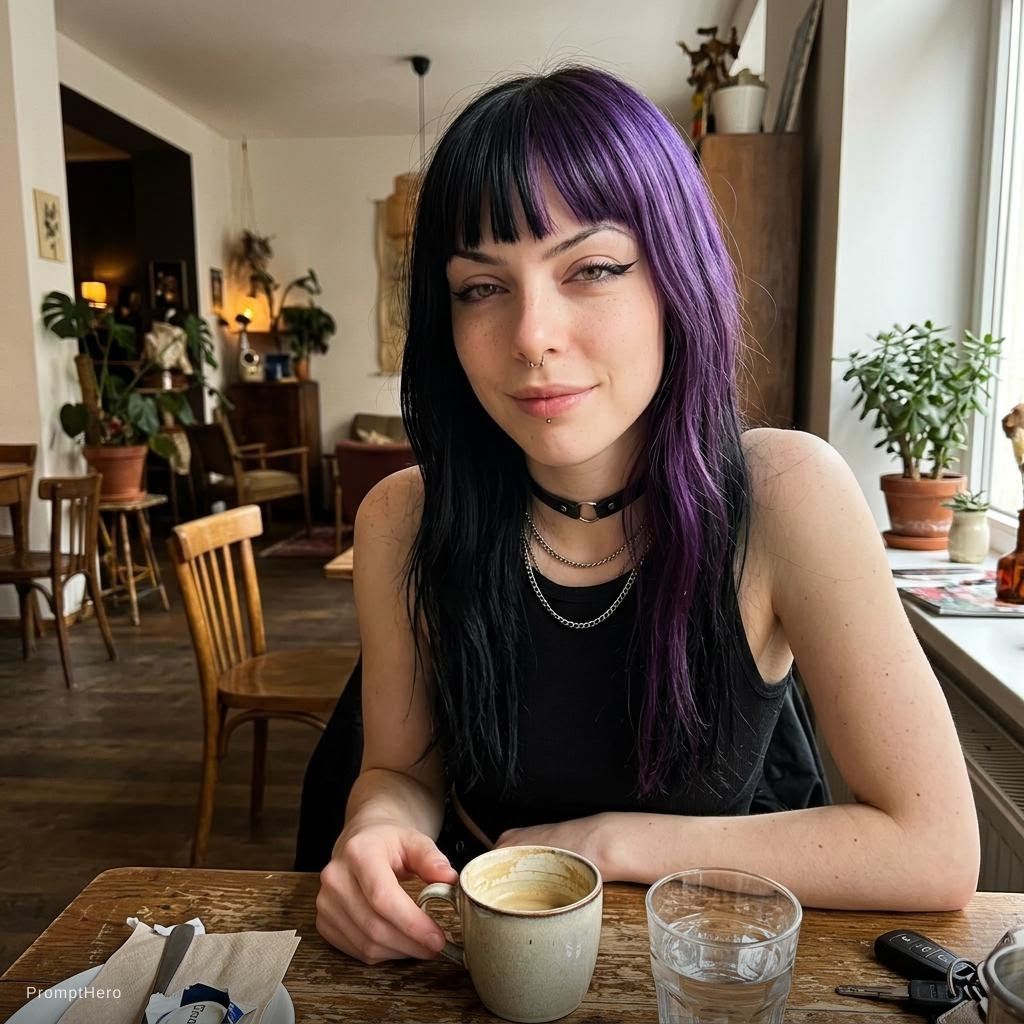
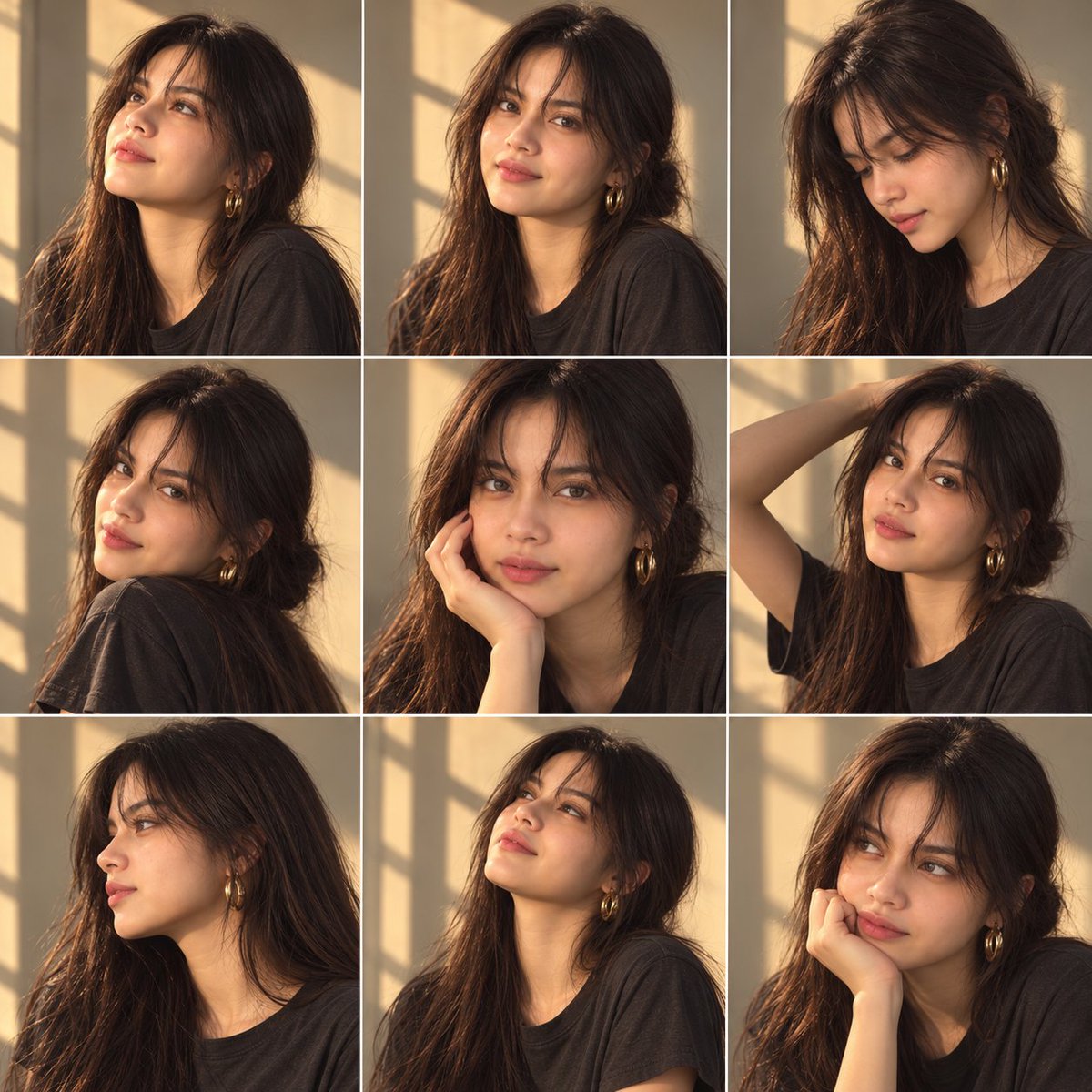
Hero prompt: furniture, softly blurred.

UGC iPhone aesthetic, ... Not specified 1.0
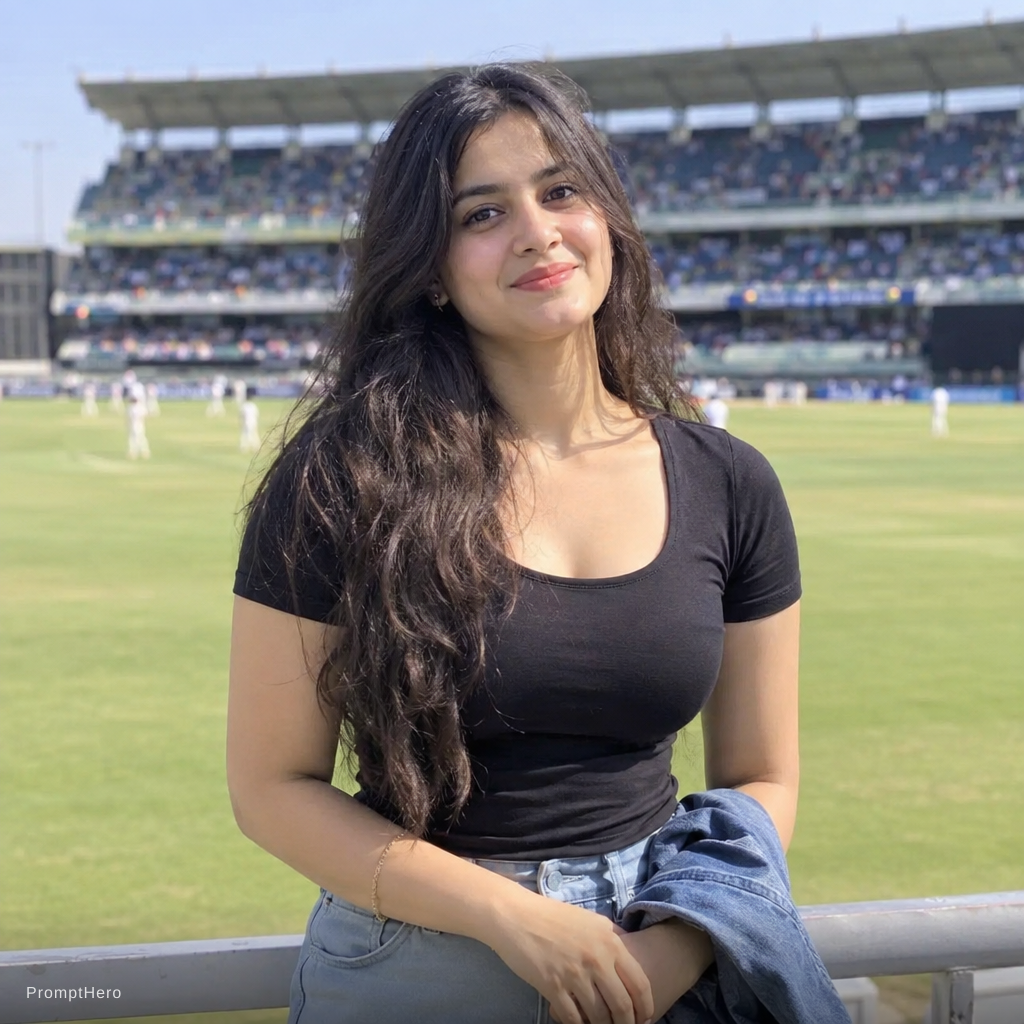
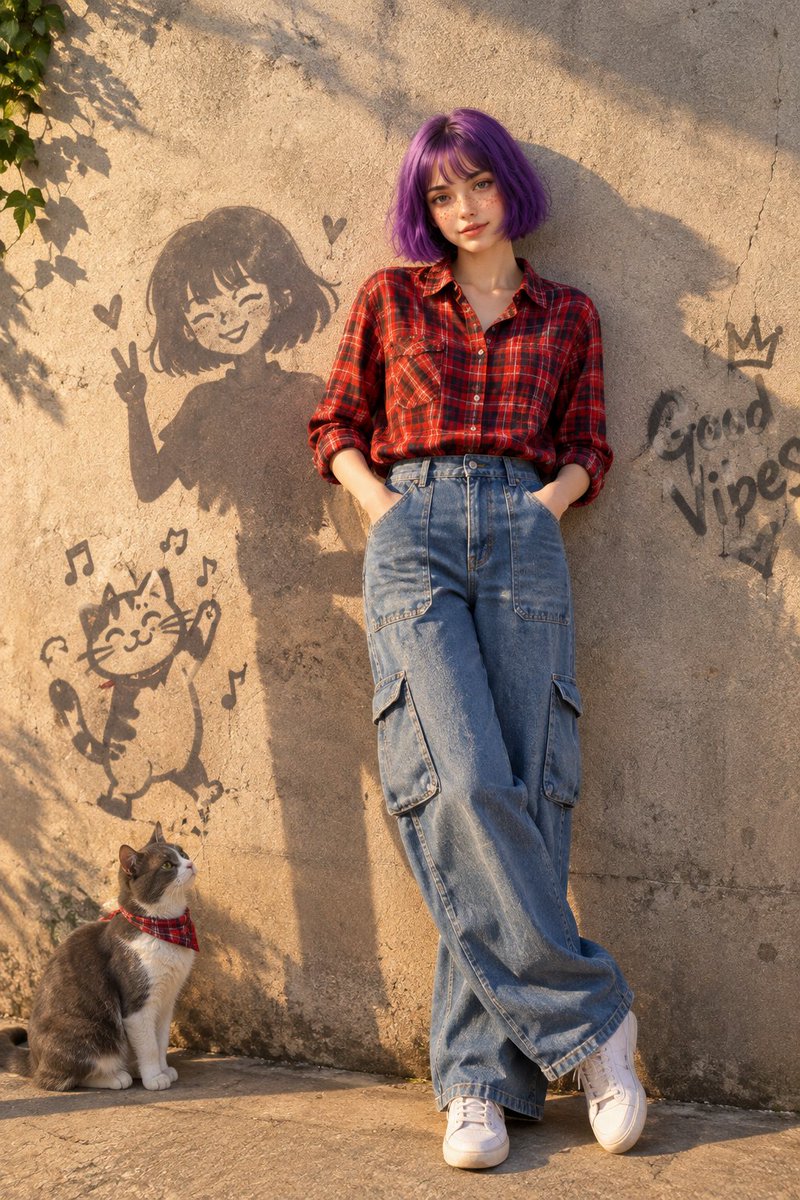
ChatGPT Image prompt: Change background with cricket stadium Not specified gpt-image-2.6-flare
ChatGPT Image prompt: Make this photo as 3D viewing Not specified gpt-image-2.6-flare
ChatGPT Image prompt: logo book keeping Not specified v1

Run this prompt with the API

The request below sends this prompt, with its default values filled in, to the first model it runs on. Swap the model name for any other model listed above.

Prompt API docs
/api/v1/gpt_image_2/text_to_image
curl -X POST https://runapi.ai/api/v1/gpt_image_2/text_to_image \
  -H "Authorization: Bearer $RUNAPI_API_KEY" \
  -H "Content-Type: application/json" \
  --data-binary @- <<'JSON'
{
  "model": "gpt-image-2",
  "prompt": "Ultra-realistic cinematic portrait of a young man standing under a dim streetlight at night, leaning casually against a graffiti-covered brick wall in a narrow urban alley. He is wearing a black oversized hoodie with no visible branding, layered under a dark washed denim jacket. Messy textured black hair, faint stubble, defined jawline, serious and confident expression, hands in pockets.\n\nCold blue ambient lighting mixed with warm orange streetlight glow, cinematic shadows, subtle volumetric fog in the background, wet pavement reflecting light, gritty urban atmosphere. Highly detailed realistic skin texture, natural facial features, sharp focus on the subject, shallow depth of field, creamy bokeh, 50mm lens, f/1.8, high contrast, HDR, subtle film grain, photorealistic, ultra-detailed, color graded, professional fashion photography, premium editorial style, 8K resolution.\n\nNegative prompt: cartoon, anime, CGI, 3D render, painting, illustration, low quality, blurry, noisy, overexposed, underexposed, oversaturated, deformed face, extra limbs, bad anatomy, unrealistic skin, watermark, text, logo, cropped, duplicate, artifacts.\n\nAspect ratio: 3:4"
}
JSON

Try a prompt