Toy Keychain vs Real Life Comparison
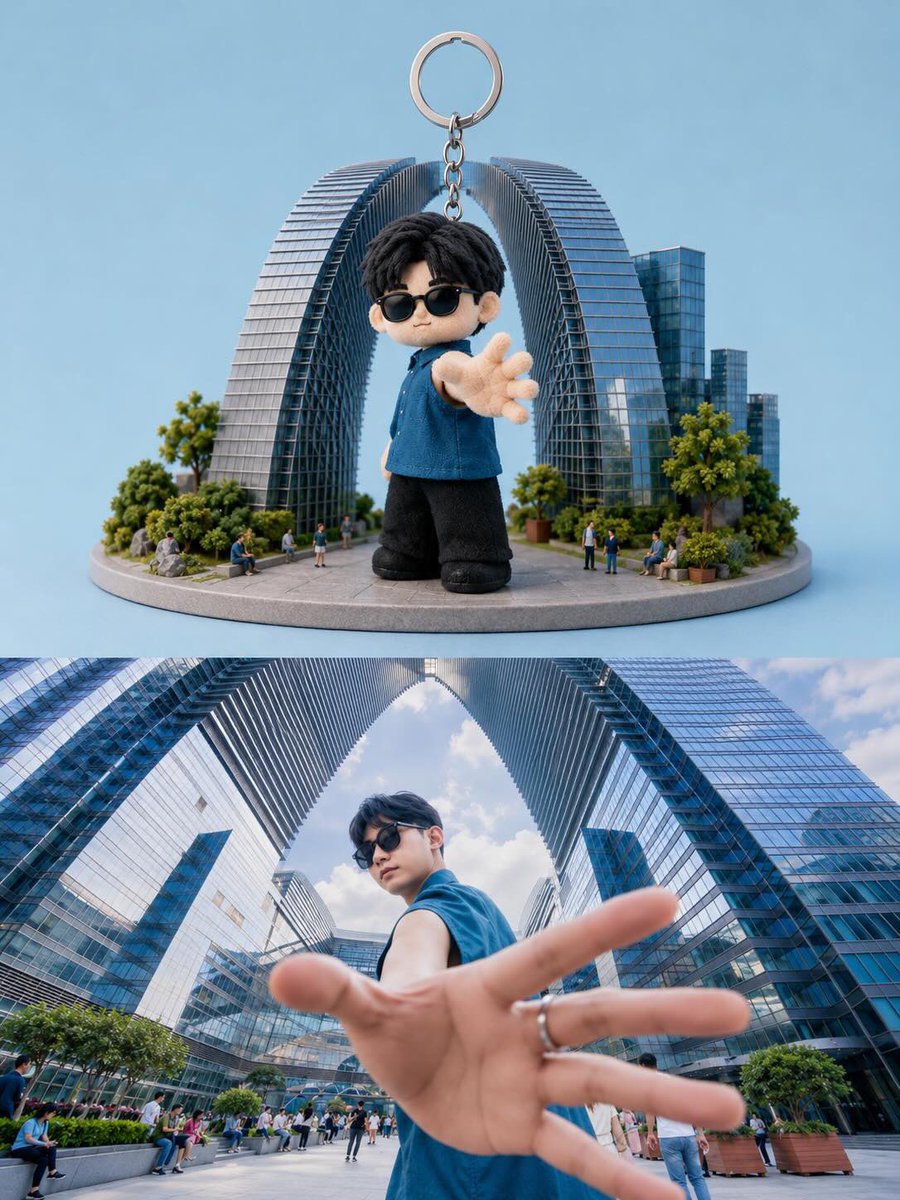
Toy Keychain vs Real Life Comparison

Prompt

Create a split-screen composition showing a realistic collectible keychain figure and its real-life inspiration. Top half: a cute chibi-style 3D miniature keychain character with oversized head, black messy hair, black sunglasses, blue sleeveless shirt, black pants, and soft plush-texture details. The character is standing with one hand reaching toward the camera in a dynamic perspective pose. Attach a metallic keyring chain above the figure. Place the toy on a circular miniature city platform with tiny people, trees, and modern futuristic skyscrapers forming a giant arch structure behind him. Clean pastel blue studio background, soft lighting, highly detailed toy photography, premium collectible aesthetic, shallow depth of field. Bottom half: realistic cinematic wide-angle photo of the same young man in the exact same pose and outfit, standing between giant modern glass skyscrapers with arch-shaped architecture. Extreme perspective with the hand close to the lens, dramatic low-angle composition, natural daylight, urban luxury atmosphere, ultra realistic photography, vibrant reflections on glass buildings, depth and realism. Style contrast between adorable stylized toy render and real-life cinematic photography. Ultra detailed, high quality, 9:16 vertical composition.

Runs on 21 models

  • Flux
  • Flux 2
  • Flux Kontext
  • GPT-4o Image
  • GPT Image
  • GPT Image 2
  • GPT Image 2.5
  • GPT Image 2.6
  • Grok Imagine
  • Ideogram V3
  • Imagen 4
  • Kling
  • +9 more

What this prompt produces

Hunyuan  prompt: wine Not specified hunyuan-3
Hunyuan  prompt: can beer Not specified hunyuan-3
Hunyuan  prompt: ربات Not specified hunyuan-3
Hero prompt: recreate image 1 (close up indoor portrait of a wo... Not specified 1.0
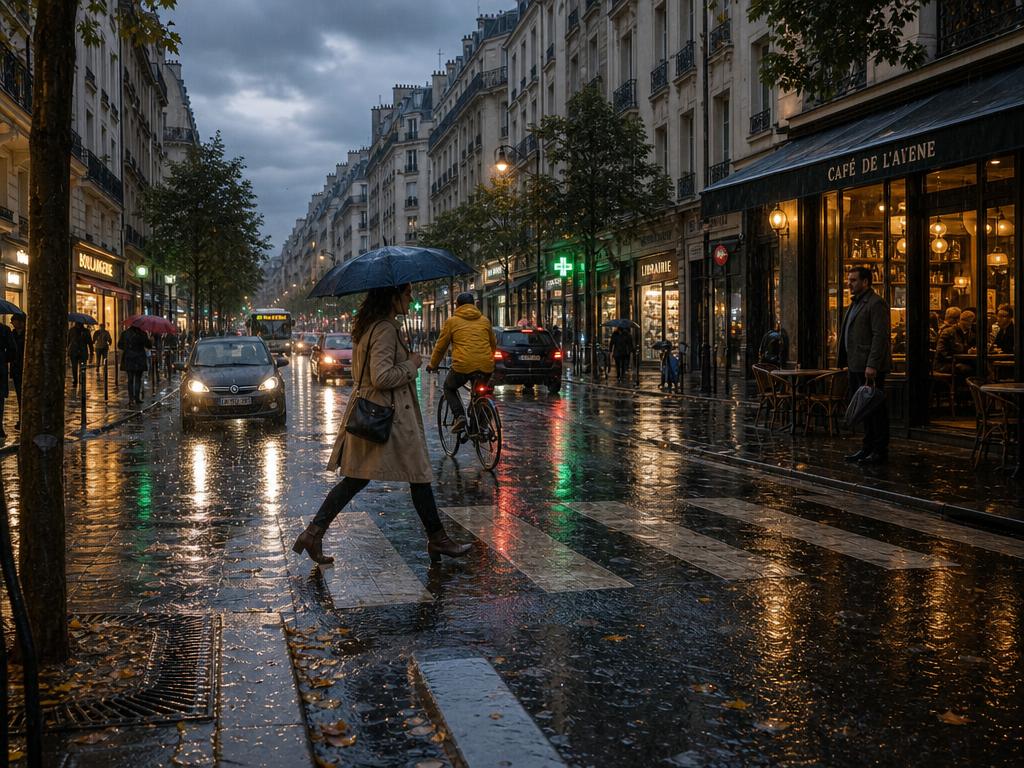
Rainy French Street at Night Not specified gpt-image-2
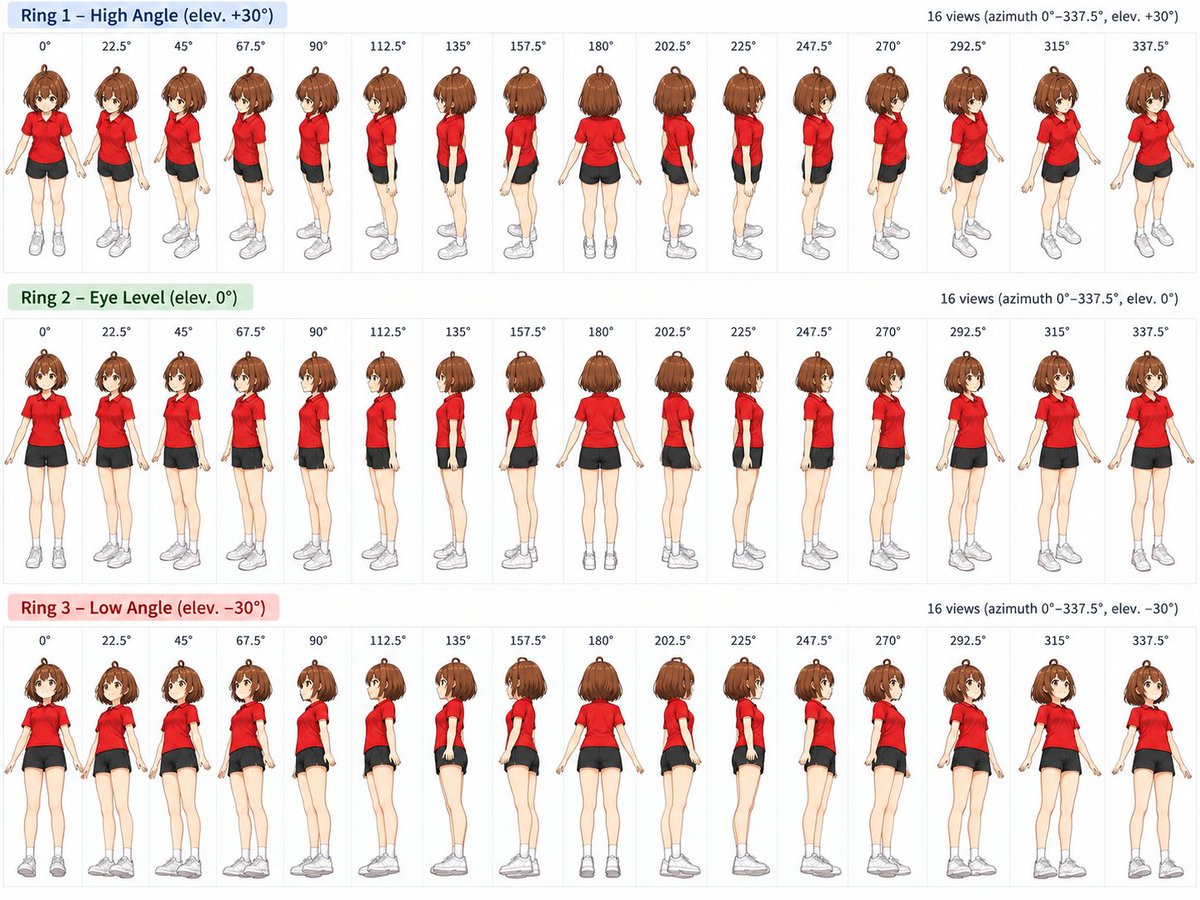
Camera Dome 48-Point View Setup Not specified gpt-image-2

Run this prompt with the API

The request below sends this prompt, with its default values filled in, to the first model it runs on. Swap the model name for any other model listed above.

Prompt API docs
/api/v1/gpt_image_2/text_to_image
curl -X POST https://runapi.ai/api/v1/gpt_image_2/text_to_image \
  -H "Authorization: Bearer $RUNAPI_API_KEY" \
  -H "Content-Type: application/json" \
  --data-binary @- <<'JSON'
{
  "model": "gpt-image-2",
  "prompt": "Create a split-screen composition showing a realistic collectible keychain figure and its real-life inspiration. Top half: a cute chibi-style 3D miniature keychain character with oversized head, black messy hair, black sunglasses, blue sleeveless shirt, black pants, and soft plush-texture details. The character is standing with one hand reaching toward the camera in a dynamic perspective pose. Attach a metallic keyring chain above the figure. Place the toy on a circular miniature city platform with tiny people, trees, and modern futuristic skyscrapers forming a giant arch structure behind him. Clean pastel blue studio background, soft lighting, highly detailed toy photography, premium collectible aesthetic, shallow depth of field. Bottom half: realistic cinematic wide-angle photo of the same young man in the exact same pose and outfit, standing between giant modern glass skyscrapers with arch-shaped architecture. Extreme perspective with the hand close to the lens, dramatic low-angle composition, natural daylight, urban luxury atmosphere, ultra realistic photography, vibrant reflections on glass buildings, depth and realism. Style contrast between adorable stylized toy render and real-life cinematic photography. Ultra detailed, high quality, 9:16 vertical composition."
}
JSON

Try a prompt