Dramatic Border Jump YouTube Thumbnail
Dramatic Border Jump YouTube Thumbnail

Prompt

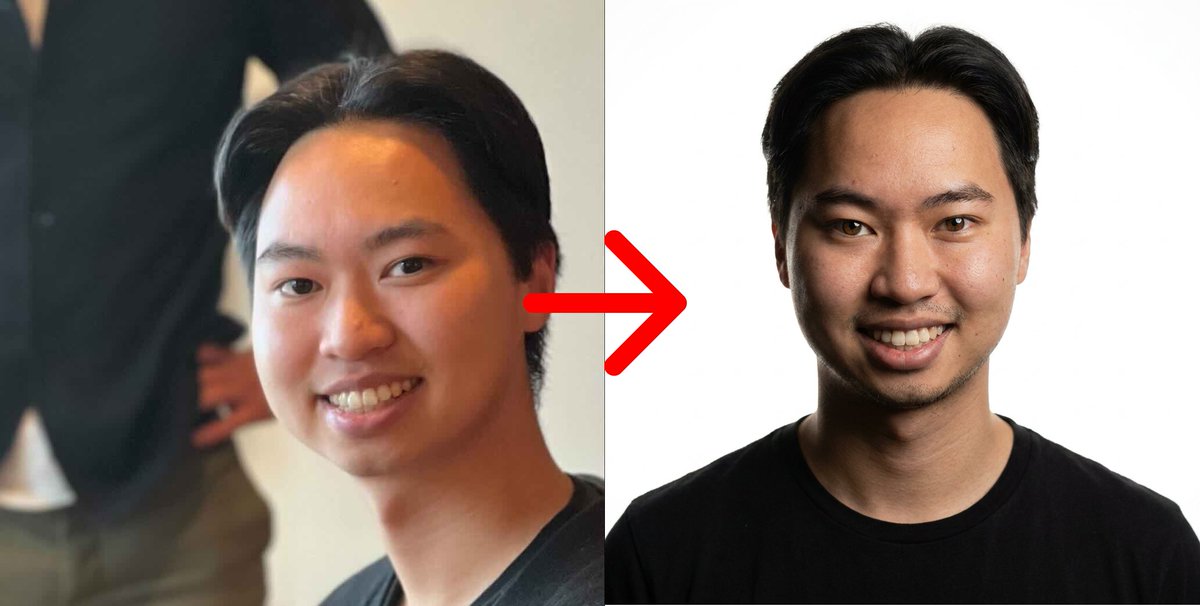
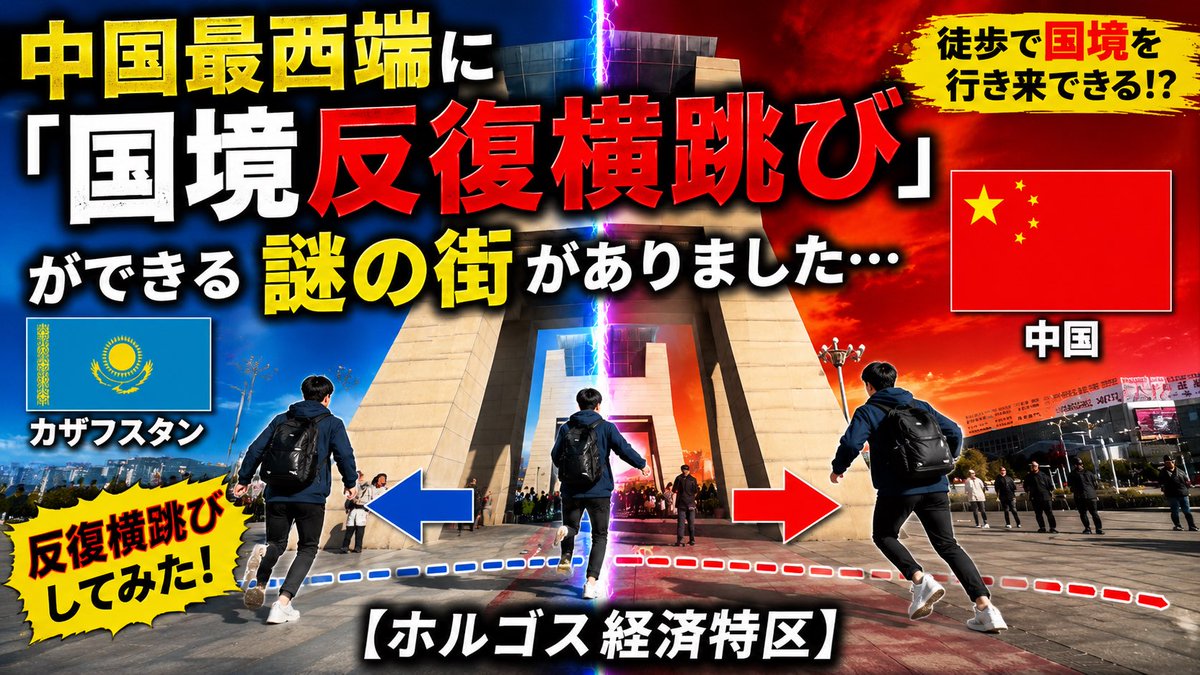
Using REFERENCE_0 as the base location, transform the simple travel/news thumbnail into a high-impact Japanese YouTube thumbnail. Keep the same border-gate landmark and plaza setting, but make the composition more dramatic with a vertical glowing lightning split down the center: left side blue for Kazakhstan, right side red/orange for China. Add a male traveler seen from behind with a backpack in 3 repeated action positions across the foreground to show a back-and-forth border jump, with blue and red dashed route lines and large left/right arrows. Replace the original text layout with bold, oversized Japanese thumbnail typography in yellow, white, and red with heavy black outline and drop shadow. Include exactly 3 flag panels: Kazakhstan flag on the left labeled “カザフスタン”, China flag on the right labeled “中国”, and no other flags. Add exactly 2 yellow brush/explosion callouts: top-right “徒歩で国境を行き来できる!?” and bottom-left “反復横跳びしてみた!”. Main headline text should read “中国最西端に「国境反復横跳び」ができる 謎の街がありました…” and bottom caption should read “【ホルゴス経済特区】”. Remove the original large lower-third title and make the final image feel like an energetic viral travel video thumbnail, cinematic contrast, saturated colors, sharp details, 16:9.

Runs on 20 models

  • Flux
  • Flux 2
  • Flux Kontext
  • GPT-4o Image
  • GPT Image
  • GPT Image 2
  • GPT Image 2.5
  • GPT Image 2.6
  • Grok Imagine
  • Ideogram V3
  • Imagen 4
  • Kling
  • +8 more

What this prompt produces

Split-Page Coffee Shop Travel Journal Not specified gpt-image-2
Cute Chibi Characters in a Sweet Playful Moment Not specified gpt-image-2
Underground Train Yard Clash Anime Development Board Not specified gpt-image-2
Realistic Group Selfie with Smartphone Flash Effect Not specified nano-banana-pro
Exploded-View Structural Cutaway for Food Photography Not specified nano-banana-pro
Four Seasons Portrait Collage Not specified nano-banana-pro

Run this prompt with the API

The request below sends this prompt, with its default values filled in, to the first model it runs on. Swap the model name for any other model listed above.

Prompt API docs
/api/v1/gpt_image_2/text_to_image
curl -X POST https://runapi.ai/api/v1/gpt_image_2/text_to_image \
  -H "Authorization: Bearer $RUNAPI_API_KEY" \
  -H "Content-Type: application/json" \
  --data-binary @- <<'JSON'
{
  "model": "gpt-image-2",
  "prompt": "Using REFERENCE_0 as the base location, transform the simple travel/news thumbnail into a high-impact Japanese YouTube thumbnail. Keep the same border-gate landmark and plaza setting, but make the composition more dramatic with a vertical glowing lightning split down the center: left side blue for Kazakhstan, right side red/orange for China. Add a male traveler seen from behind with a backpack in 3 repeated action positions across the foreground to show a back-and-forth border jump, with blue and red dashed route lines and large left/right arrows. Replace the original text layout with bold, oversized Japanese thumbnail typography in yellow, white, and red with heavy black outline and drop shadow. Include exactly 3 flag panels: Kazakhstan flag on the left labeled “カザフスタン”, China flag on the right labeled “中国”, and no other flags. Add exactly 2 yellow brush/explosion callouts: top-right “徒歩で国境を行き来できる!?” and bottom-left “反復横跳びしてみた!”. Main headline text should read “中国最西端に「国境反復横跳び」ができる 謎の街がありました…” and bottom caption should read “【ホルゴス経済特区】”. Remove the original large lower-third title and make the final image feel like an energetic viral travel video thumbnail, cinematic contrast, saturated colors, sharp details, 16:9."
}
JSON

Try a prompt

Estimated: $0.04 / image

Sign in to generate with RunAPI.

Sign in to generate

Sign in to start generating with your available language models.