AI Generation UI with Anime 3x3 Storyboard

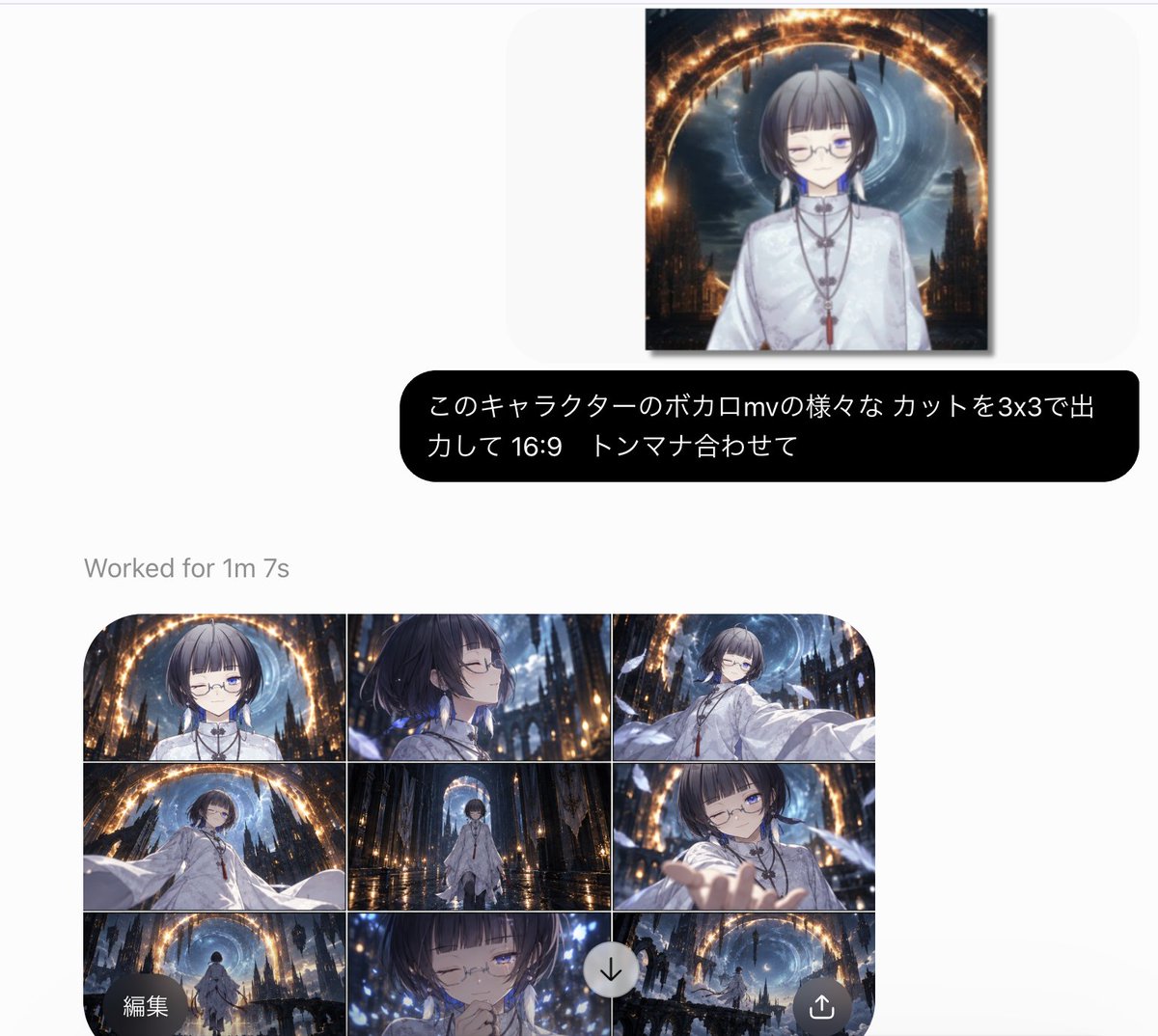
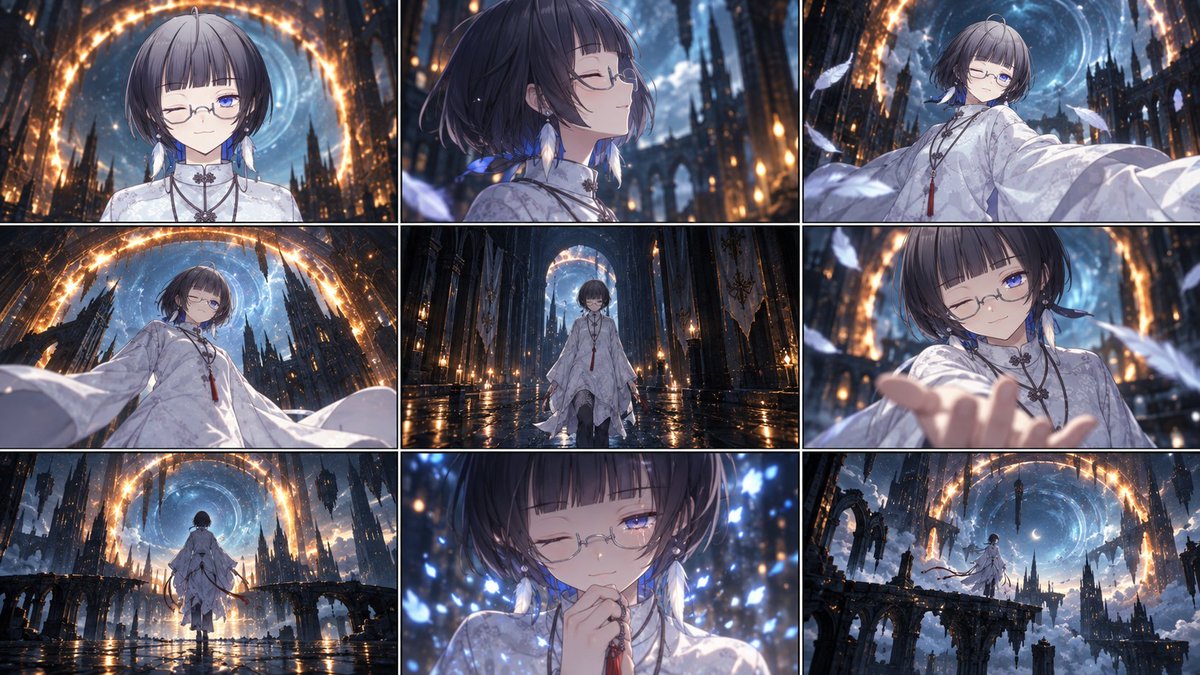
Creates a realistic web-app screenshot showing an anime character prompt and a completed 3x3 cinematic Vocaloid-style MV storyboard grid.
AI Generation UI with Anime 3x3 Storyboard

Prompt

Goal: Create a clean social-media screenshot of an AI image generation interface showing a completed anime music-video storyboard request and its 3x3 output grid. Canvas: Horizontal screenshot, approximately 1200x884 px, white/light-gray background with lots of empty margin. Use a modern minimal web-app UI style with rounded cards, soft shadows, and gray system text. Top area: Near the upper center, show one rectangular reference image preview with a subtle shadow. The preview contains an anime character: a short-haired androgynous young person with dark ash-brown bob haircut with straight bangs, pale skin, thin round glasses, one eye closed in a wink, one blue visible eye, wearing a white high-collar ceremonial robe with necklaces and a red tassel. Behind them is a dark fantasy cathedral city with a glowing golden circular arch and a blue vortex moon-like sky. Prompt bubble: Below the preview, place a wide black rounded speech bubble with white Japanese text, reading exactly このキャラクターのボカロmvの様々なカットを3x3で出力して 16:9 トンマナ合わせて. The bubble should span most of the center width and have large rounded corners. Status text: Under the bubble, aligned left above the output grid, add gray text reading Worked for 1m 7s. Output grid: Show exactly 9 cinematic panels arranged in a 3 columns by 3 rows grid, inside one large rounded rectangle with clipped rounded corners. Each panel is 16:9, separated by thin white grid lines, all sharing the same tone: dark blue, black, white, and warm gold, glossy anime/Vocaloid MV aesthetic, dramatic lighting, cathedral ruins, floating feathers or sparkles, wet reflective floor, glowing golden ring, blue vortex sky. The 9 panels are: 1. Top-left: frontal bust shot of the character under the glowing golden arch, calm expression, glasses, white robe. 2. Top-center: side-profile close-up with hair blowing, eyes closed, blue lights in the dark cathedral background. 3. Top-right: dynamic three-quarter shot, character extending a white sleeve toward the viewer, golden arch and blue vortex behind. 4. Middle-left: low-angle wide shot, character leaning or reaching forward with billowing white sleeves, cathedral towers around them. 5. Middle-center: full-body centered shot standing on a reflective wet floor, framed by a tall archway and distant glowing ring. 6. Middle-right: close shot of character reaching a hand toward the camera, one eye closed, foreshortened hand in foreground. 7. Bottom-left: rear wide shot of the character walking into the cathedral environment beneath the glowing arch. 8. Bottom-center: emotional close-up, character with eyes closed and hands near mouth or chest, surrounded by blue sparkles. 9. Bottom-right: very wide establishing shot of ruined gothic towers, glowing circular arch, blue vortex sky, tiny figure or distant character. Overlay controls: Add exactly 3 circular interface controls over the lower part of the grid: a dark circular button at bottom-left labeled 編集, a light gray circular download button with a downward arrow near the lower center-right, and a dark circular share button with an upward arrow at bottom-right. Style constraints: The whole image should look like a real captured web UI, not a poster. Keep the interface text crisp, the grid slightly cropped by the bottom edge of the screenshot, and the anime panels high-detail, cinematic, consistent in character design and color grading.

Runs on 18 models

  • Flux
  • Flux 2
  • Flux Kontext
  • GPT-4o Image
  • GPT Image
  • GPT Image 2
  • GPT Image 2.5
  • Grok Imagine
  • Ideogram V3
  • Imagen 4
  • Midjourney
  • Nano Banana
  • +6 more

What this prompt produces

Realistic Group Selfie with Smartphone Flash Effect Not specified nano-banana-pro
Four Seasons Portrait Collage Not specified nano-banana-pro
Minimalist Dog Sketch Clipart Not specified nano-banana-pro
Mecha Girl figure concept generated by Nano Banana Pro Not specified nano-banana-pro
Candid Flash Photography: Chaotic Holiday Party (Duplicate) Not specified nano-banana-pro
Ethereal Floral Studio Portrait Not specified nano-banana-pro

Run this prompt with the API

The request below sends this prompt, with its default values filled in, to the first model it runs on. Swap the model name for any other model listed above.

Prompt API docs
/api/v1/gpt_image_2/text_to_image
curl -X POST https://runapi.ai/api/v1/gpt_image_2/text_to_image \
  -H "Authorization: Bearer $RUNAPI_API_KEY" \
  -H "Content-Type: application/json" \
  --data-binary @- <<'JSON'
{
  "model": "gpt-image-2",
  "prompt": "Goal: Create a clean social-media screenshot of an AI image generation interface showing a completed anime music-video storyboard request and its 3x3 output grid.\n\nCanvas: Horizontal screenshot, approximately 1200x884 px, white/light-gray background with lots of empty margin. Use a modern minimal web-app UI style with rounded cards, soft shadows, and gray system text.\n\nTop area: Near the upper center, show one rectangular reference image preview with a subtle shadow. The preview contains an anime character: a short-haired androgynous young person with dark ash-brown bob haircut with straight bangs, pale skin, thin round glasses, one eye closed in a wink, one blue visible eye, wearing a white high-collar ceremonial robe with necklaces and a red tassel. Behind them is a dark fantasy cathedral city with a glowing golden circular arch and a blue vortex moon-like sky.\n\nPrompt bubble: Below the preview, place a wide black rounded speech bubble with white Japanese text, reading exactly このキャラクターのボカロmvの様々なカットを3x3で出力して 16:9 トンマナ合わせて. The bubble should span most of the center width and have large rounded corners.\n\nStatus text: Under the bubble, aligned left above the output grid, add gray text reading Worked for 1m 7s.\n\nOutput grid: Show exactly 9 cinematic panels arranged in a 3 columns by 3 rows grid, inside one large rounded rectangle with clipped rounded corners. Each panel is 16:9, separated by thin white grid lines, all sharing the same tone: dark blue, black, white, and warm gold, glossy anime/Vocaloid MV aesthetic, dramatic lighting, cathedral ruins, floating feathers or sparkles, wet reflective floor, glowing golden ring, blue vortex sky. The 9 panels are:\n1. Top-left: frontal bust shot of the character under the glowing golden arch, calm expression, glasses, white robe.\n2. Top-center: side-profile close-up with hair blowing, eyes closed, blue lights in the dark cathedral background.\n3. Top-right: dynamic three-quarter shot, character extending a white sleeve toward the viewer, golden arch and blue vortex behind.\n4. Middle-left: low-angle wide shot, character leaning or reaching forward with billowing white sleeves, cathedral towers around them.\n5. Middle-center: full-body centered shot standing on a reflective wet floor, framed by a tall archway and distant glowing ring.\n6. Middle-right: close shot of character reaching a hand toward the camera, one eye closed, foreshortened hand in foreground.\n7. Bottom-left: rear wide shot of the character walking into the cathedral environment beneath the glowing arch.\n8. Bottom-center: emotional close-up, character with eyes closed and hands near mouth or chest, surrounded by blue sparkles.\n9. Bottom-right: very wide establishing shot of ruined gothic towers, glowing circular arch, blue vortex sky, tiny figure or distant character.\n\nOverlay controls: Add exactly 3 circular interface controls over the lower part of the grid: a dark circular button at bottom-left labeled 編集, a light gray circular download button with a downward arrow near the lower center-right, and a dark circular share button with an upward arrow at bottom-right.\n\nStyle constraints: The whole image should look like a real captured web UI, not a poster. Keep the interface text crisp, the grid slightly cropped by the bottom edge of the screenshot, and the anime panels high-detail, cinematic, consistent in character design and color grading."
}
JSON

Try a prompt

Estimated: $0.04 / image

Sign in to generate with RunAPI.

Sign in to generate

Sign in to start generating with your available language models.

















